A colleague's day: home, dashboard, chat and feedback
This is how a colleague uses the home: a quick look in the morning at how the week is going, a question to the HR colleague, and when something is not right, feedback — with a screenshot on which they point out what is wrong and black out what nobody needs to see. The reply comes back in the home.
Your home
At your company's address, after signing in with your work account: your home. What is on it depends on your role; this is the home of an employee of the bakery.
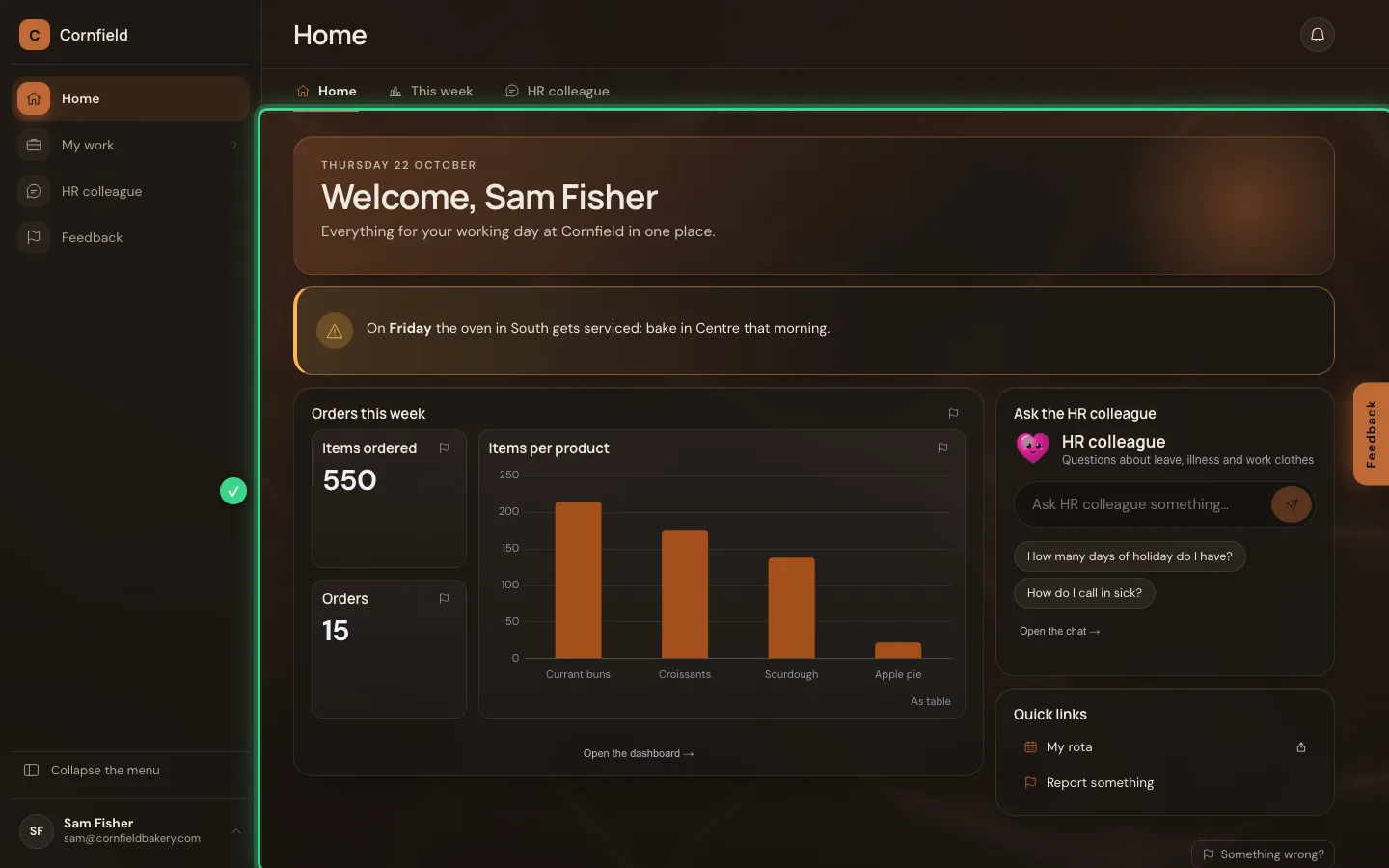
How is the week going?
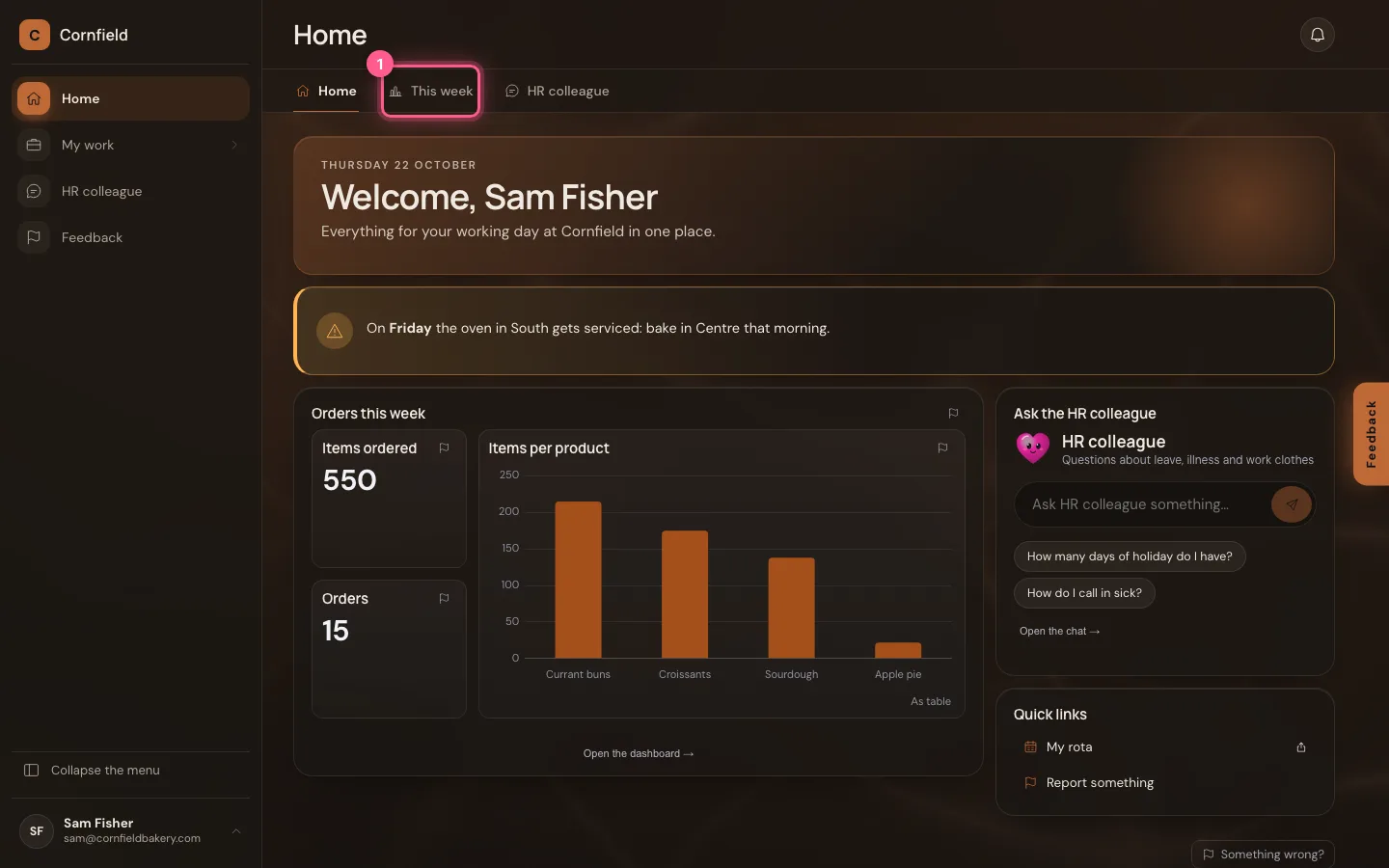
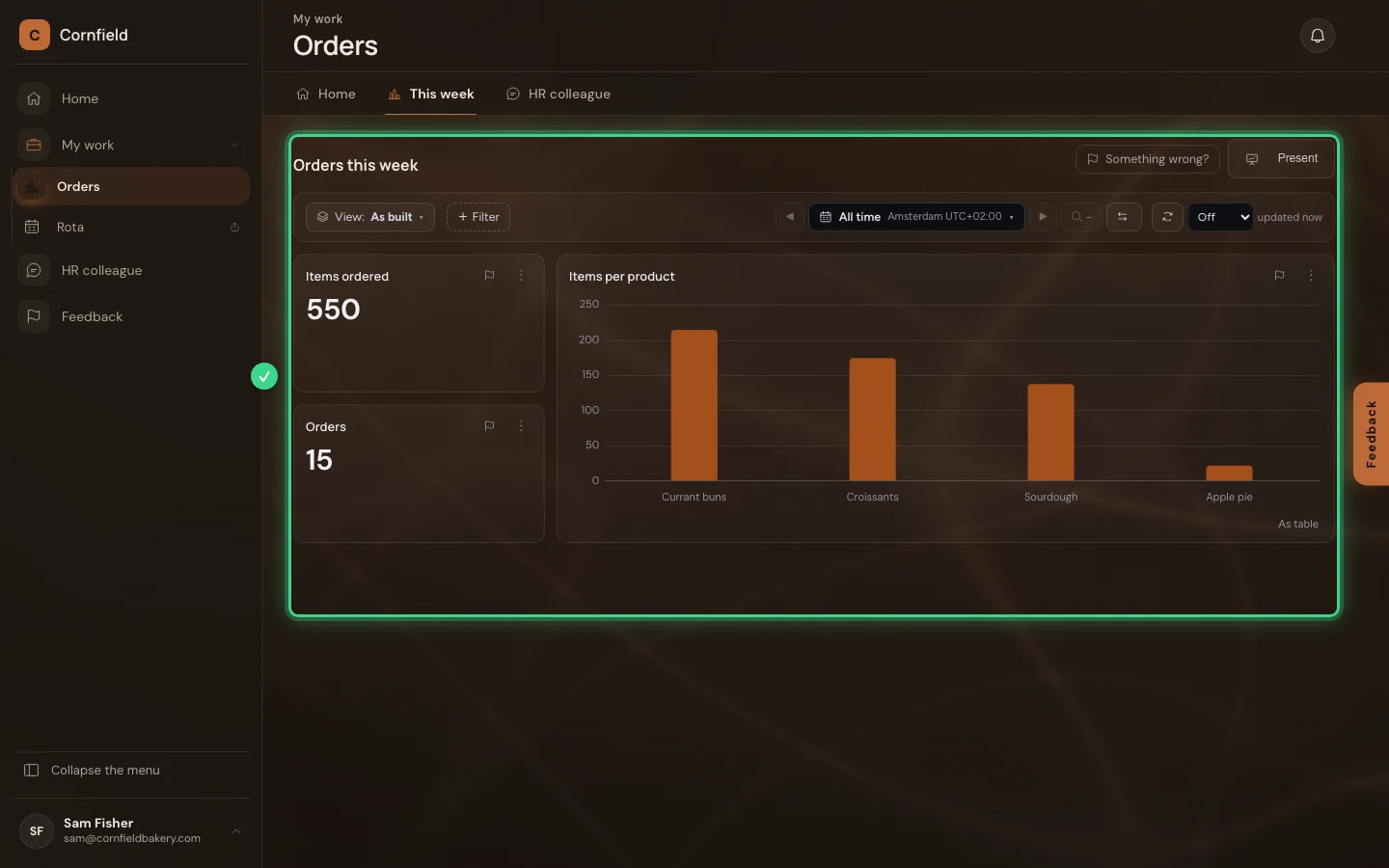
The tab This week opens the dashboard with the orders, for viewing only. The period picker and the filters let you look further; you change nothing about the dashboard itself.
- Click This week
Ask the HR colleague
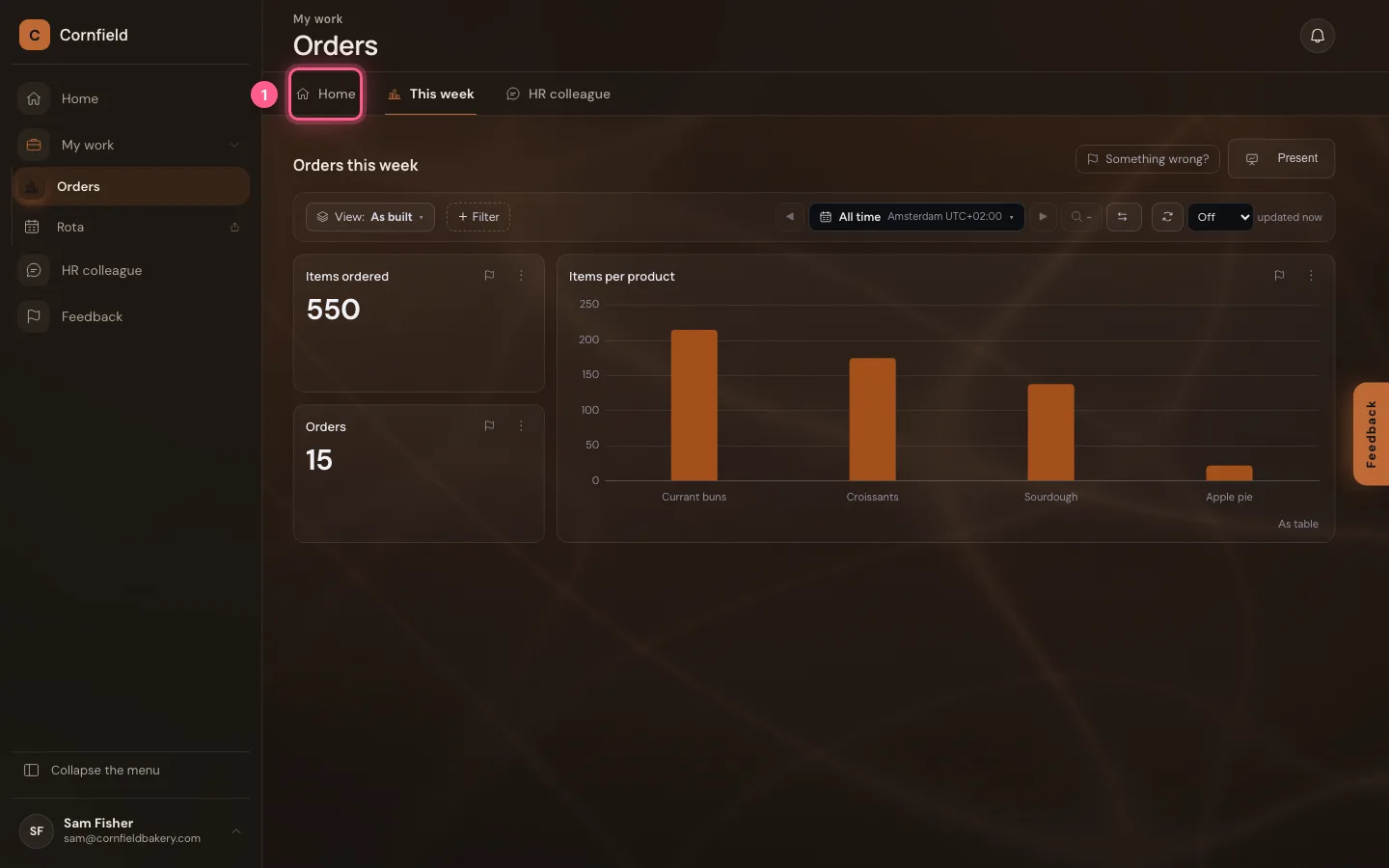
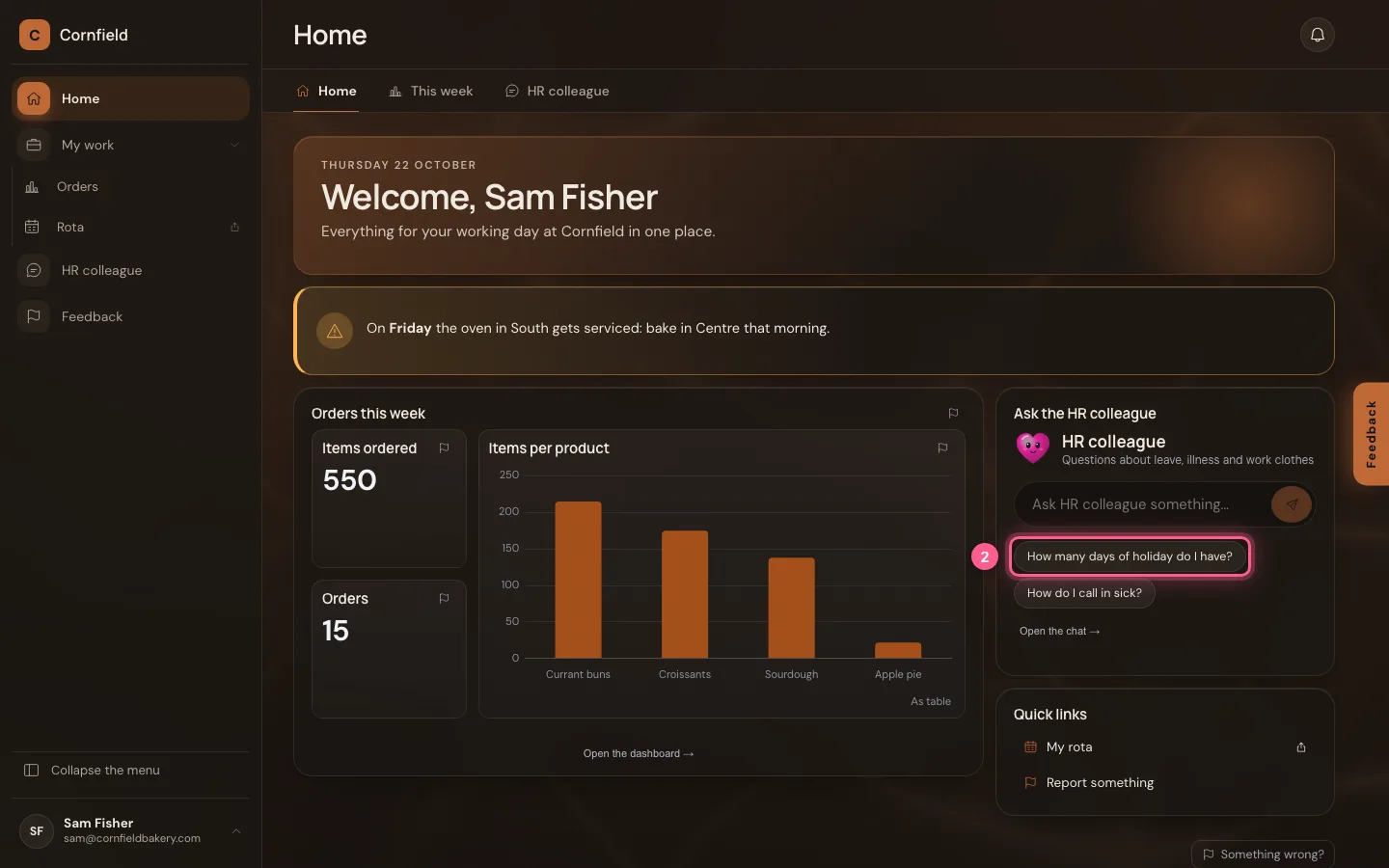
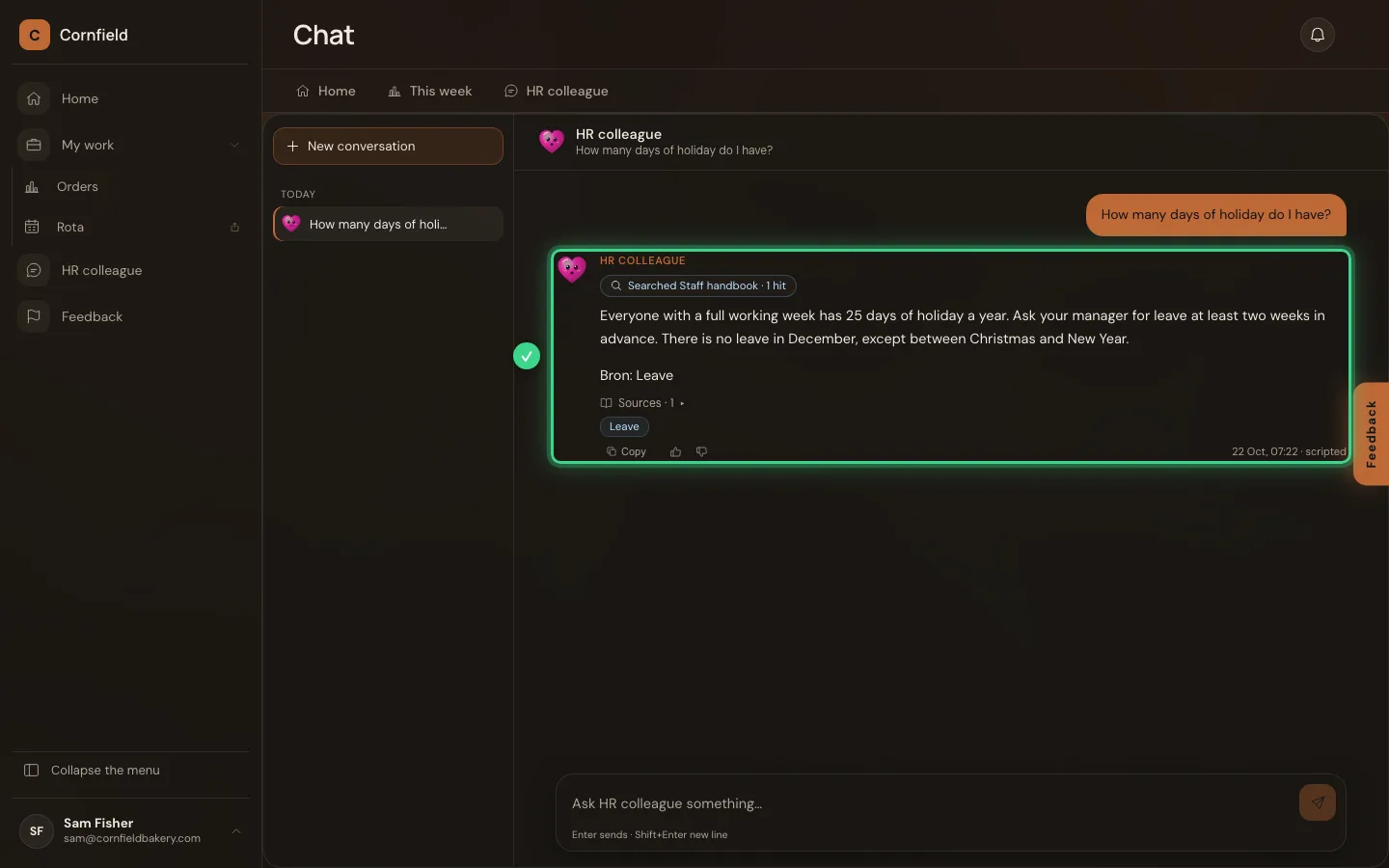
Back on Home you click a suggested question in the question box, or type your own. The chat opens in the home's large area and the AI Colleague answers from the staff handbook.
- Click Home
- Click How many days of holiday do I have?
Giving feedback, with a screenshot
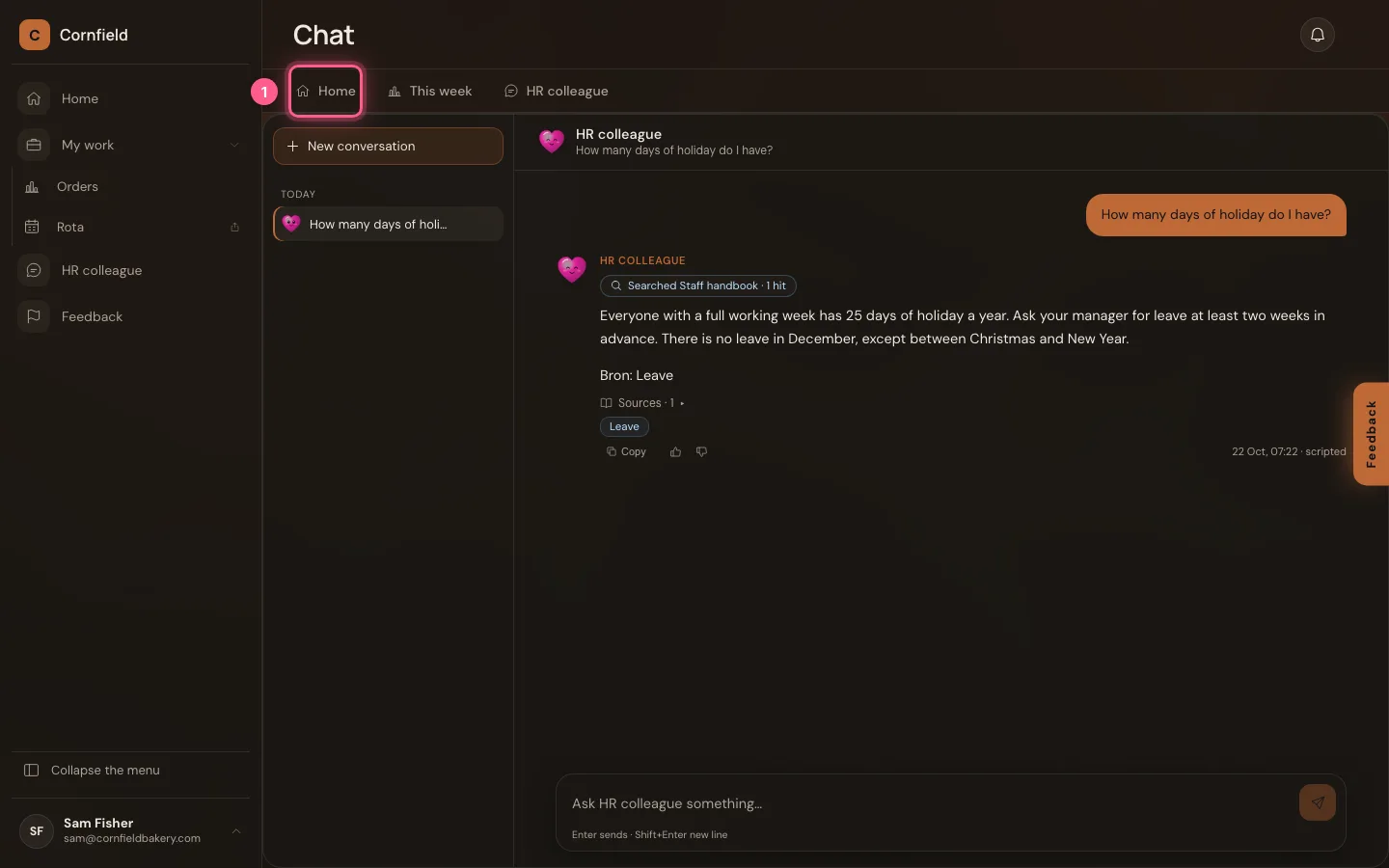
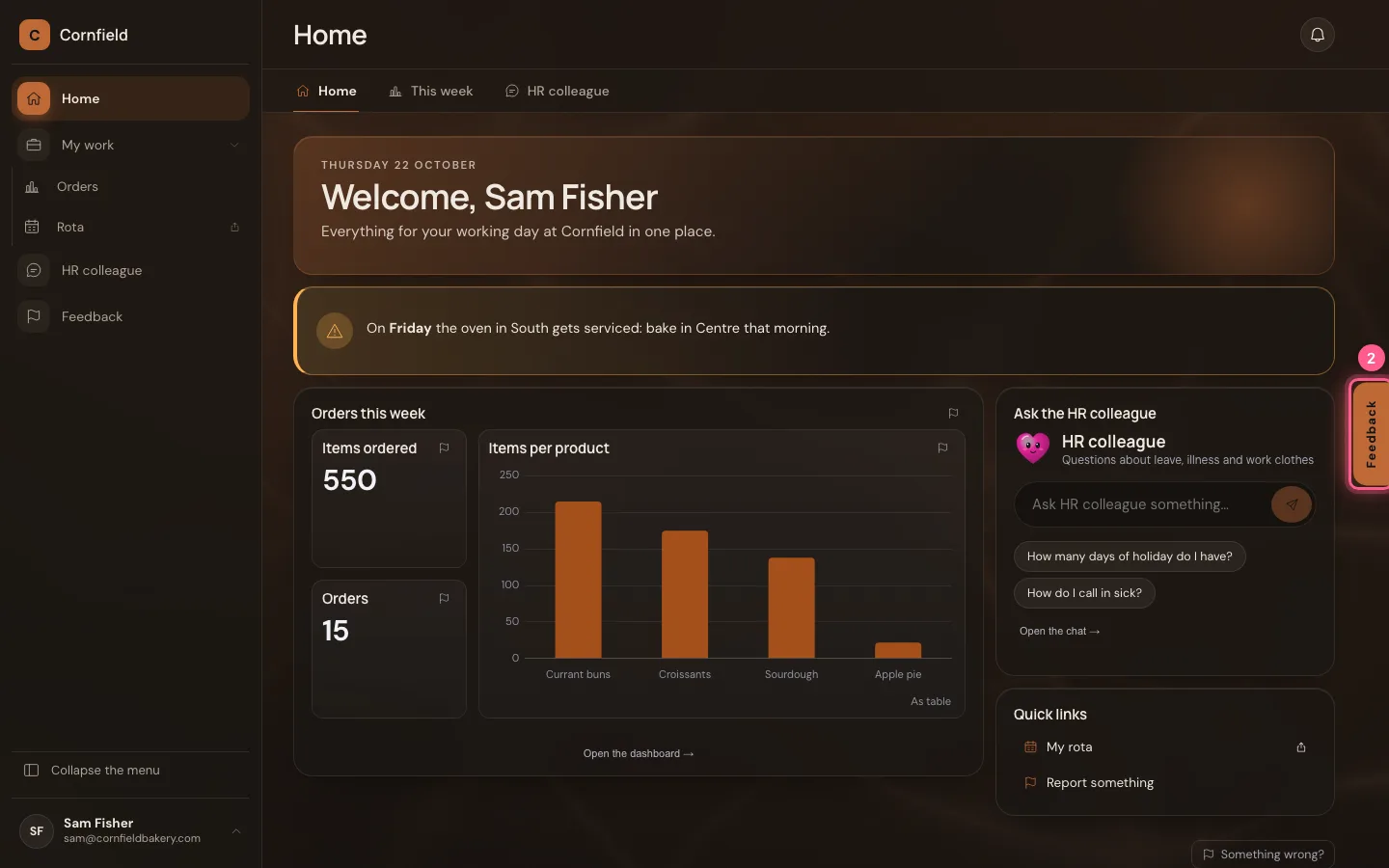
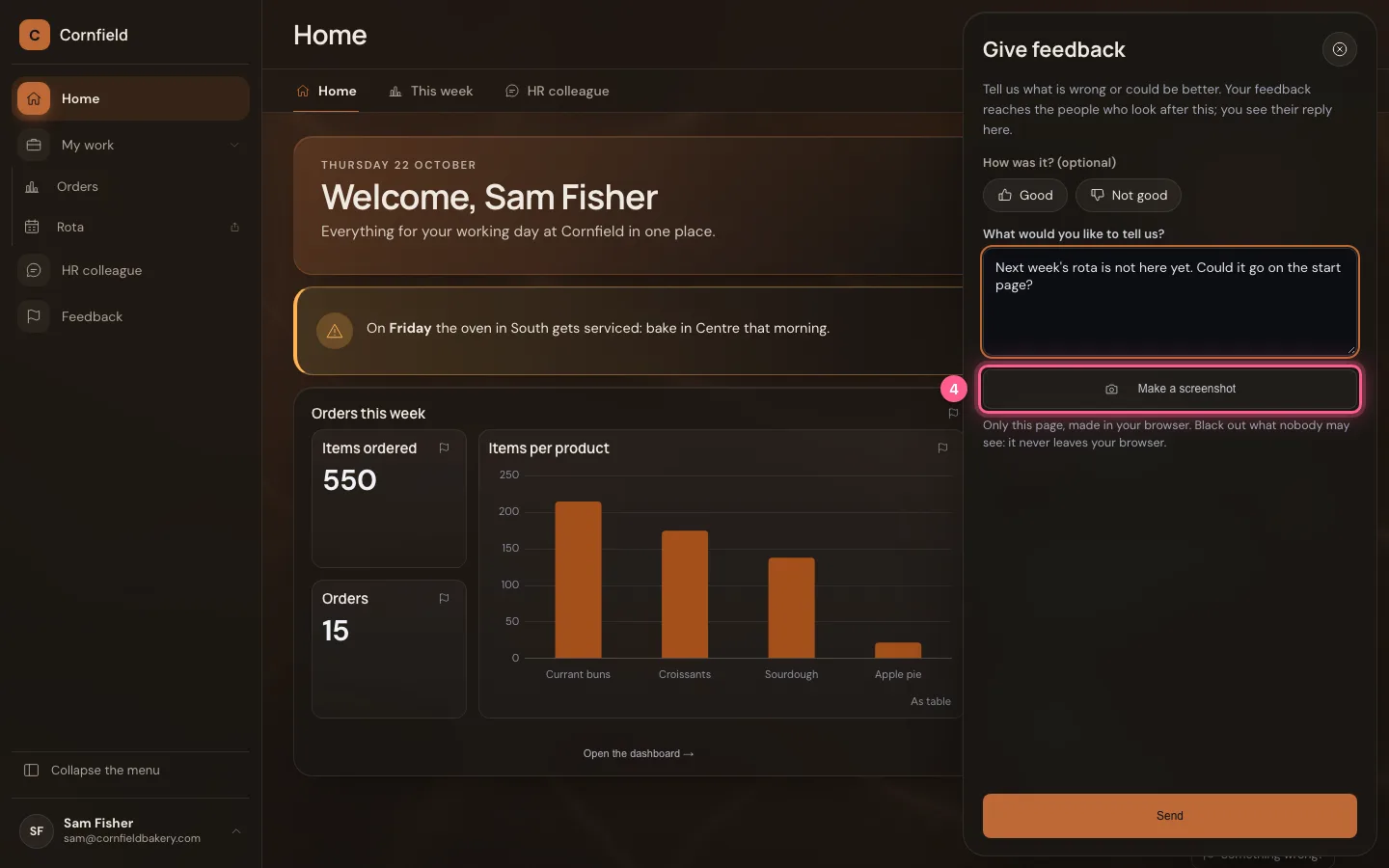
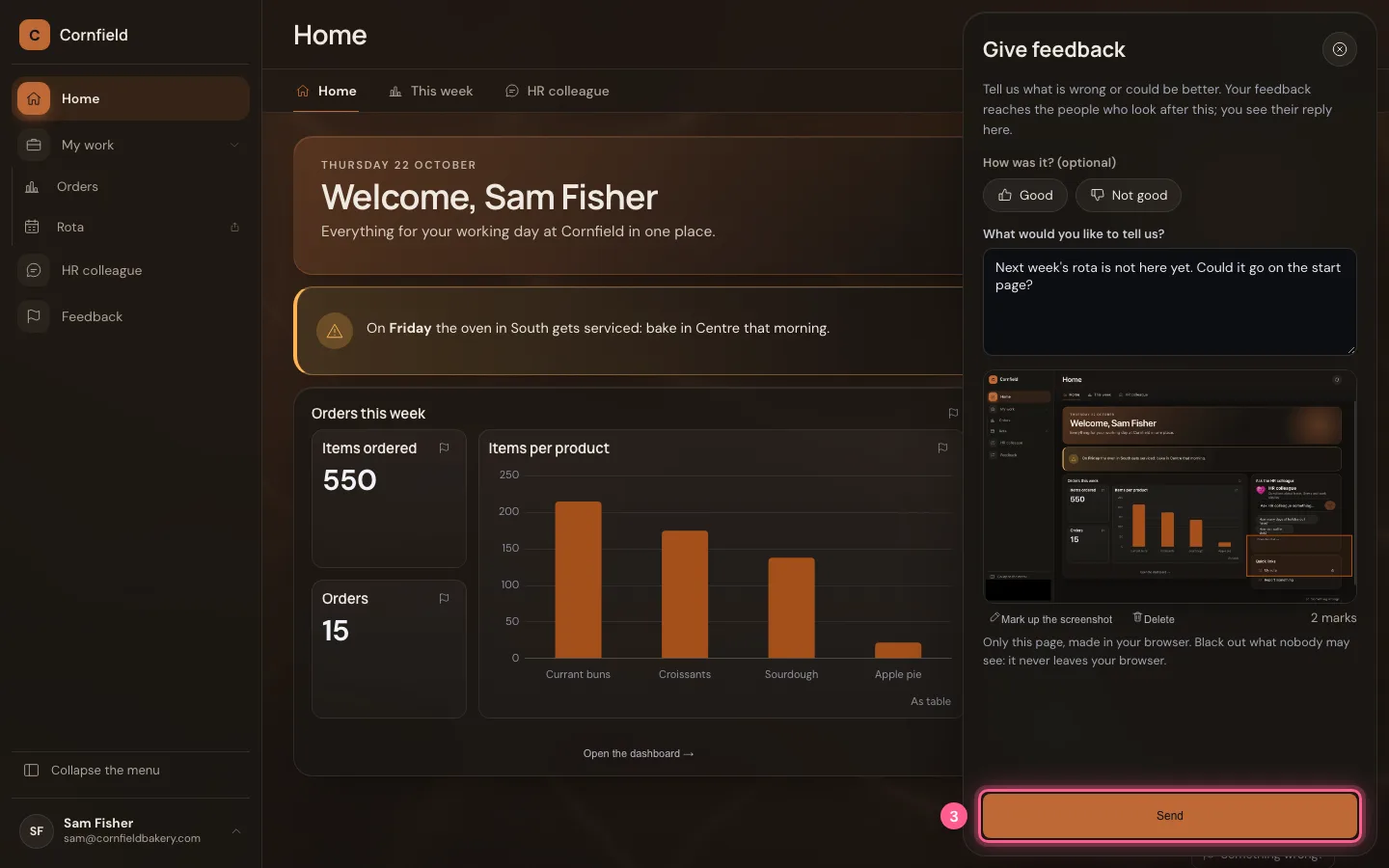
Feedback sits on the right edge. Click it: a panel slides out. Write what you would like to tell us and choose Make a screenshot: a picture of this page, made in your own browser.
- Click Home
- Click Feedback
- In What would you like to tell us?, type
Next week's rota is not here yet. Could it go on the start page?
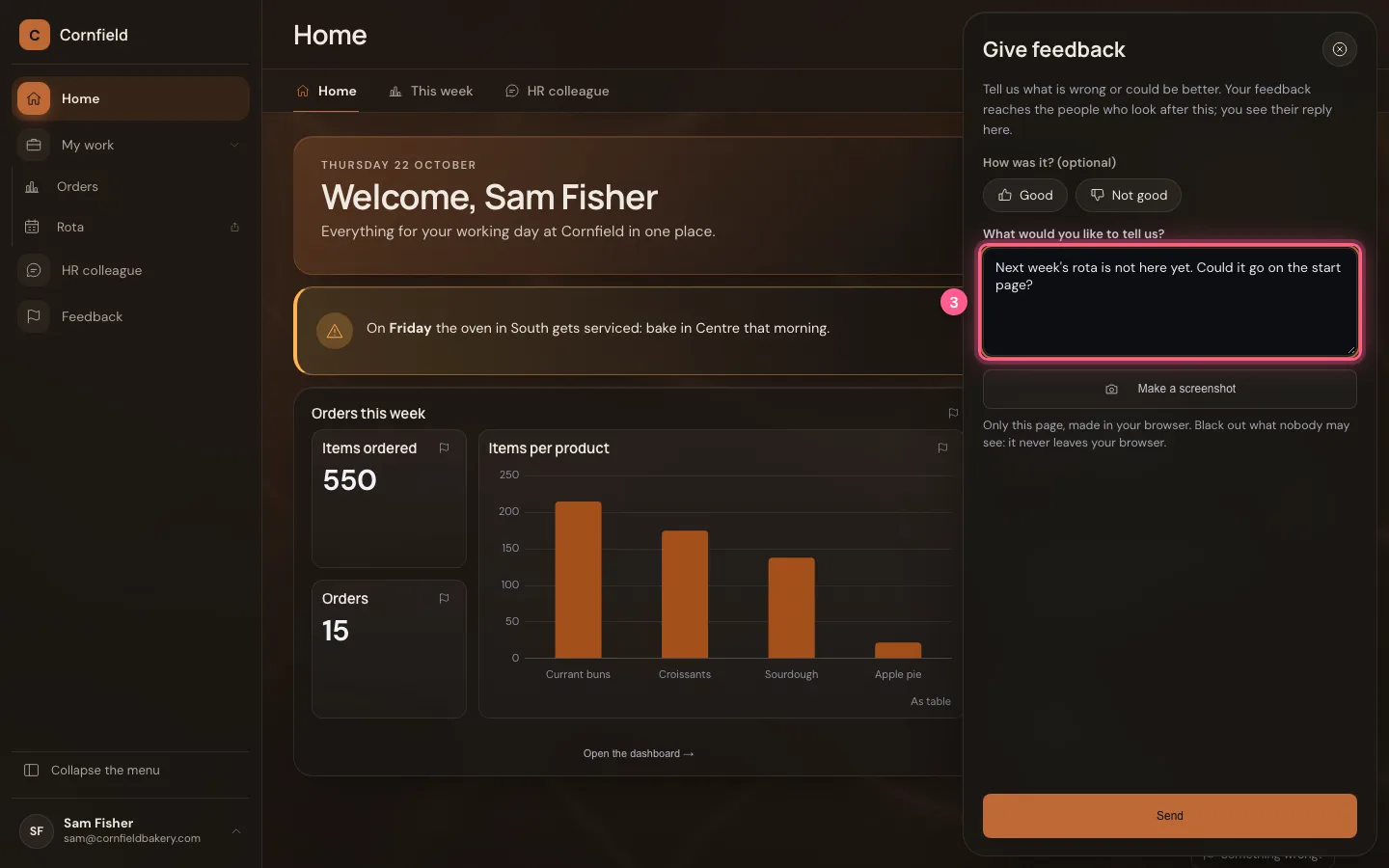
- Click Make a screenshot
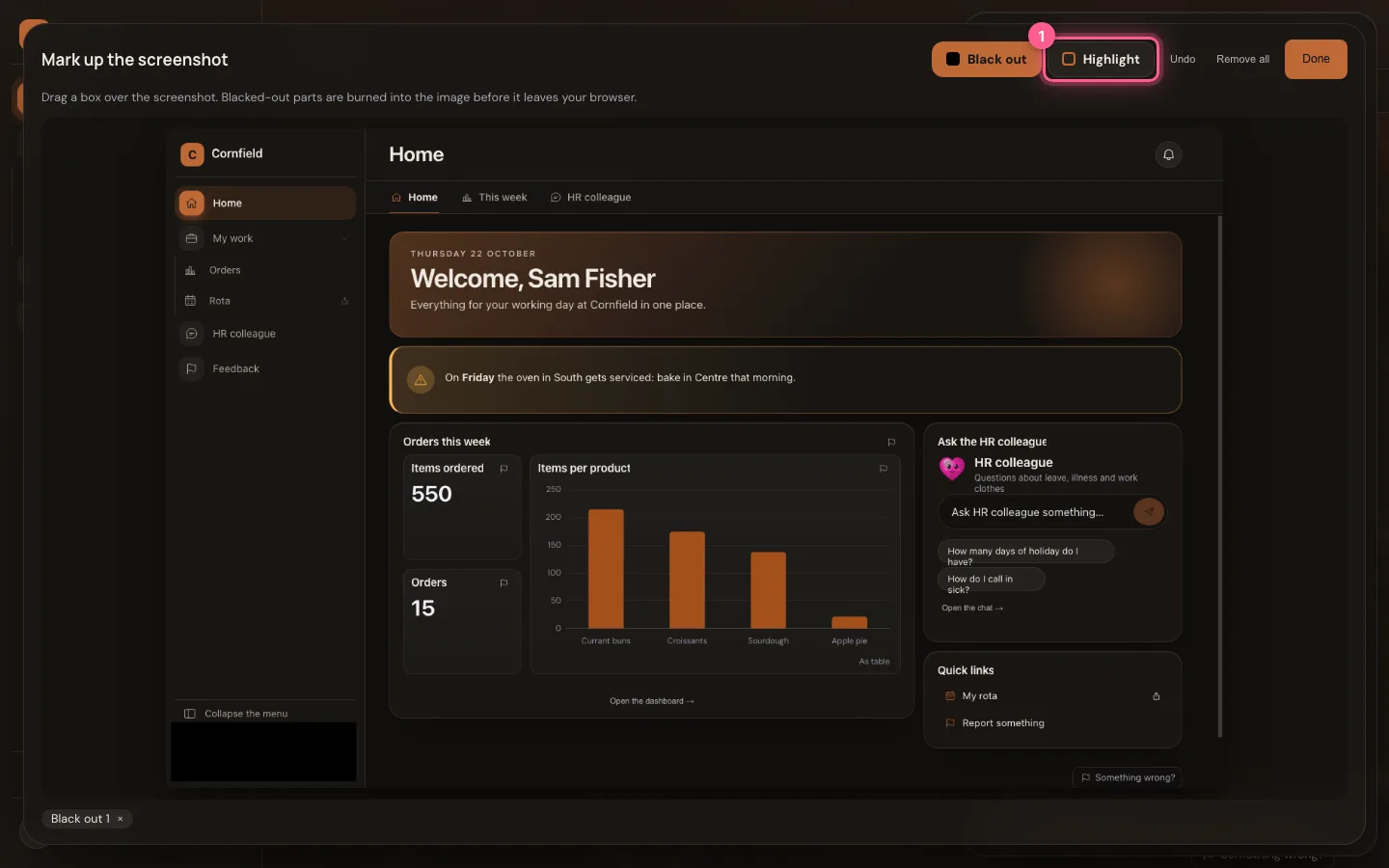
Point it out, and black out what nobody needs to see
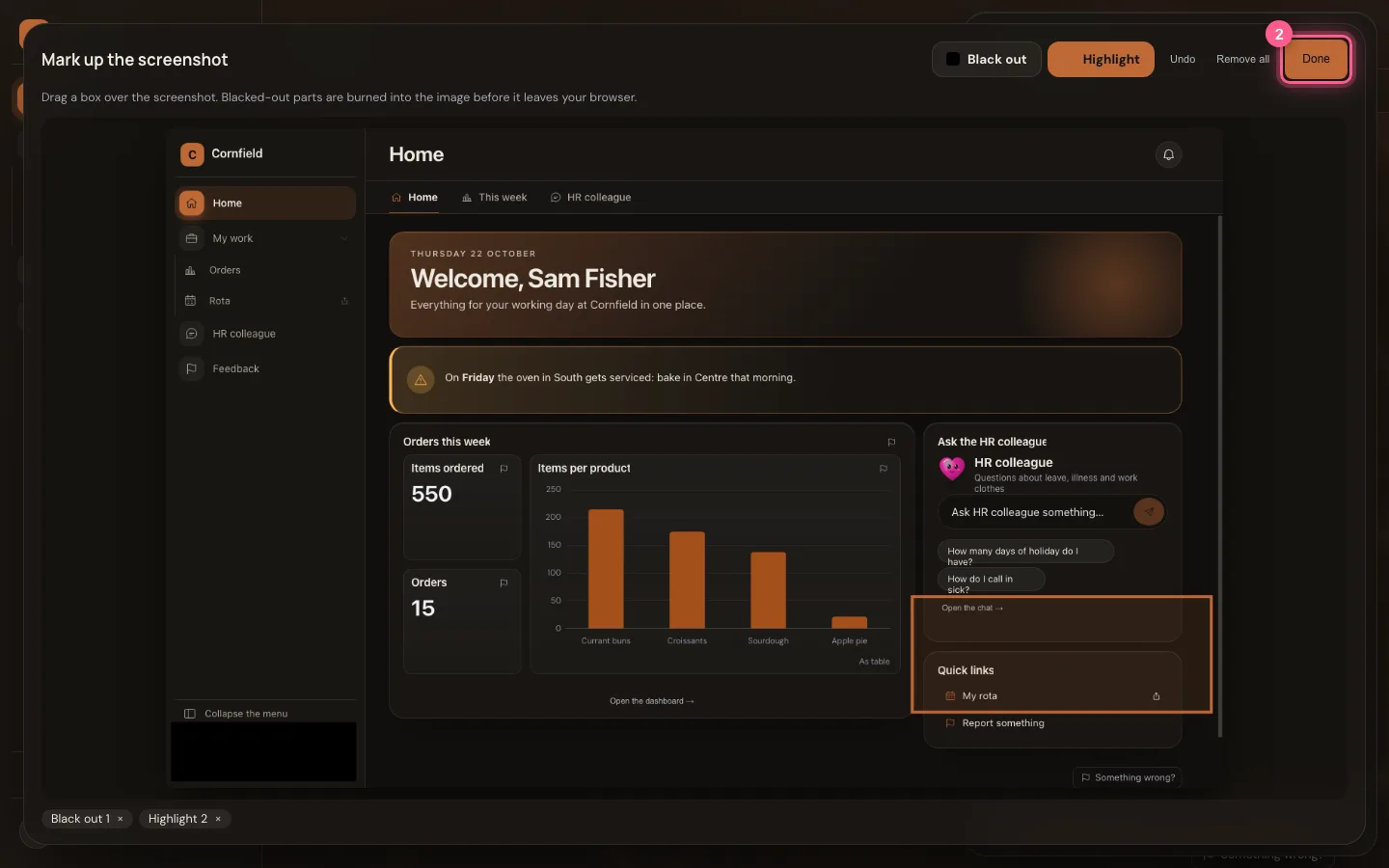
Drag a box over the screenshot. Black out burns that part black into the picture before it leaves your browser — here your name at the bottom of the menu. With Highlight you circle what it is about. Done? Then the screenshot with the marks is in the panel.
- Click Highlight
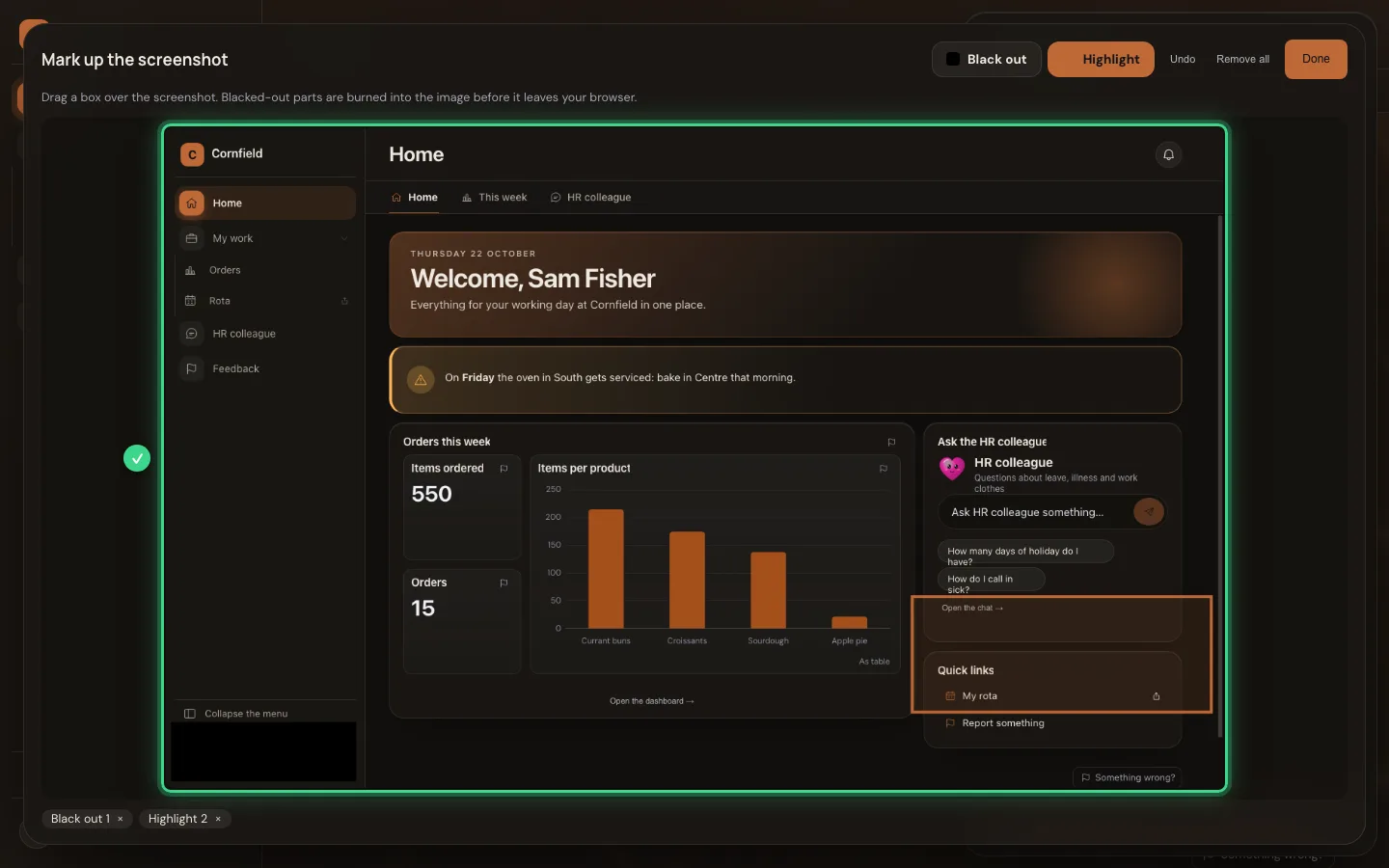
- Click Done
- Click Send
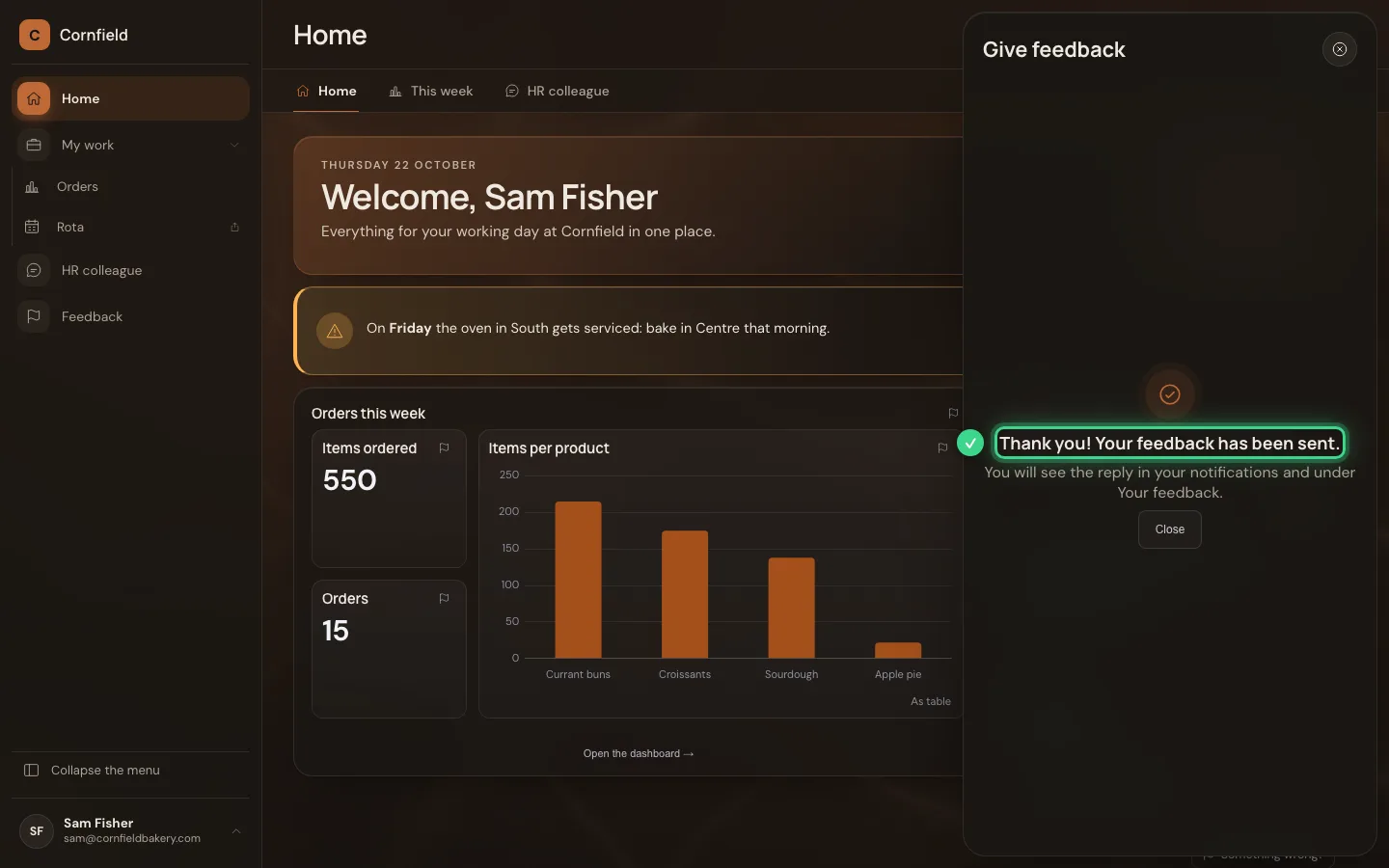
The reply arrives in your home
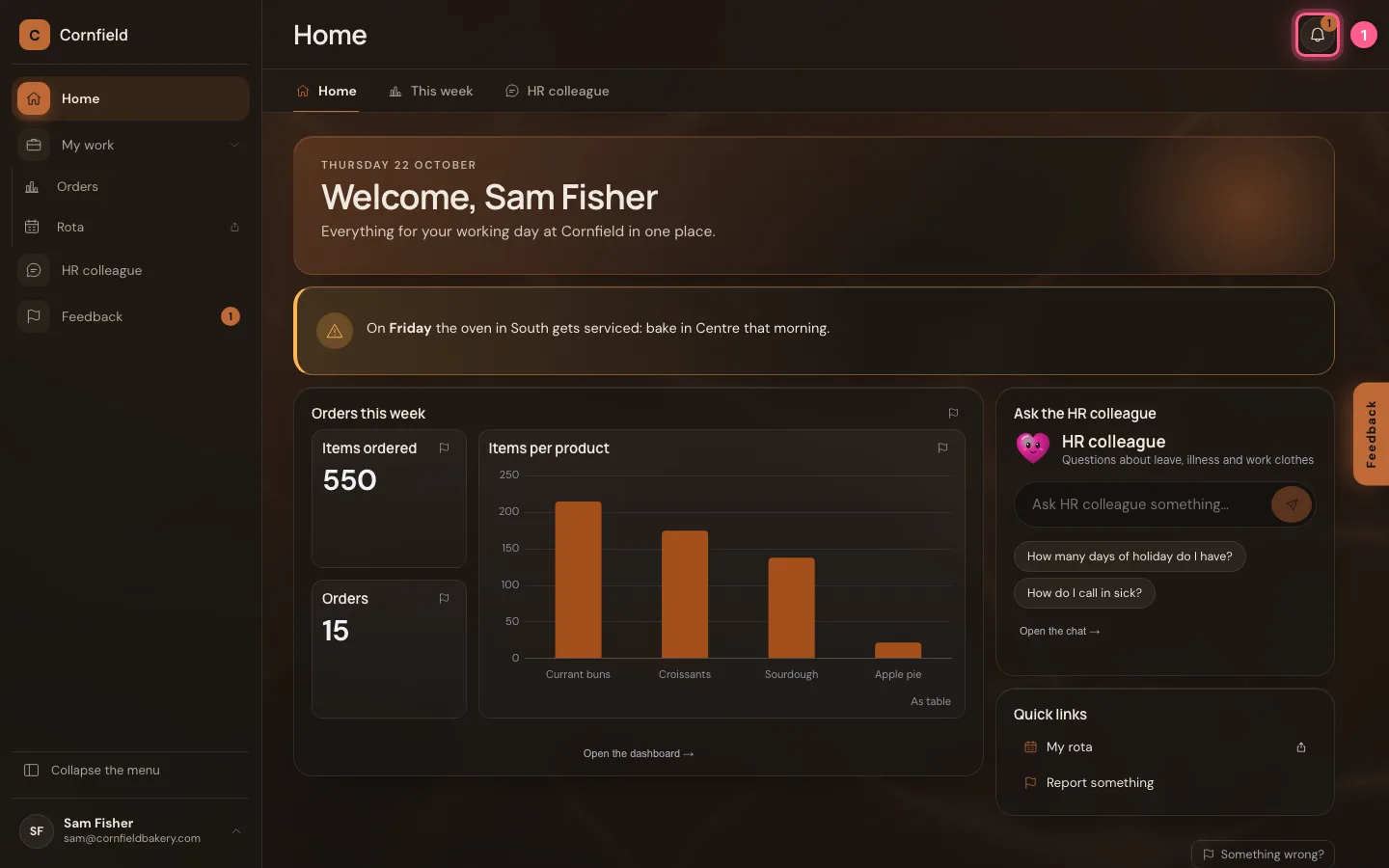
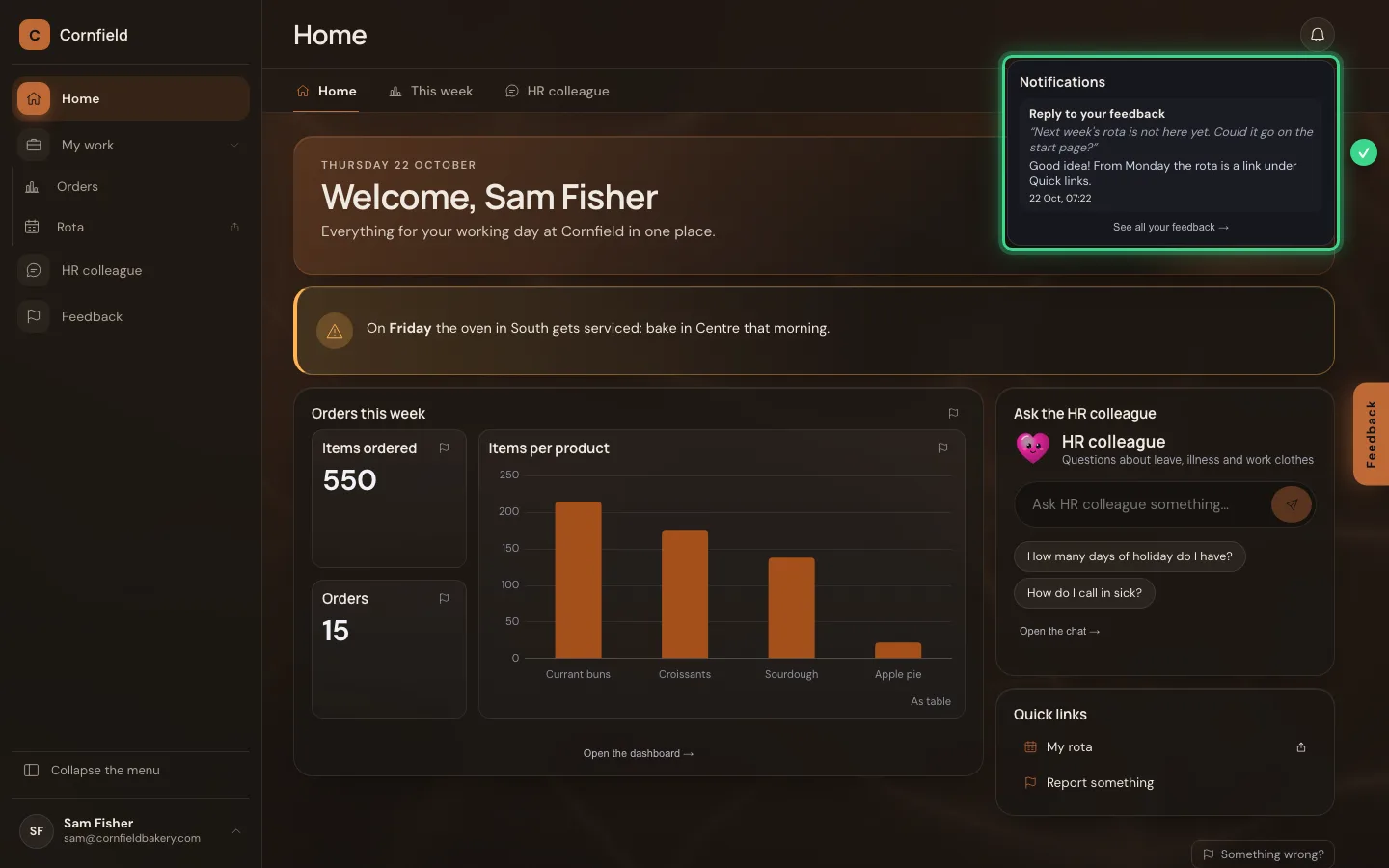
Whoever looks after the home reads your feedback with the screenshot in the studio and replies there. The reply never comes by mail, but at the bell at the top of your home; under Your feedback you see everything you sent, and can delete it yourself.
- Click the bell
This guide was carried out step by step on 22 Oct 2026 by an automated test on Flow (version 3e563176).