Live traffic: who calls your APIs?
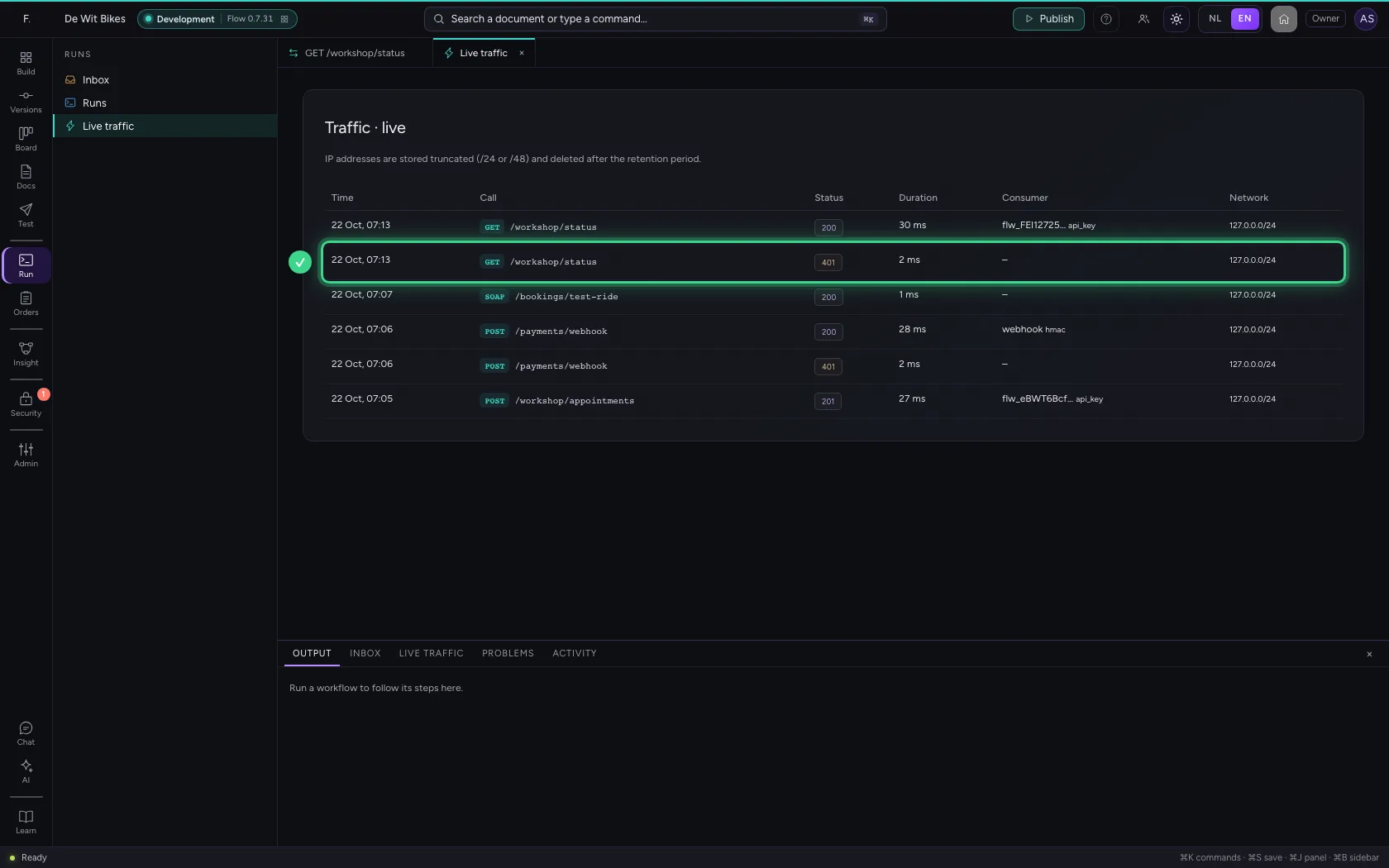
Under Live traffic you see every call to your APIs as it comes in: which endpoint, which status code, how long it took and with which key. That way you see at once whether a consumer gets through, or keeps being refused.
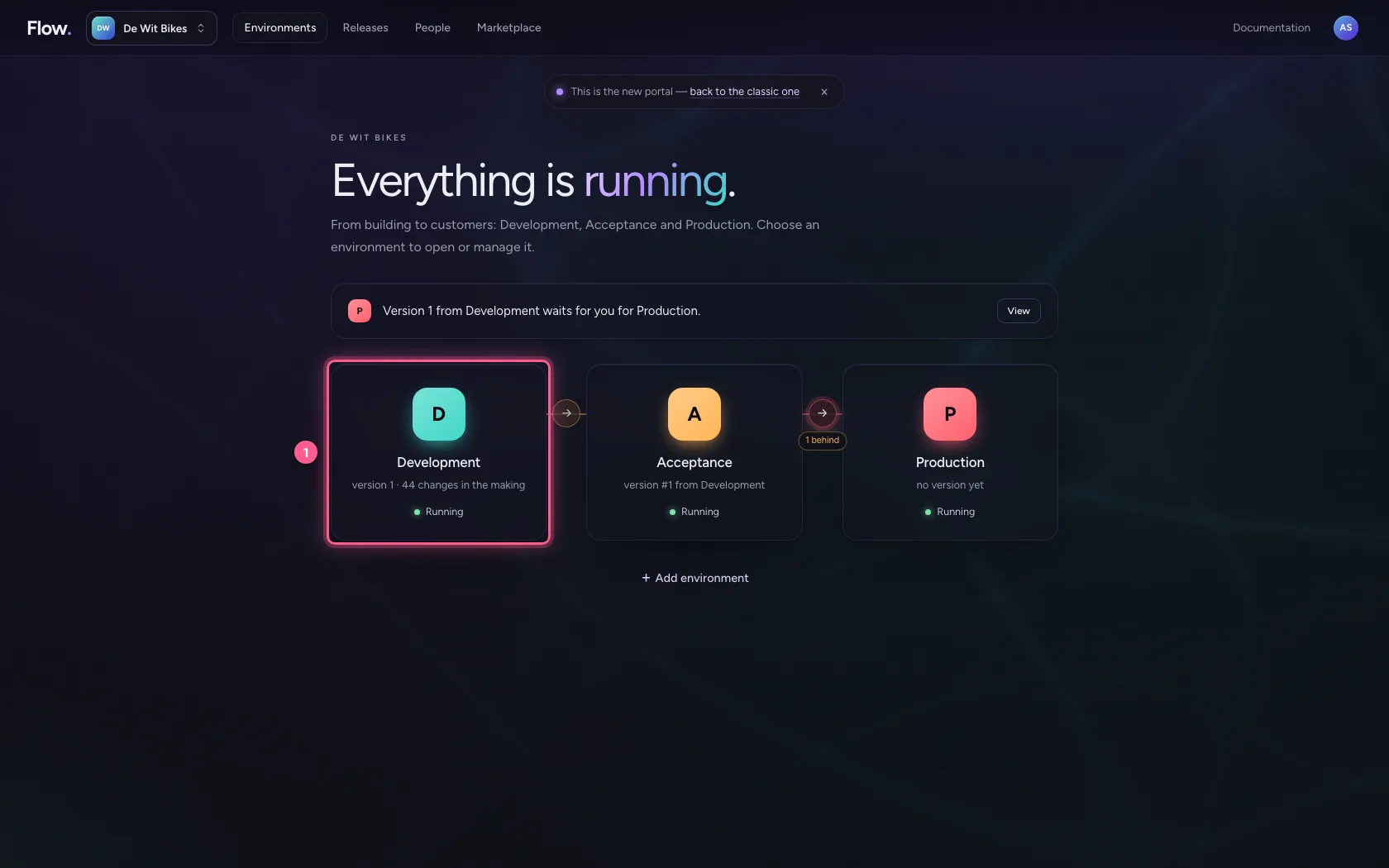
Open your development environment
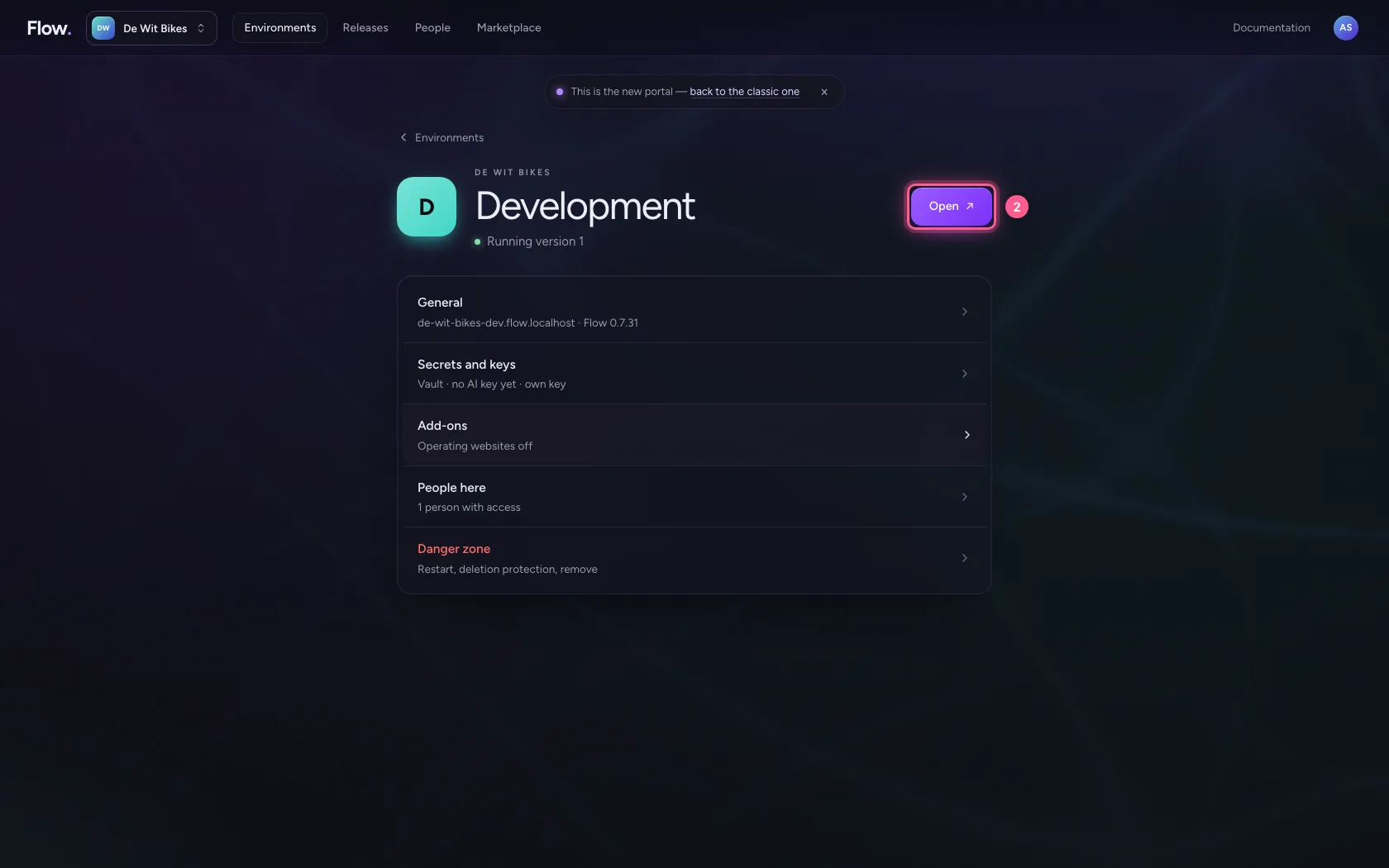
In the portal, under Environments, click Development, and there Open. Flow opens in a new tab and you are signed in straight away.
- Click Development
- Click Open ↗
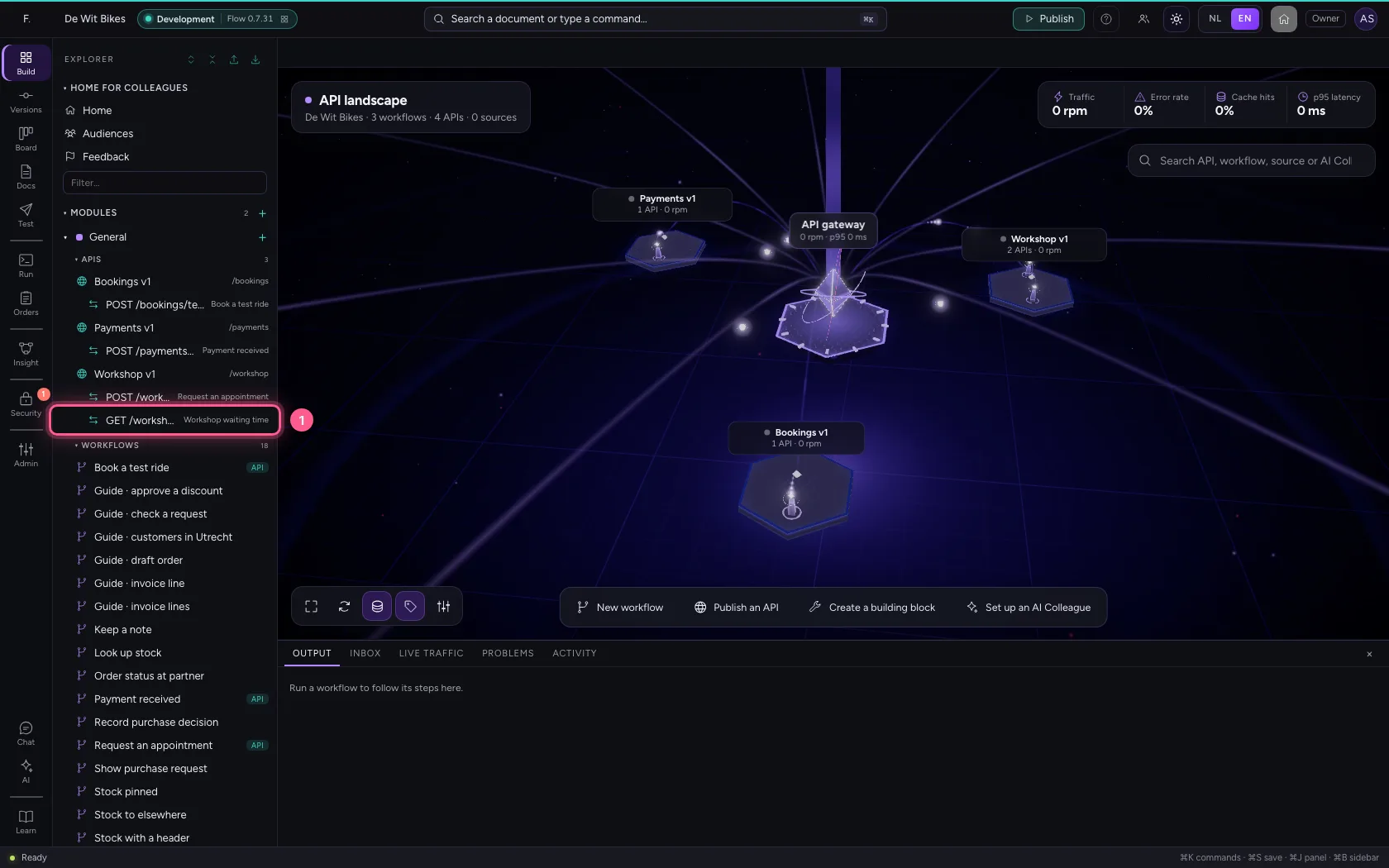
Call the endpoint without a key
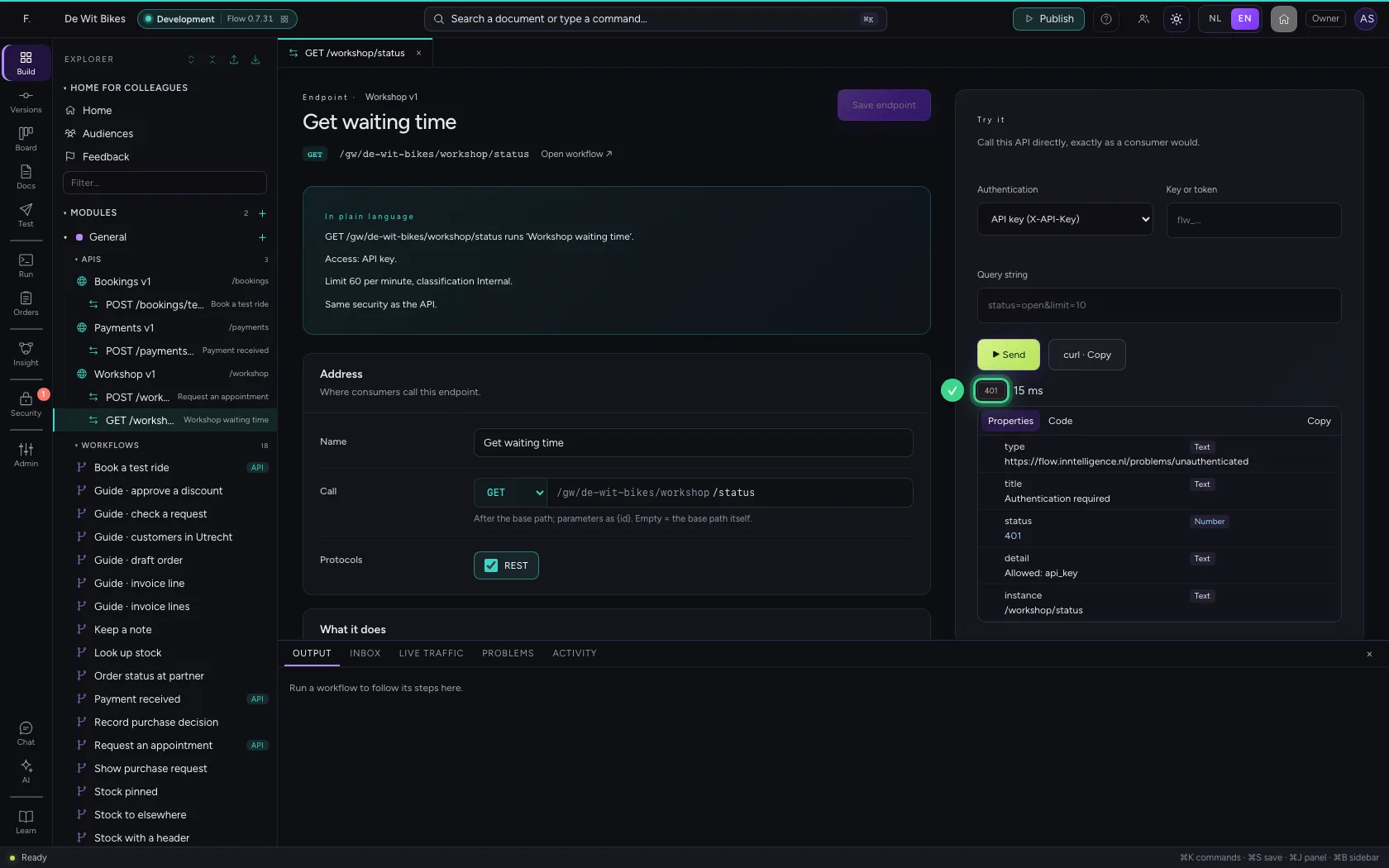
Open the endpoint and, under Try it on the right, click Send without a key. That is what a consumer who forgot their key does: the API refuses with 401.
- Click the endpoint
- Click ▶ Send
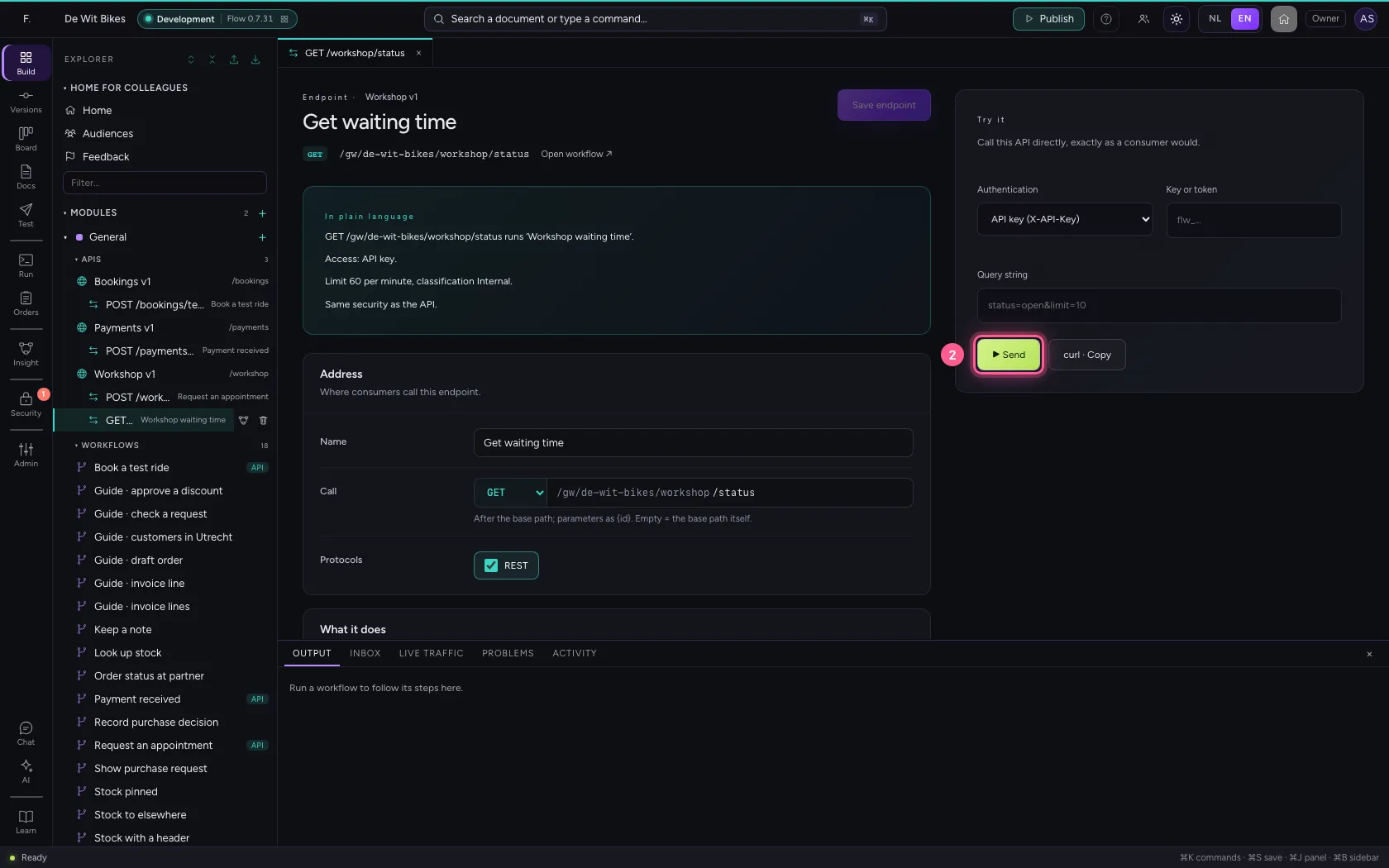
Call it with the key
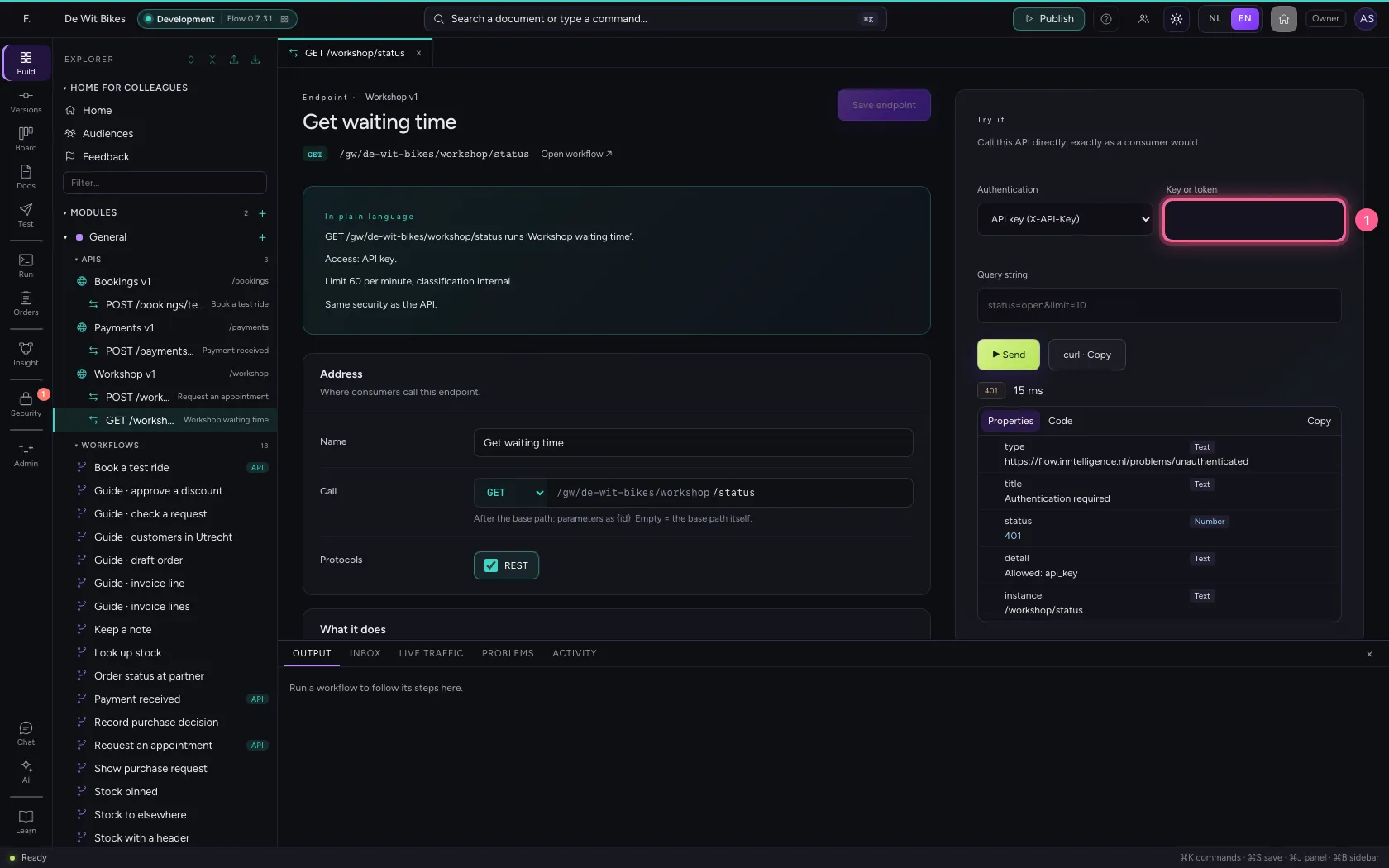
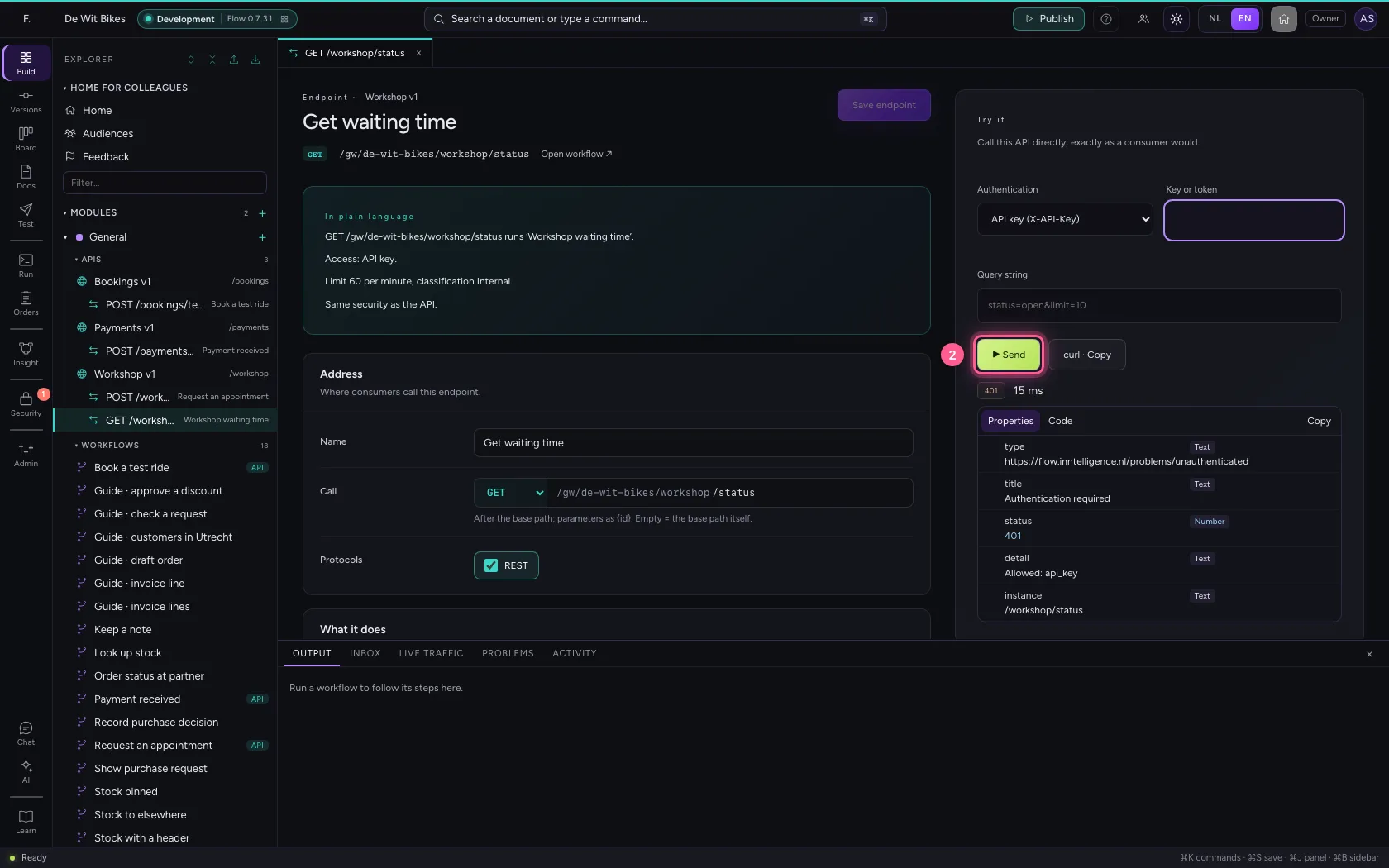
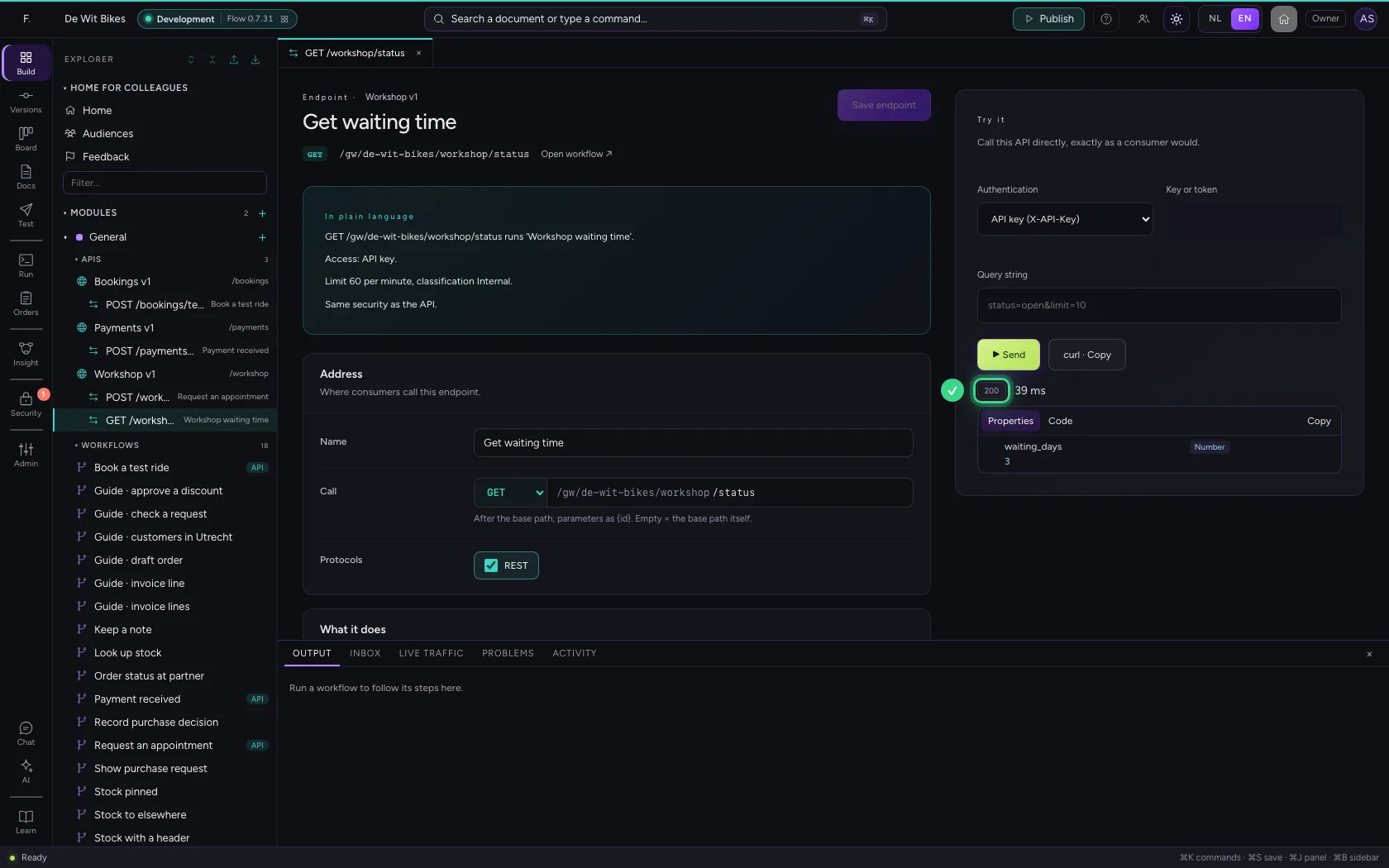
Now fill in the consumer's key (covered up in this guide) and send again. This time the workflow's answer comes back.
- In Key or token, type
••••••••
- Click ▶ Send
Open Live traffic
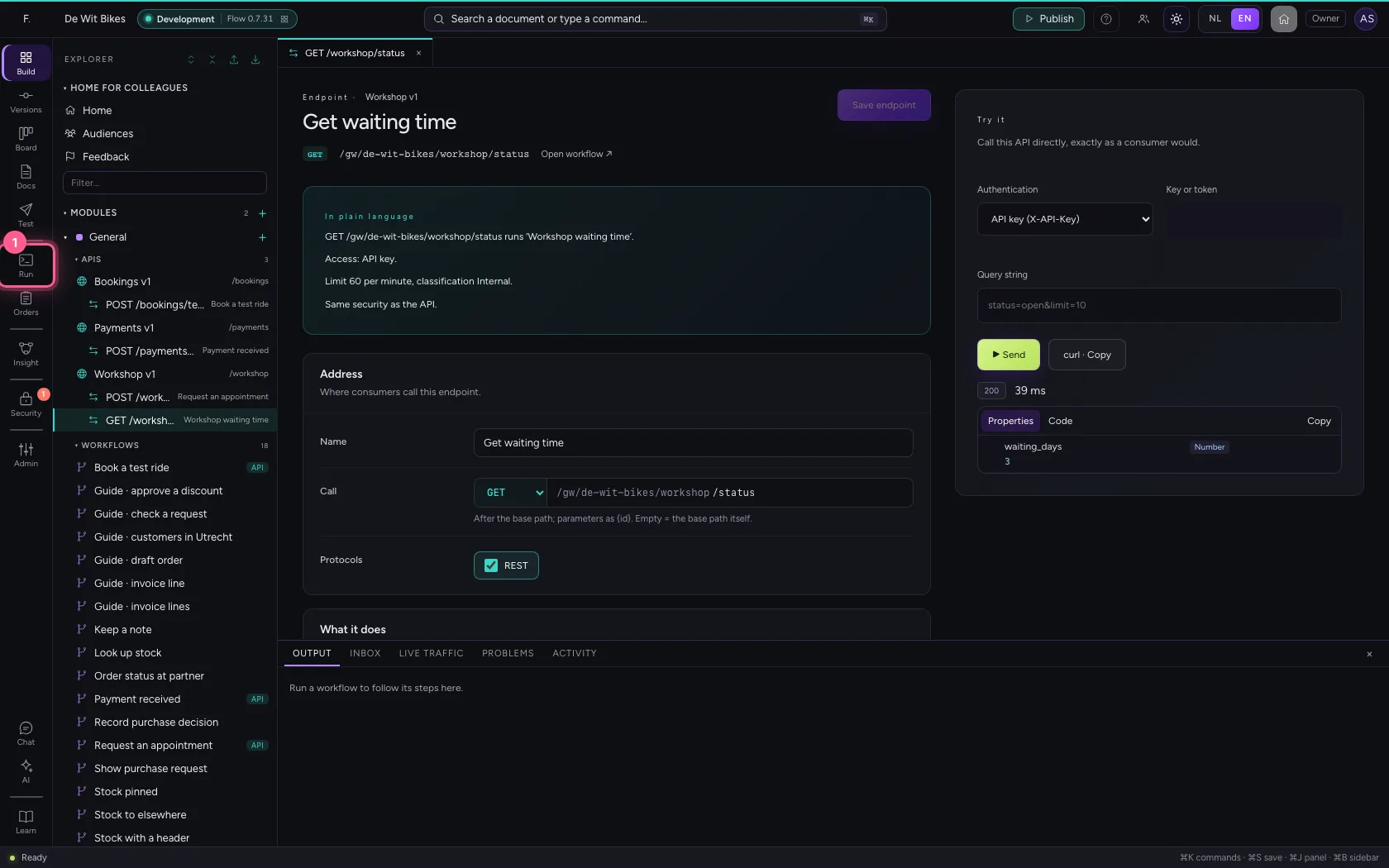
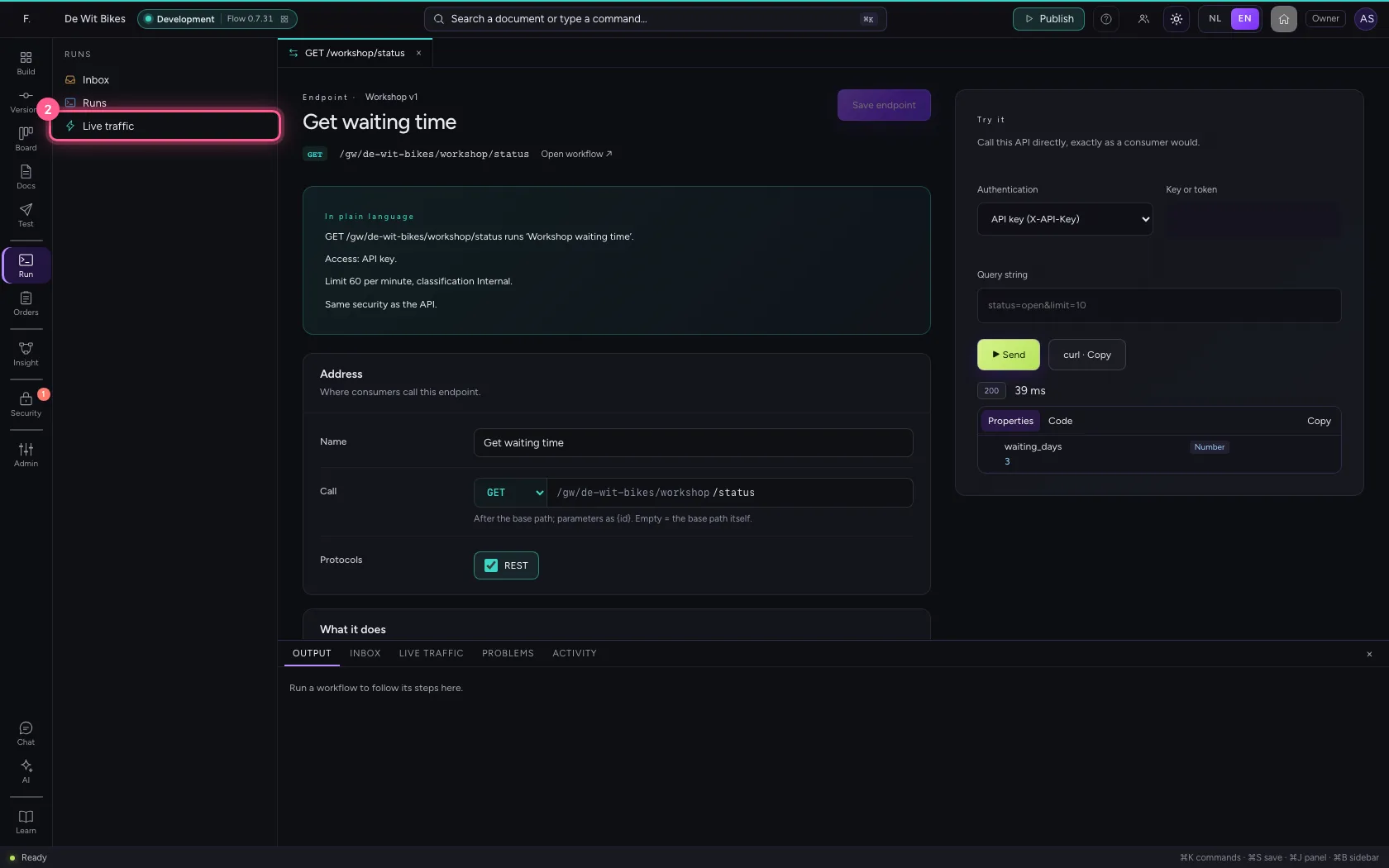
Click Runs in the bar on the left and choose Live traffic. Every call is there, the newest at the top: the time, the endpoint, the status code, how long it took, and the key it was called with (only its beginning). The list refreshes itself every few seconds.
- Click Runs
- Click Live traffic

This guide was carried out step by step on 22 Oct 2026 by an automated test on Flow (version 3e563176).