Publish a table as an API
With one click a table gets the standard REST endpoints: a list (with a filter per column), get one row, add, update and delete. They are ordinary endpoints on an API you already have: they inherit that API's security policy and appear in the OpenAPI description. You open up the bikes for sale to a web shop.
Open your development environment
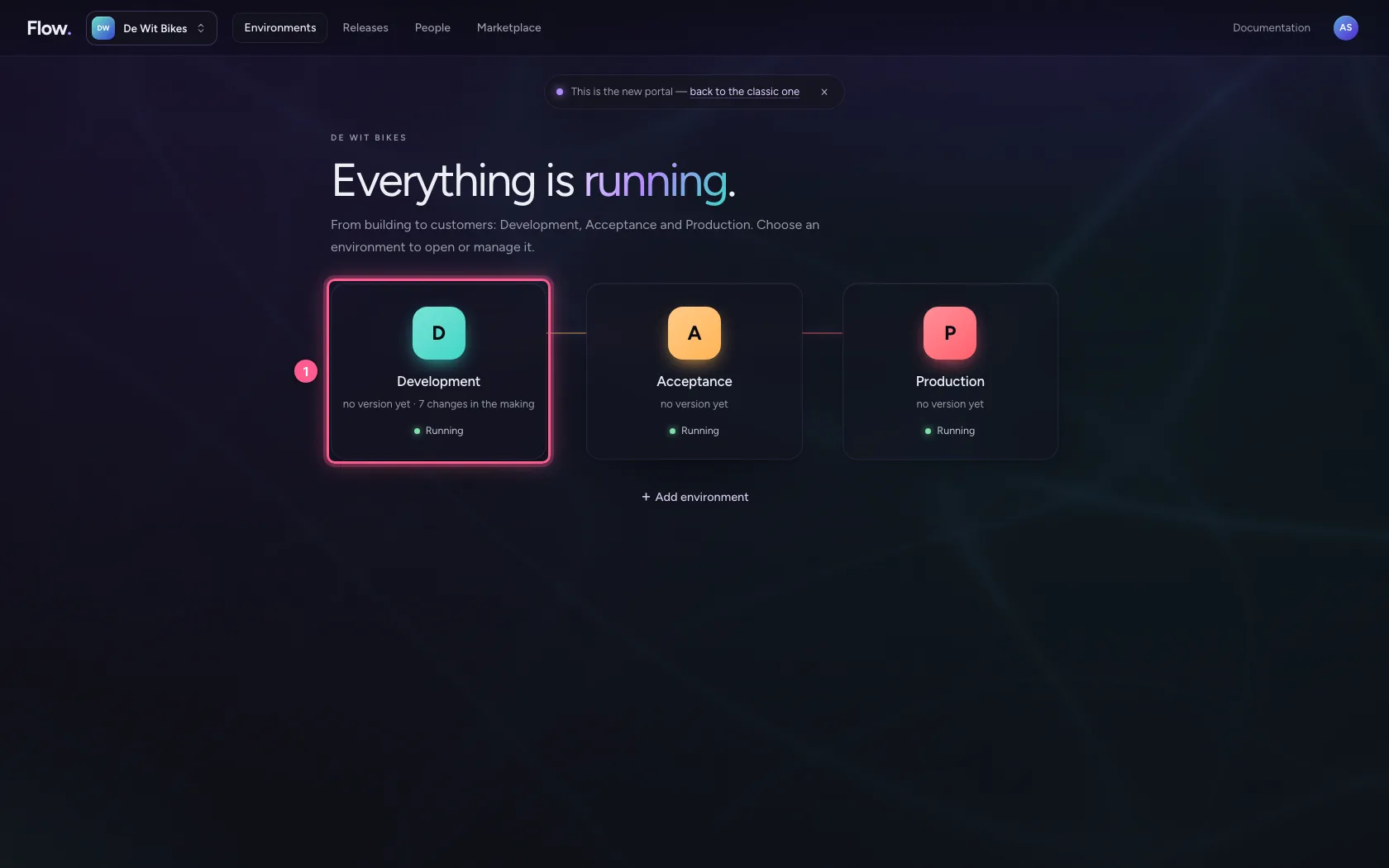
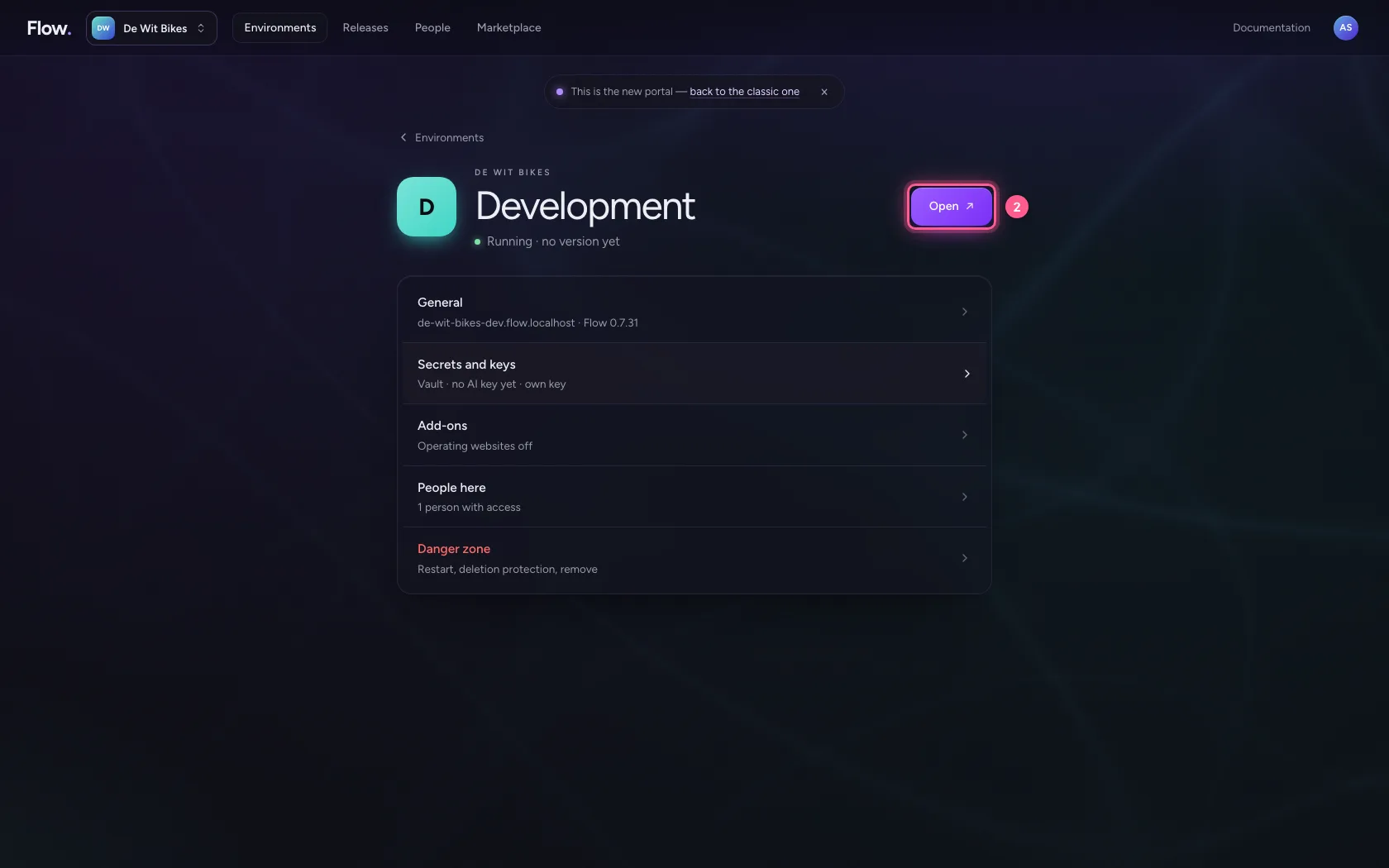
In the portal, under Environments, click Development, and there Open. Flow opens in a new tab and you are signed in straight away.
- Click Development
- Click Open ↗
Choose the API and the operations
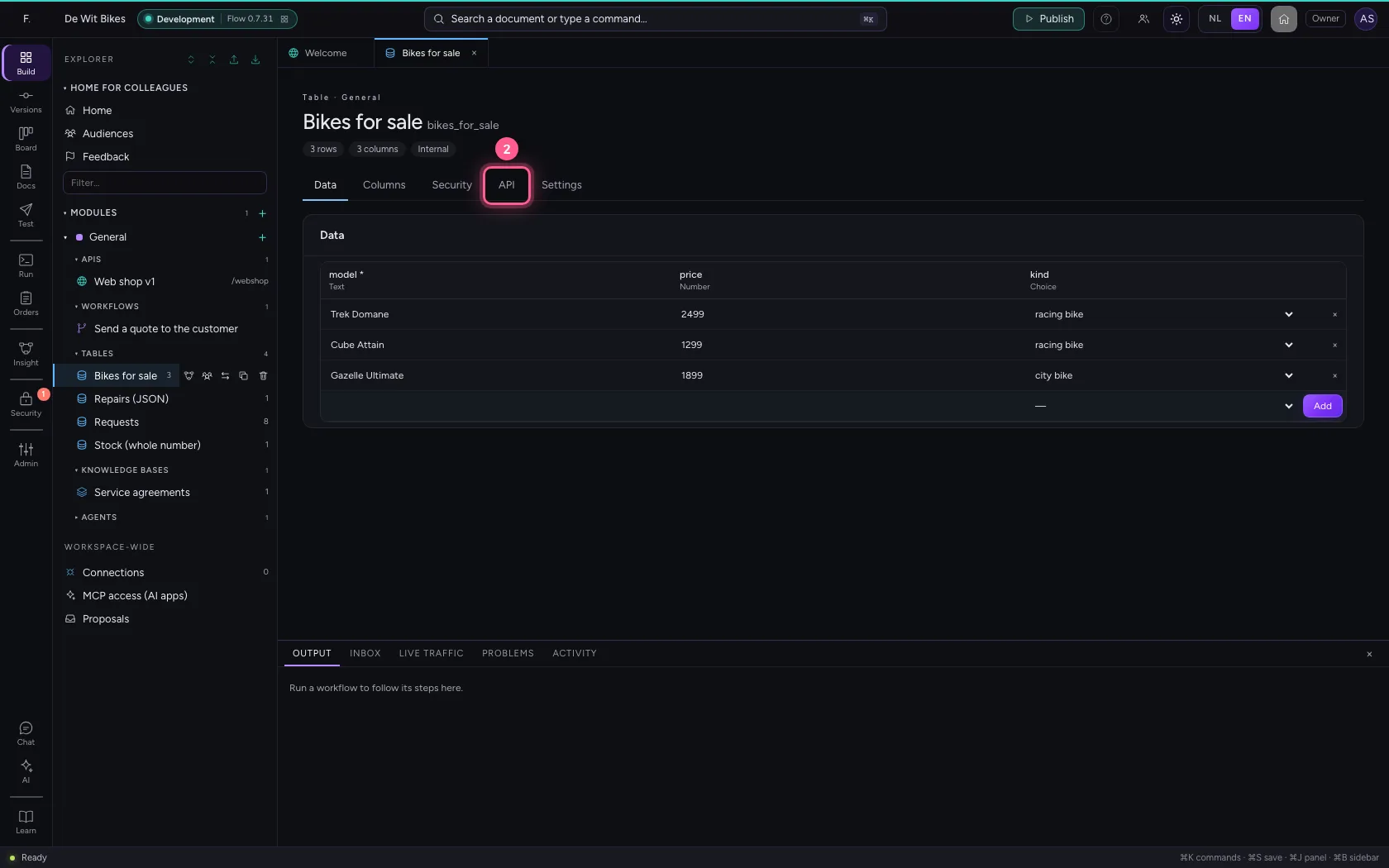
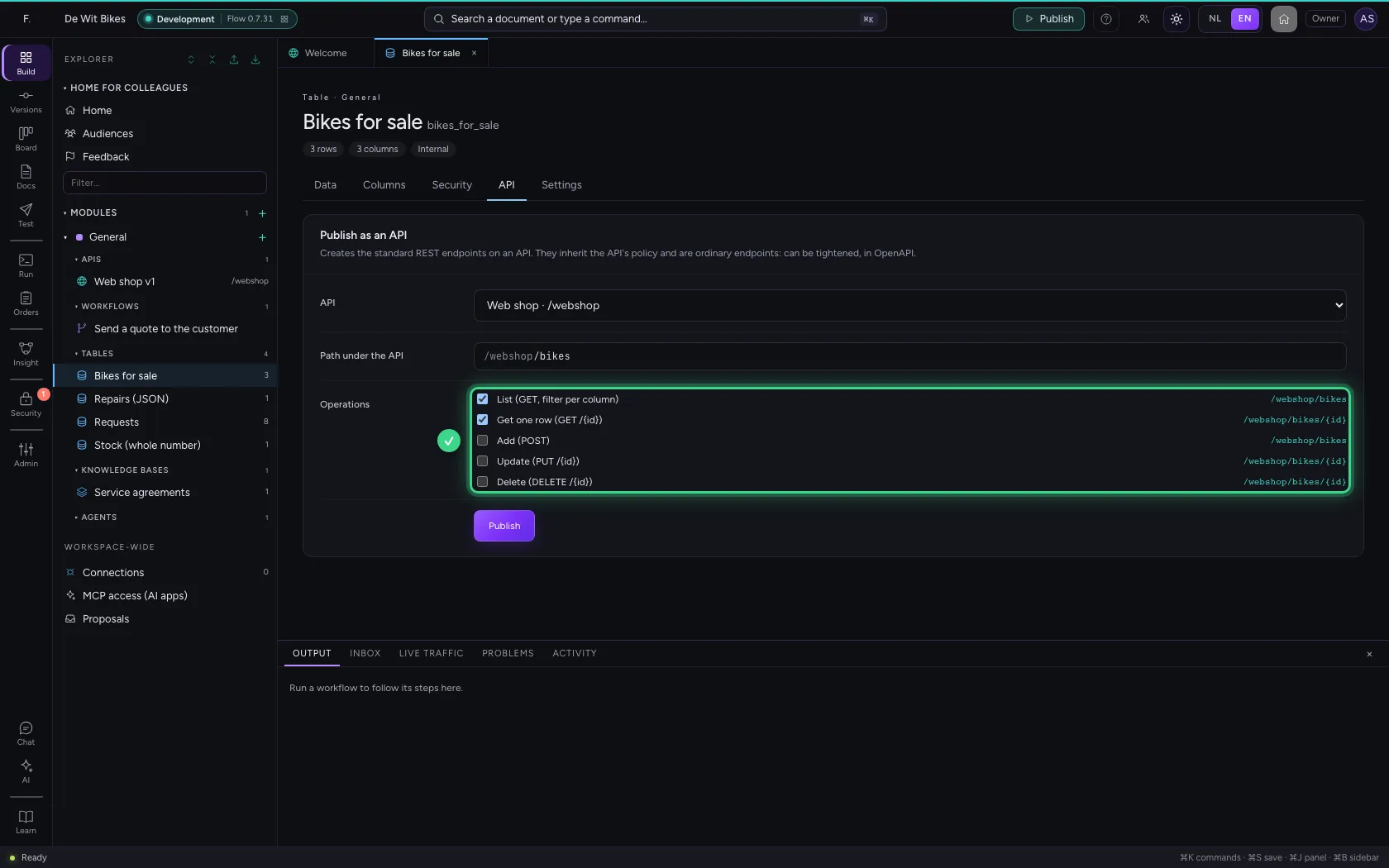
Open the table and go to the API tab. Choose the API the table goes on and the path under it. Tick only what the consumer really needs: a web shop that shows bikes does not need to delete anything.
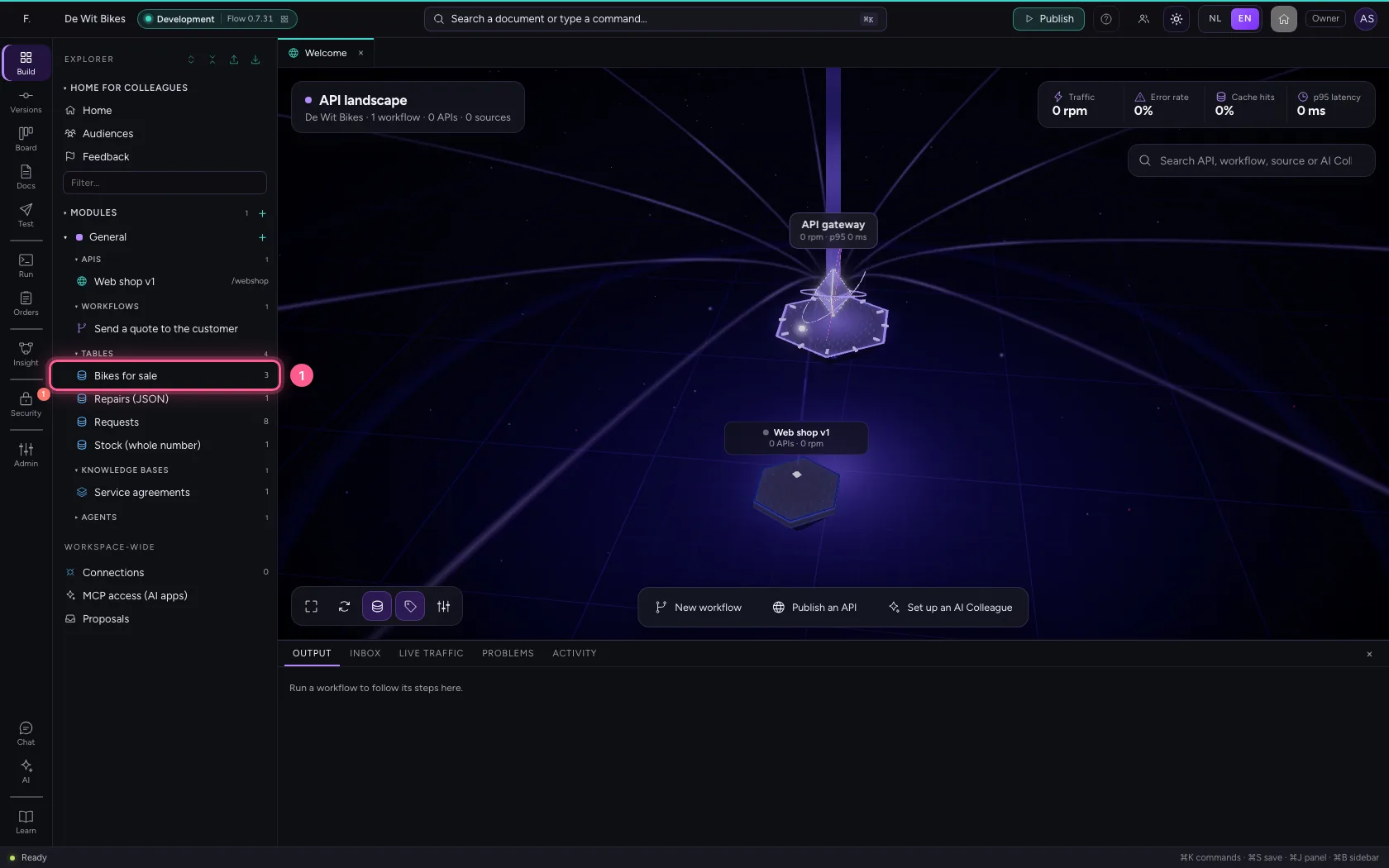
- Click the table ‘Bikes for sale’
- Click API
- In API, choose Web shop · /webshop
- In Path under the API, type
/bikes
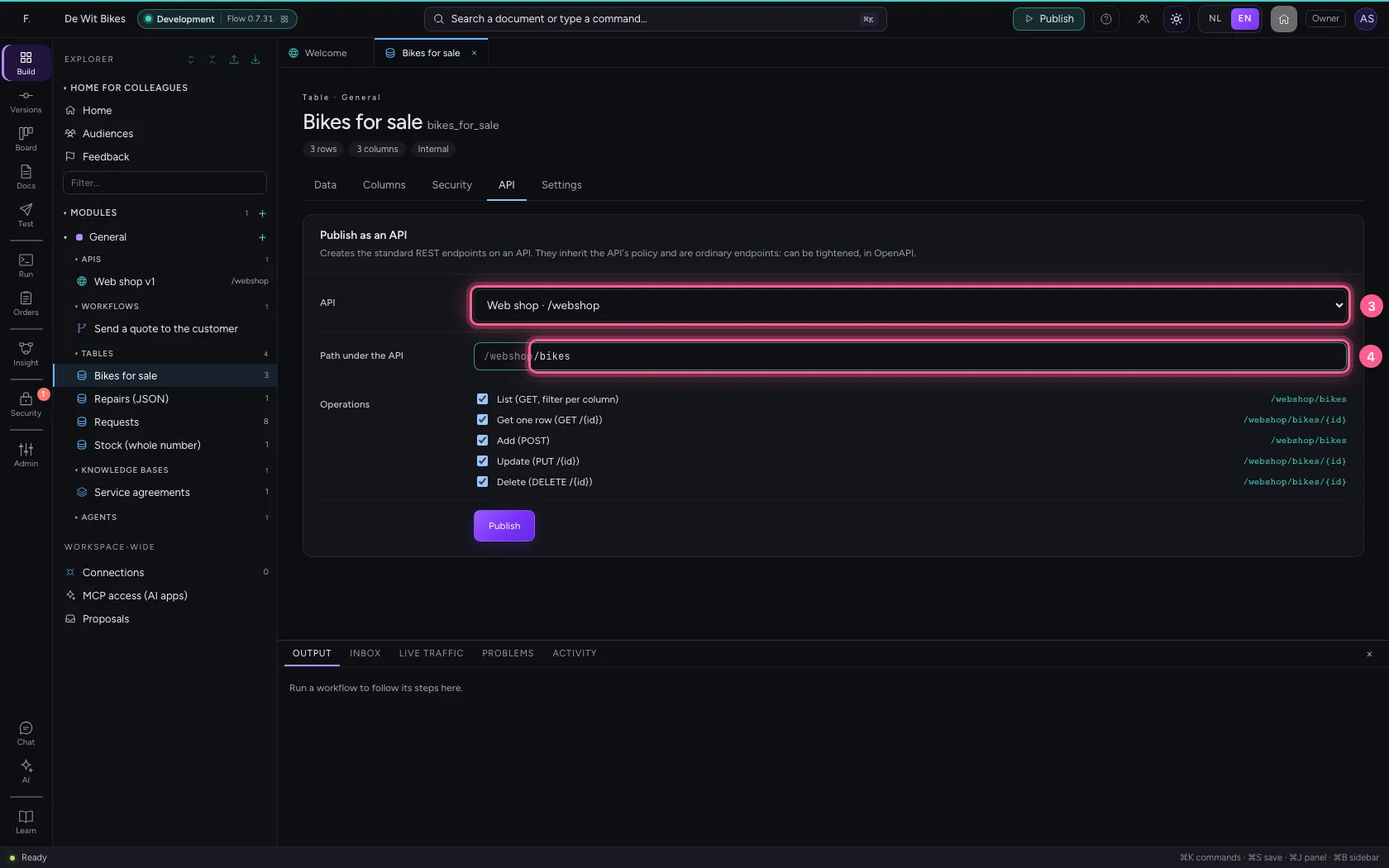
- Click Delete (DELETE /{id}) /webshop/bikes/{id}
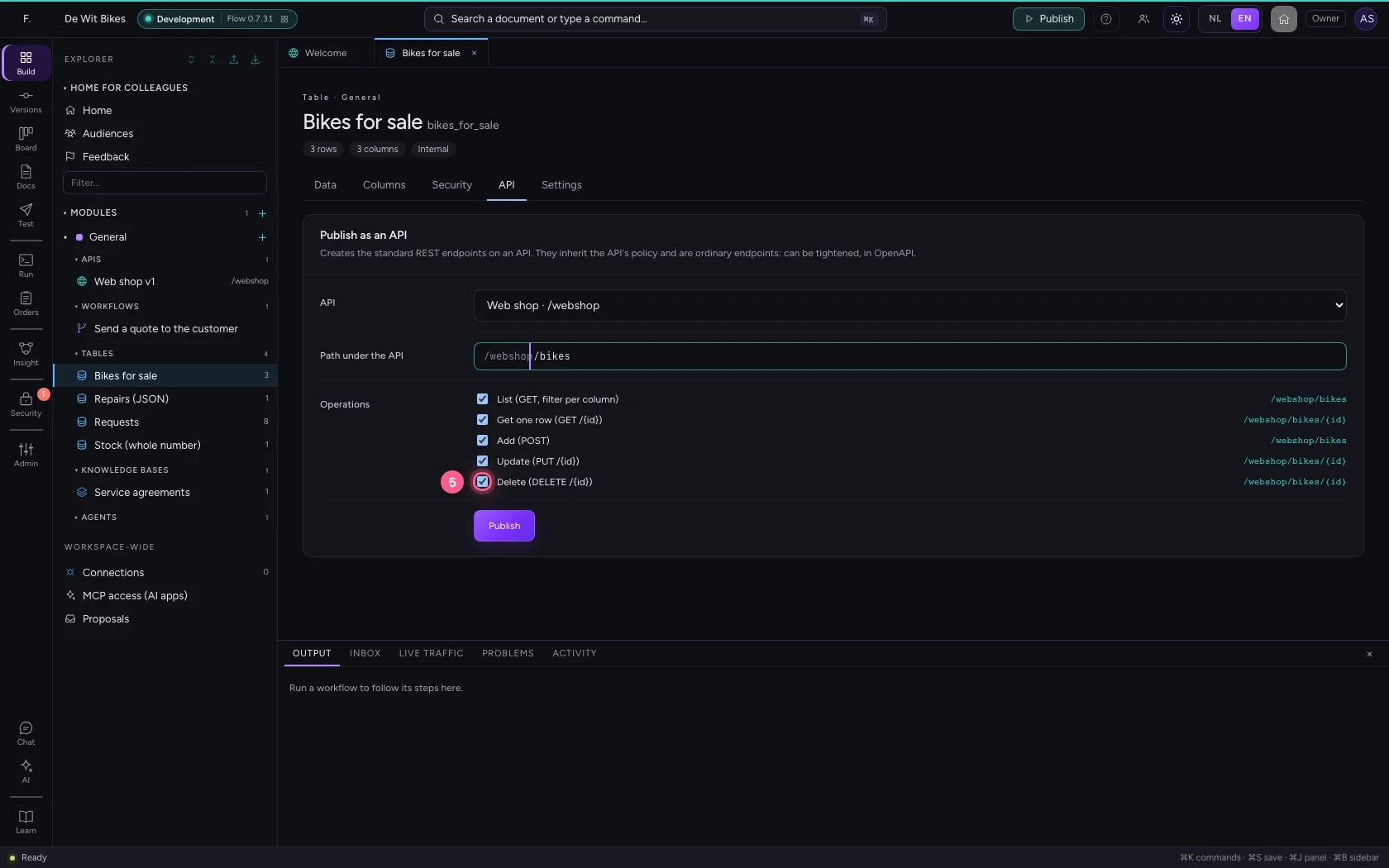
- Click Update (PUT /{id}) /webshop/bikes/{id}
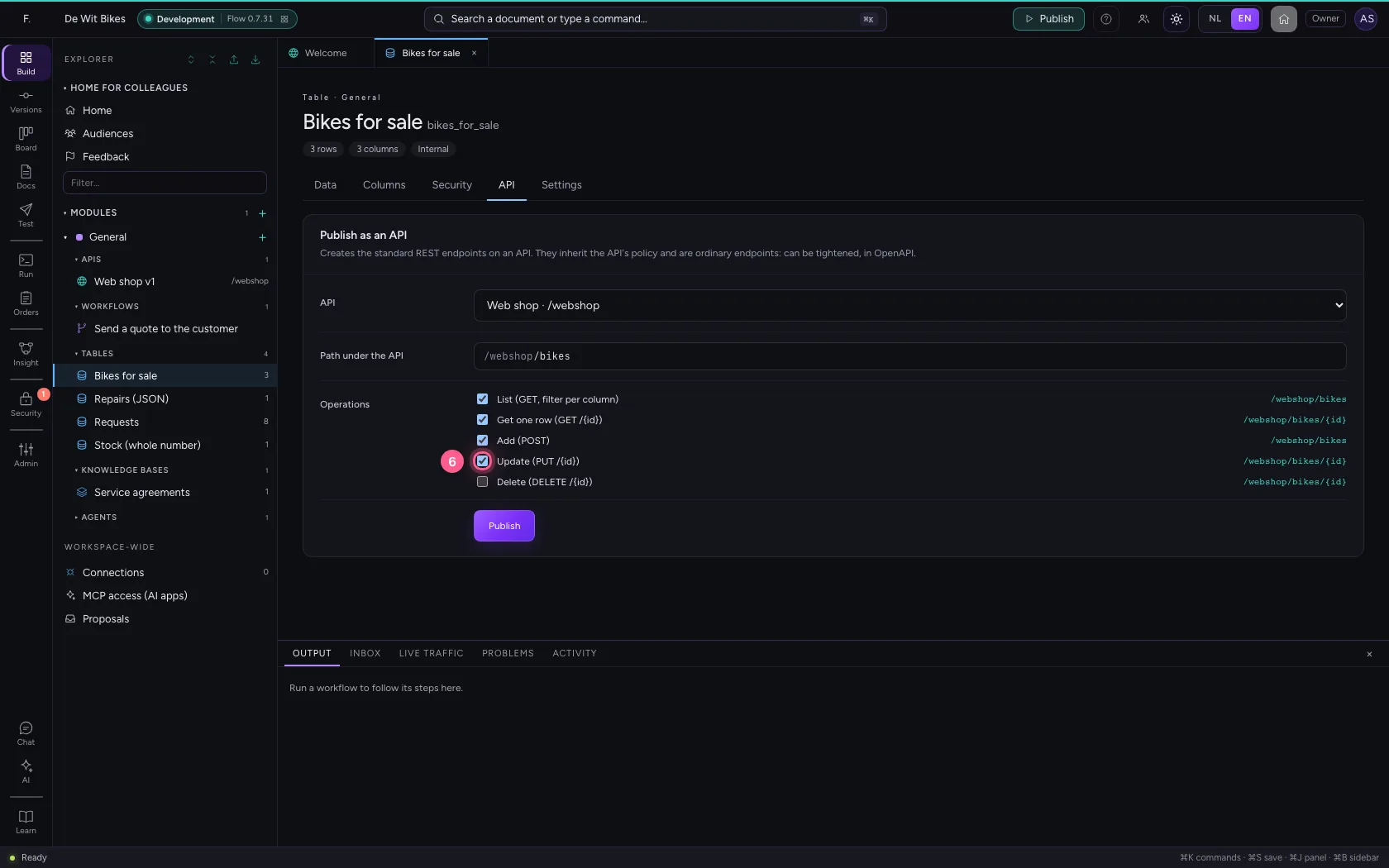
- Click Add (POST) /webshop/bikes
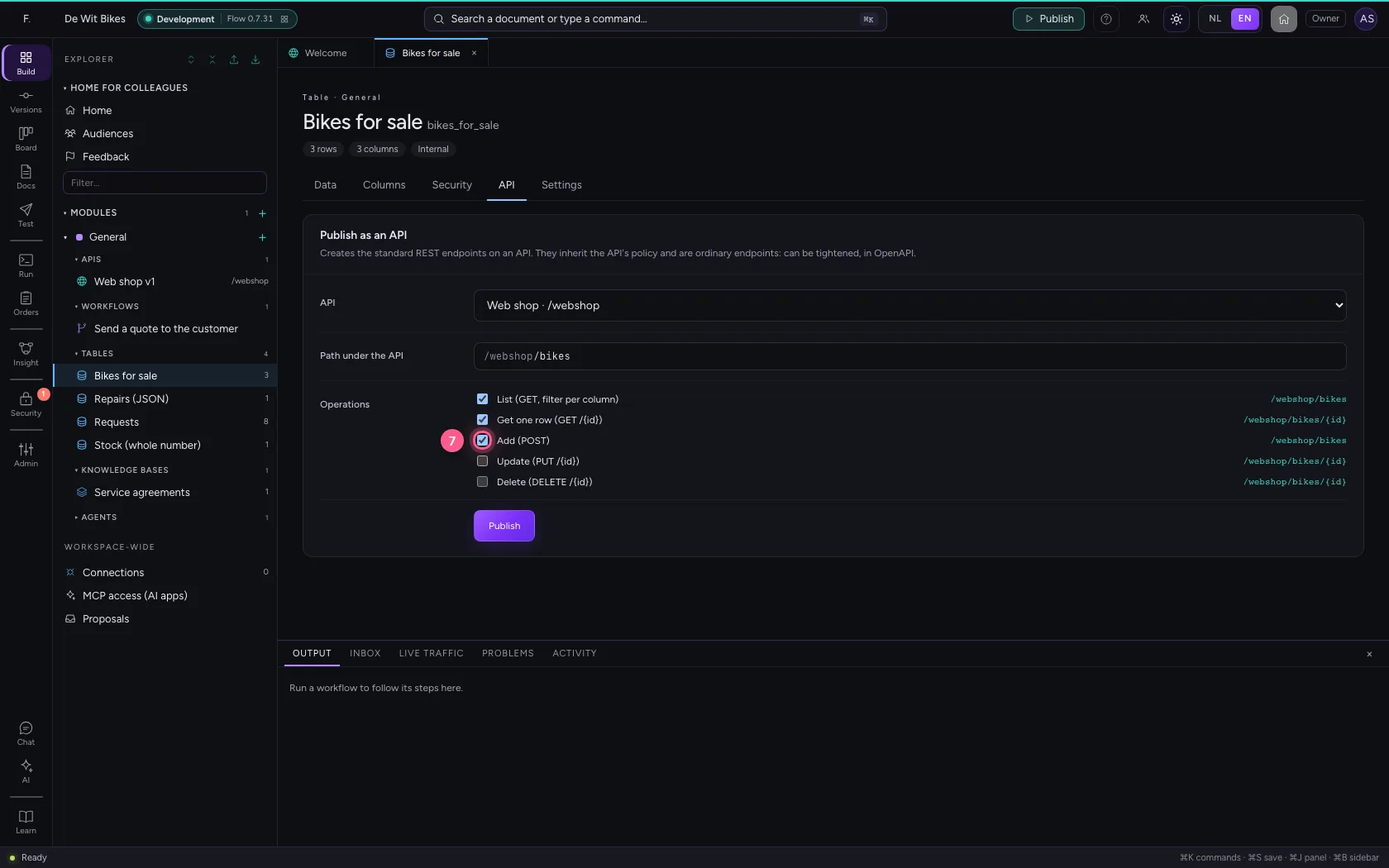
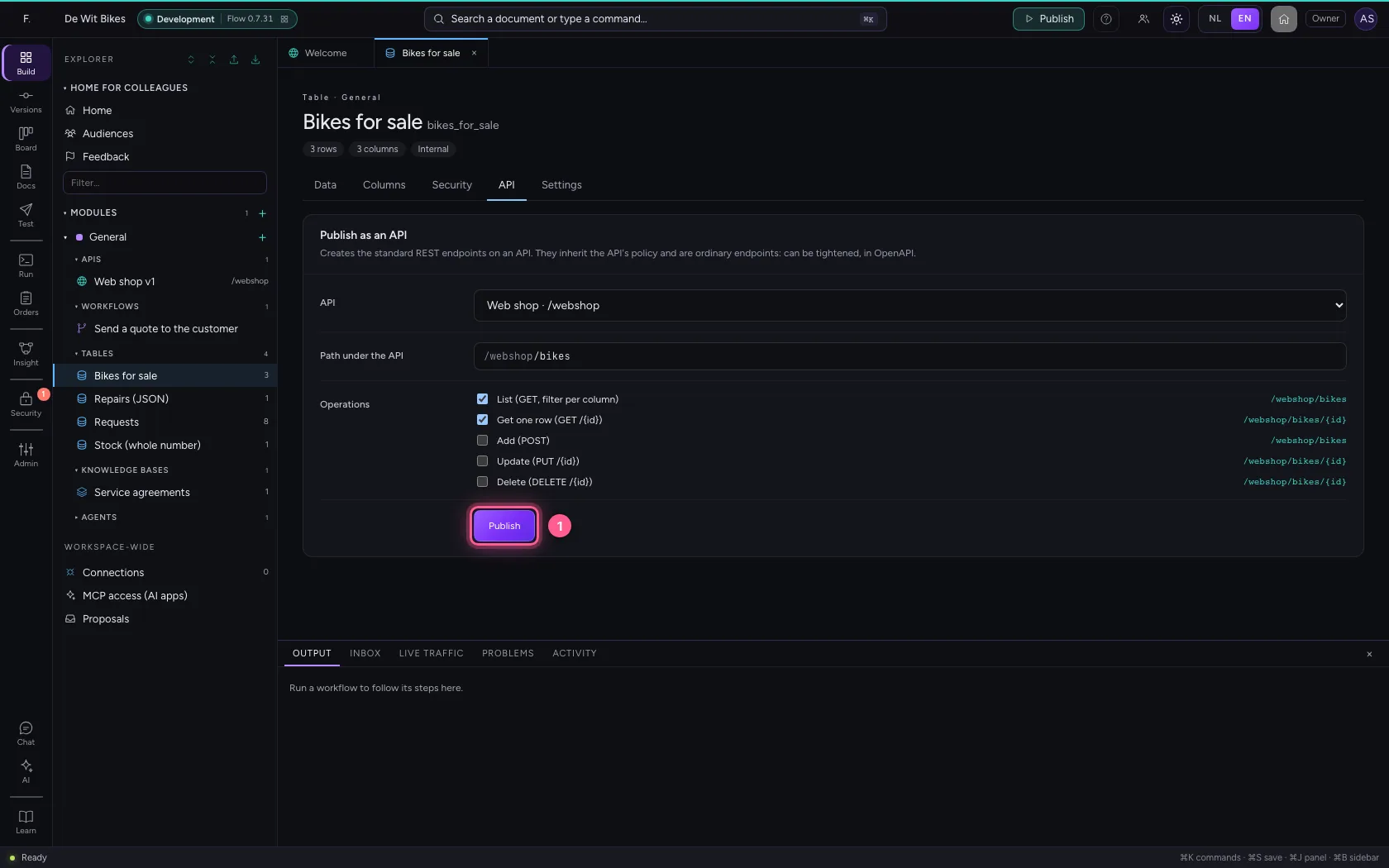
Publish
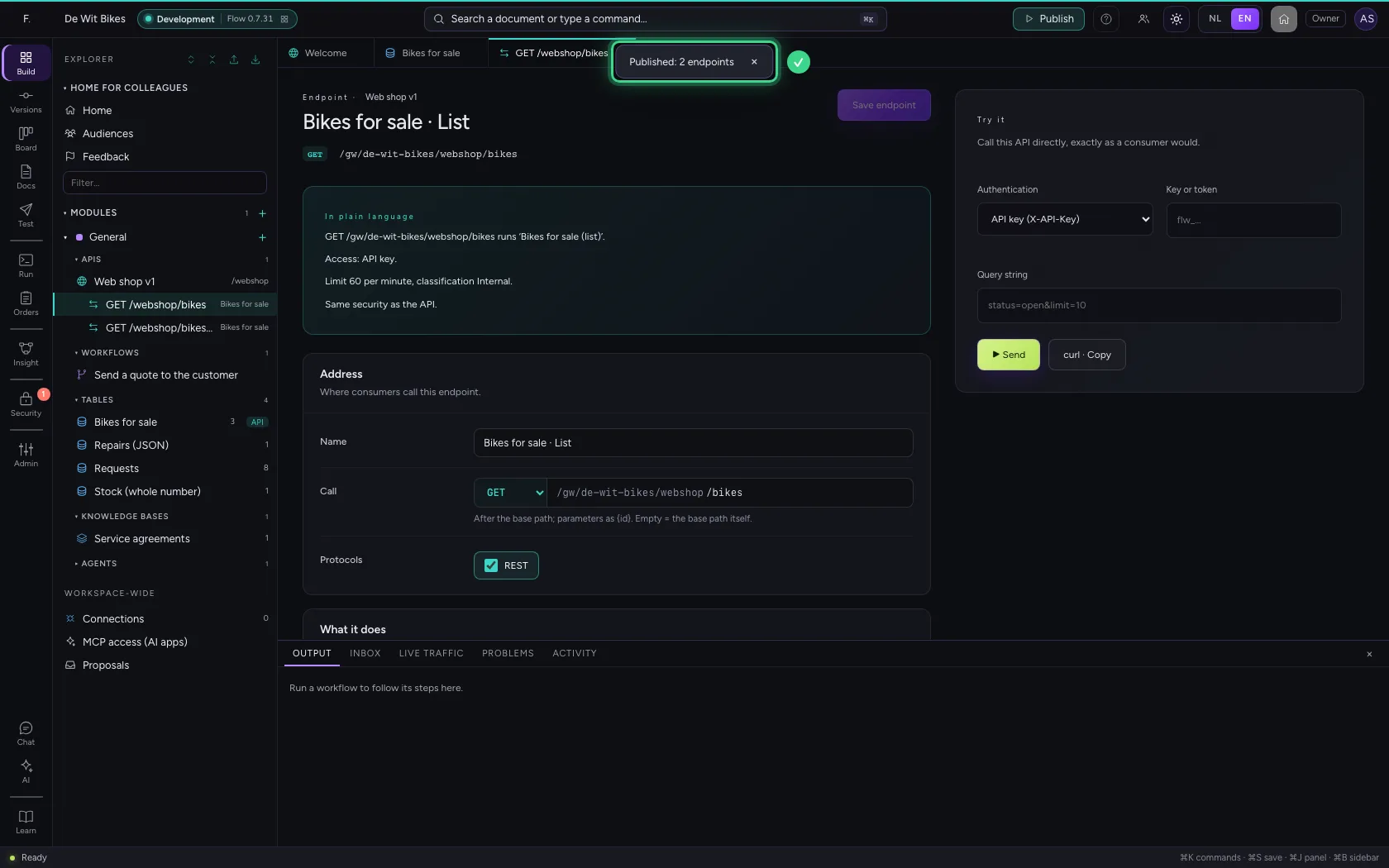
Click Publish. Flow creates the endpoints and opens the list. They inherit the API's policy: nobody gets in without a valid key.
- Click Publish
Ask for the racing bikes
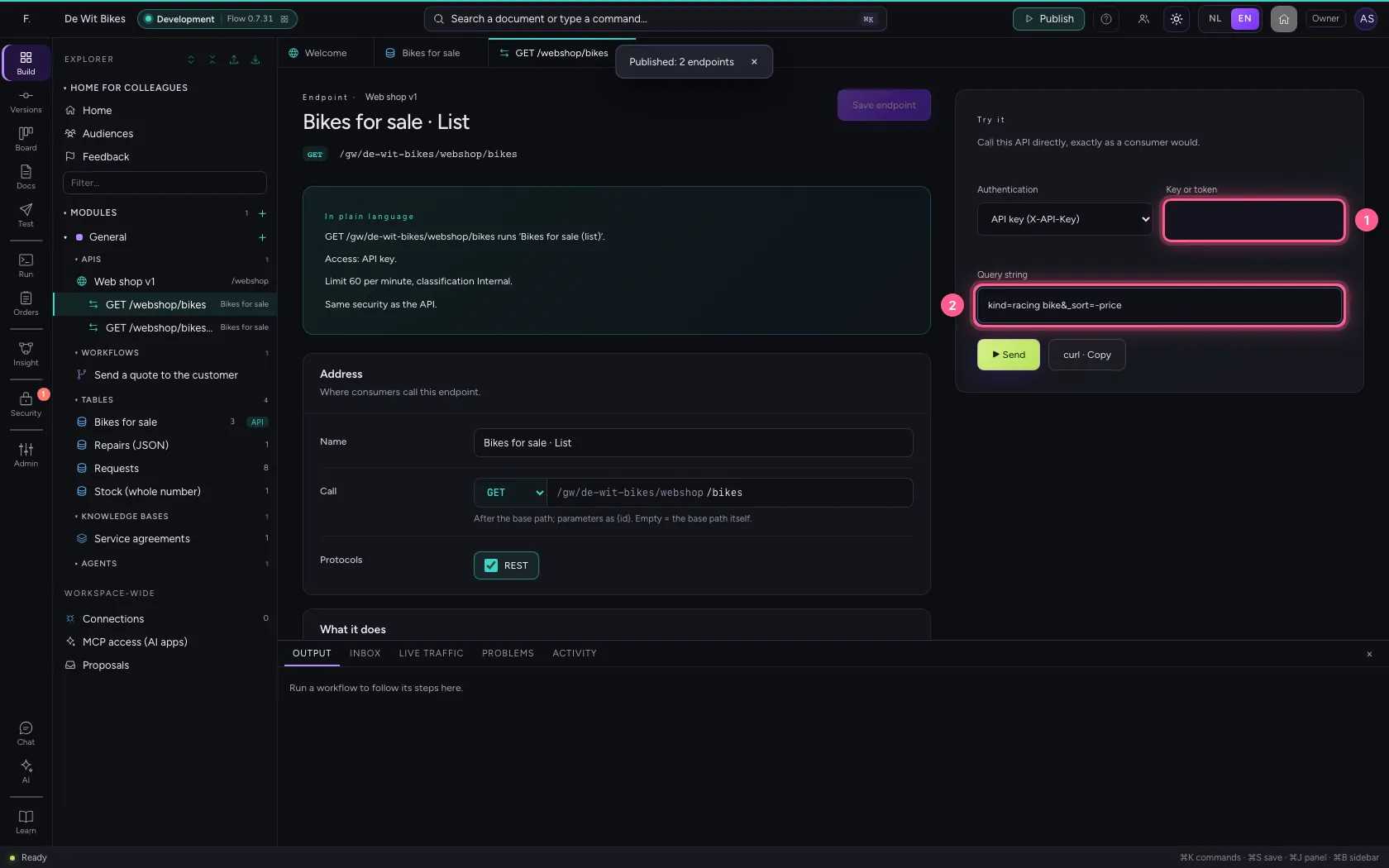
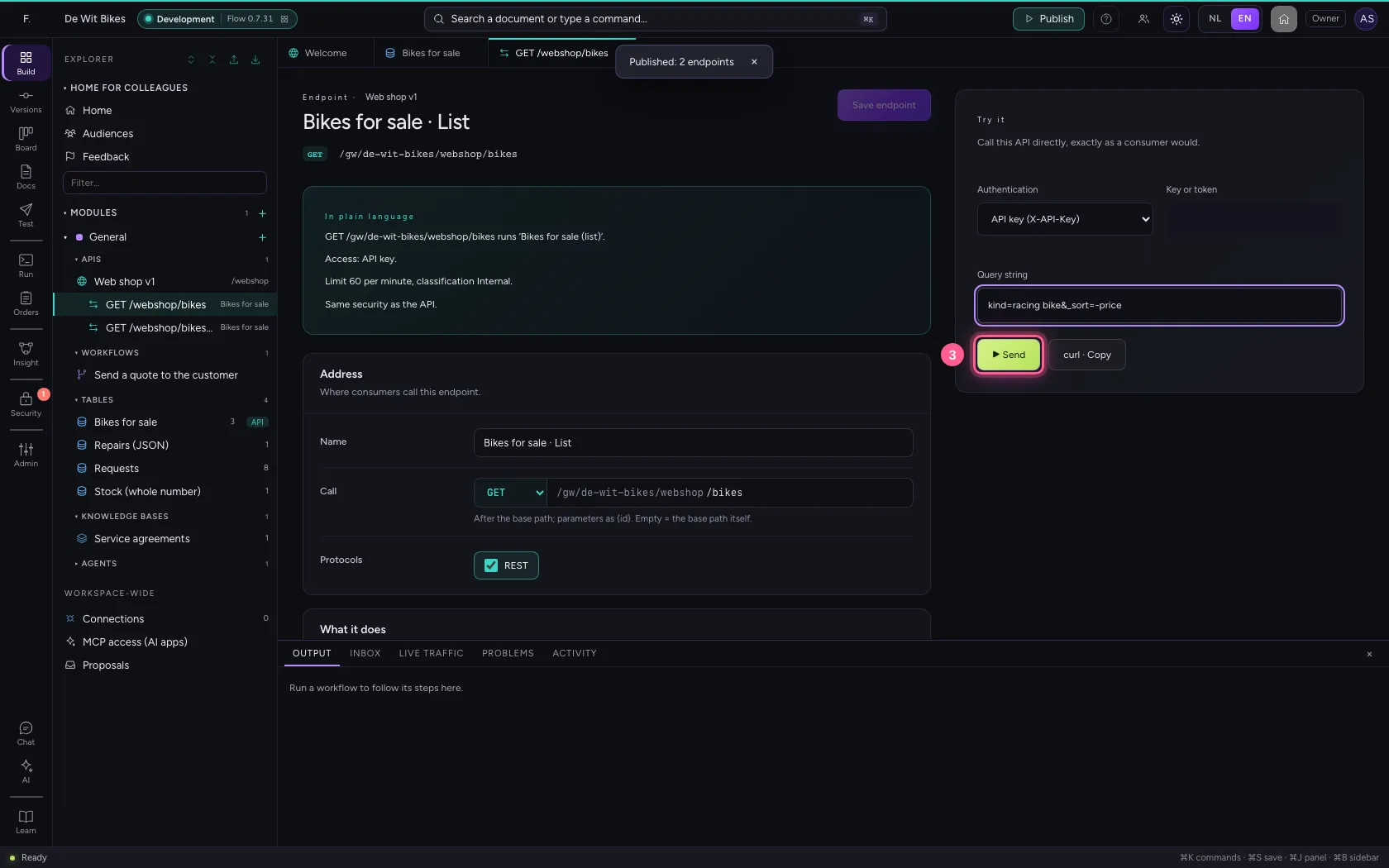
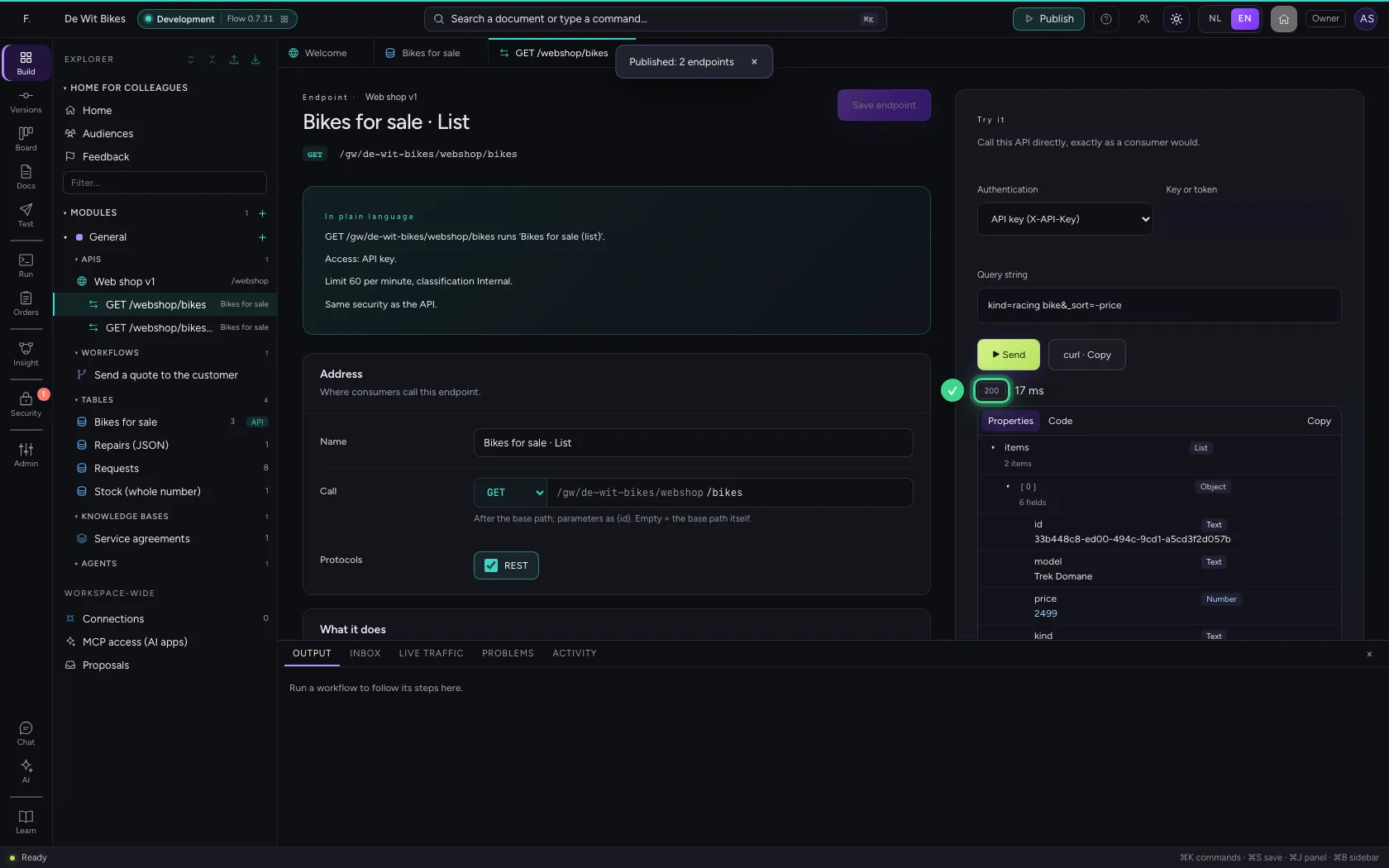
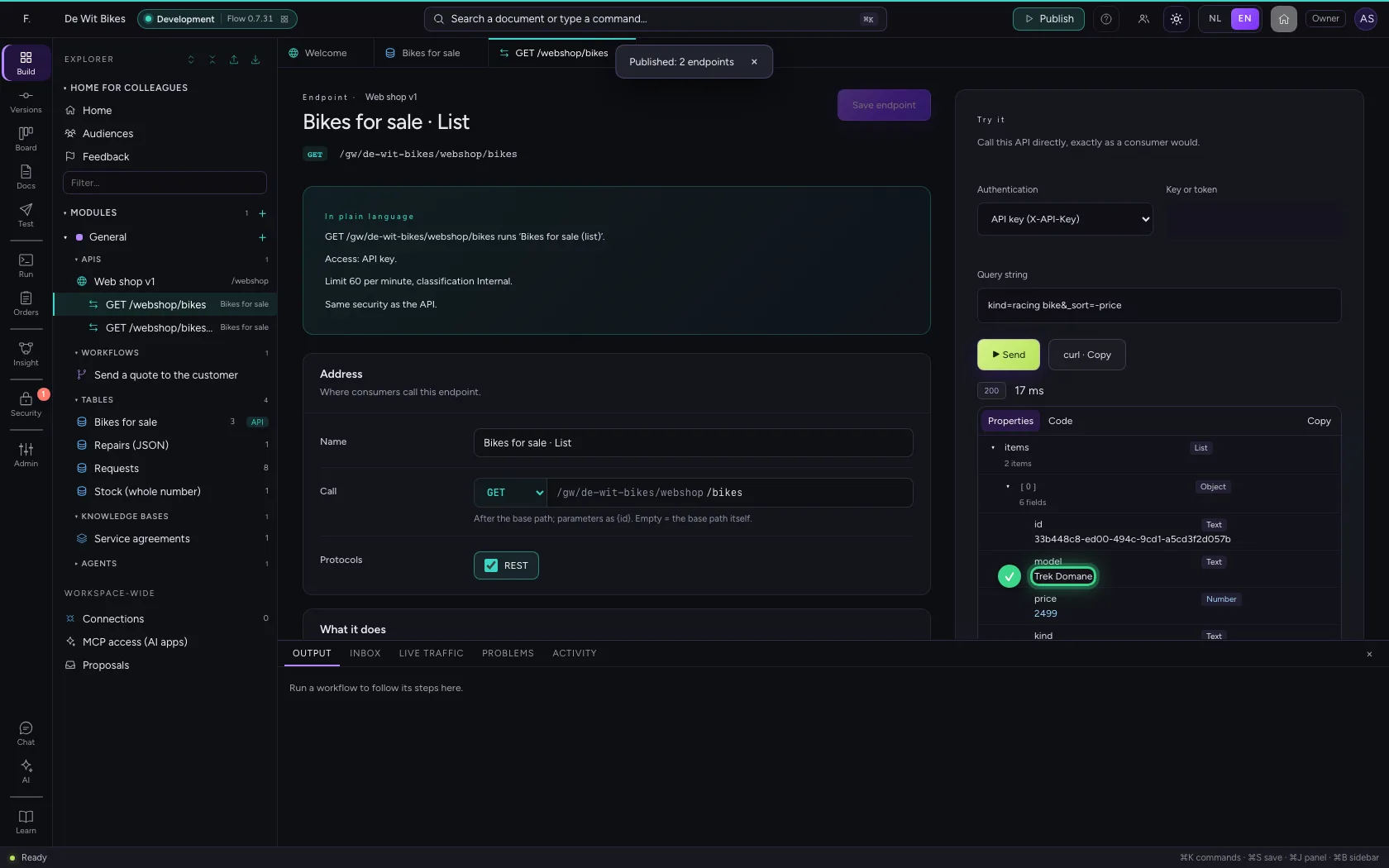
On the right under Try it you call the list the way the web shop does, with the key in the X-API-Key header (covered up here). With the query string you filter on a column: only the rows with that value come back. _sort, _limit and _offset sort and page.
- In Key or token, type
•••••••• - In Query string, type
kind=racing bike&_sort=-price
- Click ▶ Send
This guide was carried out step by step on 22 Oct 2026 by an automated test on Flow (version 3e563176).