Follow up on security advice
Flow checks your environment continuously: keys that never expire, tables open to everyone, APIs with too generous a limit. Under Security advice you see every finding with why it is a risk, which standard it belongs to, and usually a button that fixes it for you.
Open your development environment
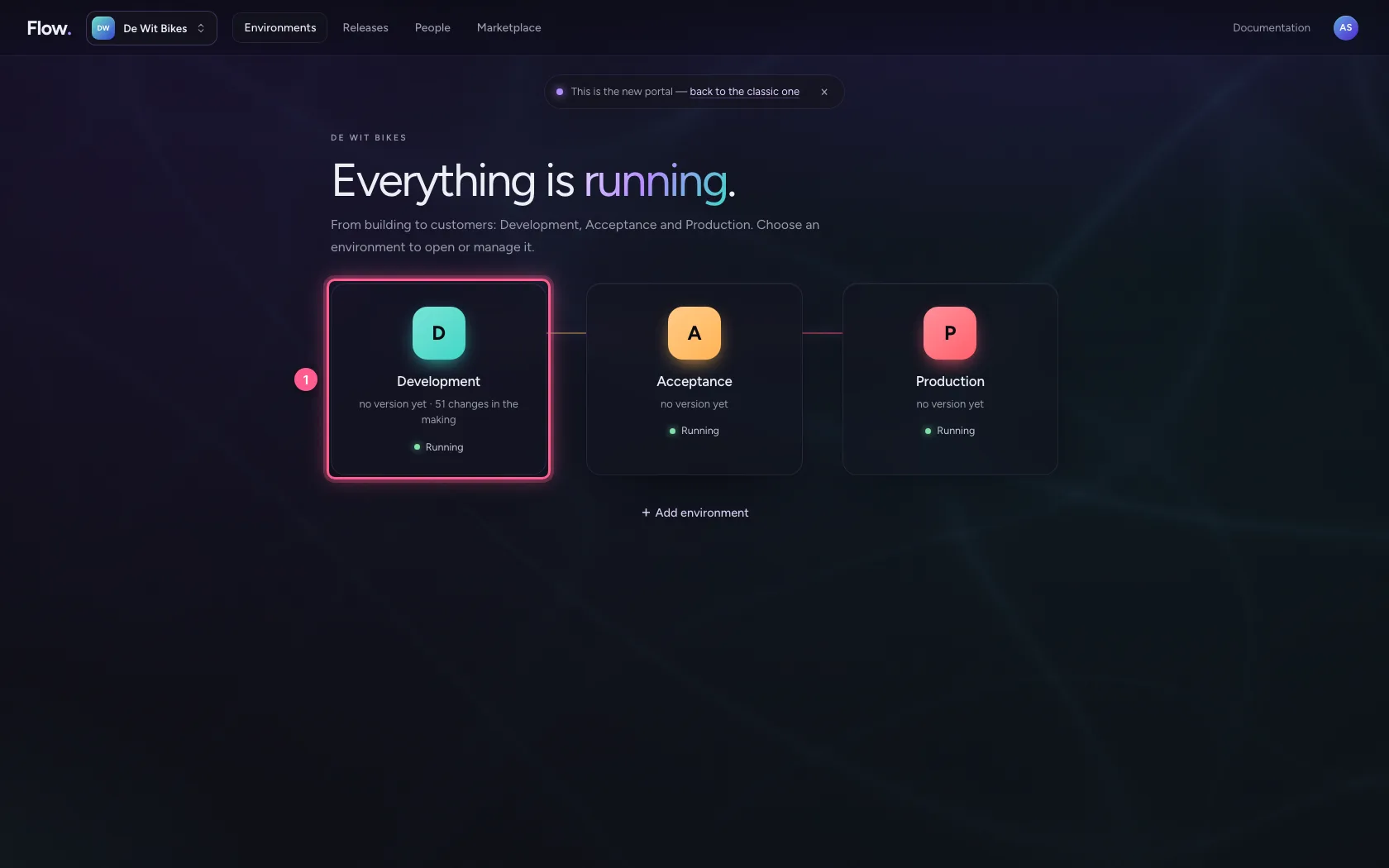
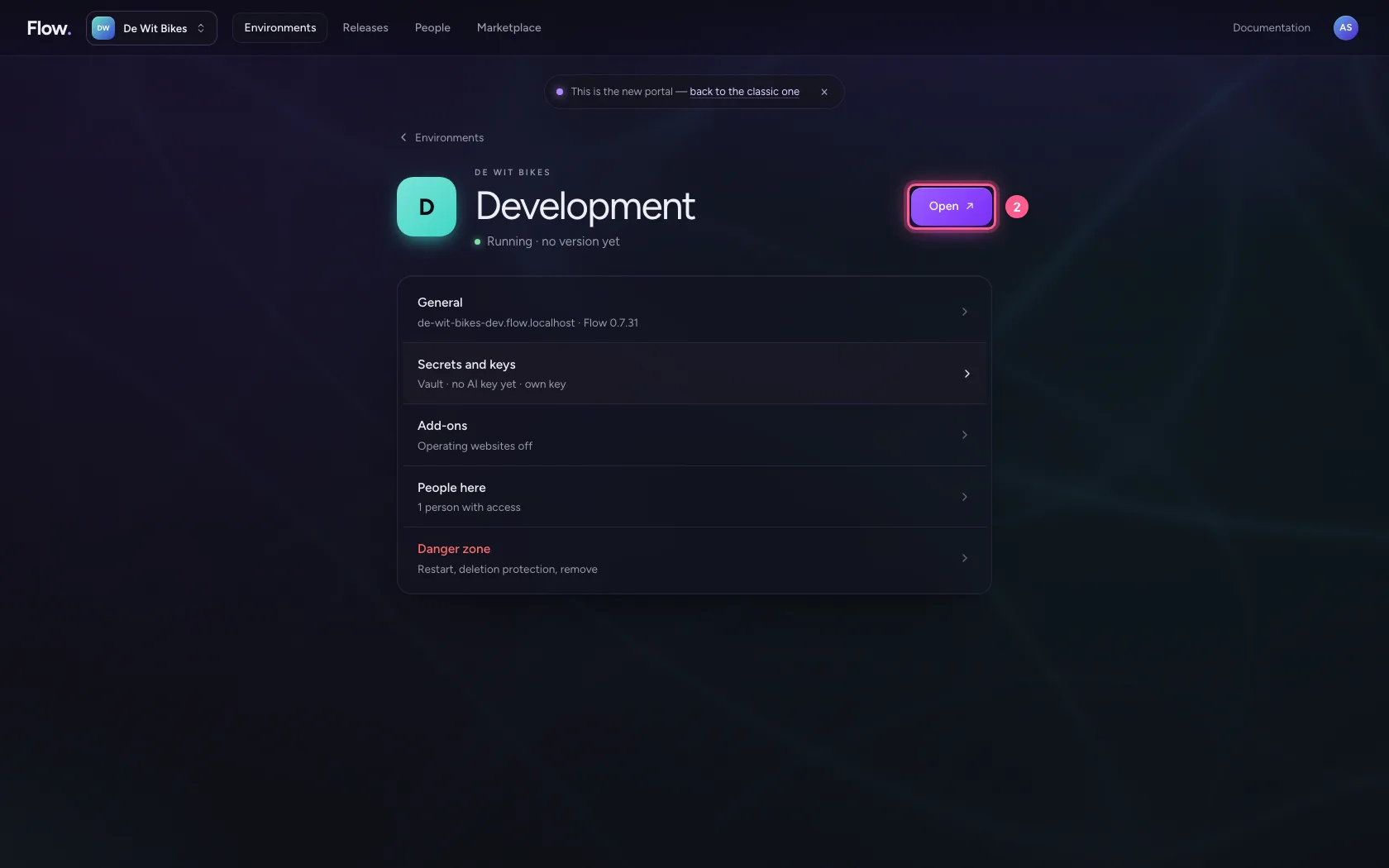
In the portal, under Environments, click Development, and there Open. Flow opens in a new tab and you are signed in straight away.
- Click Development
- Click Open ↗
Open Security advice
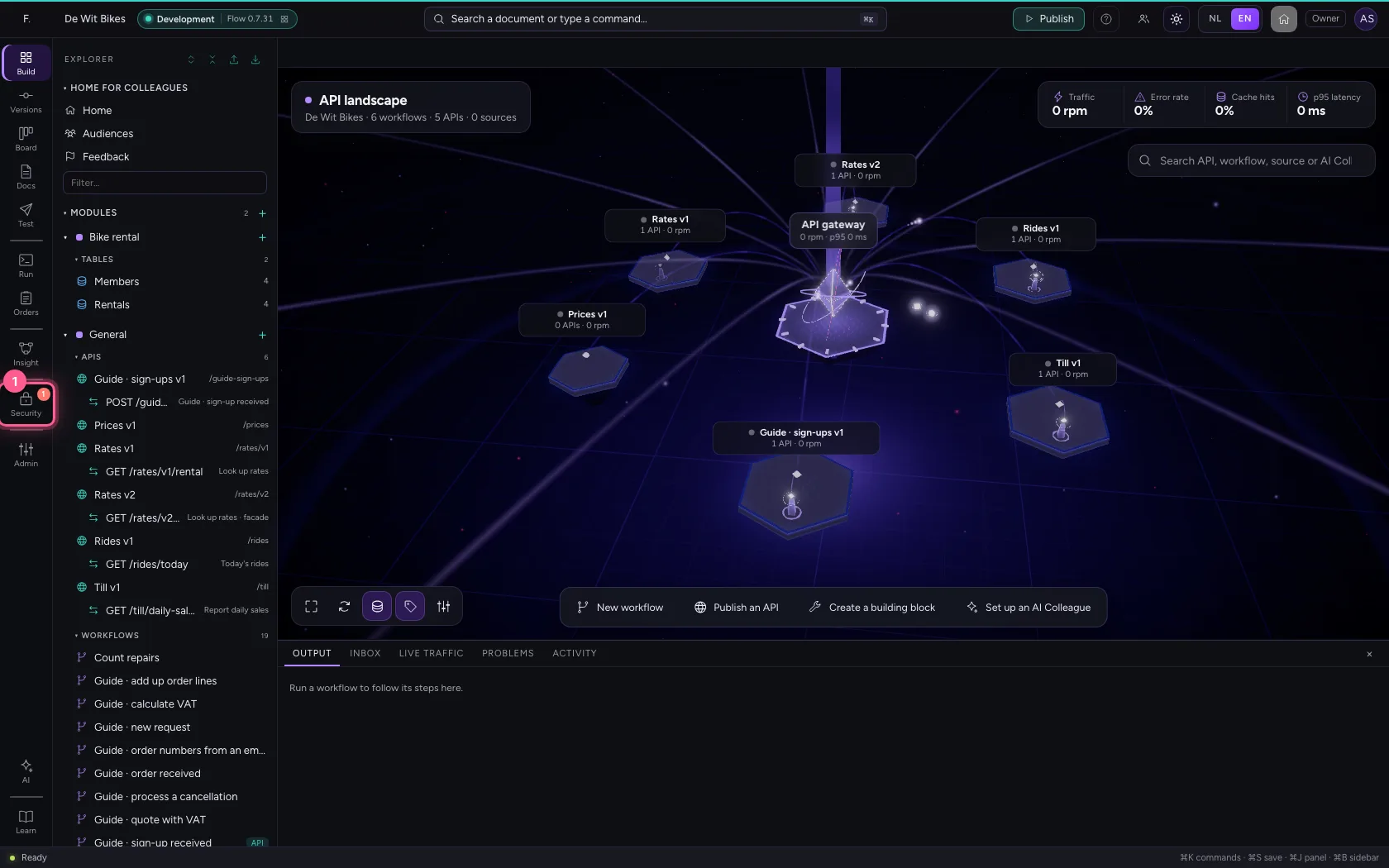
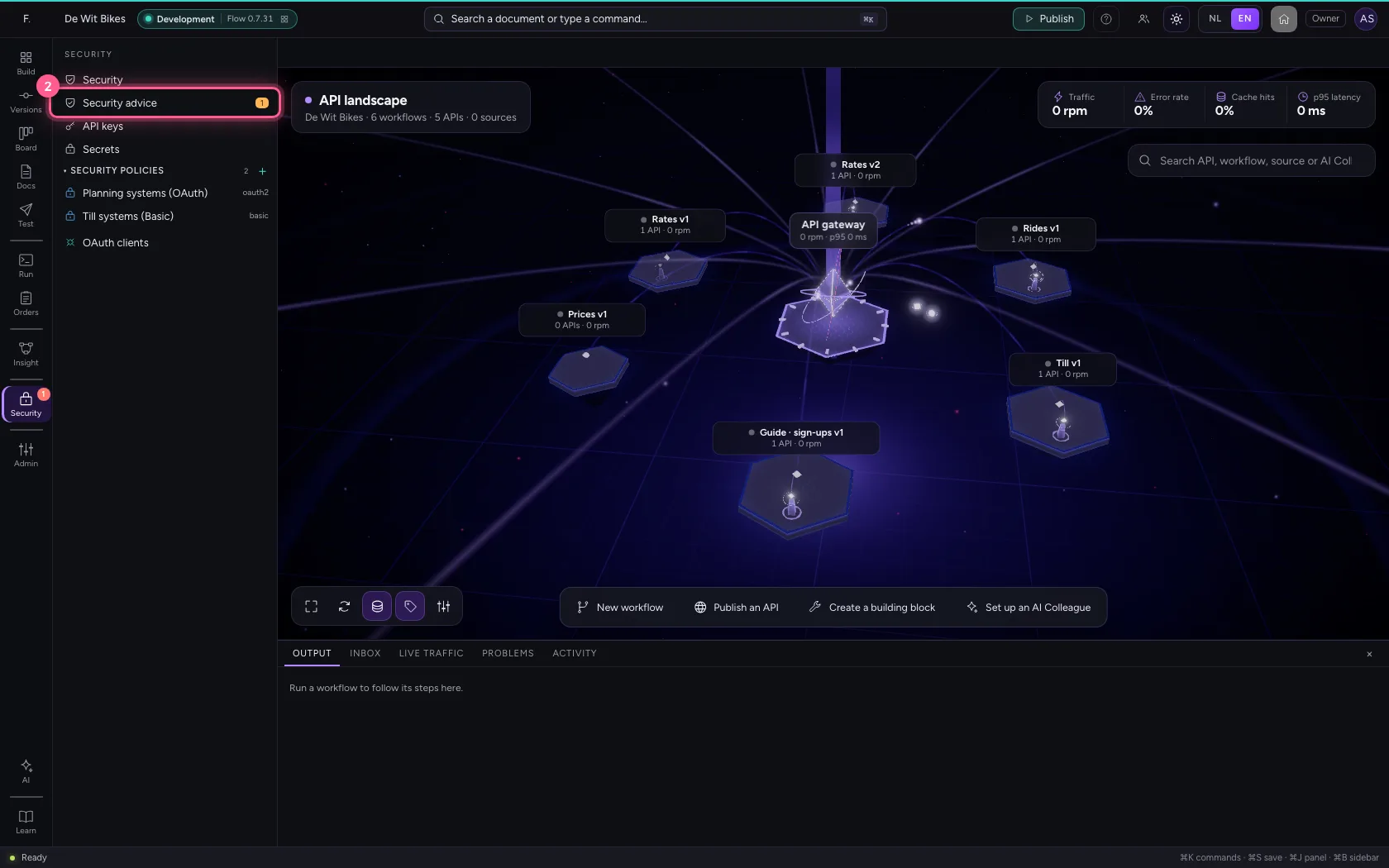
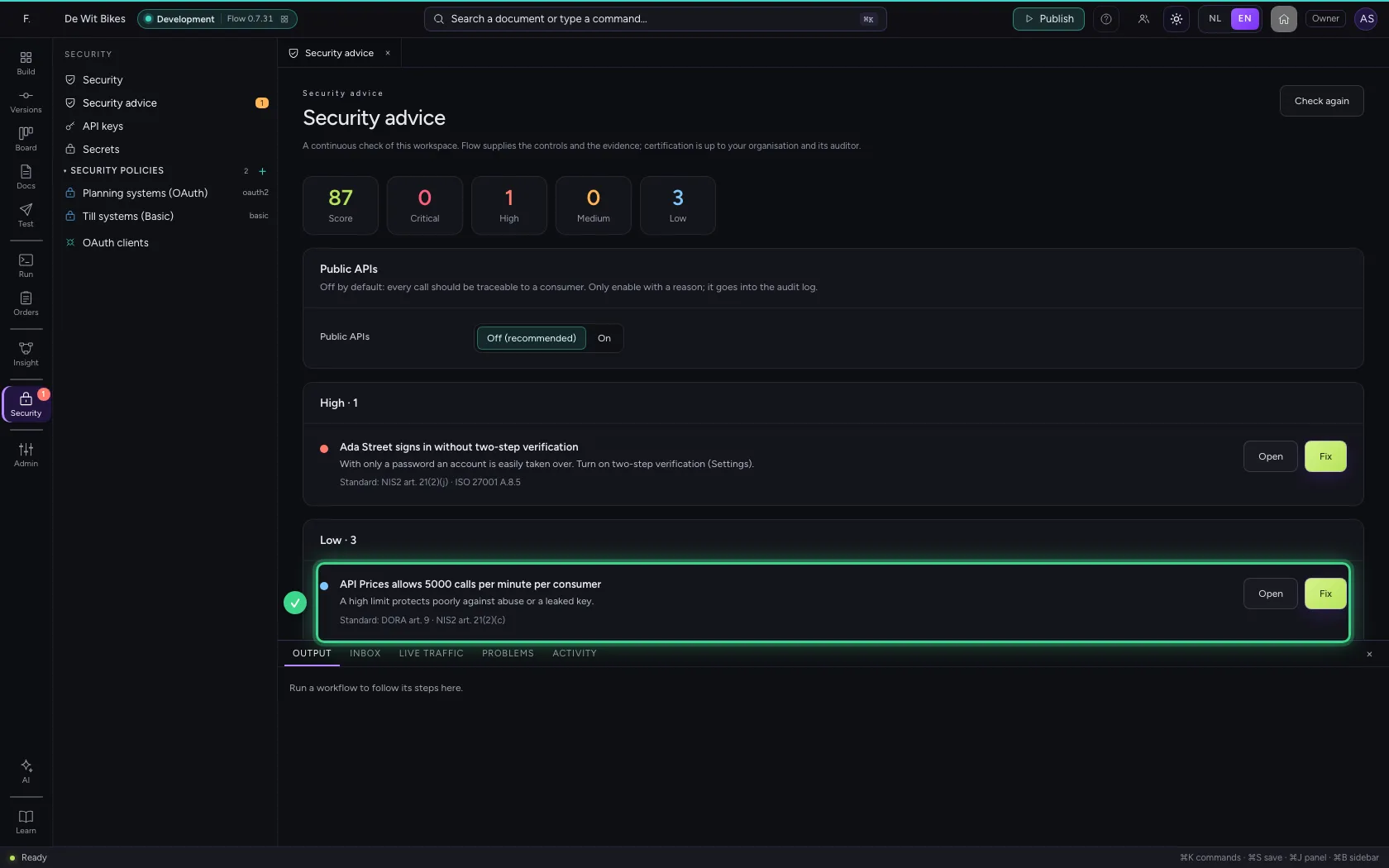
Click Security in the bar on the left and choose Security advice. At the top are a score and the number of findings per severity. Below is every finding: what it is, why it is a risk and which standard it belongs to. Here the API Prices allows 5000 calls per minute.
- Click Security
- Click Security advice
Fix the finding
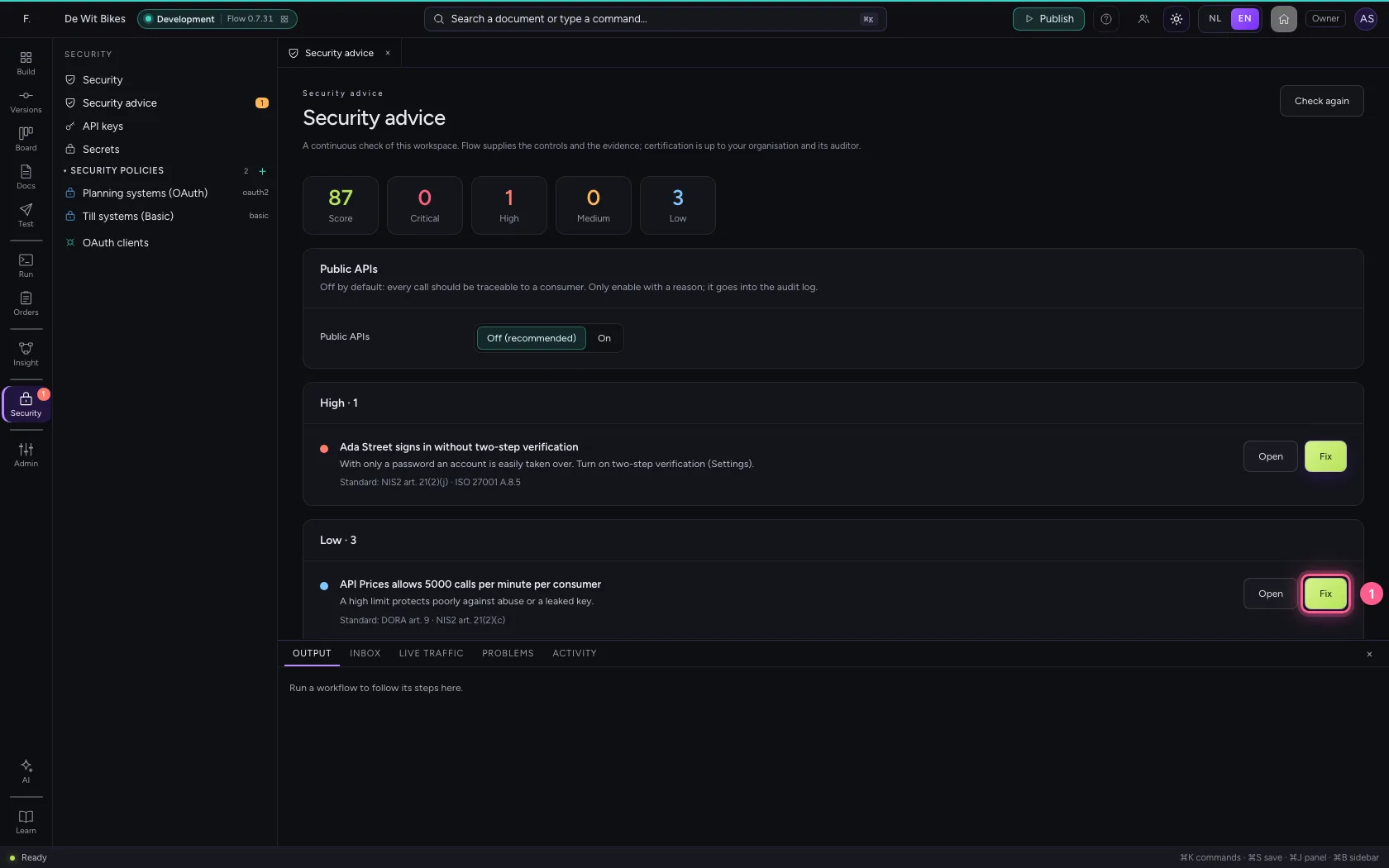
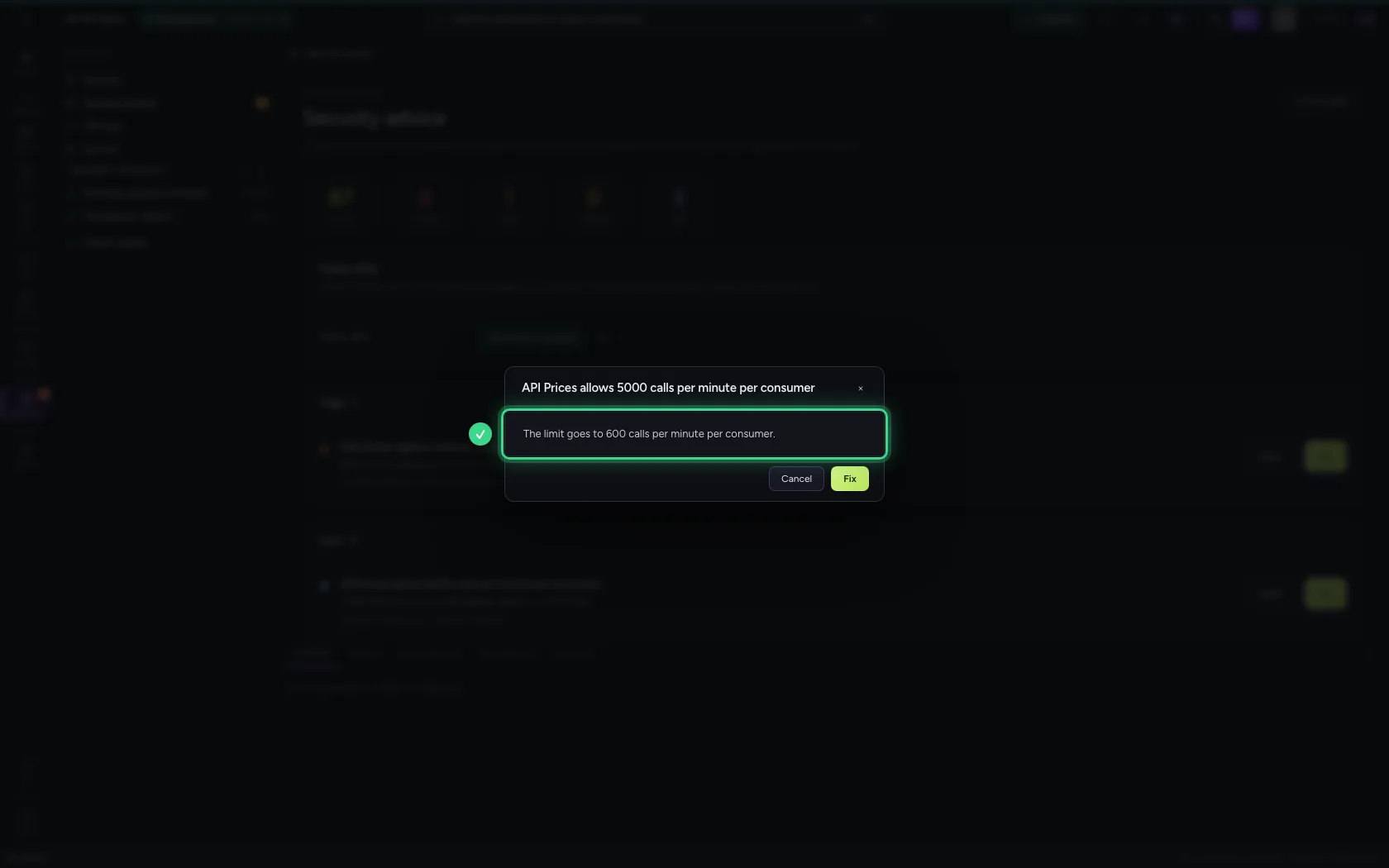
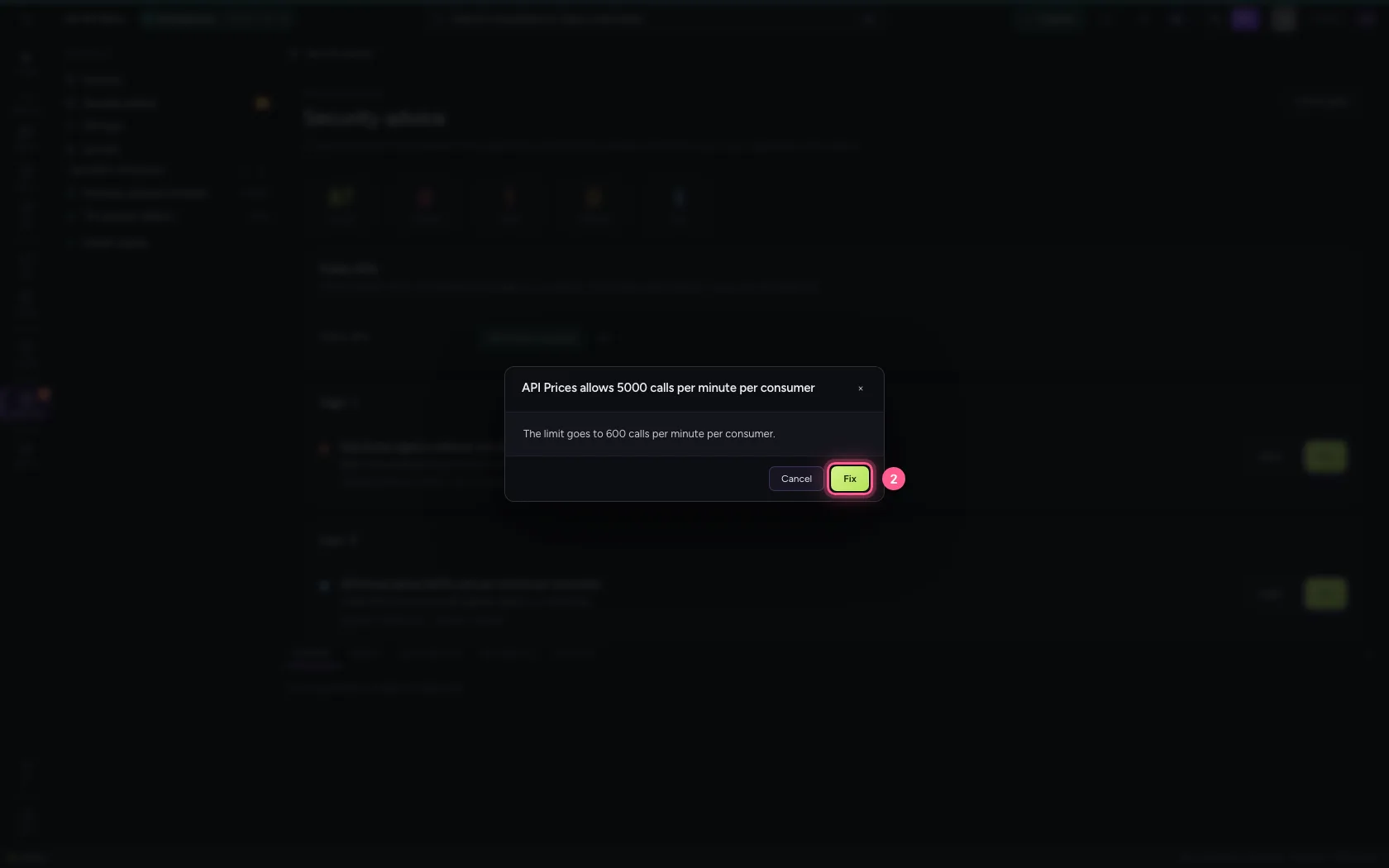
Click Fix. Flow first says exactly what will happen — here the limit goes to 600 calls per minute per consumer — and only does it once you confirm. The fix goes into the audit log.
- Click Fix
- Click Fix
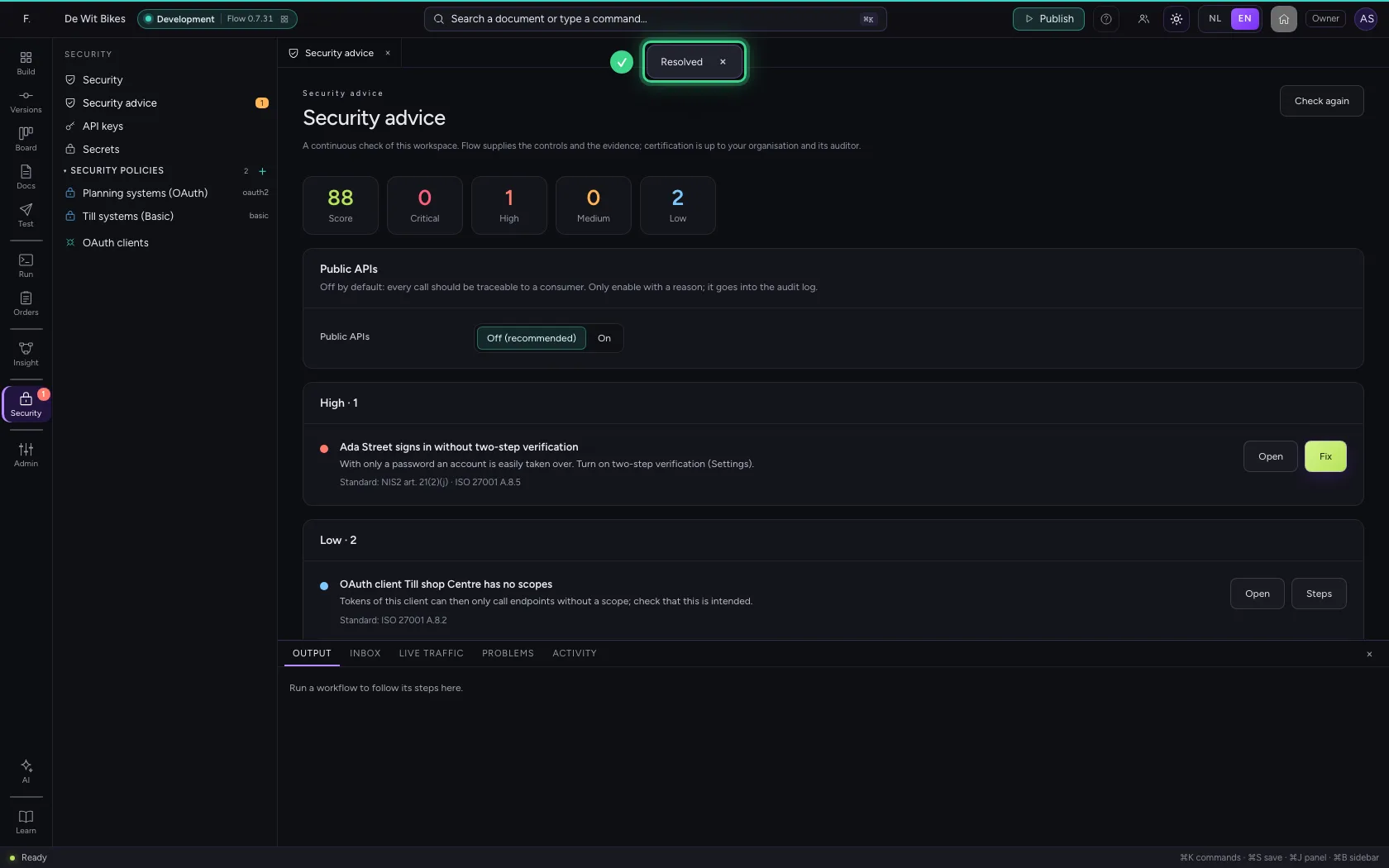
Check the result
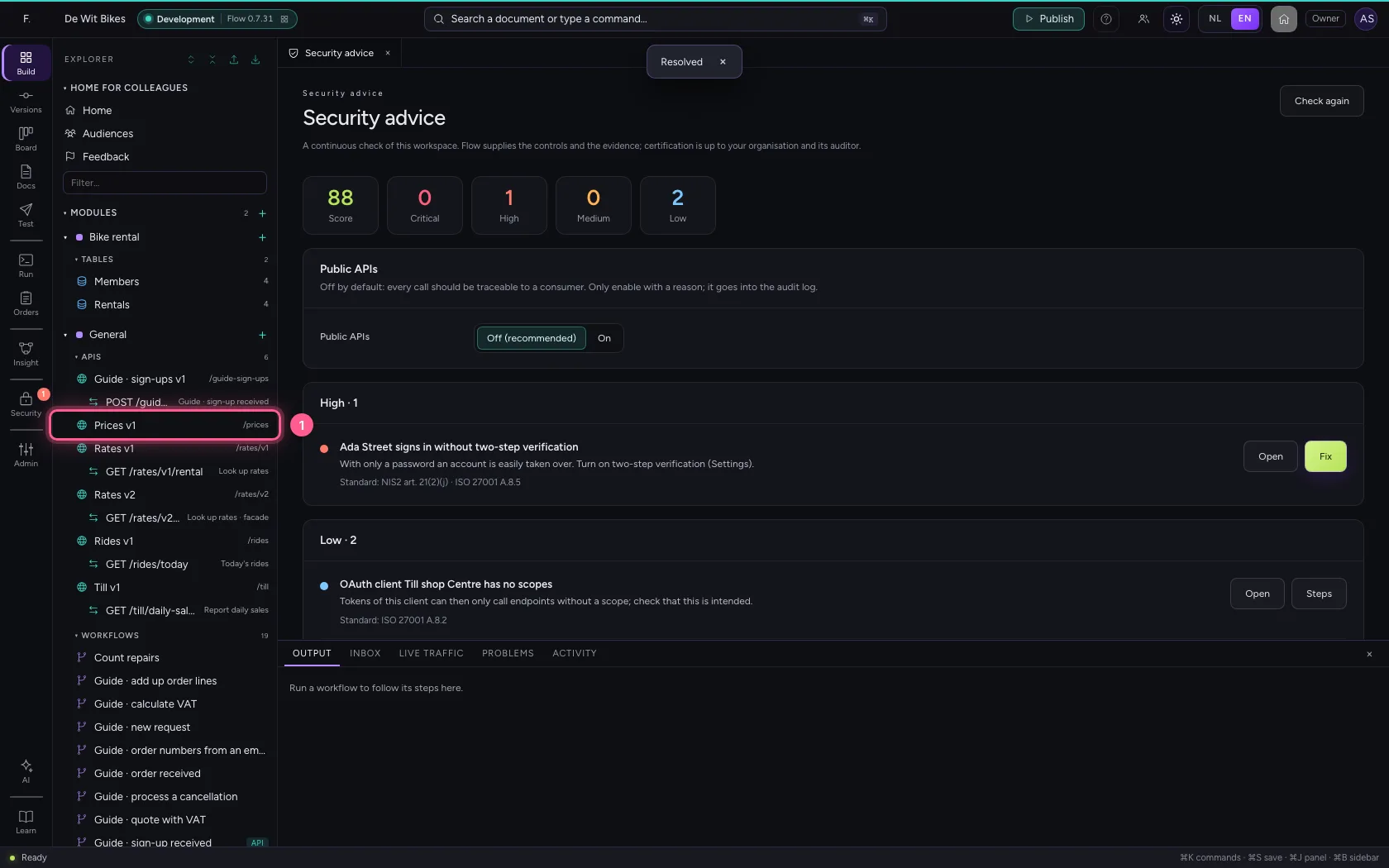
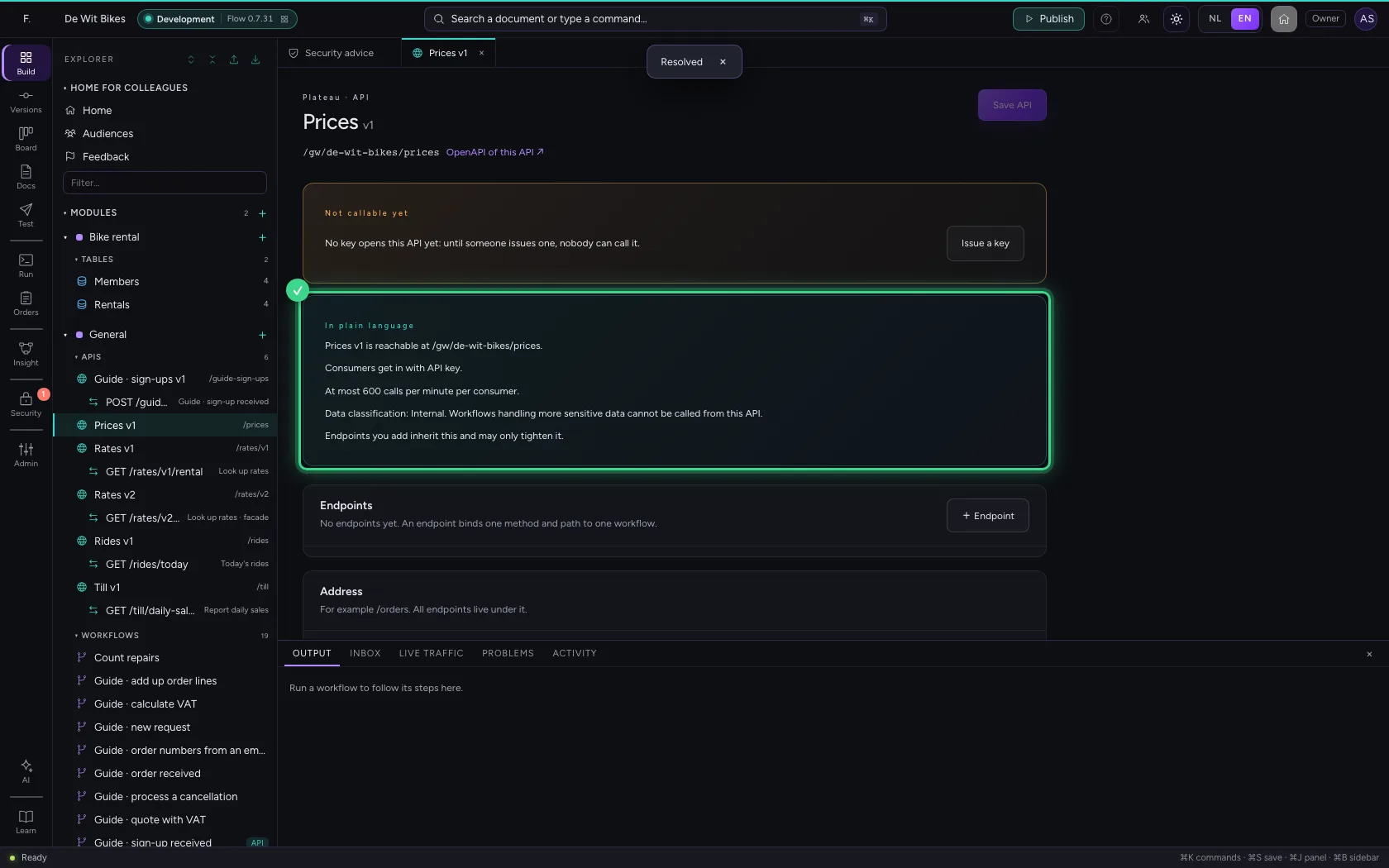
Open the API in the explorer. The plain-language explanation now gives the new limit of 600 calls per minute.
- Click the API
This guide was carried out step by step on 22 Oct 2026 by an automated test on Flow (version 3e563176).