Export and import a whole environment
With Export everything you keep the structure of your whole environment in one file: every module with its tables, workflows, APIs, agents and building blocks. With Import you put such a file into another Flow, for example the personal Flow of a colleague who wants to try things out — all of it, or only the modules they choose. Data, connections and secrets never travel, and nothing is ever overwritten.
Open your development environment
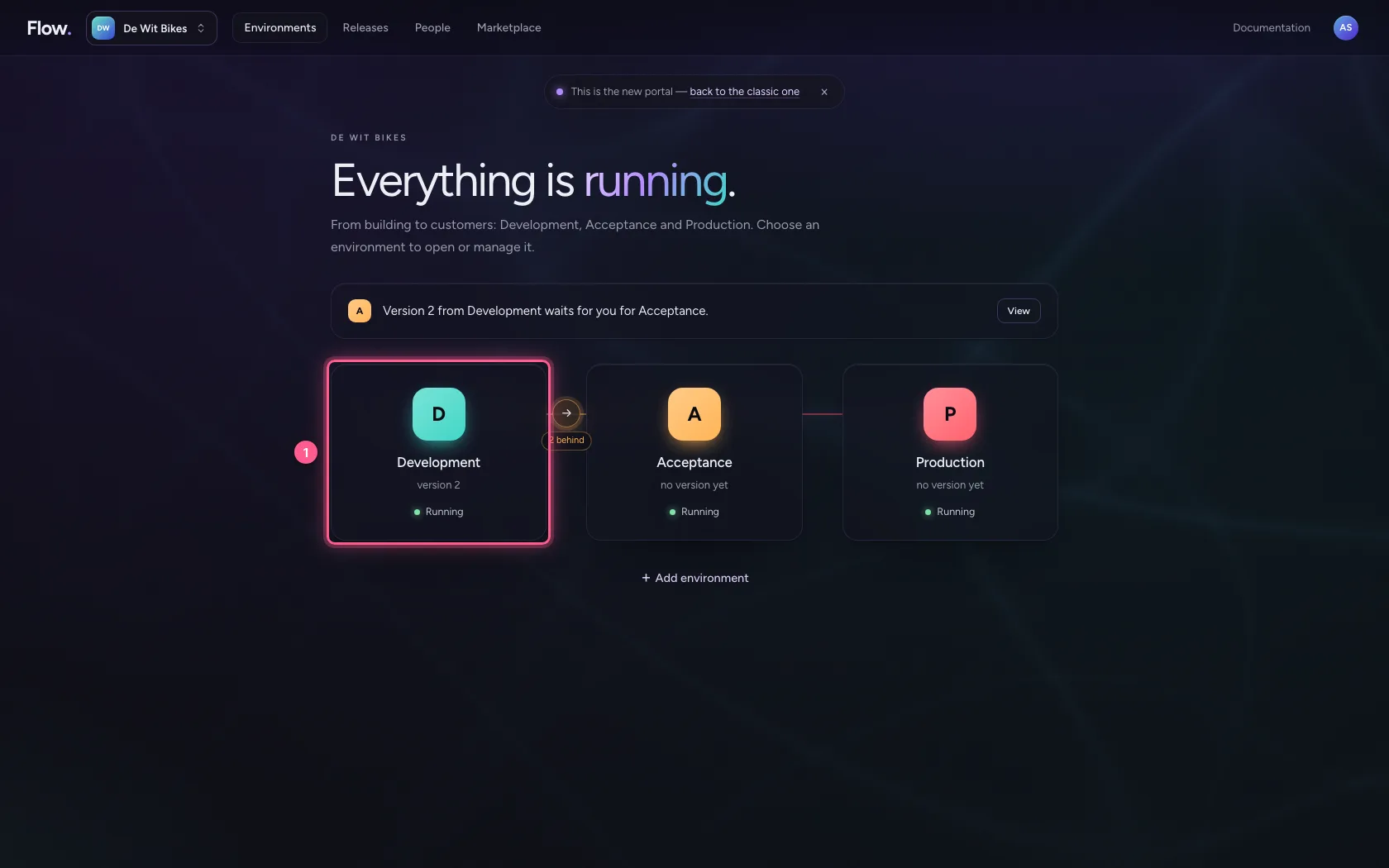
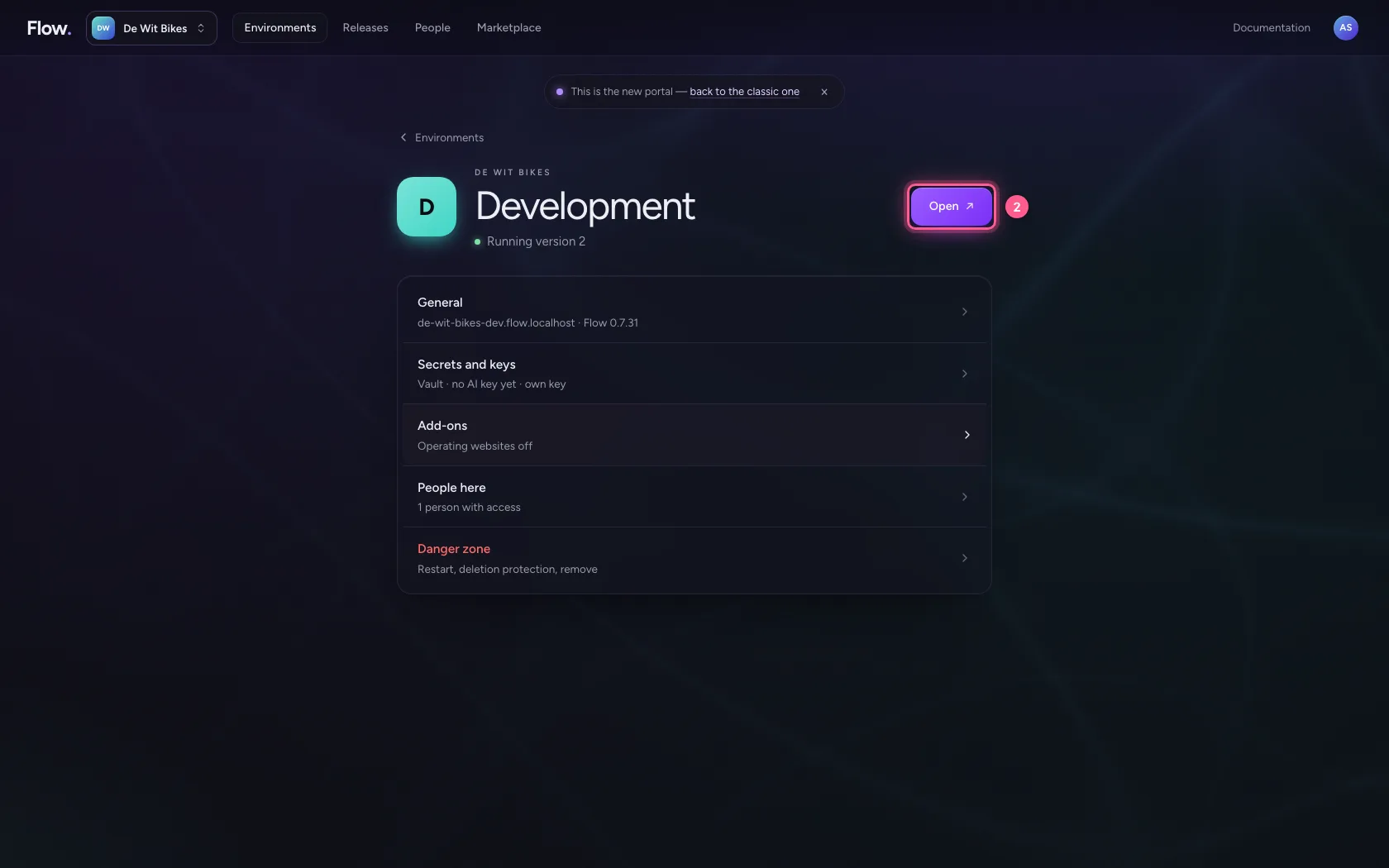
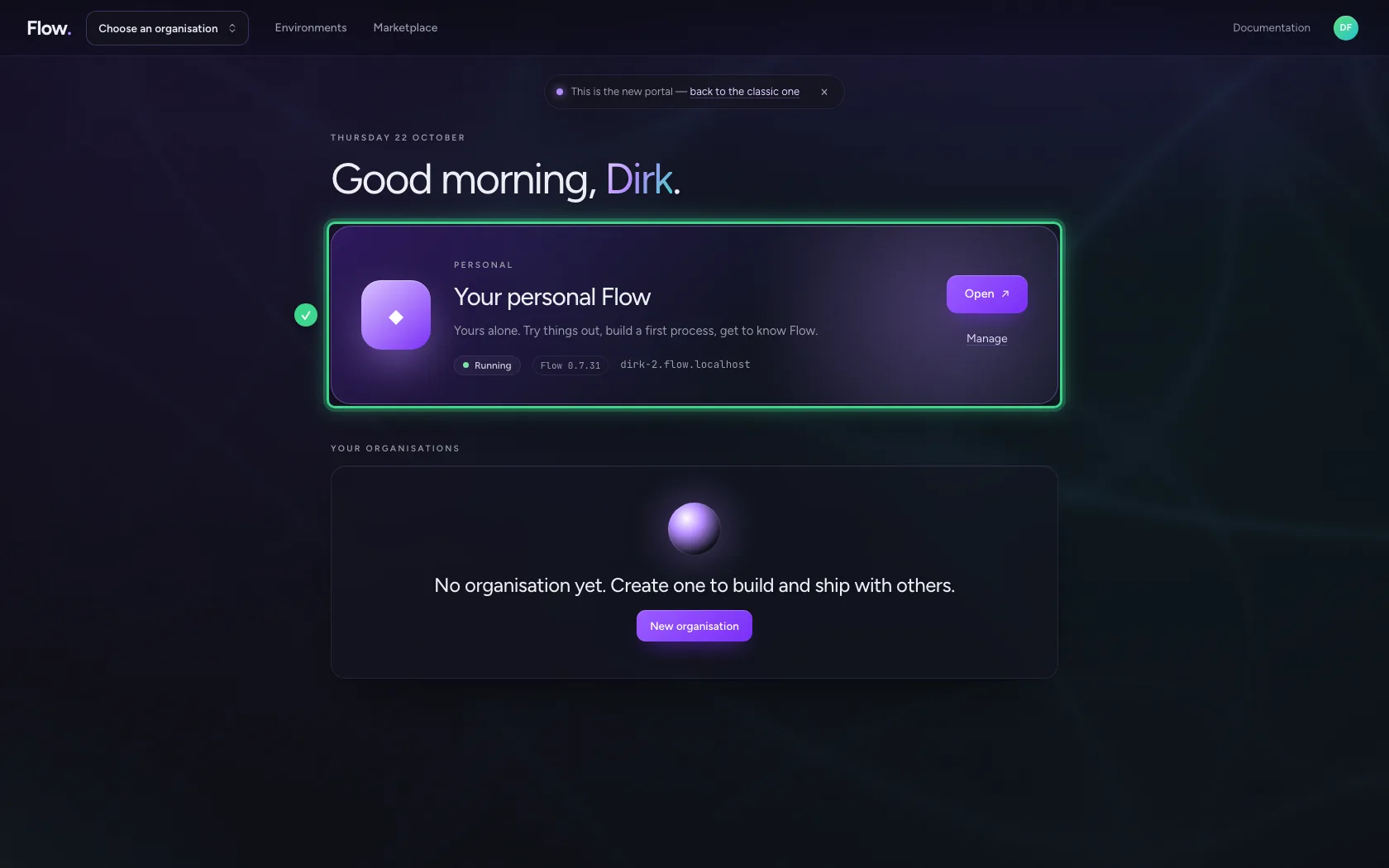
In the portal, under Environments, click Development, and there Open. Flow opens in a new tab and you are signed in straight away.
- Click Development
- Click Open ↗
Export everything
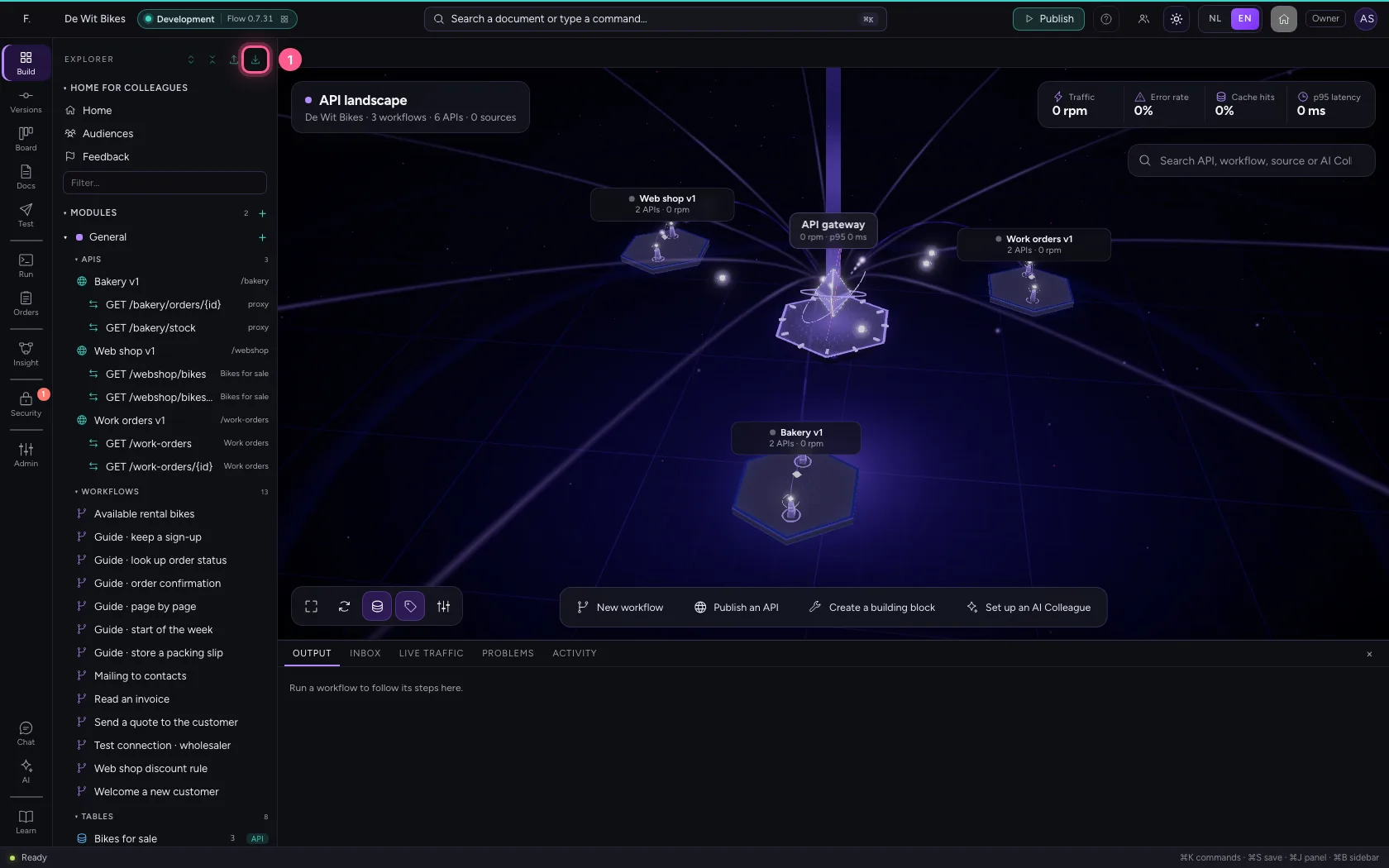
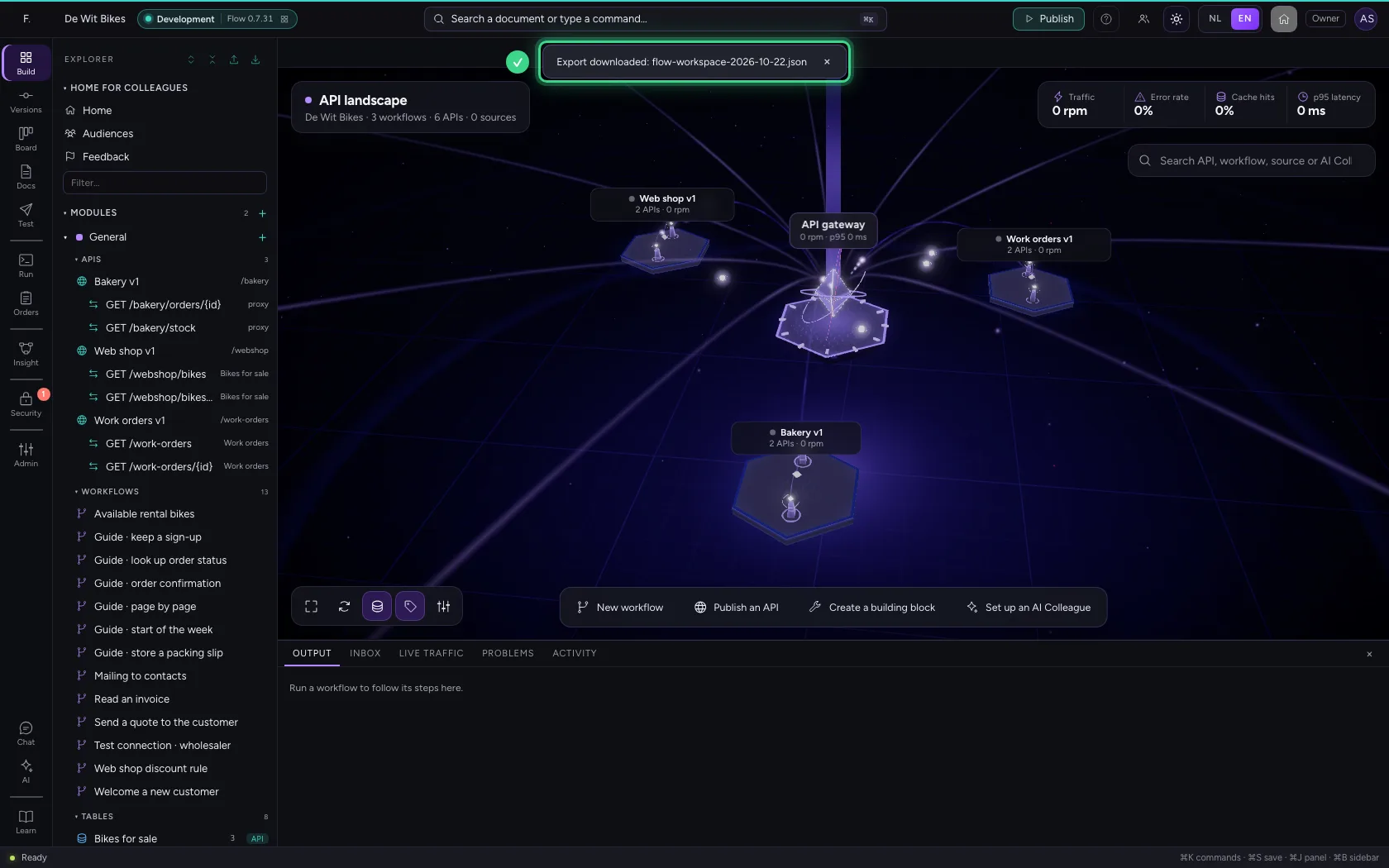
At the top of the explorer is the down arrow: Export everything. Click it and Flow downloads one JSON file with the structure of all your modules.
- Click Export everything
What is in the file
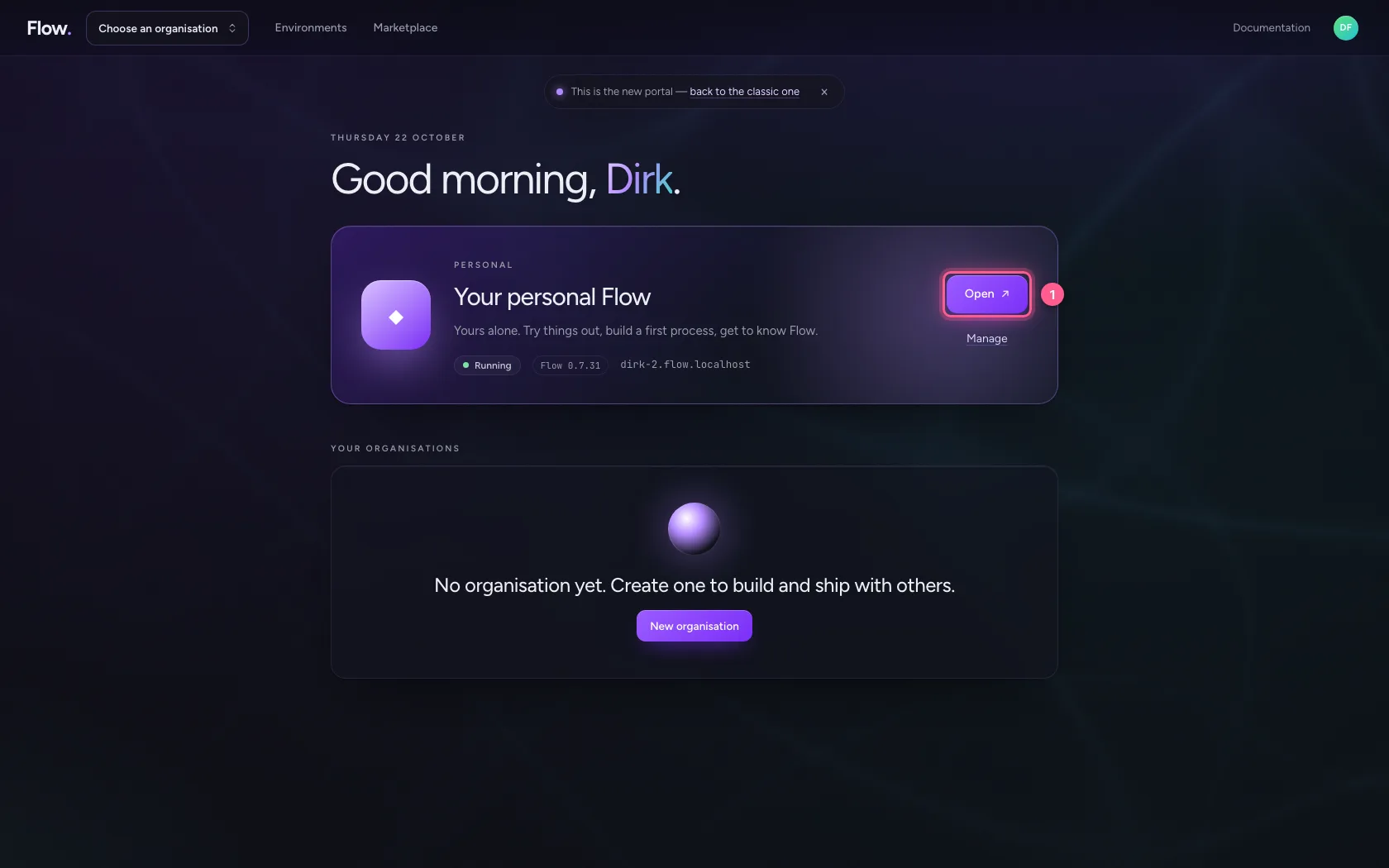
The file holds the structure: the tables with their columns, but without rows, because those can hold personal data. Connections, keys and secrets always stay behind, as do runs and knowledge content. Your colleague now opens their personal Flow from the portal.
- Click Open ↗
Choose the file
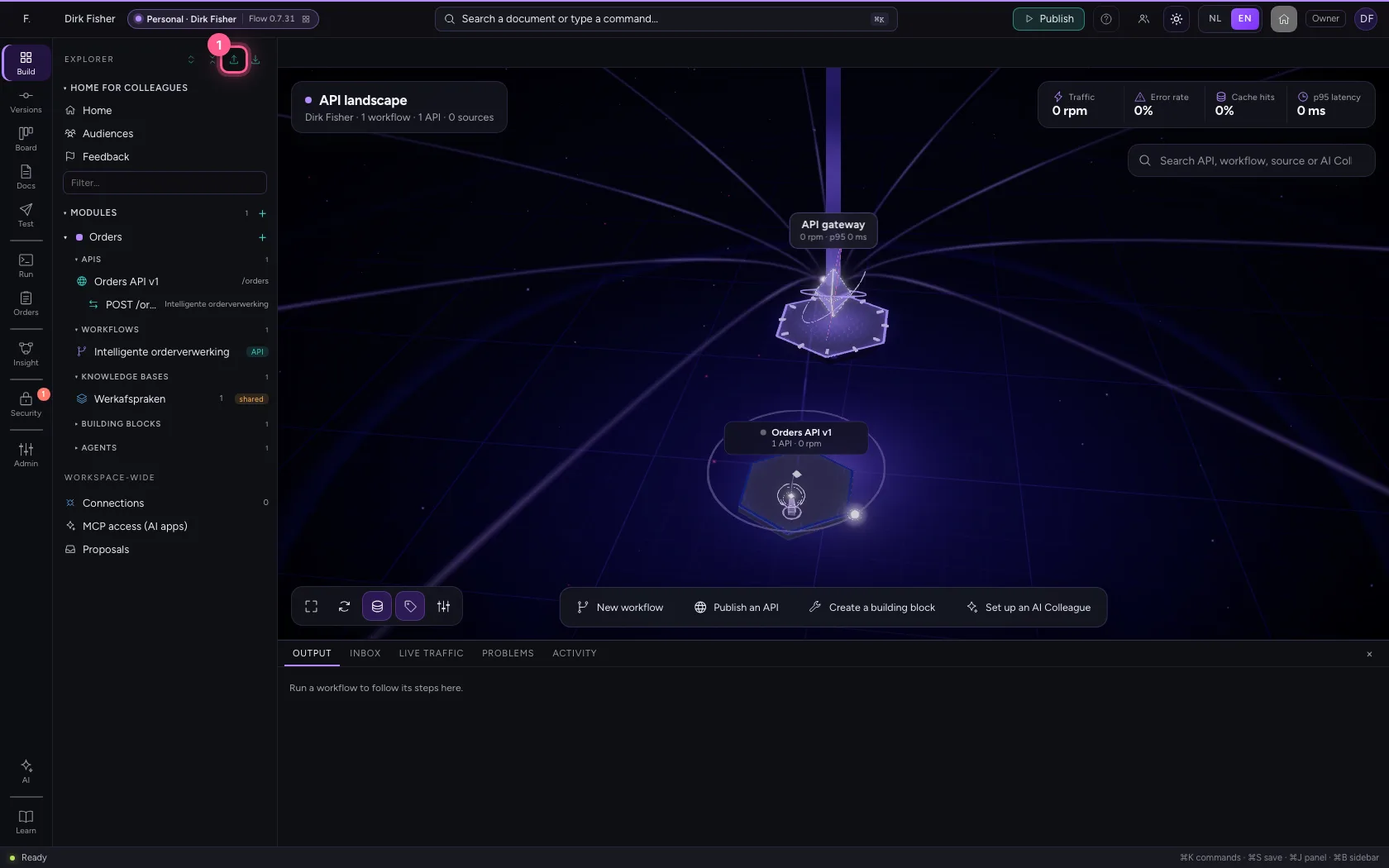
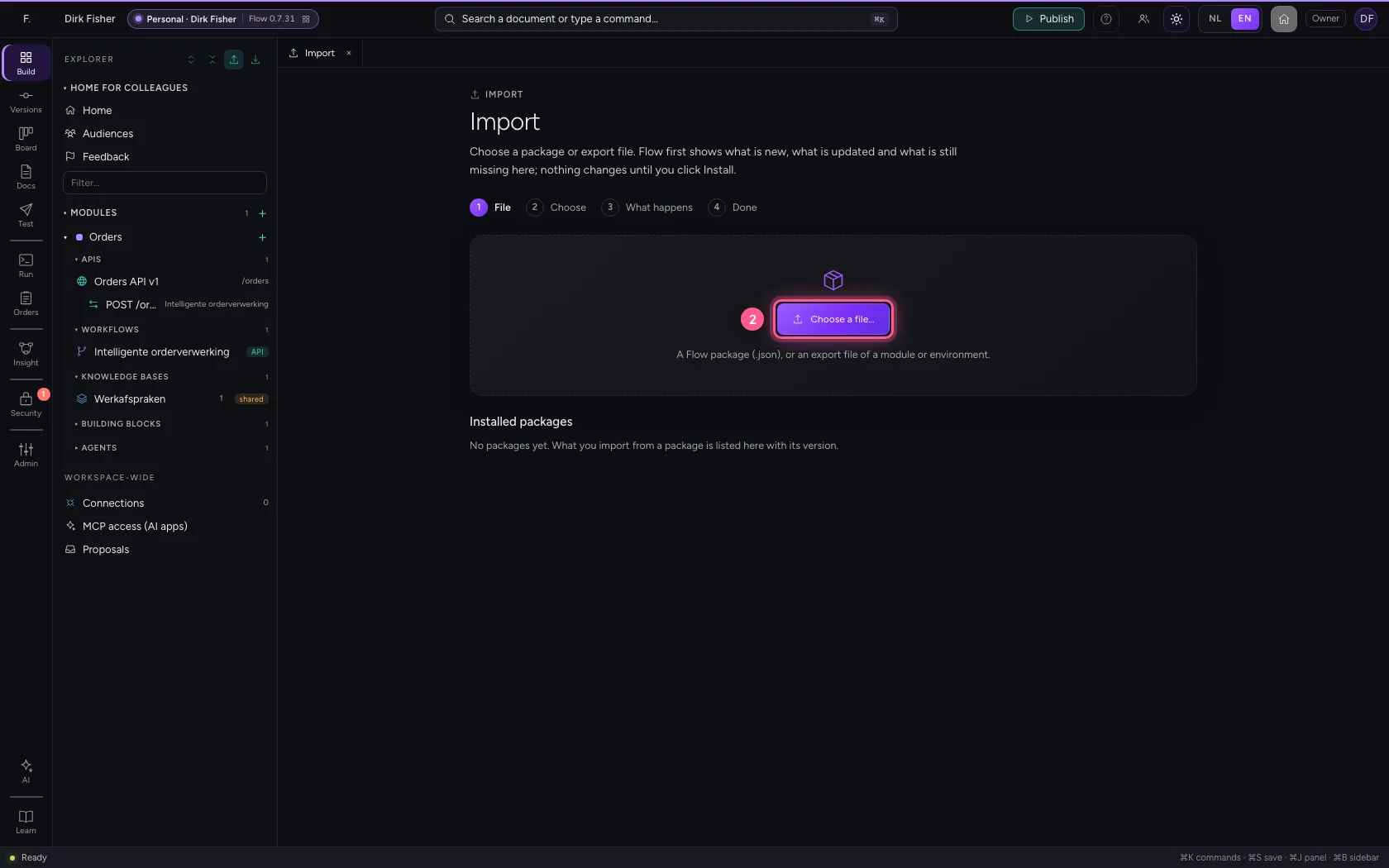
Click the up arrow at the top of the explorer: Import…. A tab opens; click Choose a file… and choose the file. Nothing changes yet.
- Click Import…
- Click Choose a file…
Choose which modules
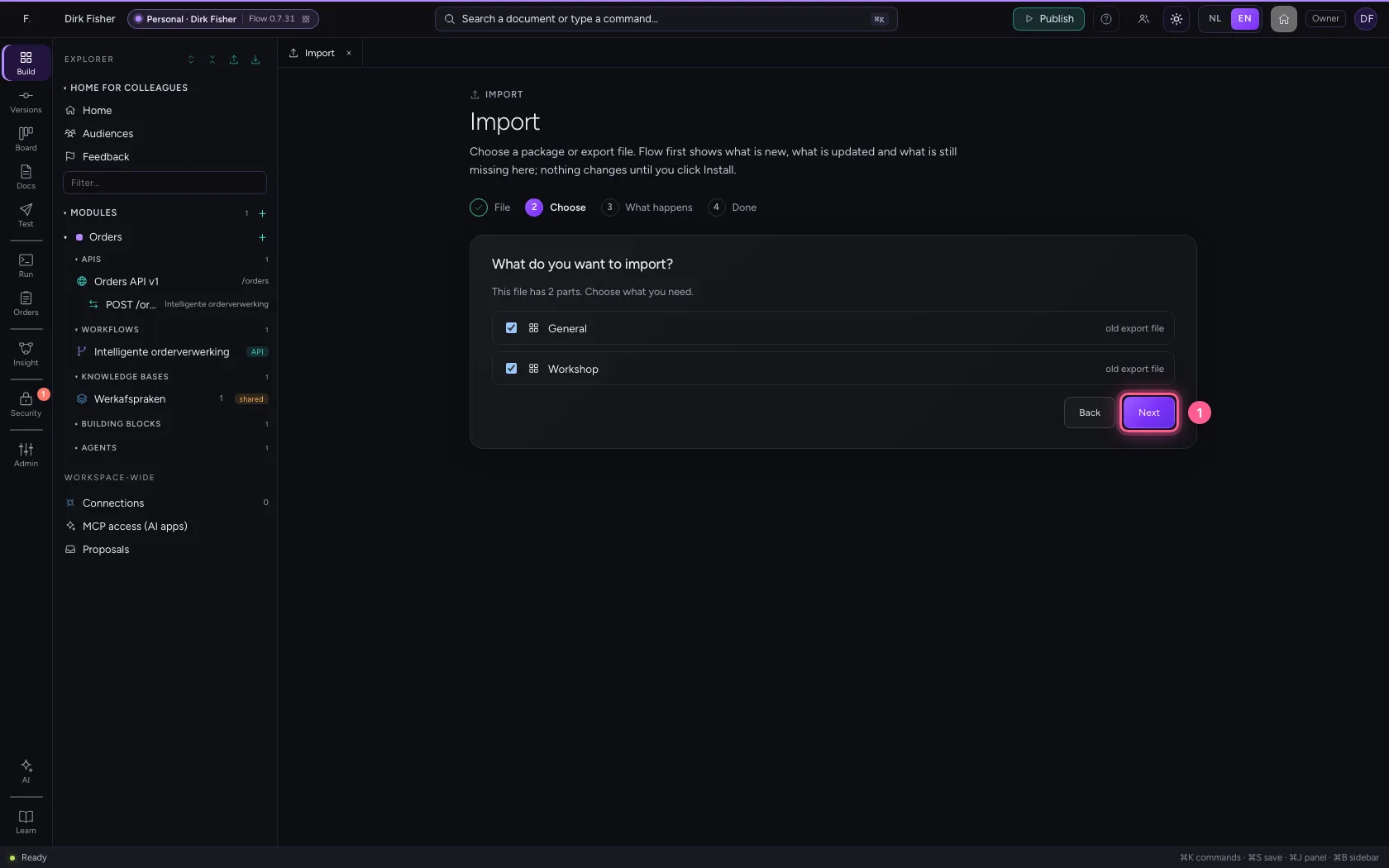
The file holds every module of your environment. Your colleague chooses what they need: everything is ticked, untick a module to leave it behind. Click Next.
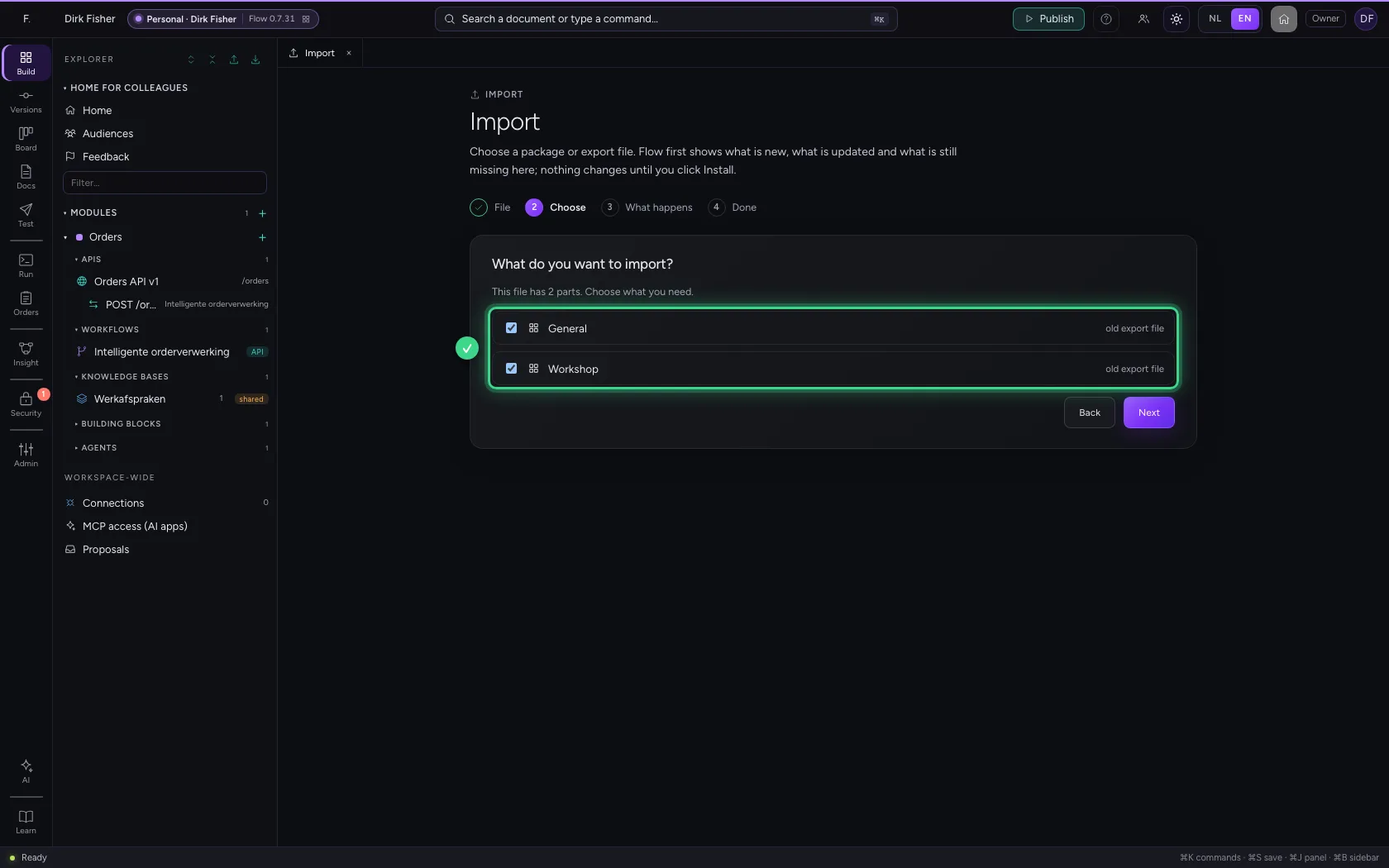
- Click Next
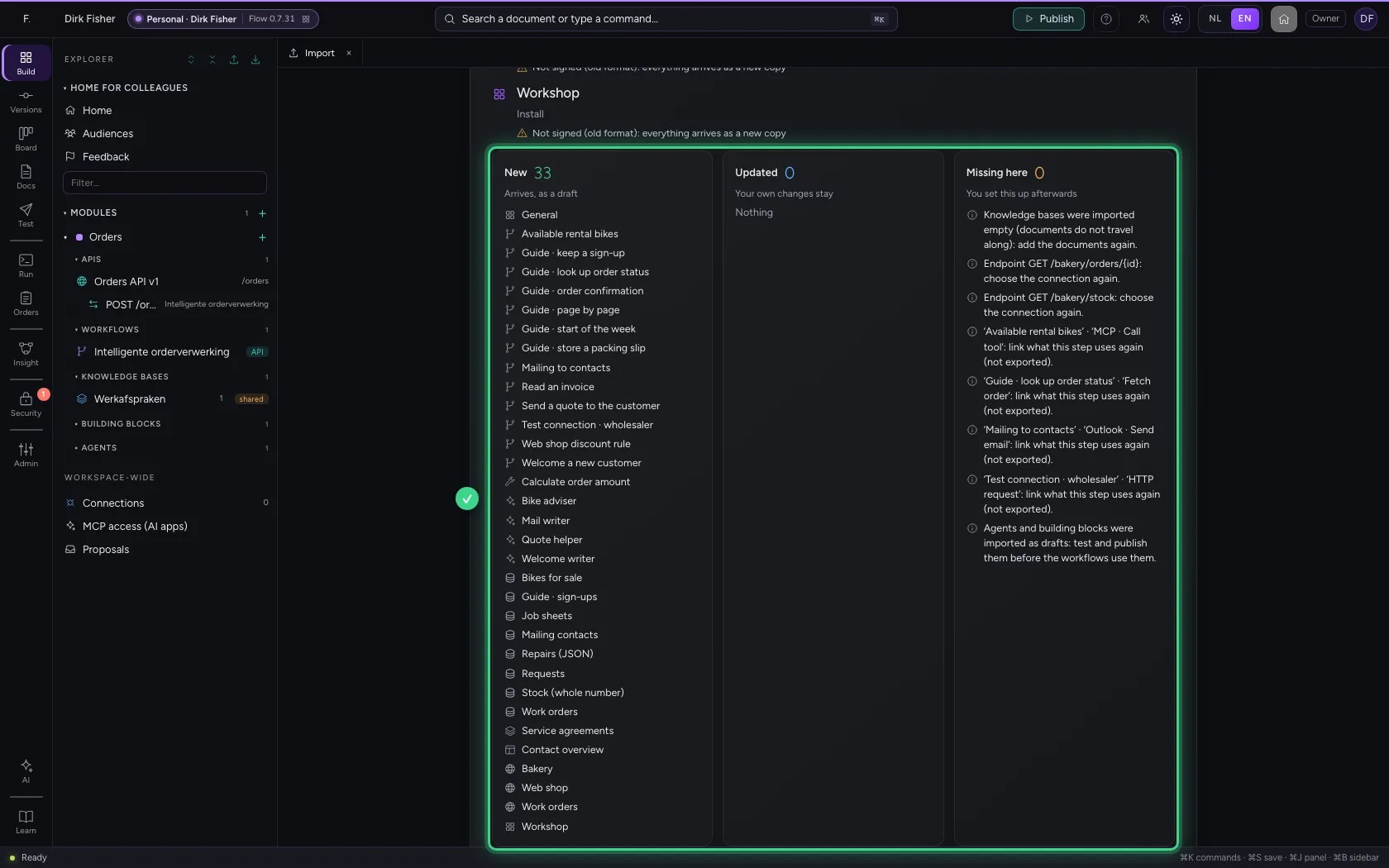
What happens
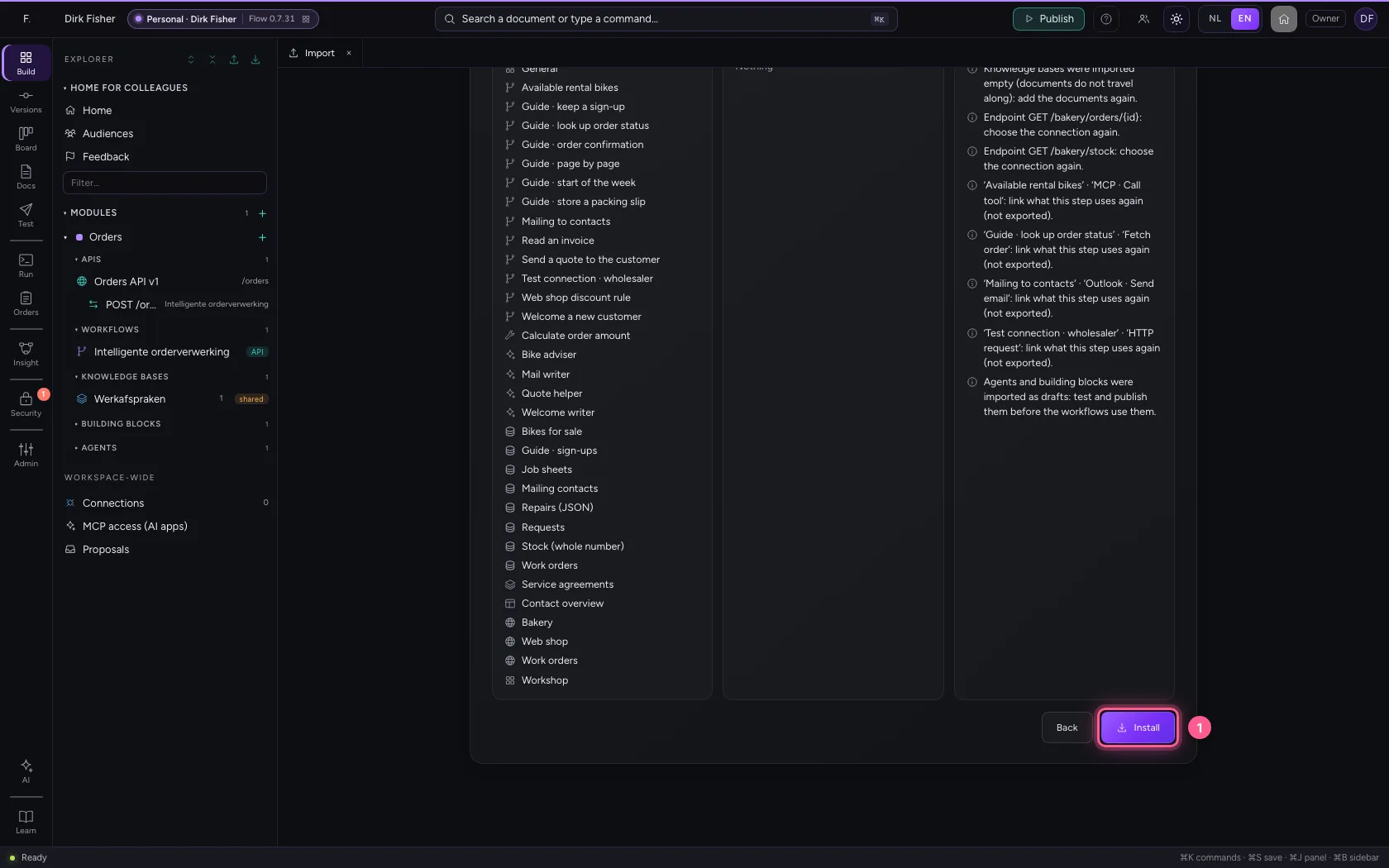
Flow shows in three lists what is new, what is updated and what is still missing here, such as a connection you link again. An old export file is not signed: everything arrives as a new copy, nothing is overwritten. Click Install.
- Click Install
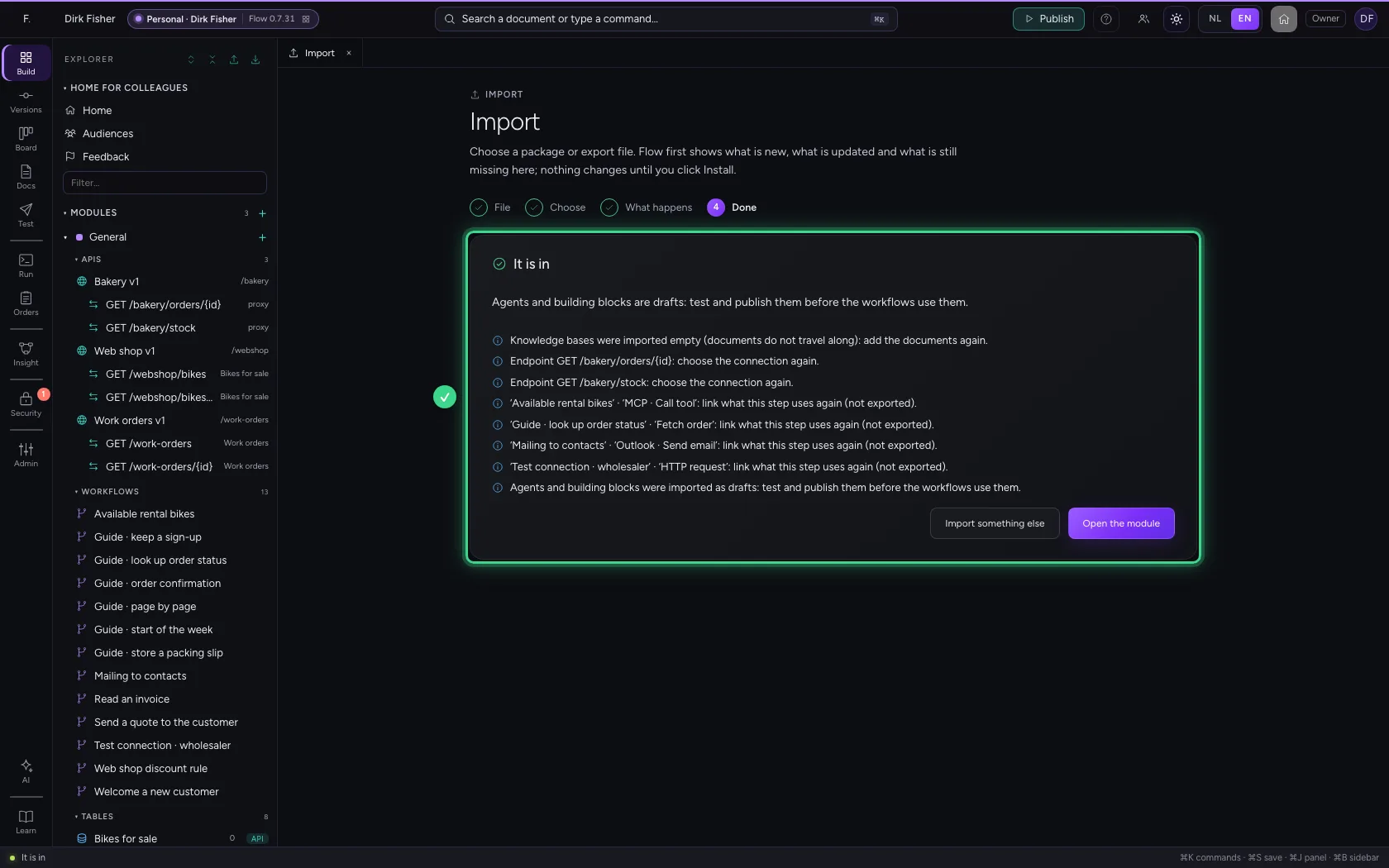
Everything is there, in new modules
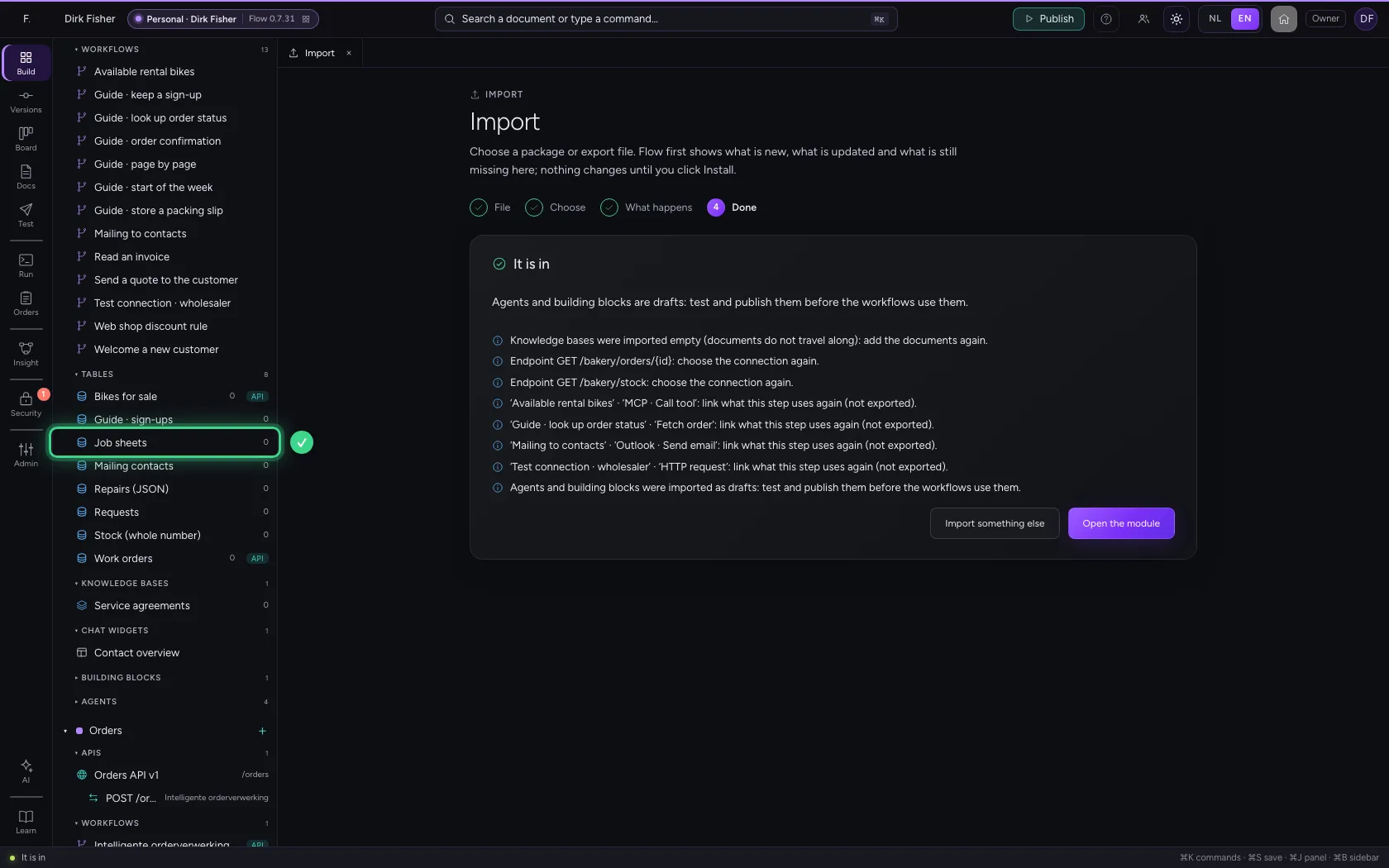
The modules arrive as new modules, next to what your colleague already had. If they already have a module with the same name, the new one gets (imported) after its name. The table Job sheets is in it, still without rows.
This guide was carried out step by step on 22 Oct 2026 by an automated test on Flow (version 3e563176).