Workspace and audit log
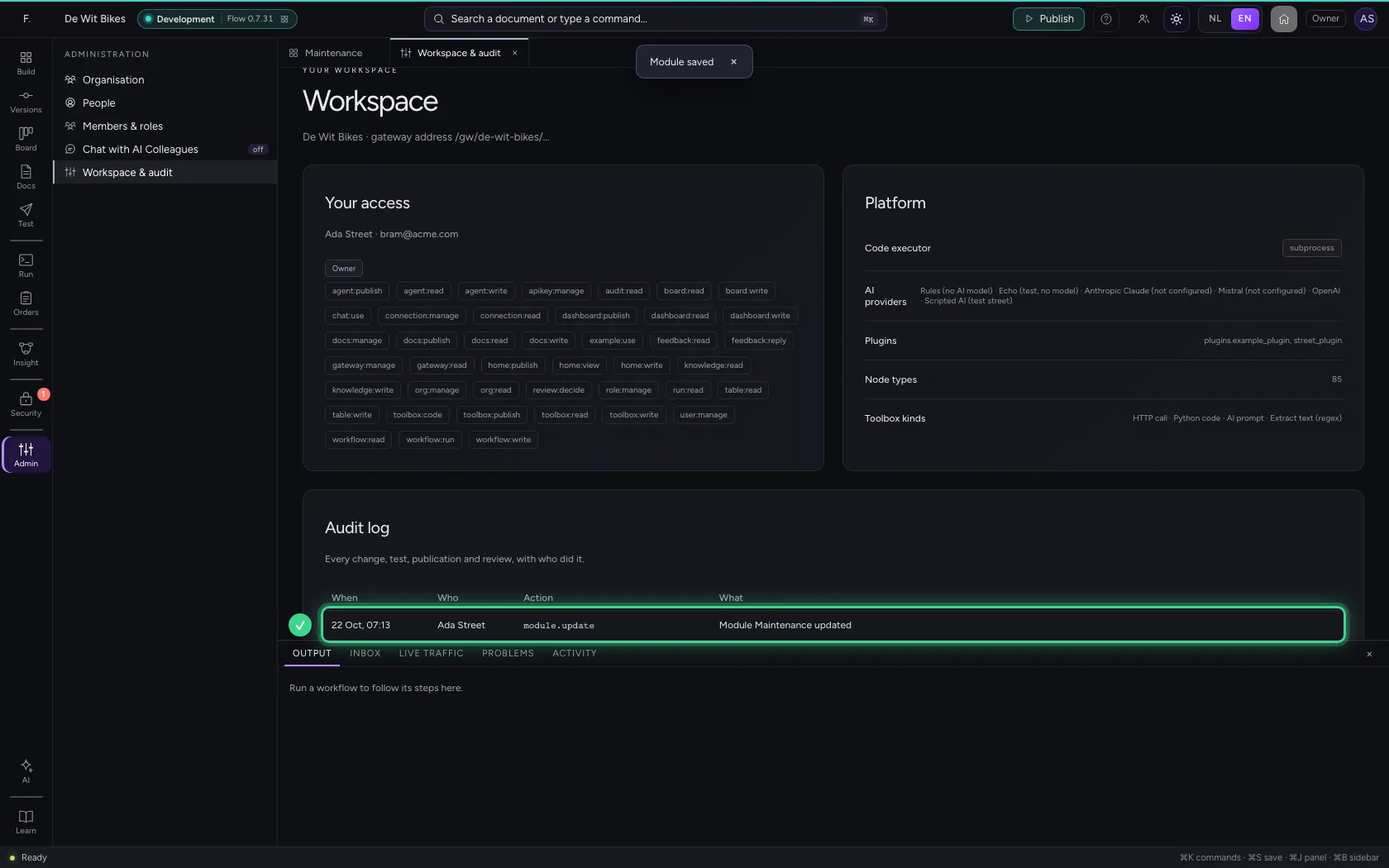
Under Workspace & audit you see with which role and permissions you work in this environment, what the platform can do, and the audit log: every change, test, publication and review, with who did it and when. Handy when you want to know why something works differently from yesterday.
Open your development environment
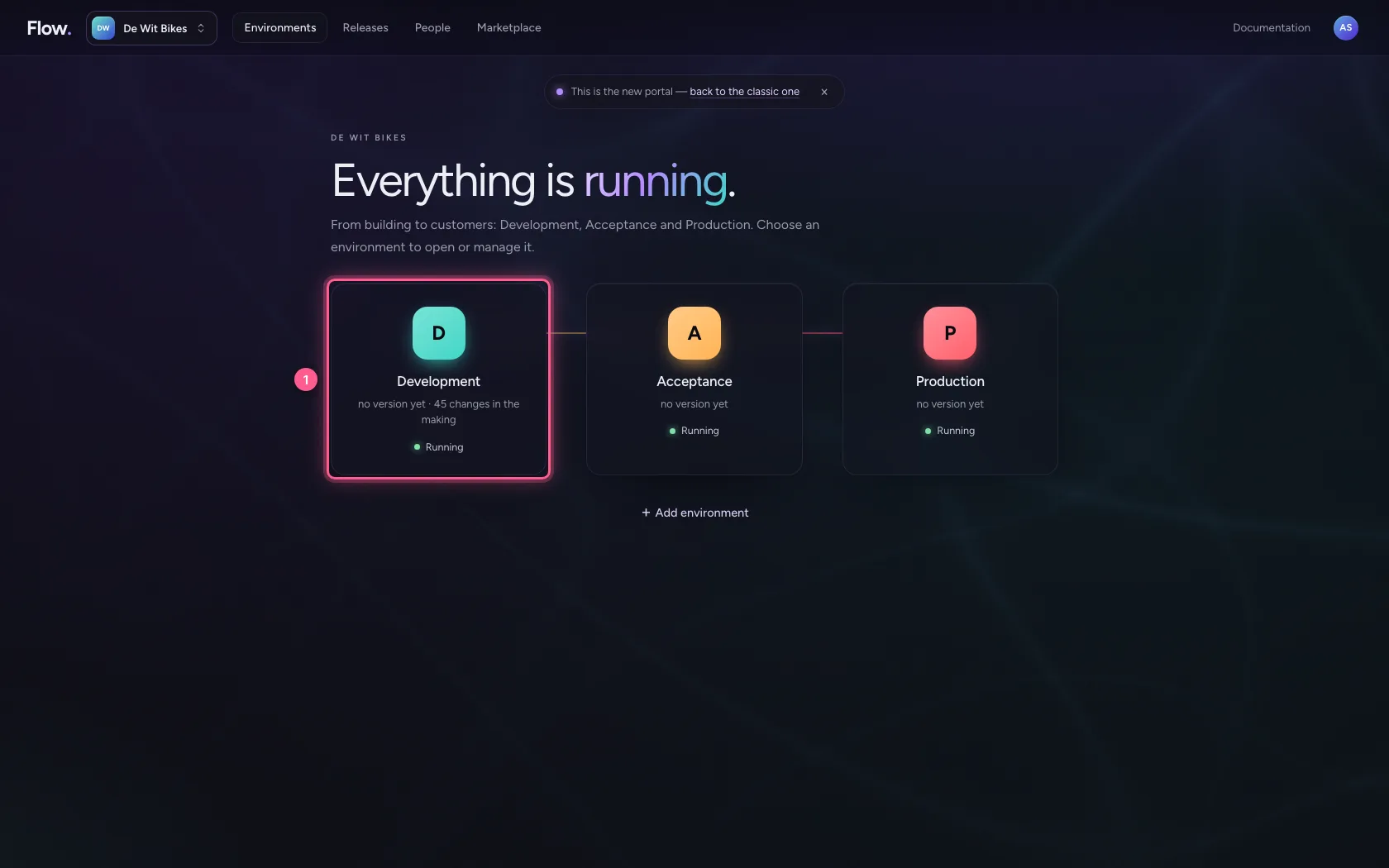
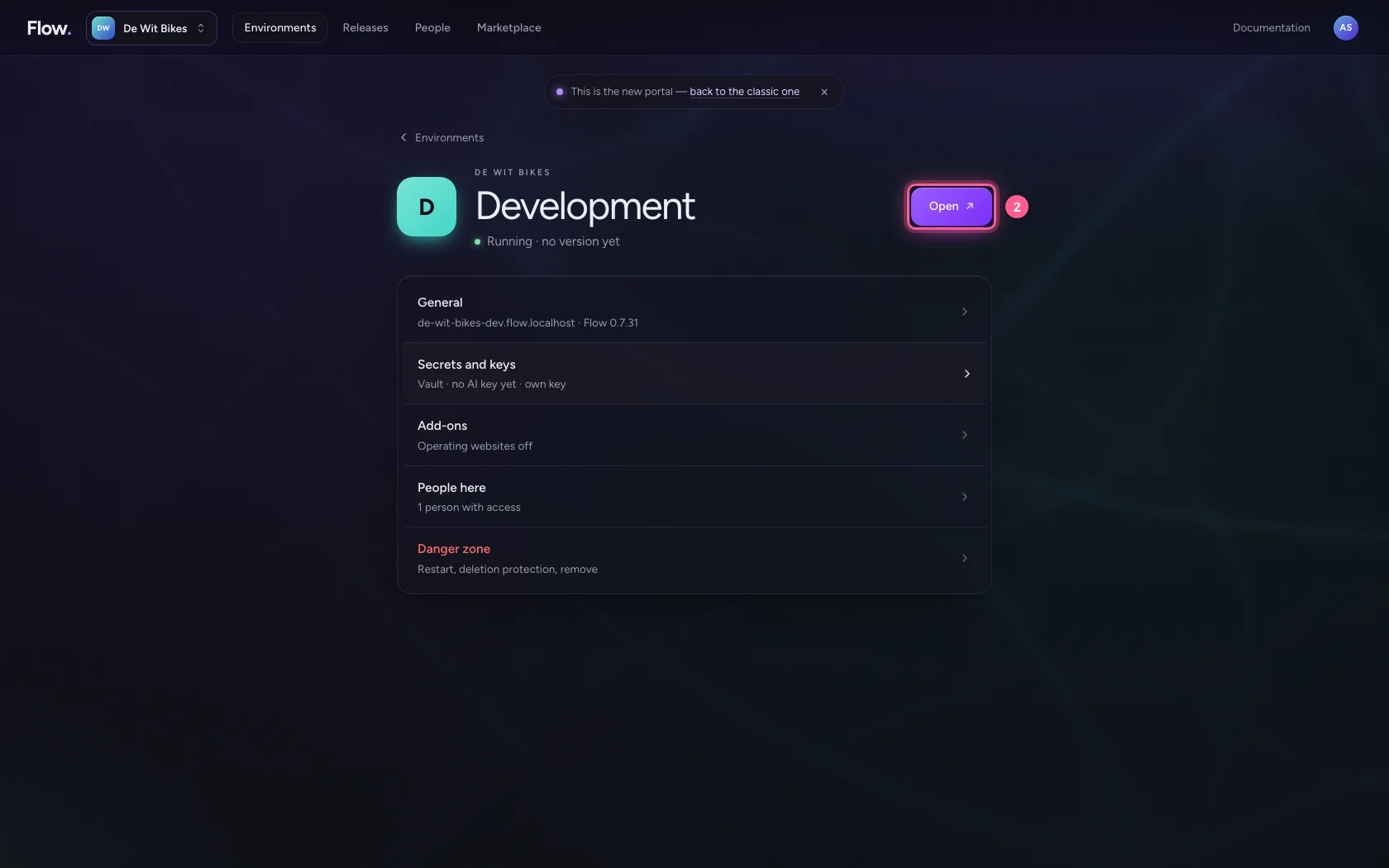
In the portal, under Environments, click Development, and there Open. Flow opens in a new tab and you are signed in straight away.
- Click Development
- Click Open ↗
Create a module
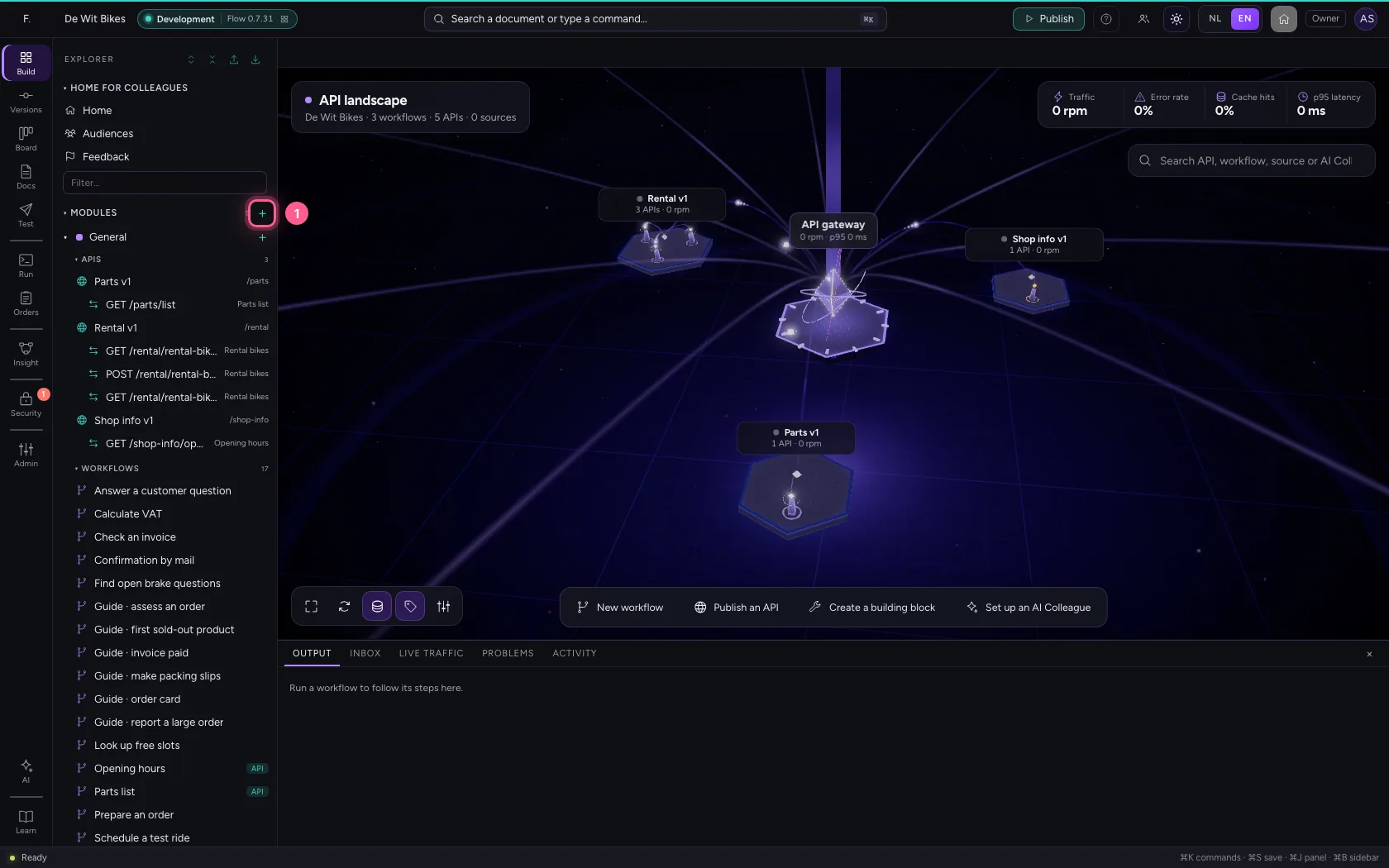
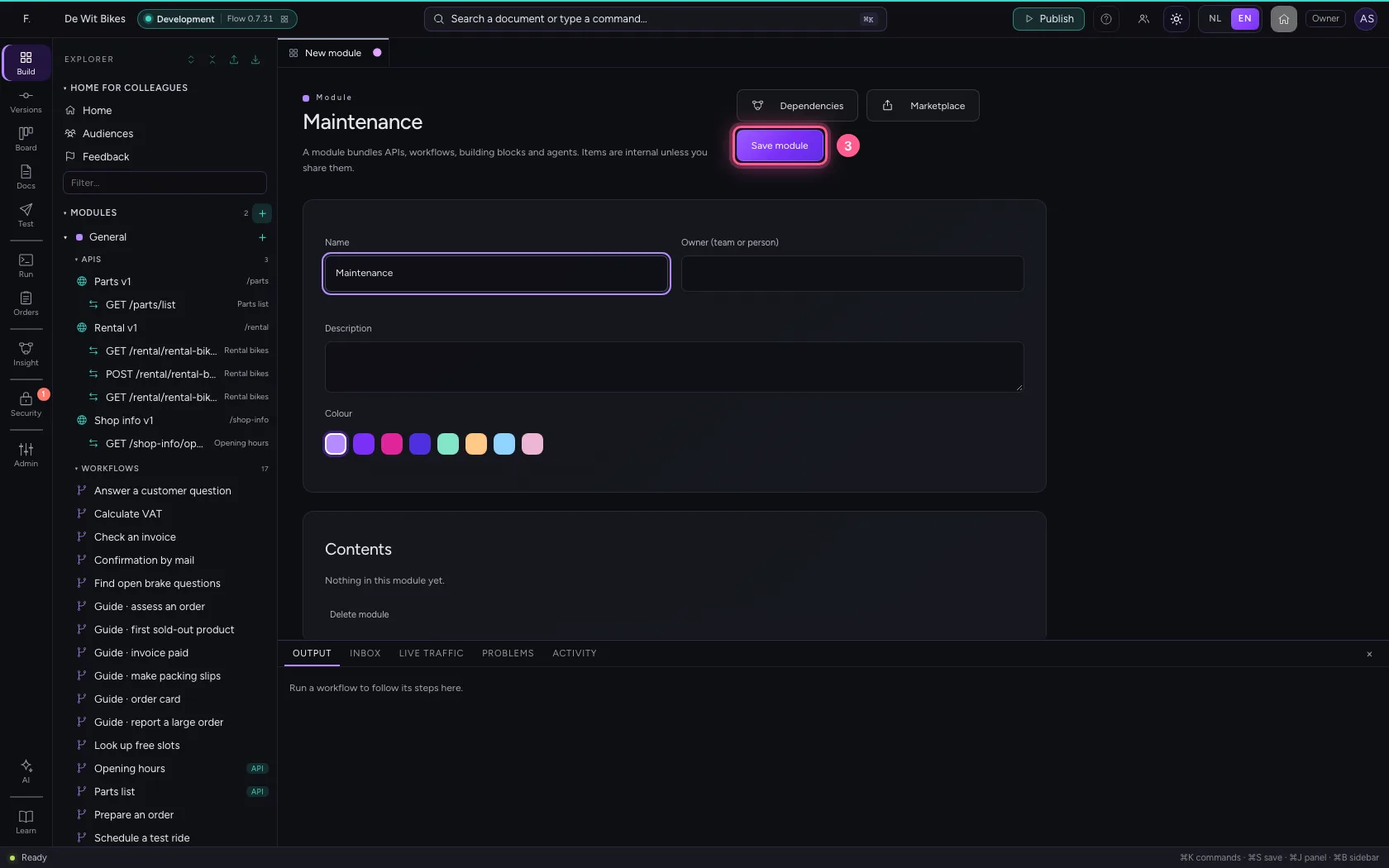
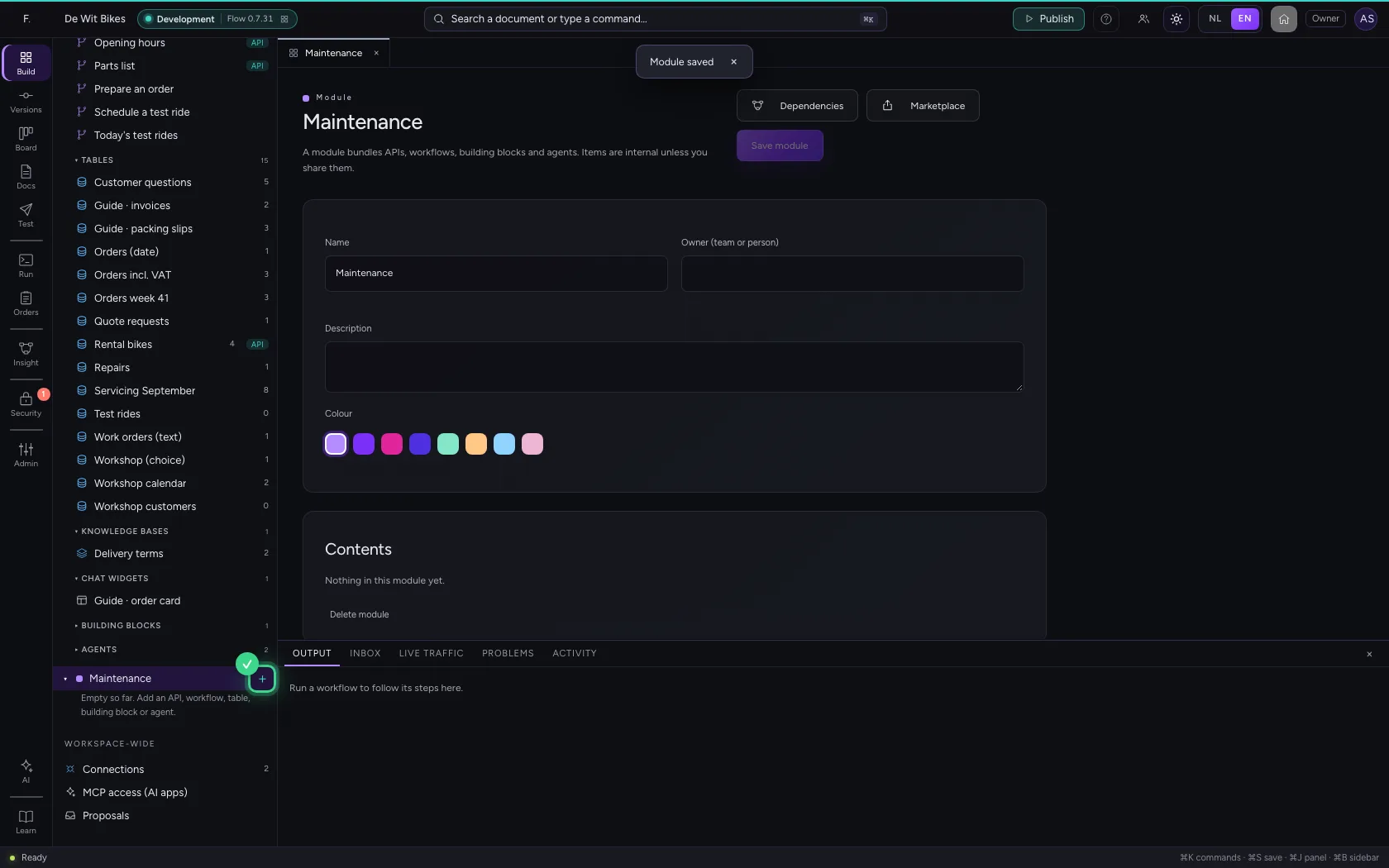
To see something in the audit log, you first do something: click + next to Modules and name the new module Maintenance. Save it.
- Click New module
- In Name, type
Maintenance
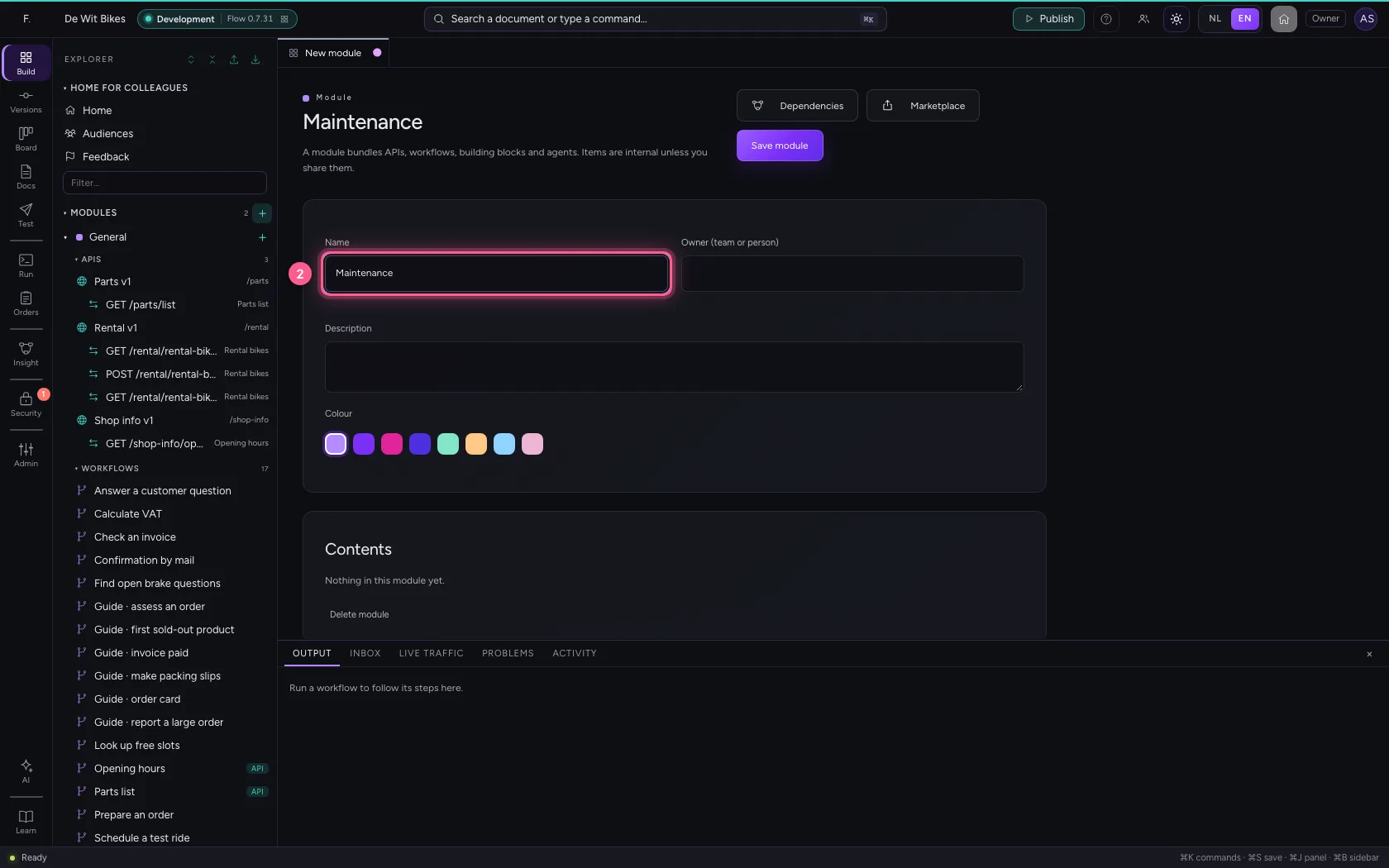
- Click Save module
Open Workspace & audit
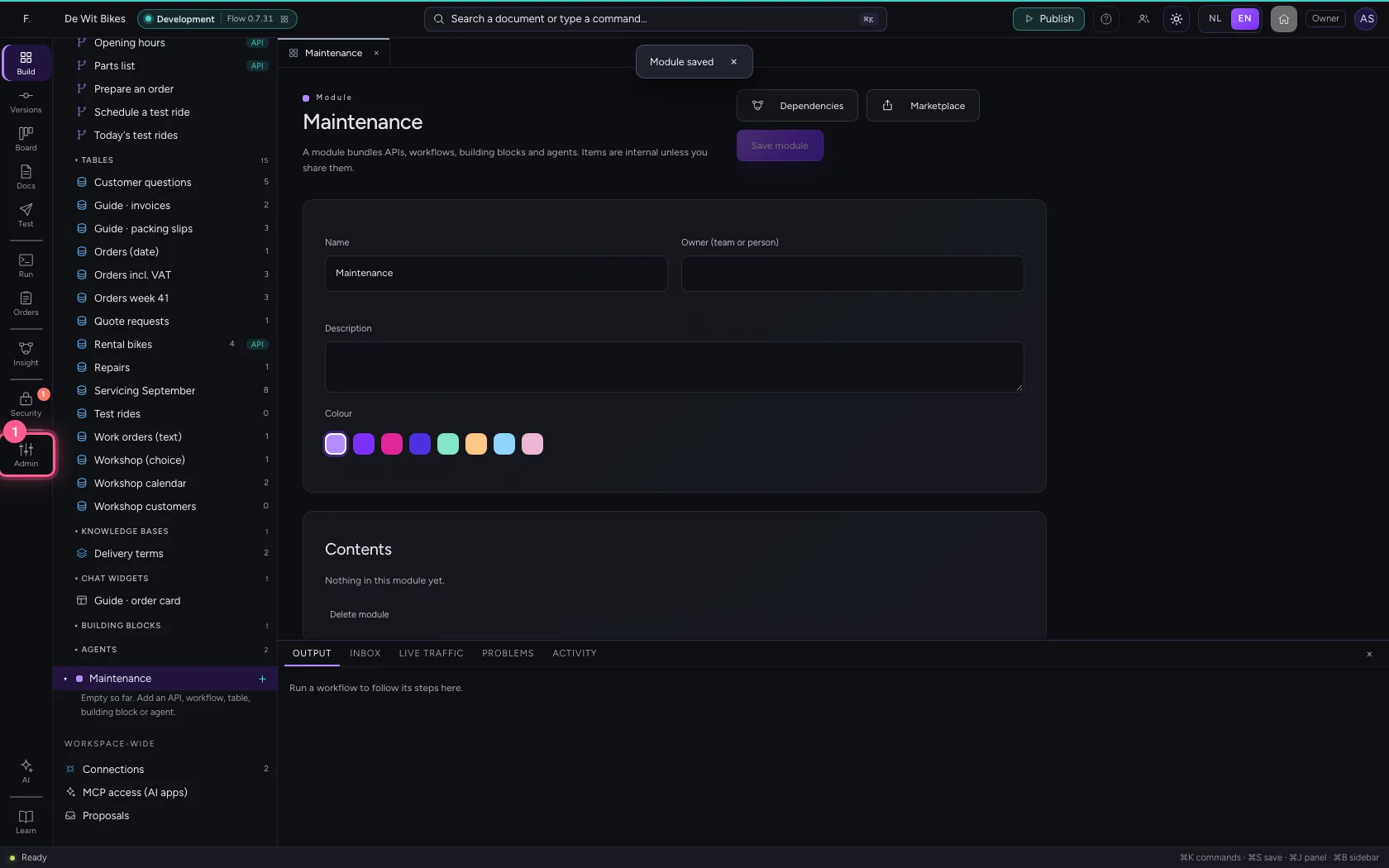
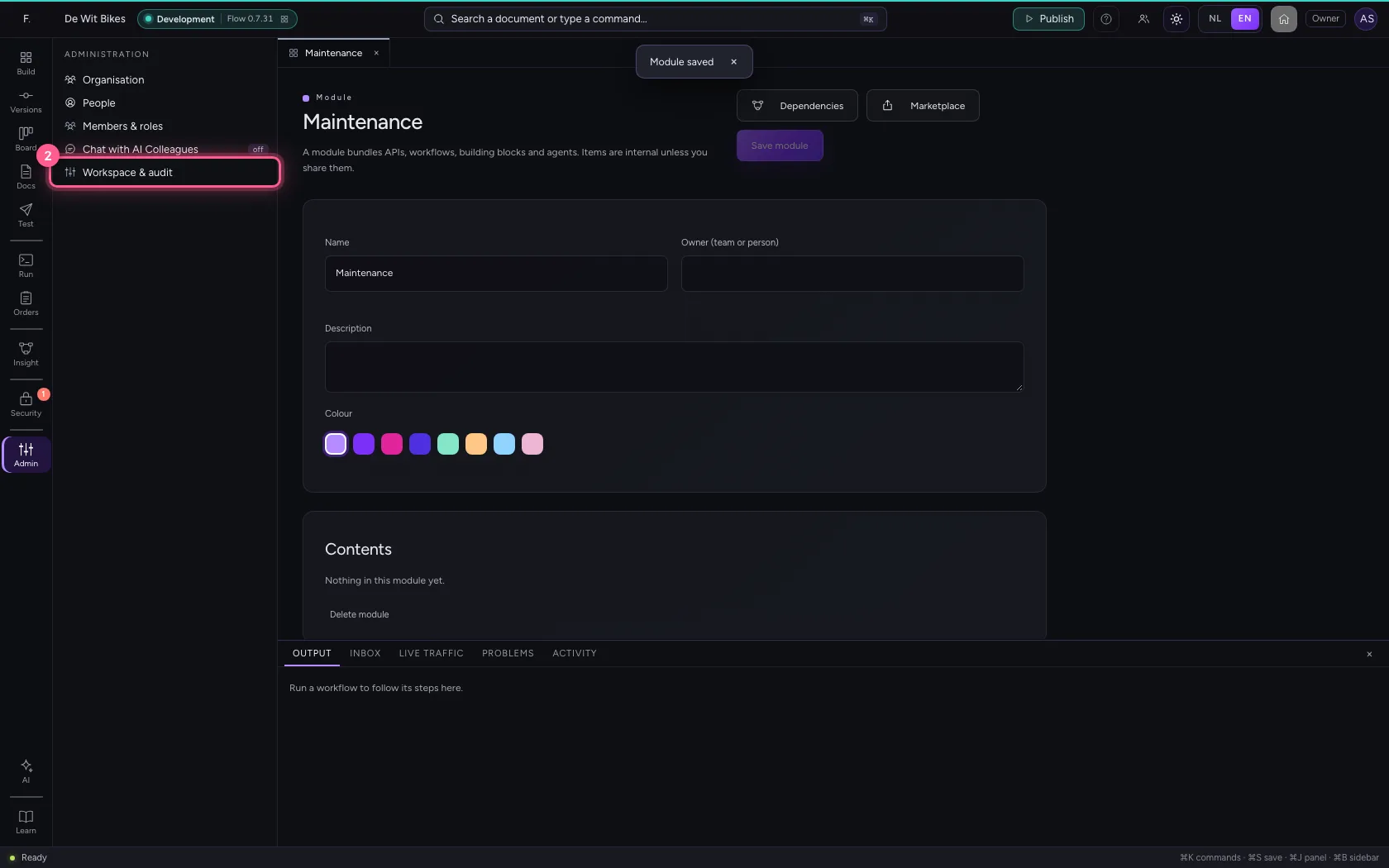
Click Administration in the bar on the left and choose Workspace & audit. Under Your access are your role and every permission that role gives you. Under Platform you see, among other things, which AI providers are set up.
- Click Administration
- Click Workspace & audit
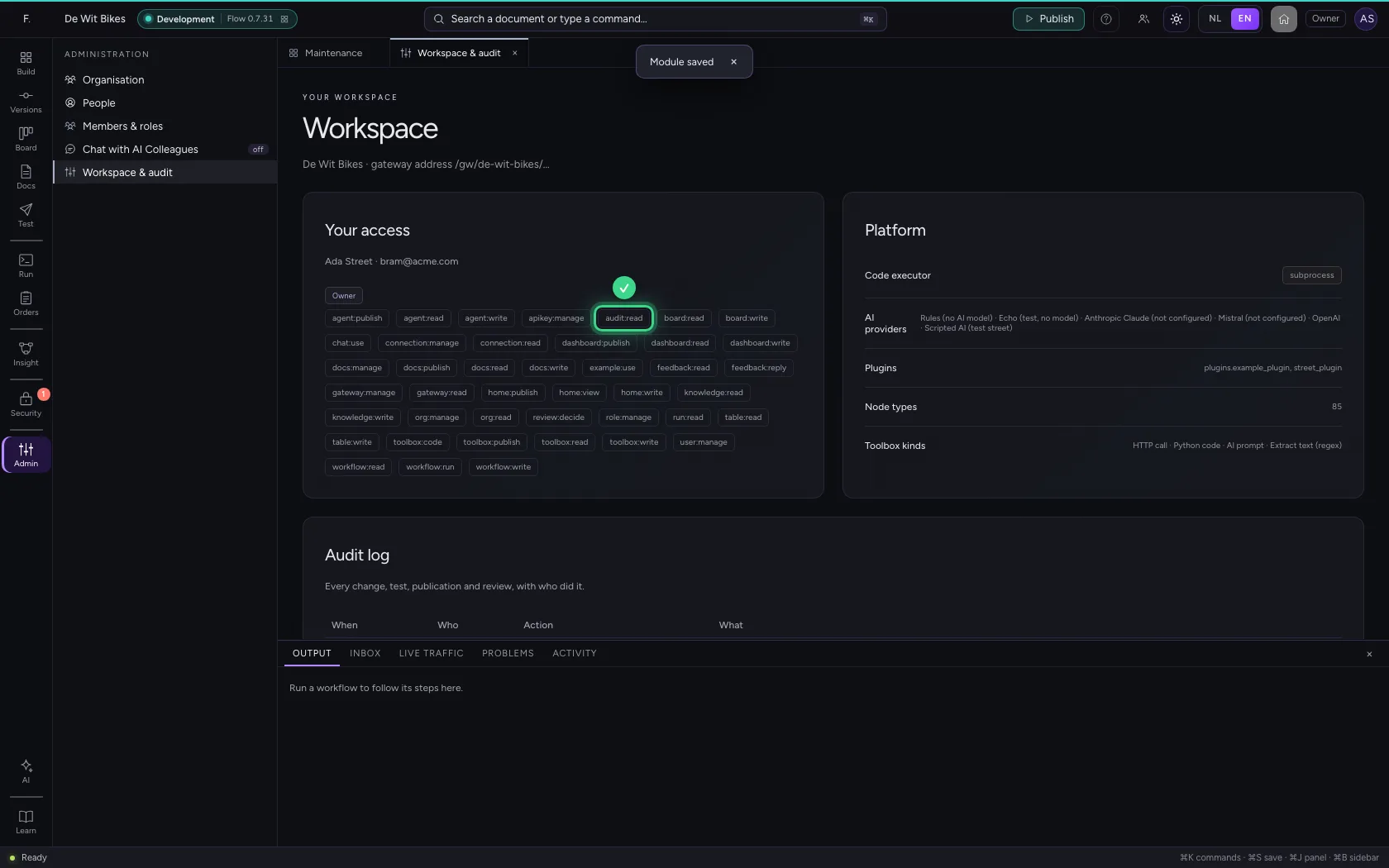
Read the audit log
At the bottom is the audit log, the newest line at the top: when, who, which action and what. Your new module is already there, with your name. Nobody can change the log.
This guide was carried out step by step on 22 Oct 2026 by an automated test on Flow (version 3e563176).