From quote to live: the project stage
A final quote becomes a project. The project runs through the chain of your governance profile: at every gate the people with the right duty approve, always two different people where the profile asks for it. Whoever must be consulted gets the request for advice by themselves. The work from the quote lands on the board in Flow as epics, features and items, and every decision is in the decision ledger. You follow it in 2D or in 3D.
Make a project from the quote
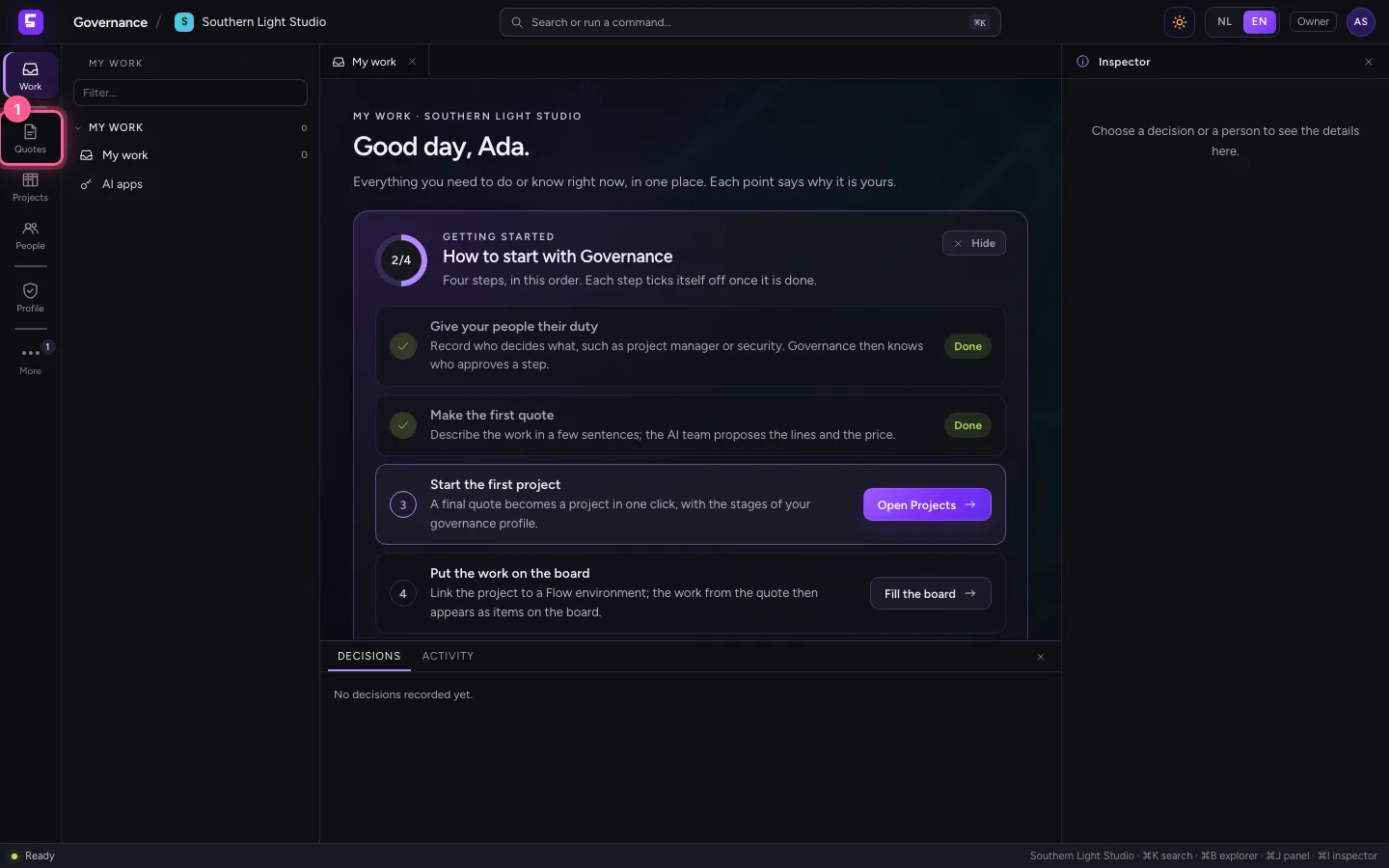
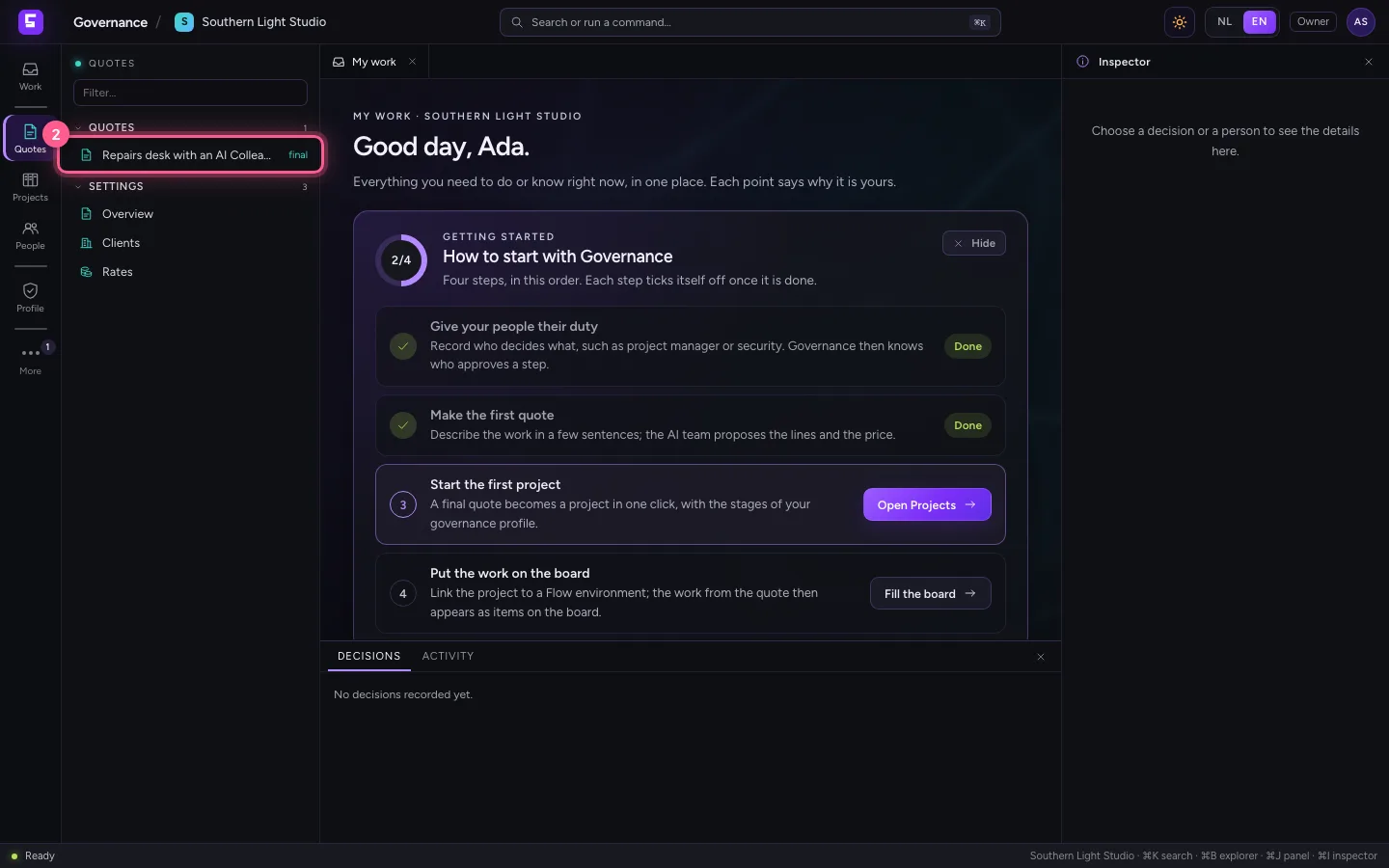
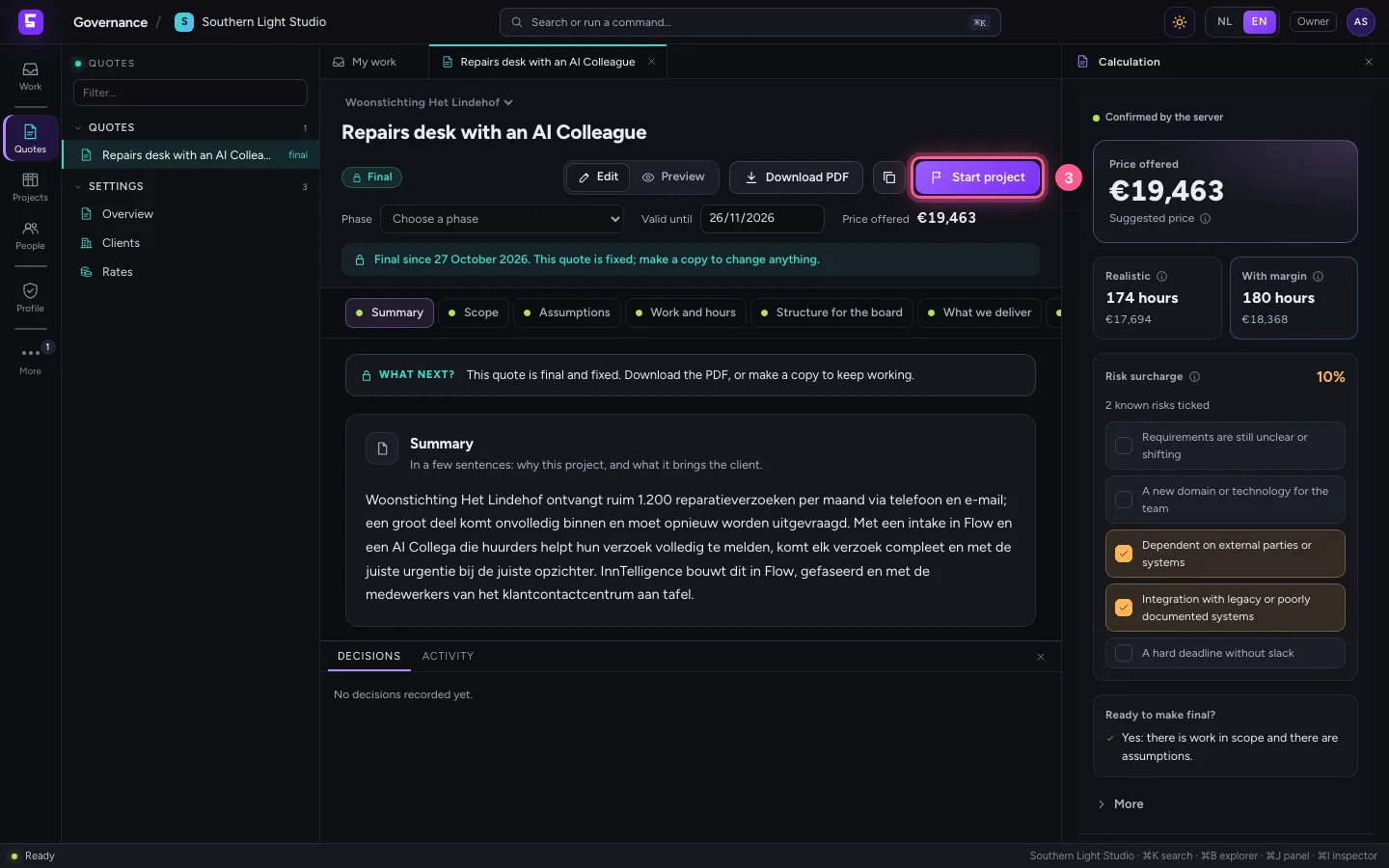
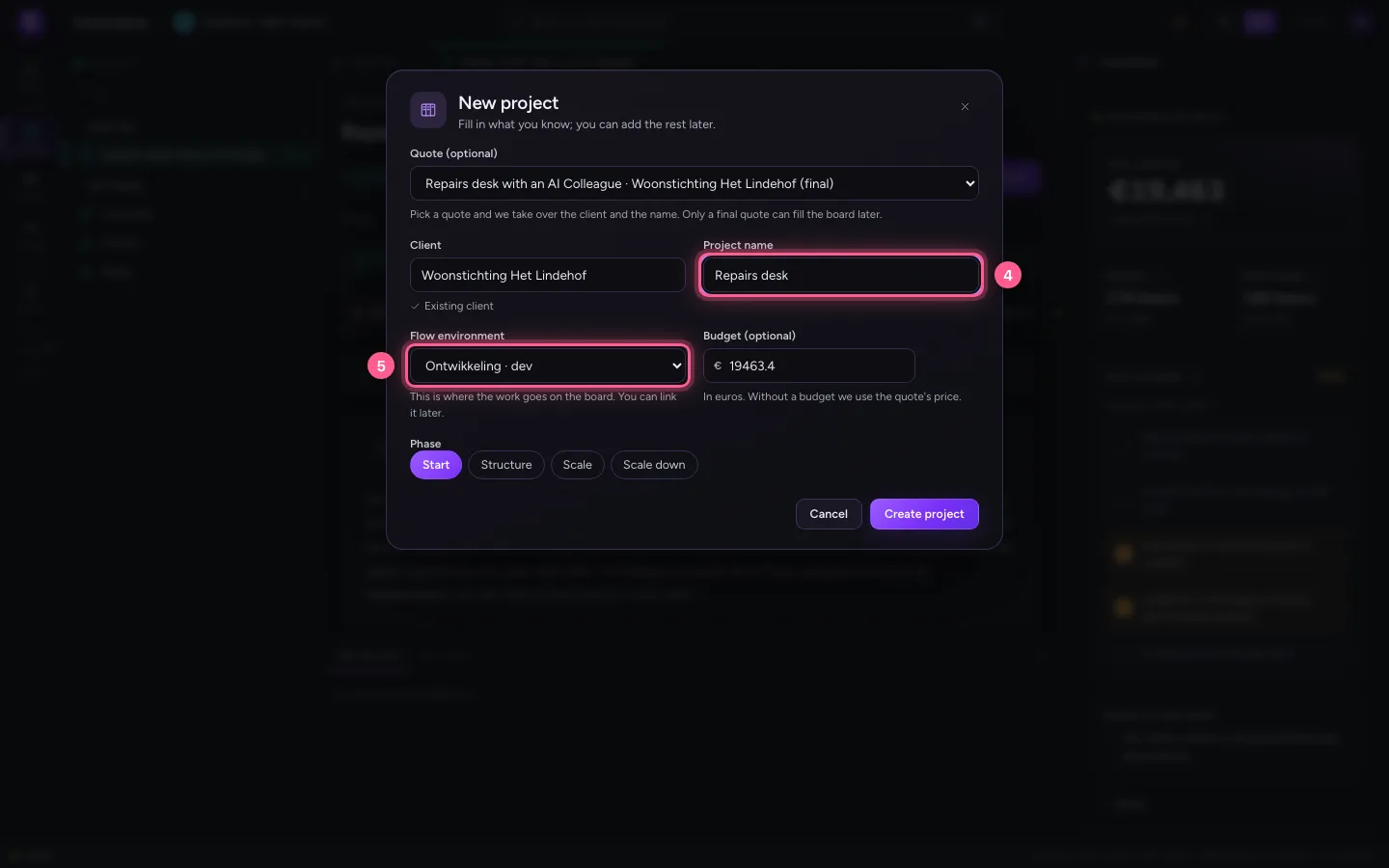
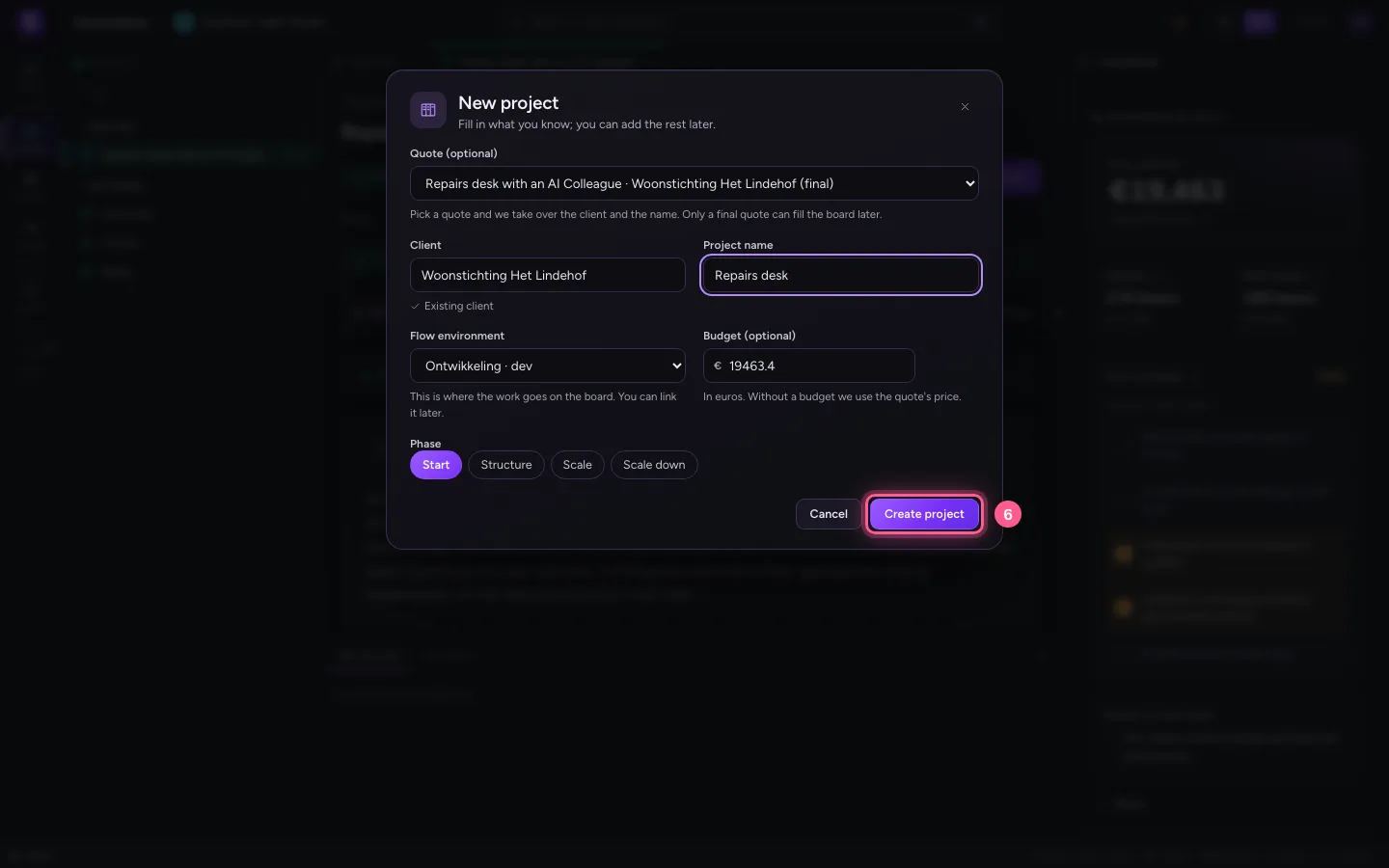
Click Quotes on the left and open the final quote. Click Start project at the top: New project opens with the quote, the client, the name and the offered price as budget already filled in. Give the project a short name, link the Flow environment where the work is built (Development) and click Create project. The project follows the version of the governance profile that applies now. (Projects → New project works too: choose the quote there.)
- Click Quotes
- Click Repairs desk with an AI Colleague final
- Click Start project
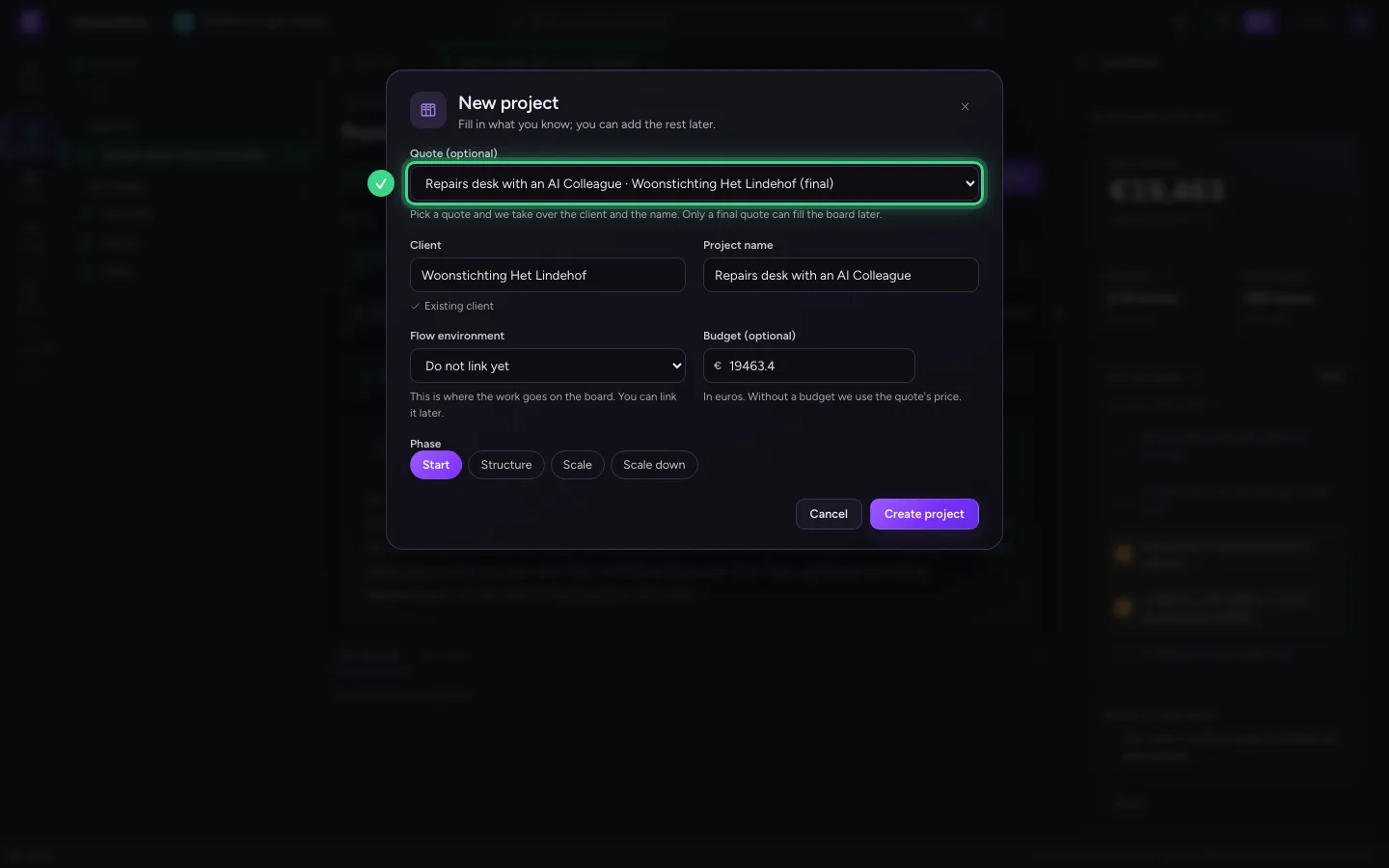
- In Project name, type
Repairs desk - In Flow environment, choose Ontwikkeling · dev
- Click Create project
The chain in 2D
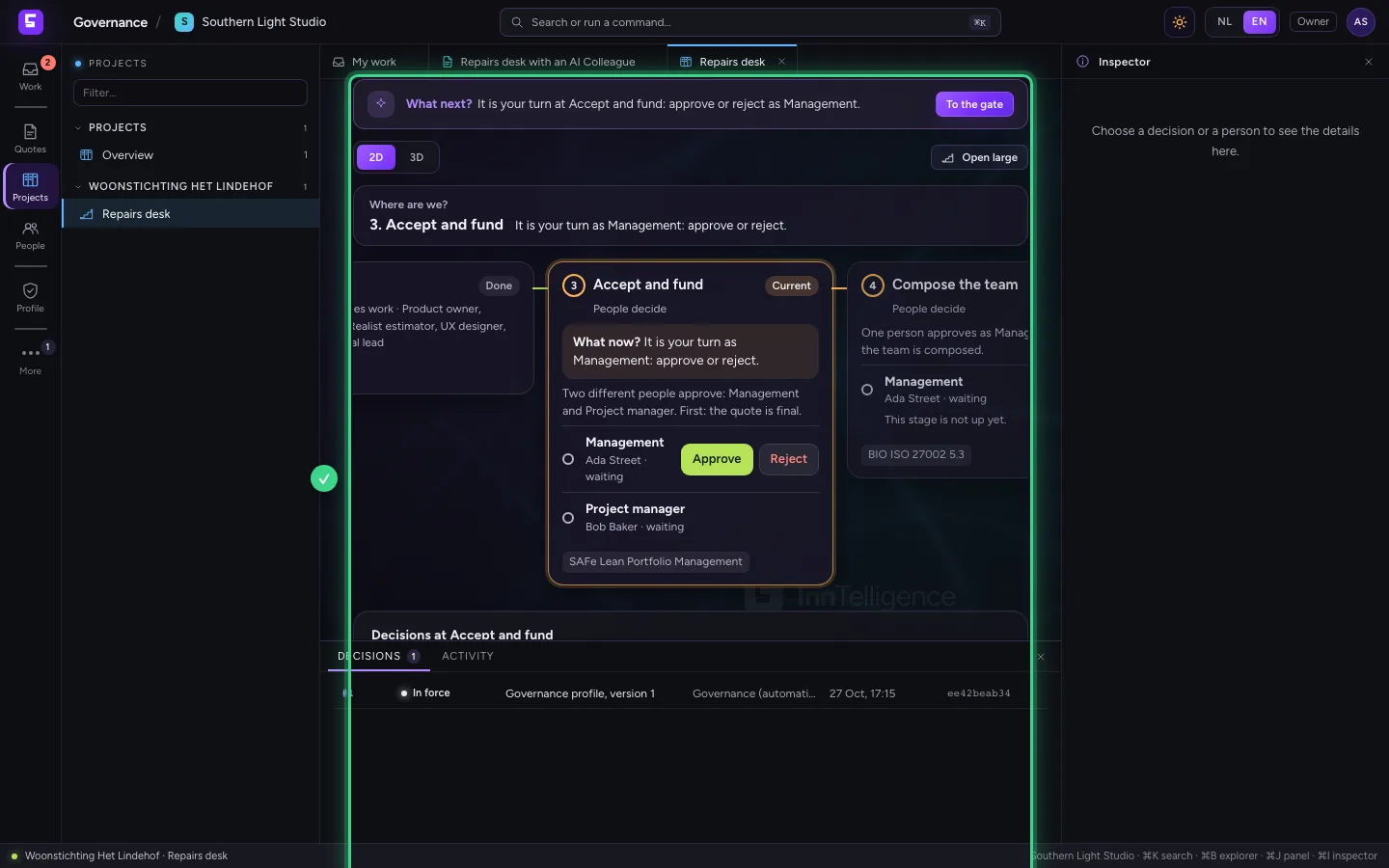
The Stage tab shows the project's chain, from Request to Evidence. Request and Estimate are done: the project exists and the quote has lines. Now it is at Accept and fund. At every gate you see the seats: which duty must approve and who holds that duty. At the top, What next? says what is expected of you.
Security gives advice
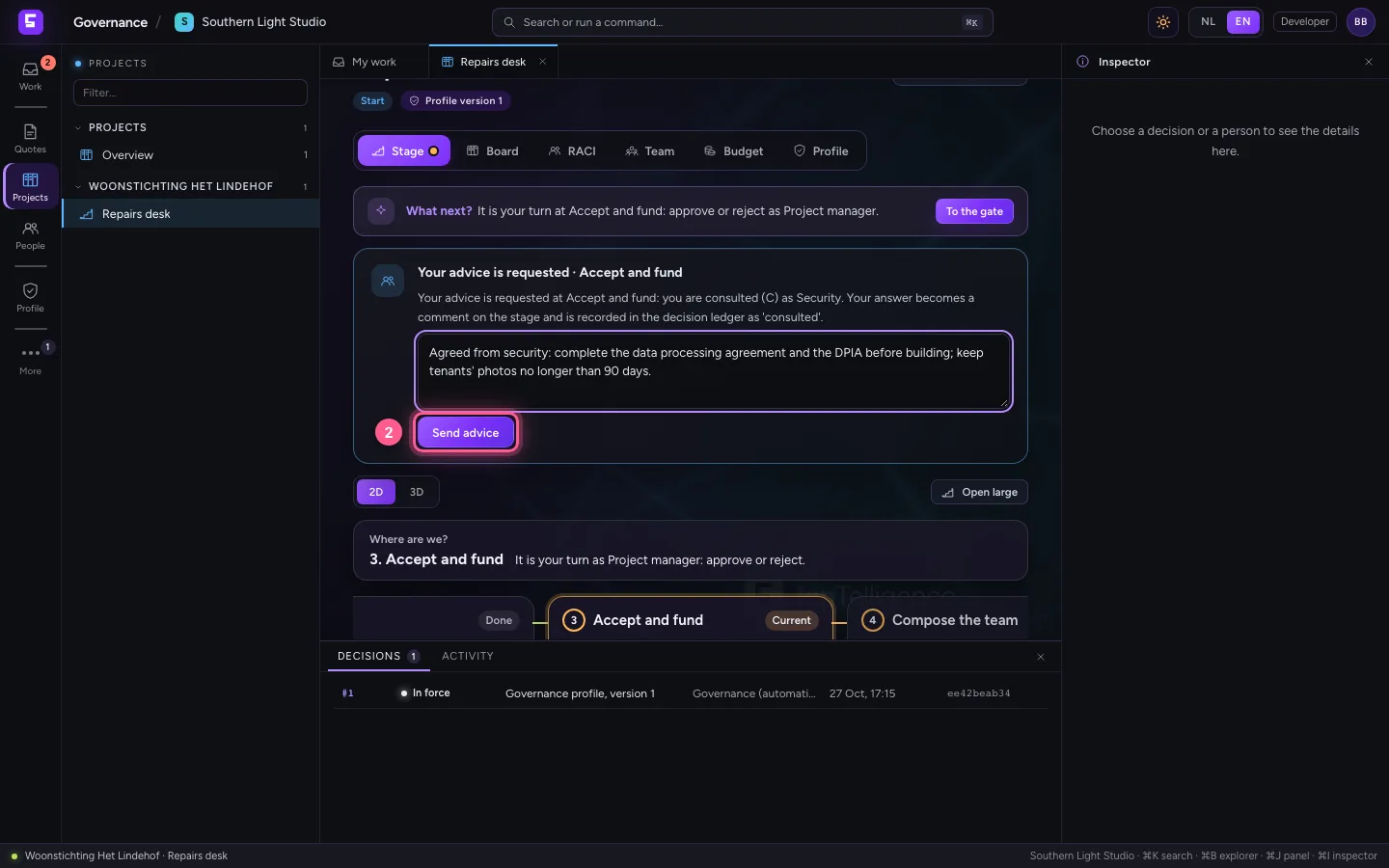
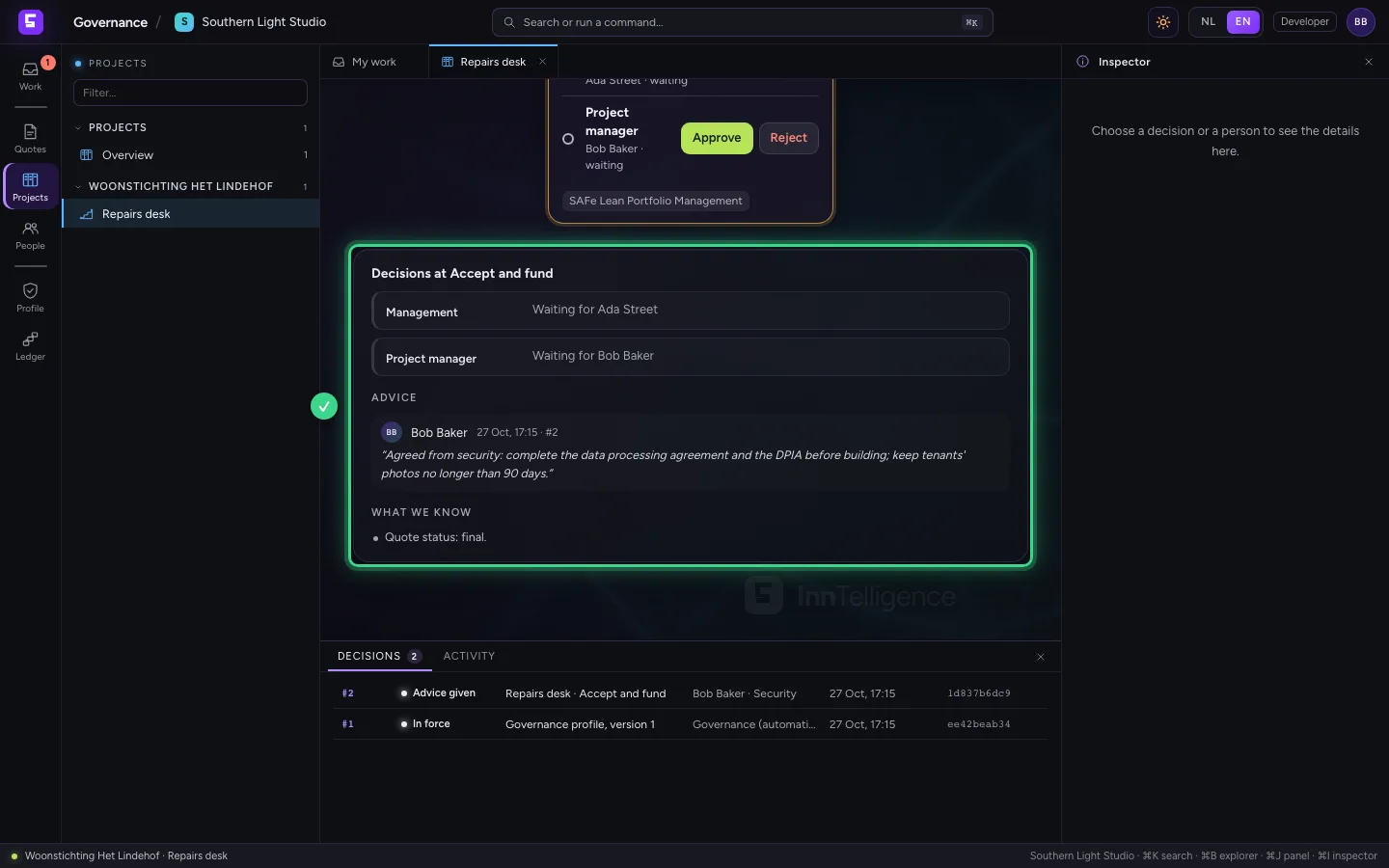
In the governance profile Security is consulted (C) at Accept and fund. As soon as that stage starts, whoever holds the duty Security in the project's team (tab Team) gets the request for advice: here Bob. He opens the project, writes his advice and sends it. The advice is with the stage and in the decision ledger.
- In Your advice, type
Agreed from security: complete the data processing agreement and the DPIA before building; keep tenants' photos no longer than 90 days.
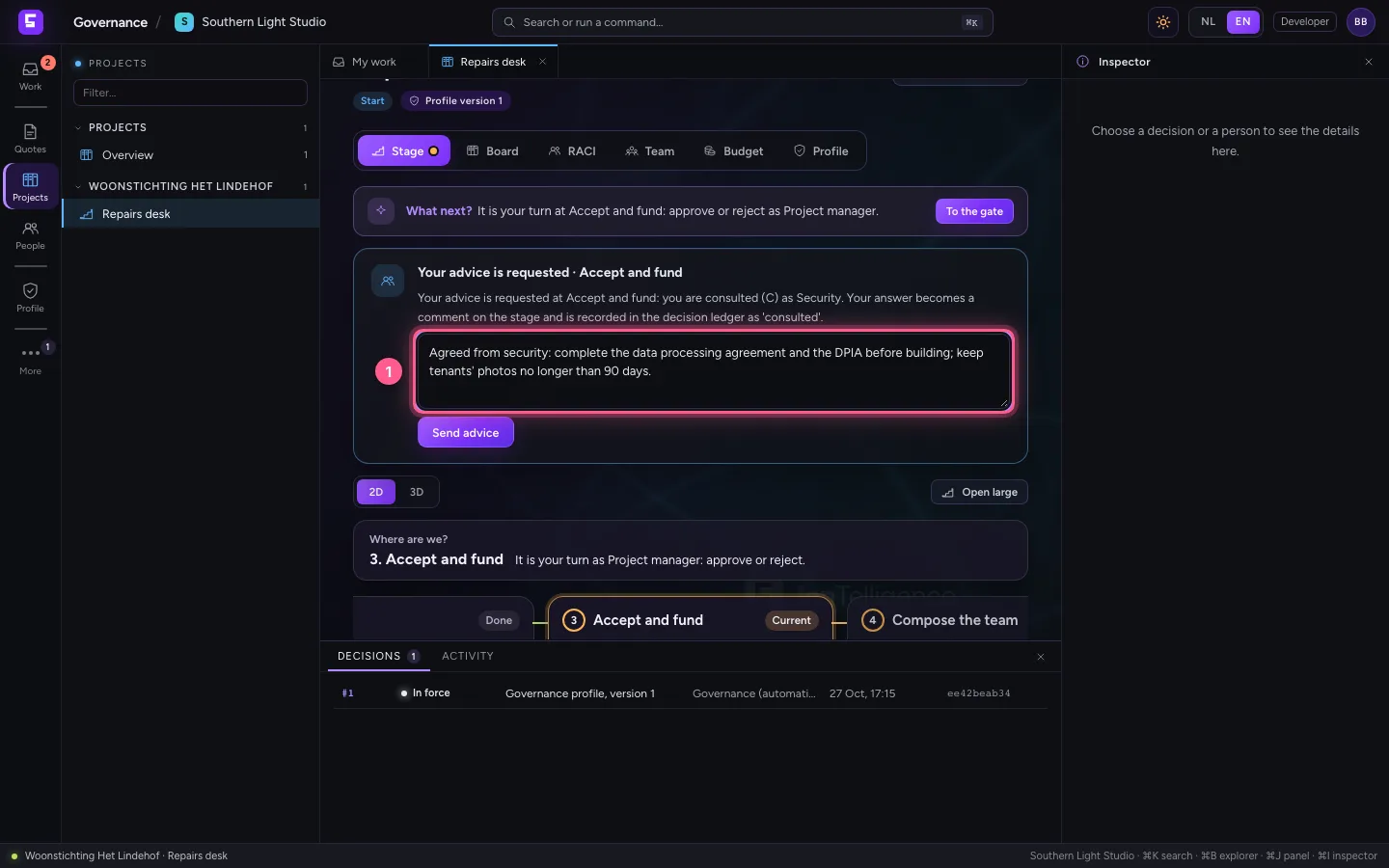
- Click Send advice
Approve as management
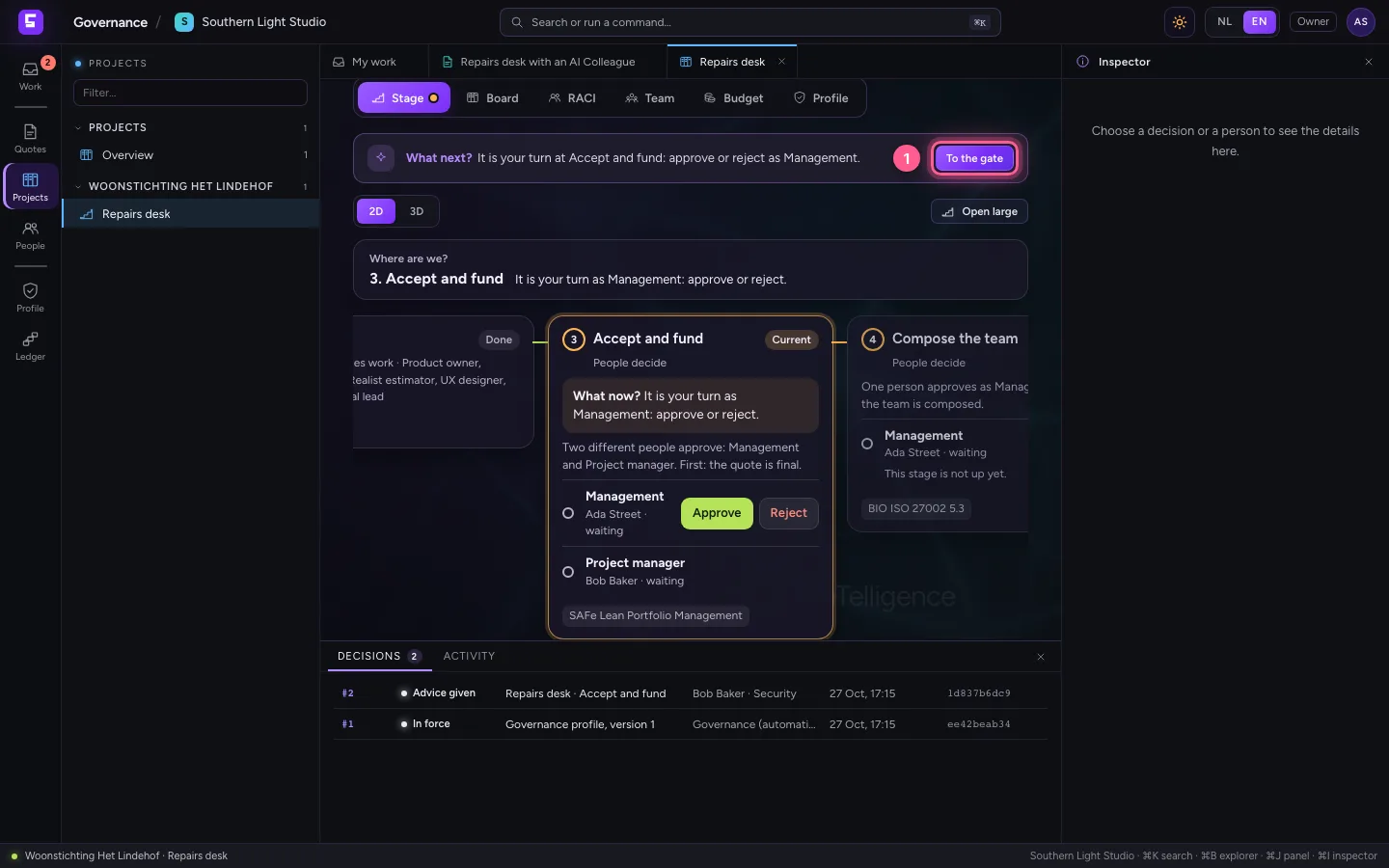
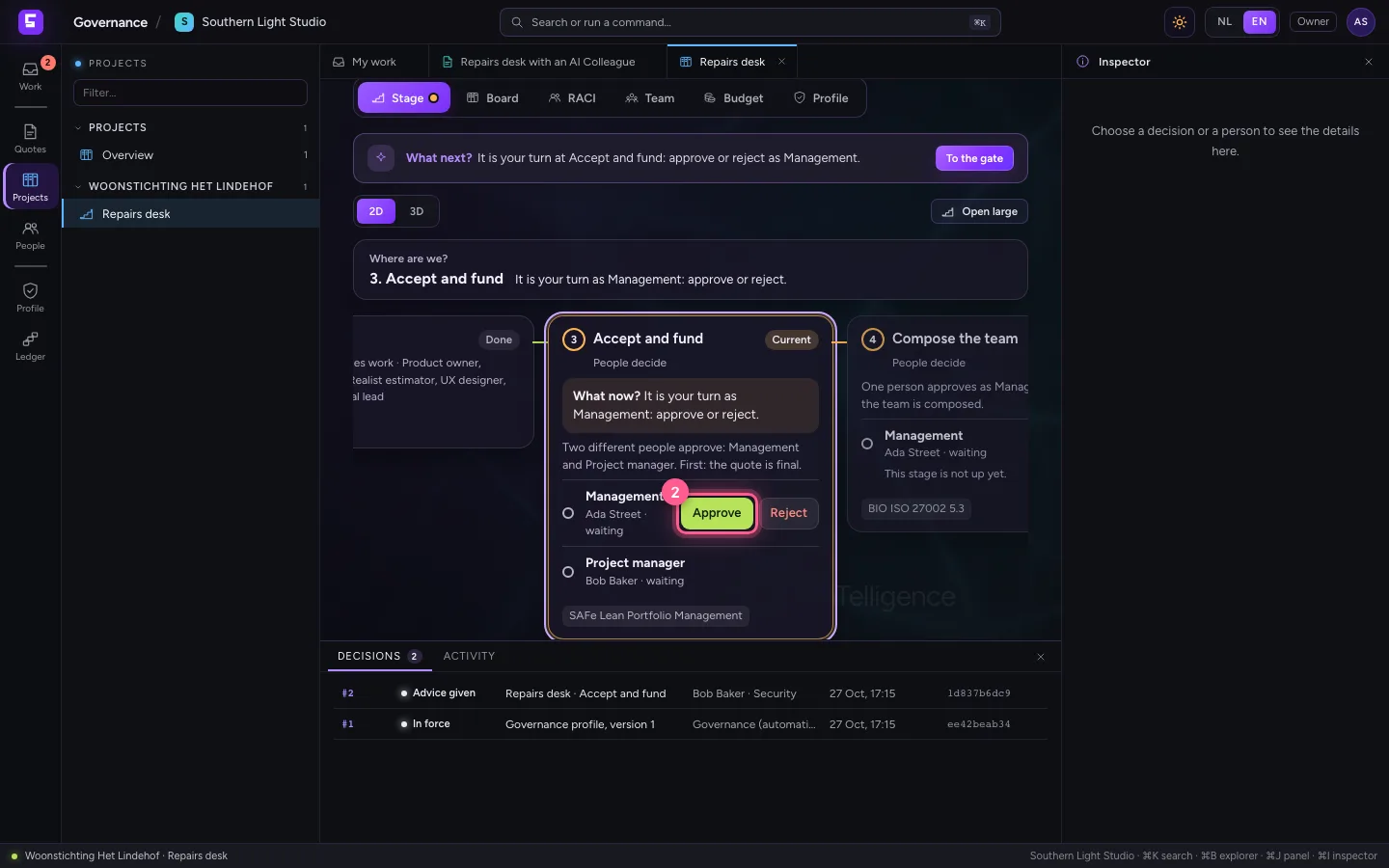
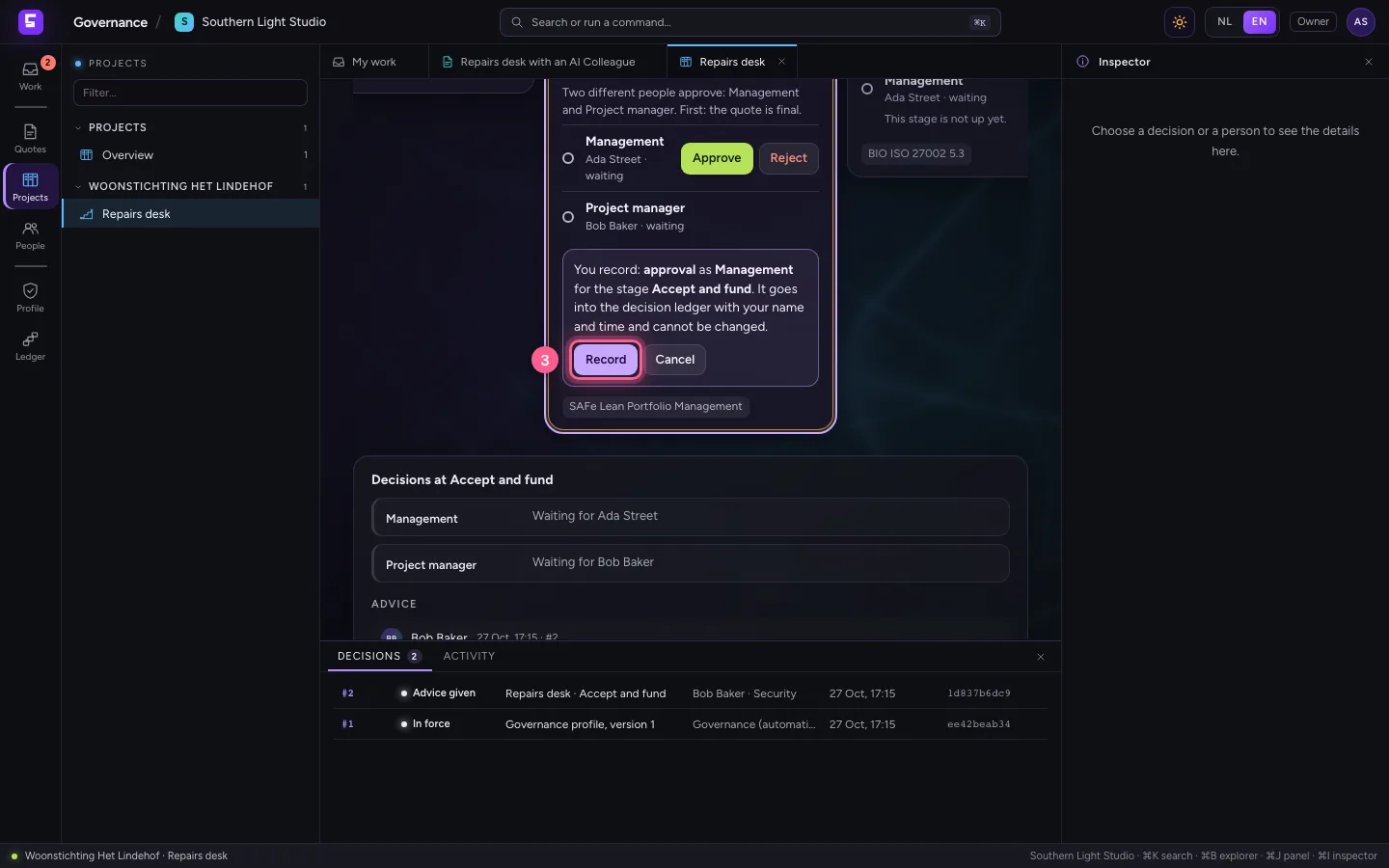
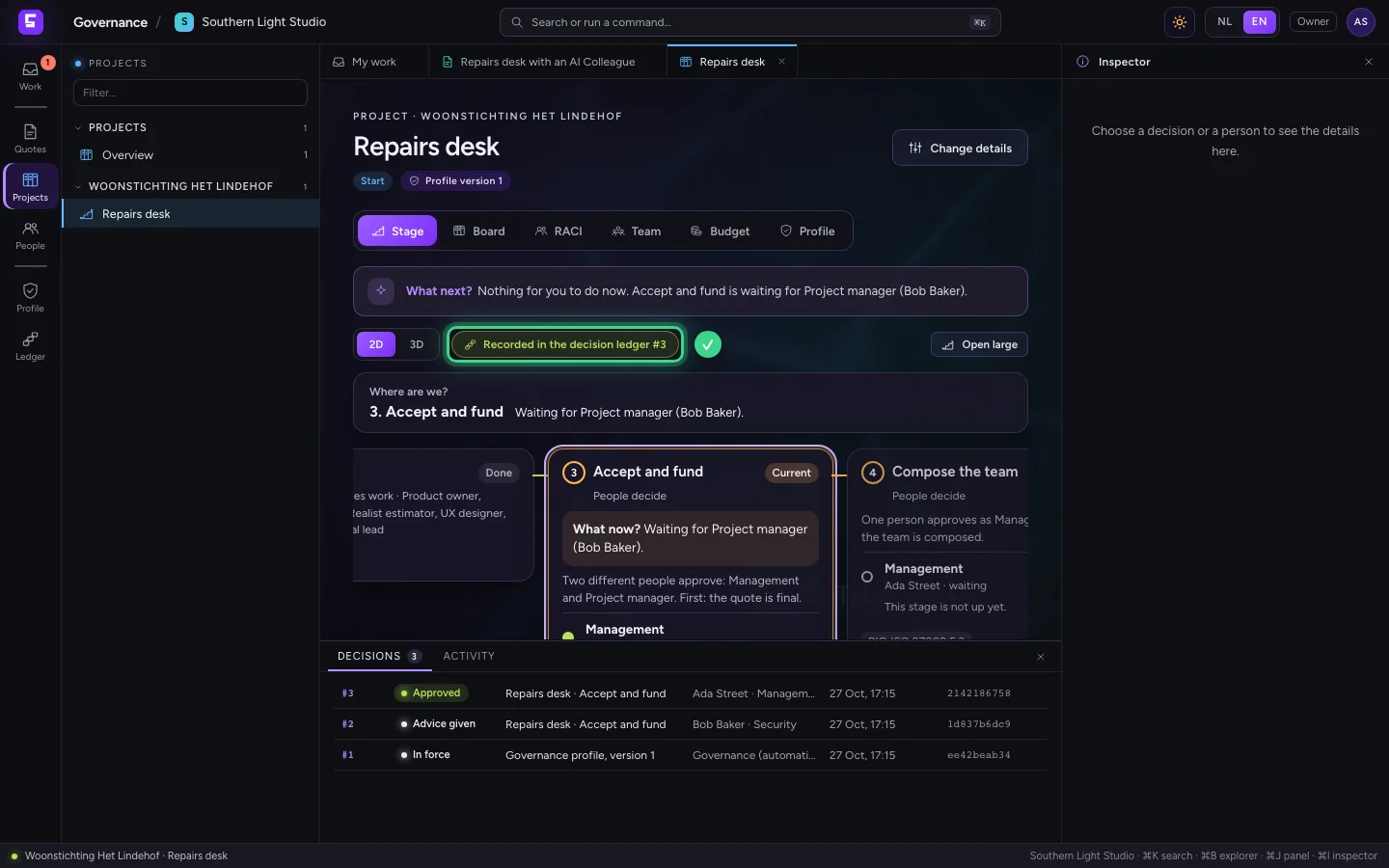
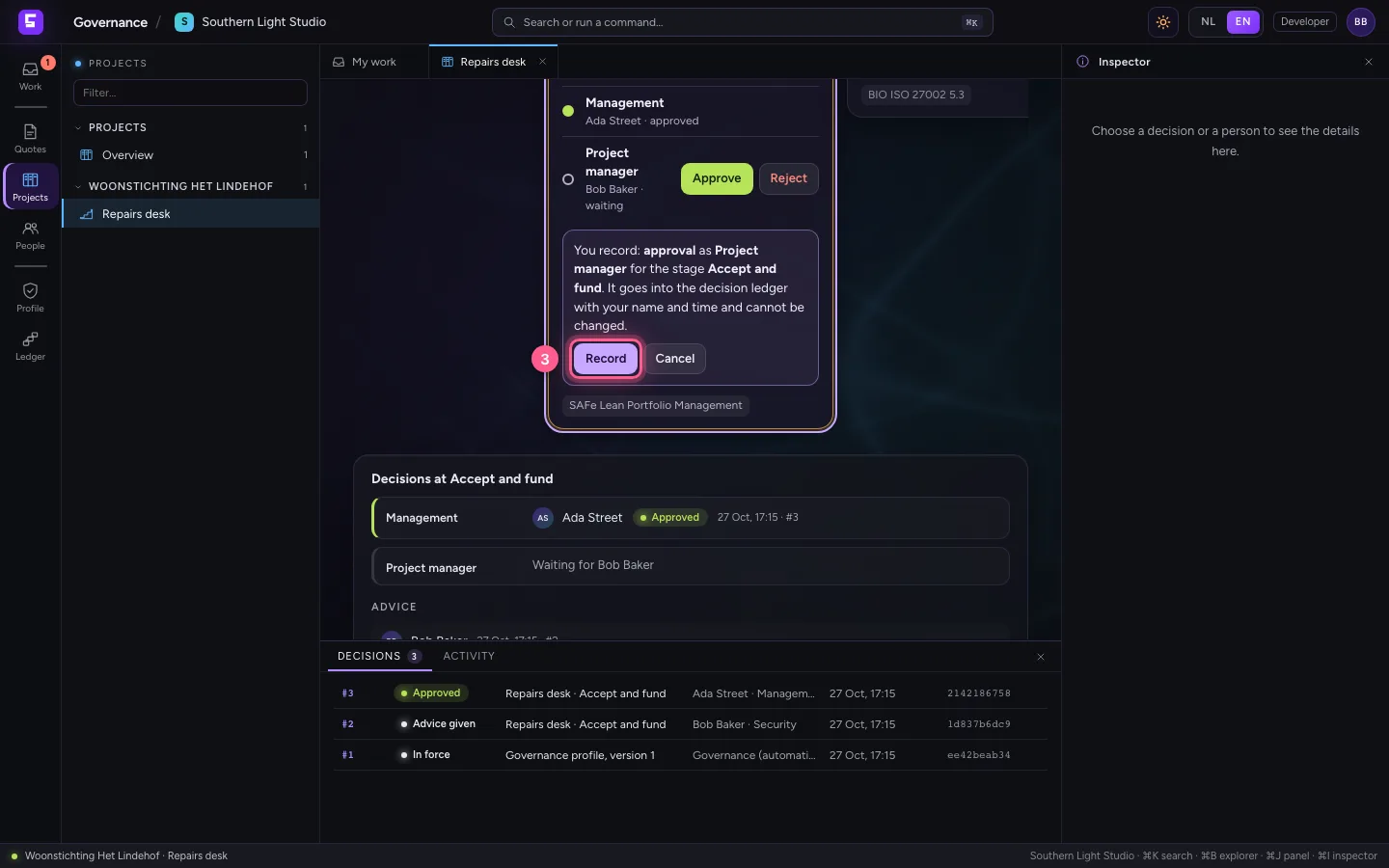
Back with you: What next? says Accept and fund is waiting for your approval as Management. Click To the gate, then Approve at your seat, and record it. The decision gets a number in the decision ledger. The gate still waits for the second seat: Project manager.
- Click To the gate
- Click Approve
- Click Record
Bob approves as project manager: four eyes
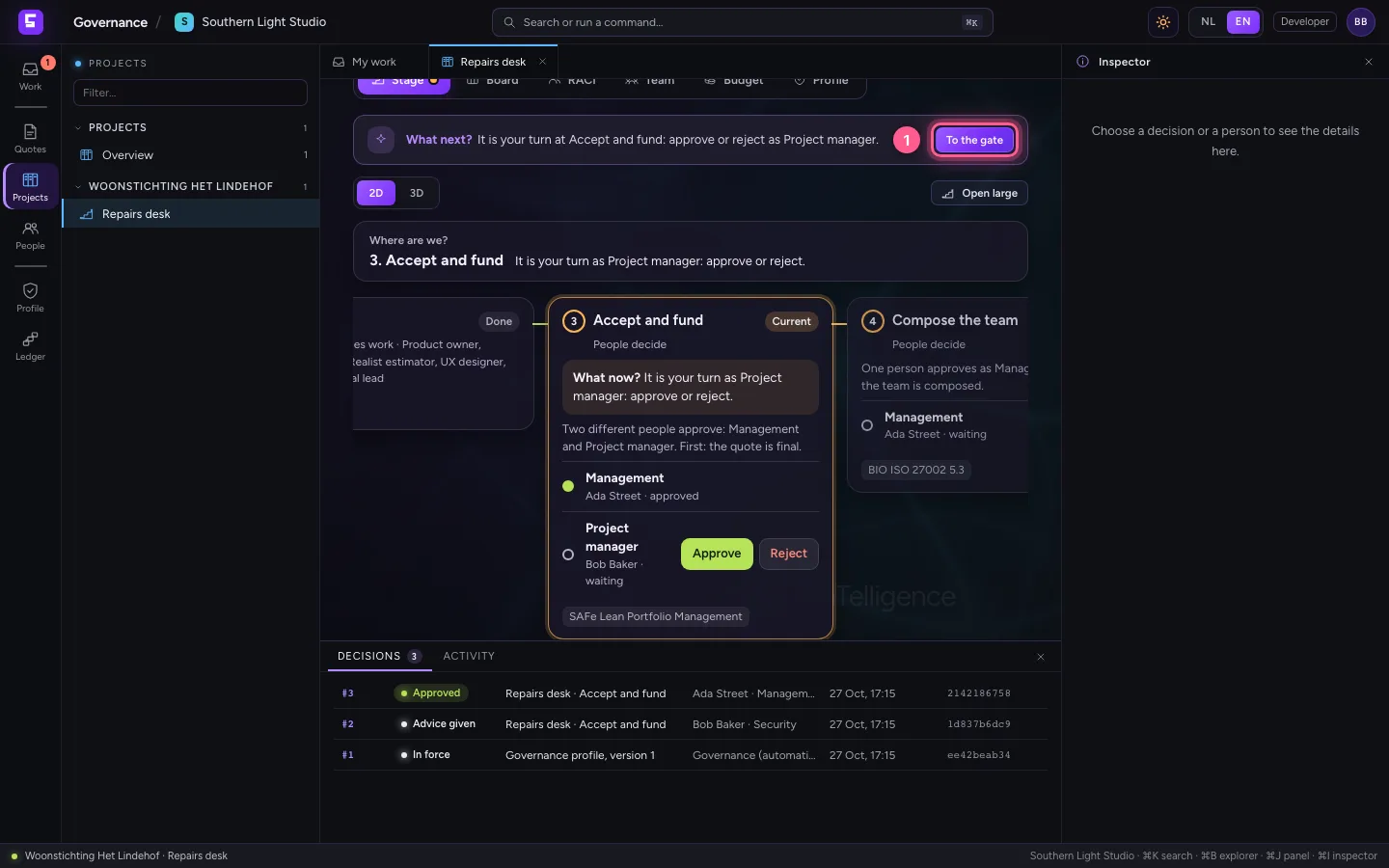
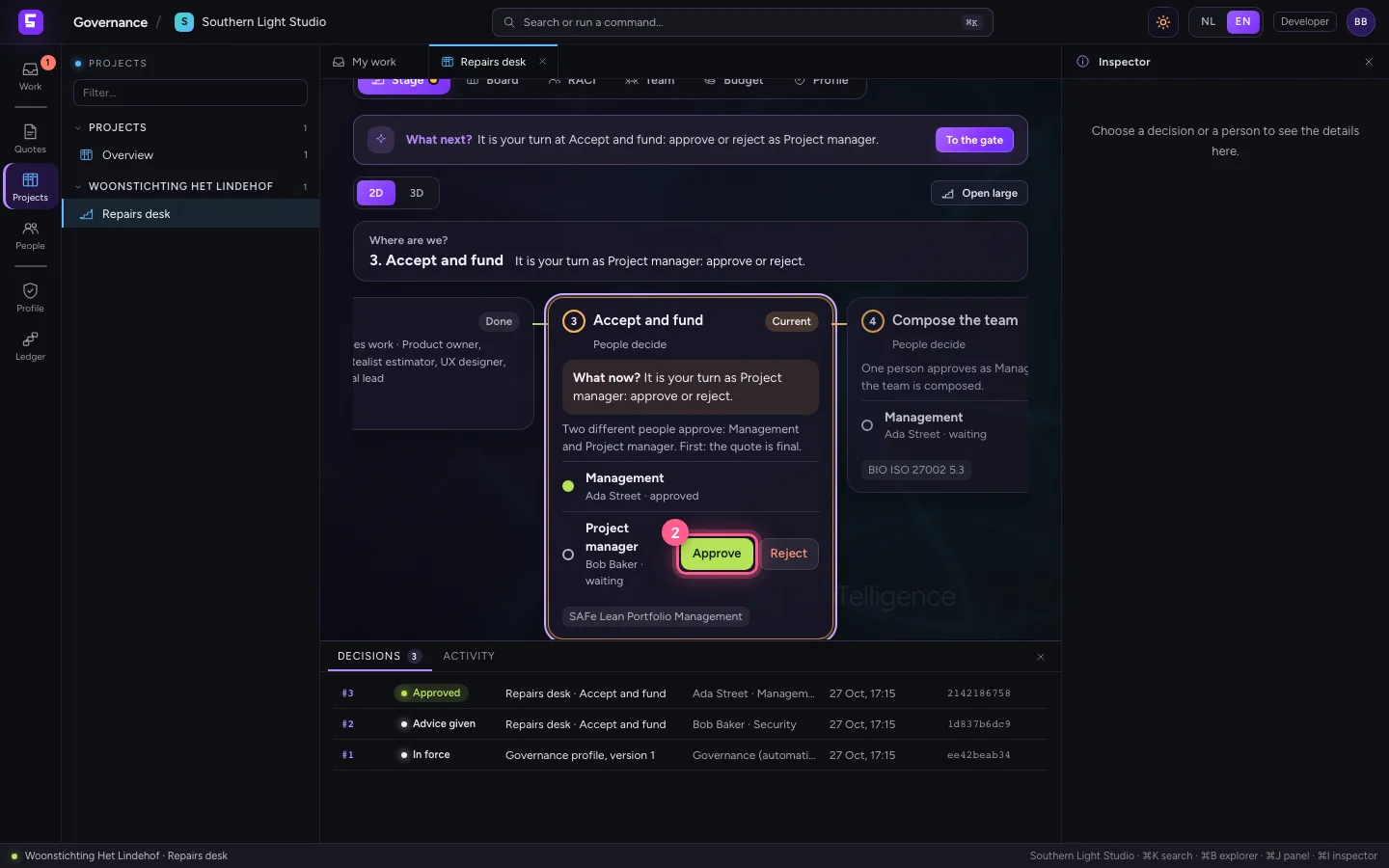
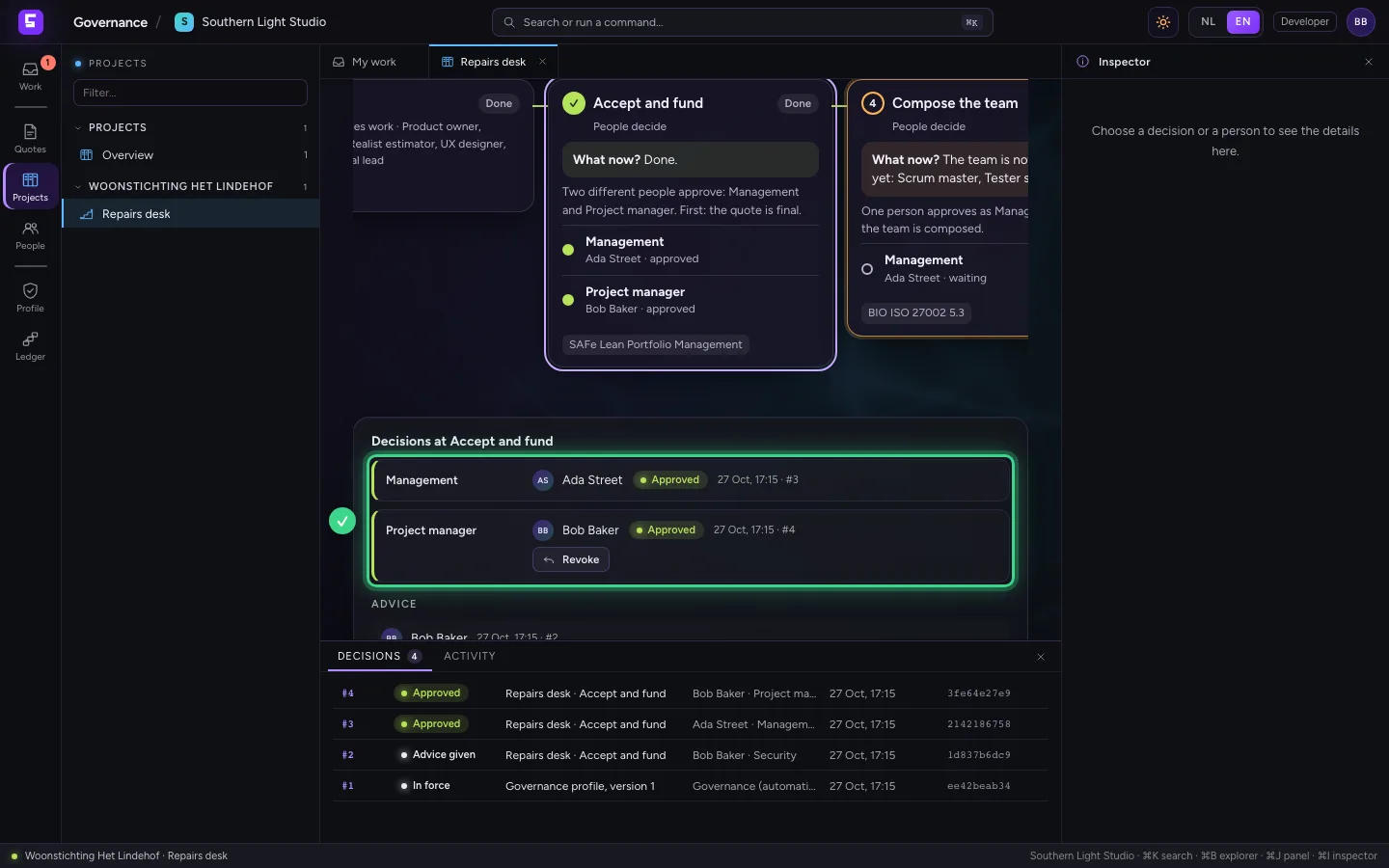
The second approval must come from someone else; the same person may not fill two seats of one gate. Bob holds the duty Project manager and approves. With that the gate is open and the project moves on to Compose the team.
- Click To the gate
- Click Approve
- Click Record
Fill the board in Flow from the quote
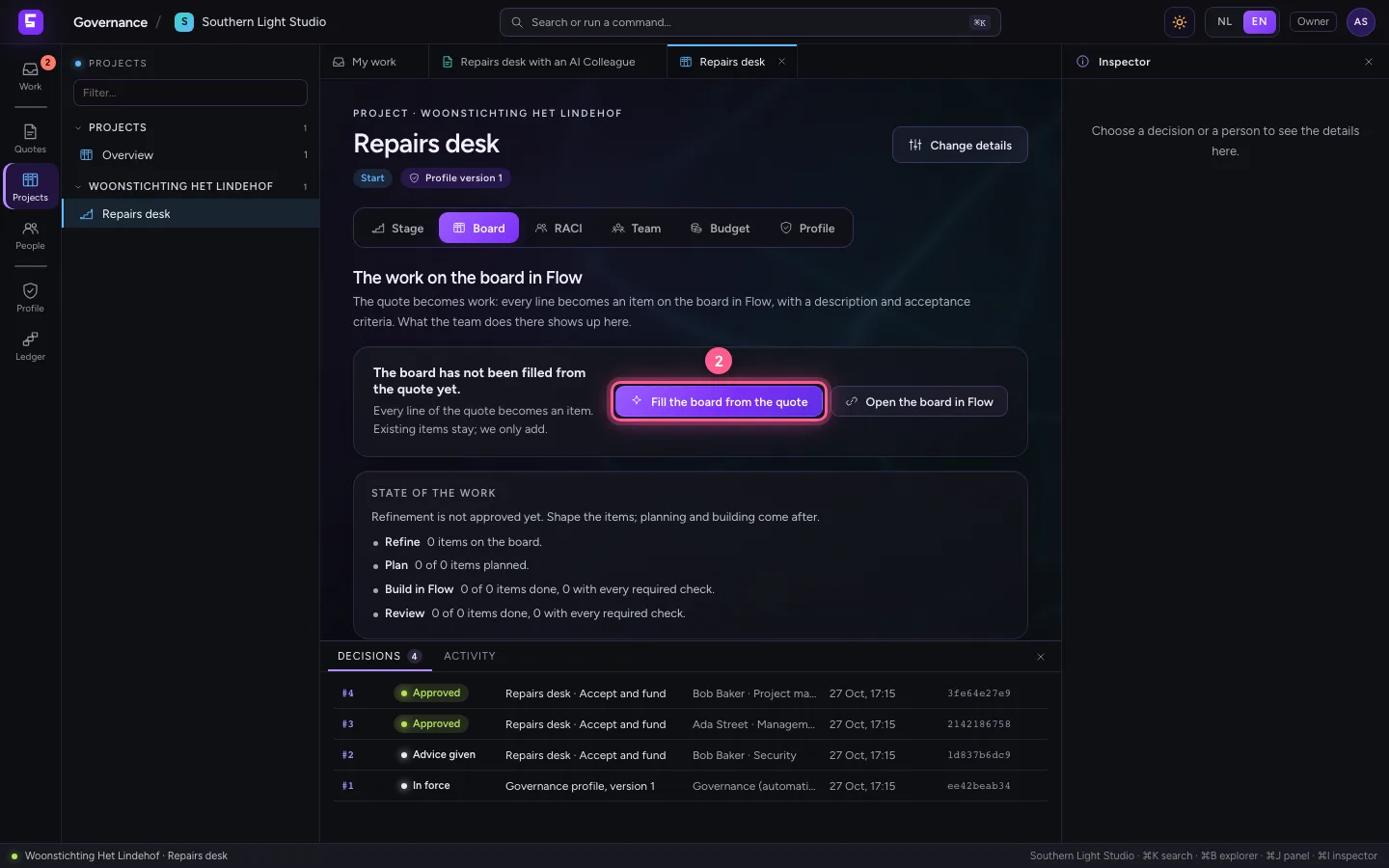
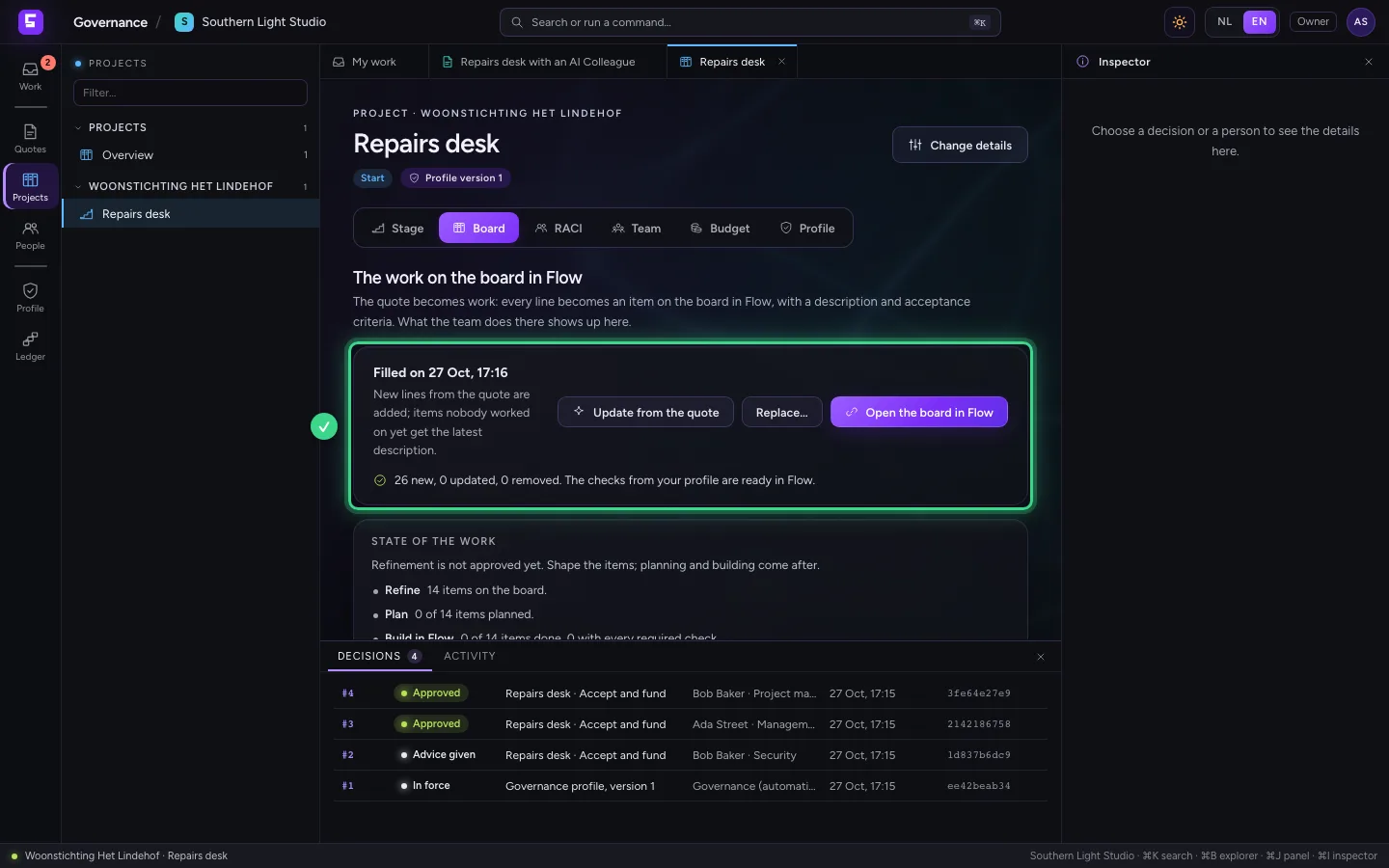
On the Board tab, click Fill the board from the quote. The quote's structure (epics, features and items, with acceptance criteria and hours) lands on the board of the linked Flow environment. There the team plans and builds; the progress comes back into the chain. Open the board in Flow takes you there.
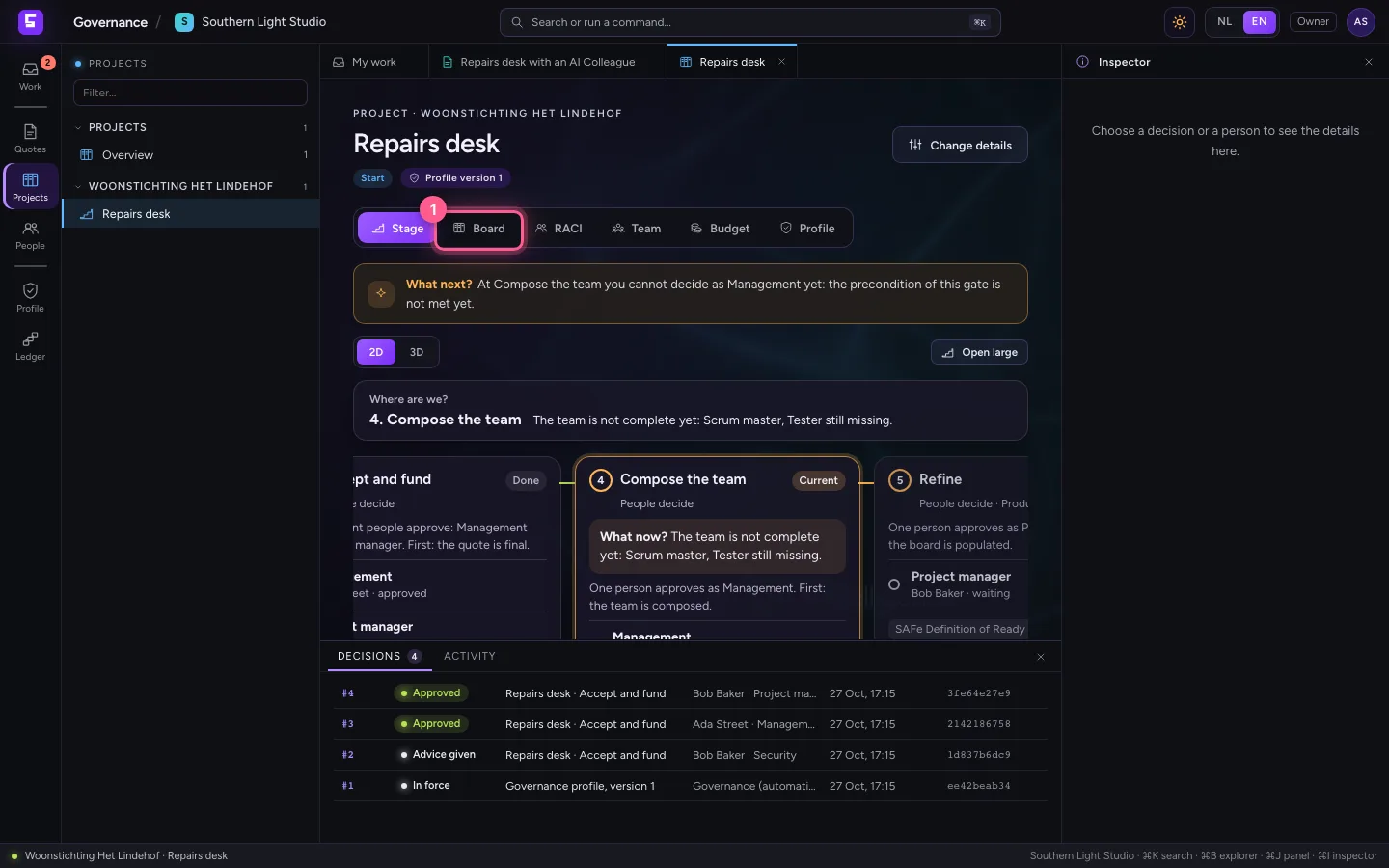
- Click Board
- Click Fill the board from the quote
The same chain in 3D
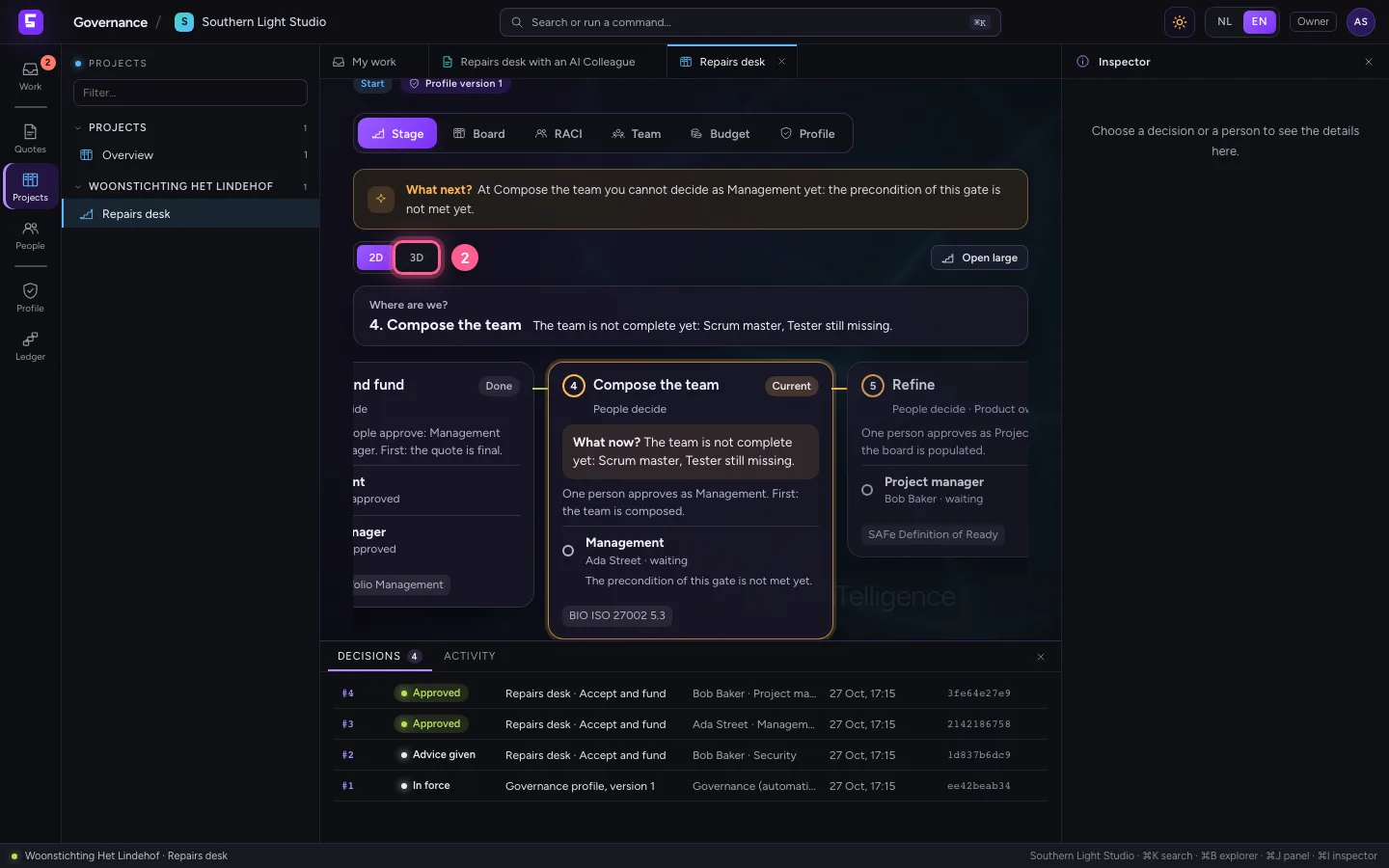
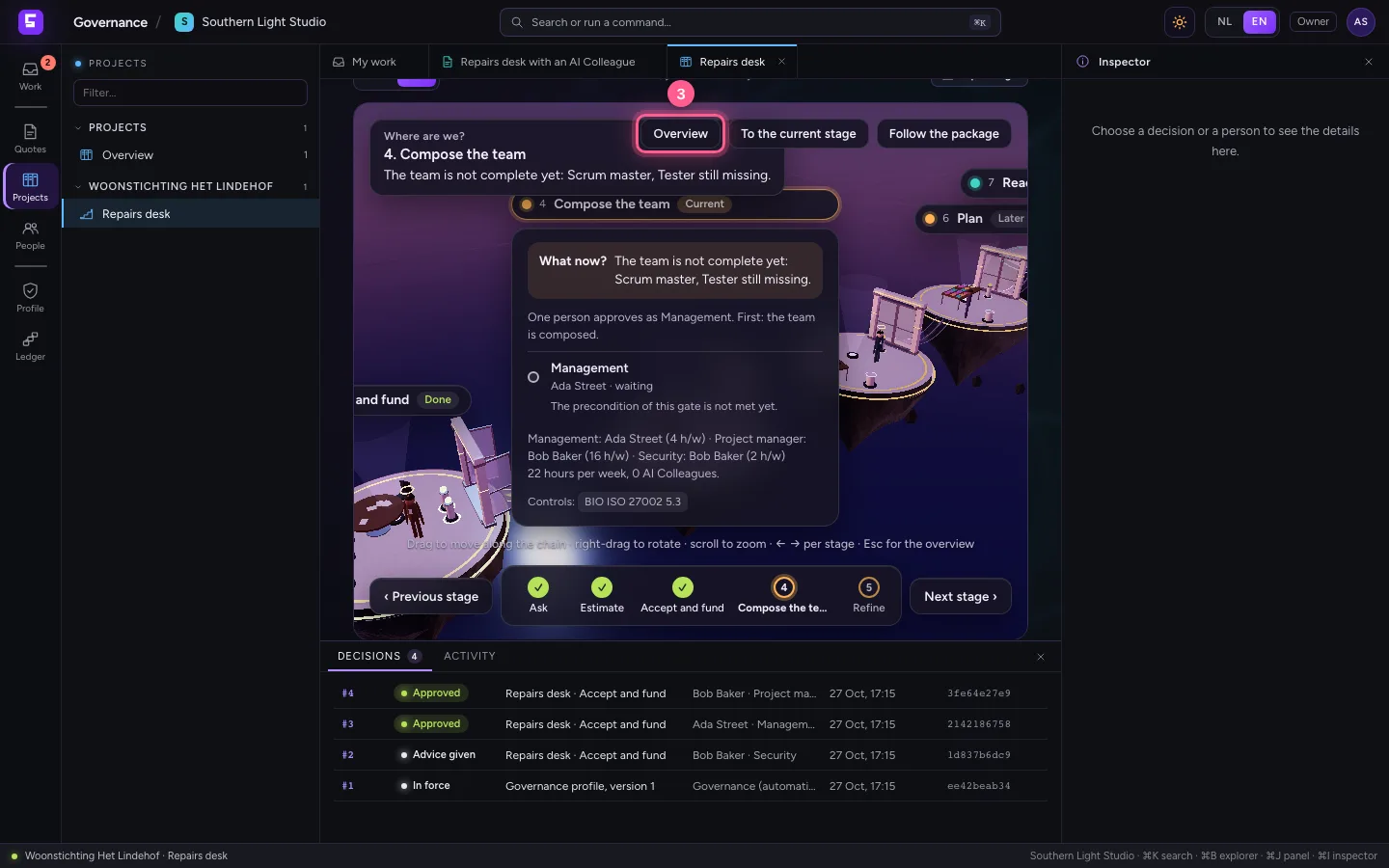
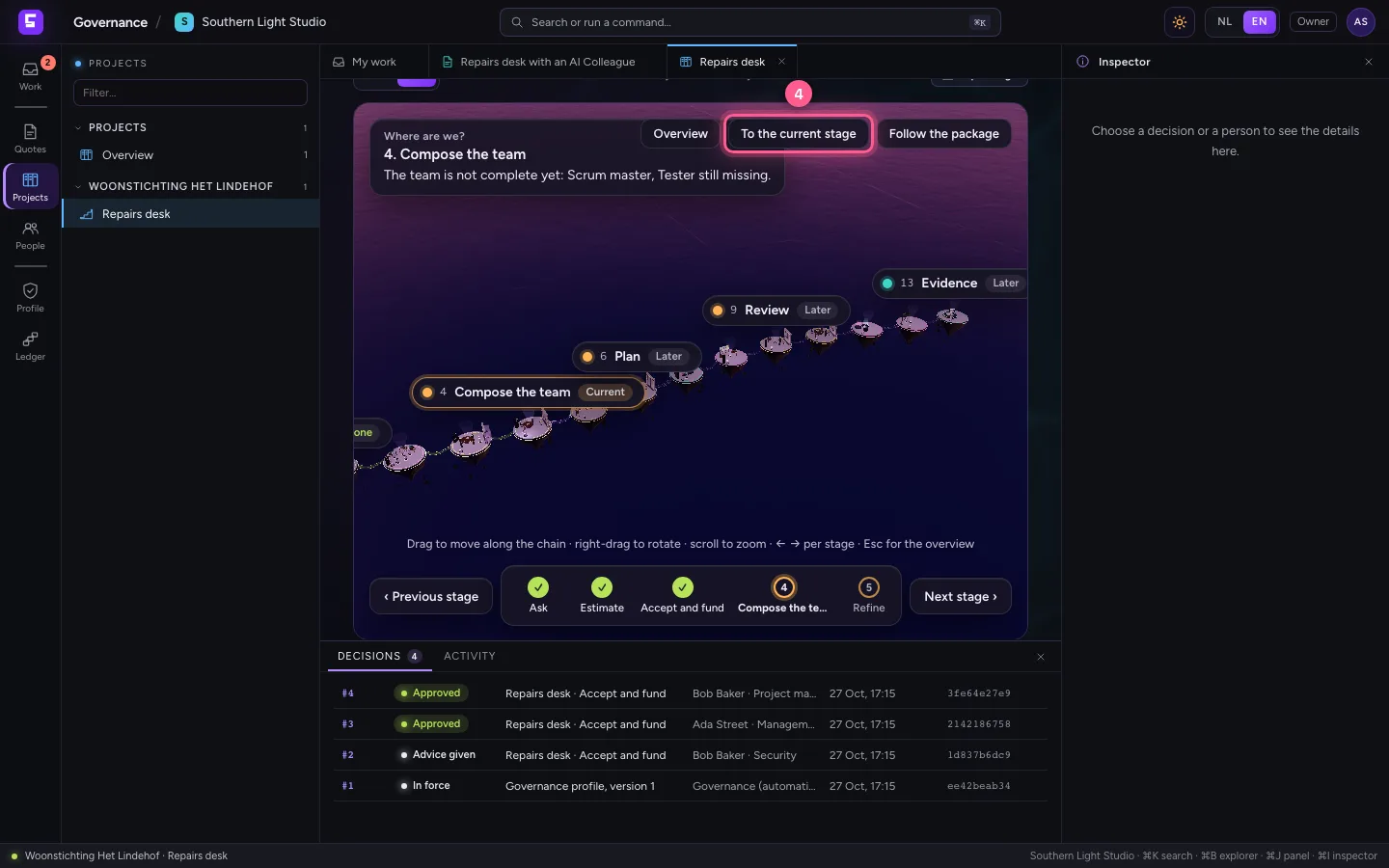
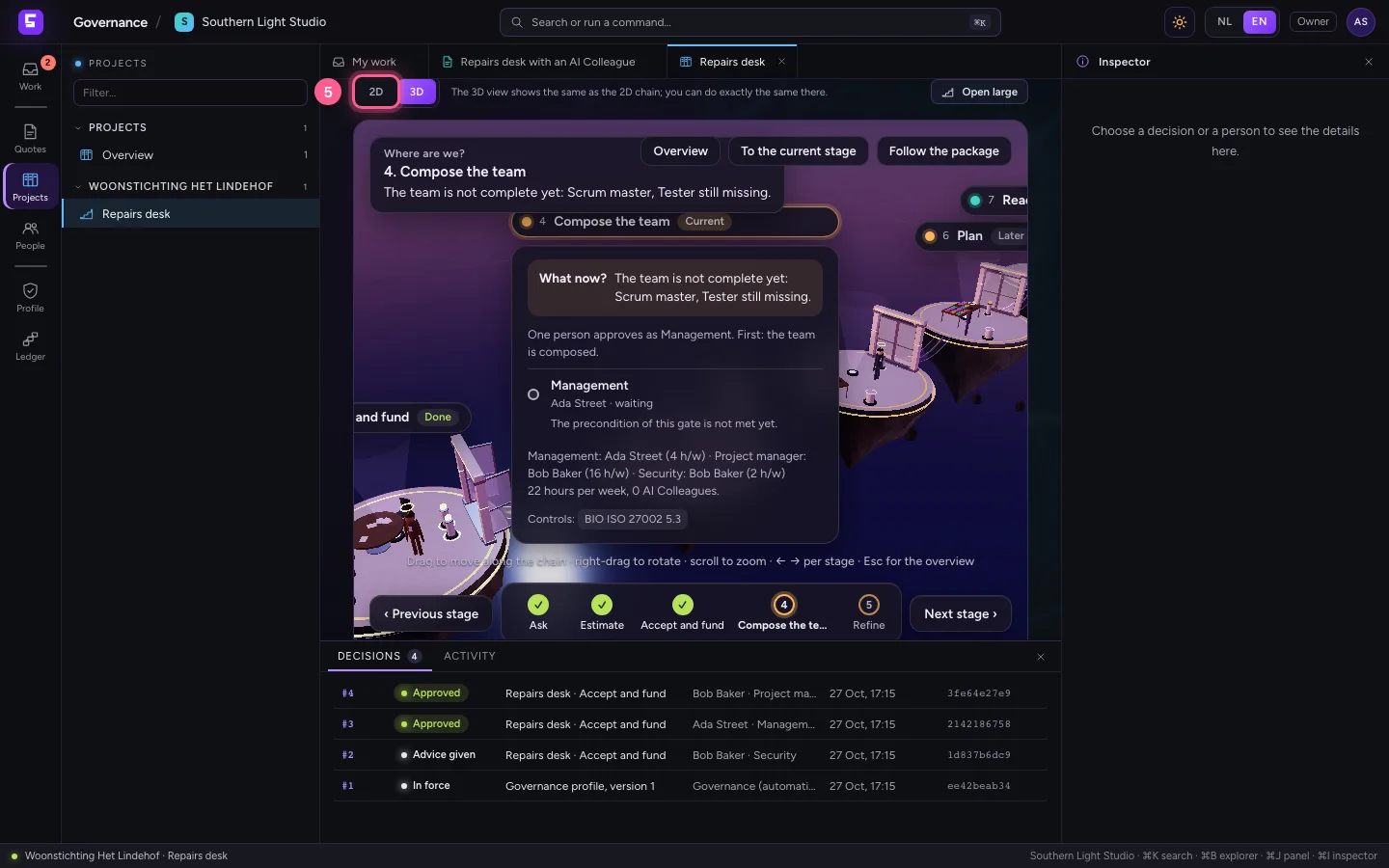
Back on Stage, choose 3D: the same chain as a landscape of islands, with at every gate who approves. Accept and fund is done; the project is now at Compose the team. Overview shows the whole chain, To the current stage flies you back. You can do exactly the same there as in 2D; the 2D chain stays the default and the fallback.
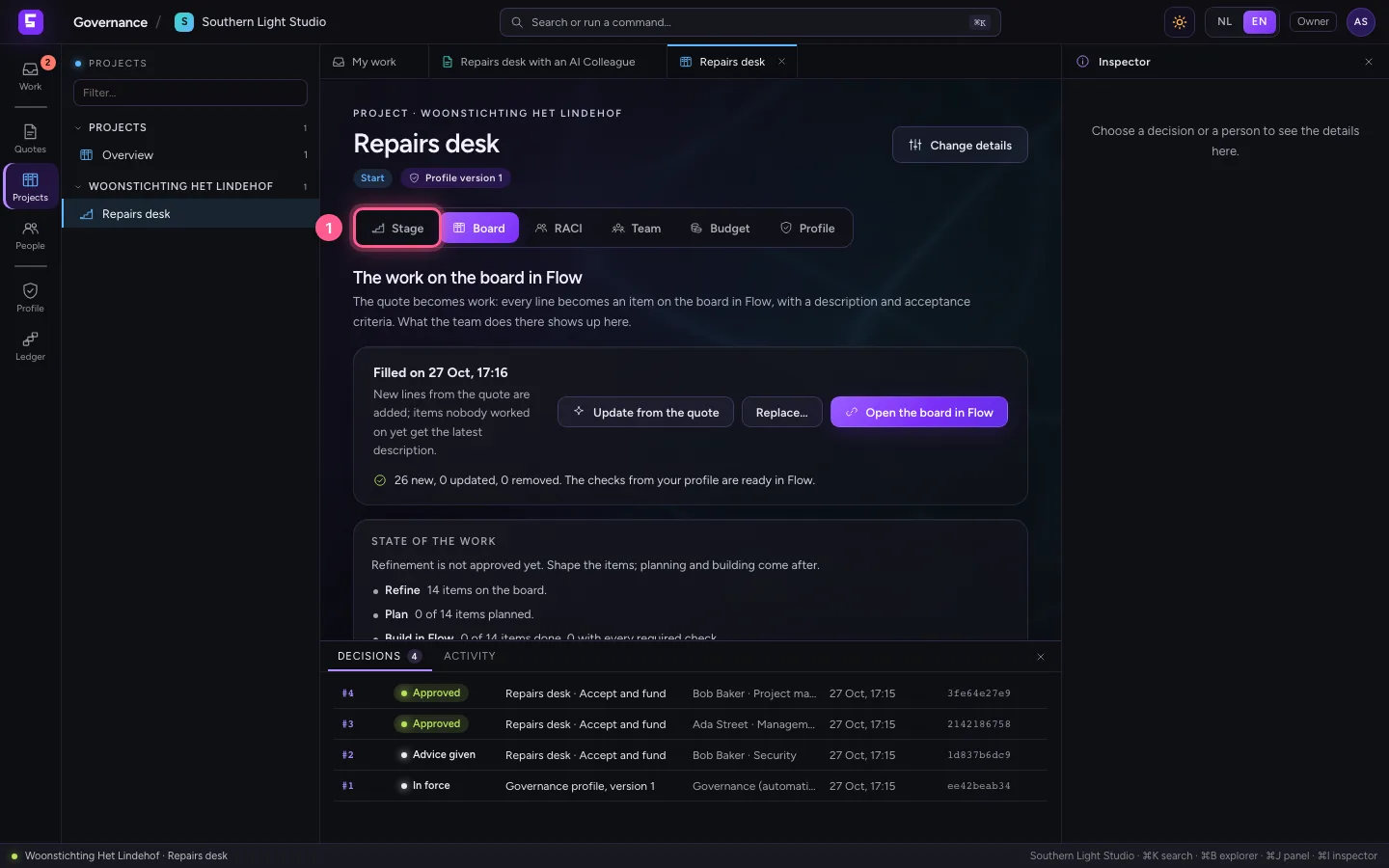
- Click Stage
- Click 3D
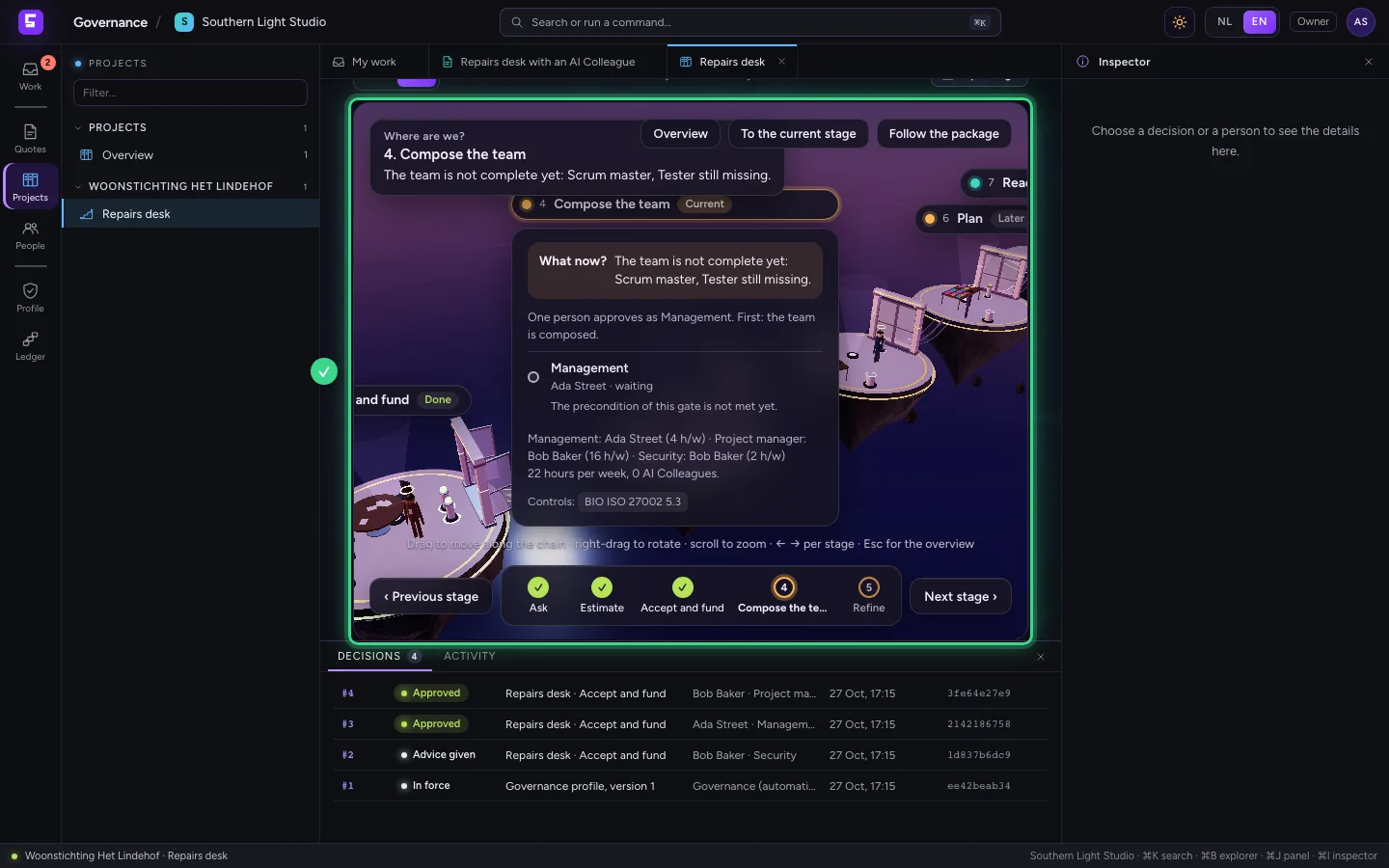
- Click Overview
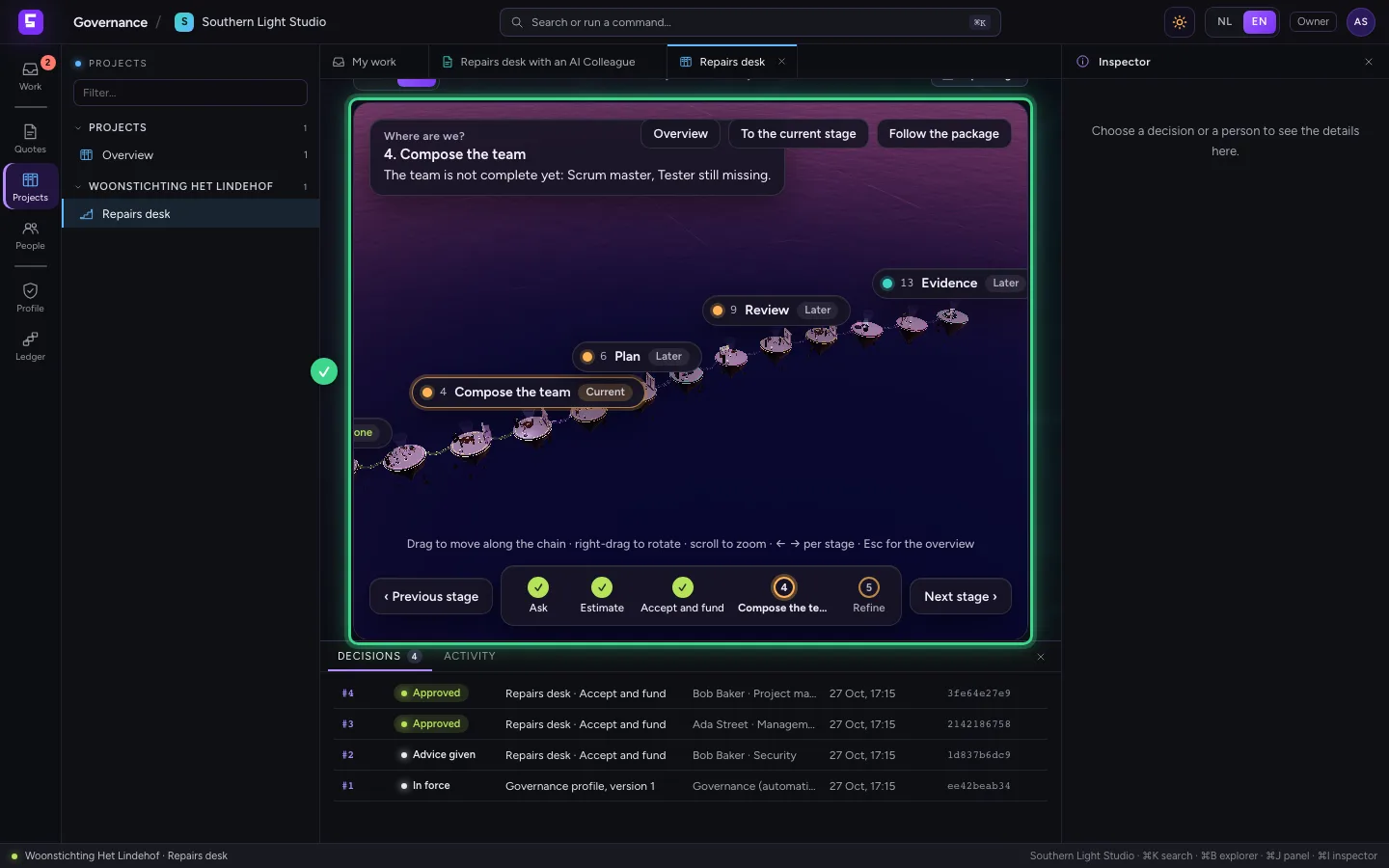
- Click To the current stage
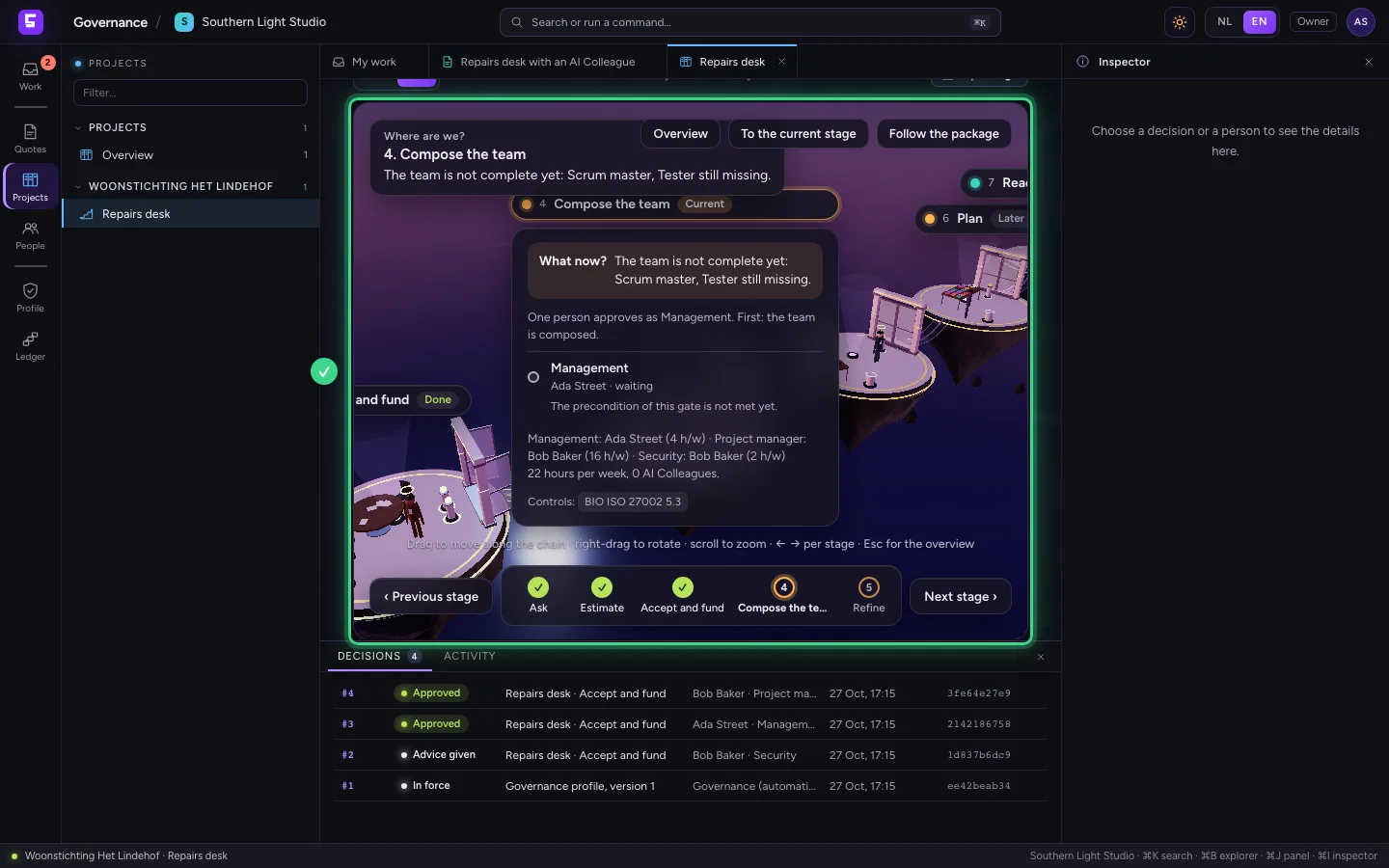
- Click 2D
Everything is in the decision ledger
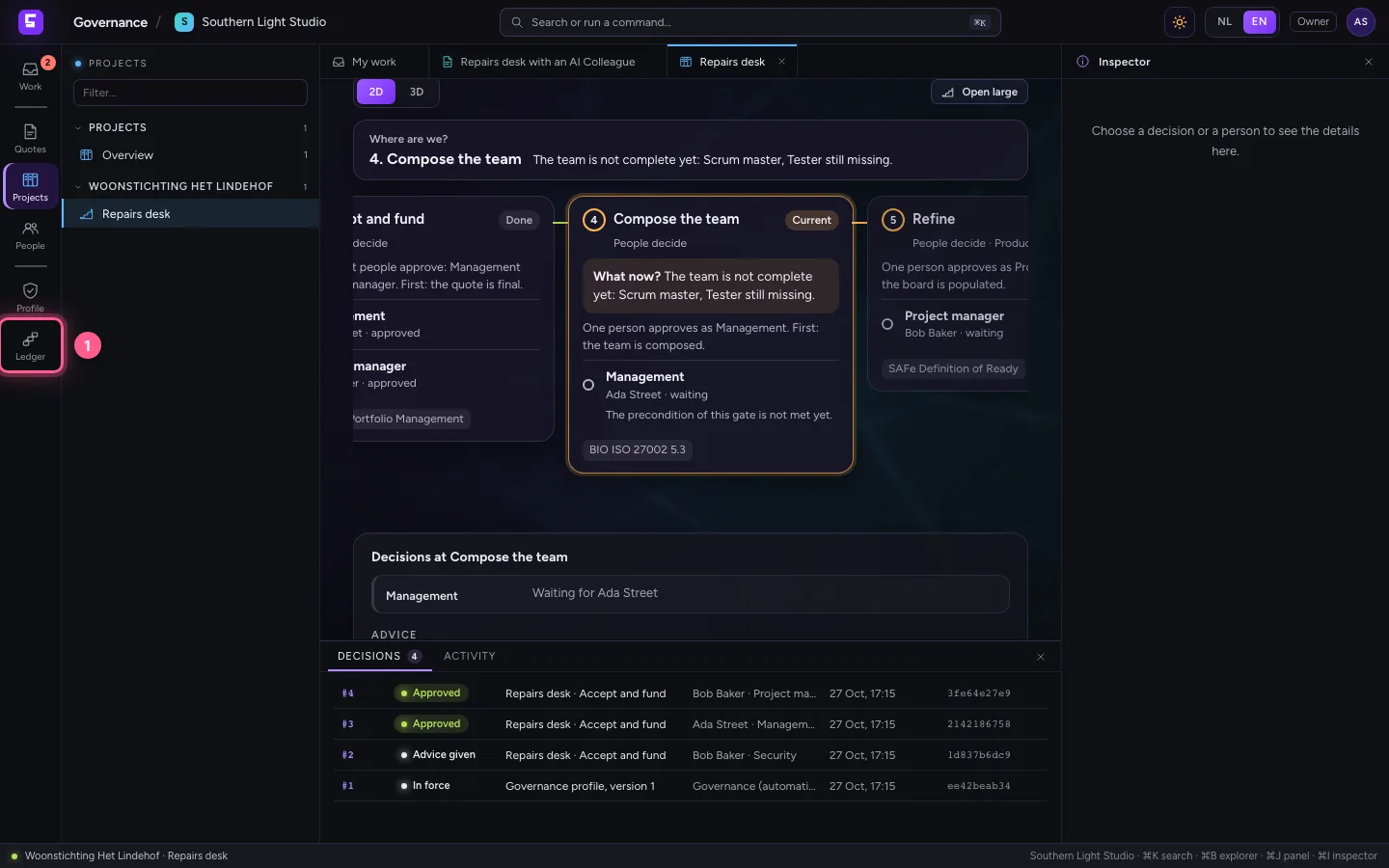
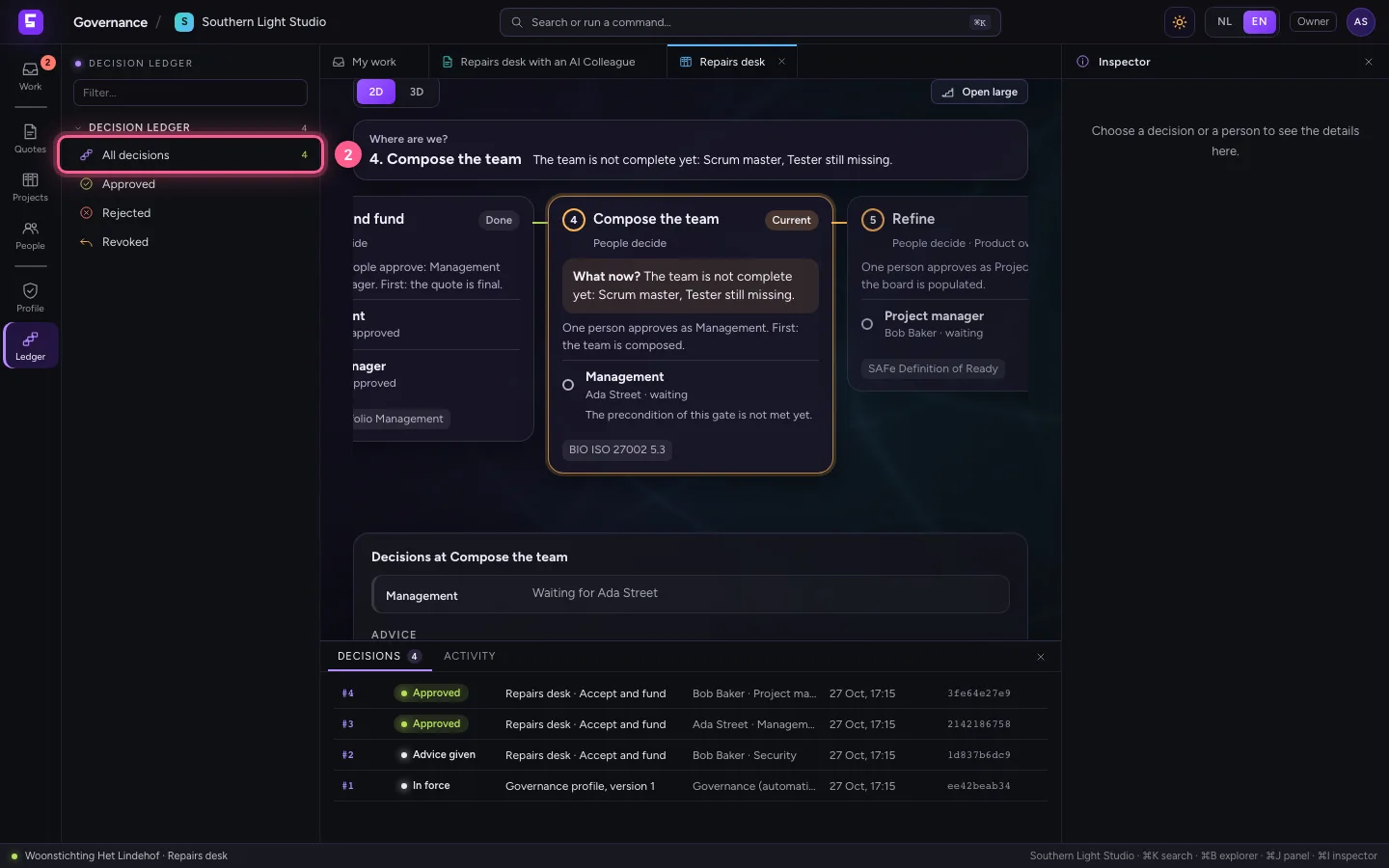
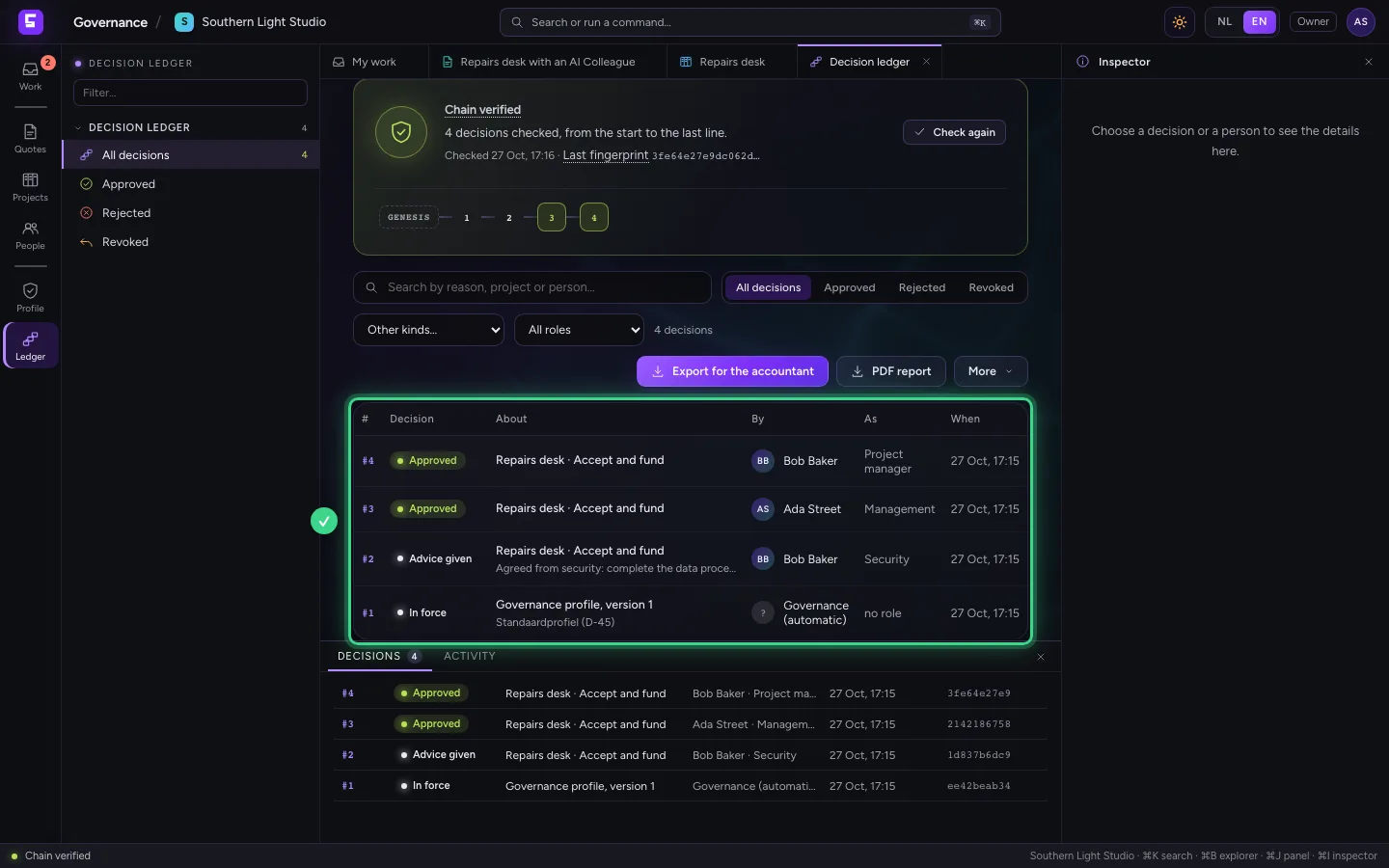
Click Decisions on the left and choose All decisions. The advice from security, the two approvals and the filling of the board are there, each with who, as which duty and when, in a chain that checks itself.
- Click Decisions
- Click All decisions 4
This guide was carried out step by step on 27 Oct 2026 by an automated test on Flow (version 7d21bad8).