Platform admin: help customers and update every environment
Whoever runs Flow for others works under Admin: Overview, Customers, Updates, Contact and Marketplace. There you find every organisation, invite people into an organisation, open the settings of any environment and bring every environment to a new Flow version in one round: the personal Flows first, then Development, Test and Acceptance, Production last. Customers see the round coming beforehand. A customer makes their organisation themselves.
Open Admin
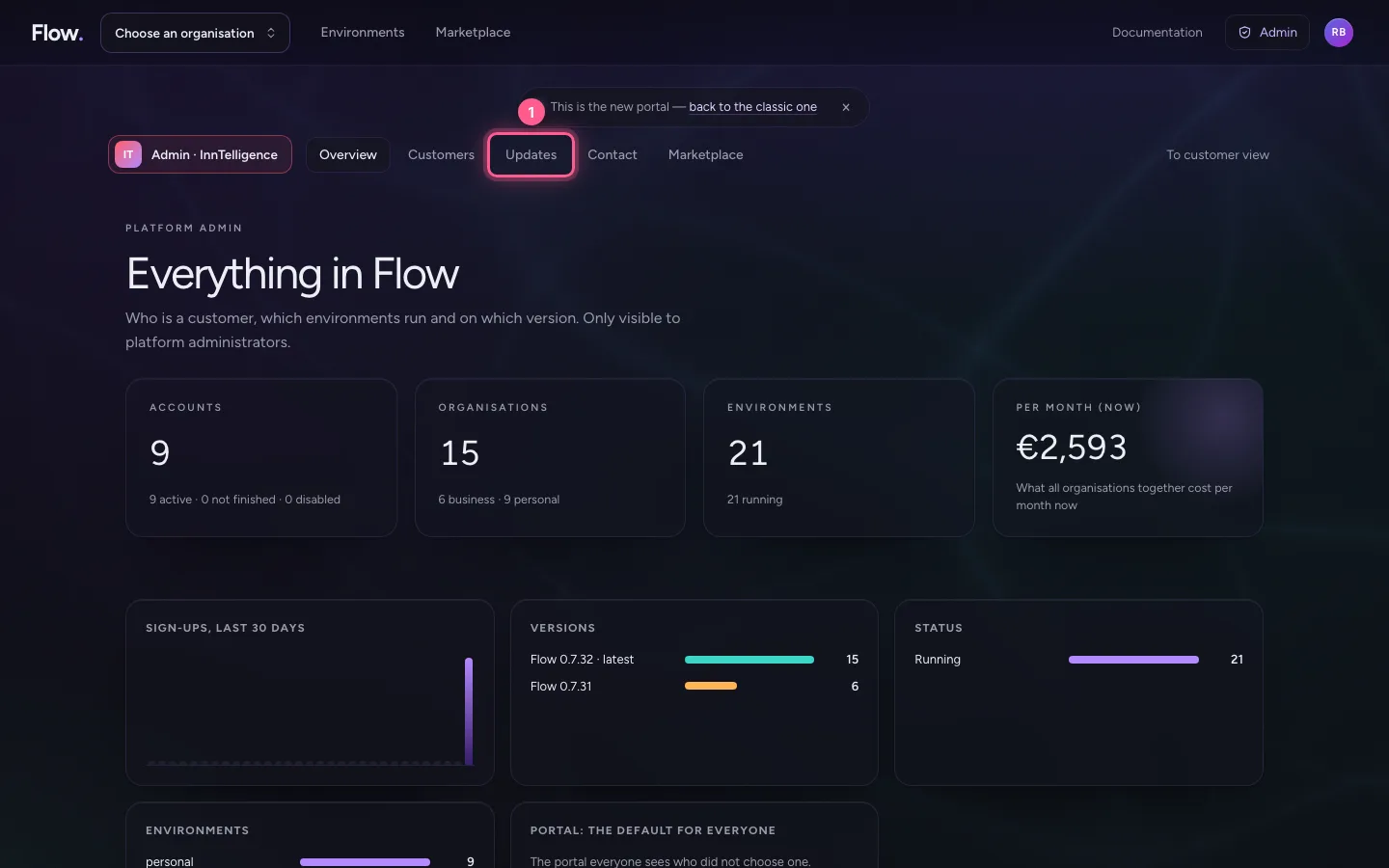
Platform administrators see Admin at the top. Admin has five places: Overview (every figure), Customers, Updates, Contact (questions from the website) and Marketplace (reviewing public requests). To customer view takes you back to your own portal. Where everything is, you also see in Admin, for InnTelligence.
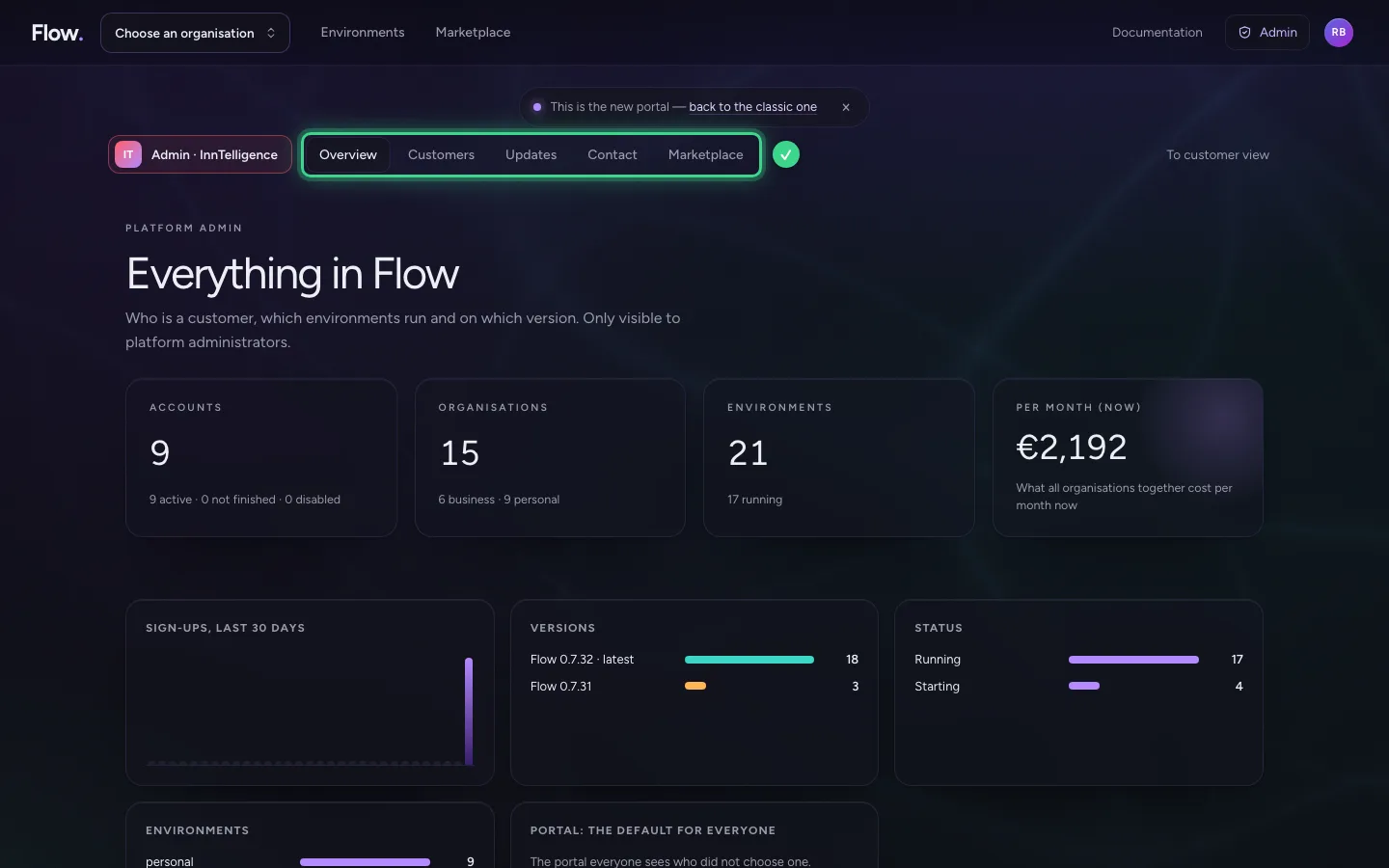
Find a customer
Under Customers are all organisations, with their environments and people; search by name or by someone in it. A customer makes their organisation themselves, with their own account: that way it is always clear who its owner is. Admin never makes one on someone else's behalf.
- Click Customers
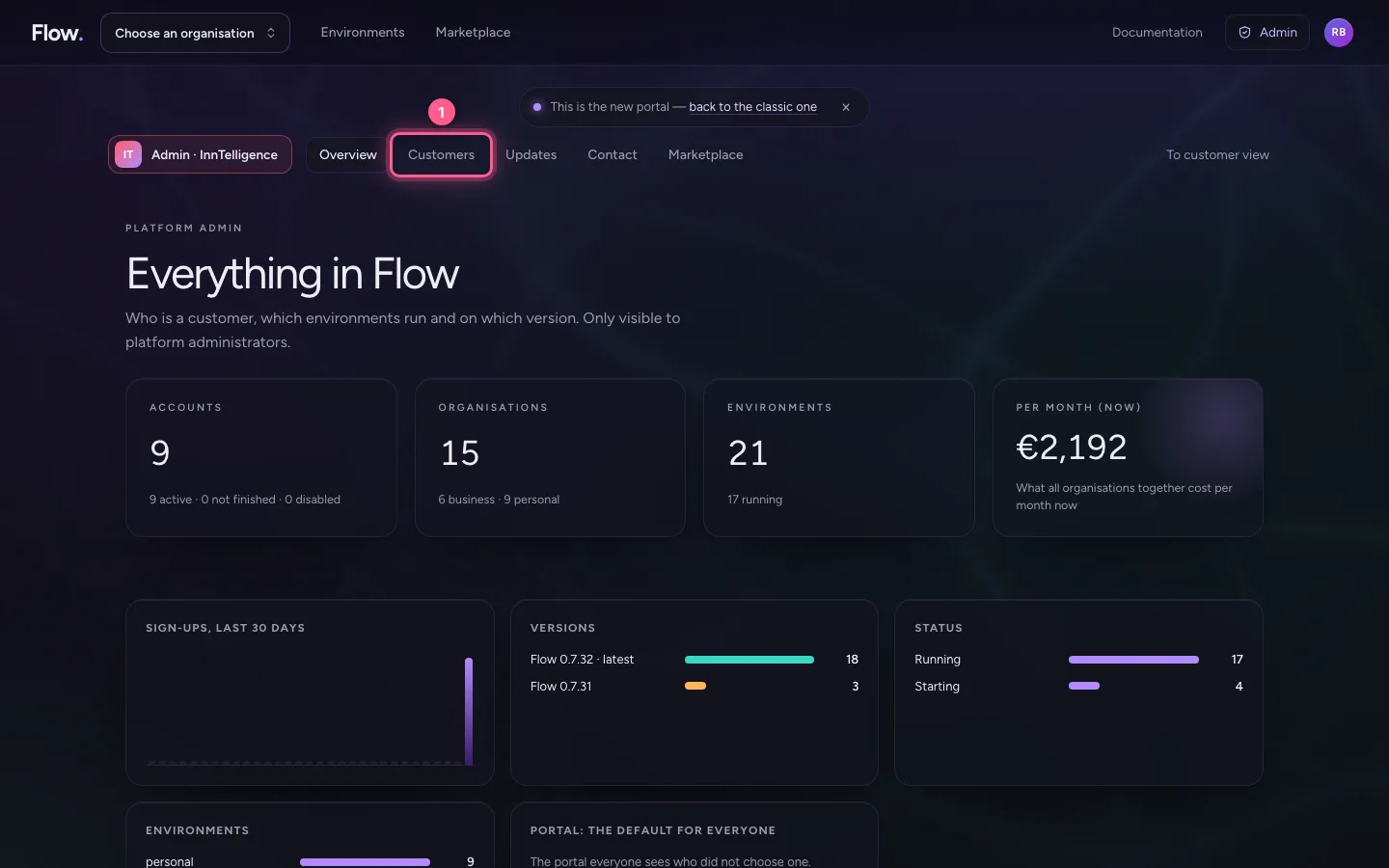
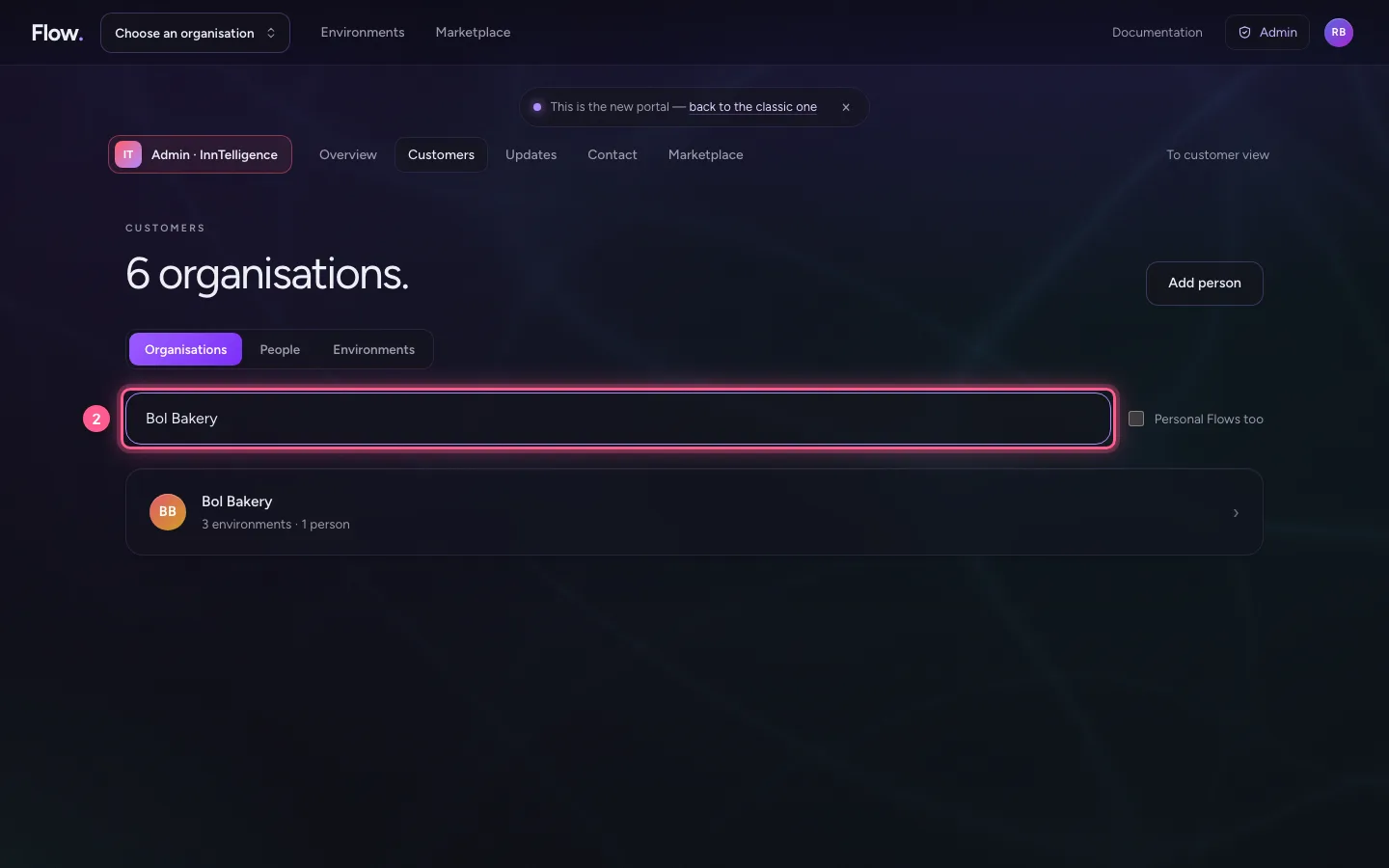
- In Search an organisation or person, type
Bol Bakery
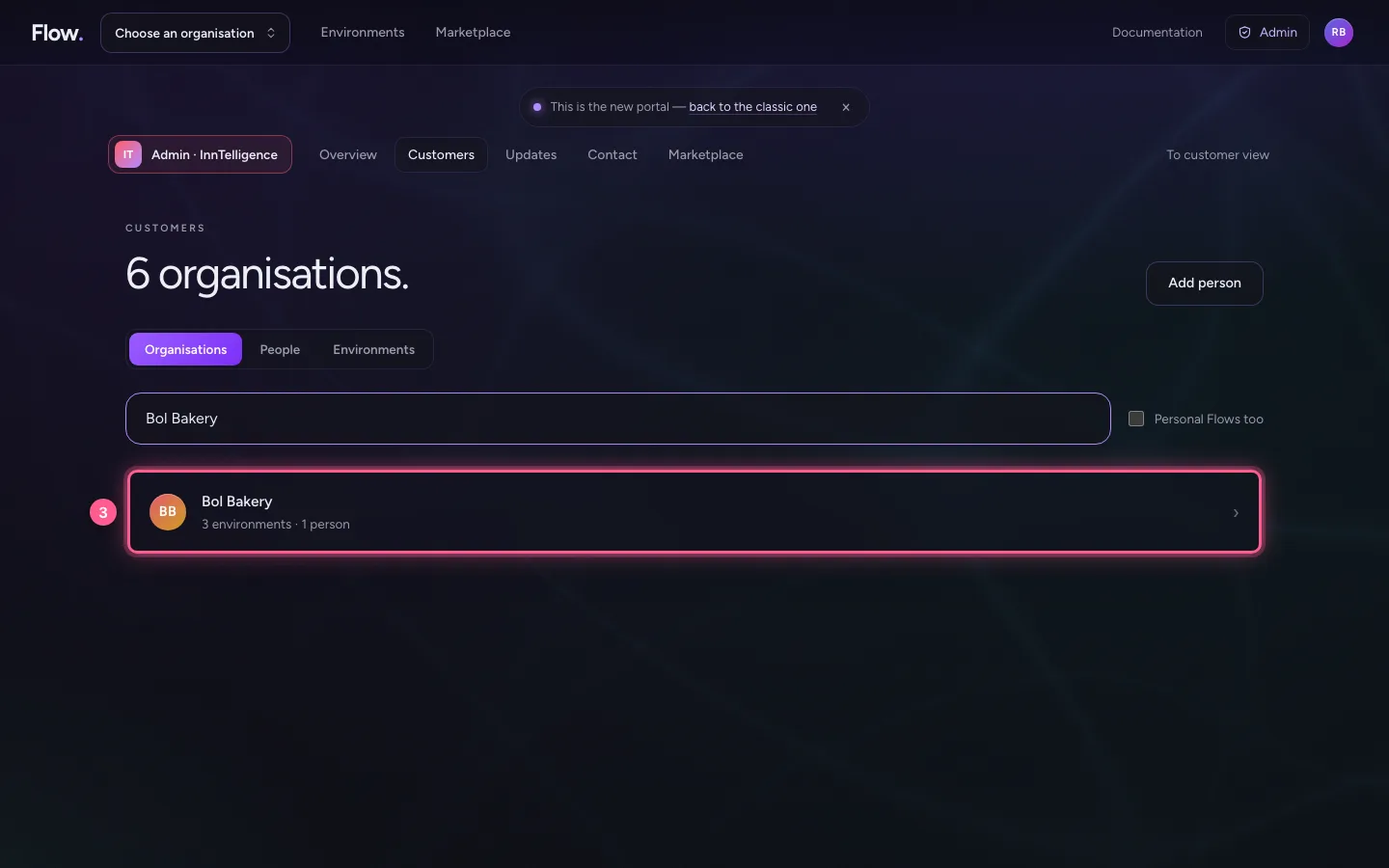
- Click BB Bol Bakery 3 environments · 1 person ›
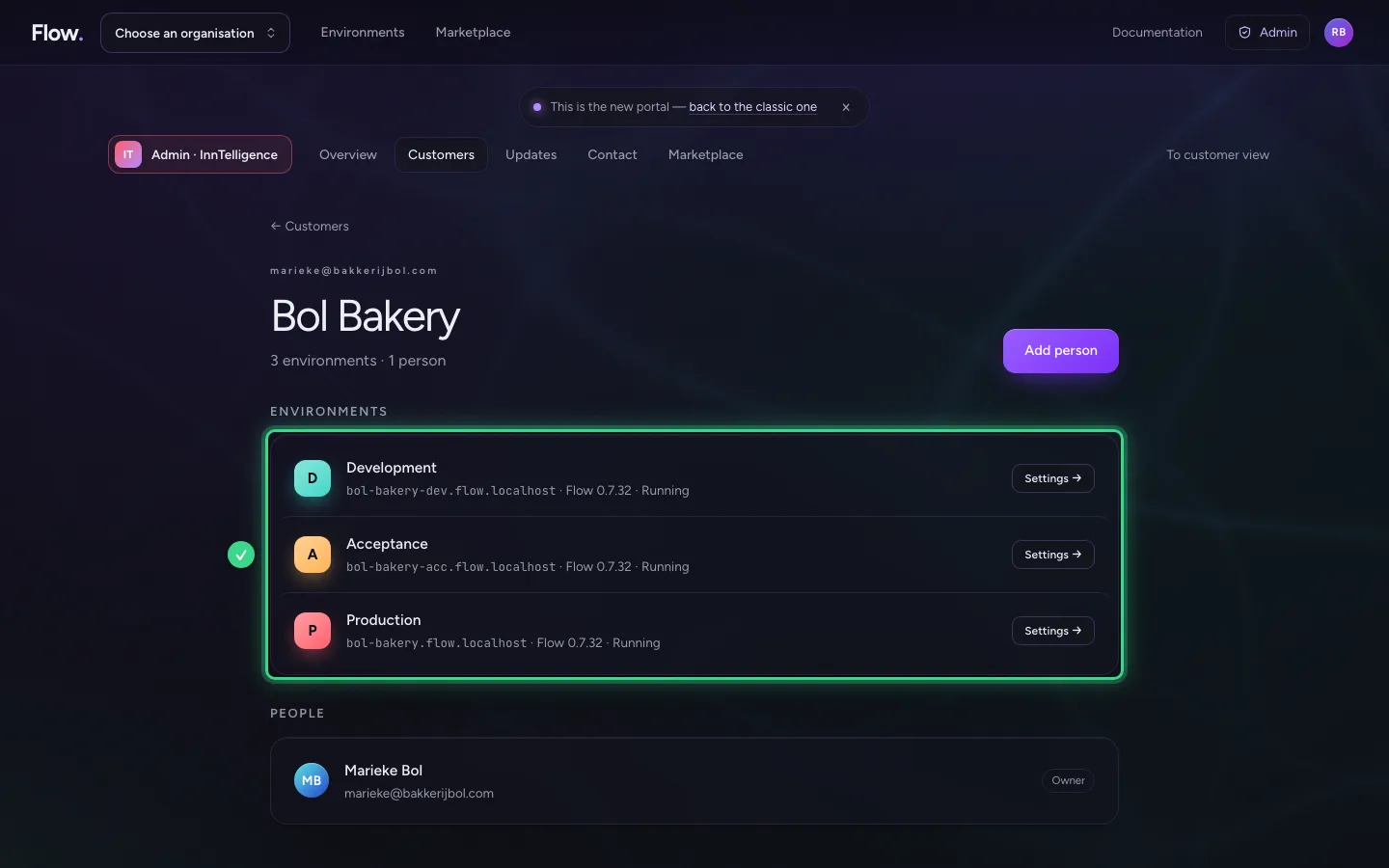
Invite someone else
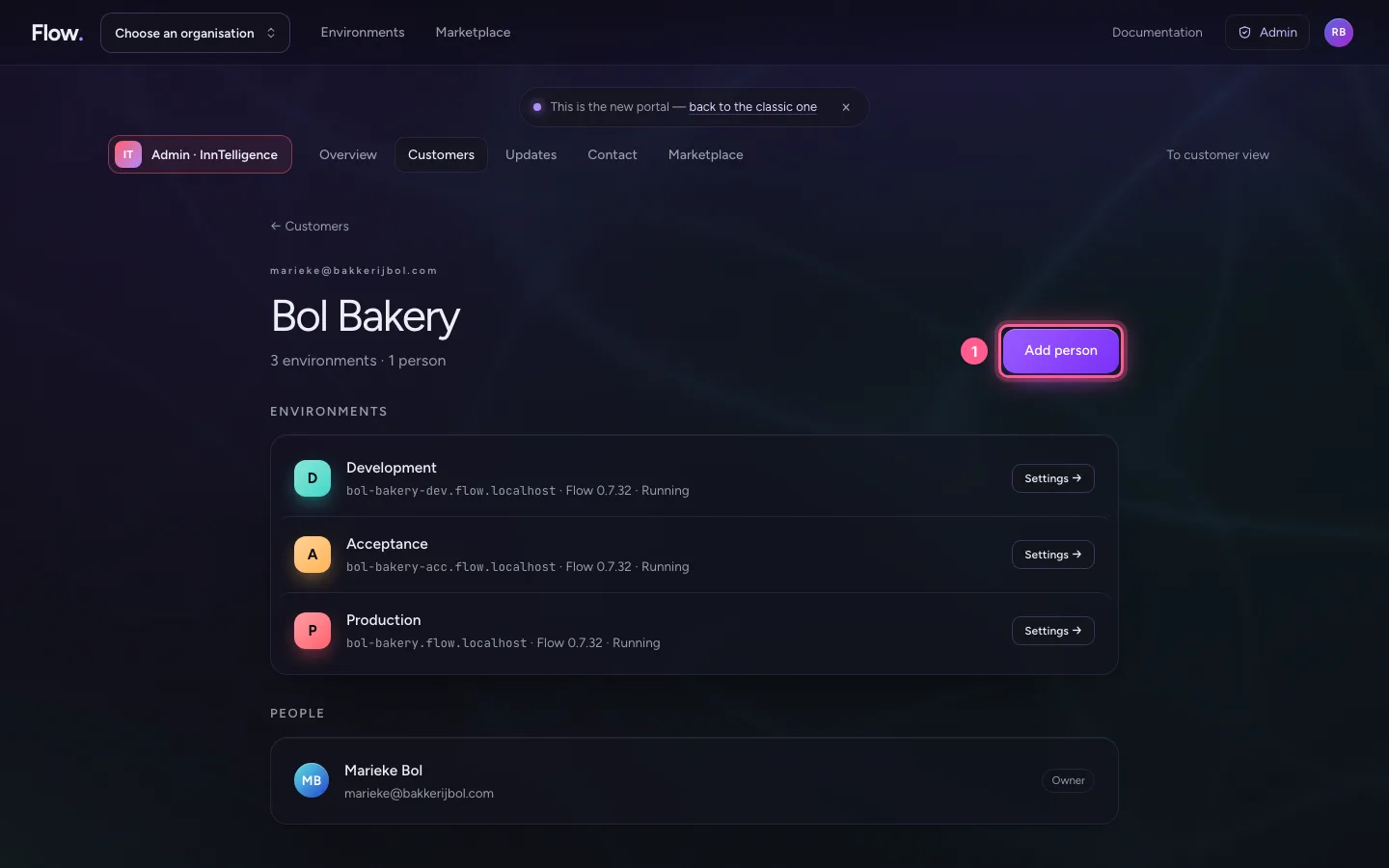
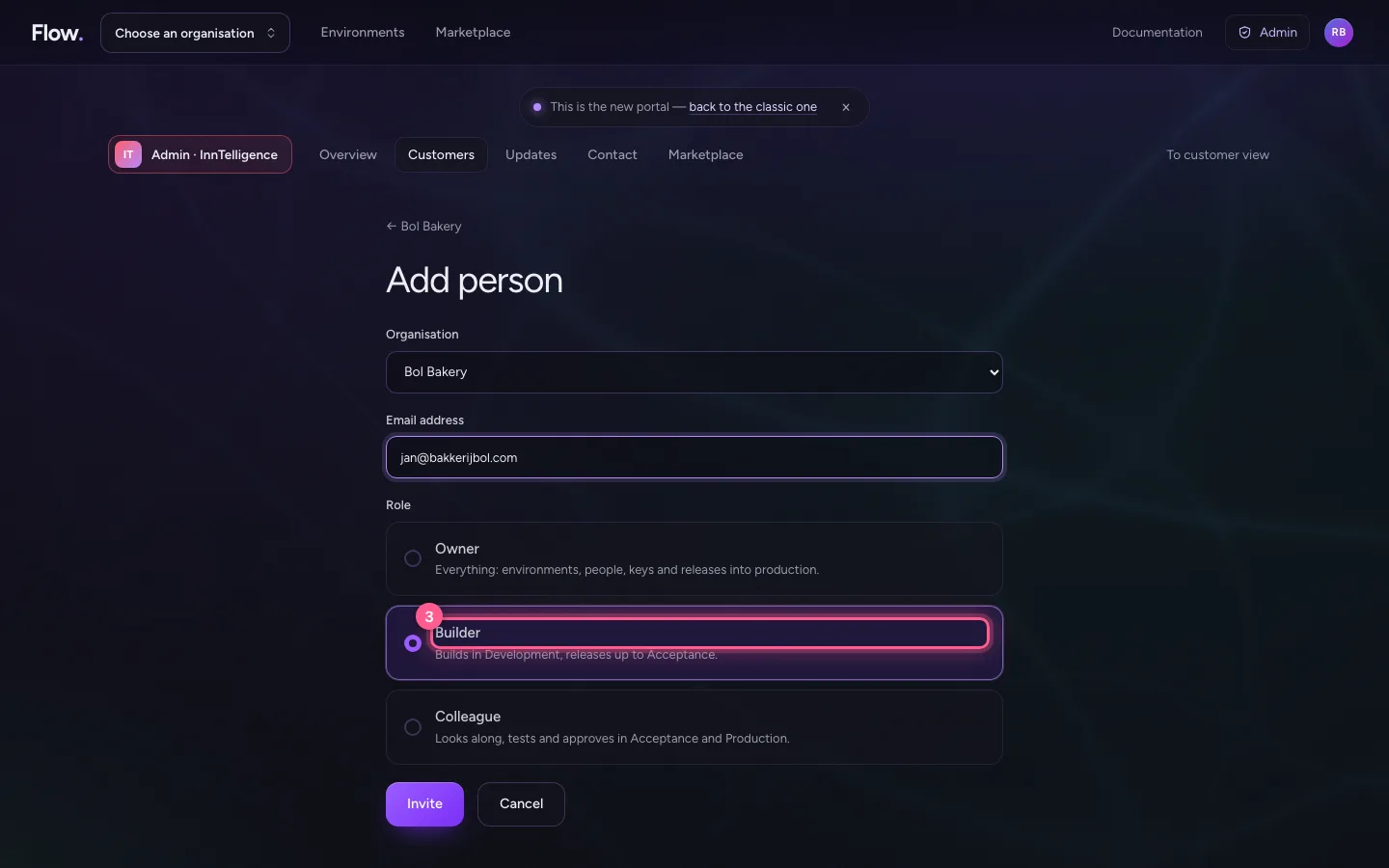
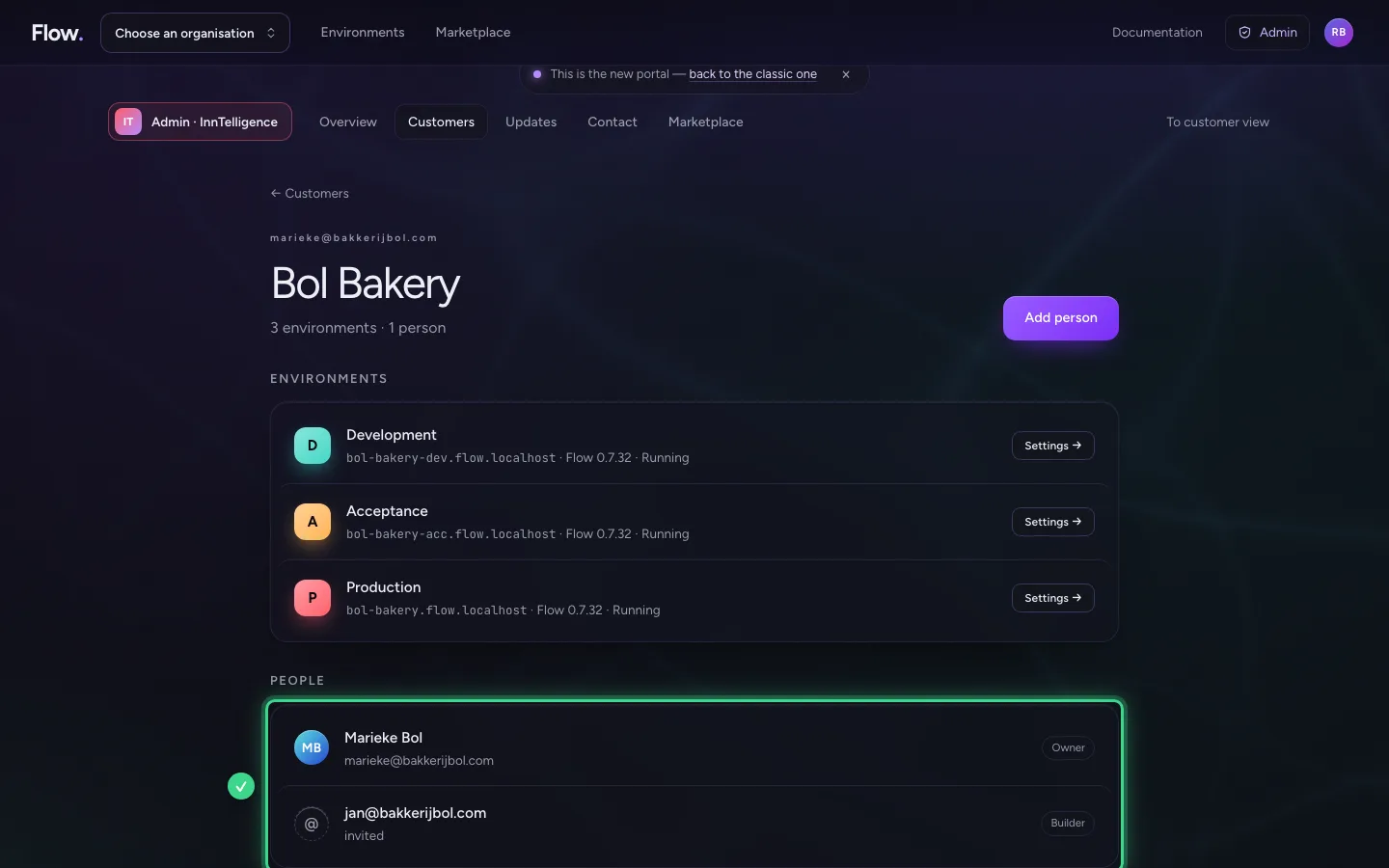
Add person invites someone into an existing organisation, with a role: Owner, Builder or Colleague. It is the same invitation an owner sends.
- Click Add person
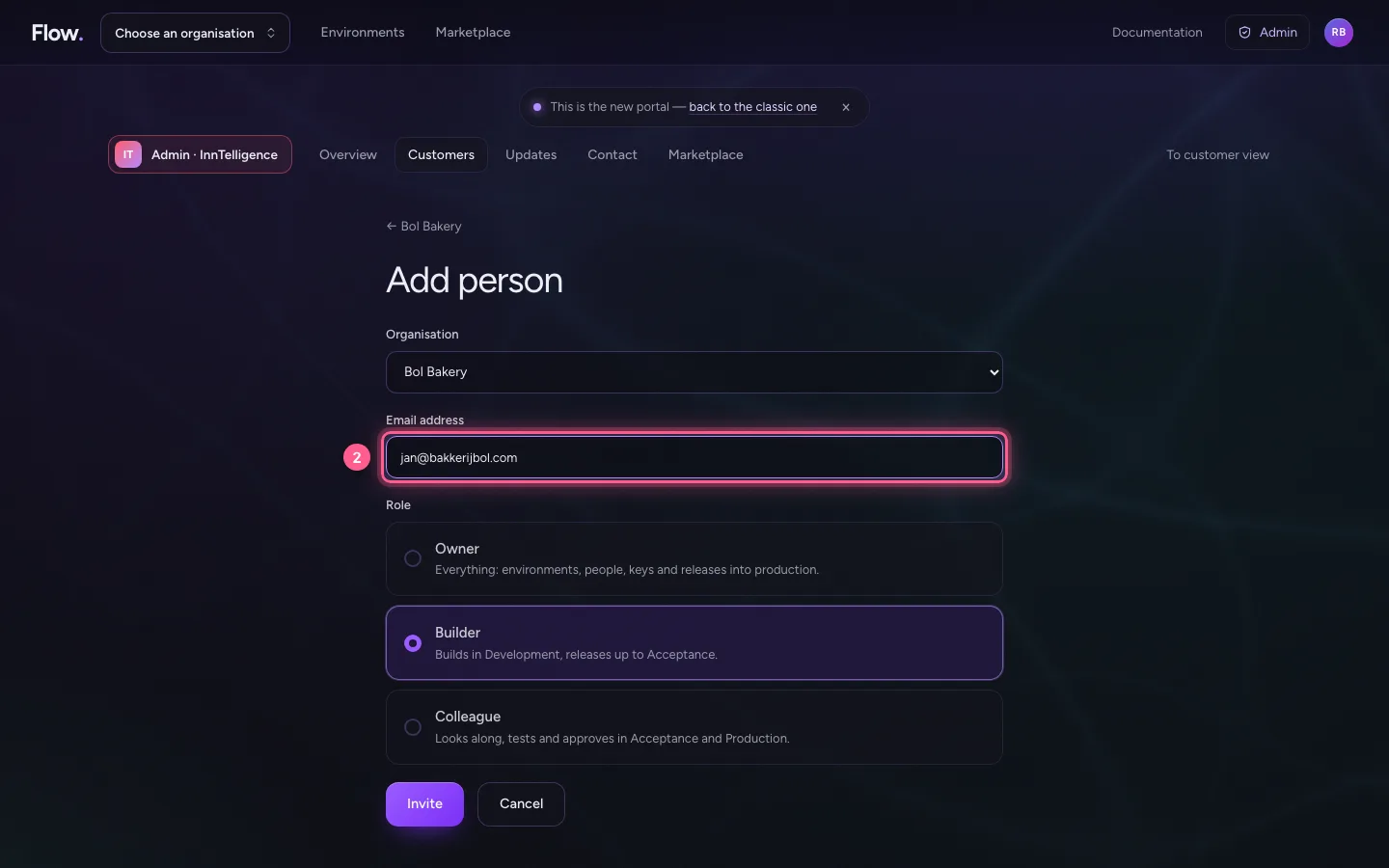
- In Email address, type
jan@bakkerijbol.com
- Click Builder
- Click Invite
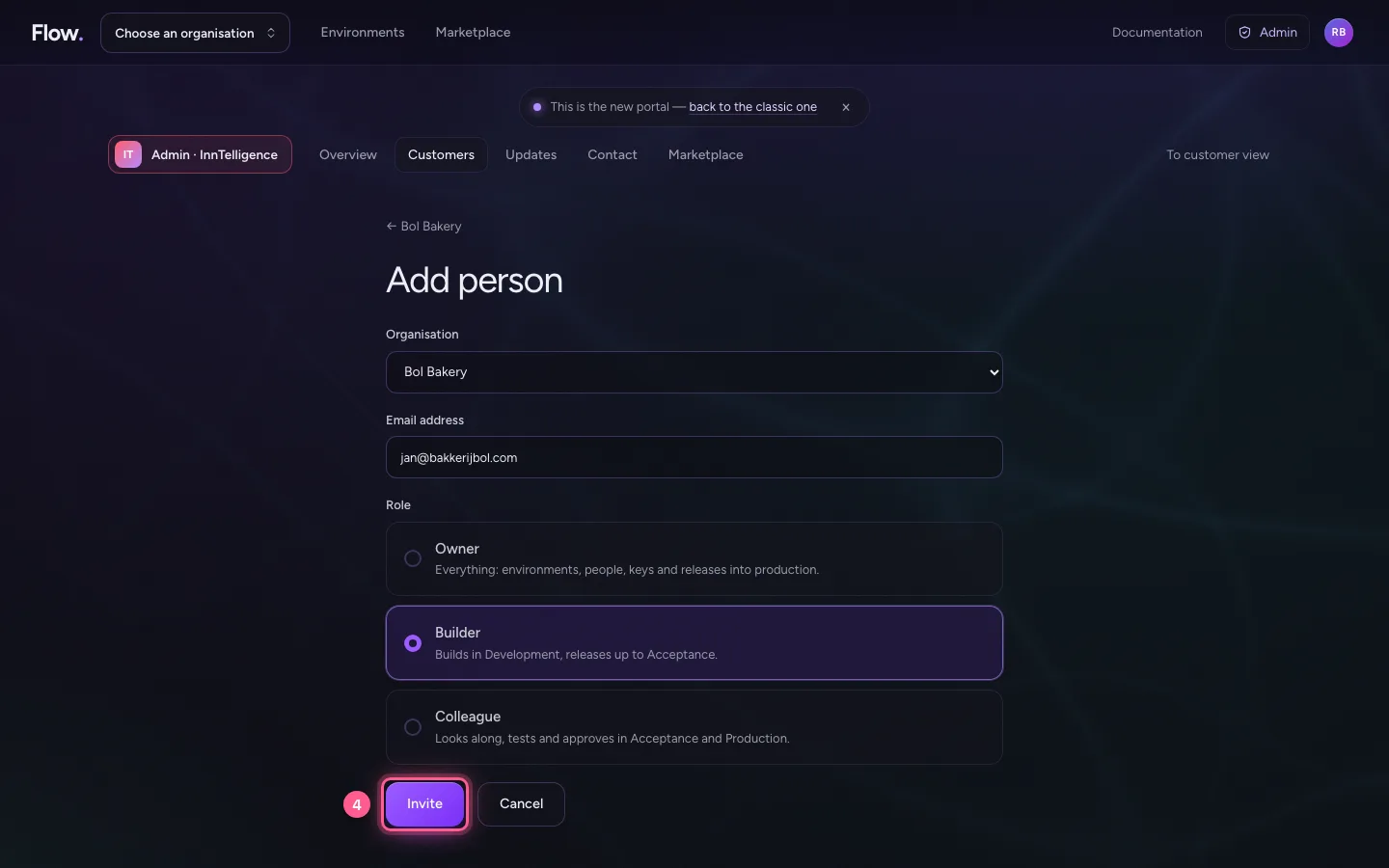
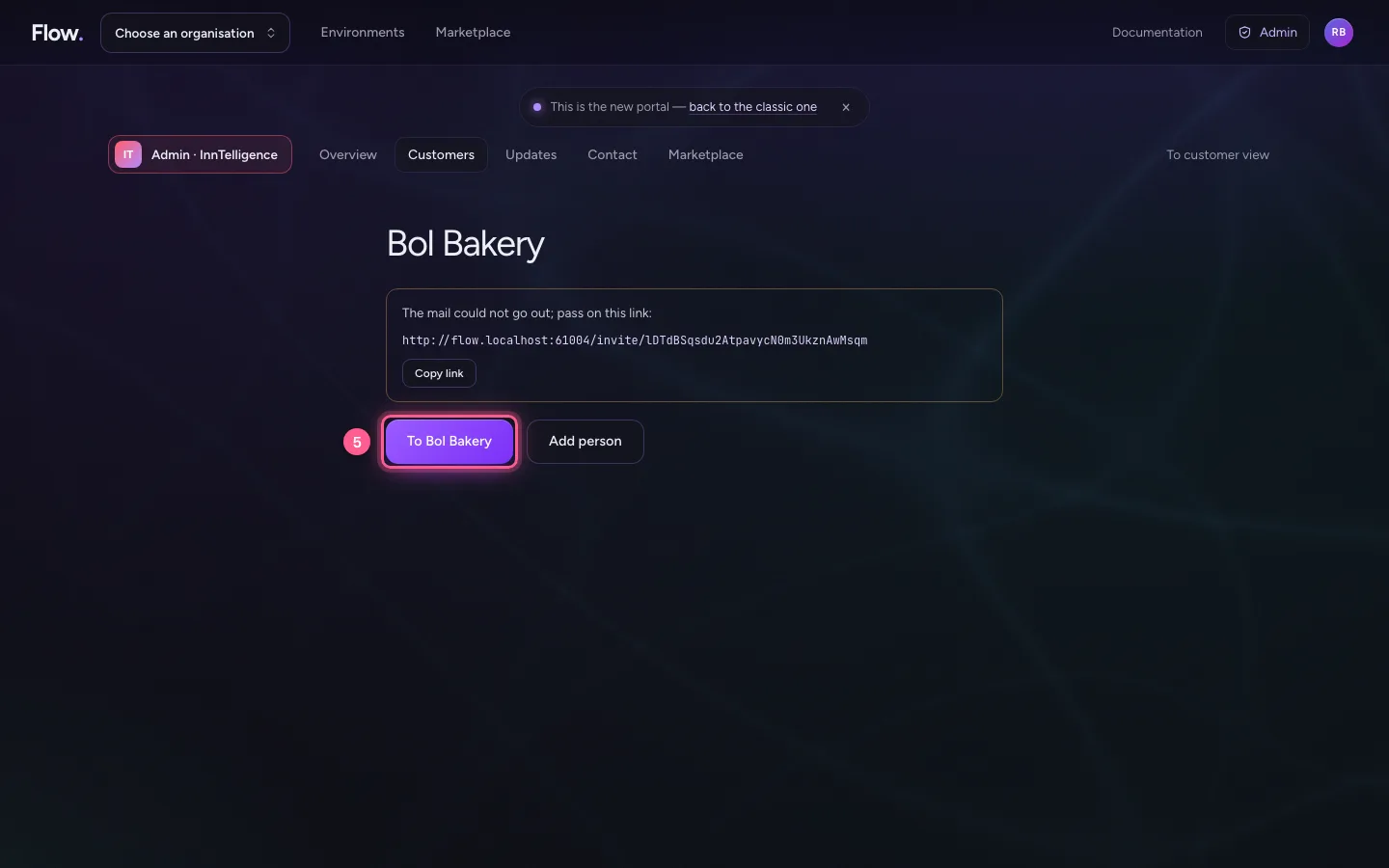
- Click To Bol Bakery
Open the settings of any environment
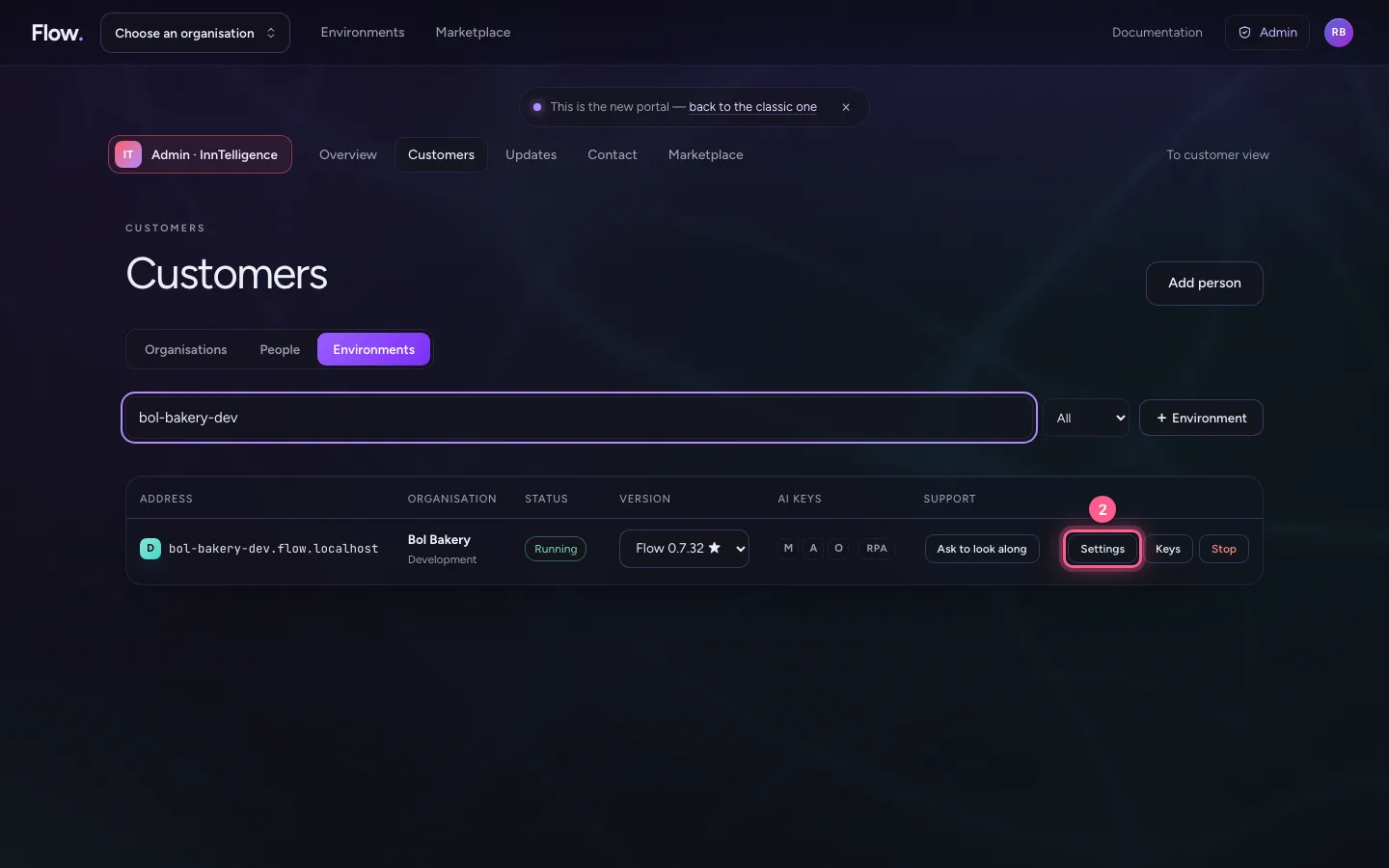
Under Customers · Environments you search all environments of all customers. Settings opens that environment's page: version, AI keys, add-ons, secrets, addresses, cloud identity and safety. Every change is recorded in your name in the audit log. The environment's content stays the customer's: opening it and looking along only happen with the customer's permission.
- In Search an environment: address, organisation or owner, type
bol-bakery-dev
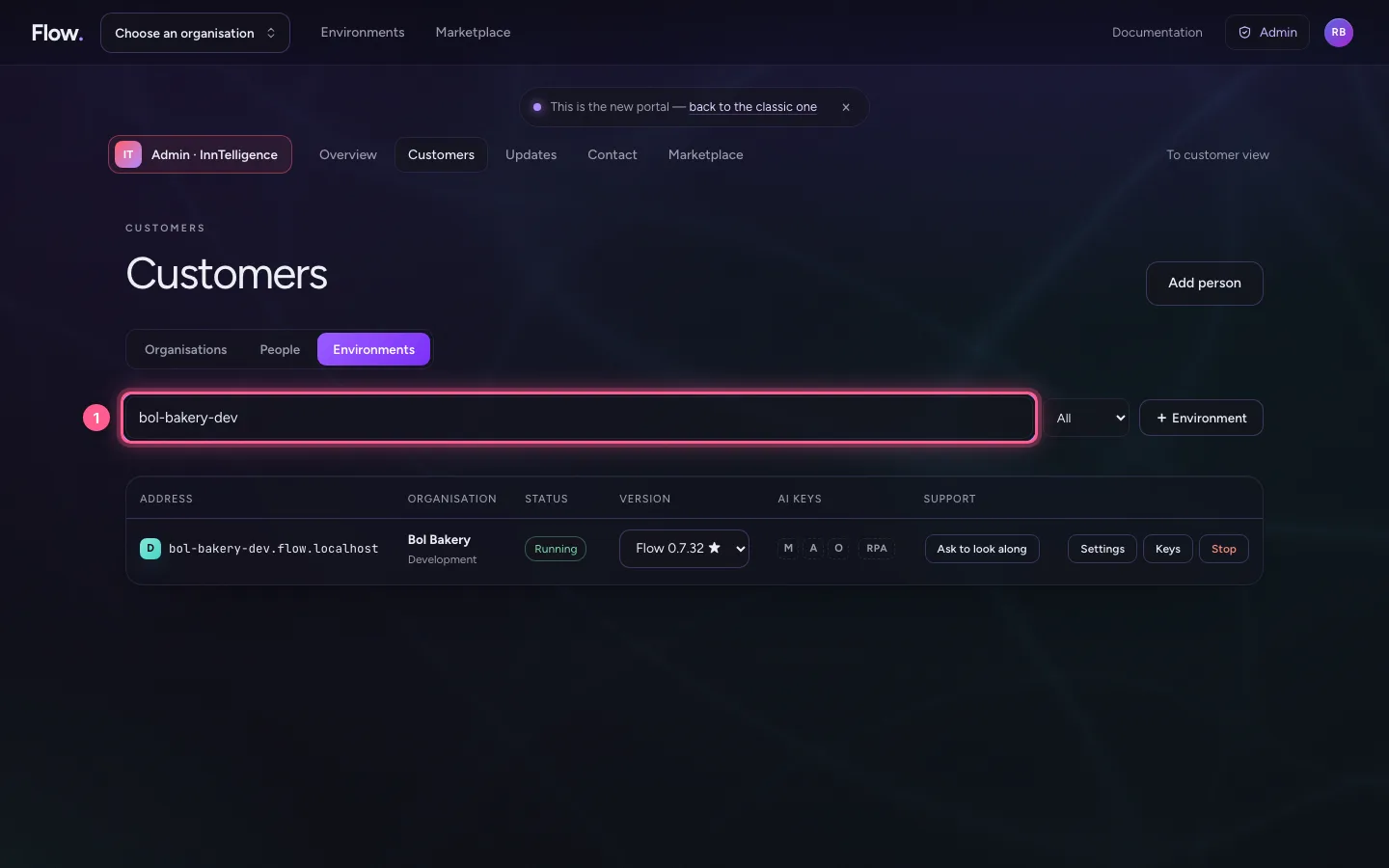
- Click Settings
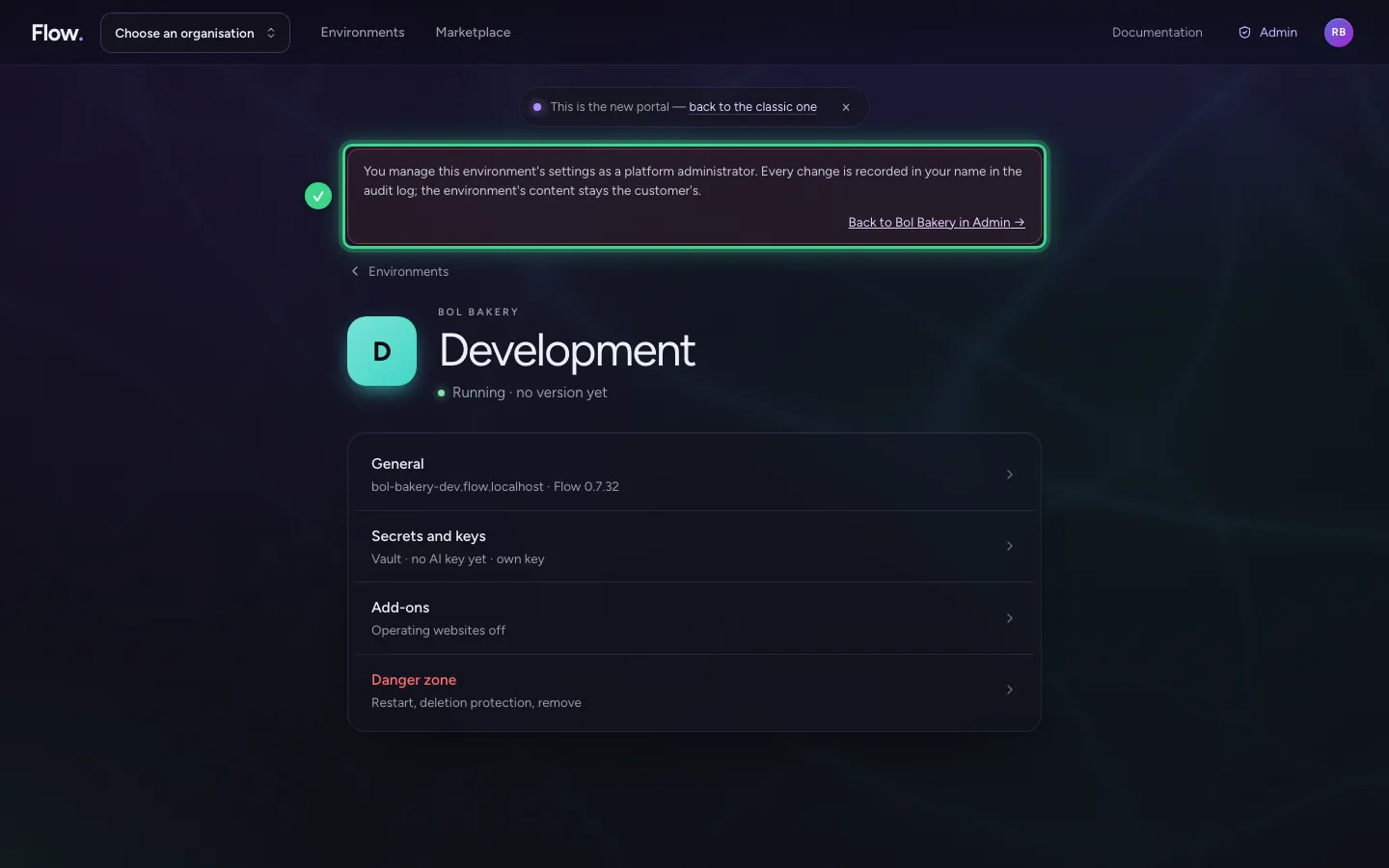
Plan an update round
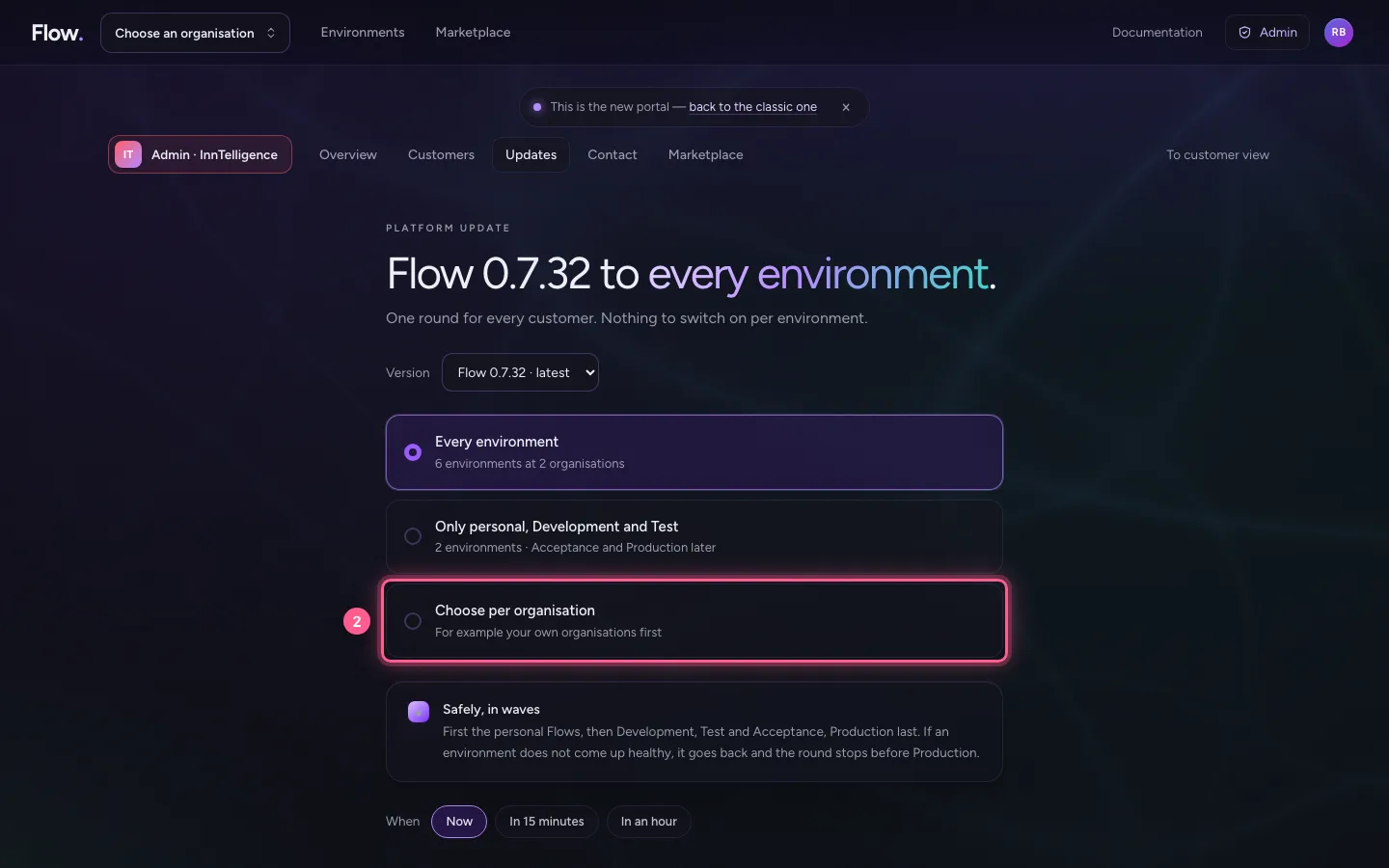
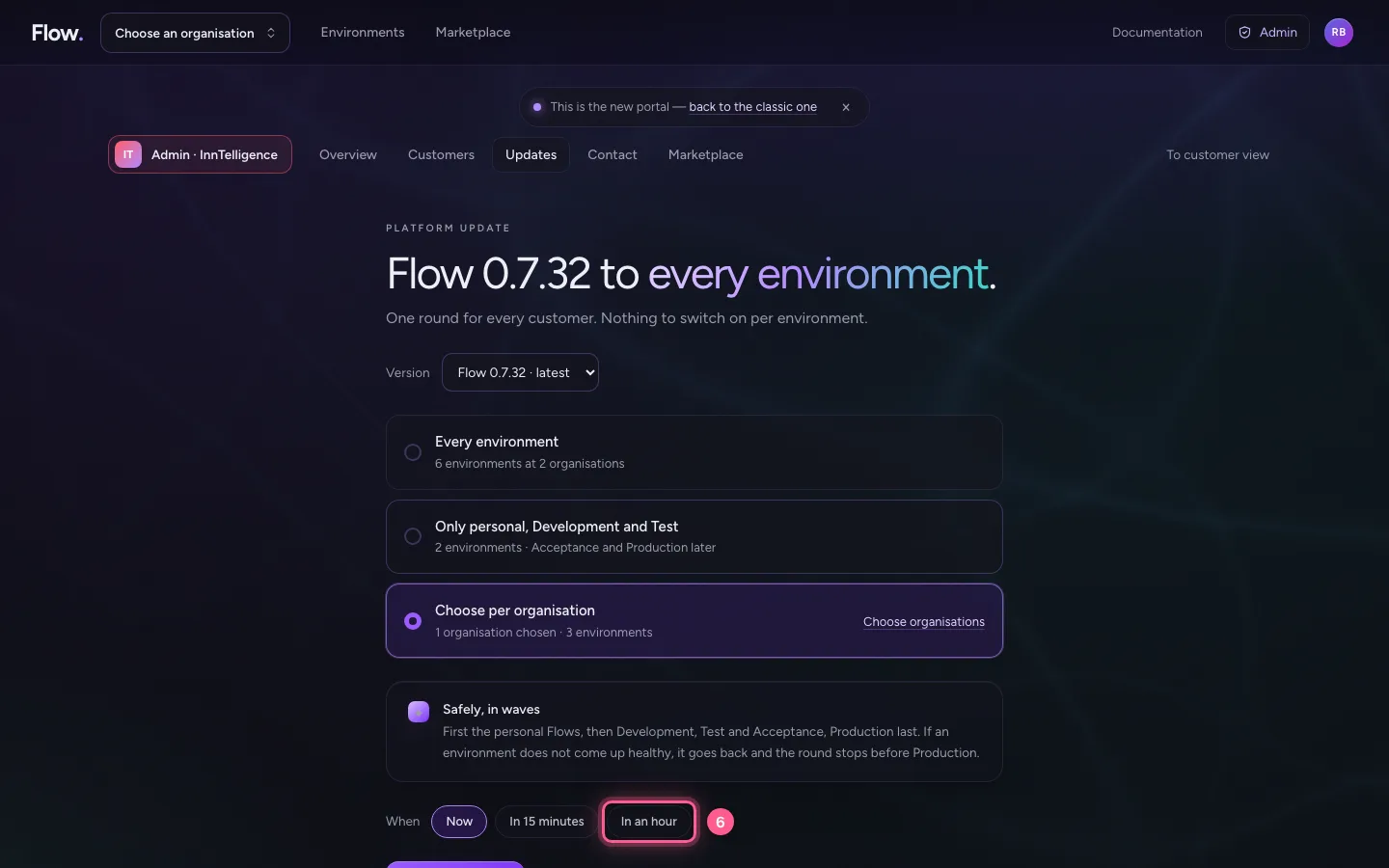
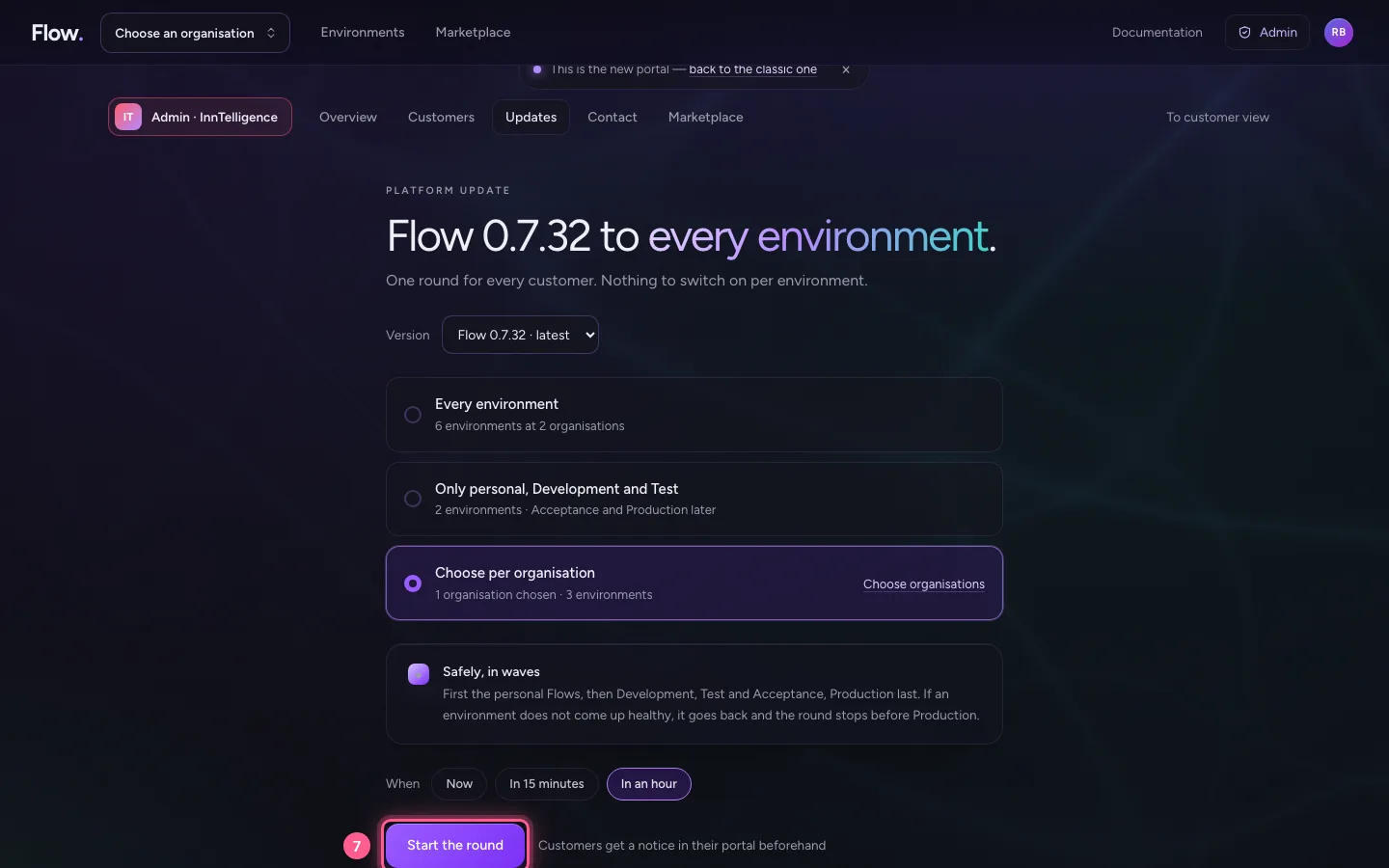
Under Updates you choose the version and which environments take part: all, only personal, Development and Test (the rest later), or per organisation. Each choice shows how many environments it is. The round goes in waves; if an environment does not come up healthy, it goes back and the round stops before Production.
- Click Updates
- Click Choose per organisation For example your own organisations first
- In Search an organisation, type
Bol Bakery
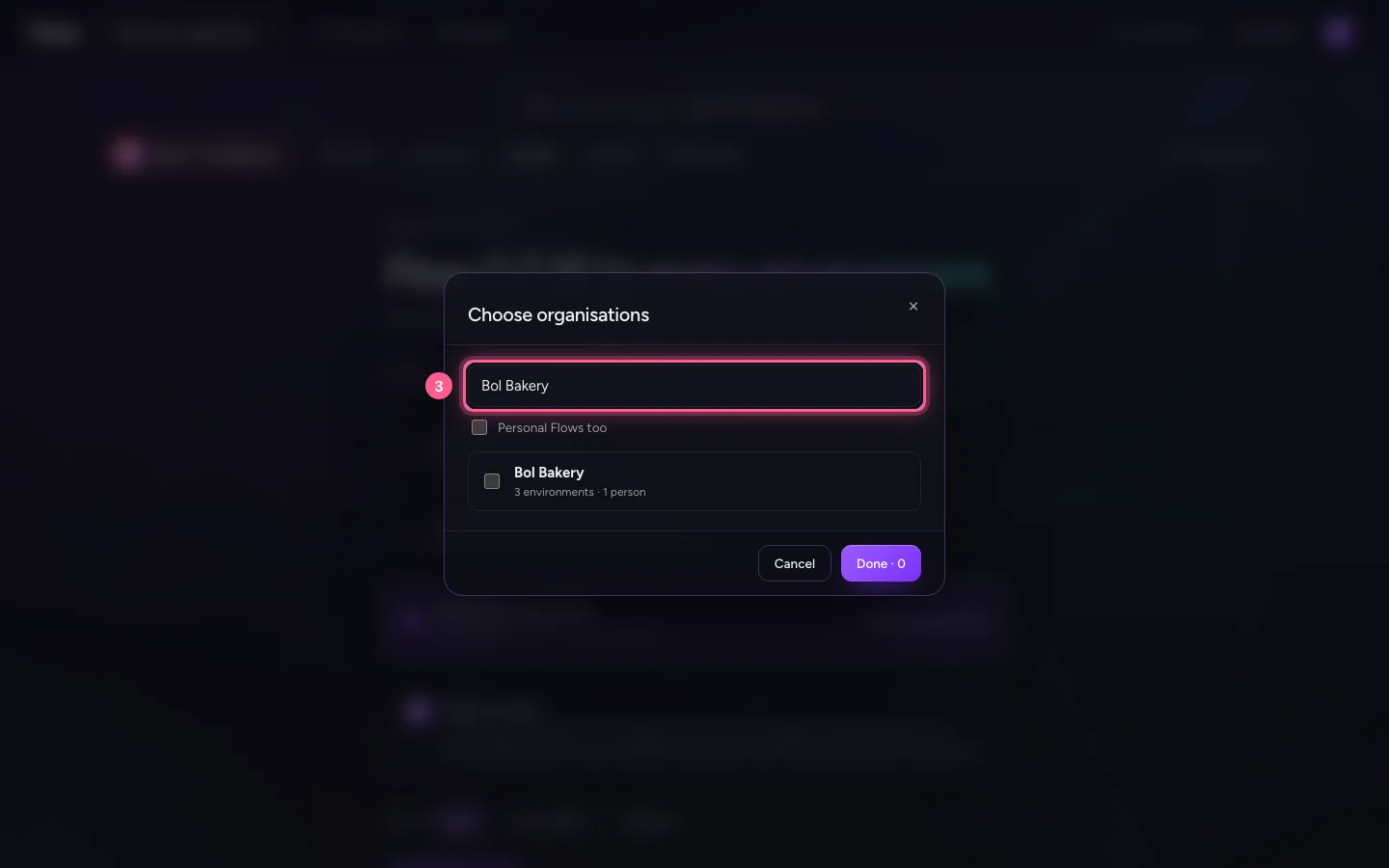
- Click Bol Bakery
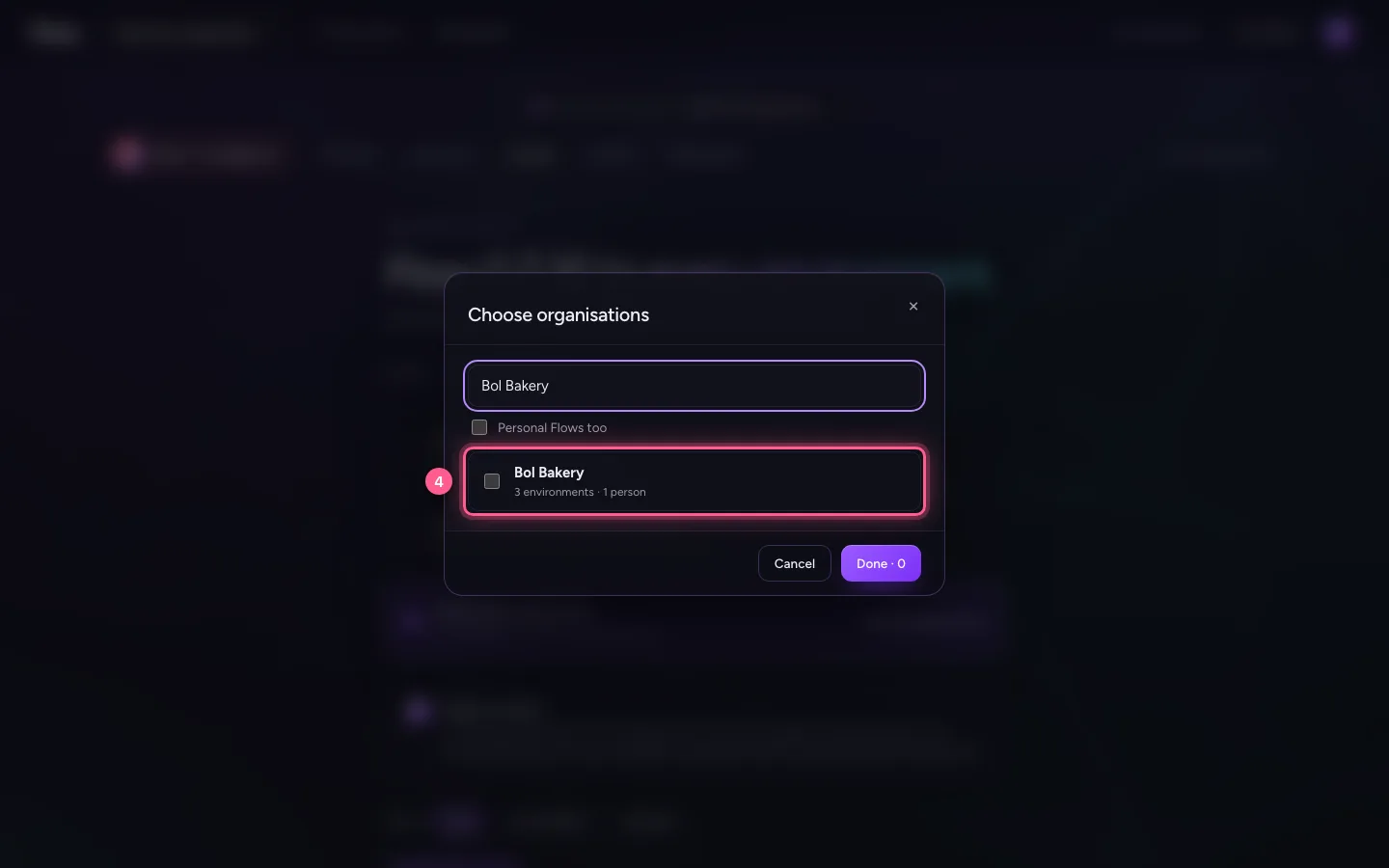
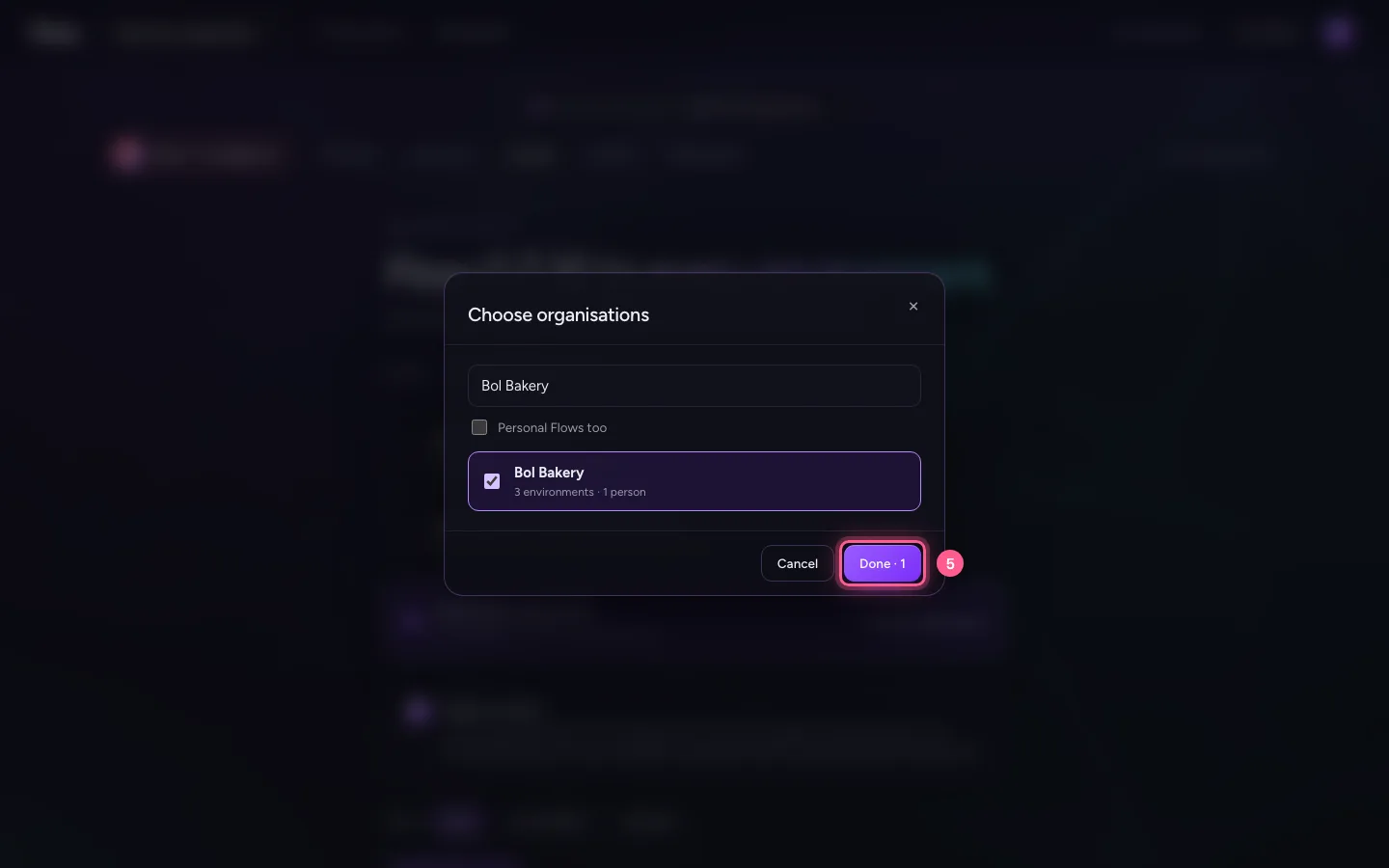
- Click Done · 1
- Click In an hour
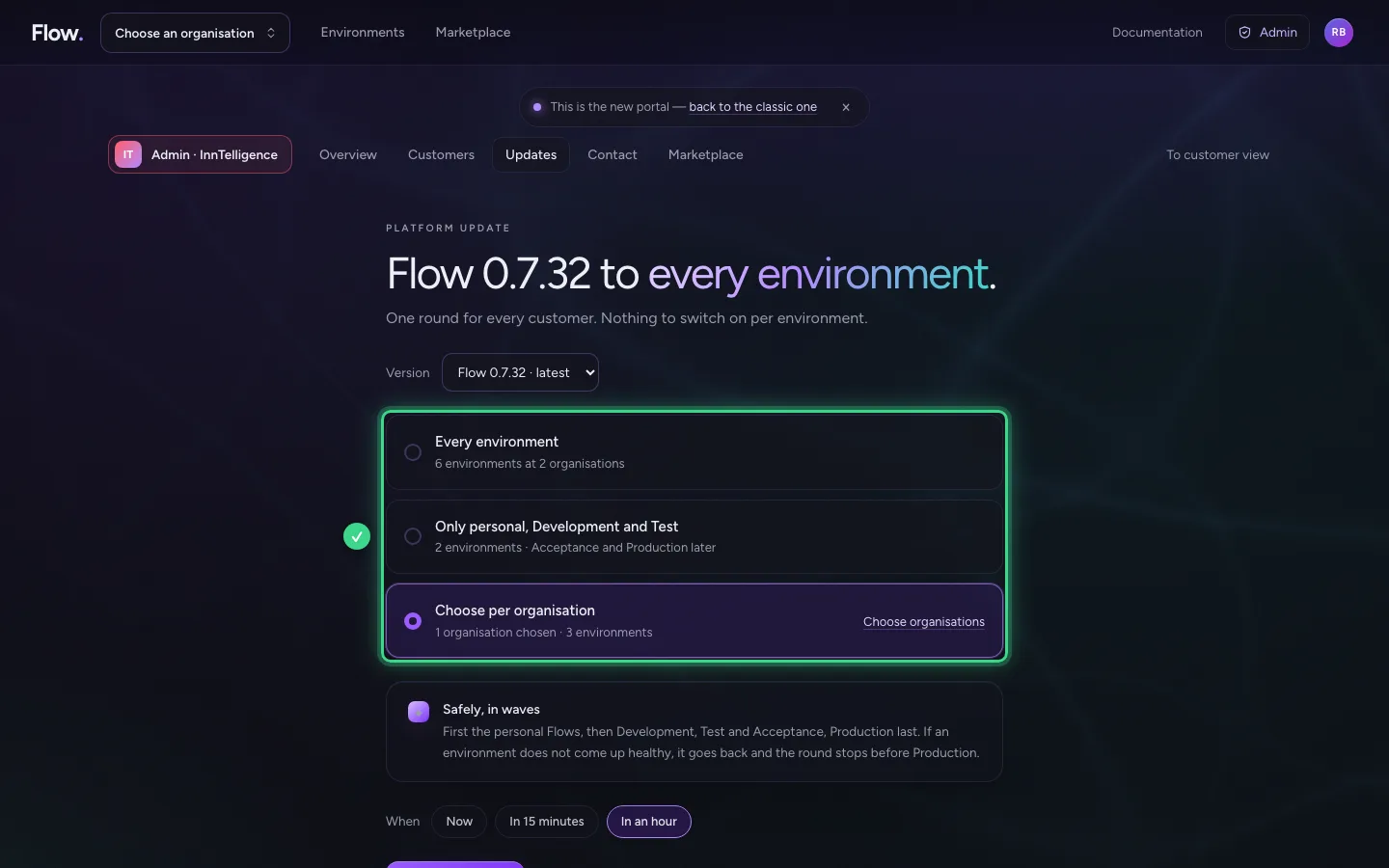
- Click Start the round
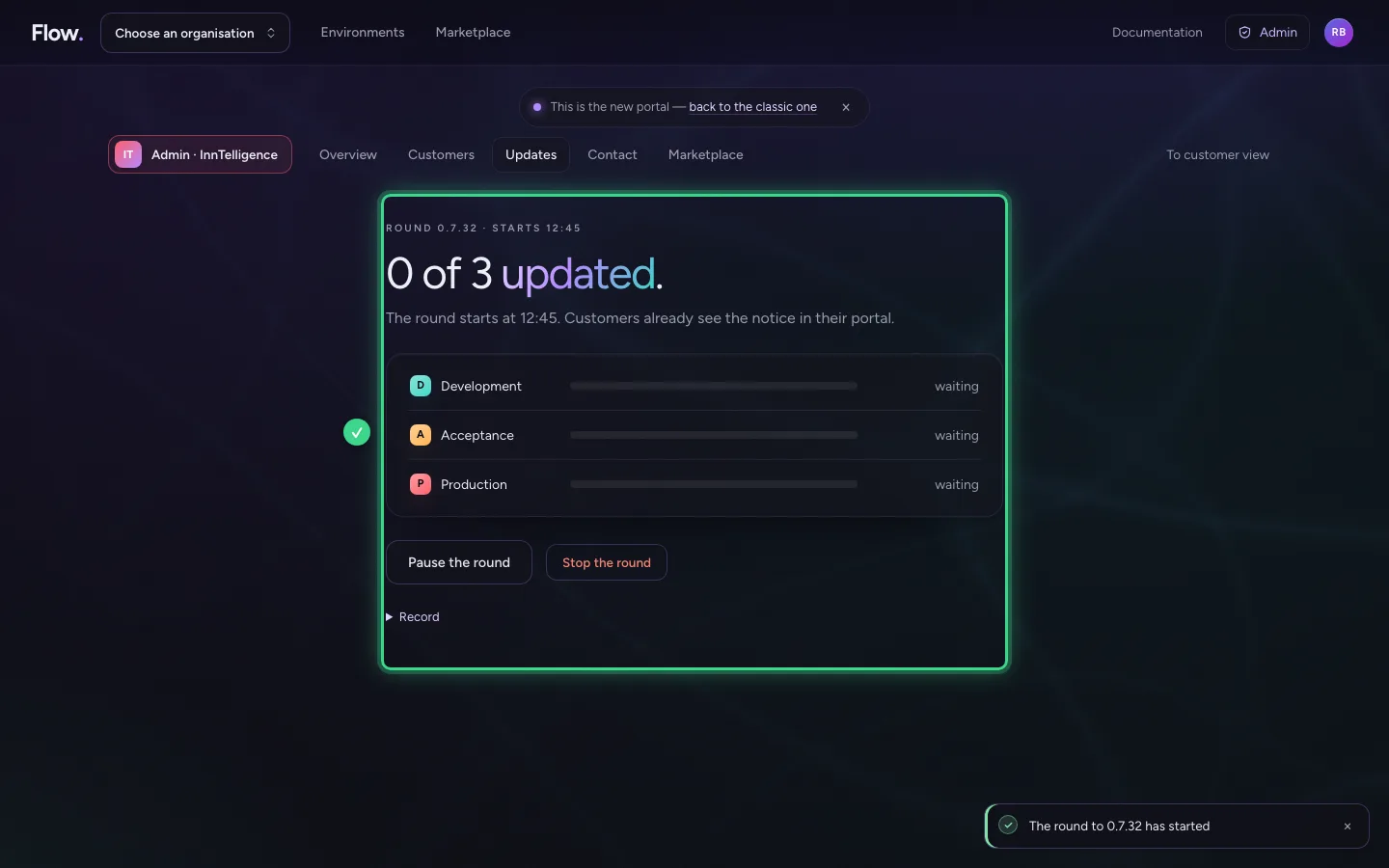
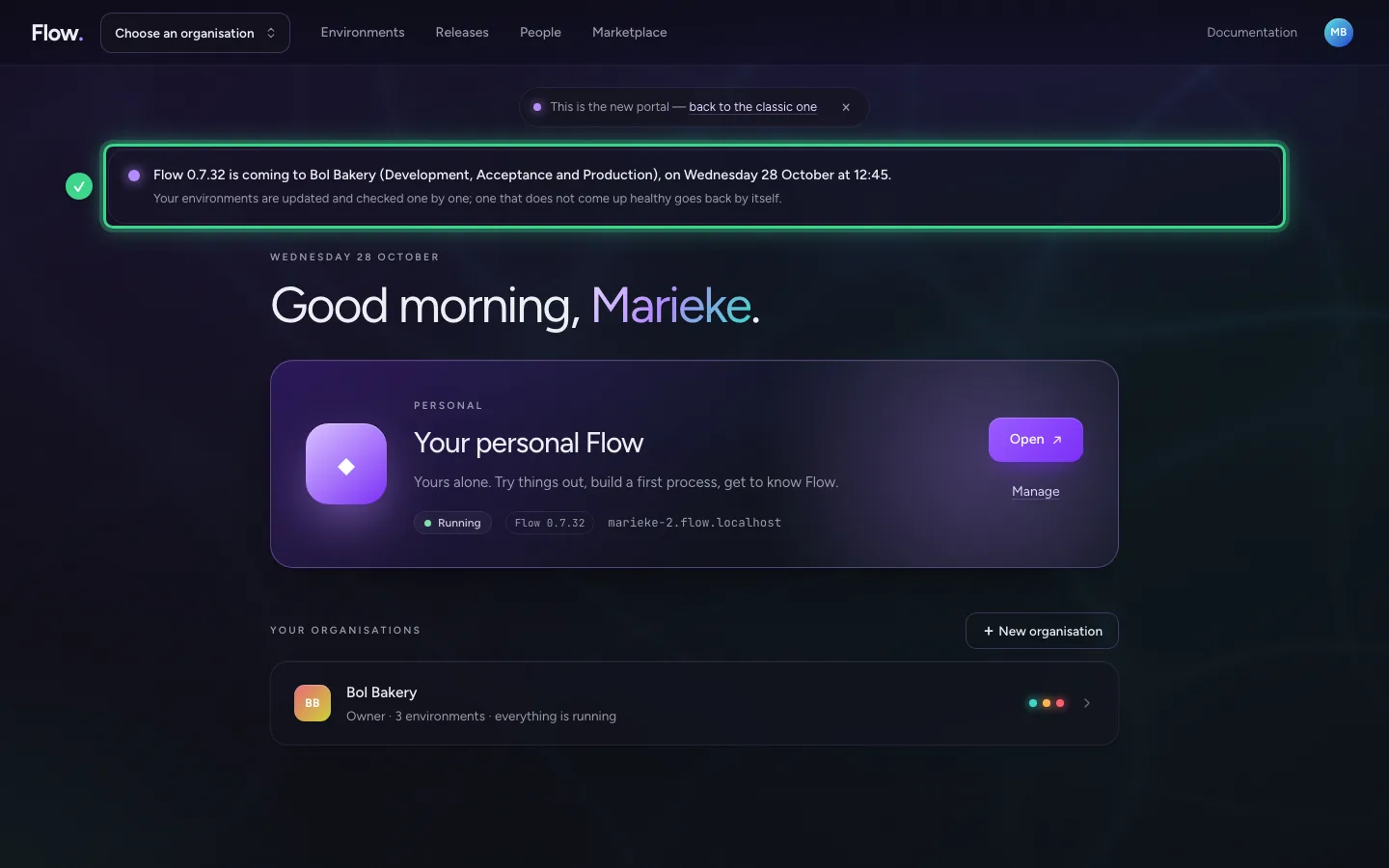
The customer sees it coming
From now on the customer's start page shows a notice: which version, when, and which environments.
Pause or stop
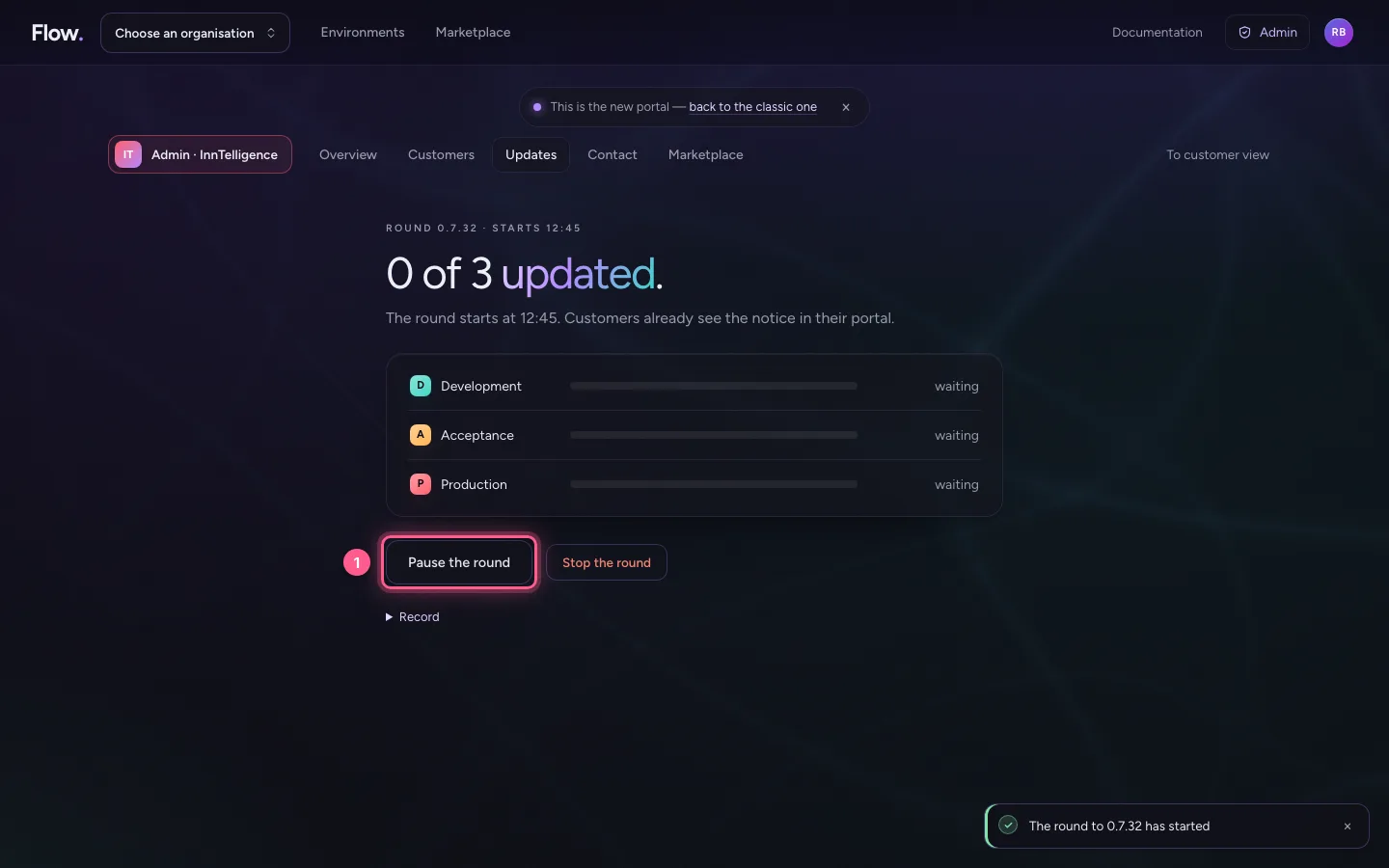
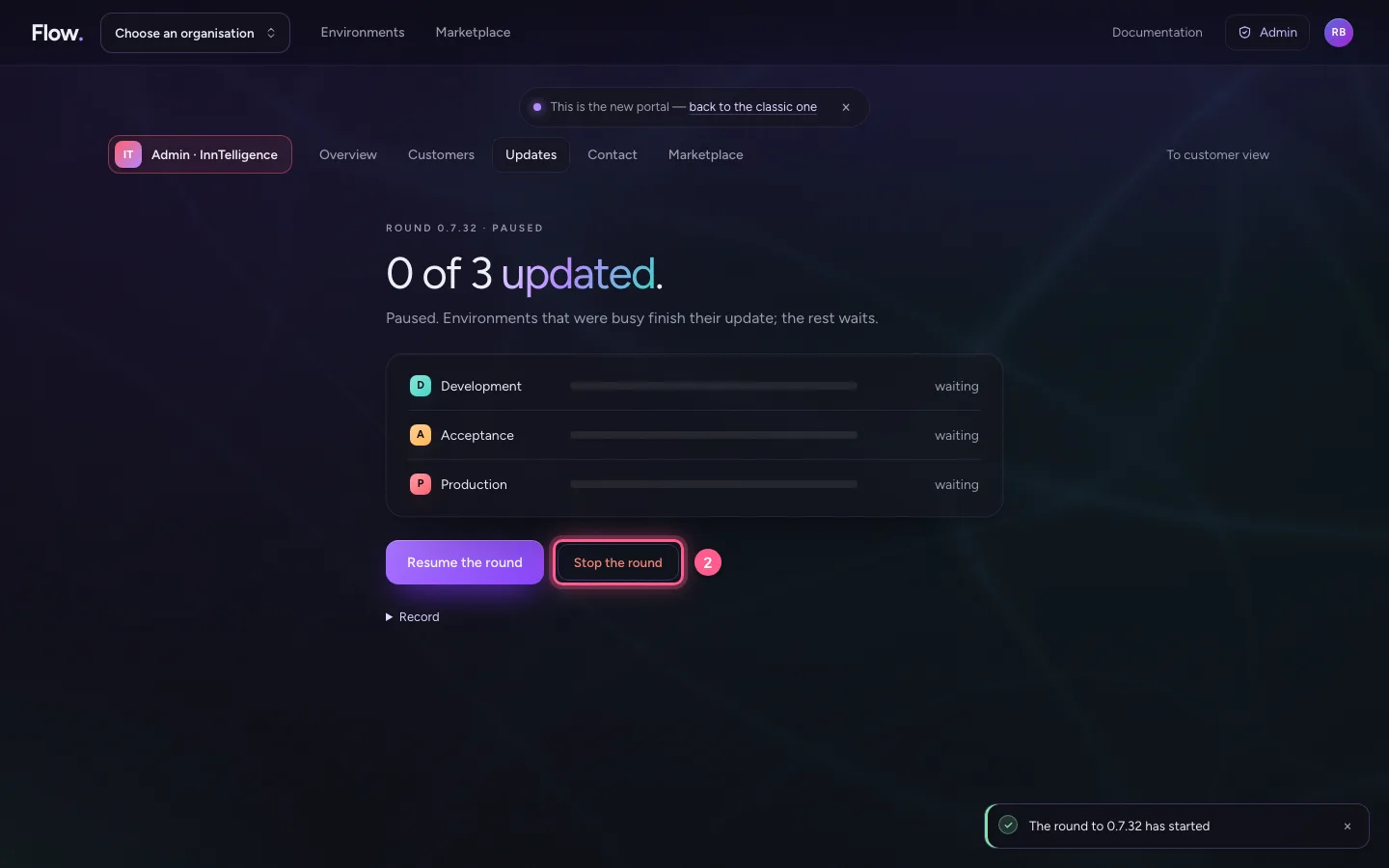
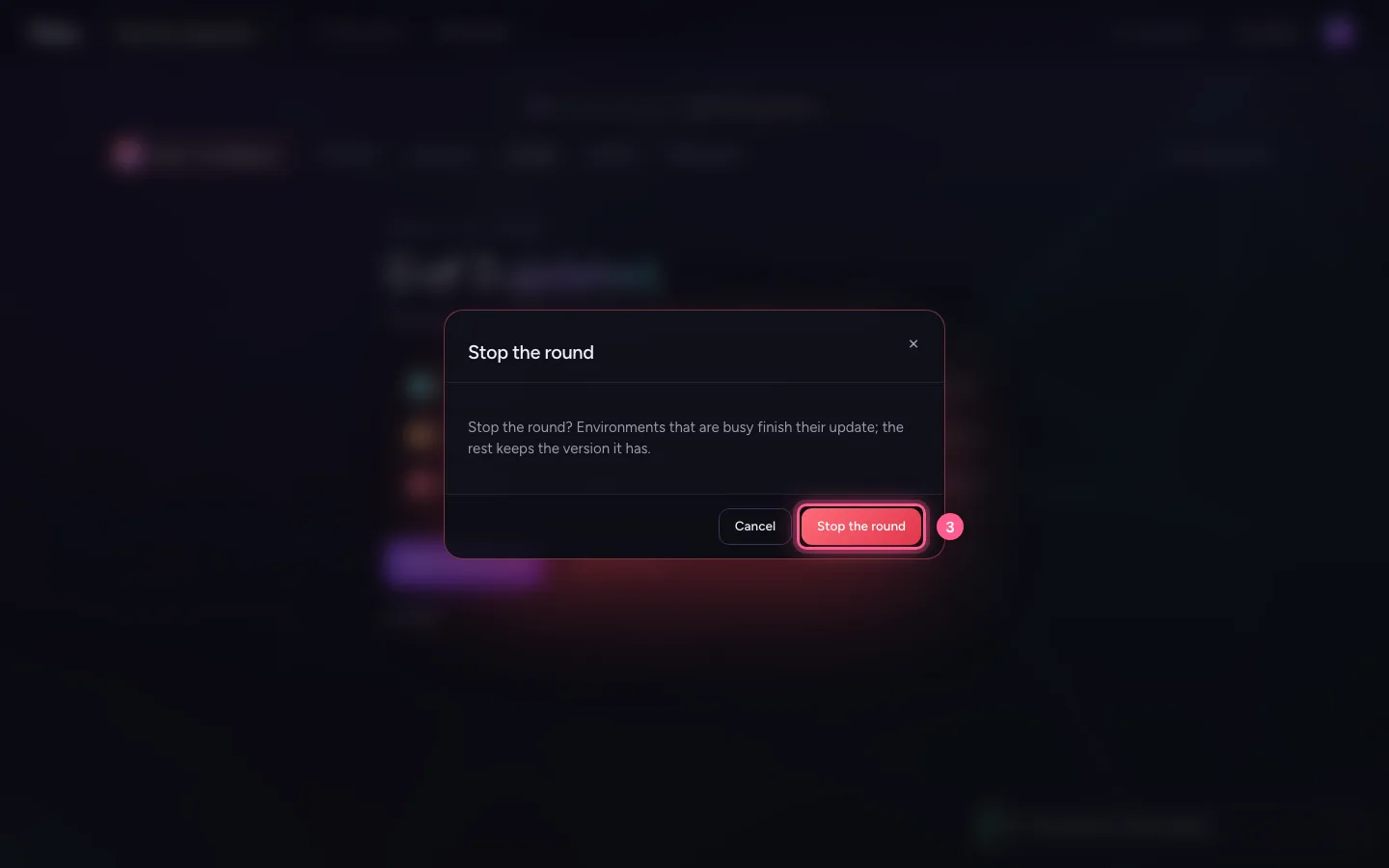
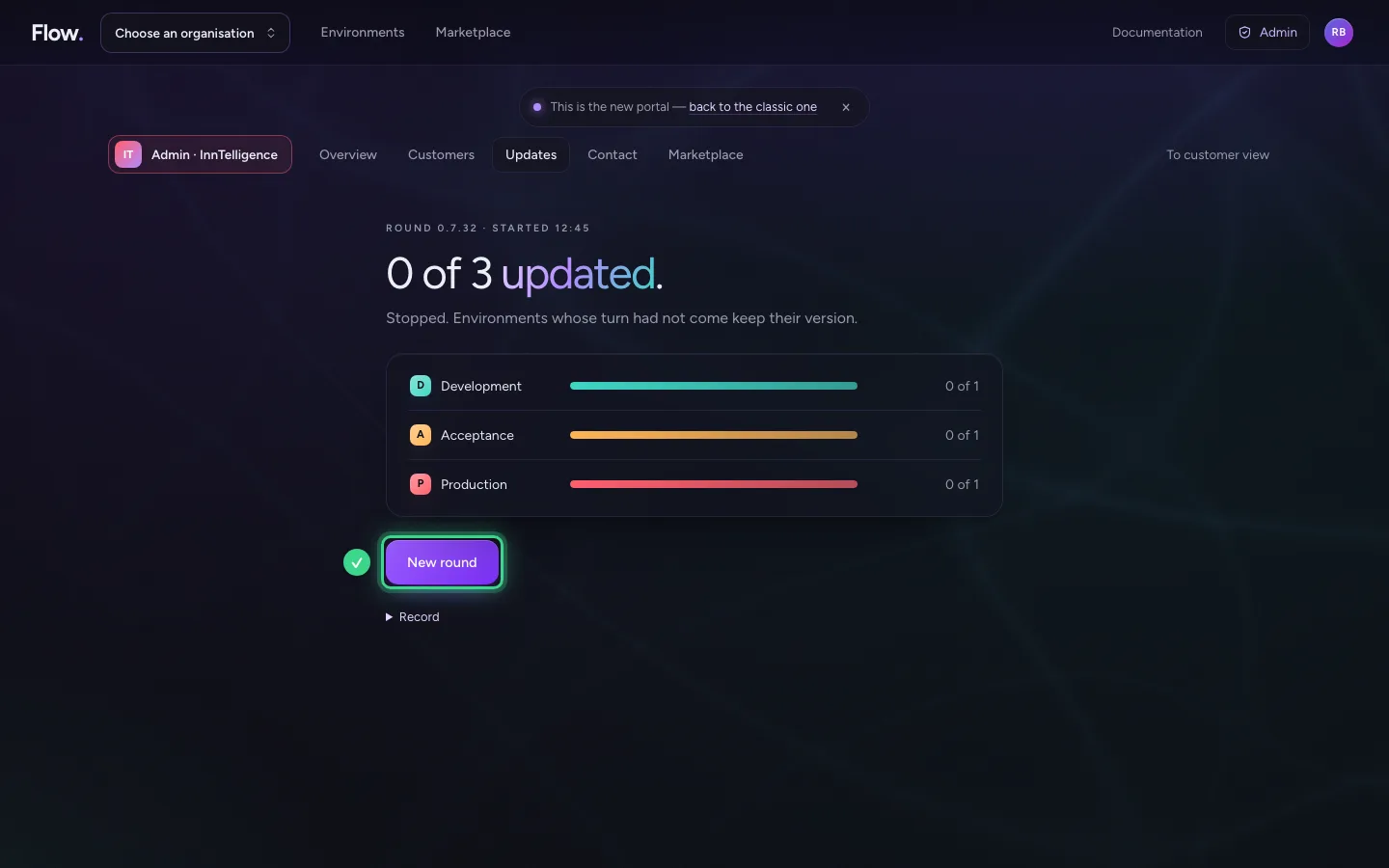
You pause a round at any moment: environments that are busy finish their update, the rest waits. Stop ends the round; whatever had not had its turn keeps its version. Everything goes into the round's record.
- Click Pause the round
- Click Stop the round
- Click Stop the round
This guide was carried out step by step on 28 Oct 2026 by an automated test on Flow (version 96971699).