Present and share
A dashboard is for looking at together. Present puts it full screen, without buttons for editing, and refreshes by itself: good for a screen on the wall. You can share with your colleagues (signed in, always live data) or with anyone who has the link (no sign-in, a snapshot). A link can expire and you revoke it with one click.
Open your development environment
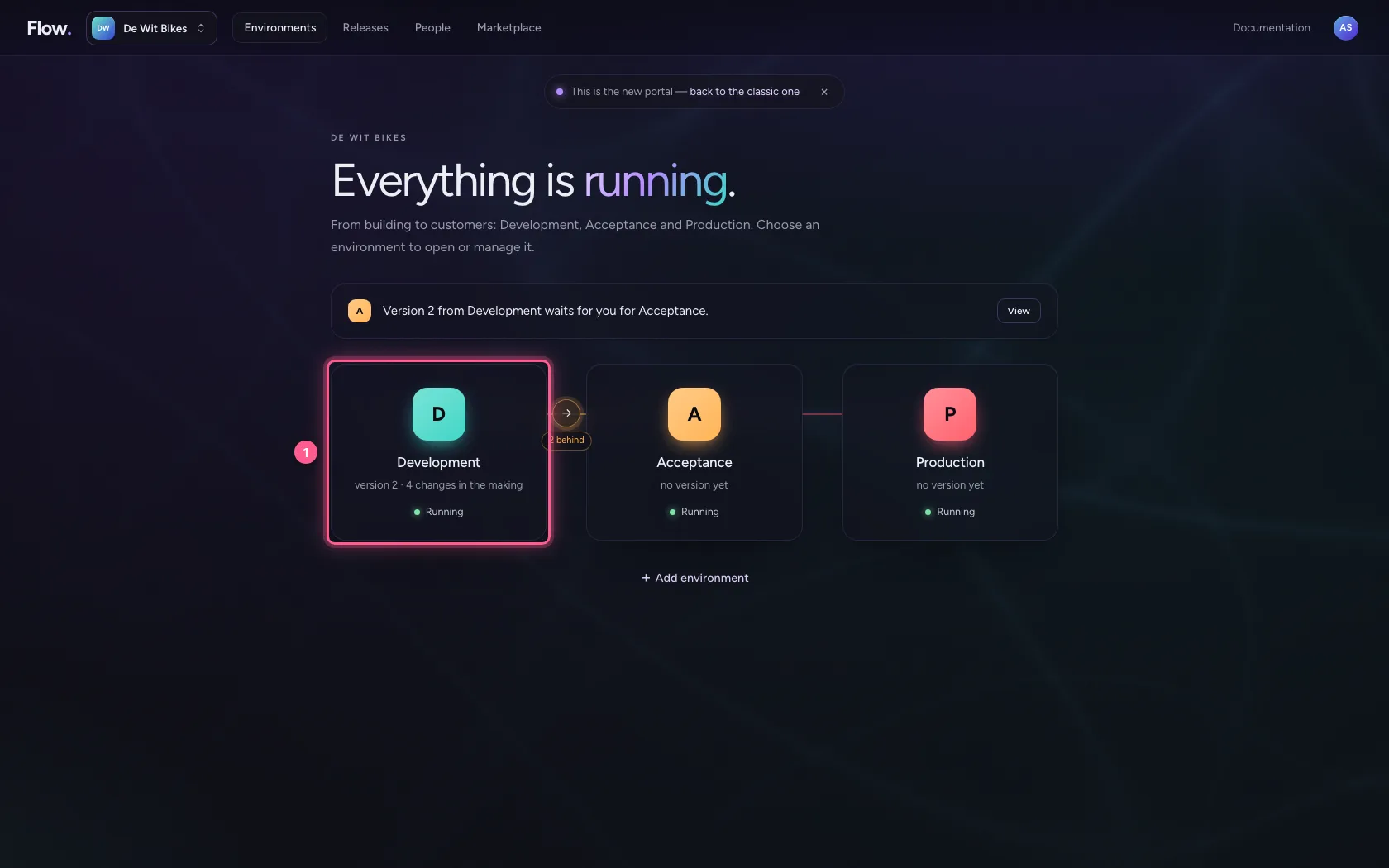
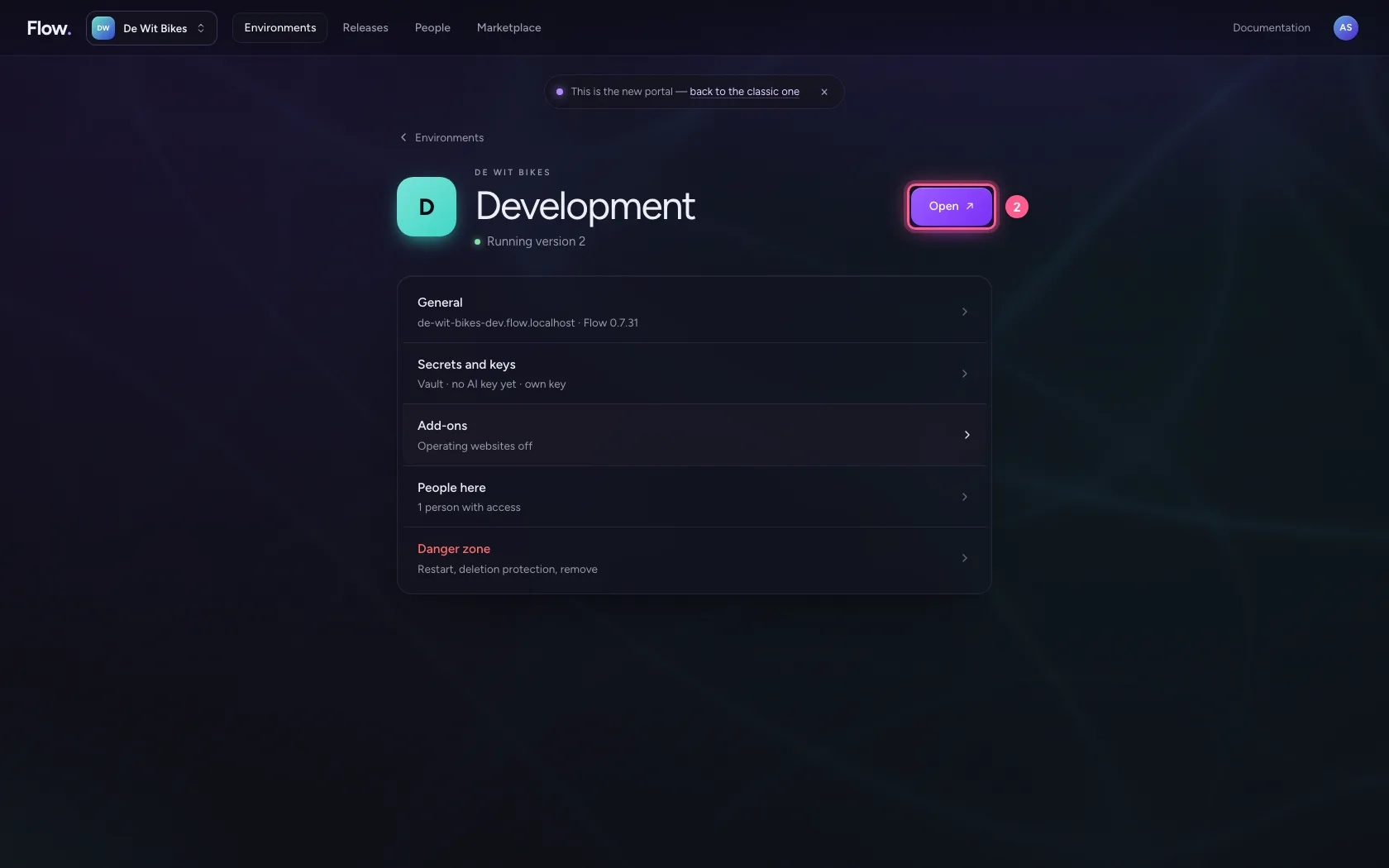
In the portal, under Environments, click Development, and there Open. Flow opens in a new tab and you are signed in straight away.
- Click Development
- Click Open ↗
Open the dashboard and present
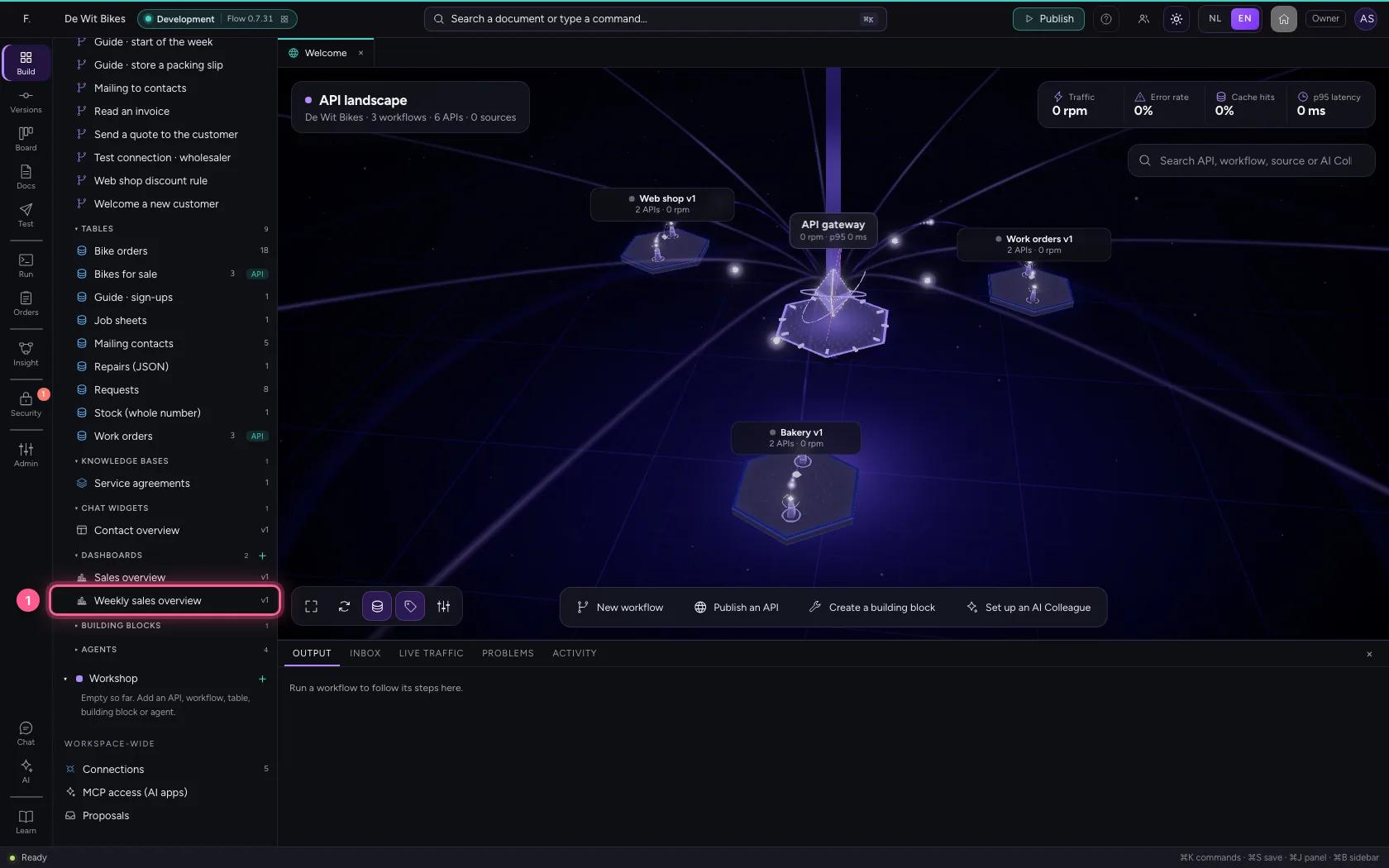
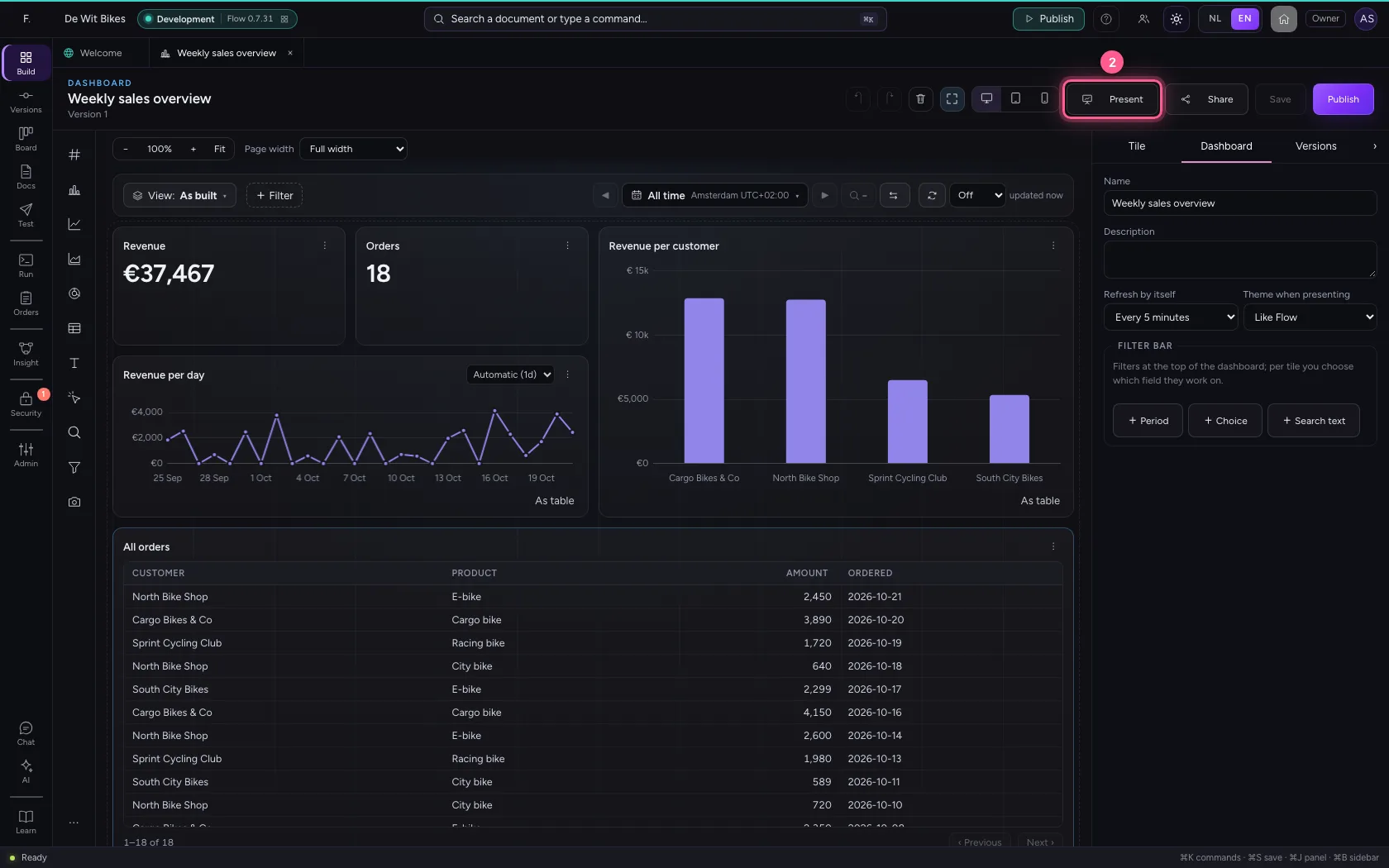
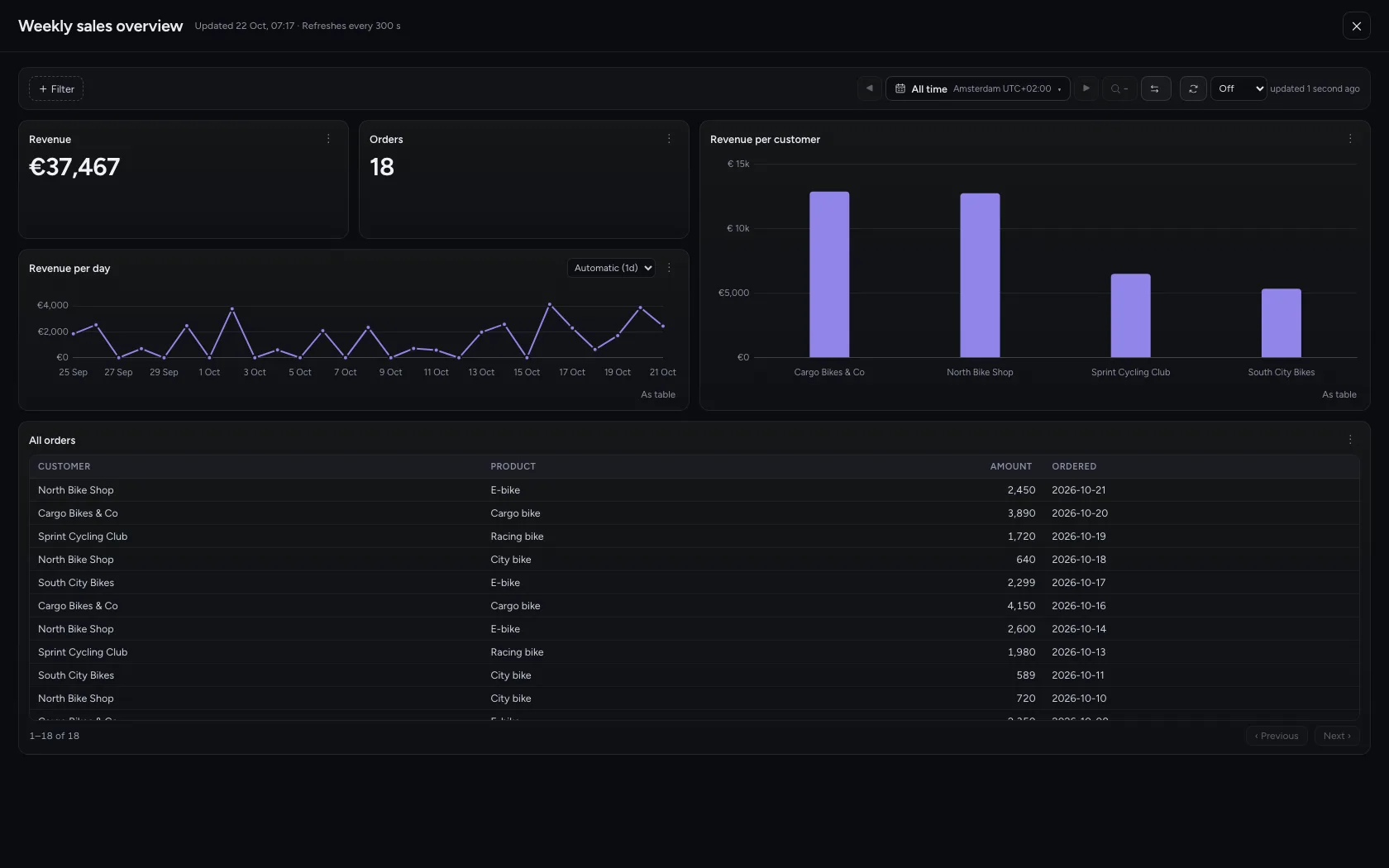
Open the dashboard and click Present. The dashboard fills the screen, without the palette and without the properties, and refreshes by itself (here every 5 minutes; you set that on the Dashboard tab). Filters and the time picker work here too.
- Click the dashboard ‘Weekly sales overview’
- Click Present
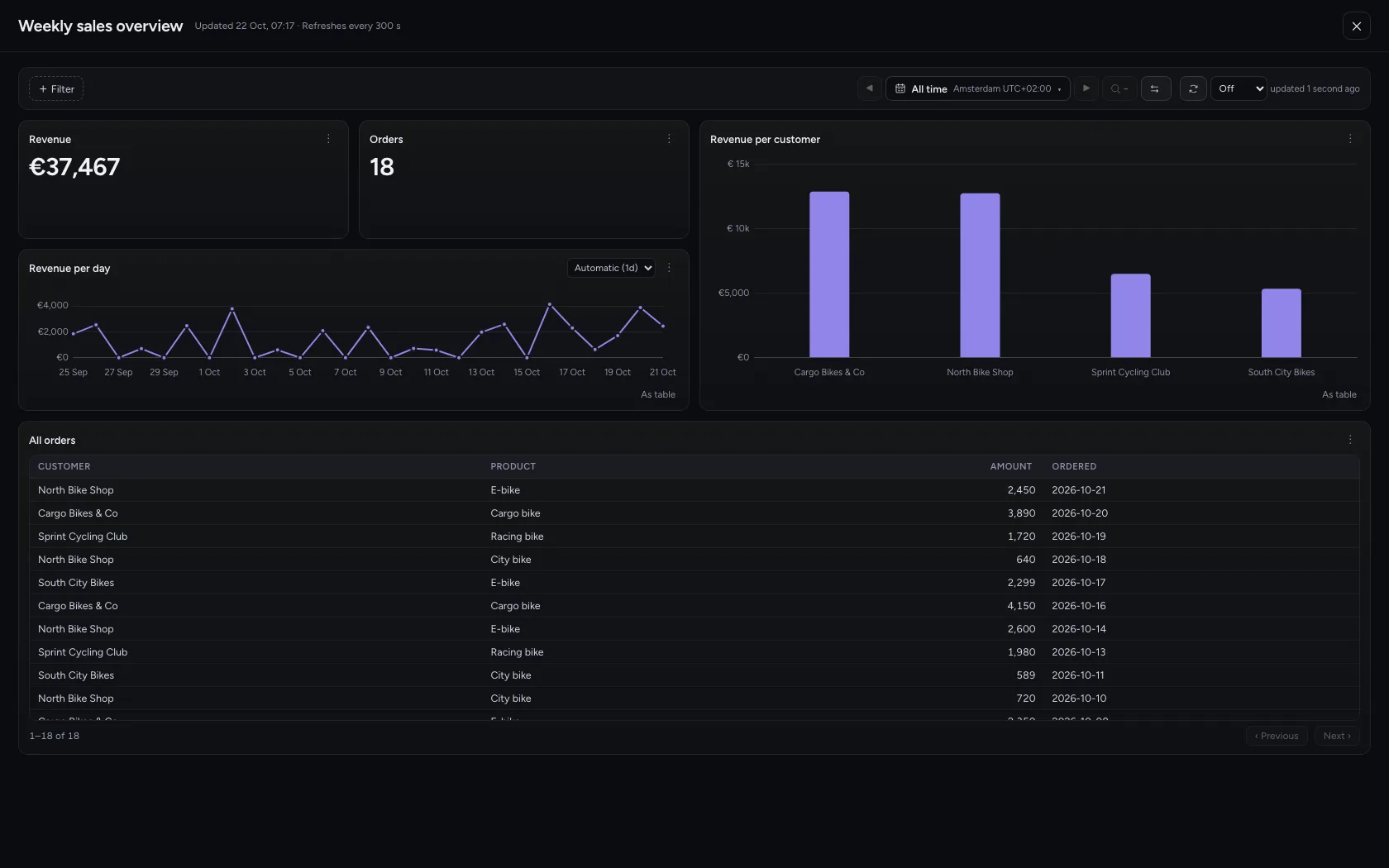
- Click ✕ (or Esc)
Share it with your colleagues
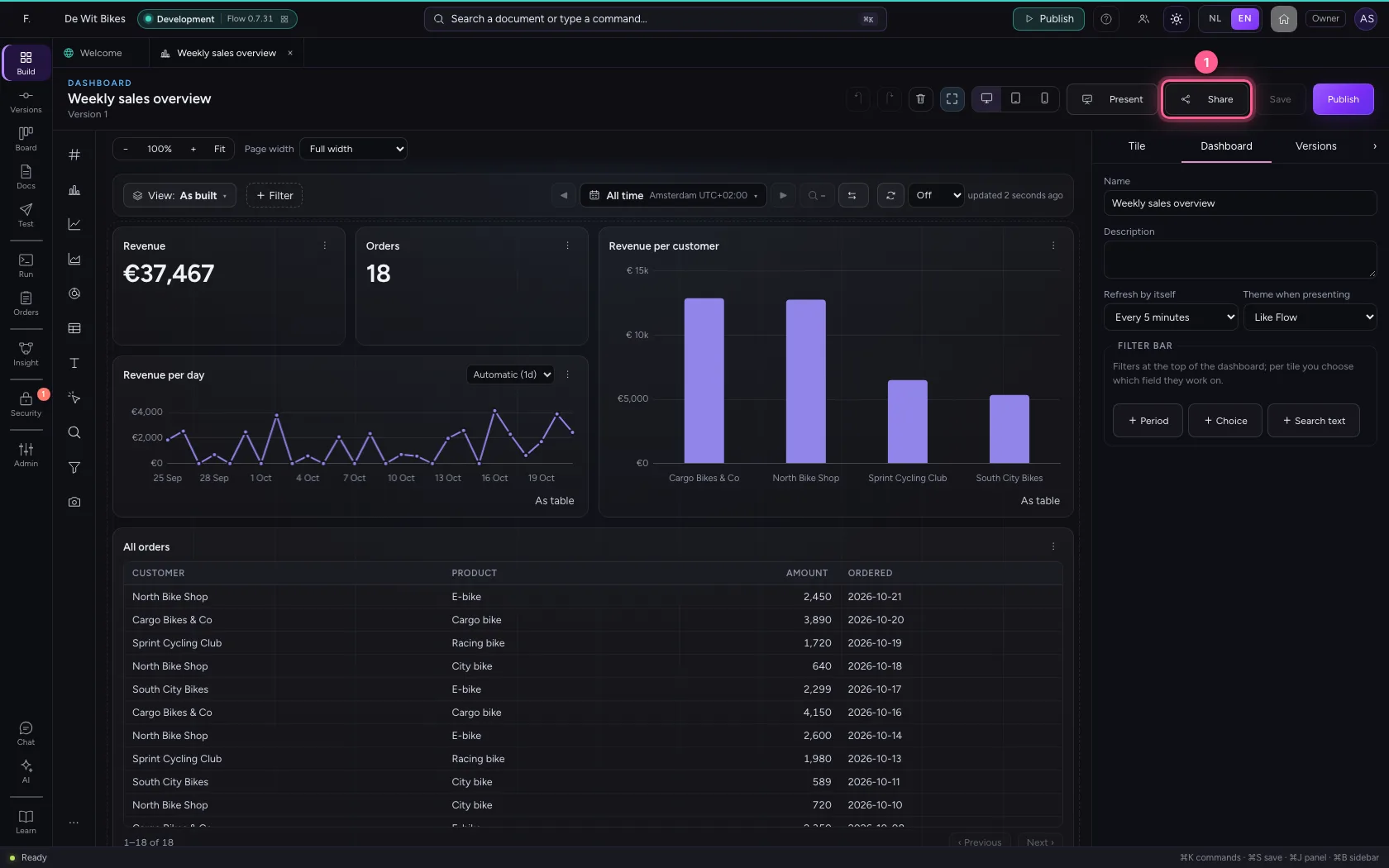
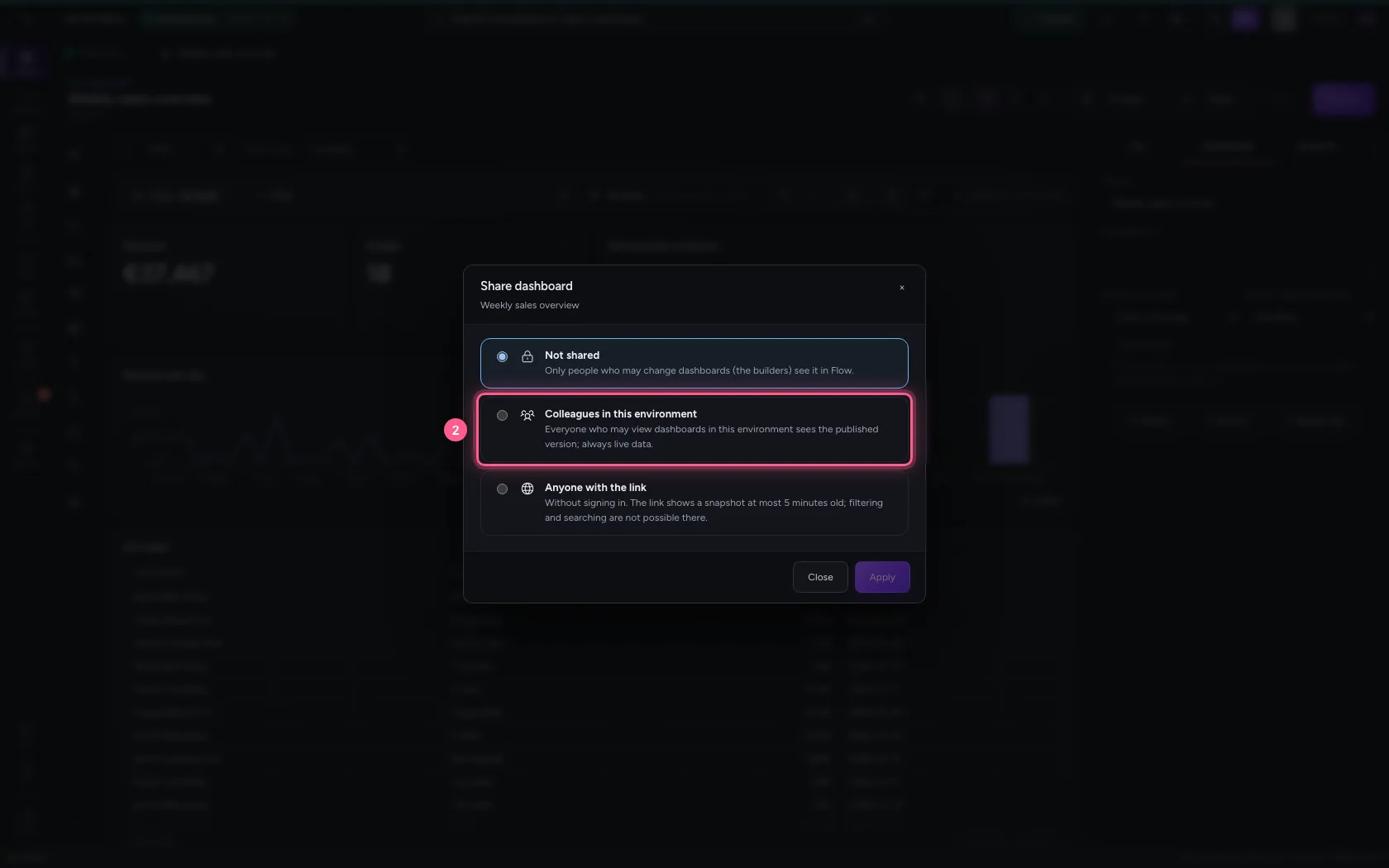
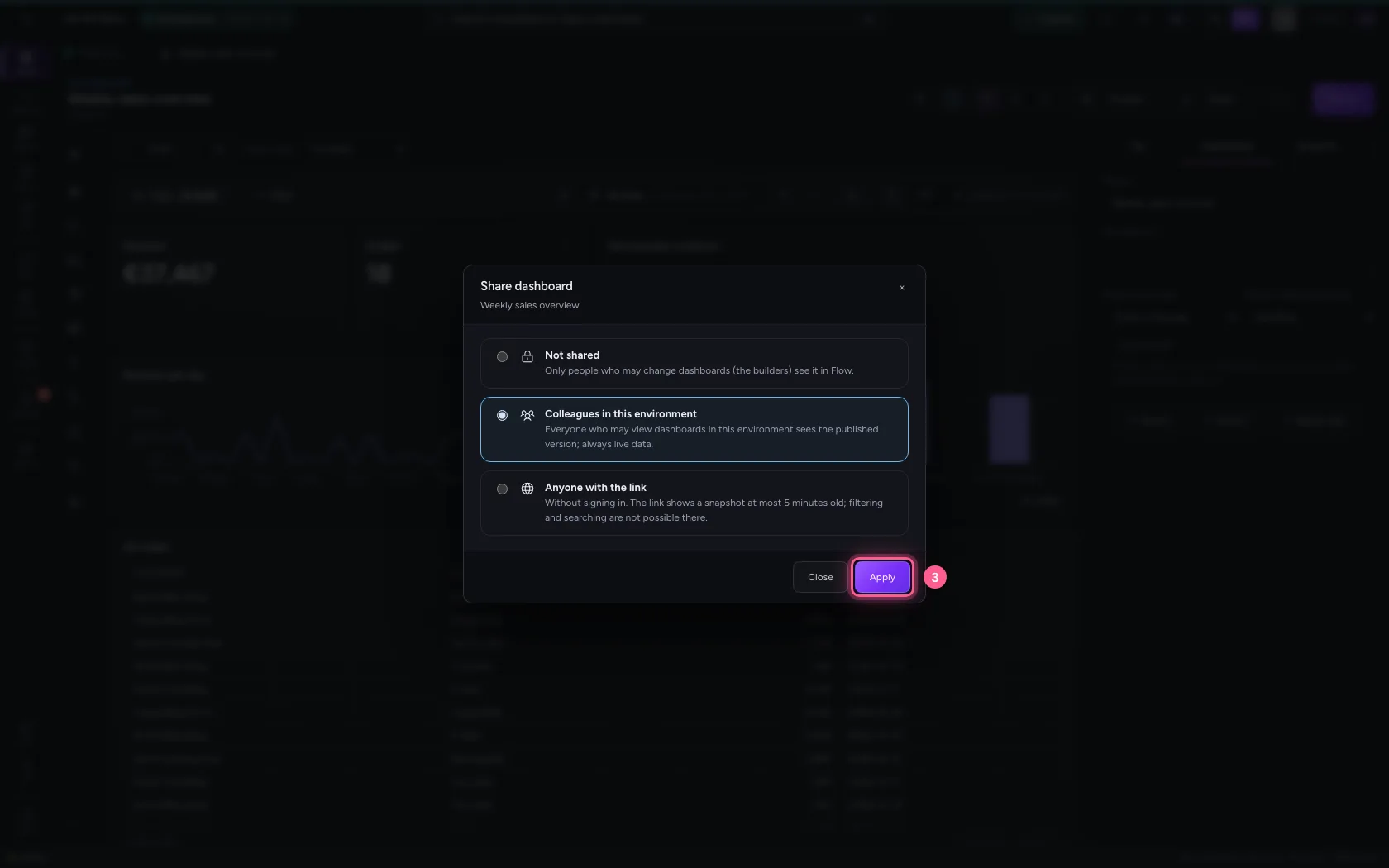
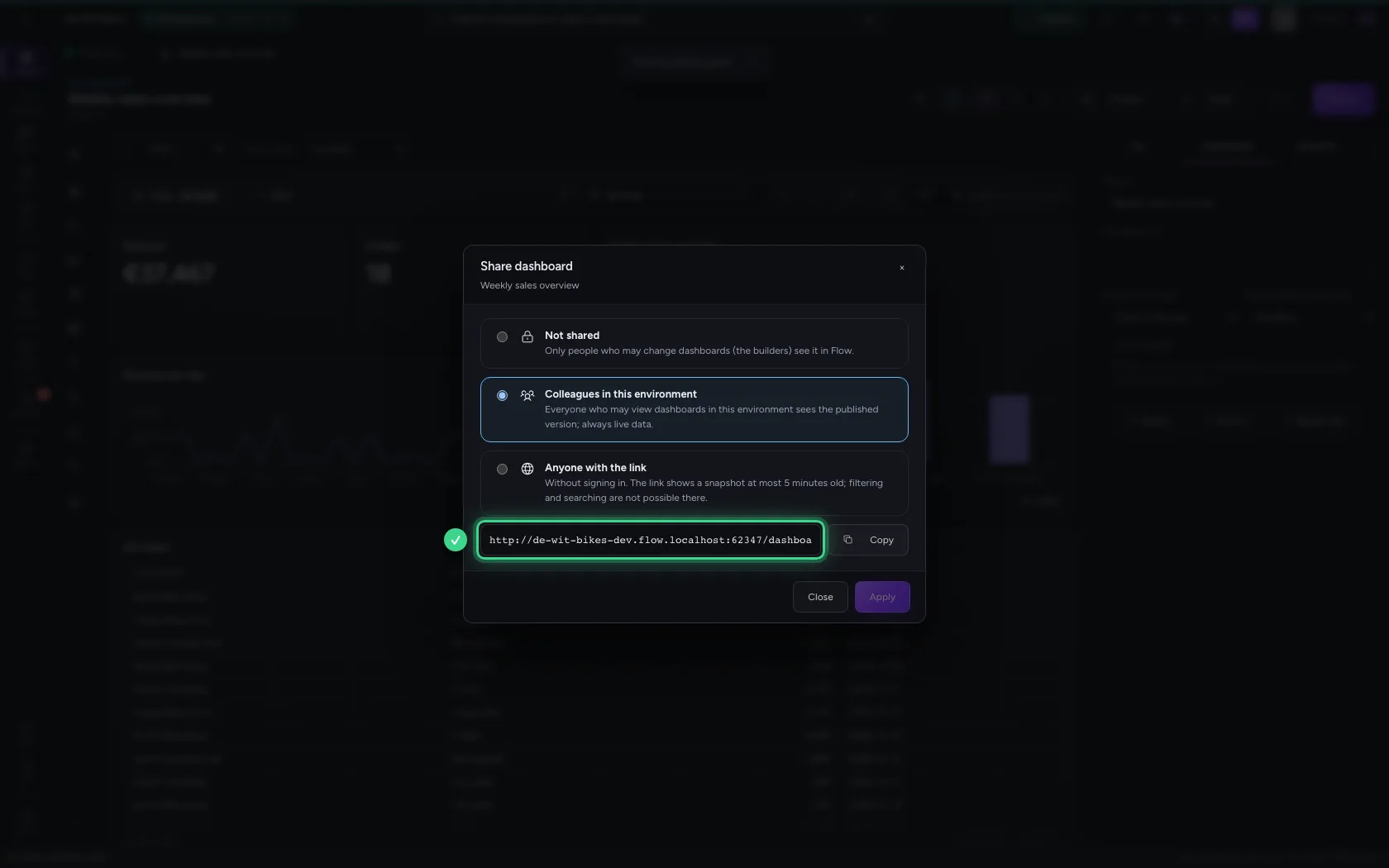
Click Share and choose Colleagues in this environment. Everyone who may view dashboards in this environment then sees it, with live data and with their own rights: rows someone may not see are not counted for them either. They always see the published version.
- Click Share
- Click Colleagues in this environment
- Click Apply
Or: anyone with the link
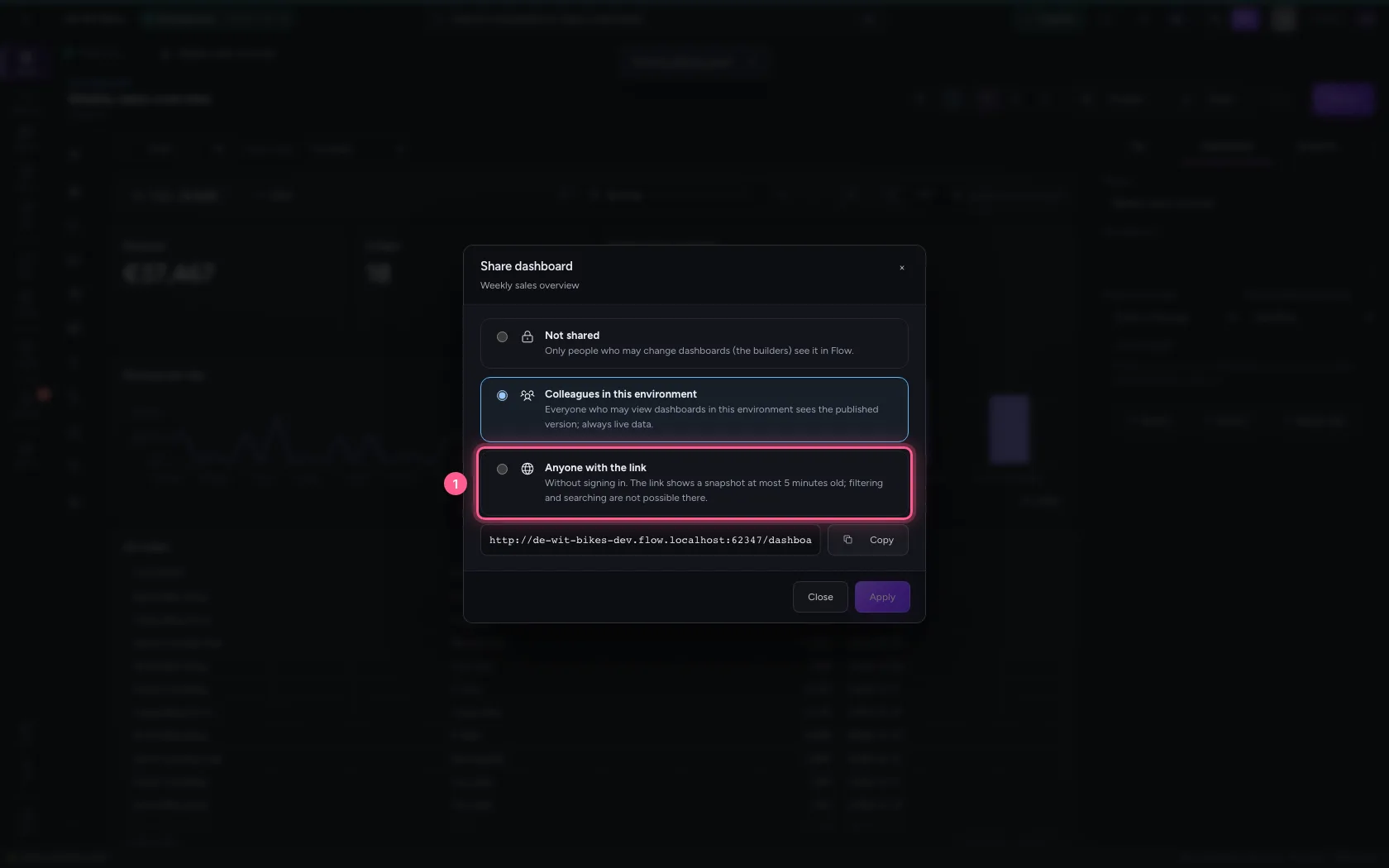
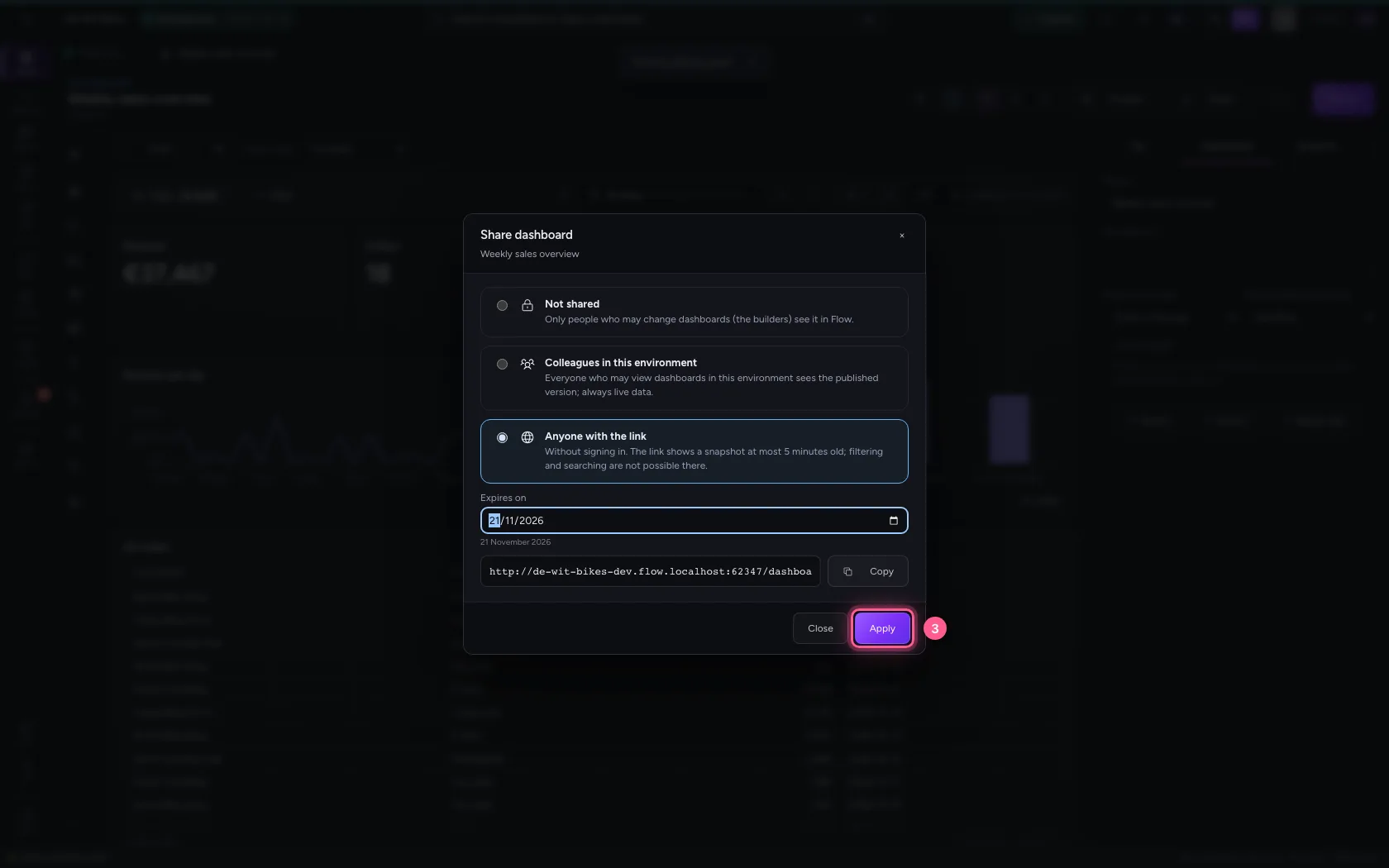
Choose Anyone with the link to share it with people without an account. They see a snapshot at most 5 minutes old; filtering, searching and buttons do not work there, so nobody can dig into your data through the link. Give the link an end date. This is only possible when no source is confidential or personal: then the window says which source stops it.
- Click Anyone with the link
- In Expires on, type
2026-11-21
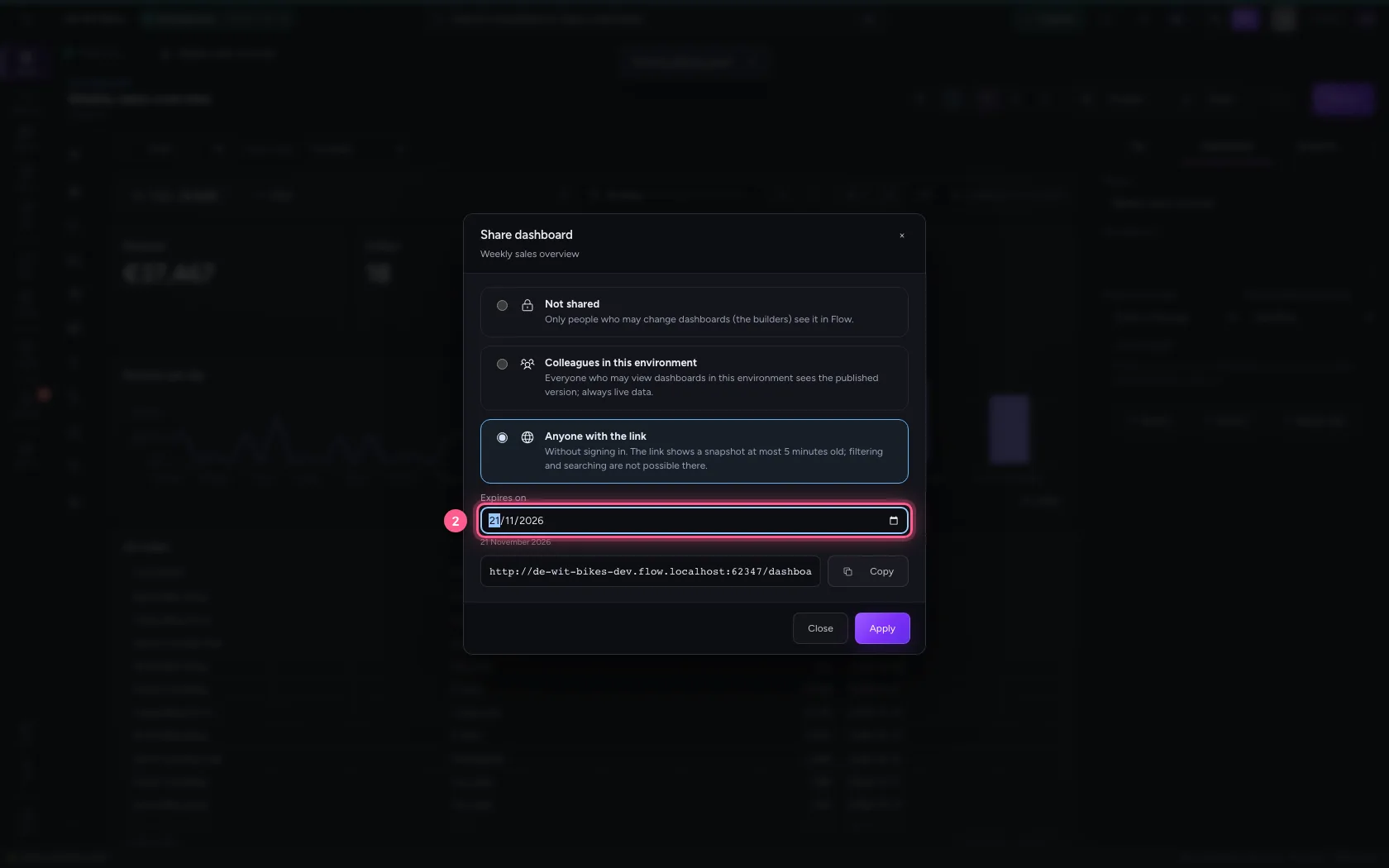
- Click Apply
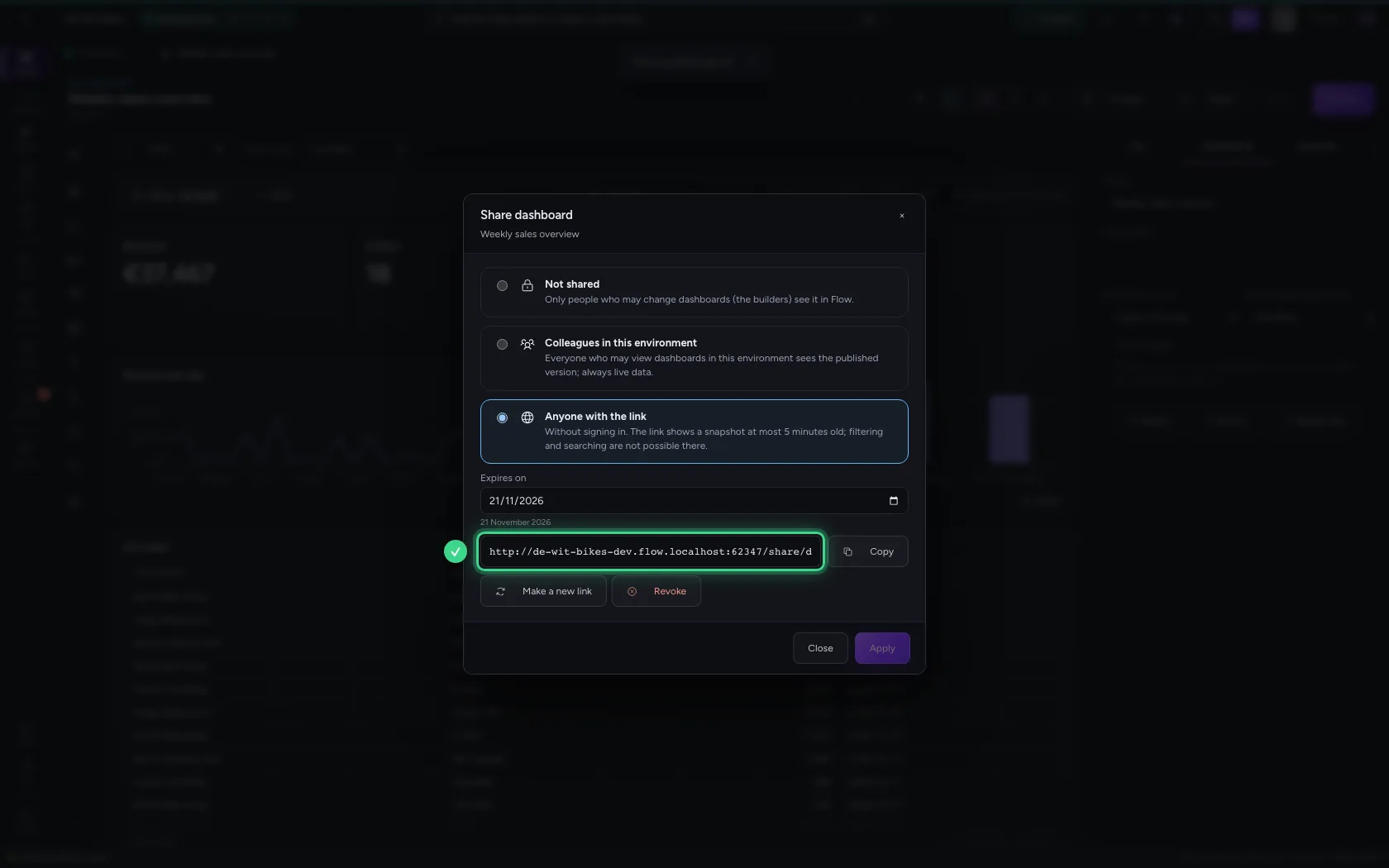
Open the link without signing in
Whoever opens the link does not need to sign in. They see the dashboard as it is now, with when the snapshot was made; a new one comes every five minutes.

Revoke the link
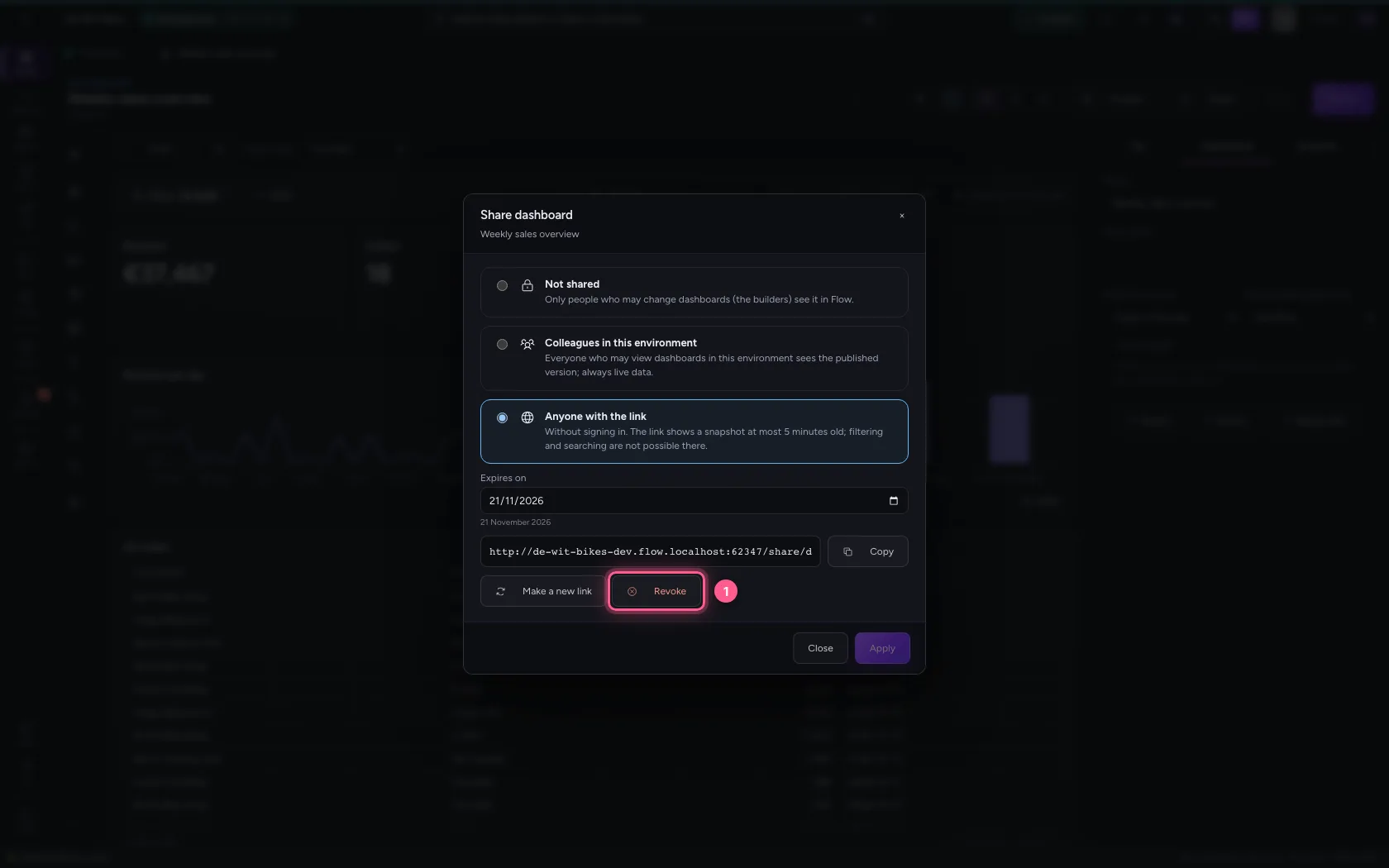
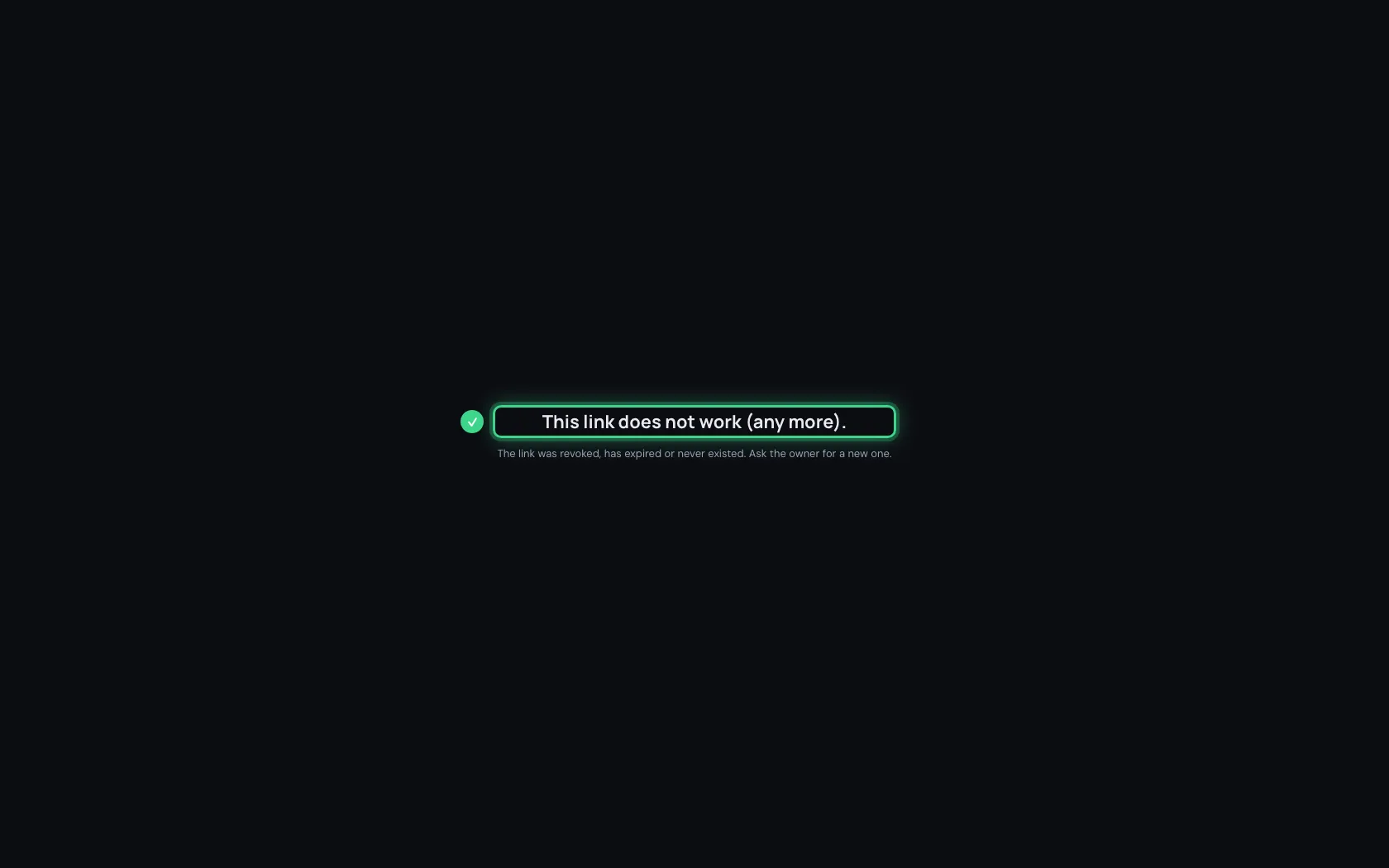
Back in Flow, click Revoke: the link stops working straight away. Make a new link gives a new link and switches the old one off. Every time someone opens the link is recorded.
- Click Revoke
This guide was carried out step by step on 22 Oct 2026 by an automated test on Flow (version 3e563176).