Roles, teams and rights
In Governance a role sets what someone sees and may do: Owner, Board, Project lead, Team member, Auditor or Client reader. You give someone a role, or you put people in a team that holds roles and duties. The Rights page shows per person and per part what they may do, and where that right comes from.
Open People
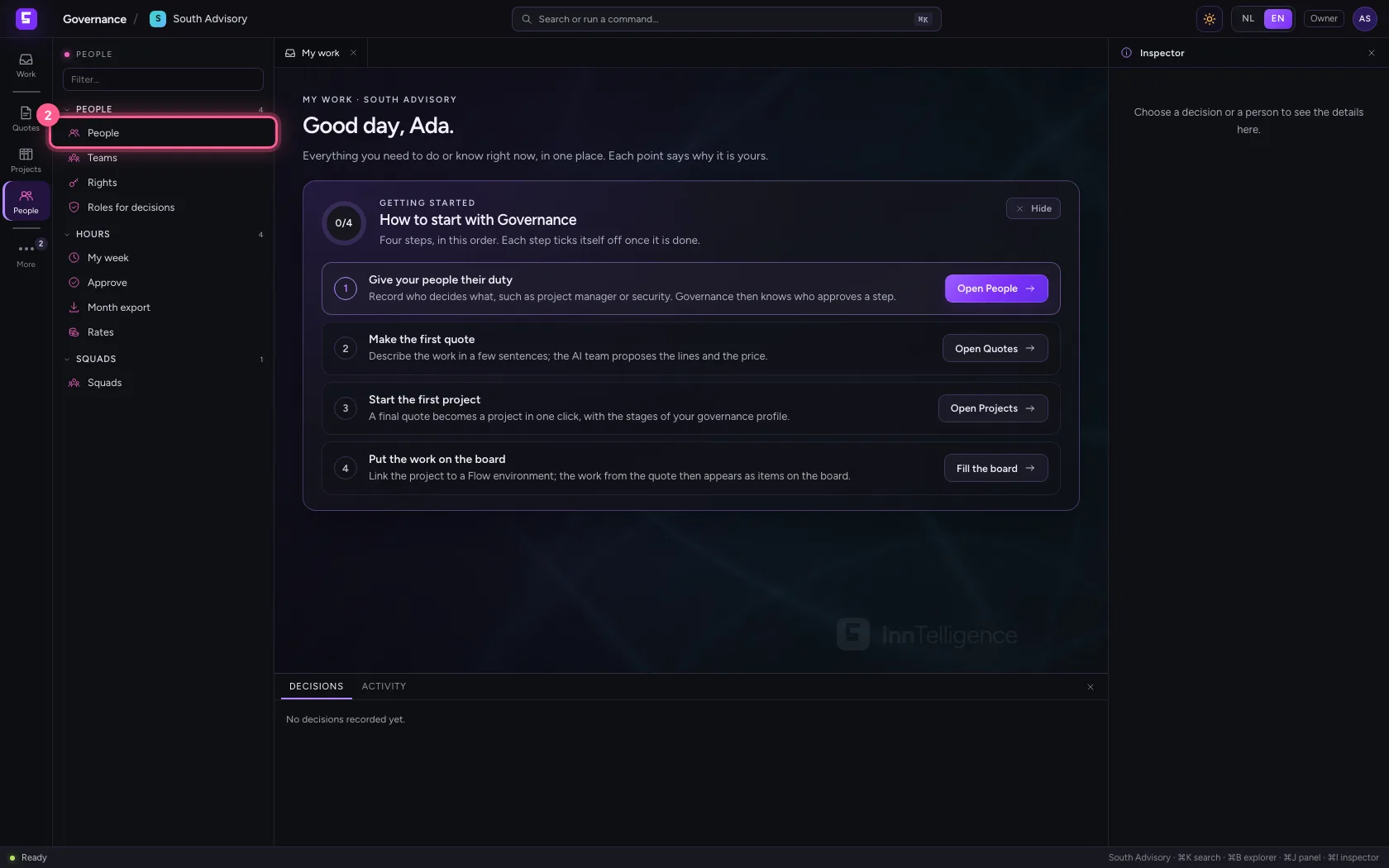
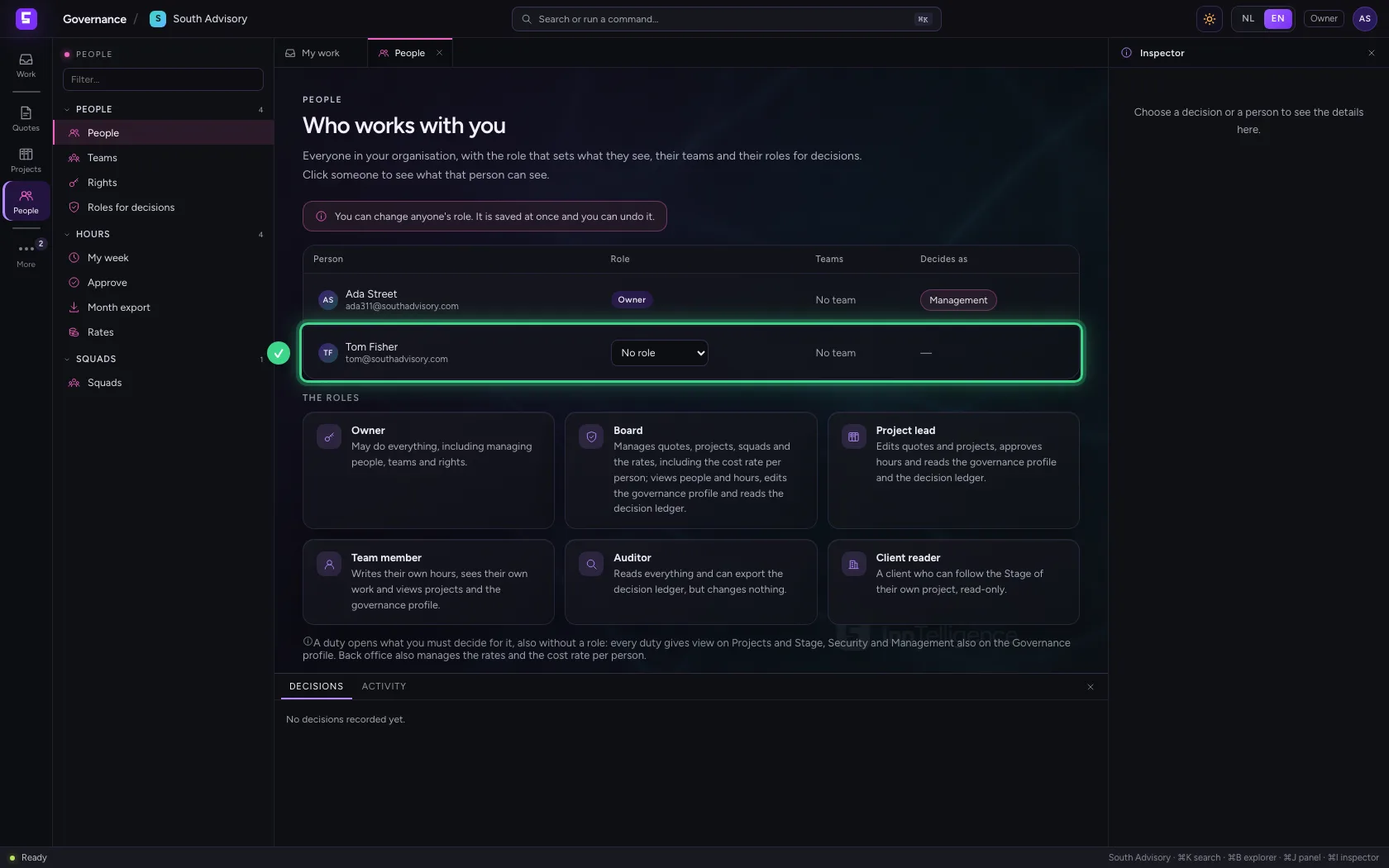
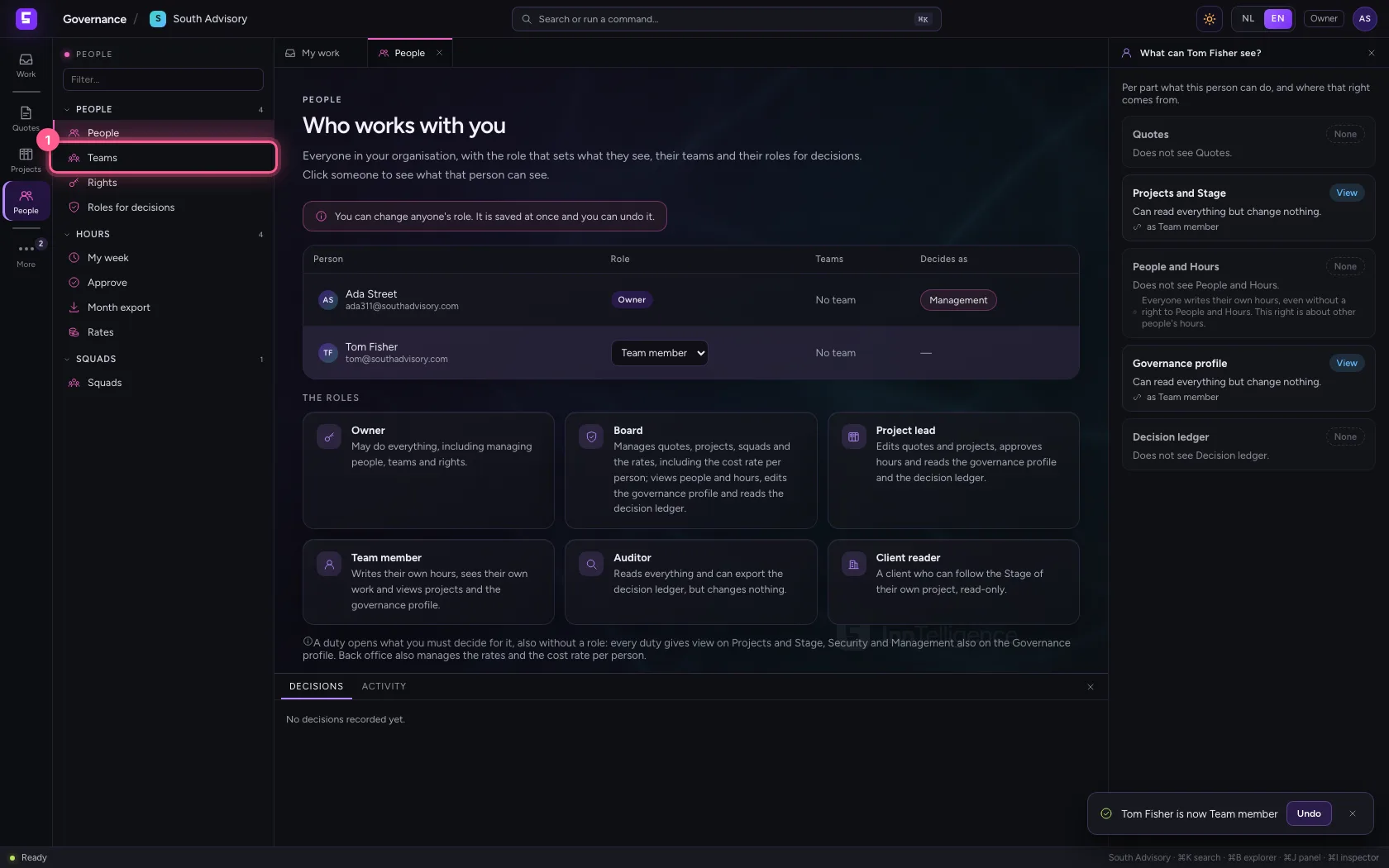
People lists everyone in your organisation who uses Governance: their role, their teams and what they decide as. Members appear here by themselves once they sign in for the first time; whoever leaves the organisation disappears again.
- Click People
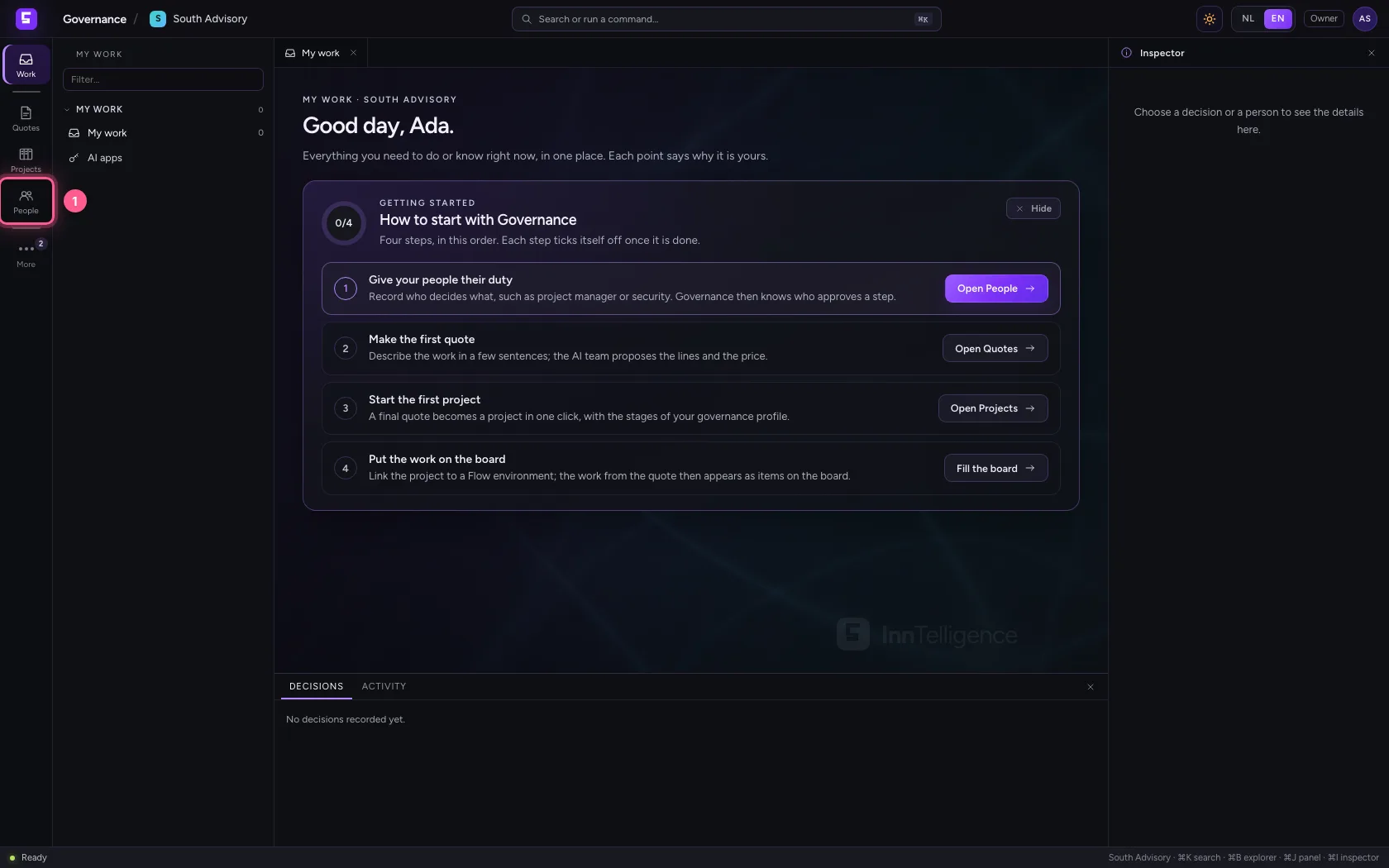
- Click People
Give someone a role
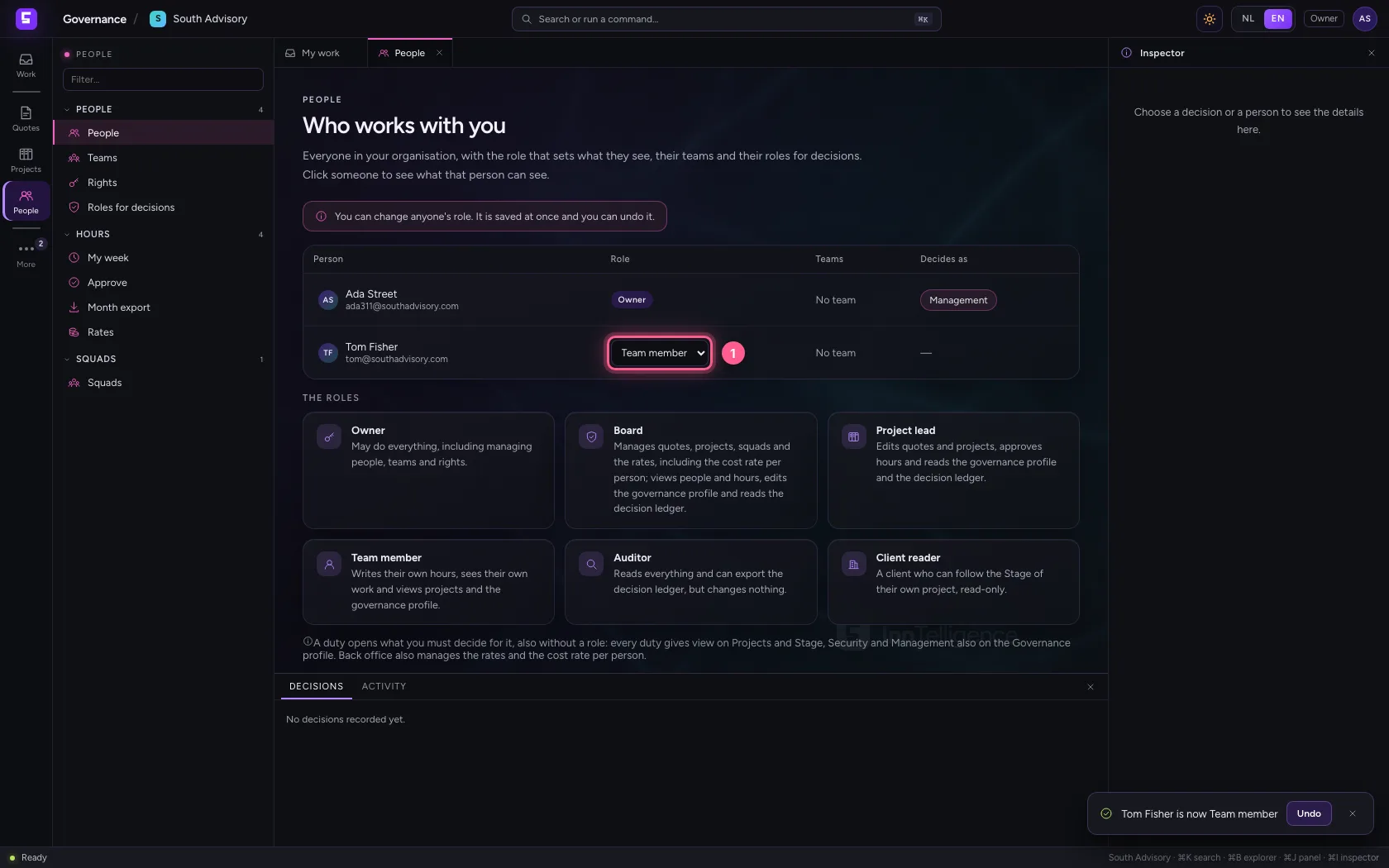
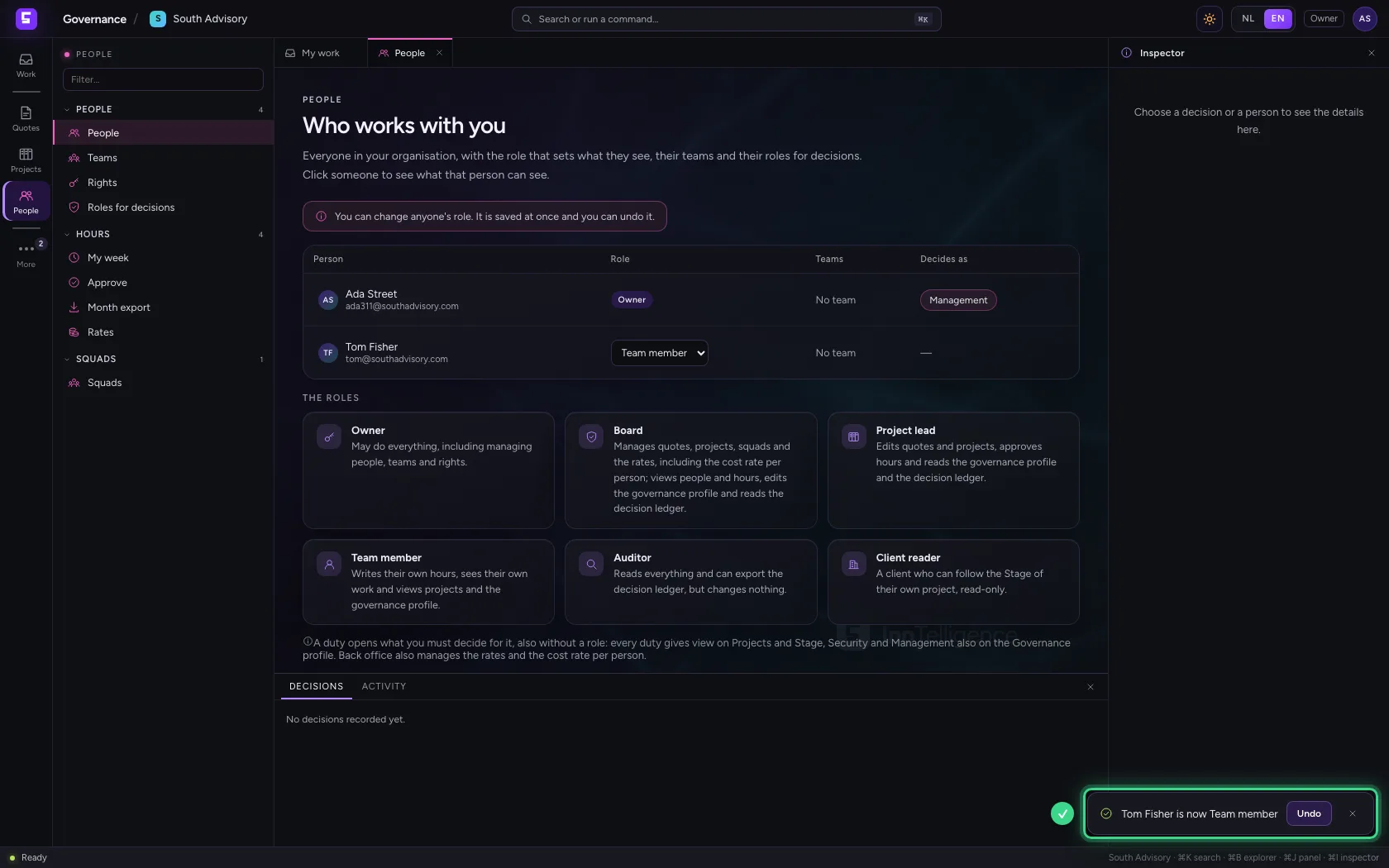
Choose the role in the Role column. It is saved at once; the message lets you undo it. As the organisation's owner in the portal you are always Owner, even without a role here.
- In Role of Tom Fisher, choose Team member
What does a team member see?
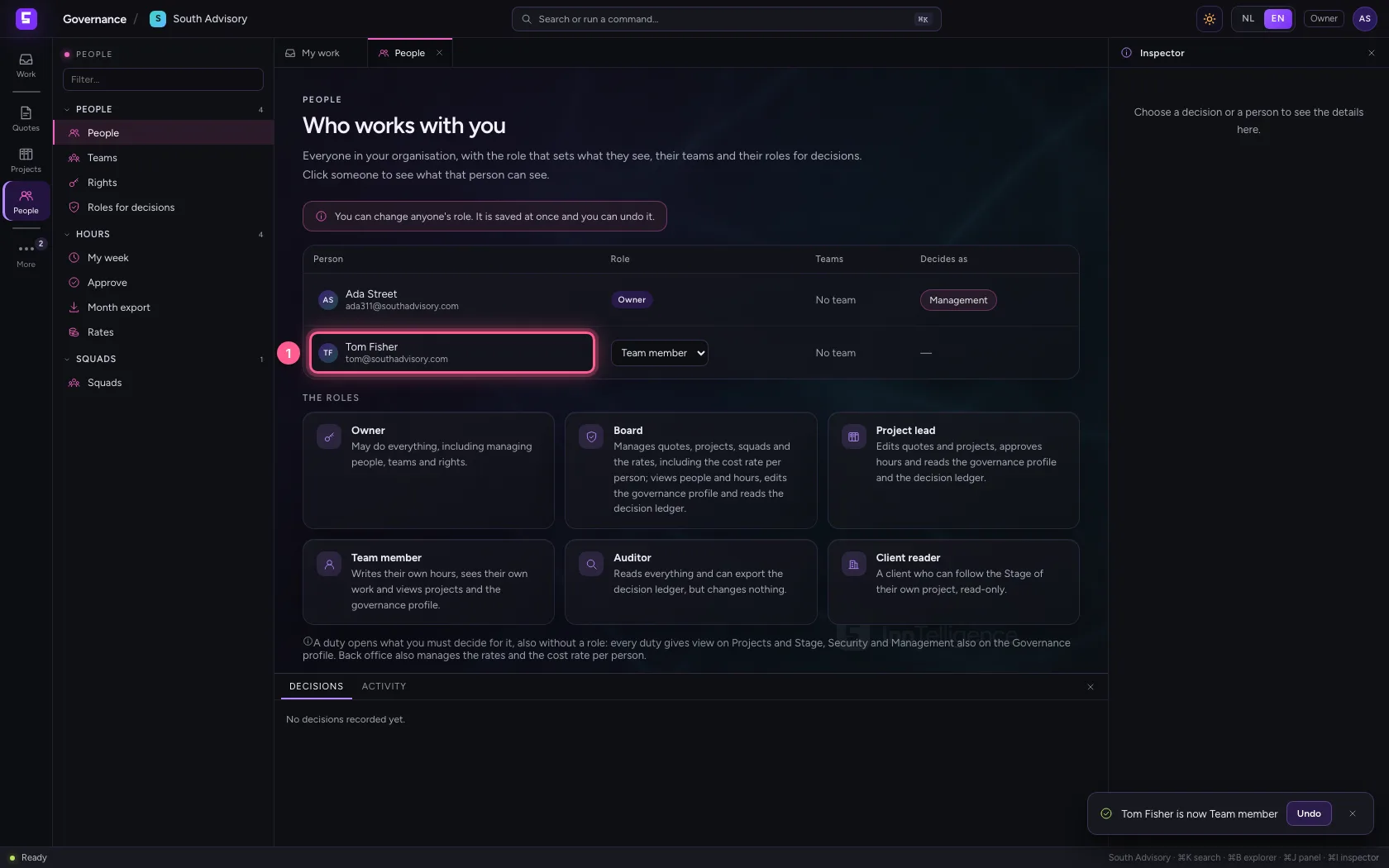
Click someone's name: the inspector on the right says per part what that person can do, and why. A team member views projects and the governance profile and writes their own hours, but sees no quotes, no people and no decision ledger. My work only shows what is theirs.
- Click Tom Fisher
The built-in roles
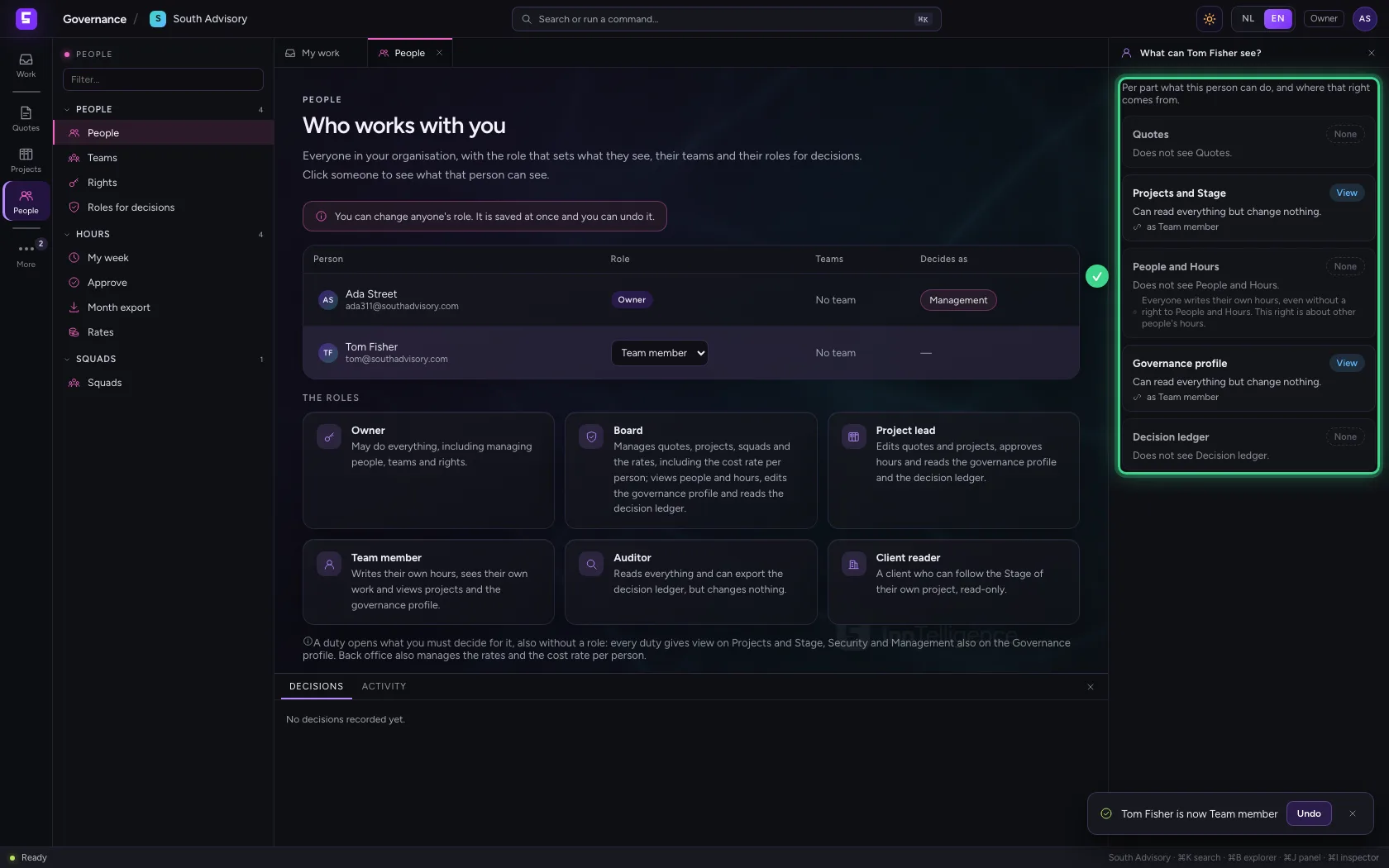
Under the list are the six roles, one sentence each. Owner may do everything. Board manages quotes and projects. Project lead edits them and approves hours. Auditor reads everything and exports the decision ledger. Client reader is a client who only follows the Stage of their own project.
Create a team
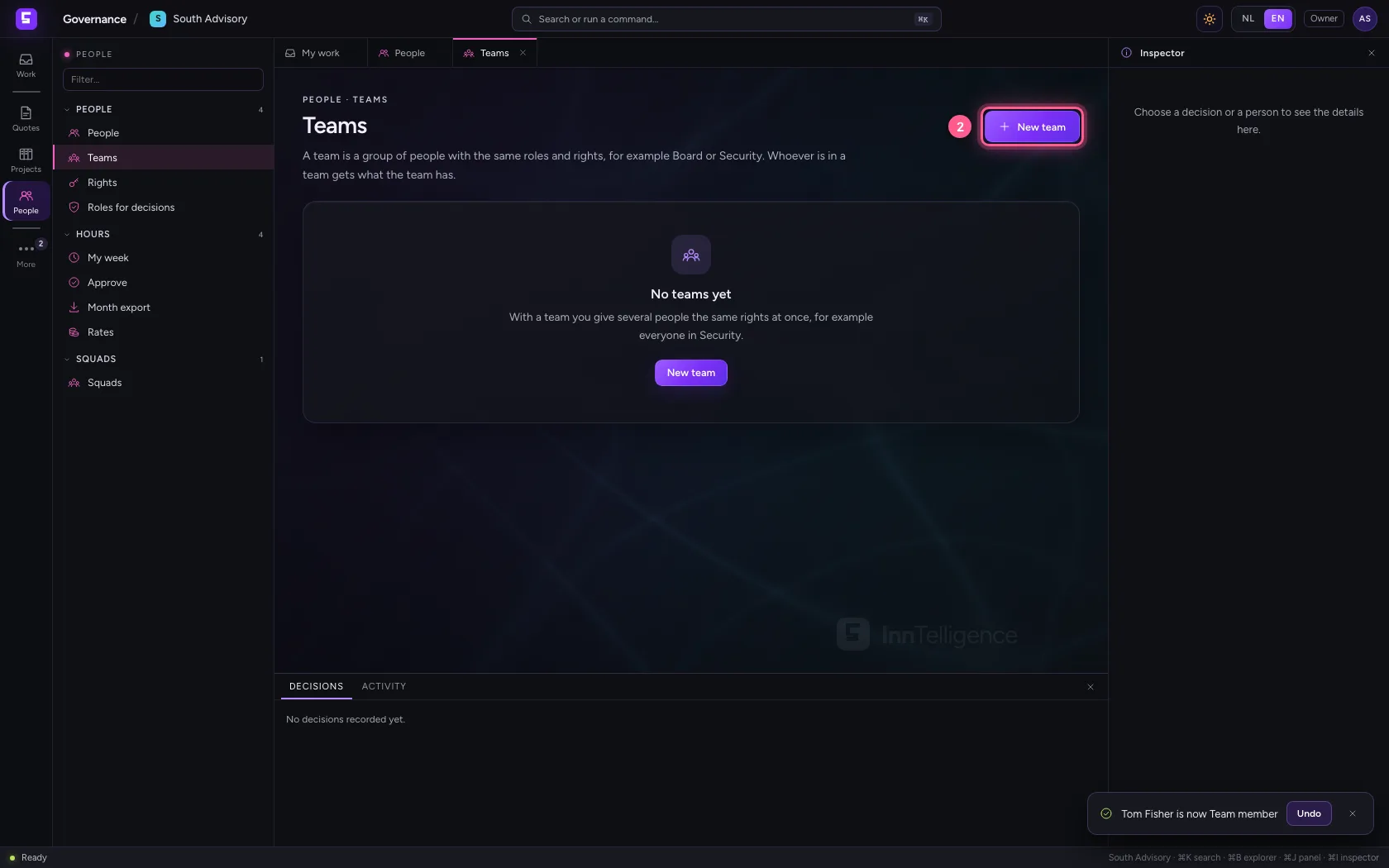
With a team you give several people the same roles and duties at once, for example everyone who reviews changes on security. Open Teams and choose New team.
- Click Teams
- Click New team
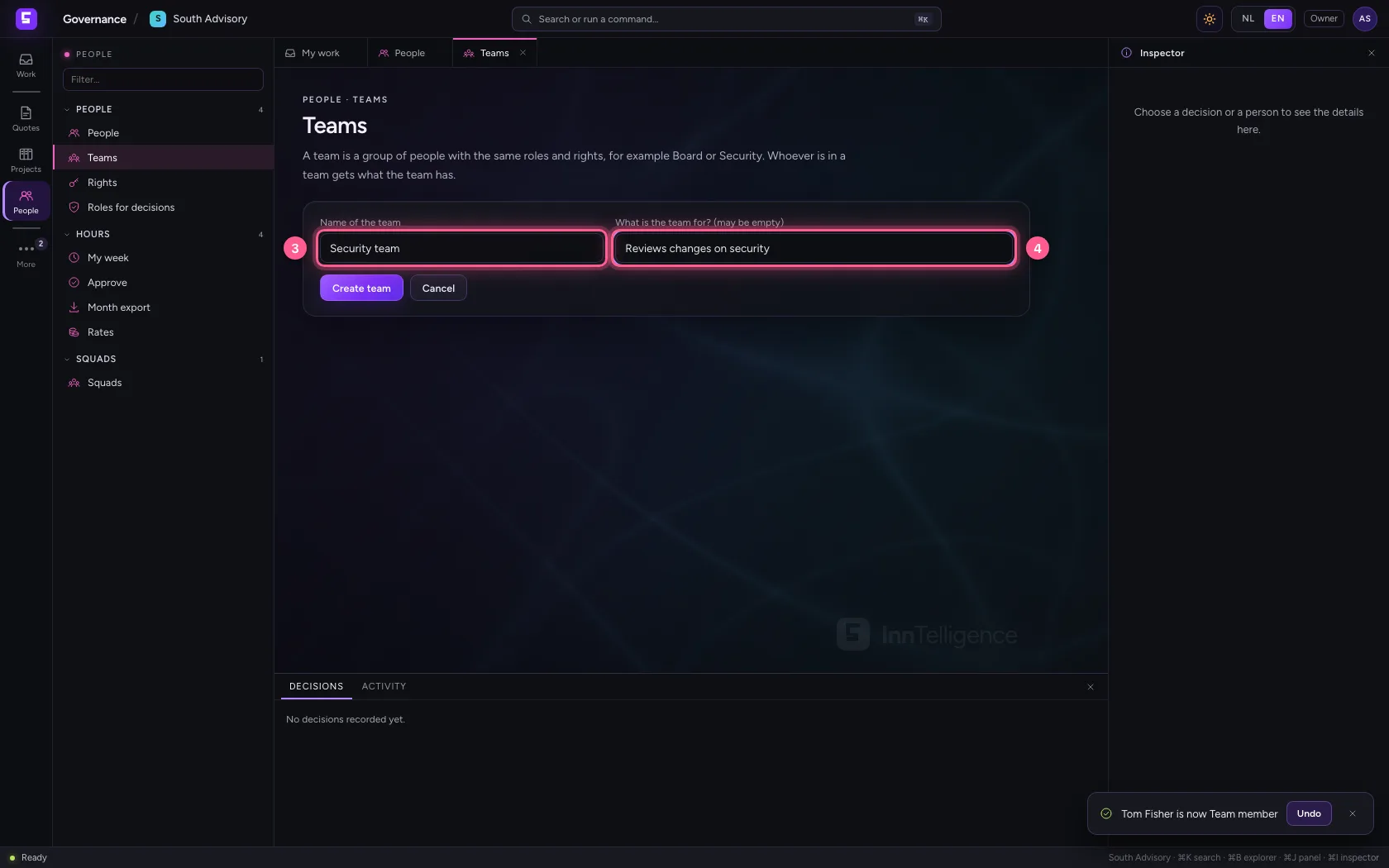
- In Name of the team, type
Security team - In What is the team for? (may be empty), type
Reviews changes on security
- Click Create team
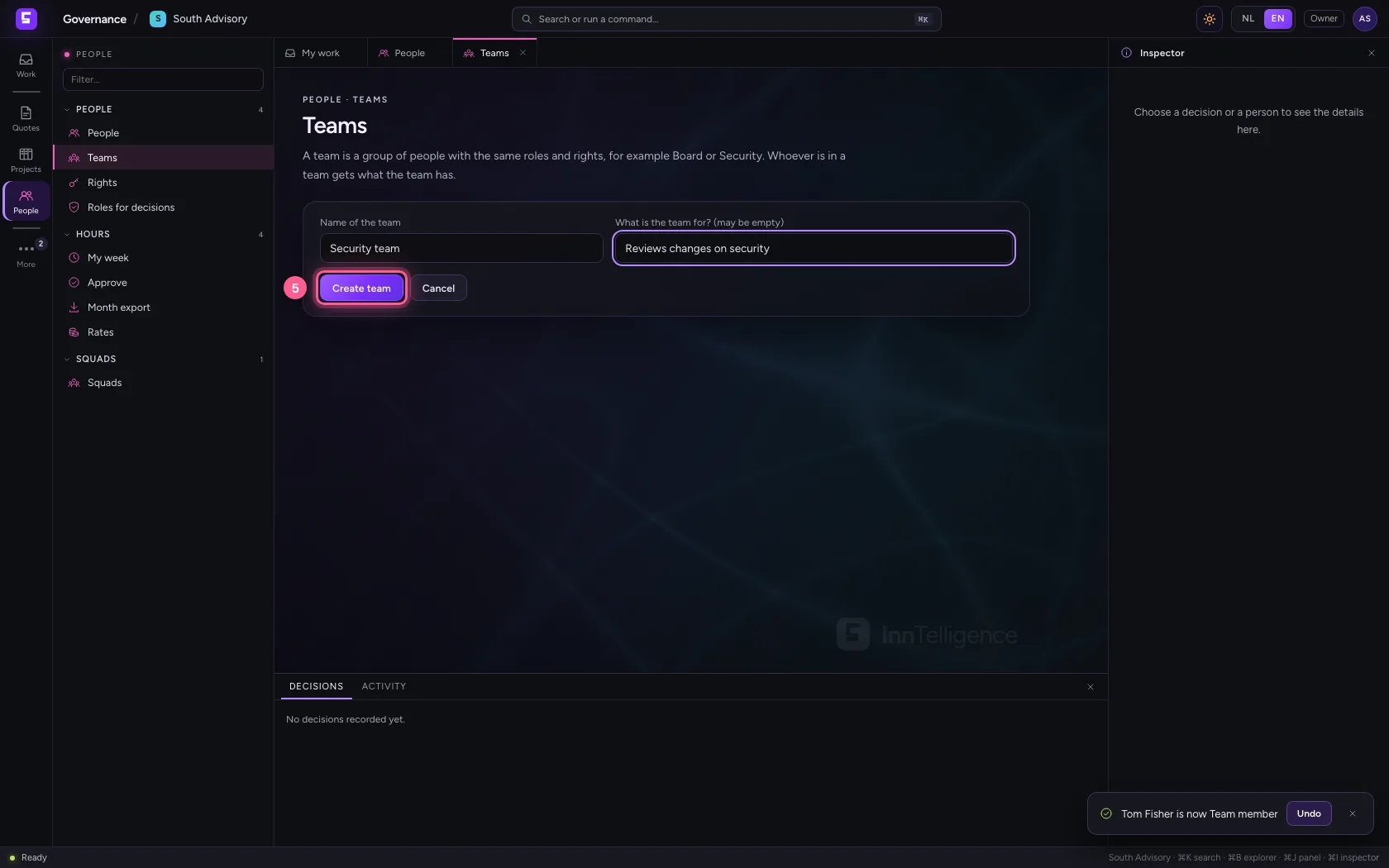
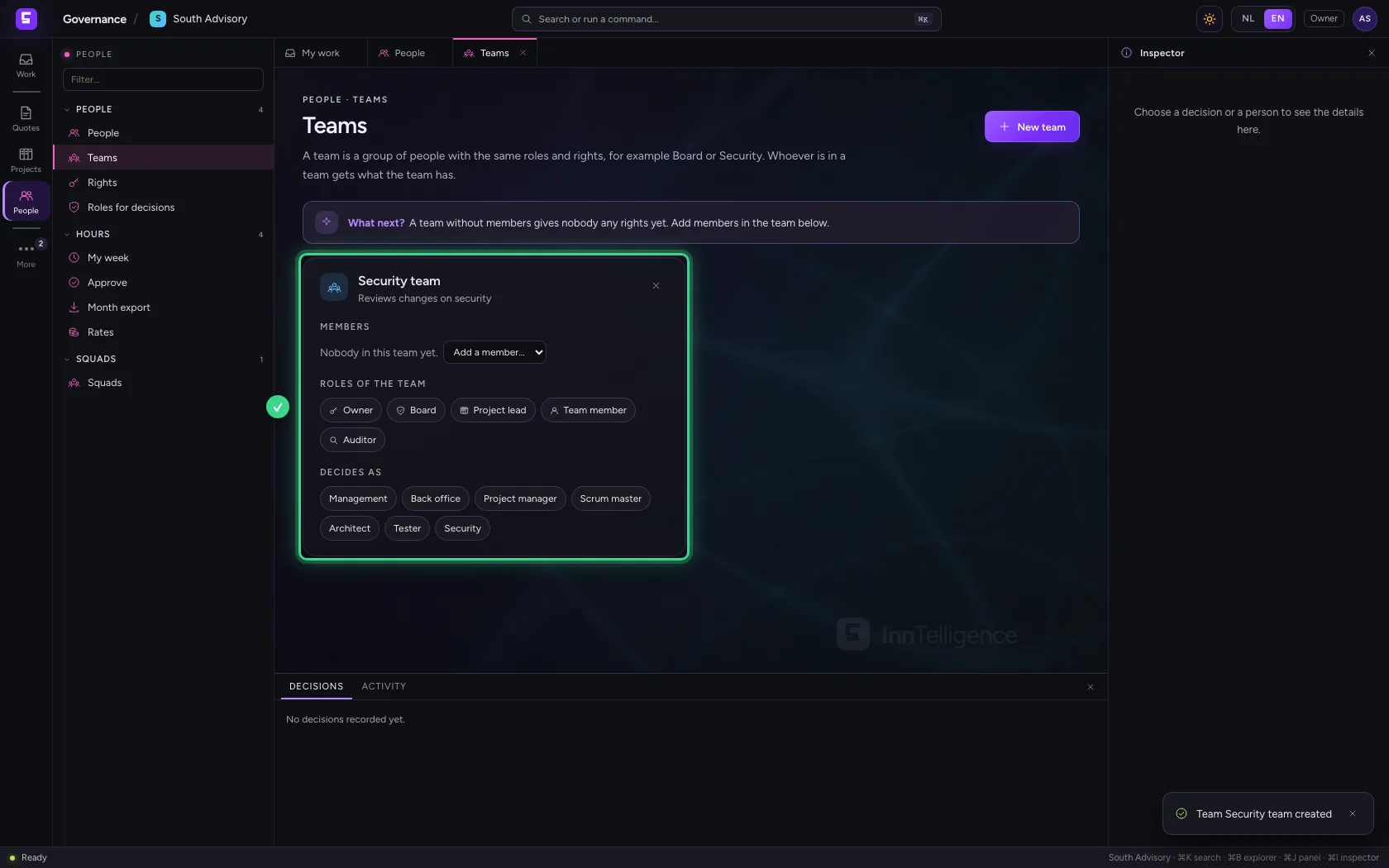
Members, a role and a duty
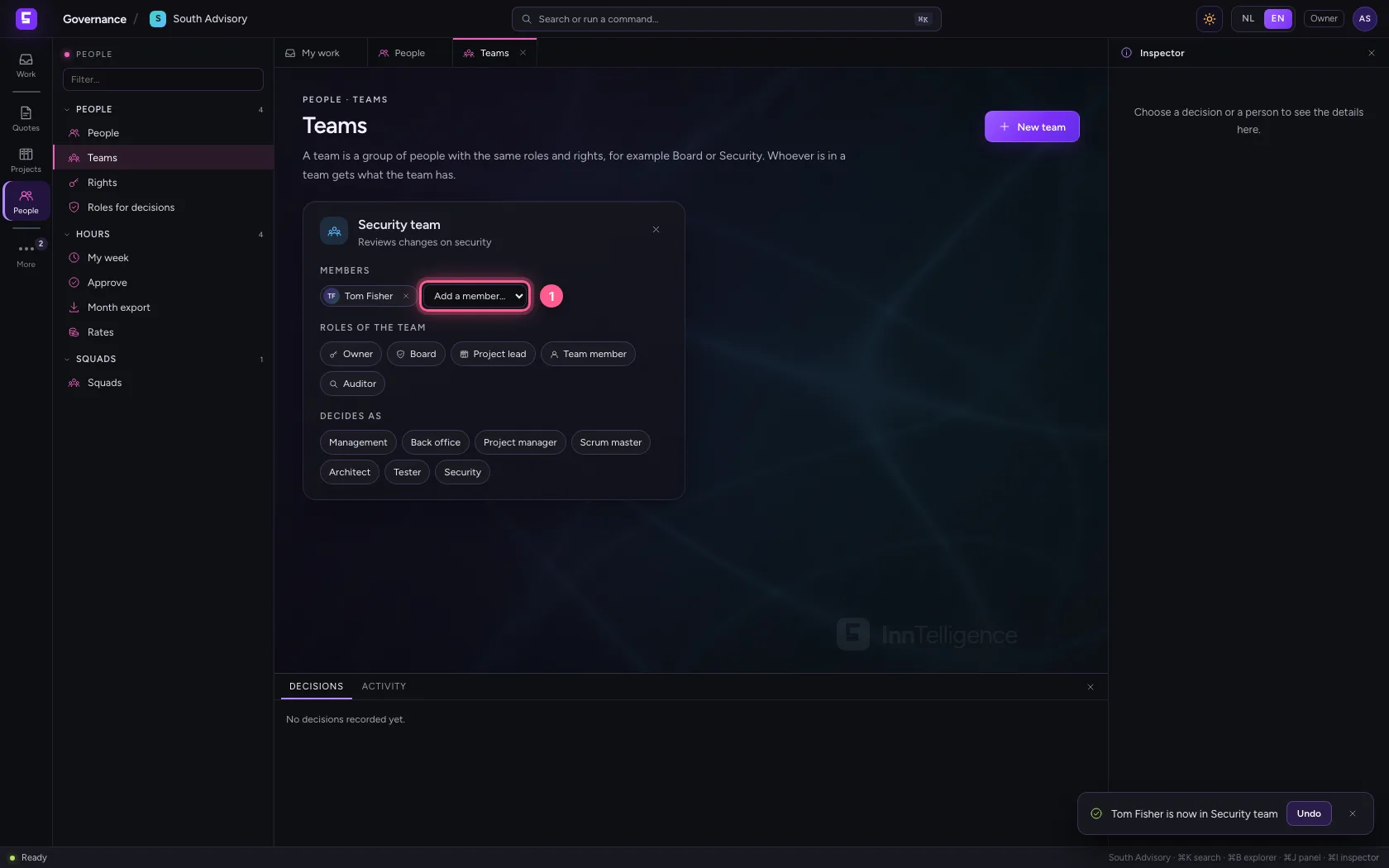
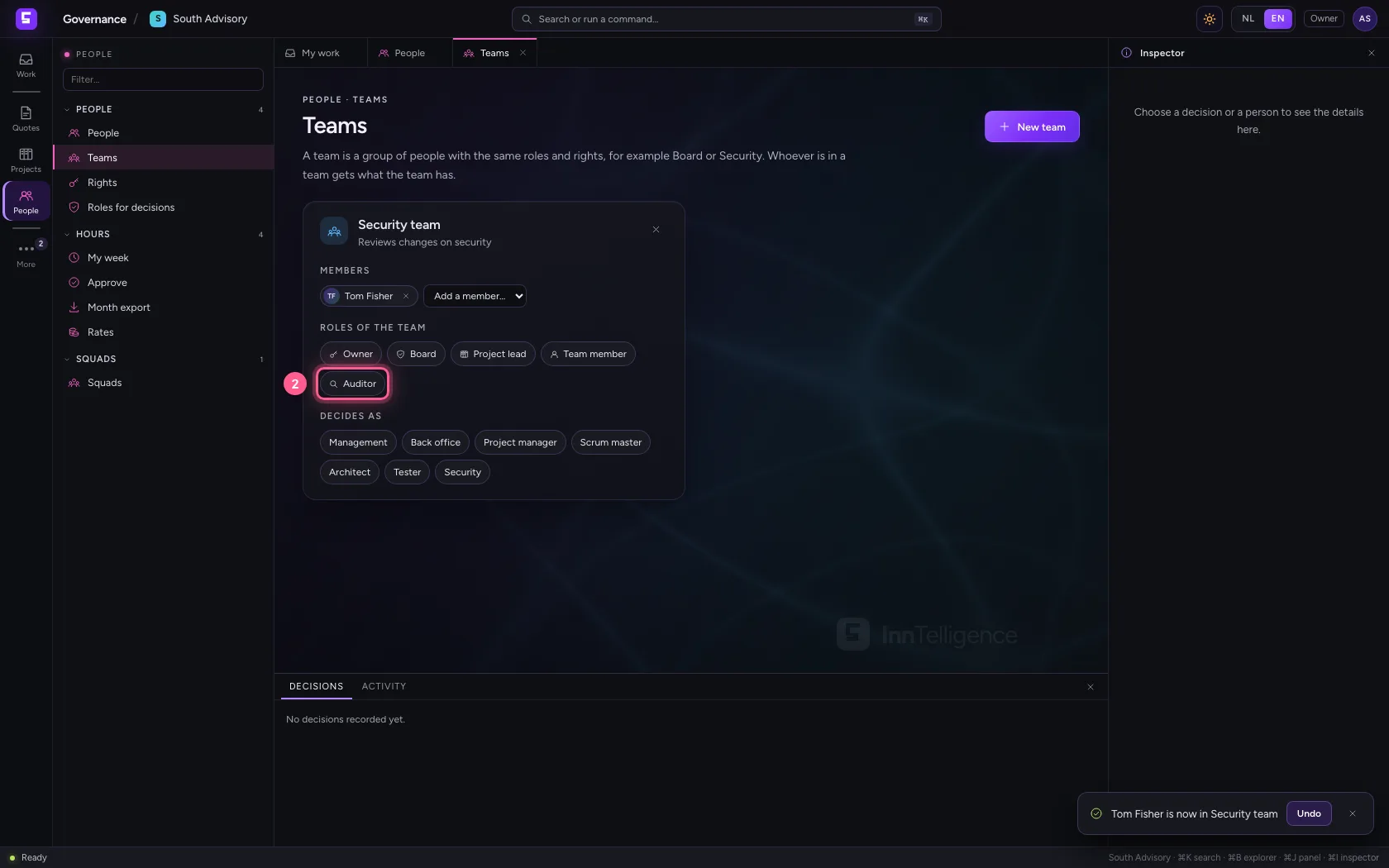
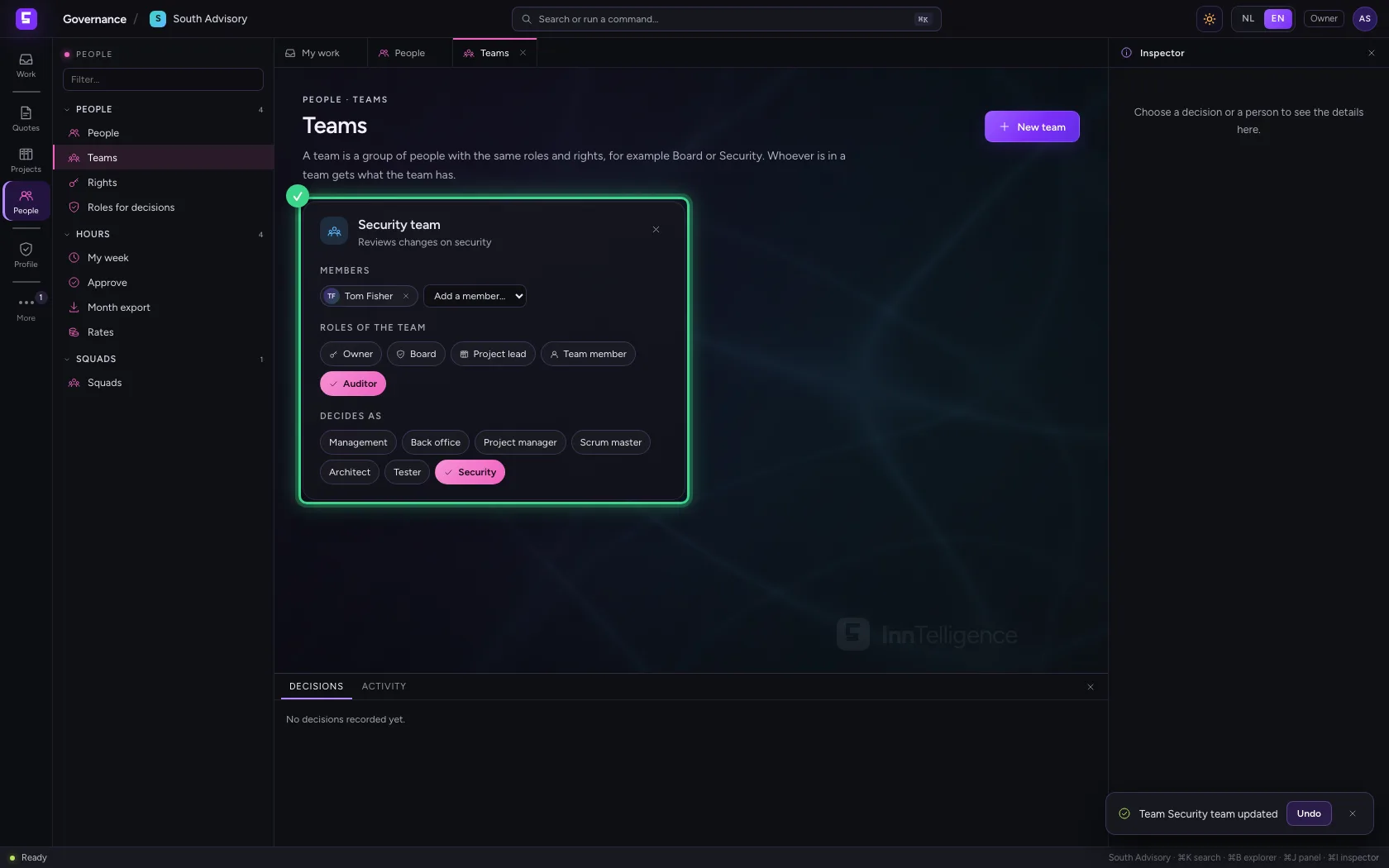
Add members with Add a member. Under Roles of the team switch a role on: every member gets its rights. Under Decides as switch a duty on: the members then decide as Security on changes and the governance profile. Every change is saved at once.
- In Add a member…, choose Tom Fisher
- Click Auditor
- Click Security
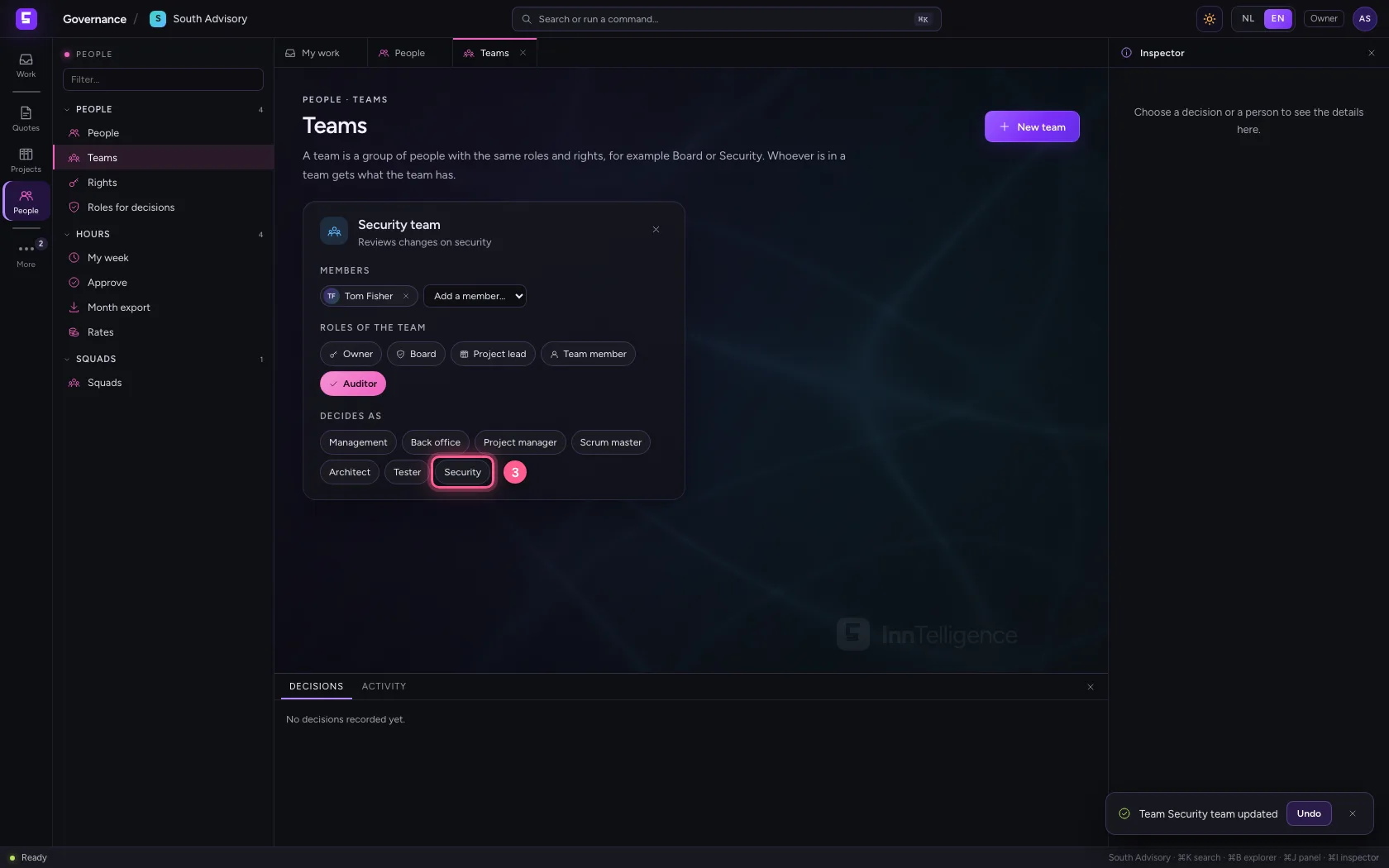
Rights: who may do what, and why
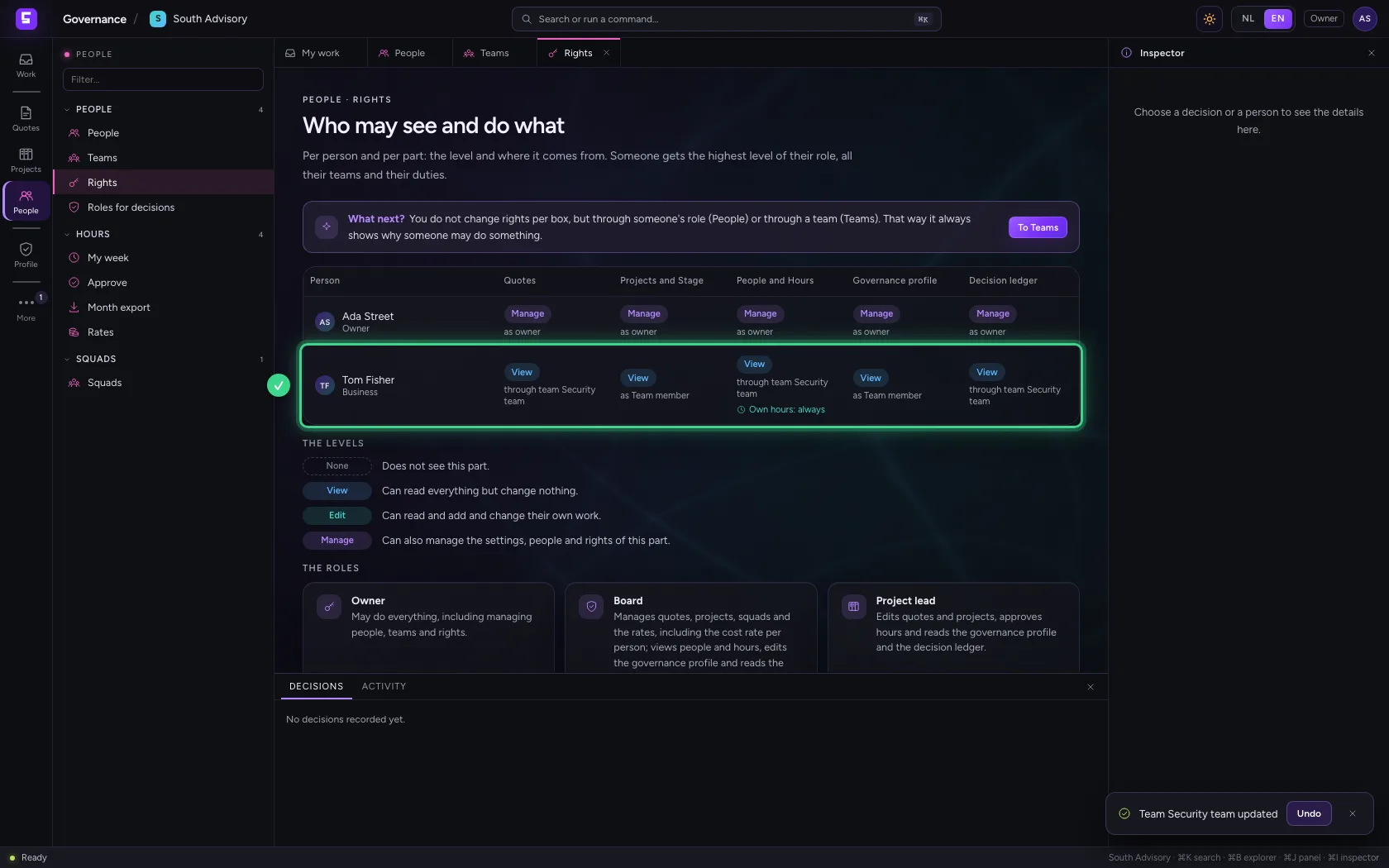
Rights shows per person and per part the level: None, View, Edit or Manage. Under each level it says where it comes from: as owner, as Team member or through team Security team. Someone gets the highest level of their role and all their teams. You do not change rights per box but through the role or the team, so it always shows why someone may do something.
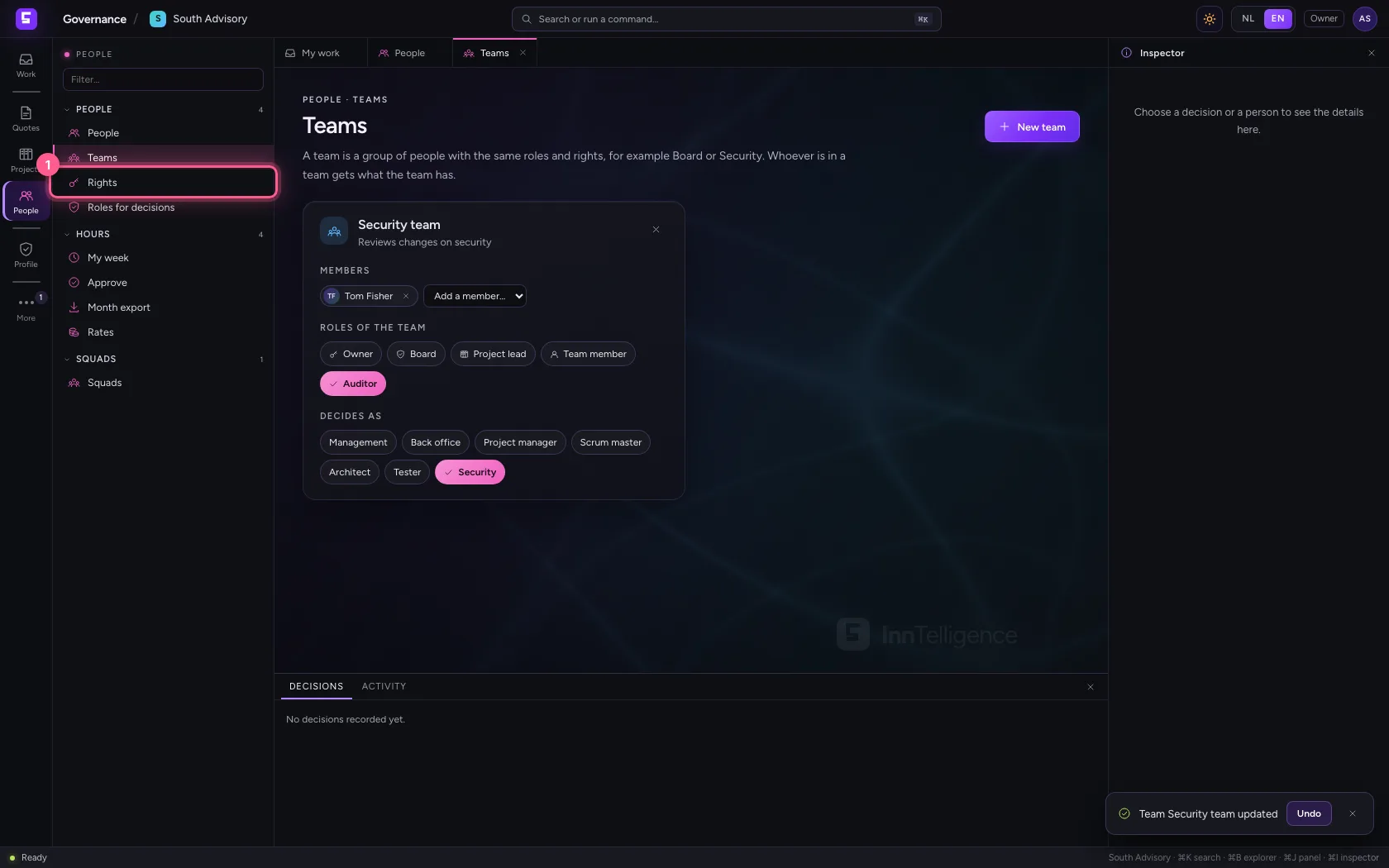
- Click Rights
Roles for decisions: who decides what
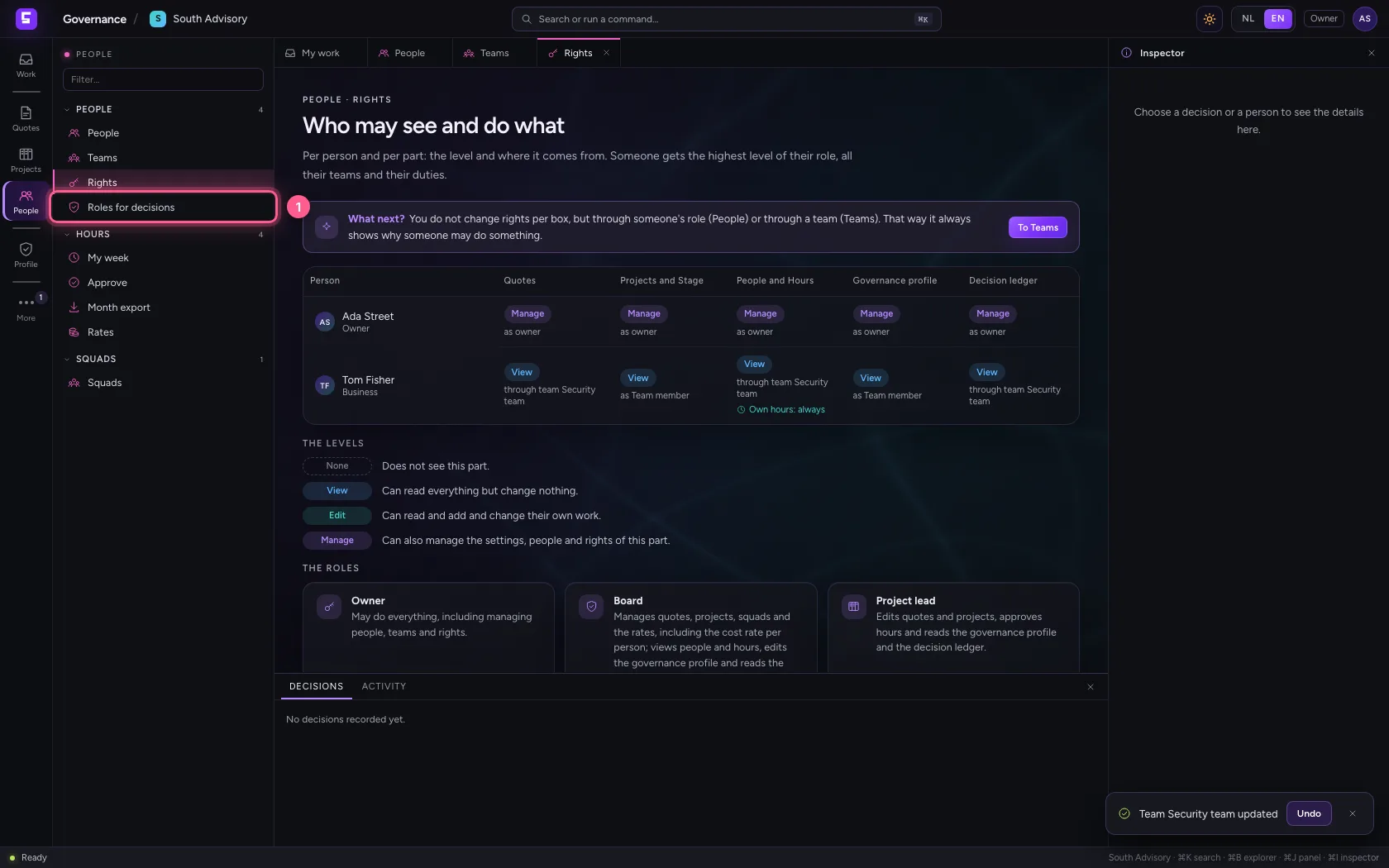
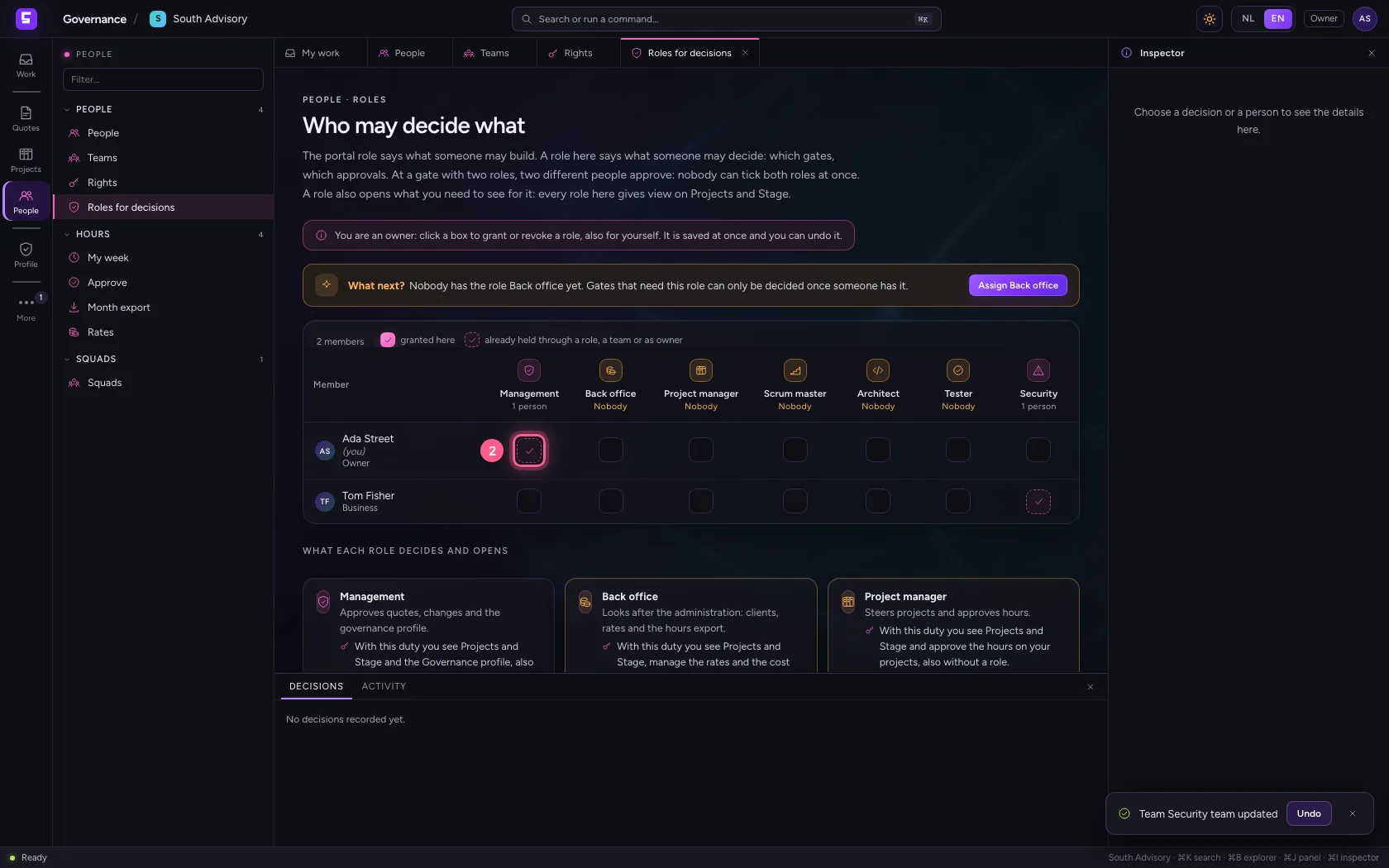
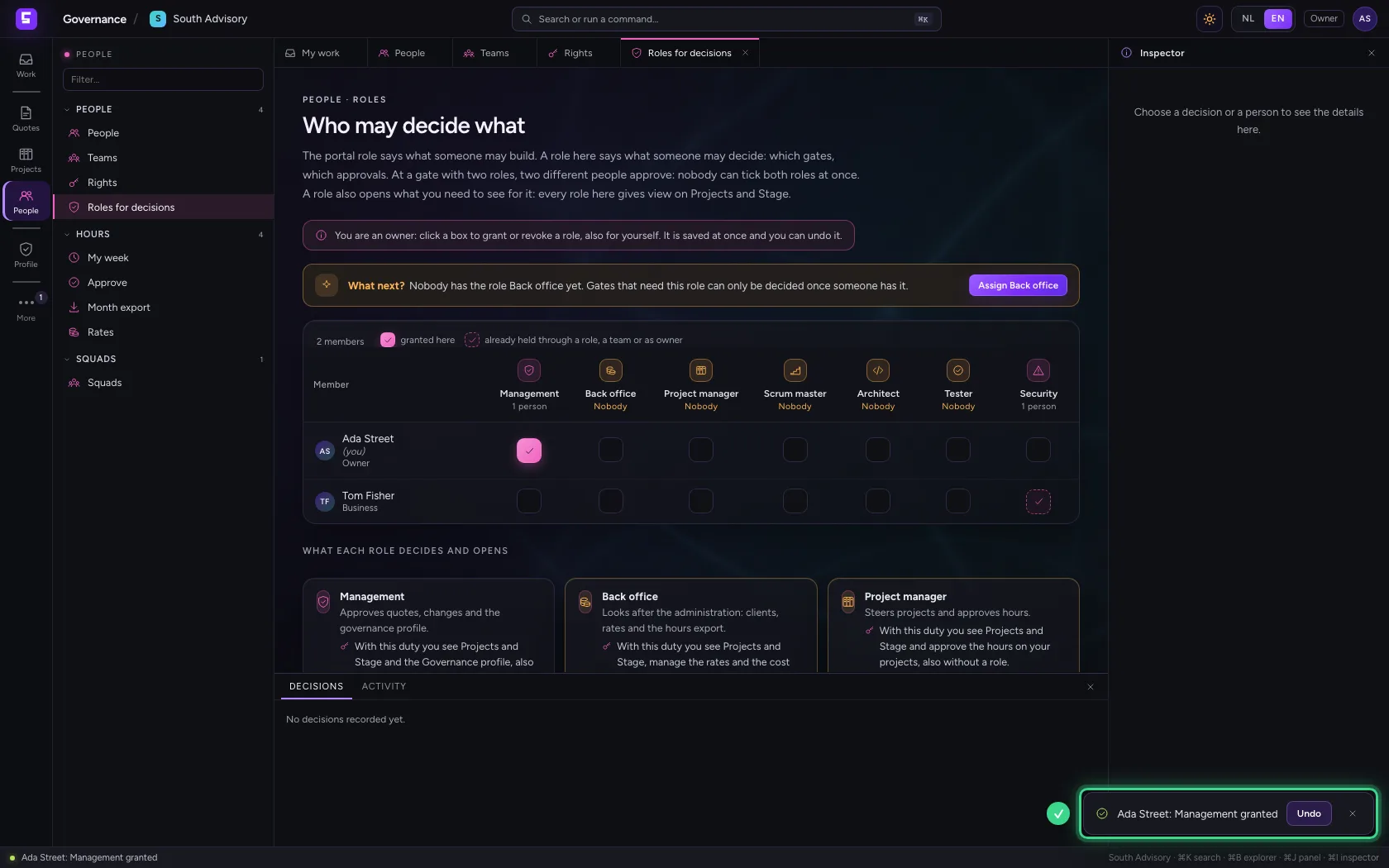
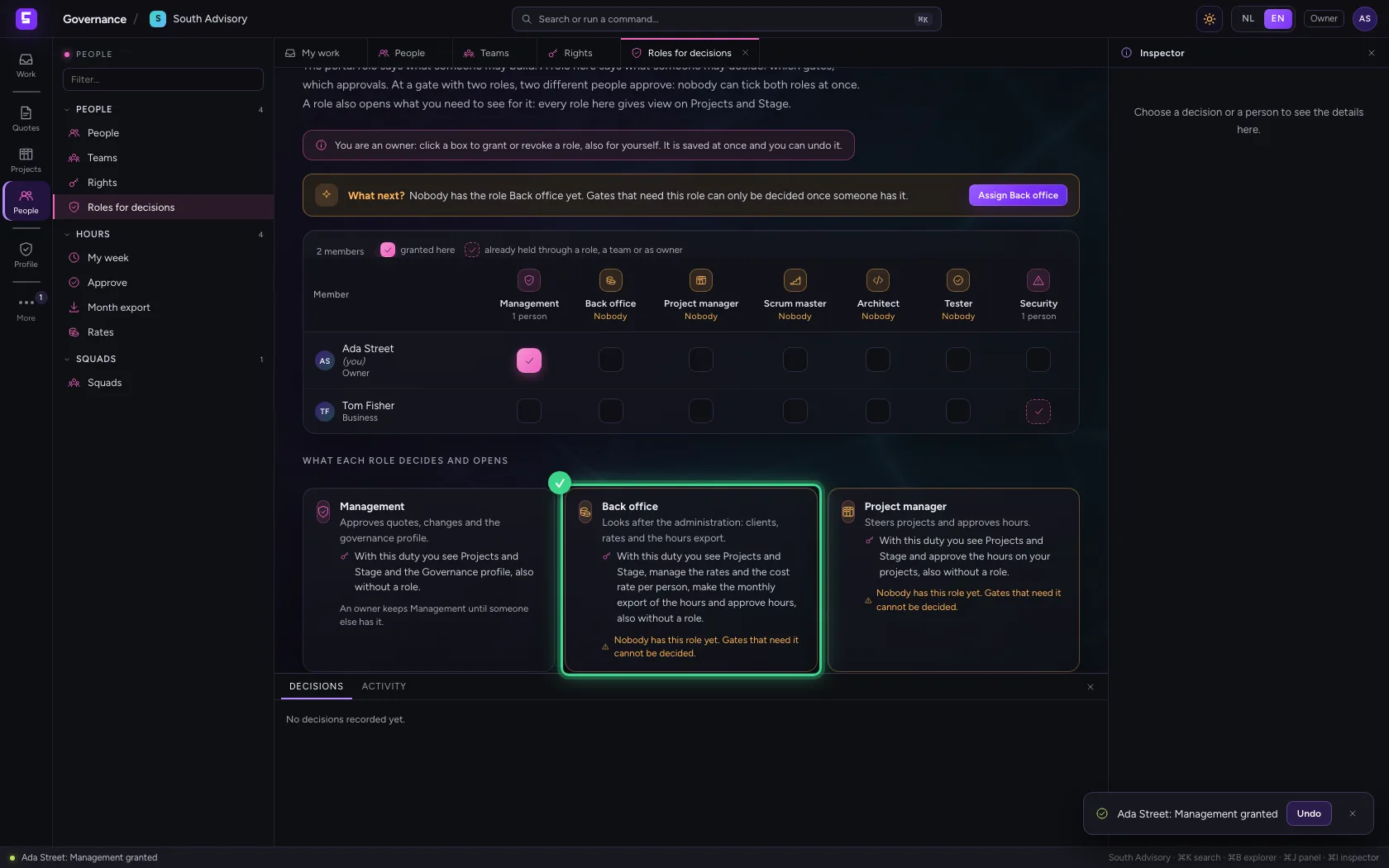
Roles for decisions sets per person the duties someone decides with at a gate: Management, Back office, Project manager, Scrum master, Architect, Tester and Security. A filled box was given here; an open box someone already holds another way, through a role or a team, or as owner. Click a box to give a duty, also to yourself; the message lets you undo it. Under the table each duty says in one sentence what it opens.
- Click Roles for decisions
- Click Management for yourself
This guide was carried out step by step on 27 Oct 2026 by an automated test on Flow (version 7d21bad8).