Step: Answer from knowledge base
The step Answer from knowledge base finds the best matching chunks and lets an AI model answer the question with them. The model only sees those chunks and cites them as sources: [1], [2]. That gives a workflow an answer you can check, for example to reply to a customer question by e-mail.
Open your development environment
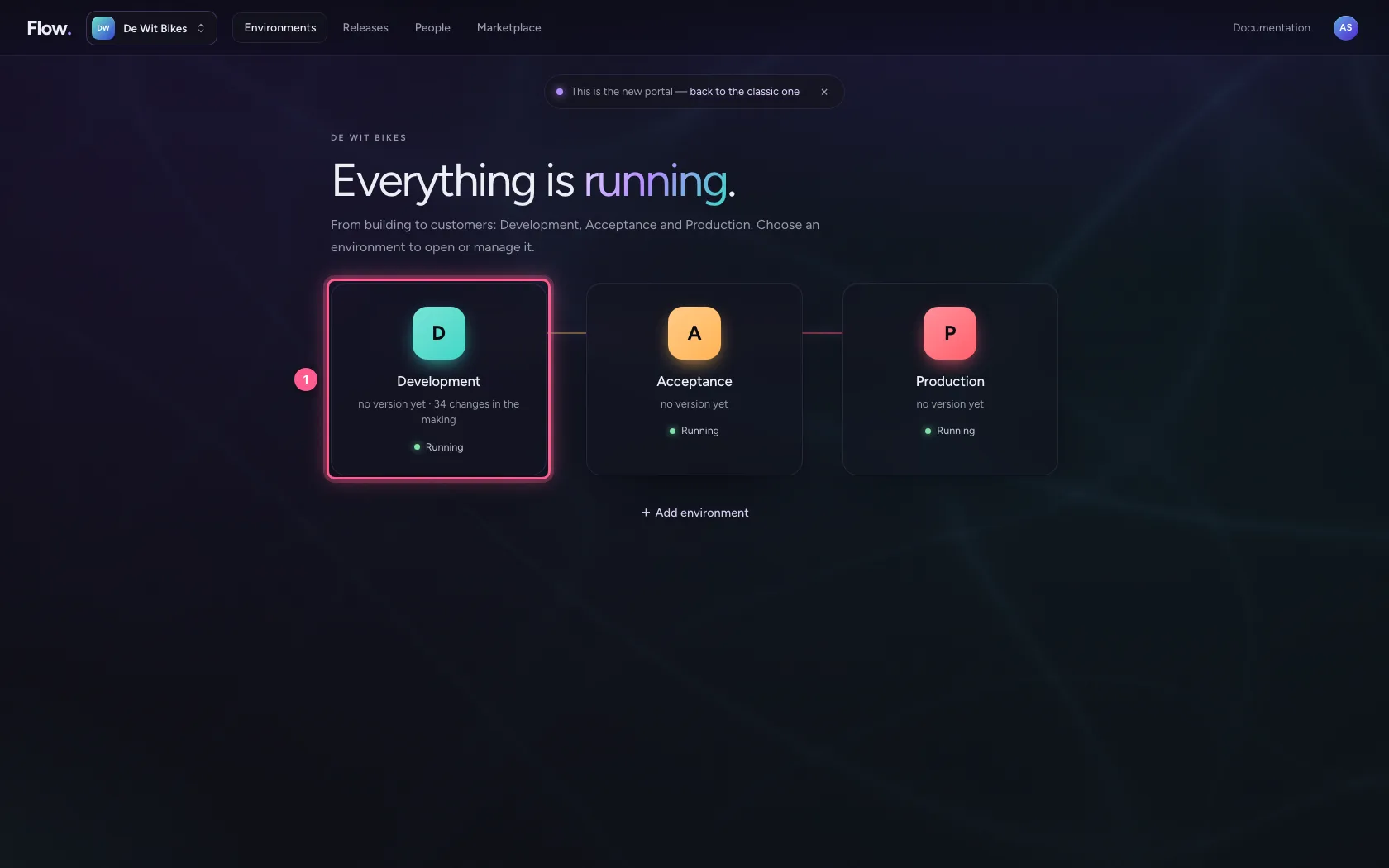
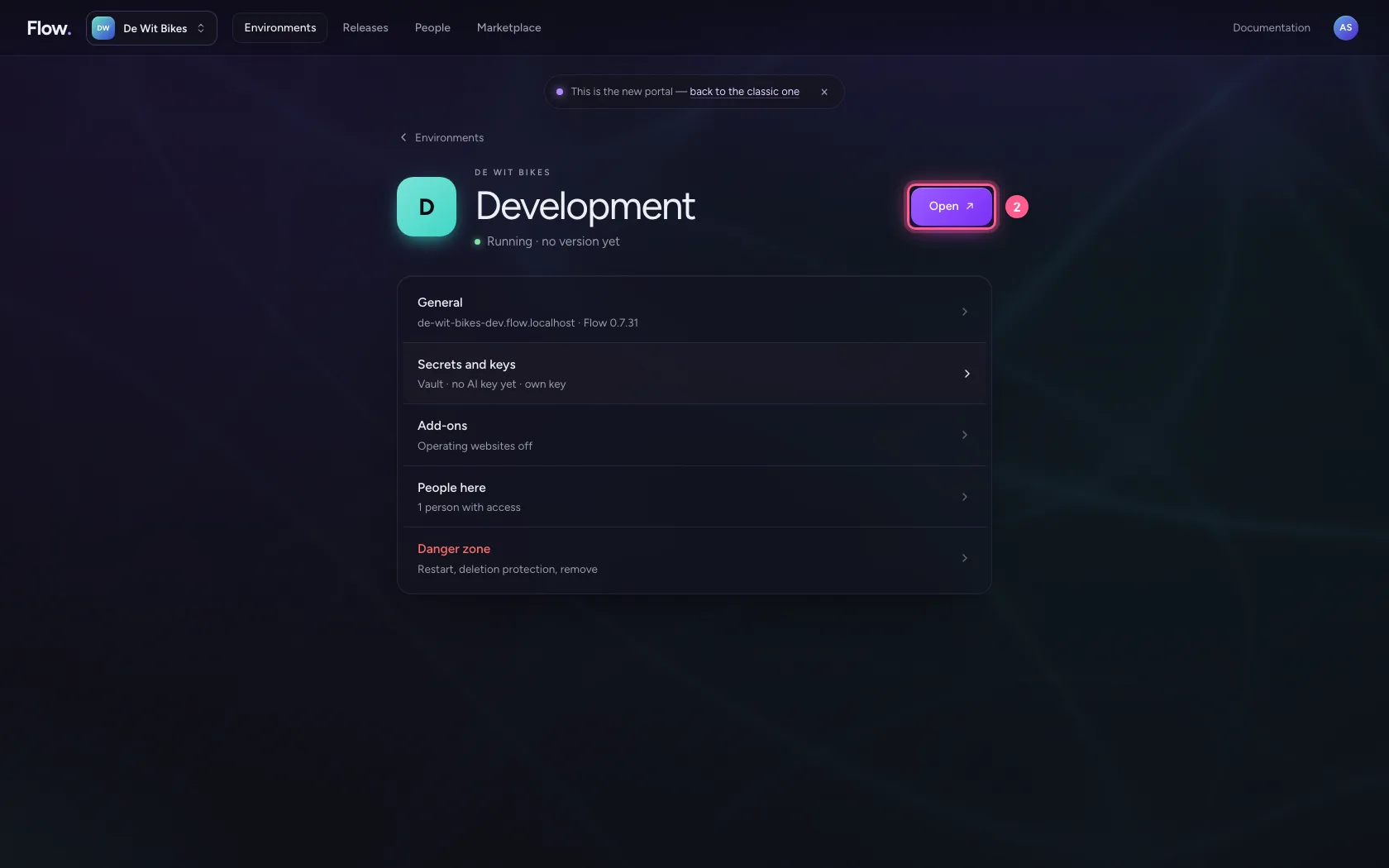
In the portal, under Environments, click Development, and there Open. Flow opens in a new tab and you are signed in straight away.
- Click Development
- Click Open ↗
Create a workflow with a customer question
Create a new workflow and put a customer's question in the trigger's sample data.
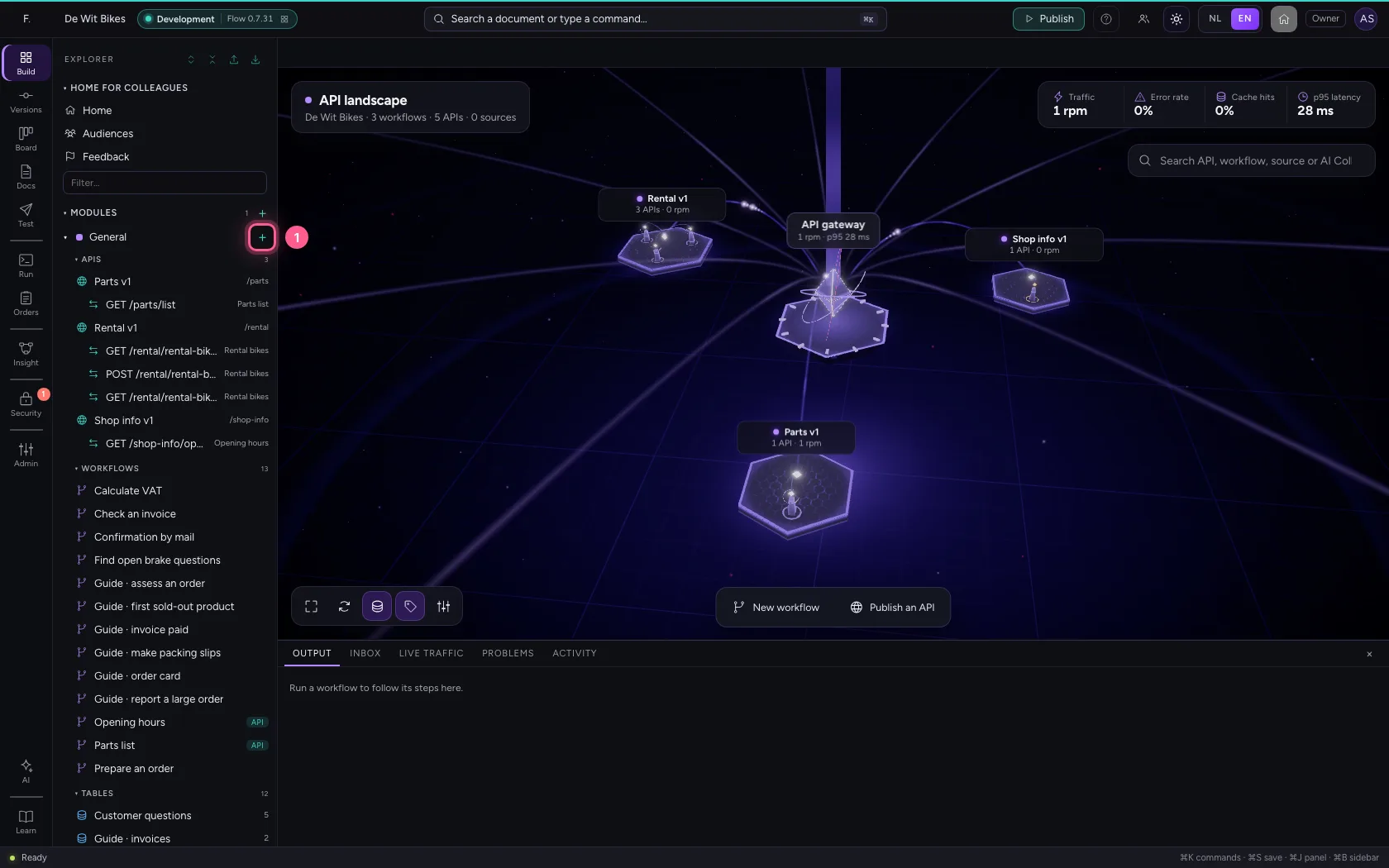
- Click Add to General
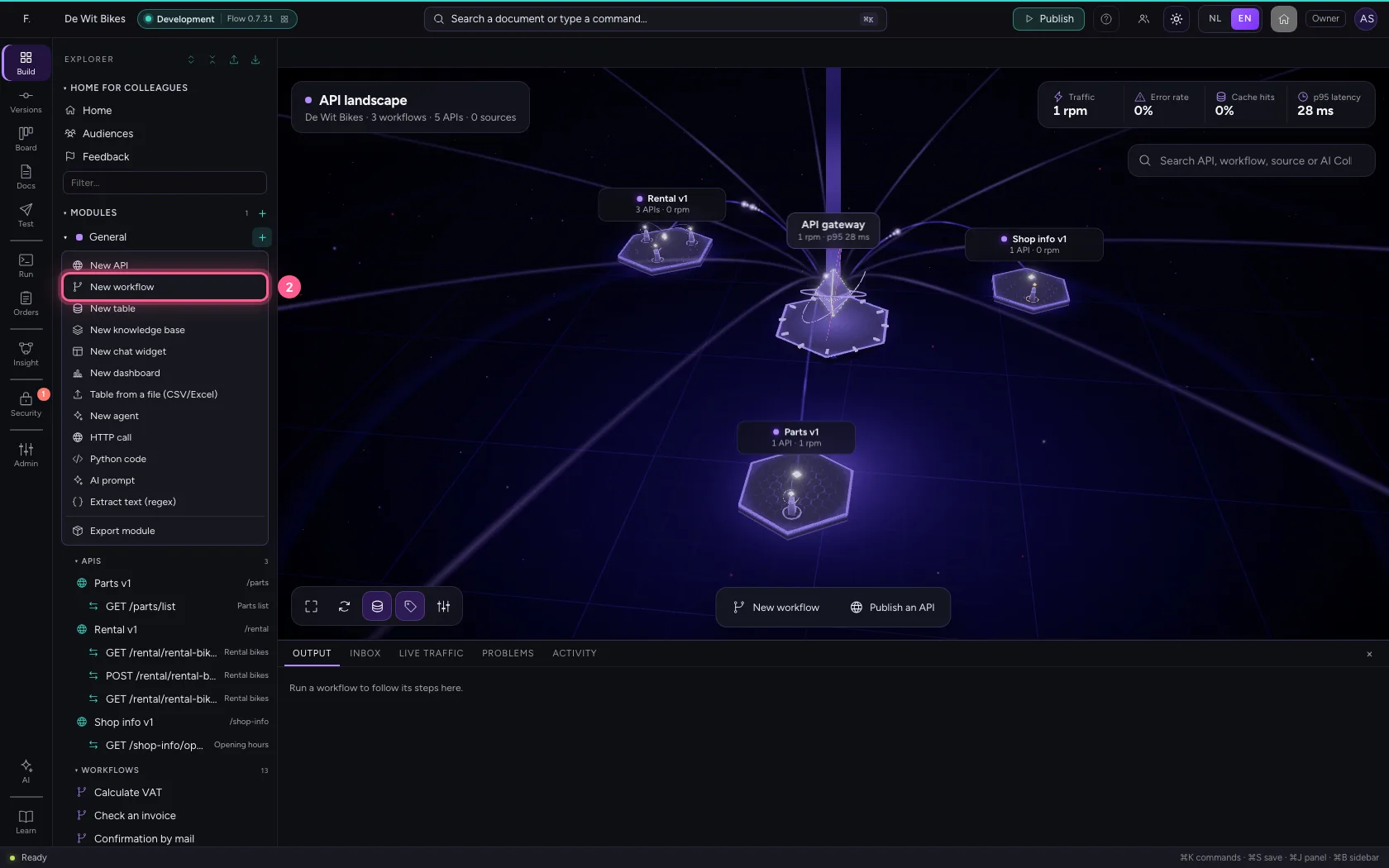
- Click New workflow
- In Workflow name, type
Answer a customer question
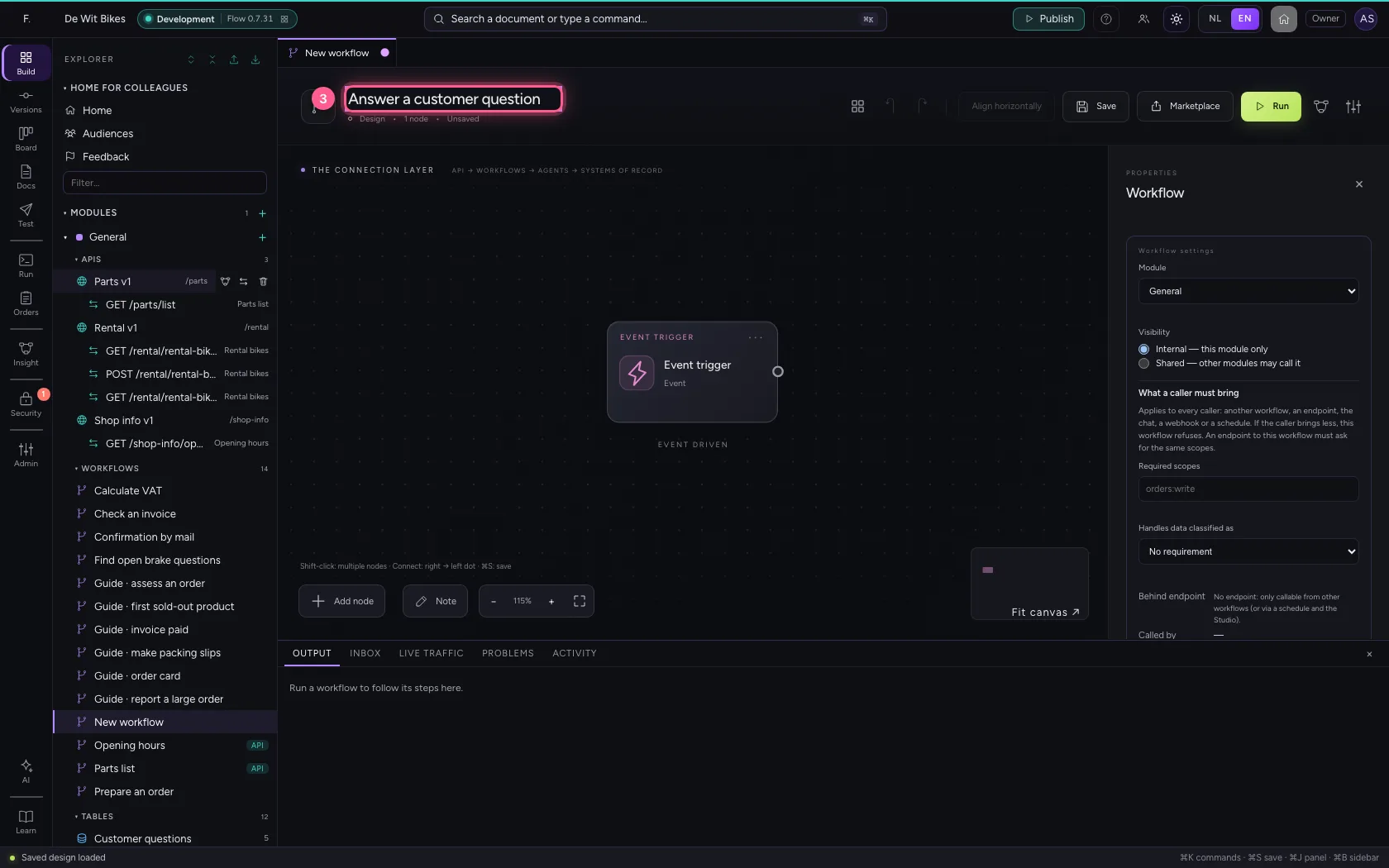
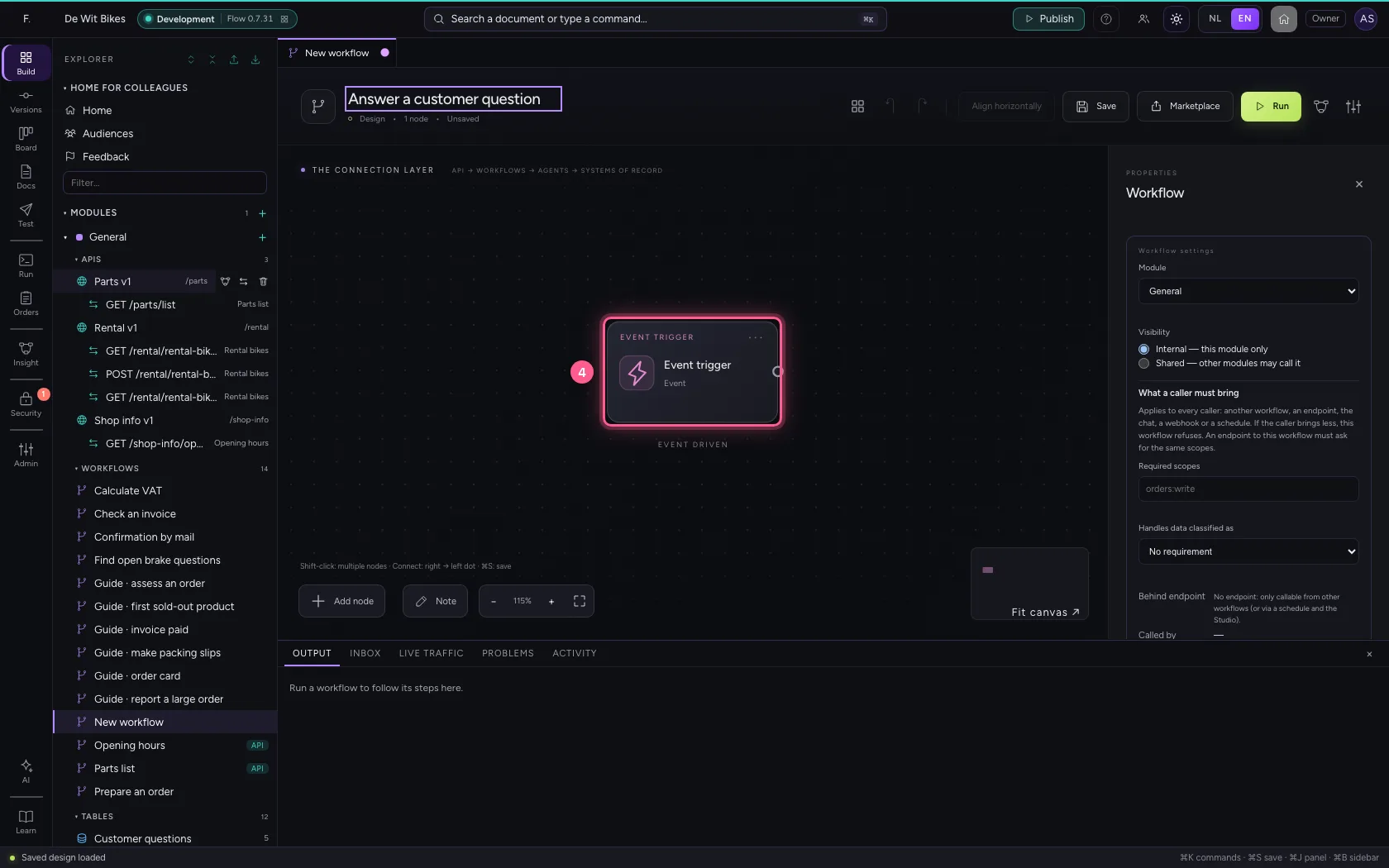
- Click the trigger
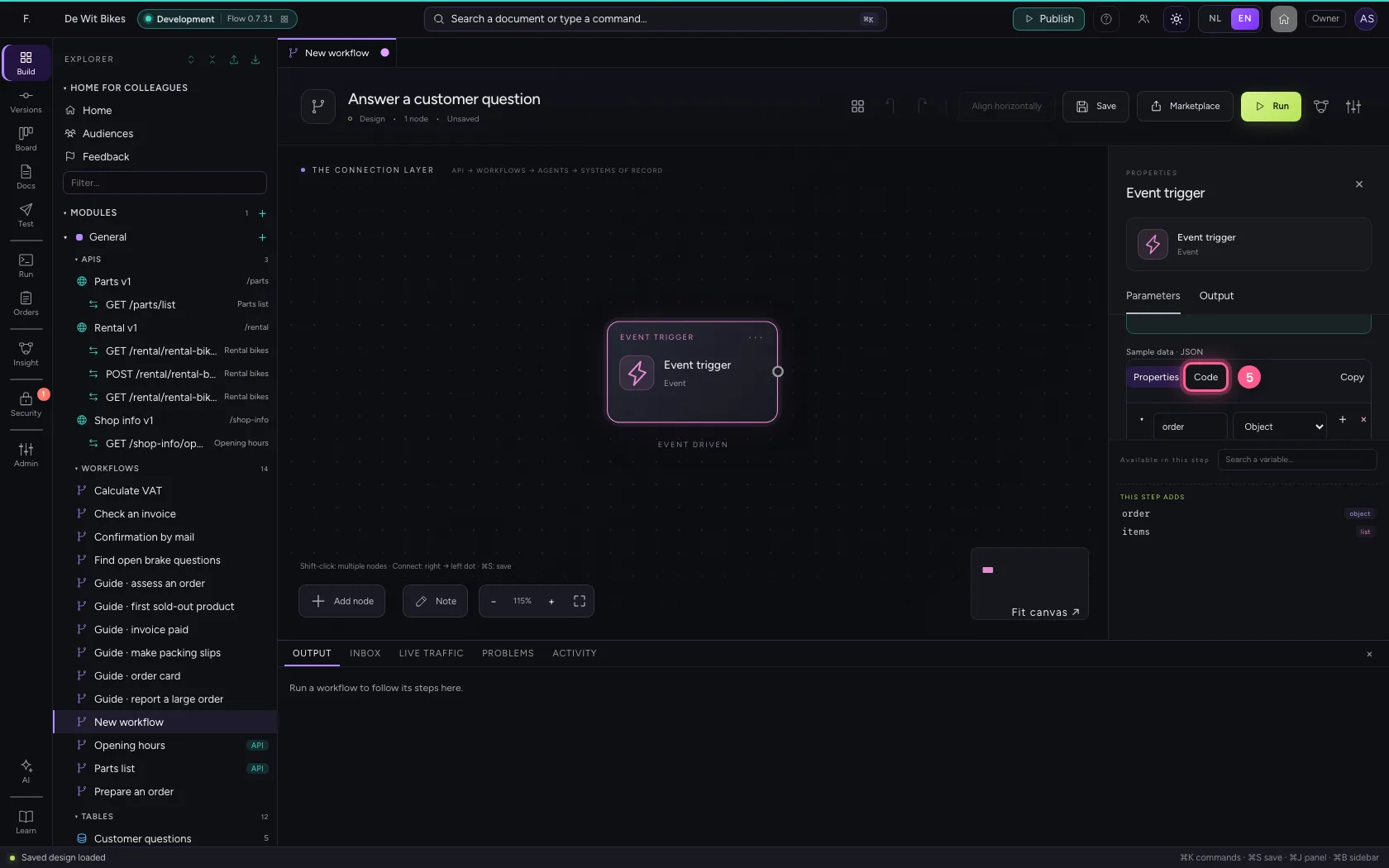
- Click Code
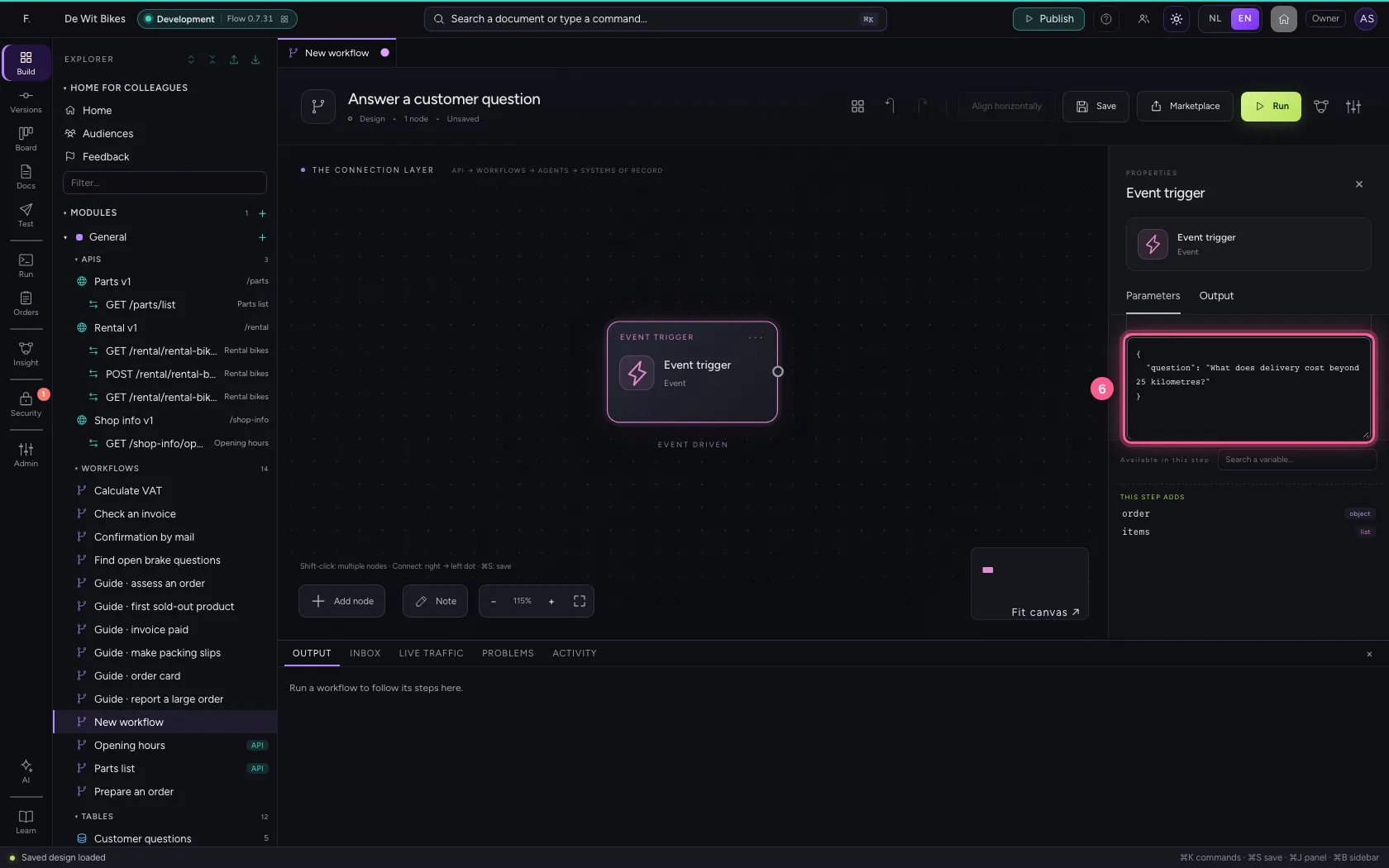
- In Sample data, type `{
Add the step Answer from knowledge base
Choose the knowledge base, write the question ({{question}} from the trigger) and choose the AI model. Leave the model on Automatic and Flow picks the best available model within the regions the knowledge base allows; without a model you get the best matching passages back.
- Click Add node
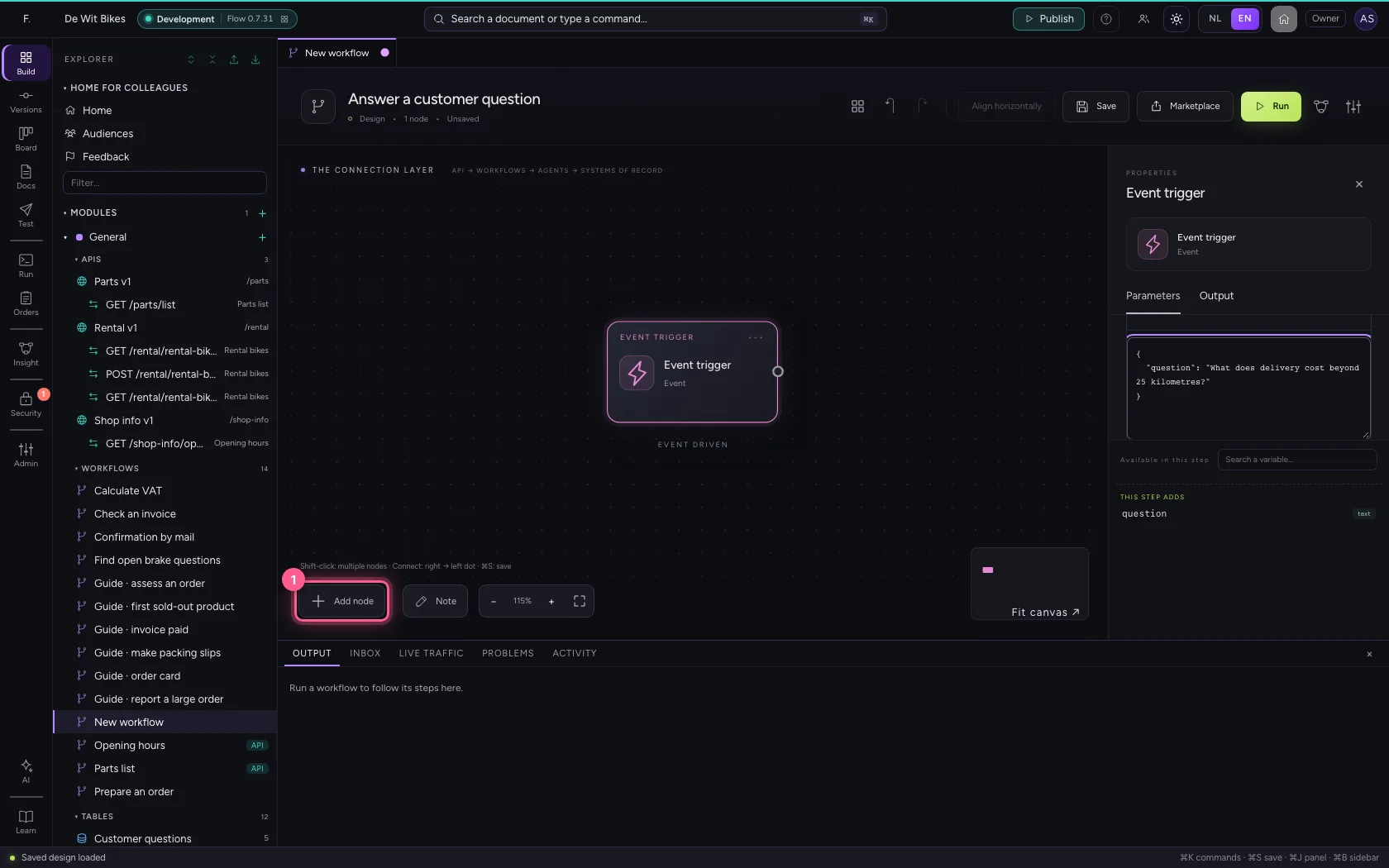
- Click Answer from knowledge base
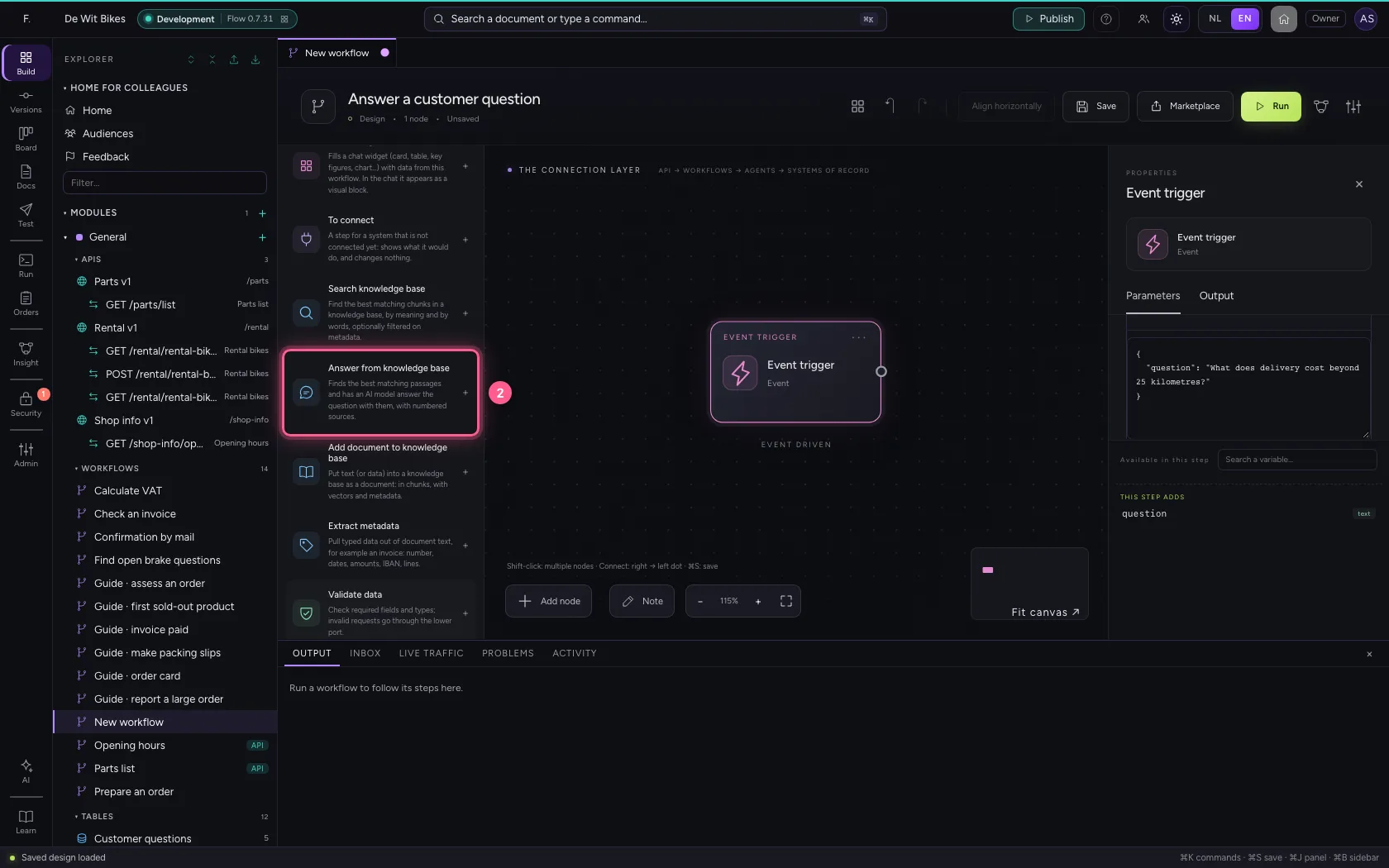
- In Knowledge base, choose Delivery terms · 2 documents
- In Question, type
{{question}} - In Model, choose Scripted AI (test street)
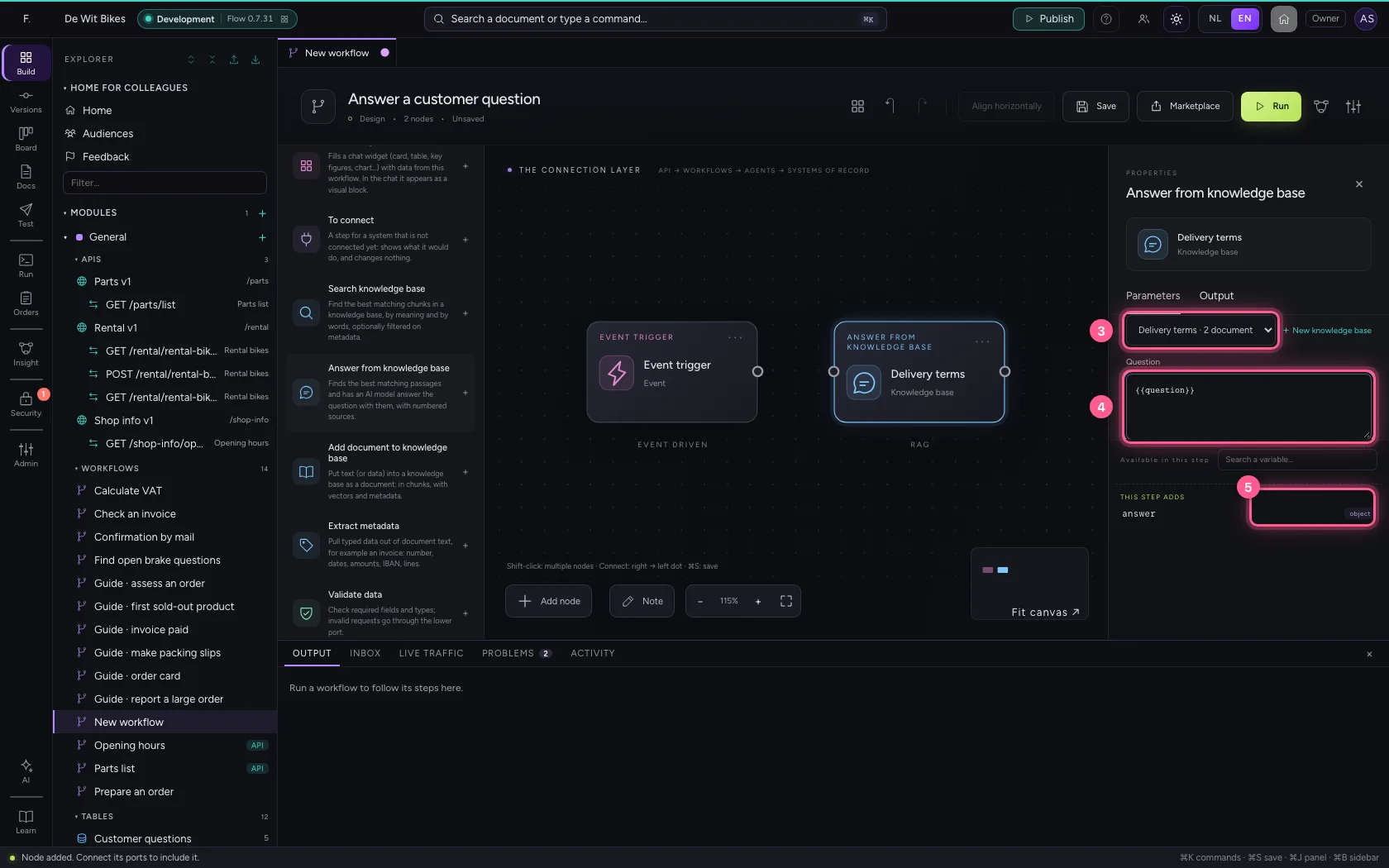
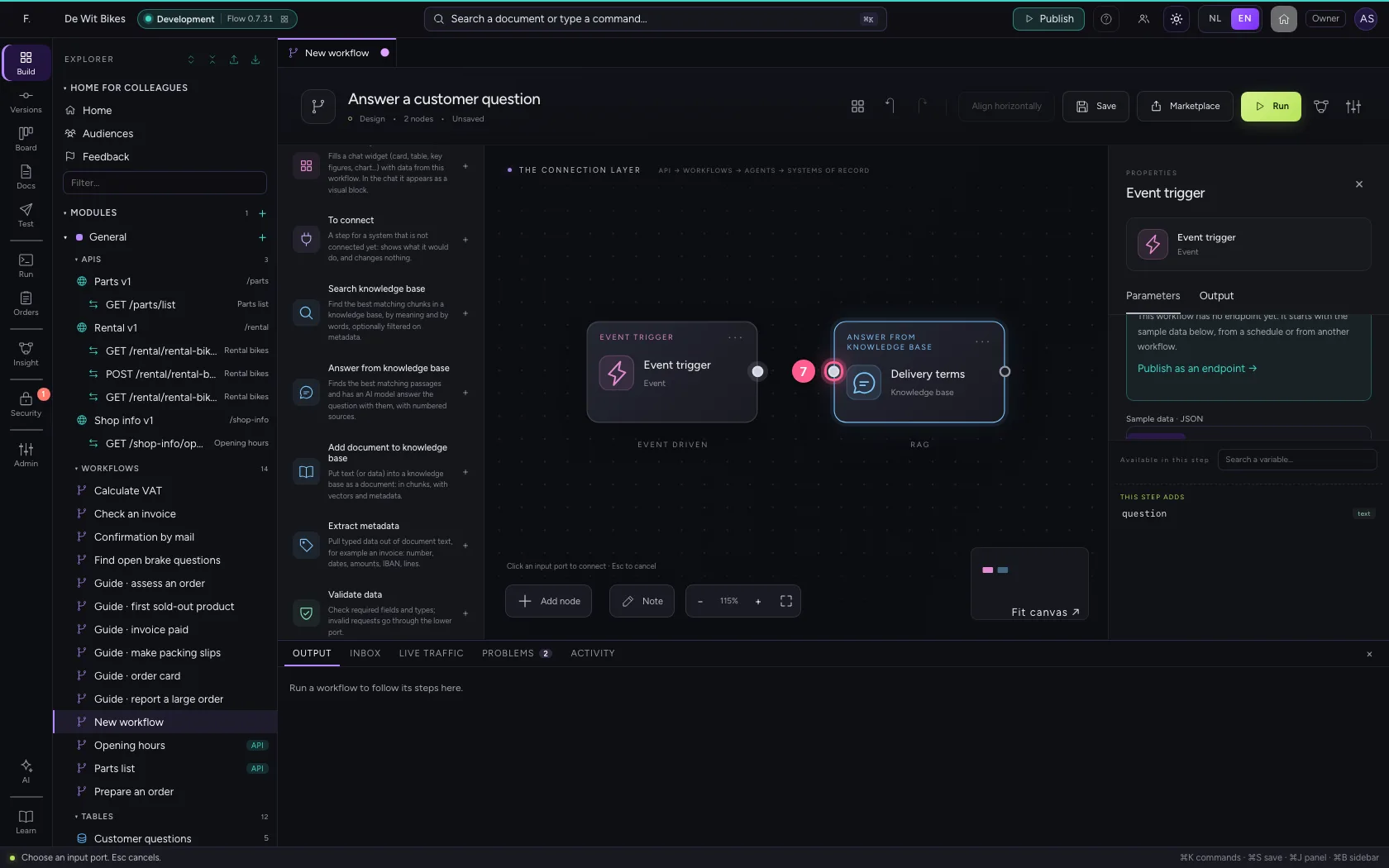
- Click the dot of ‘Event trigger’
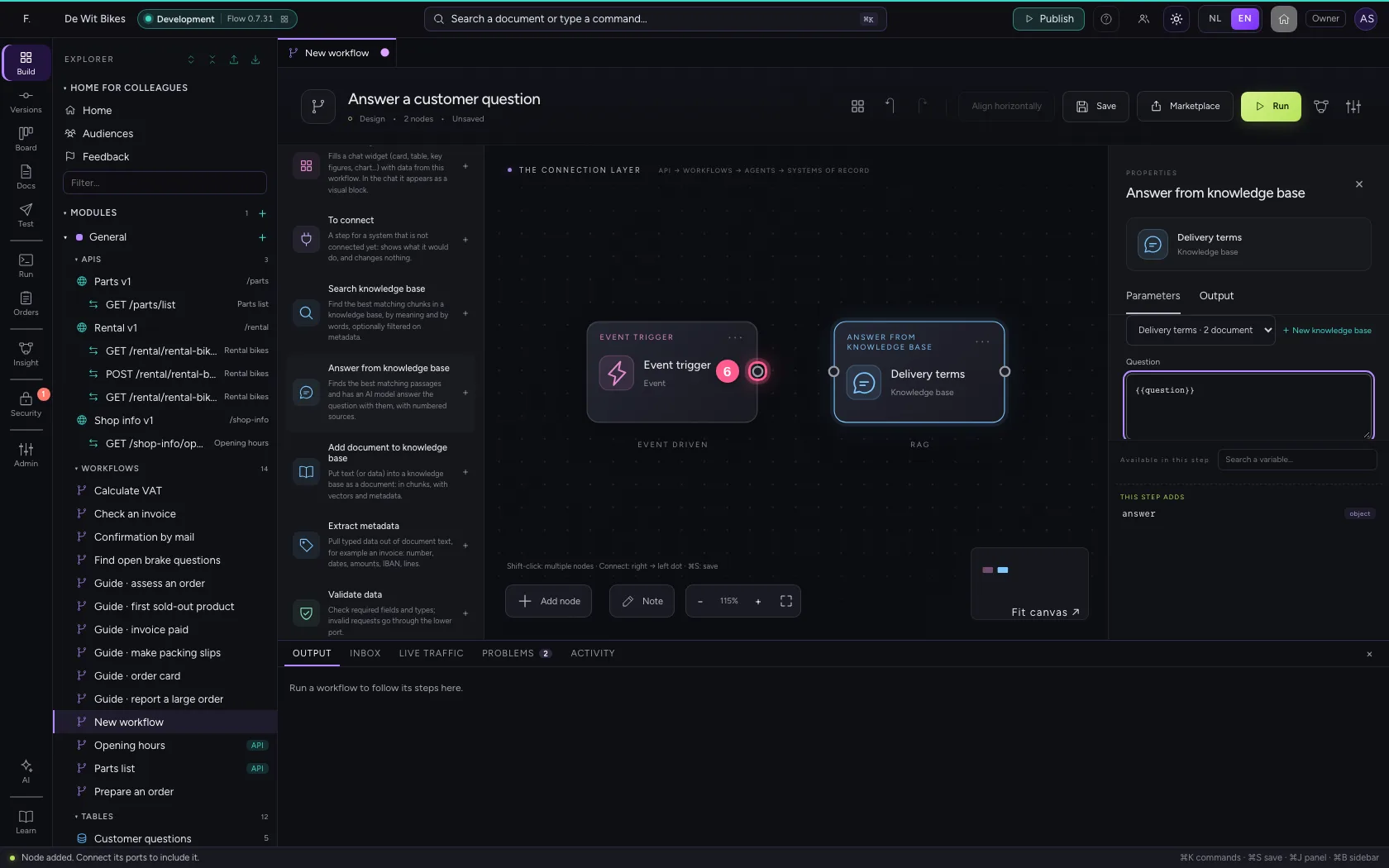
- Click the dot of ‘Delivery terms’
Align, save and run
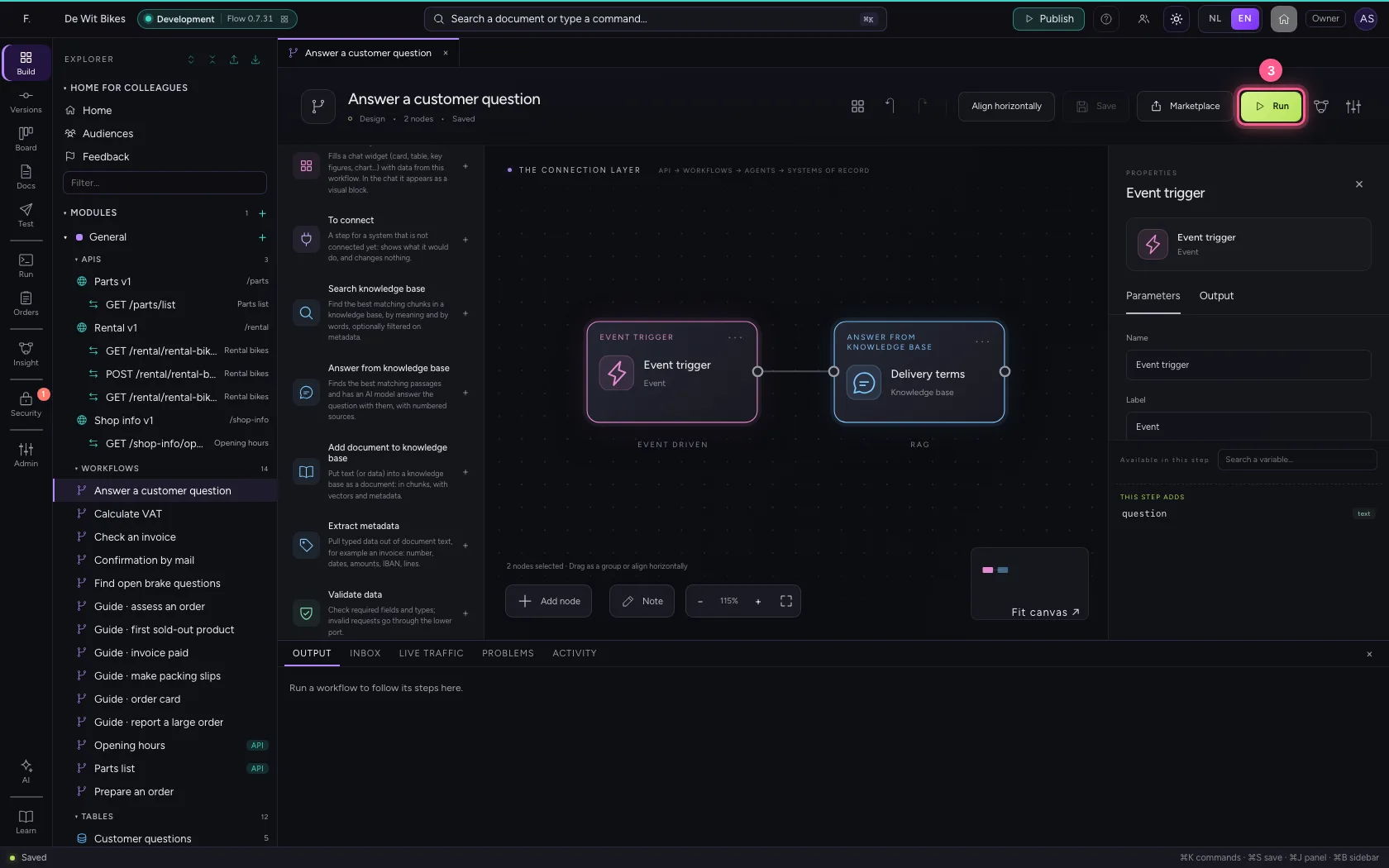
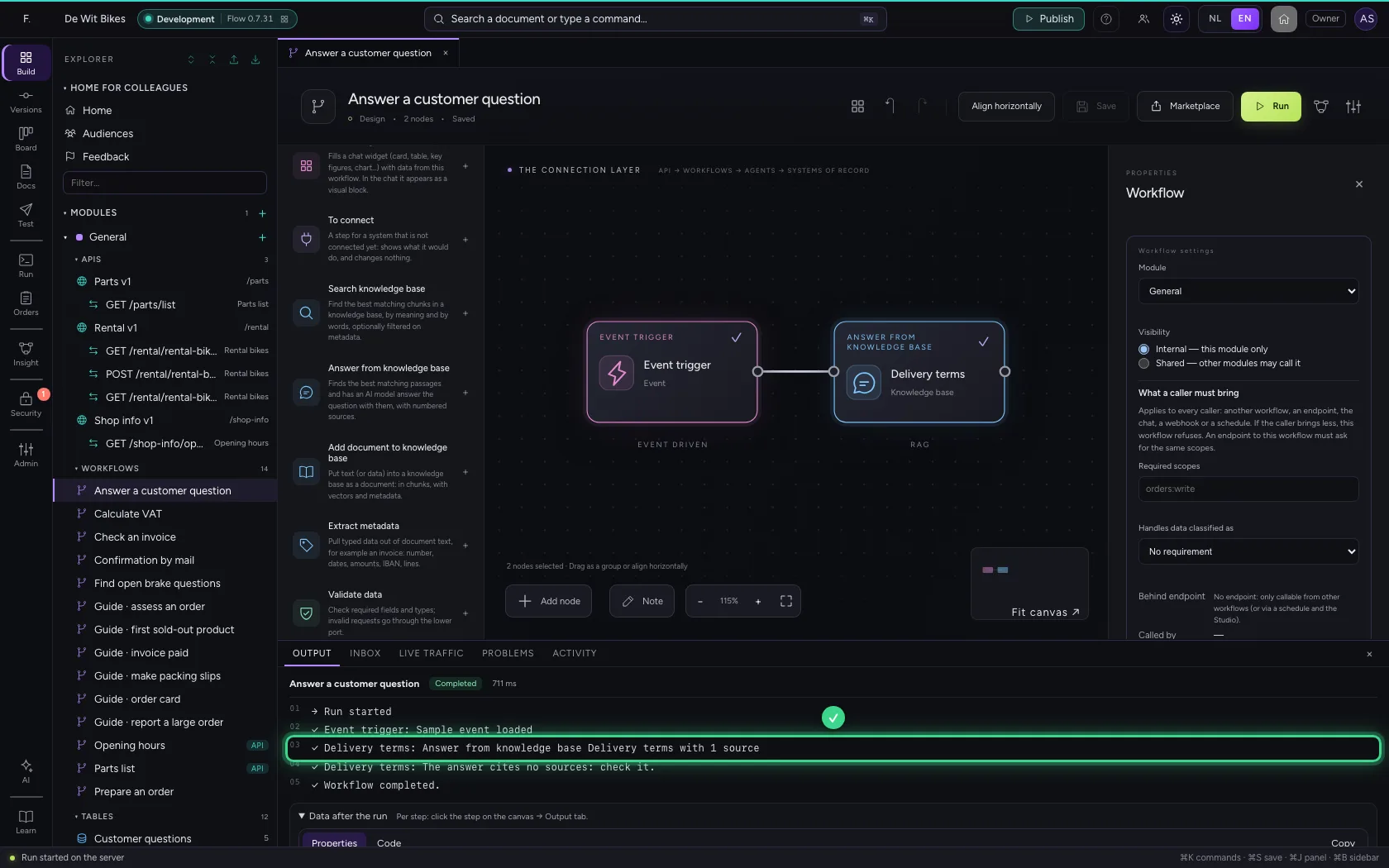
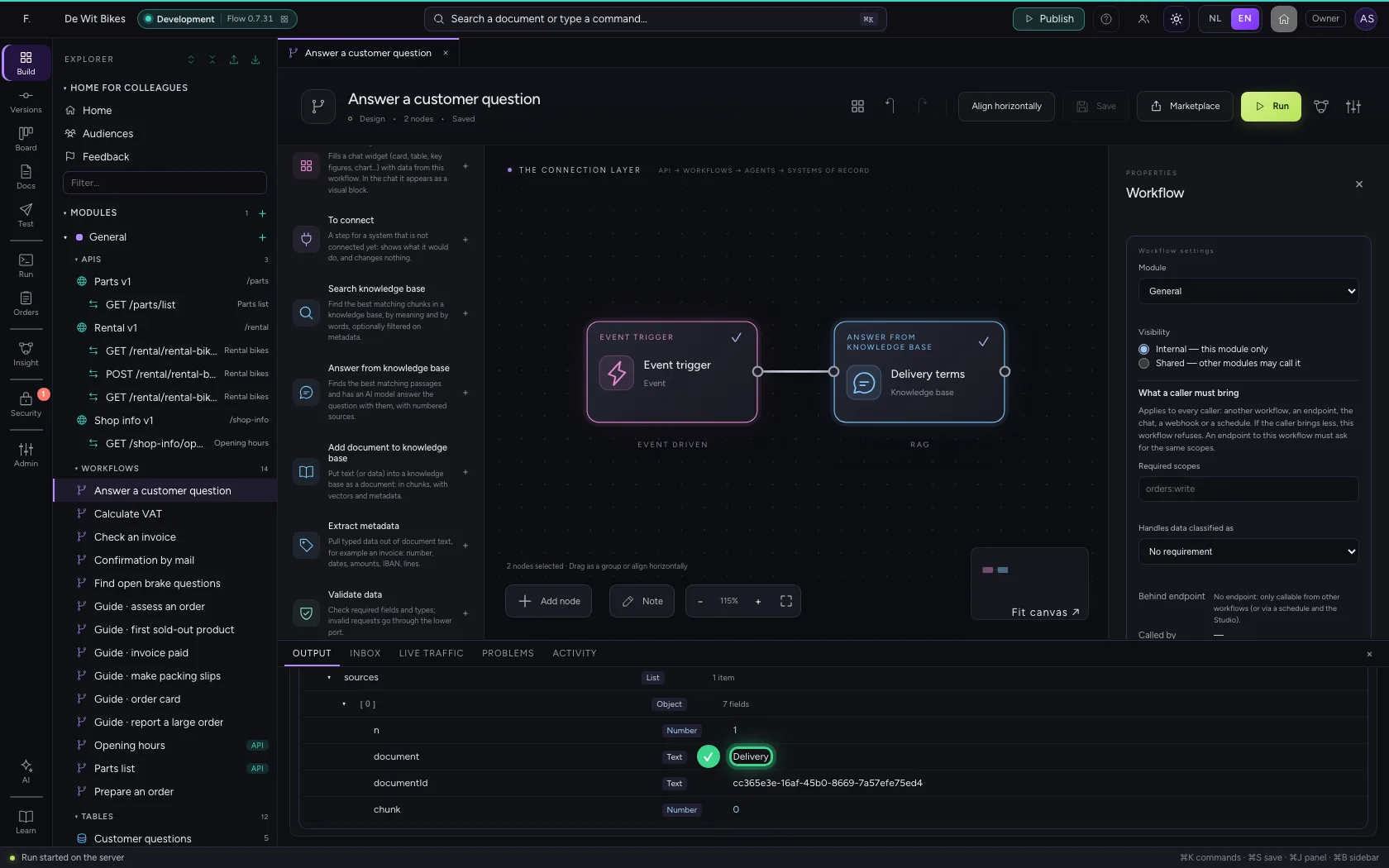
Align the steps, save and run. The step stores the answer under answer: answer.answer is the text, answer.sources the sources with their number, document and score. A next step can, for example, e-mail that text.
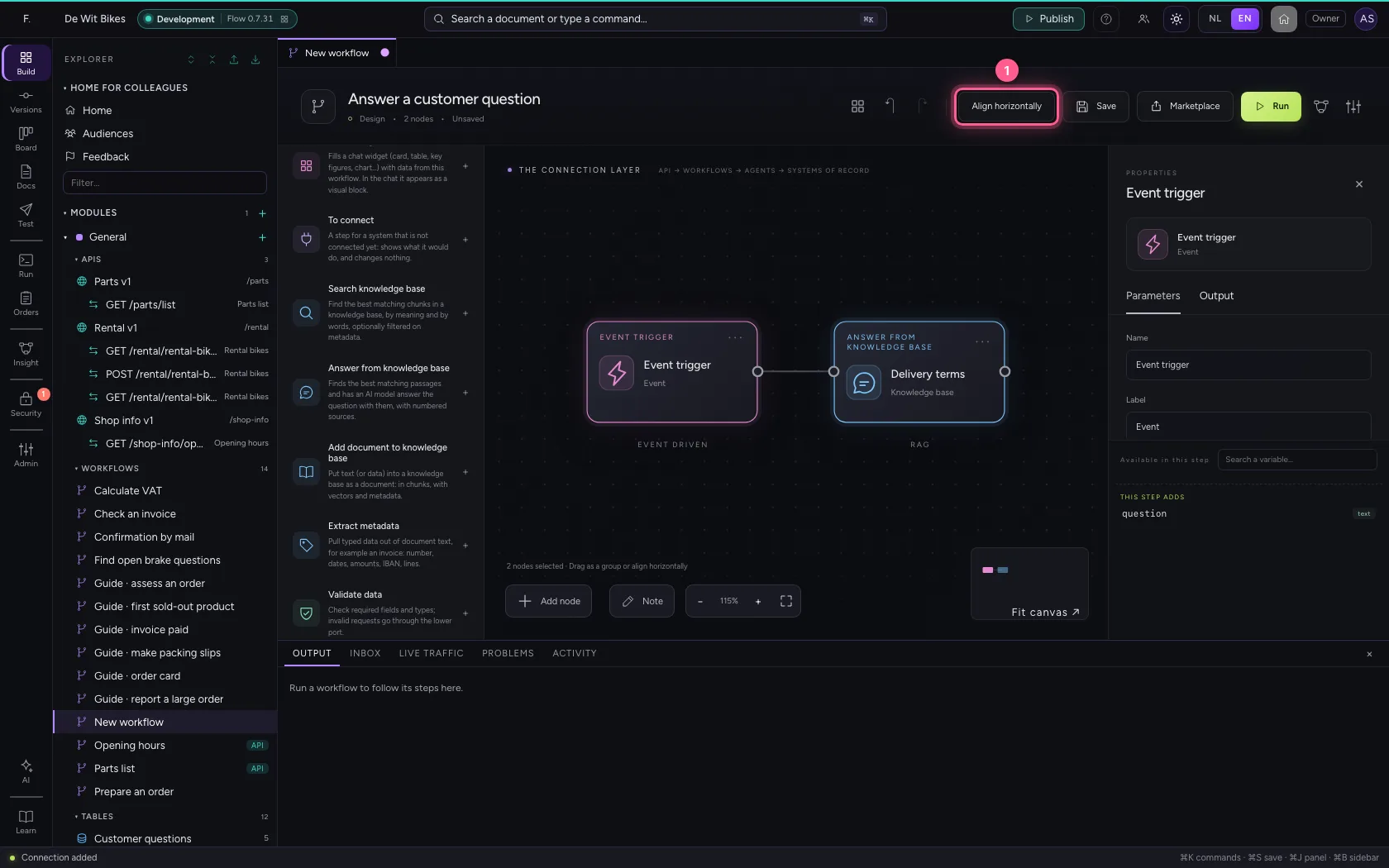
- Click Align horizontally
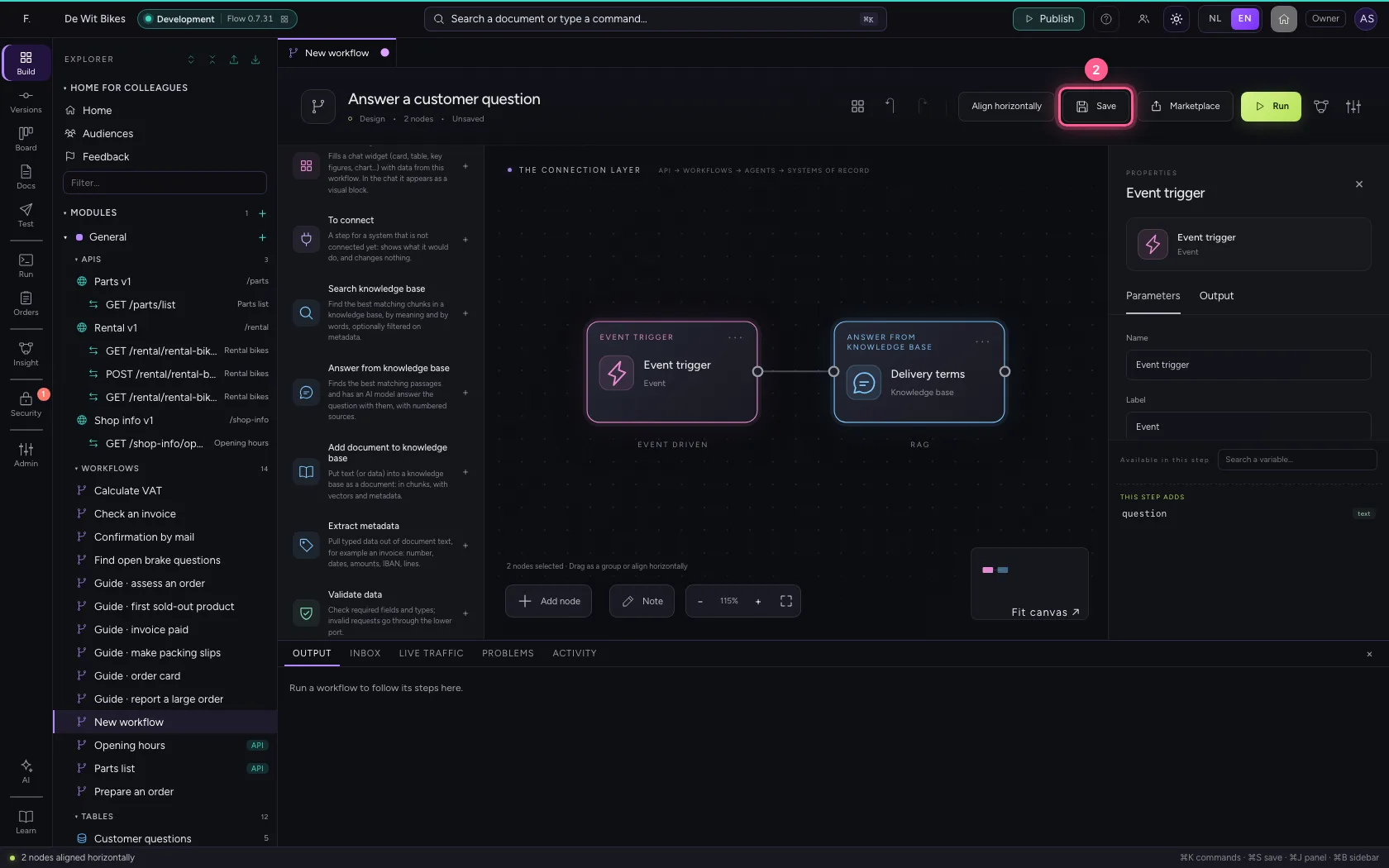
- Click Save
- Click Run
This guide was carried out step by step on 22 Oct 2026 by an automated test on Flow (version 3e563176).