Step: Search knowledge base
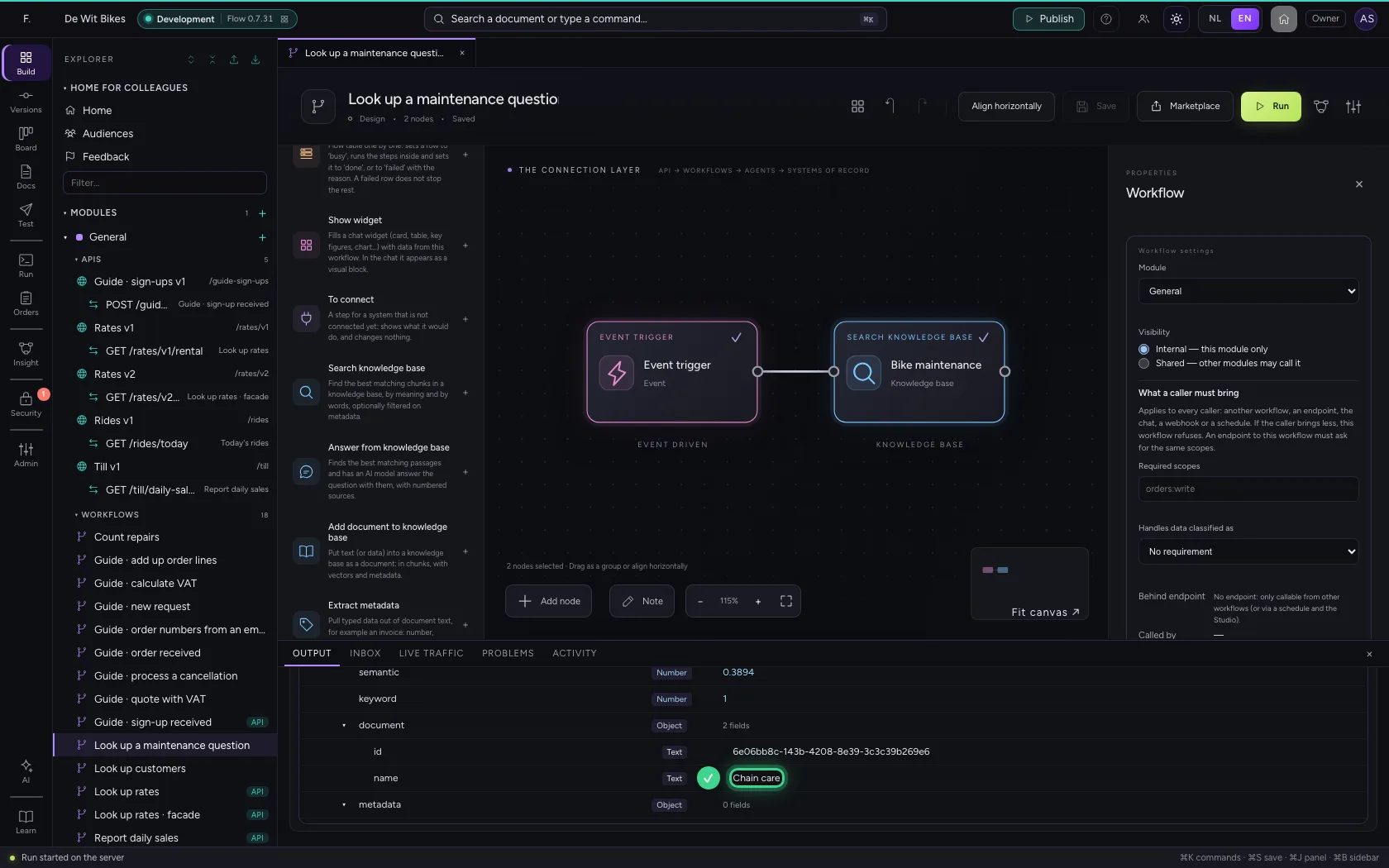
With the step Search knowledge base a workflow fetches the best matching chunks from a knowledge base, by meaning and by words. The query may come from earlier steps, for example a customer's question. Later steps get a list of results: the text, the score and the document.
Open your development environment
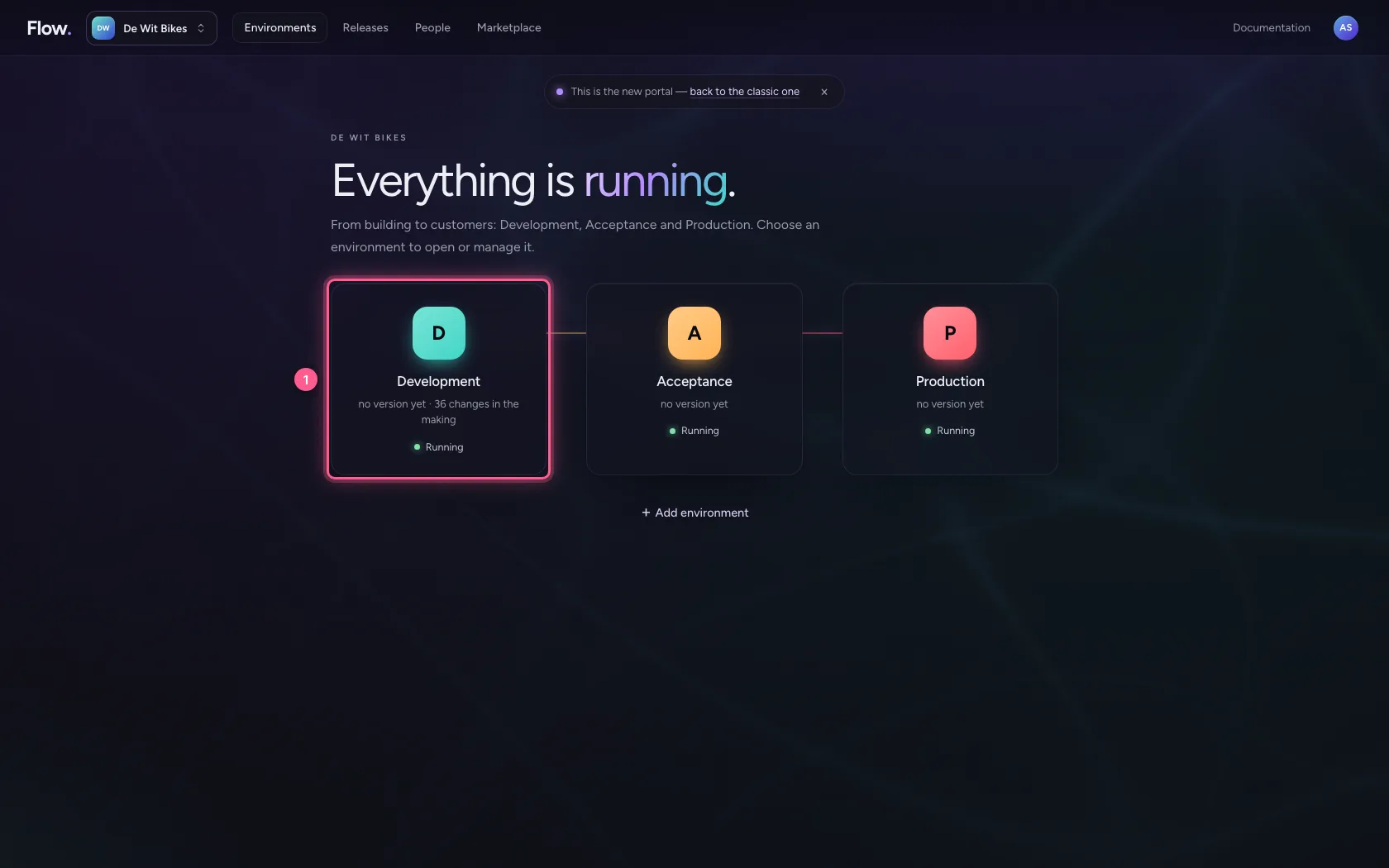
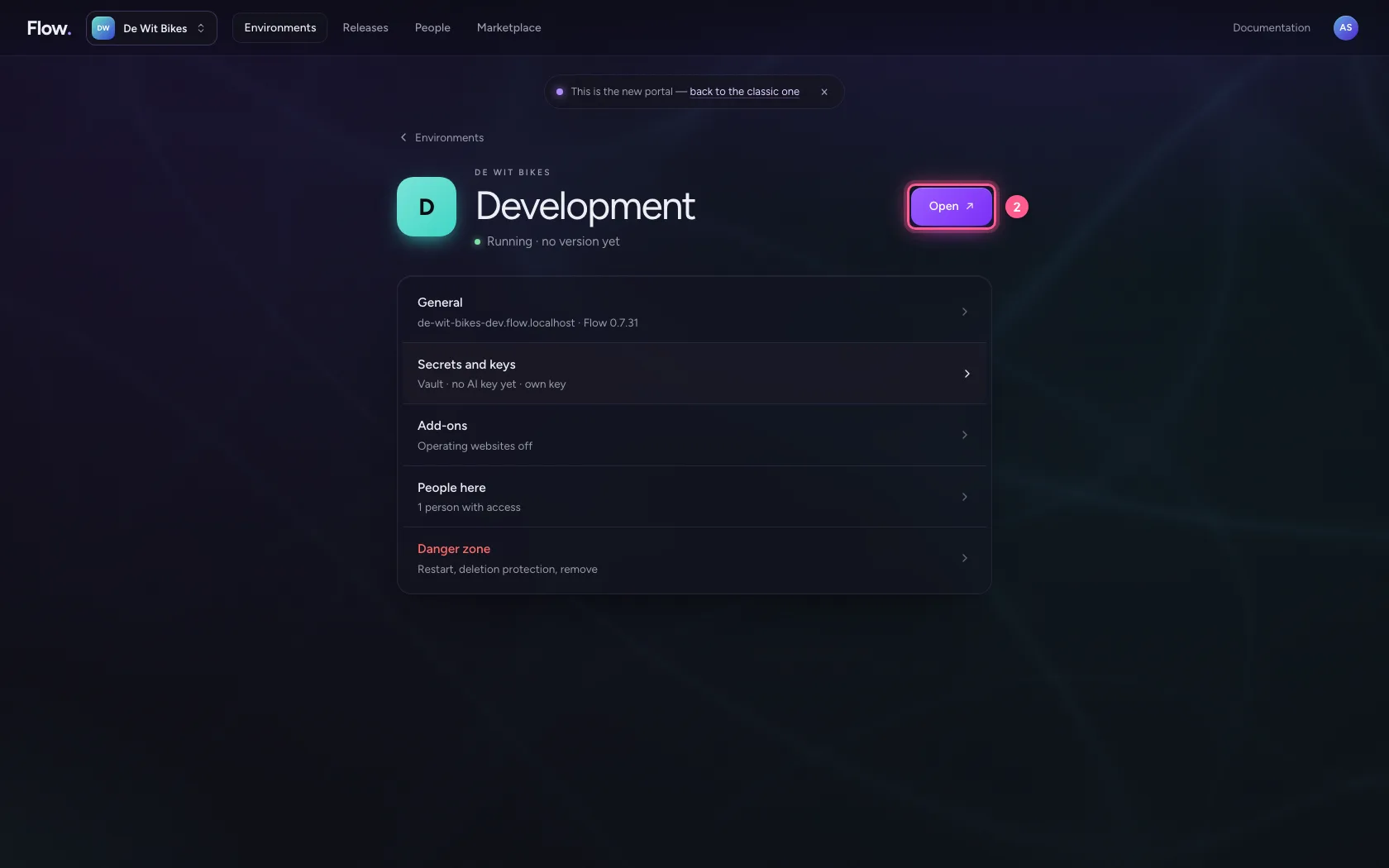
In the portal, under Environments, click Development, and there Open. Flow opens in a new tab and you are signed in straight away.
- Click Development
- Click Open ↗
Create a workflow with a question
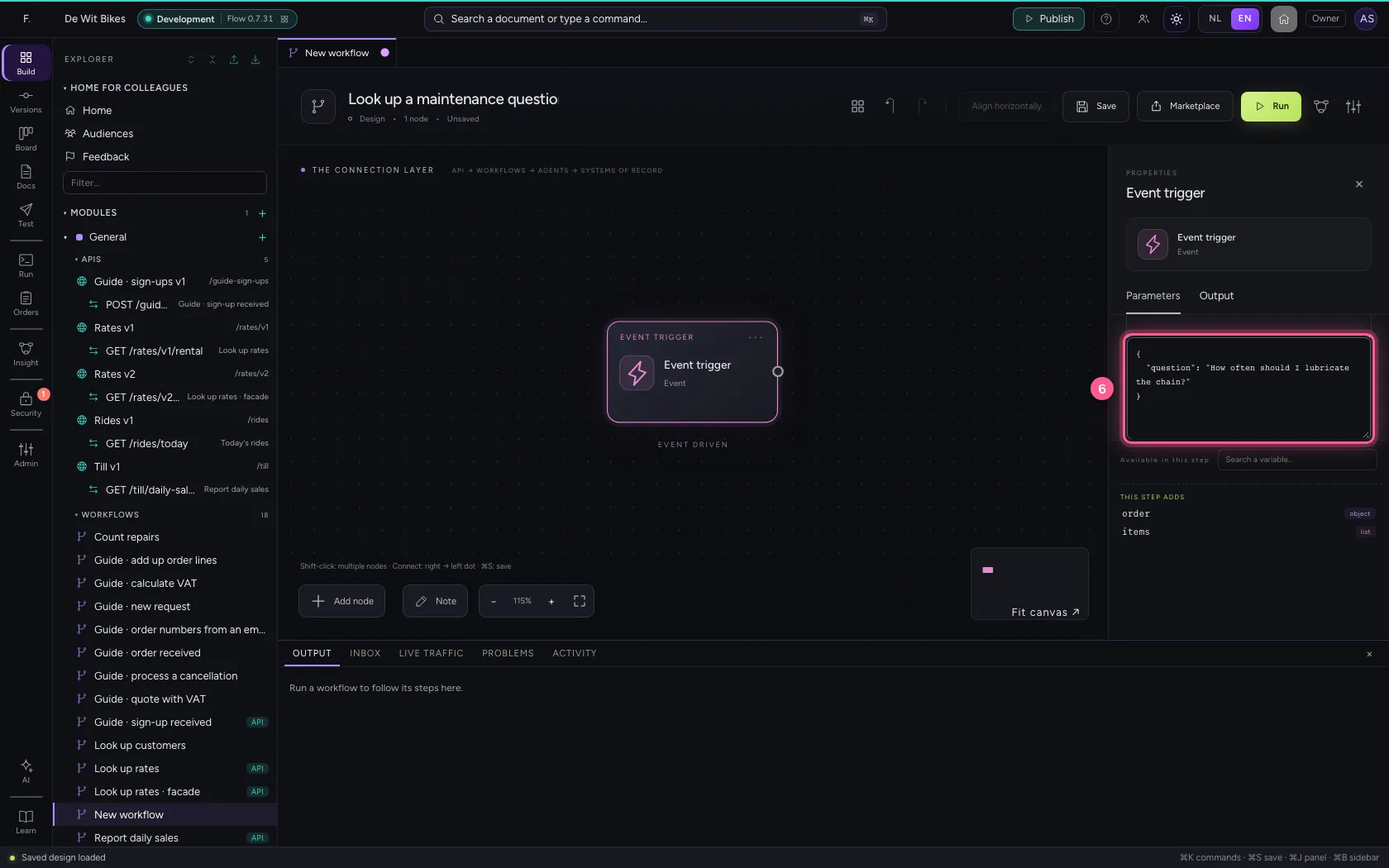
Create a new workflow and put a question in the trigger's sample data. That is how the question will come in later too, for example through an API or a chat.
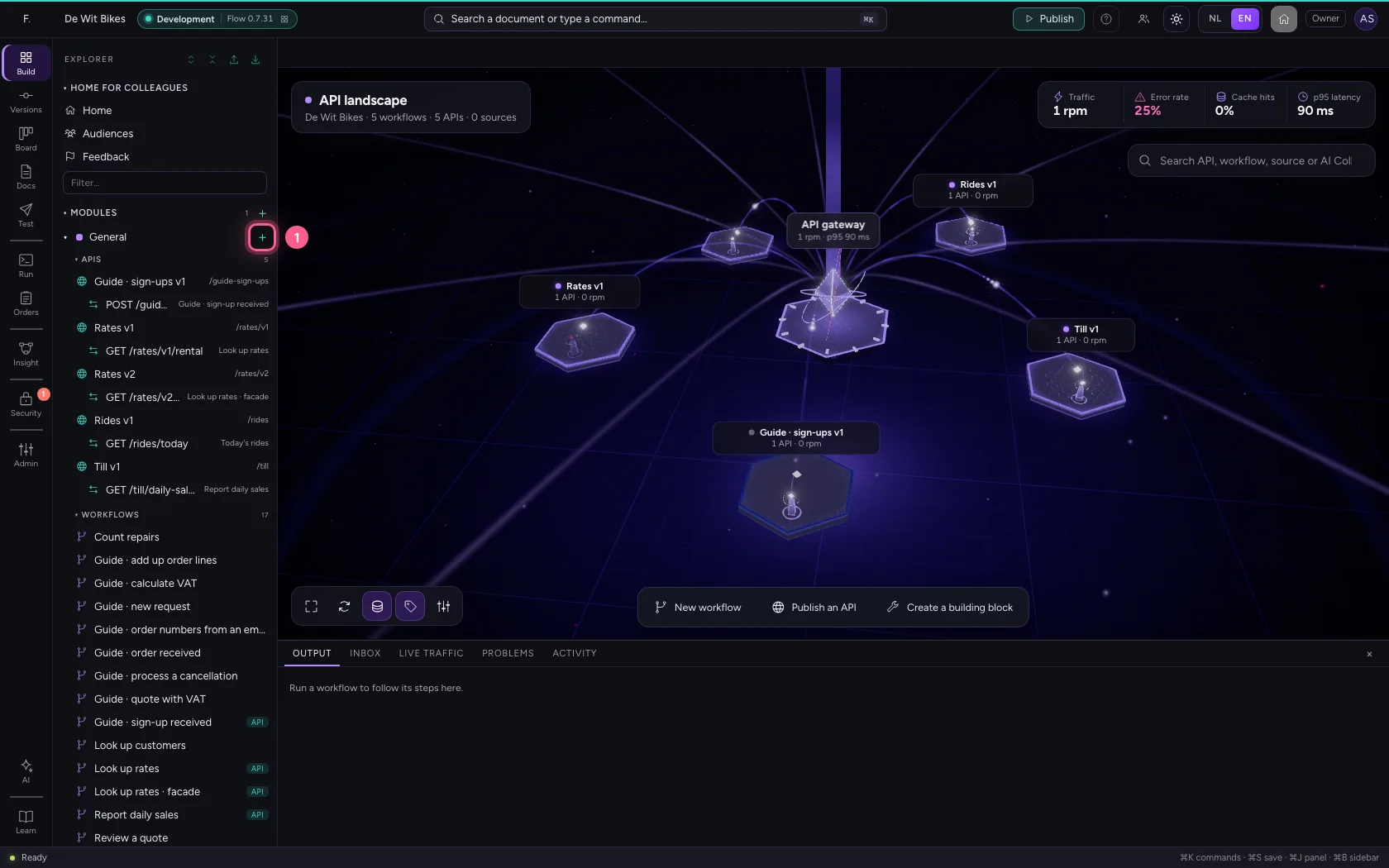
- Click Add to General
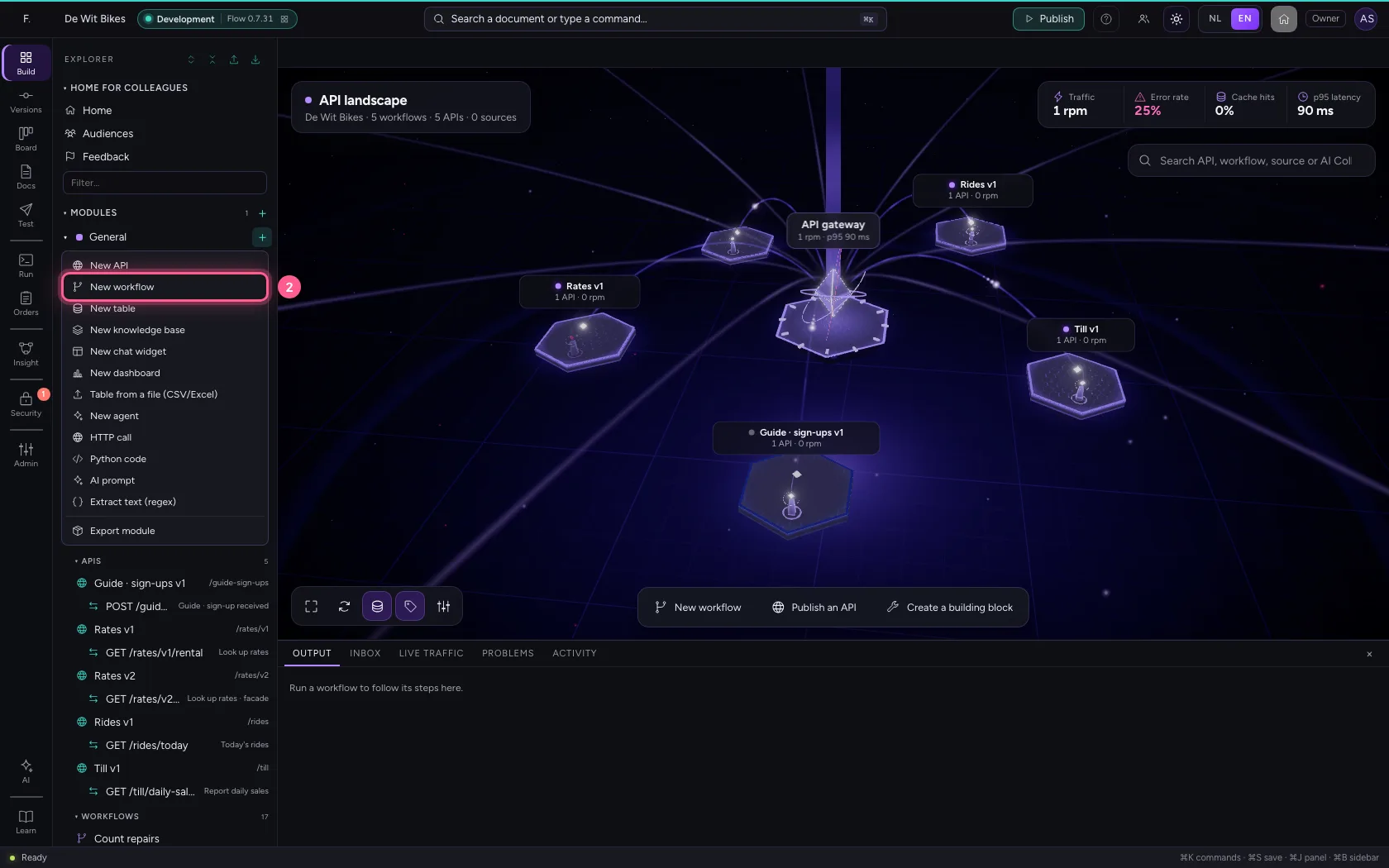
- Click New workflow
- In Workflow name, type
Look up a maintenance question
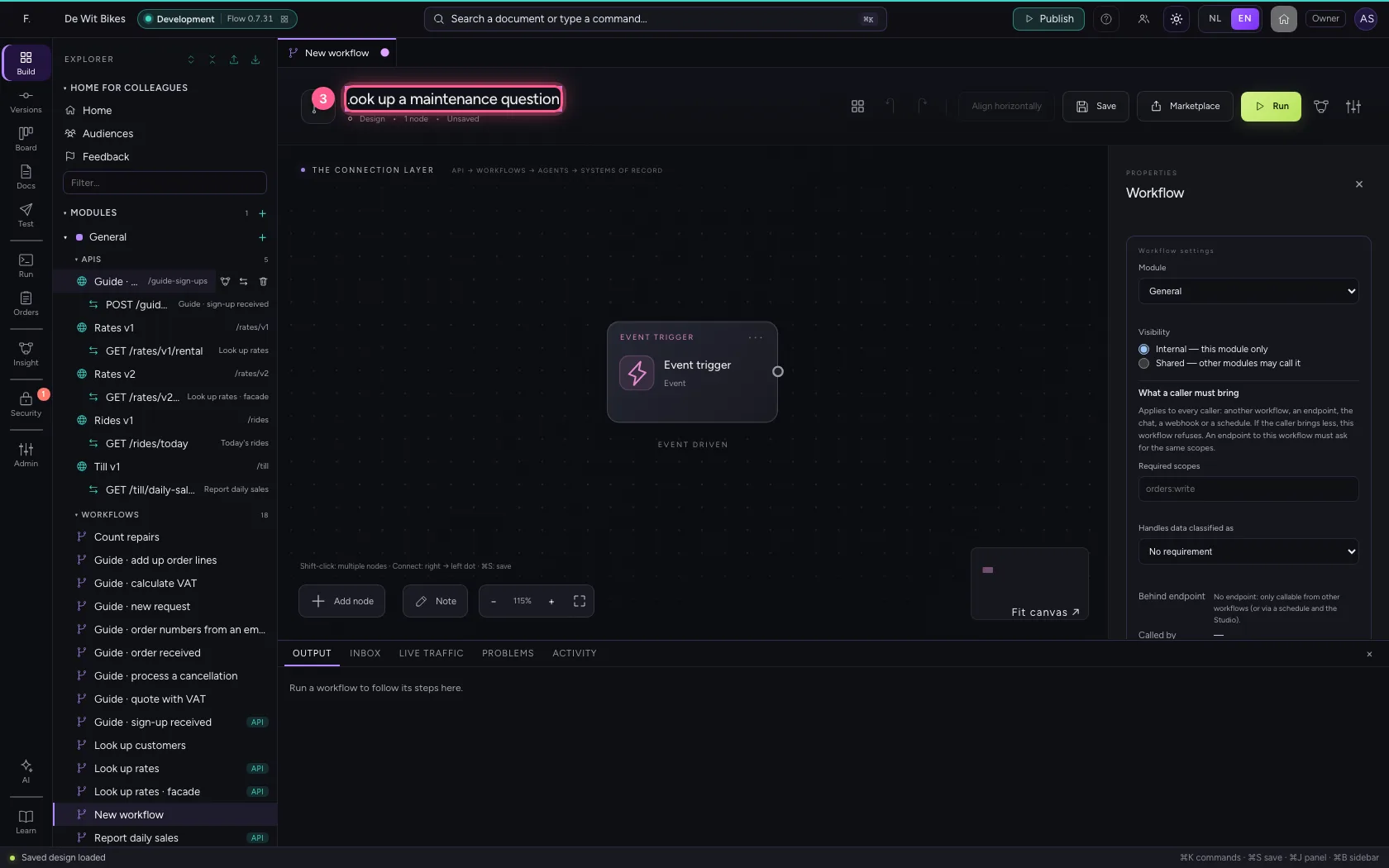
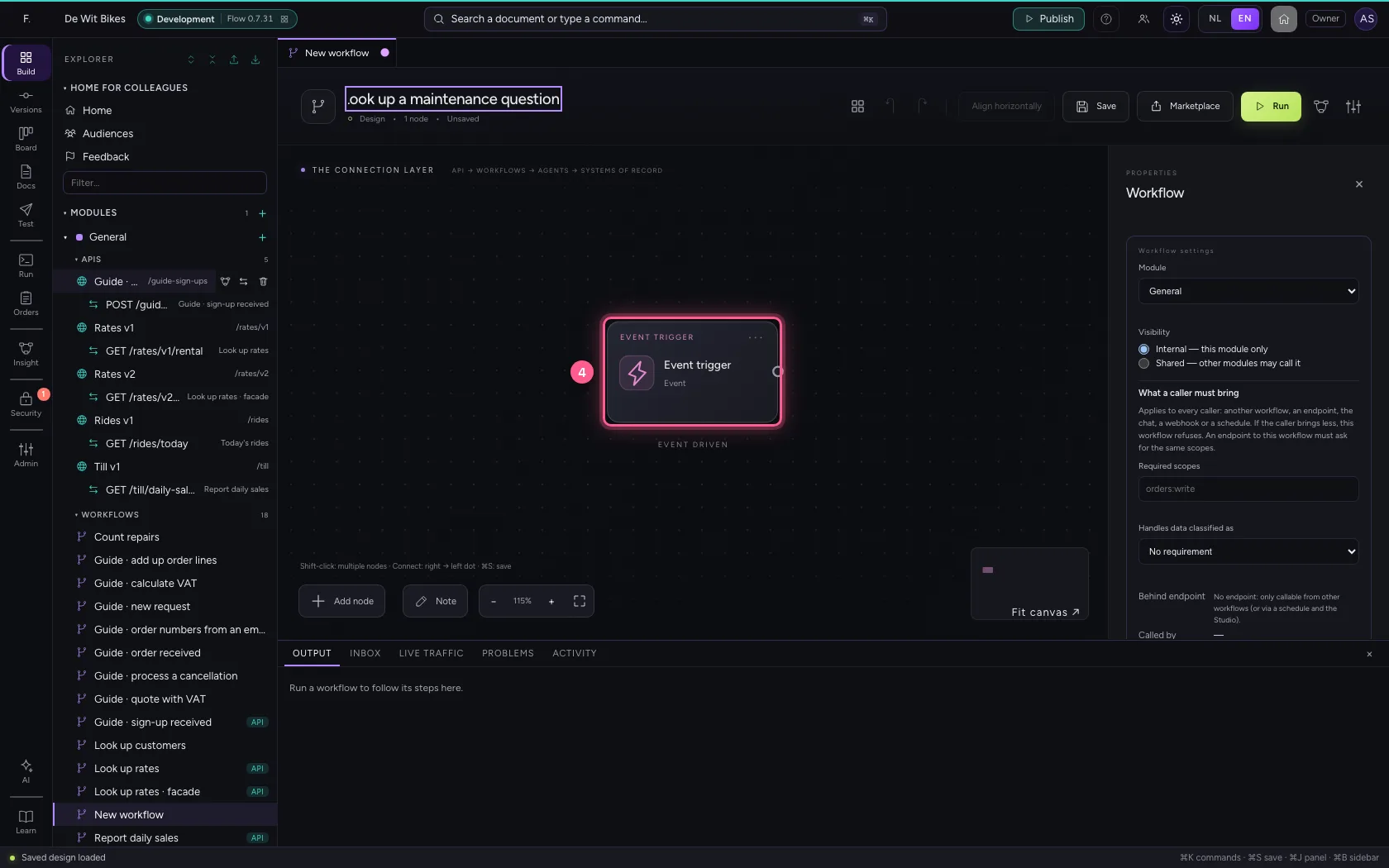
- Click the trigger
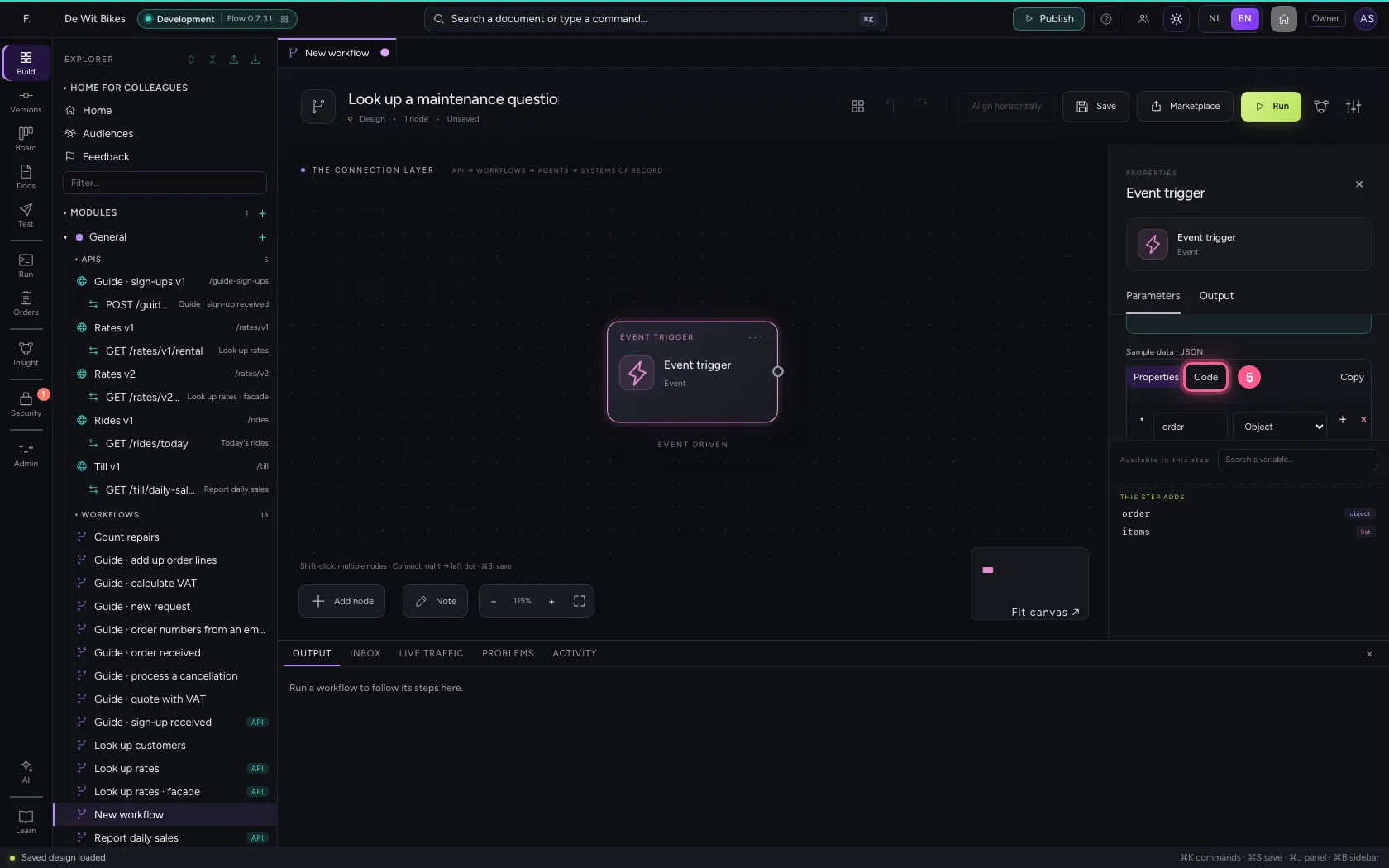
- Click Code
- In Sample data, type `{
Add the step Search knowledge base
Choose the knowledge base and write the query. {{question}} takes the question from the trigger. Under Search by you choose whether Flow searches by meaning, by words or both; both usually works best.
- Click Add node
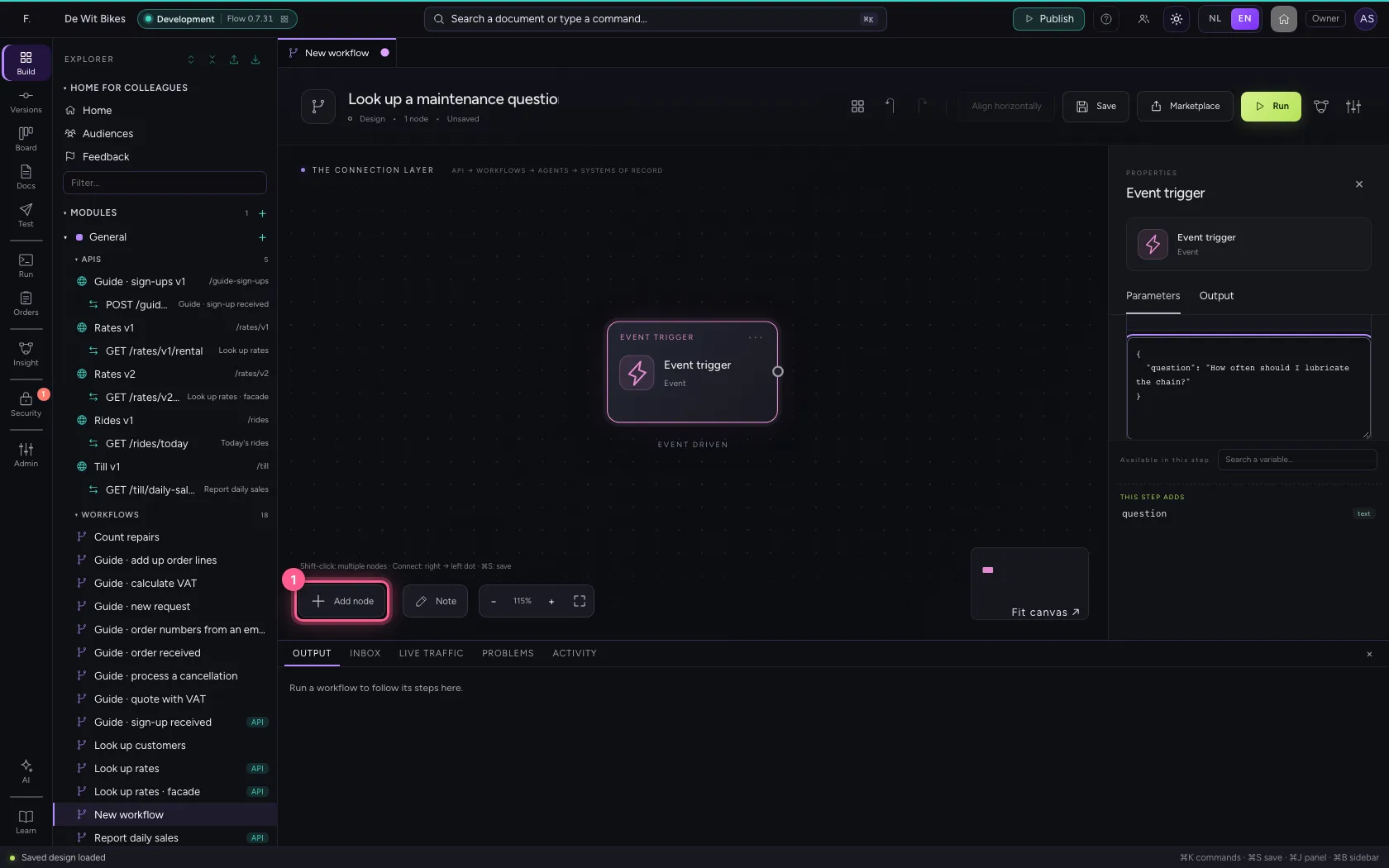
- Click Search knowledge base
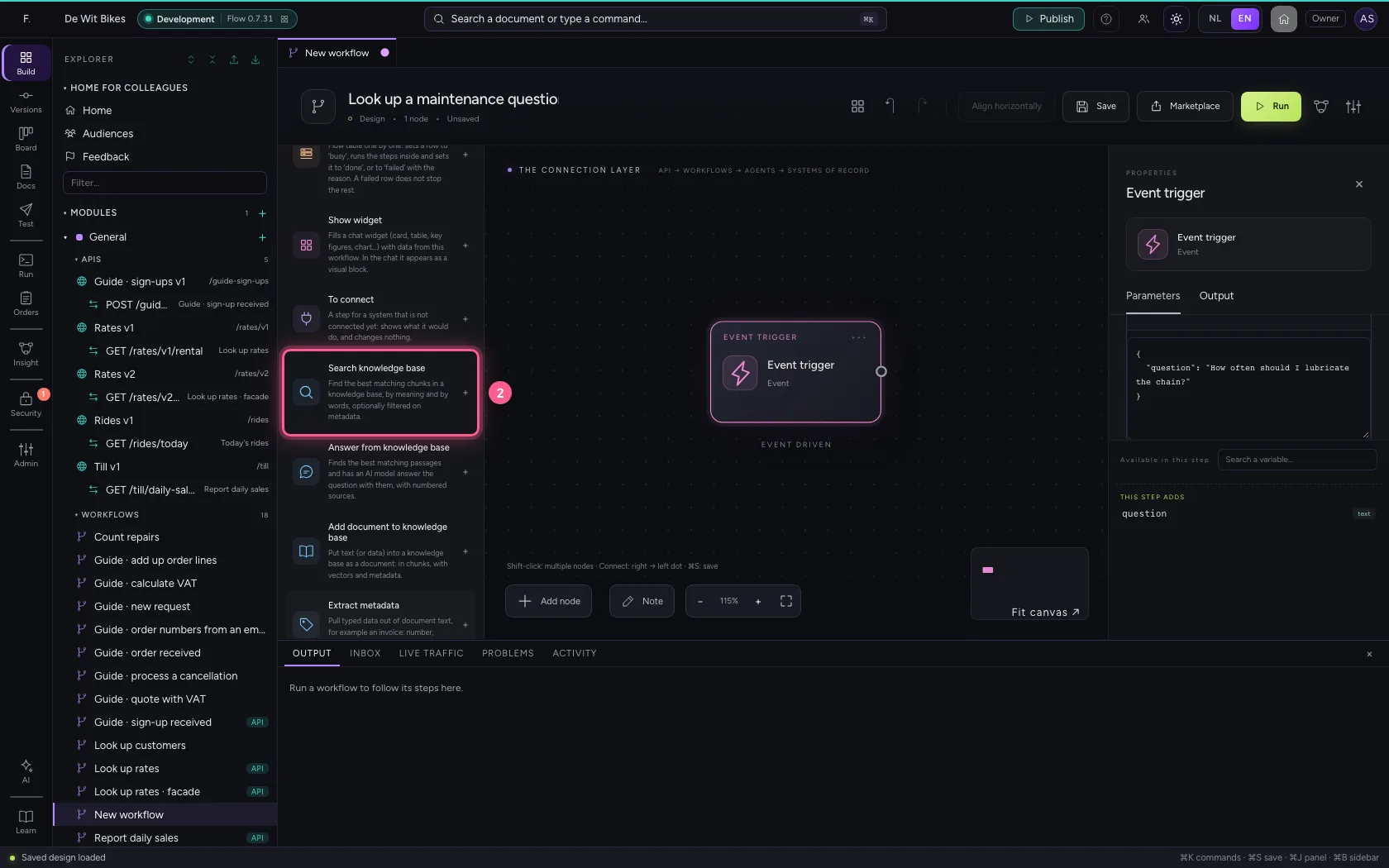
- In Knowledge base, choose Bike maintenance · 2 documents
- In Query Use variables, for example {{order.description}}., type
{{question}} - In Number of results, type
2
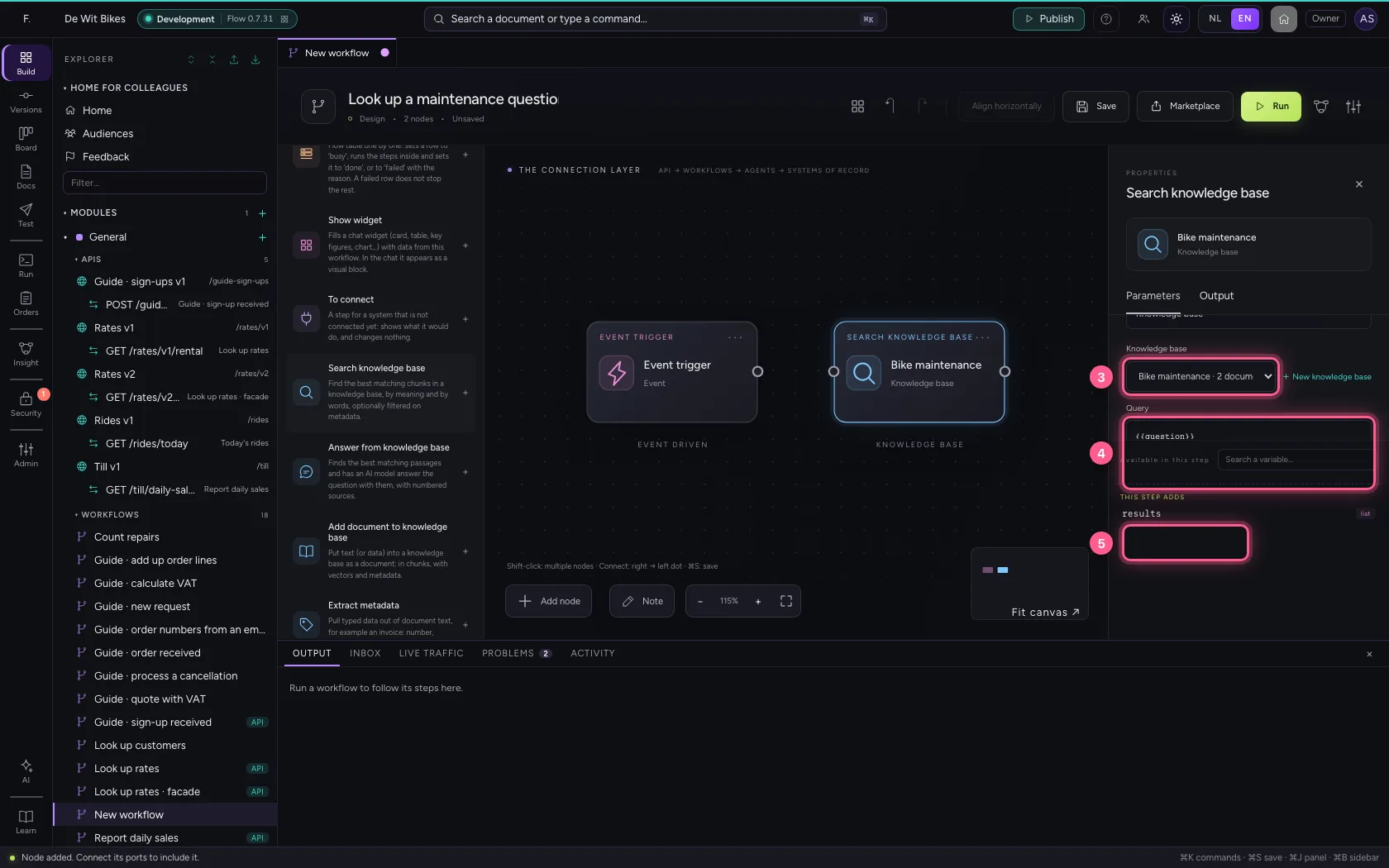
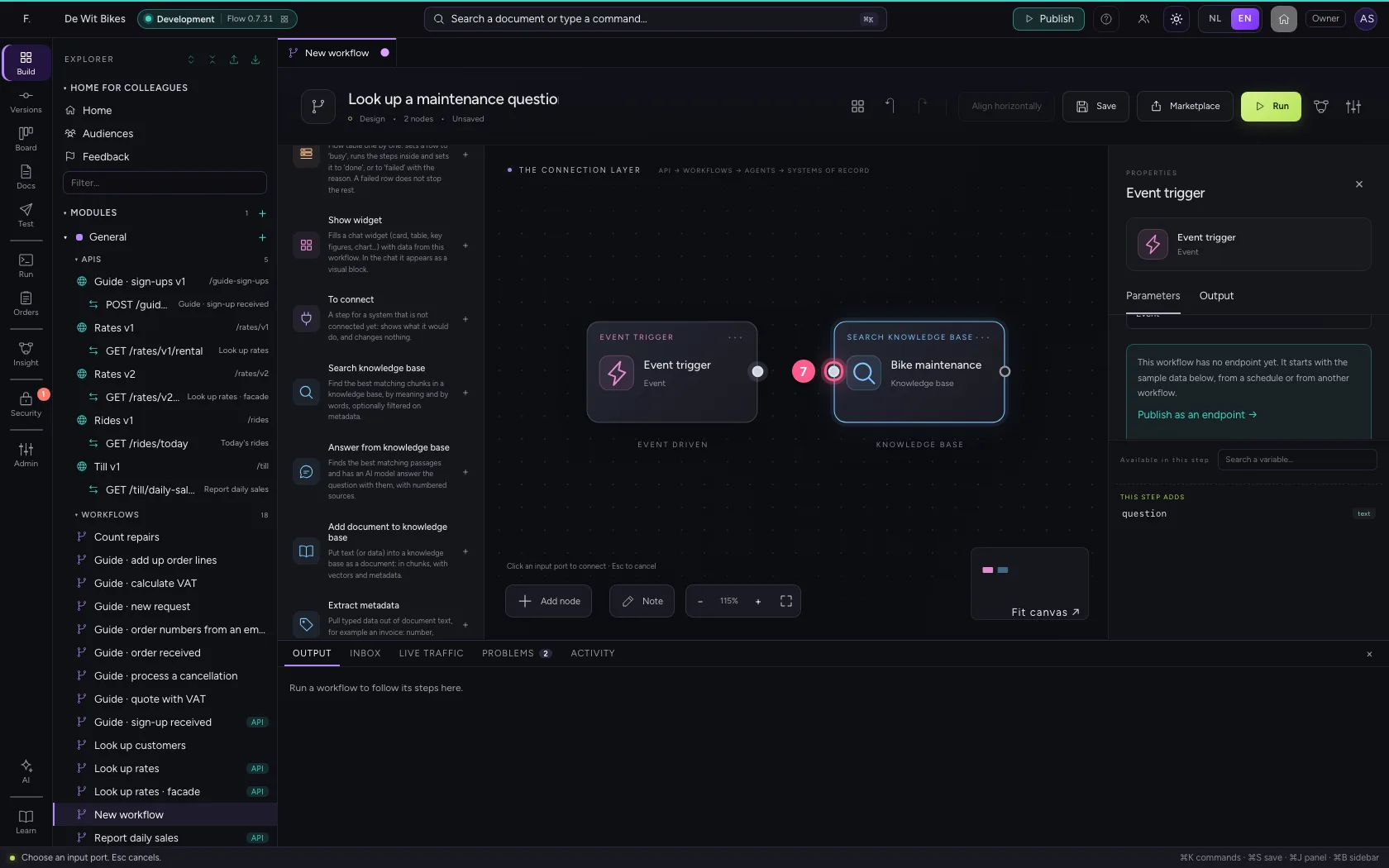
- Click the dot of ‘Event trigger’
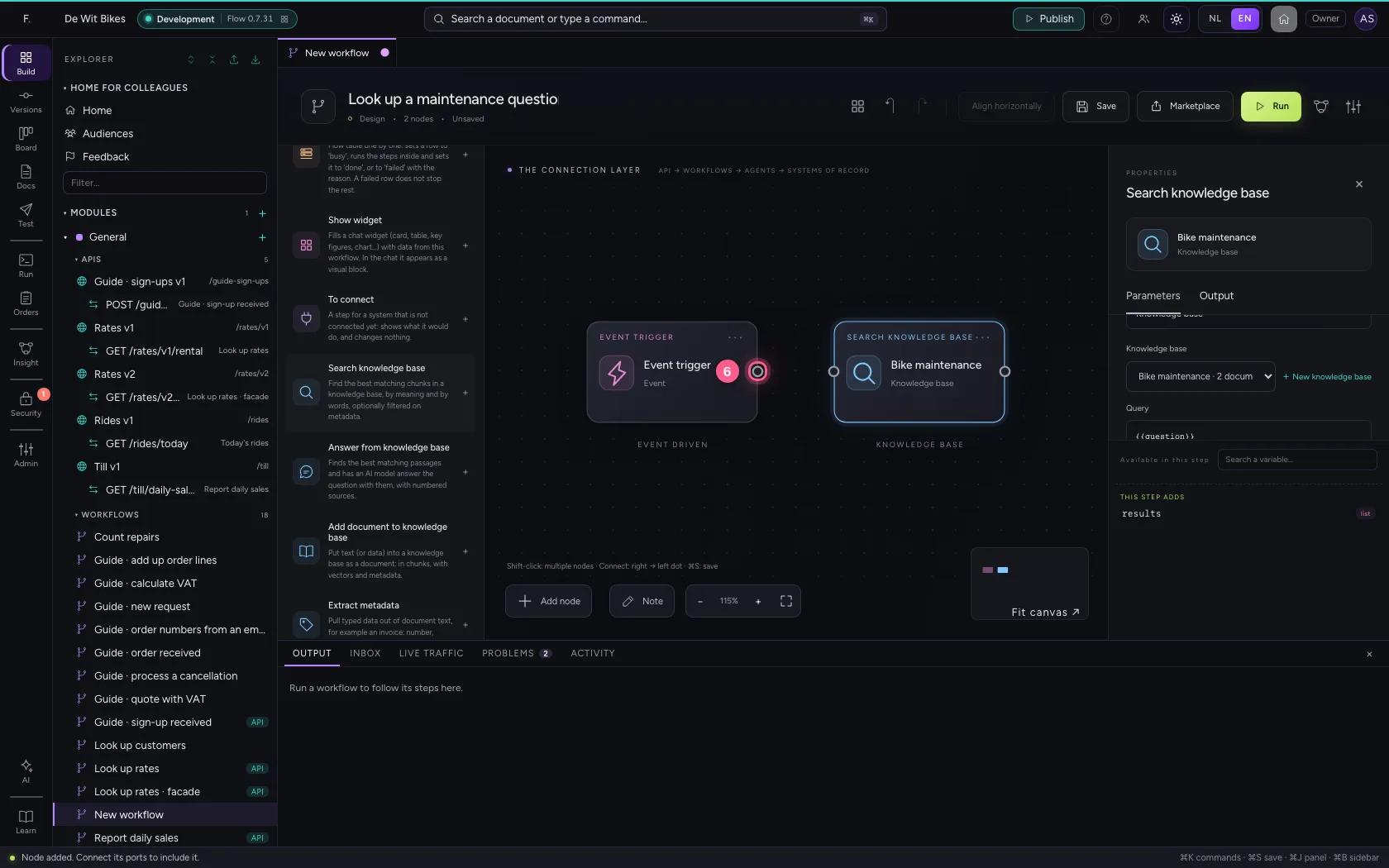
- Click the dot of ‘Bike maintenance’
Align, save and run
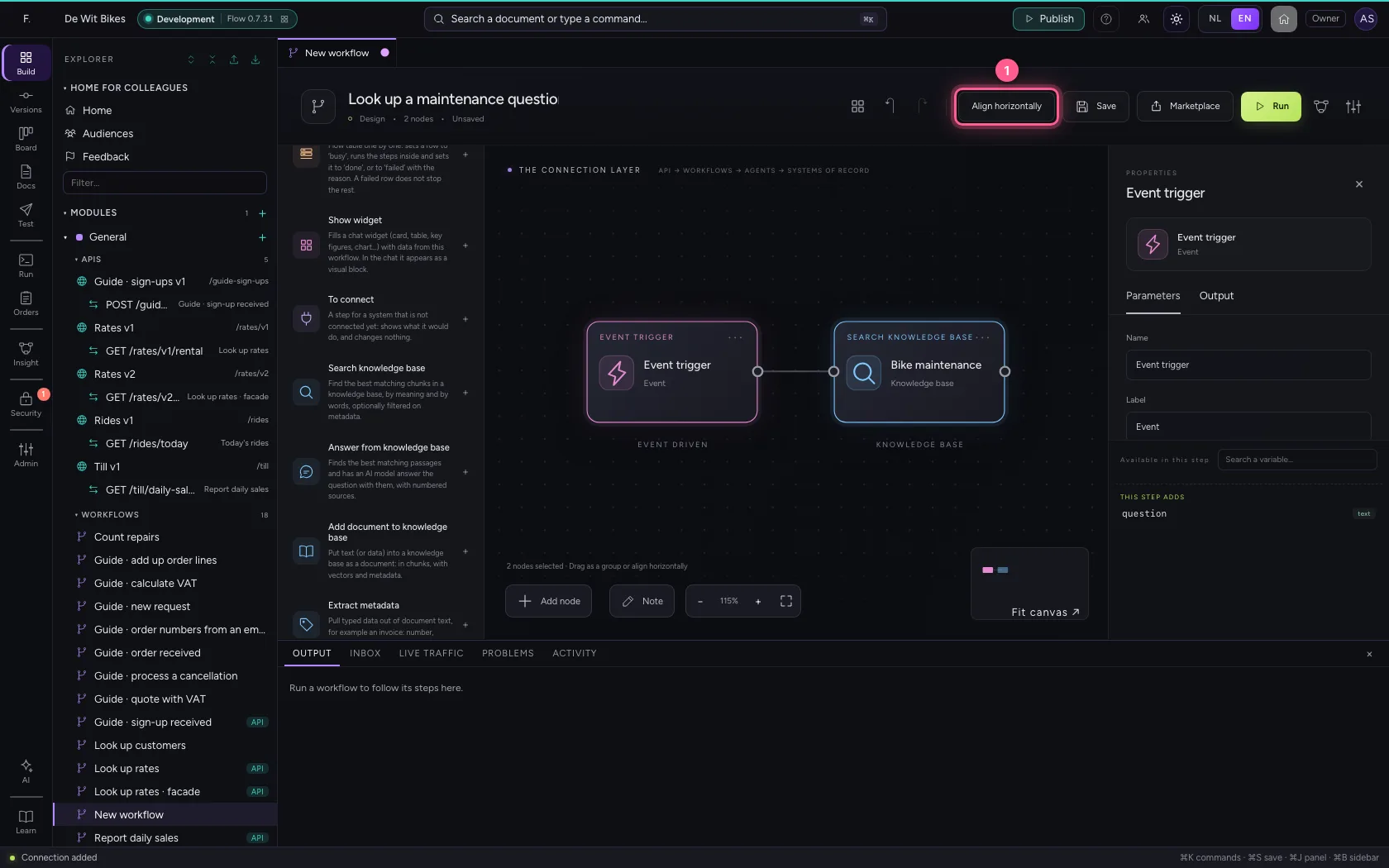
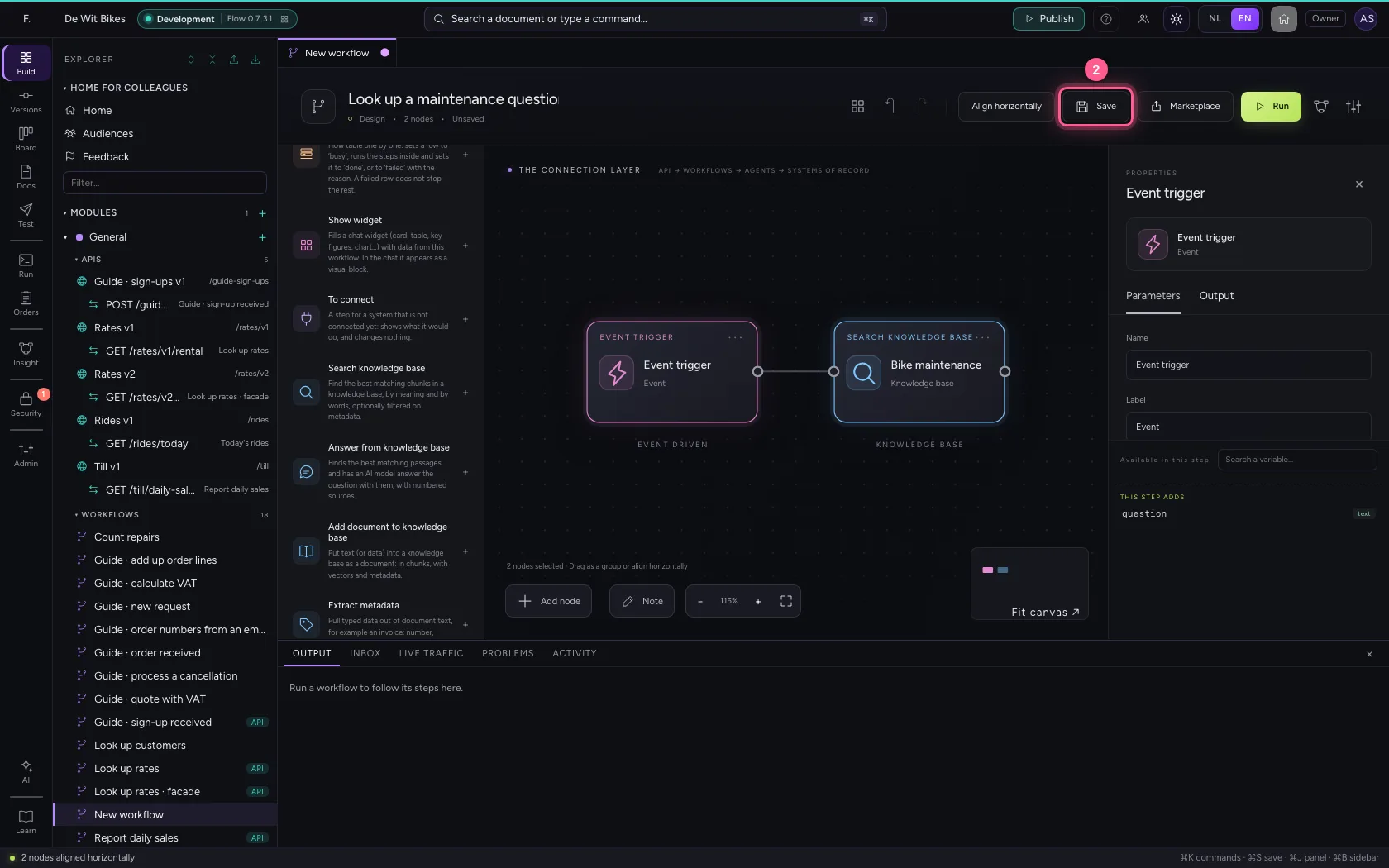
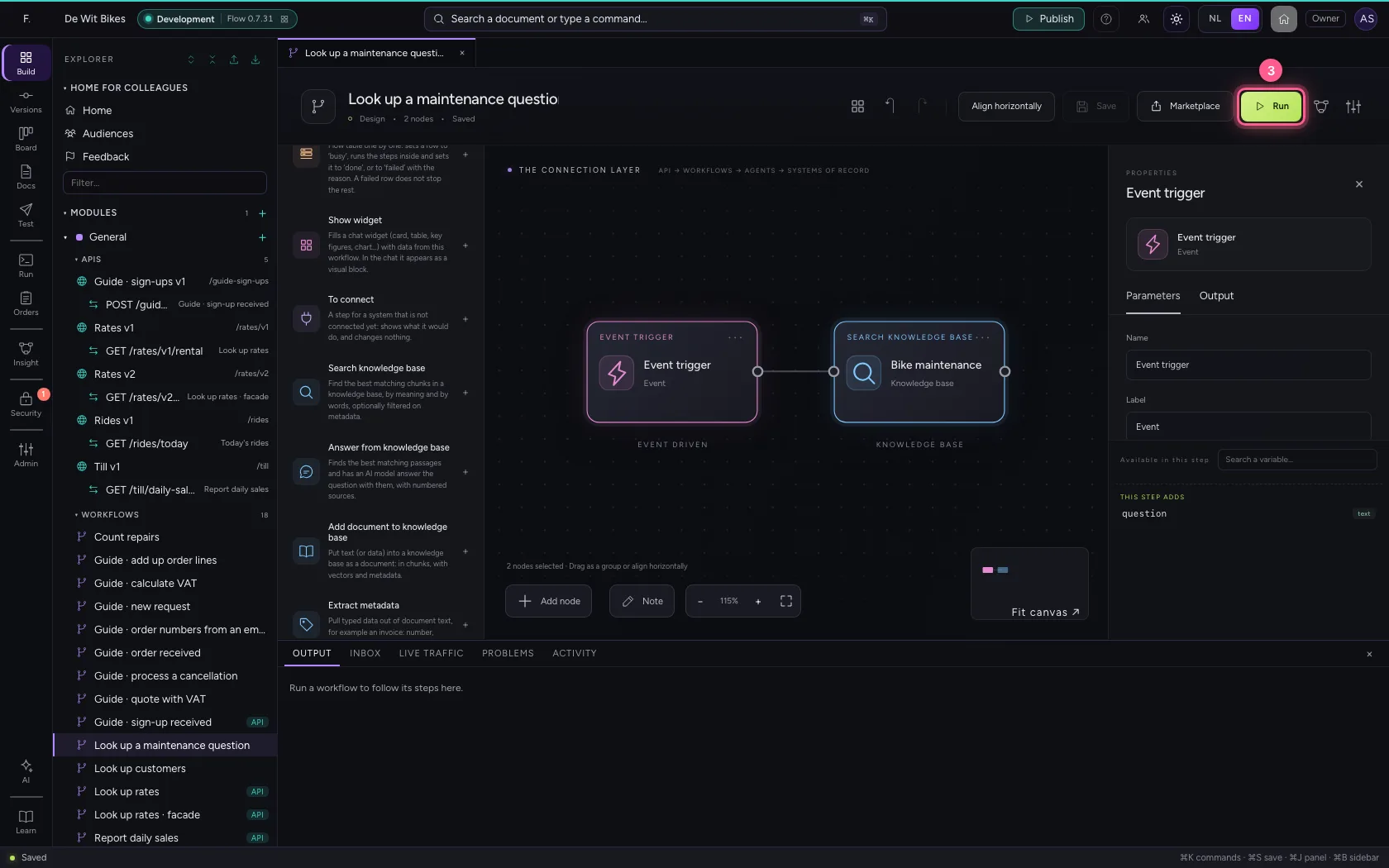
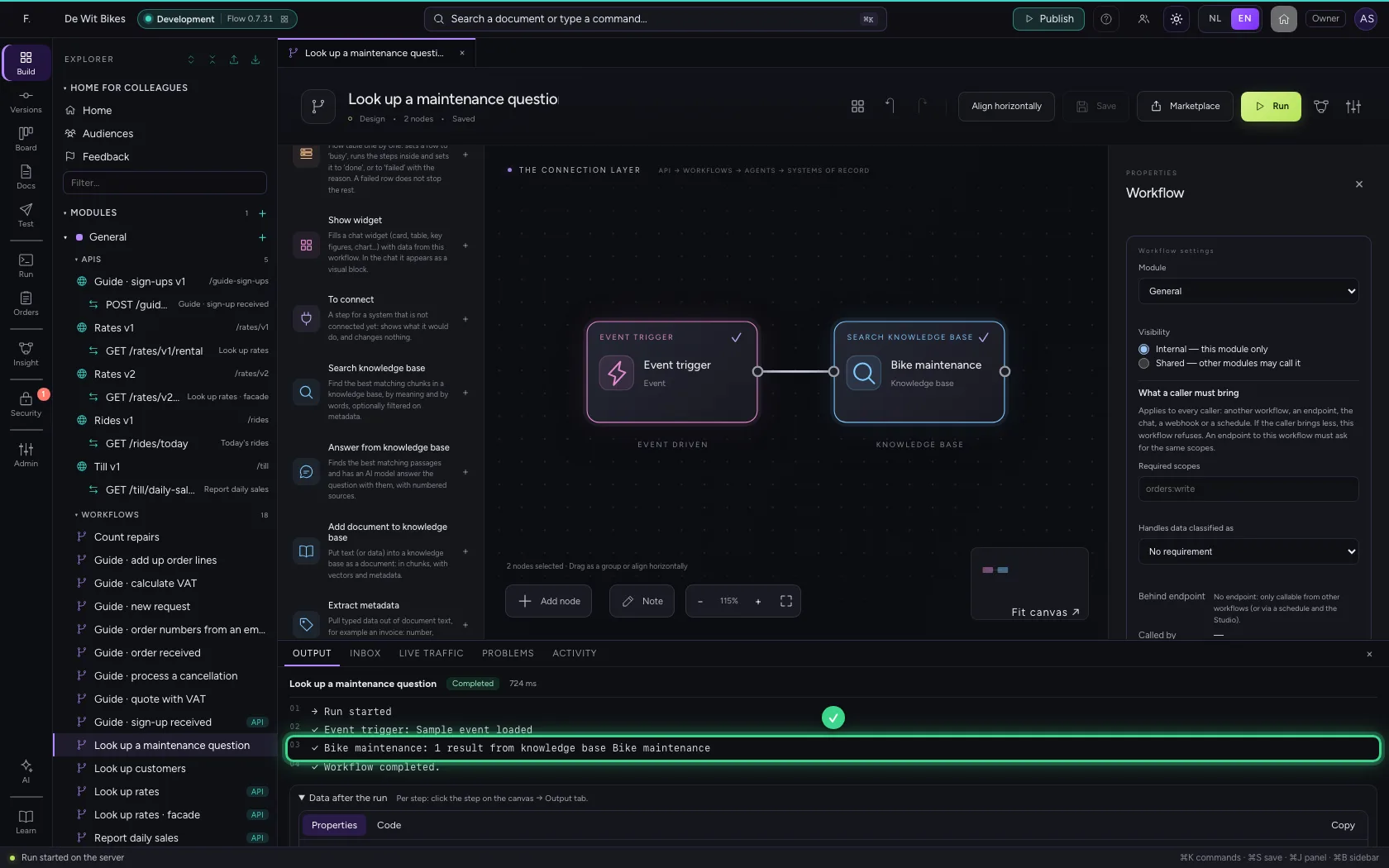
Select all steps (Ctrl+A), align them horizontally and save. Run the workflow: at the bottom under Output you see how many chunks the step found, and in the step's output the results themselves.
- Click Align horizontally
- Click Save
- Click Run
This guide was carried out step by step on 22 Oct 2026 by an automated test on Flow (version 3e563176).