Search and filter in a table
With the Table step a workflow fetches exactly the rows it needs. With Only rows where… you set conditions that must be equal; for ‘contains’, ‘at least’, ‘one of’ and ‘not’ you use the advanced configuration. In a bike shop's customer questions you look for the open questions about brakes from 50 euros.
Open your development environment
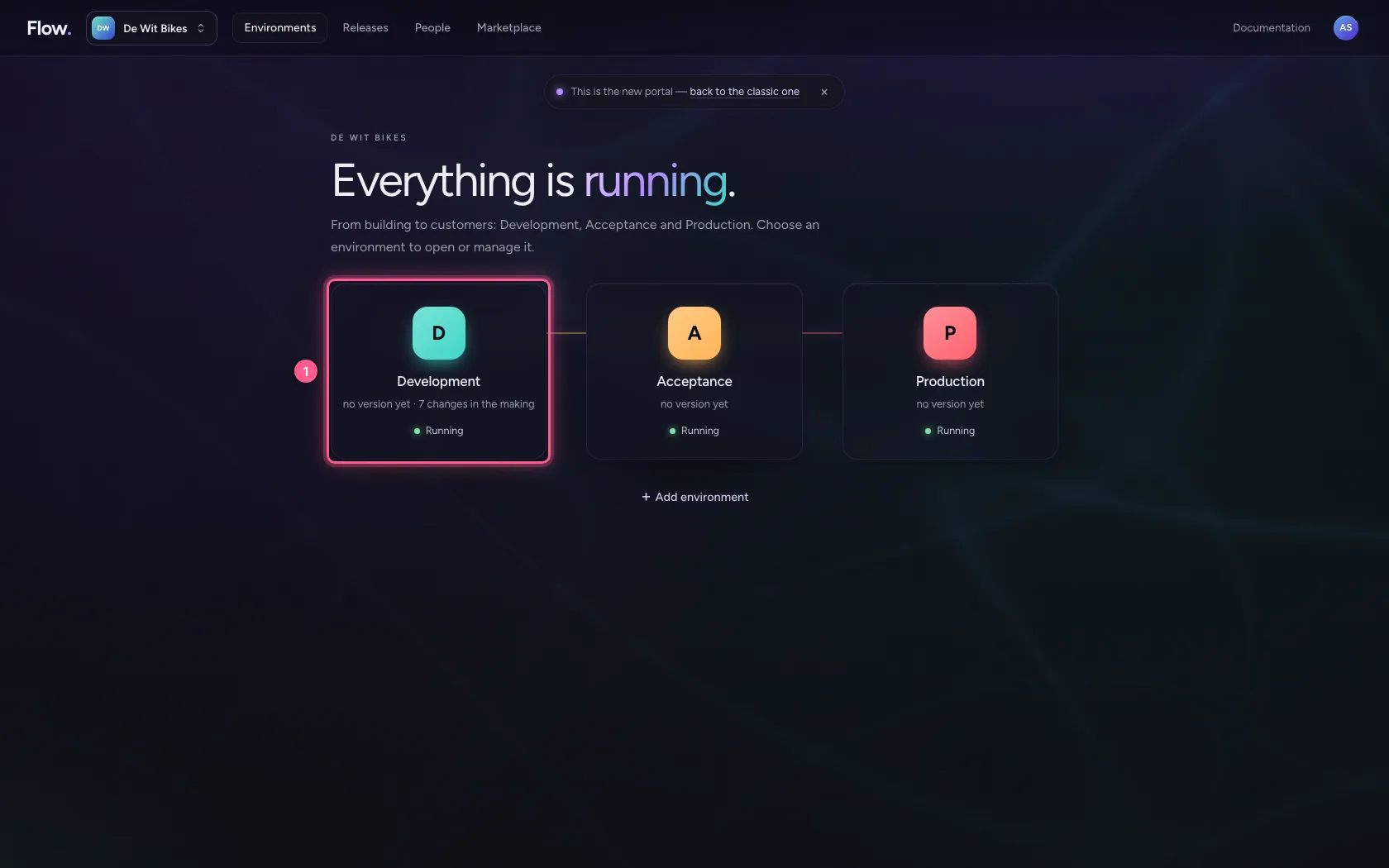
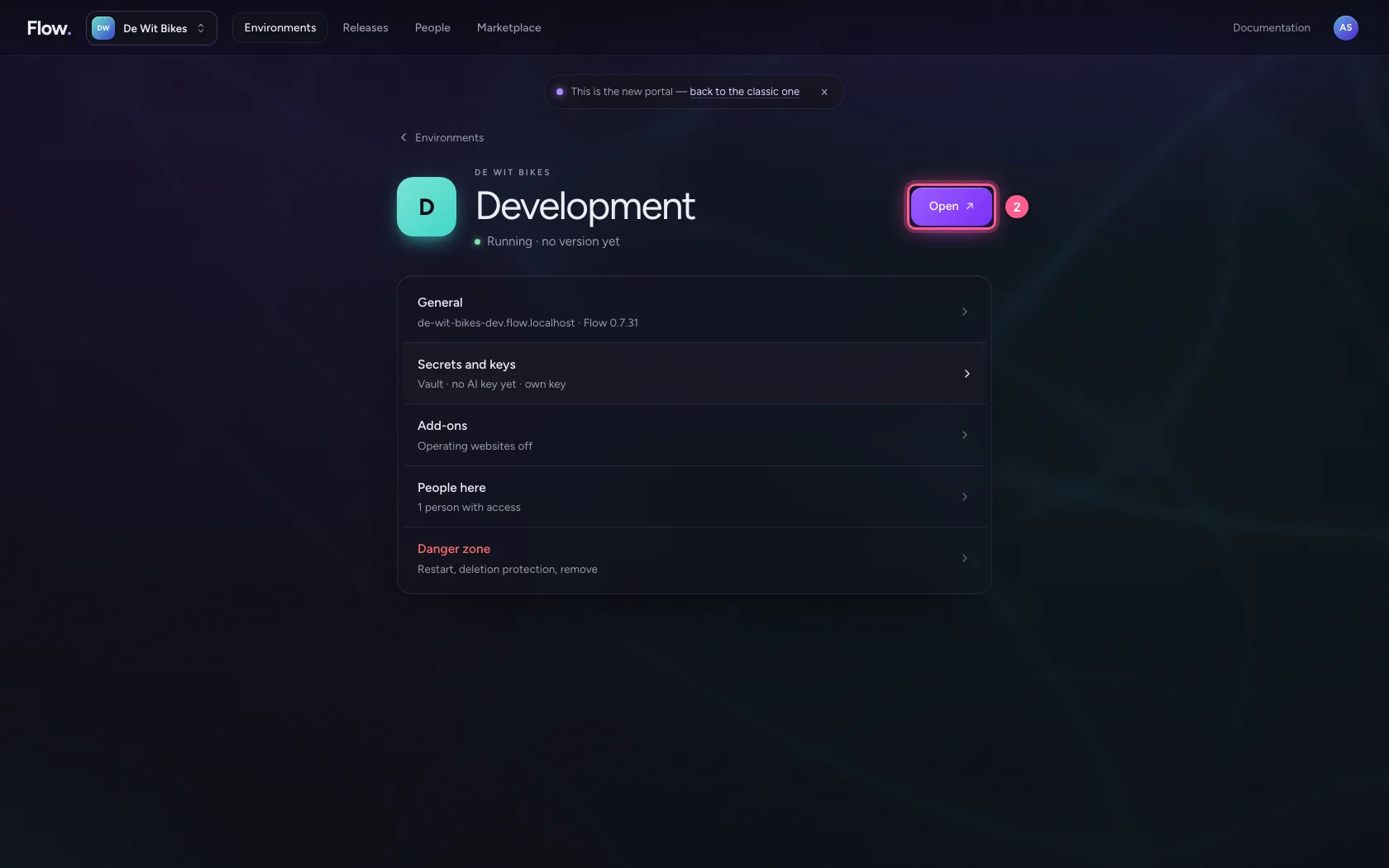
In the portal, under Environments, click Development, and there Open. Flow opens in a new tab and you are signed in straight away.
- Click Development
- Click Open ↗
A workflow with the Table step
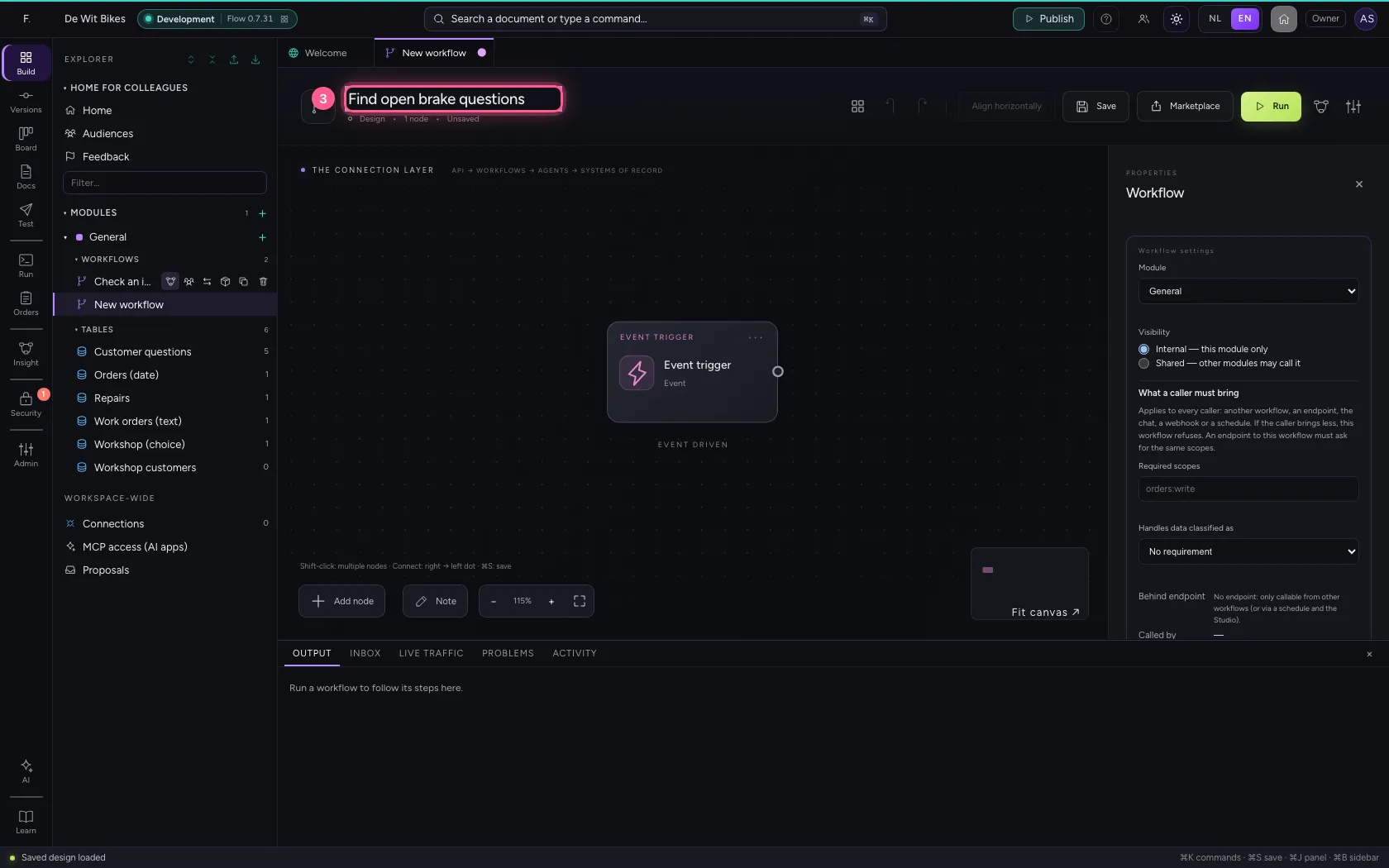
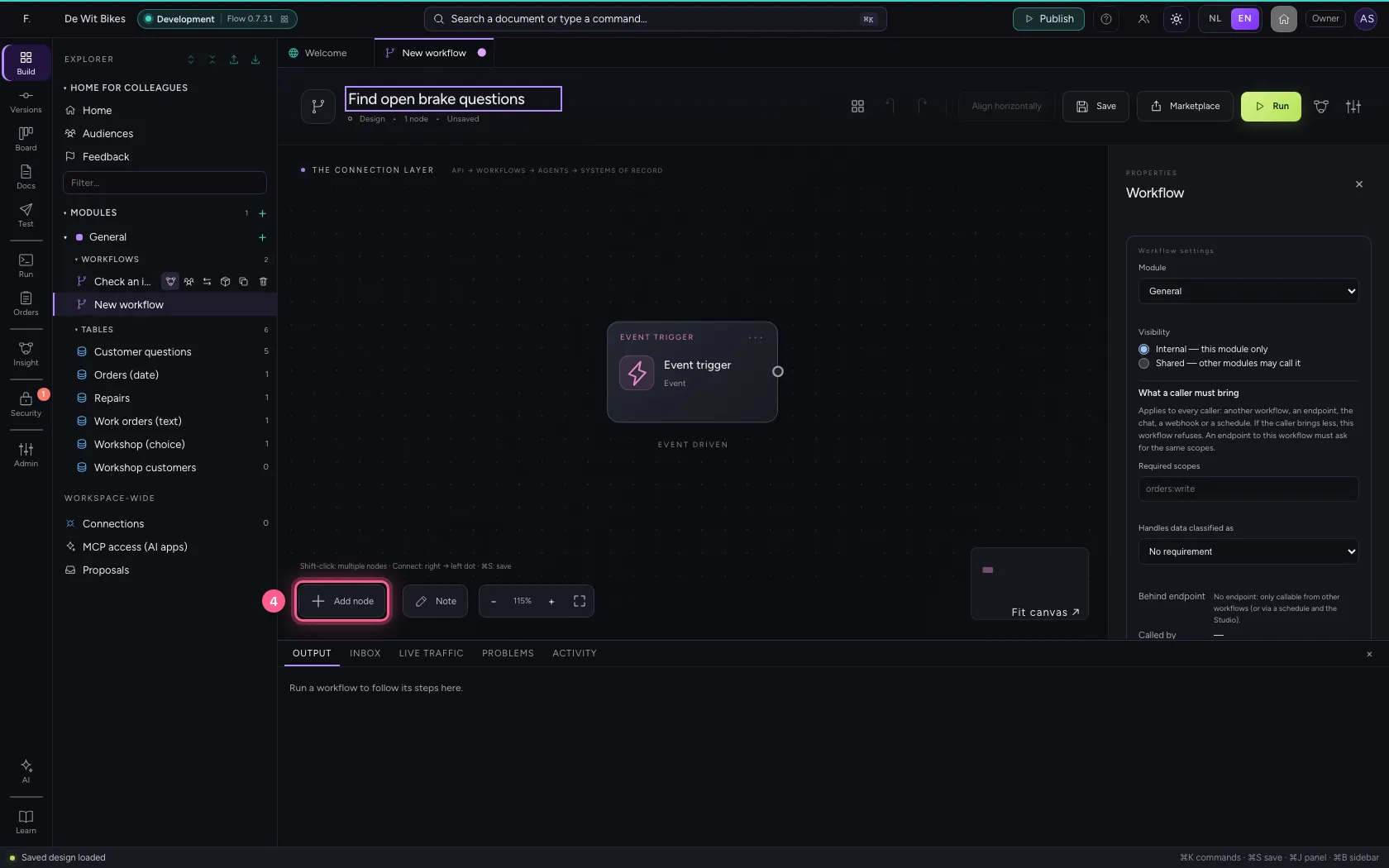
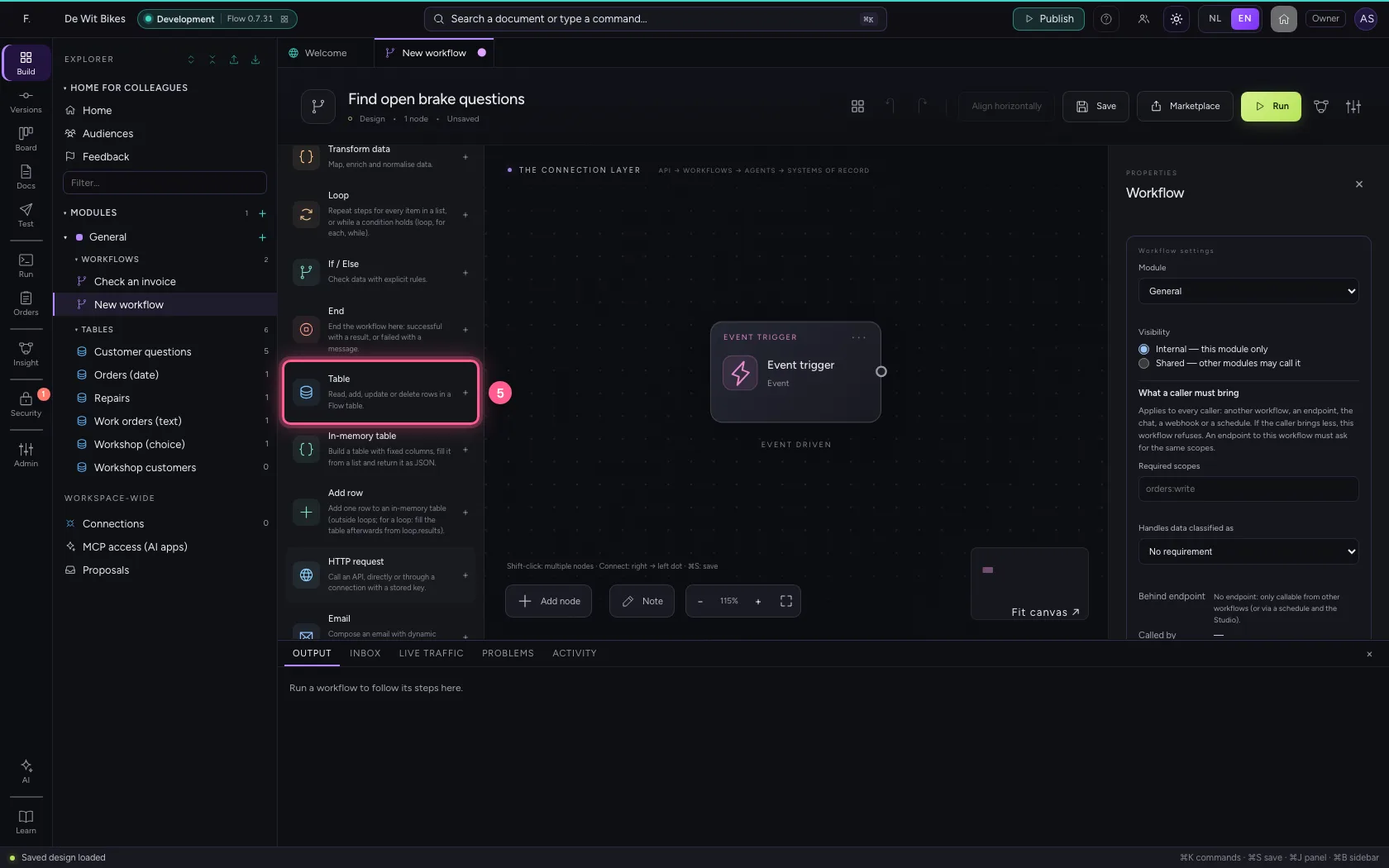
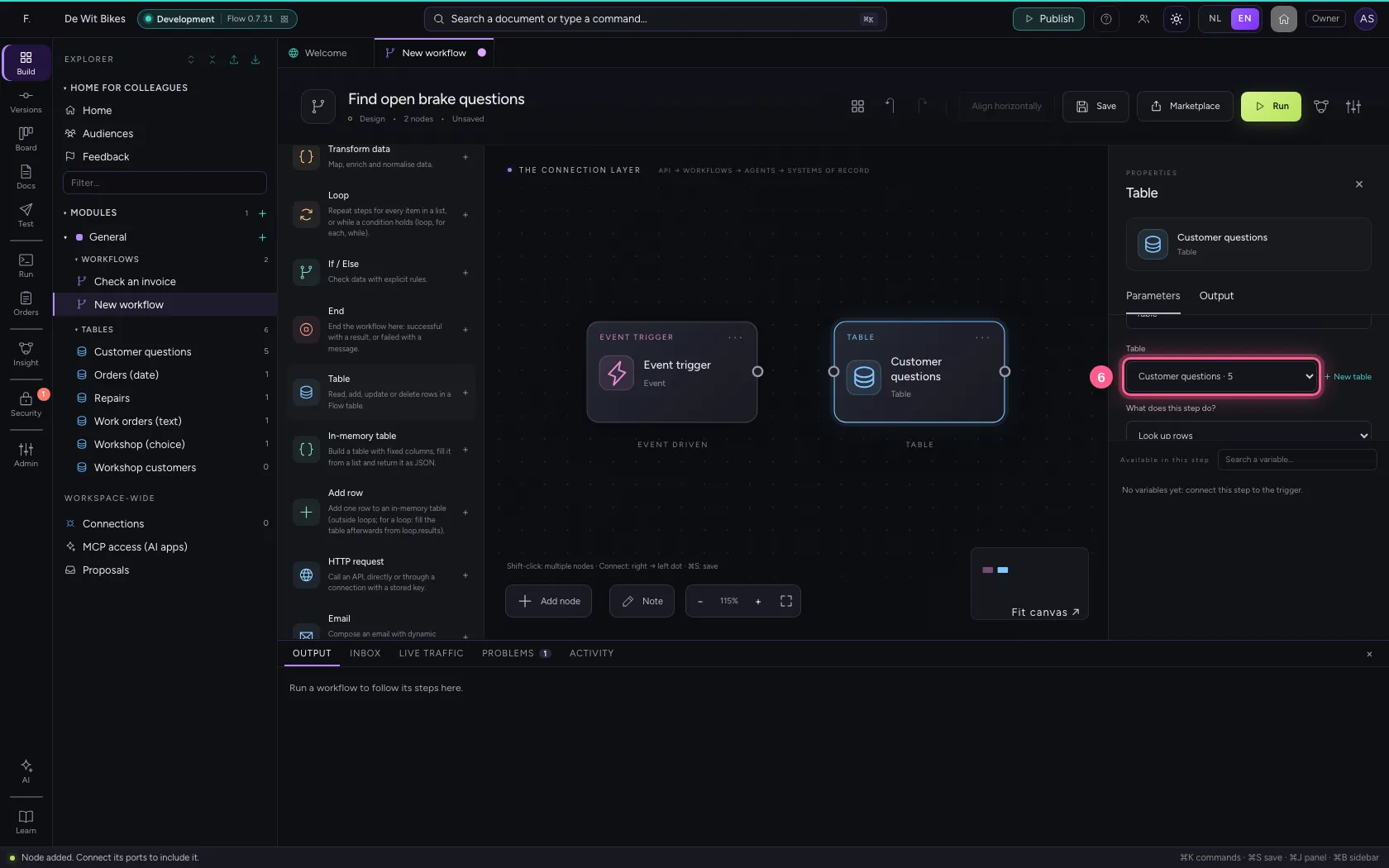
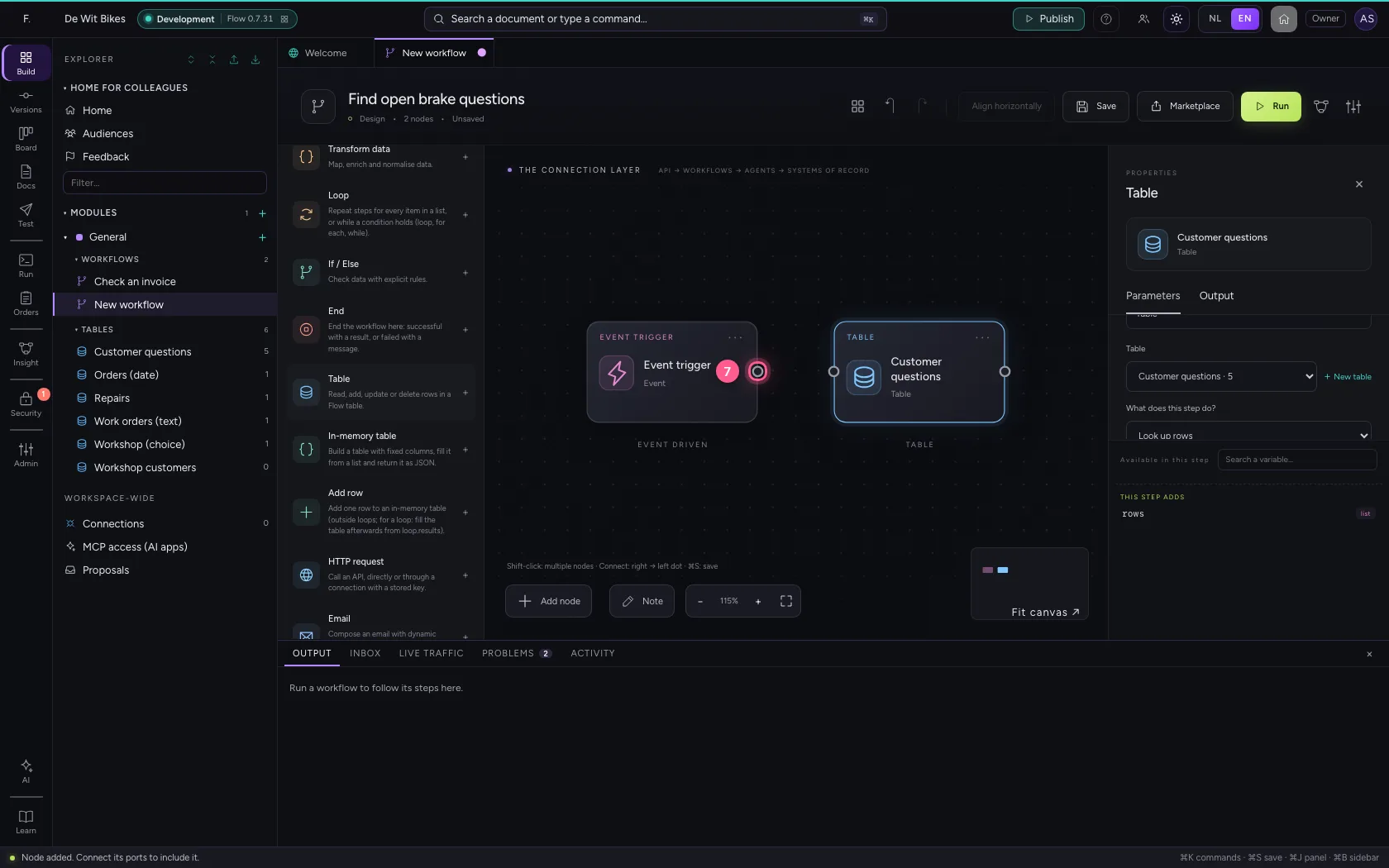
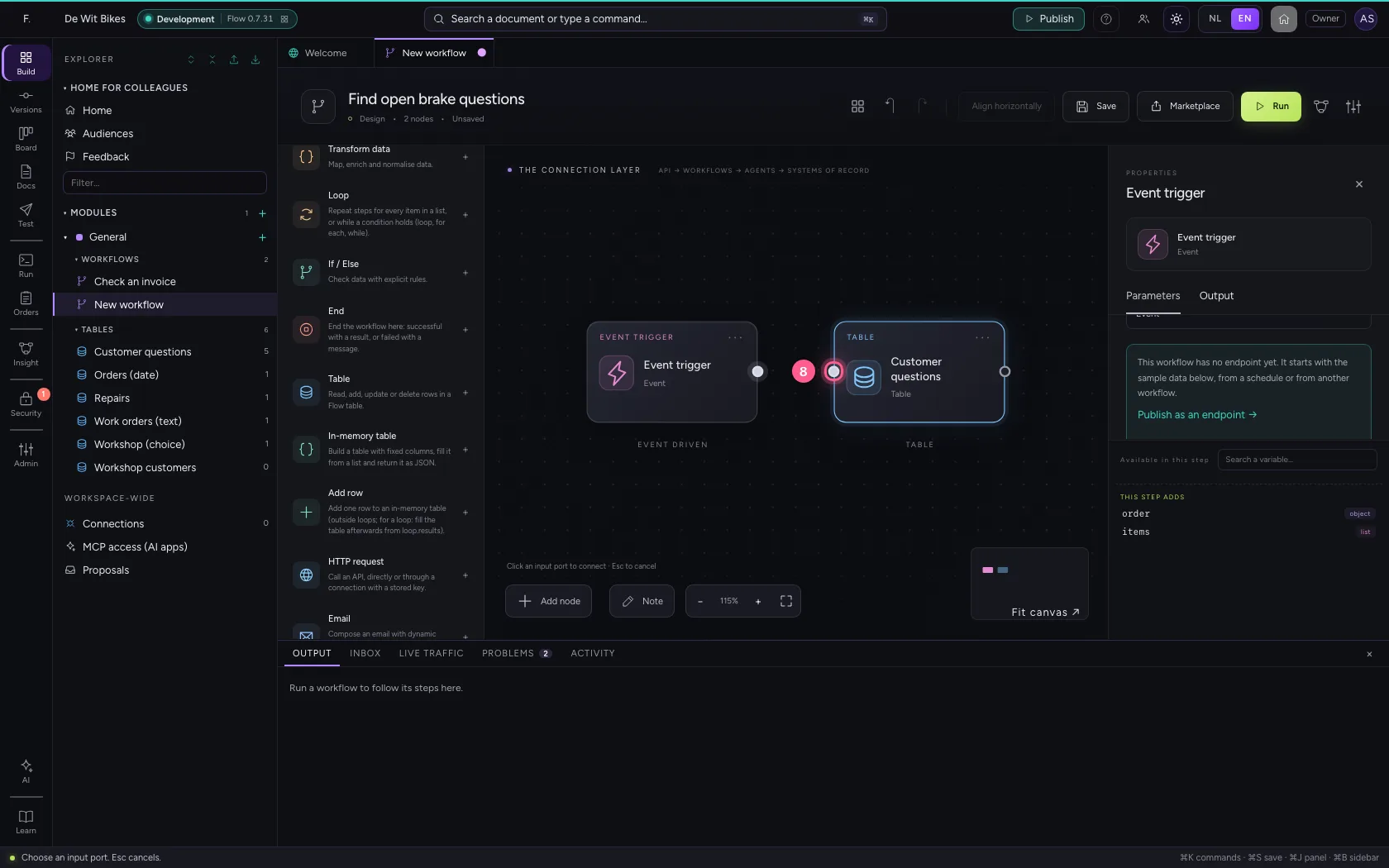
Create a new workflow, name it and add the Table step from the library. Choose the table; the operation is already set to Find rows. Connect the trigger to the step.
- Click Add to General
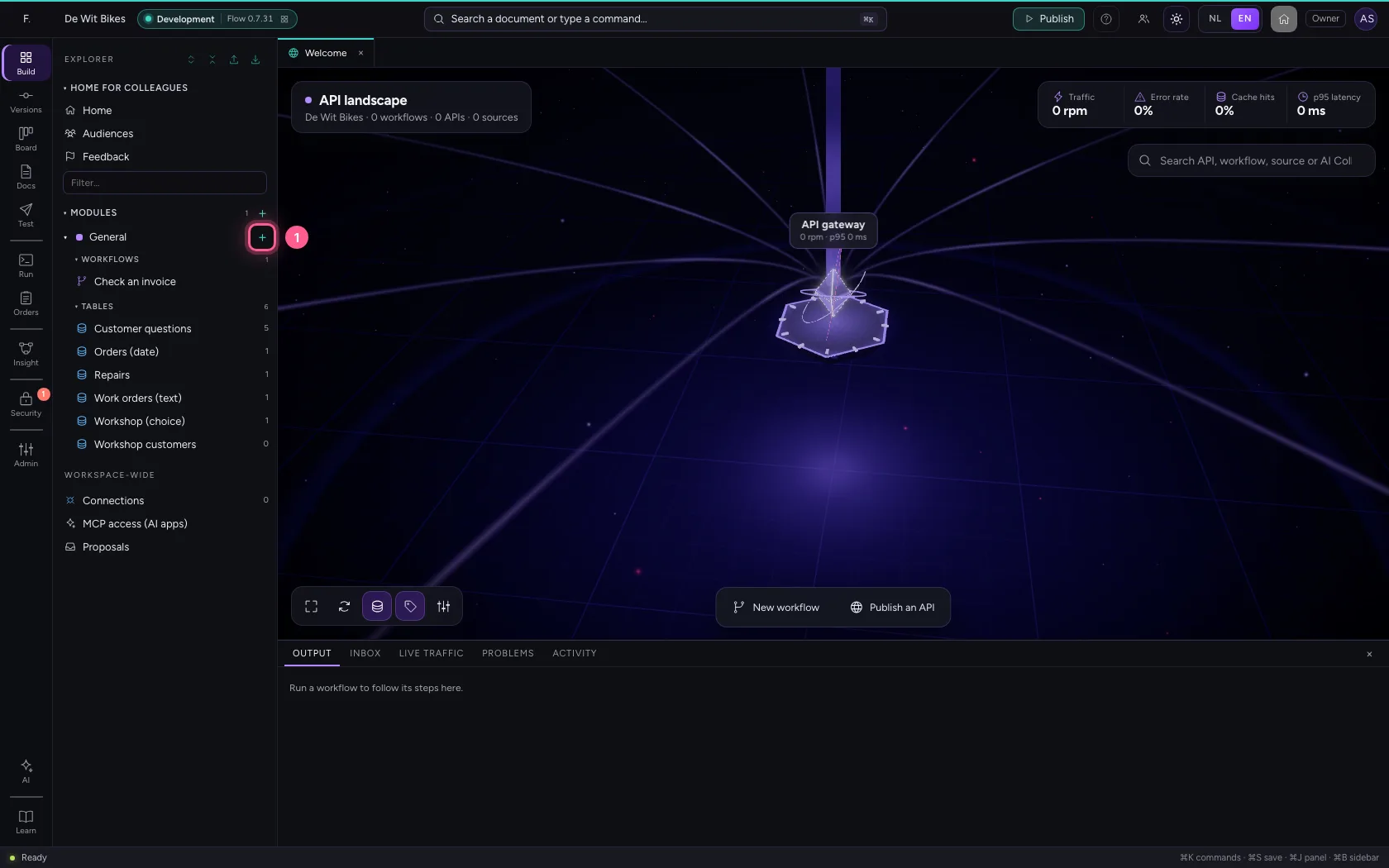
- Click New workflow
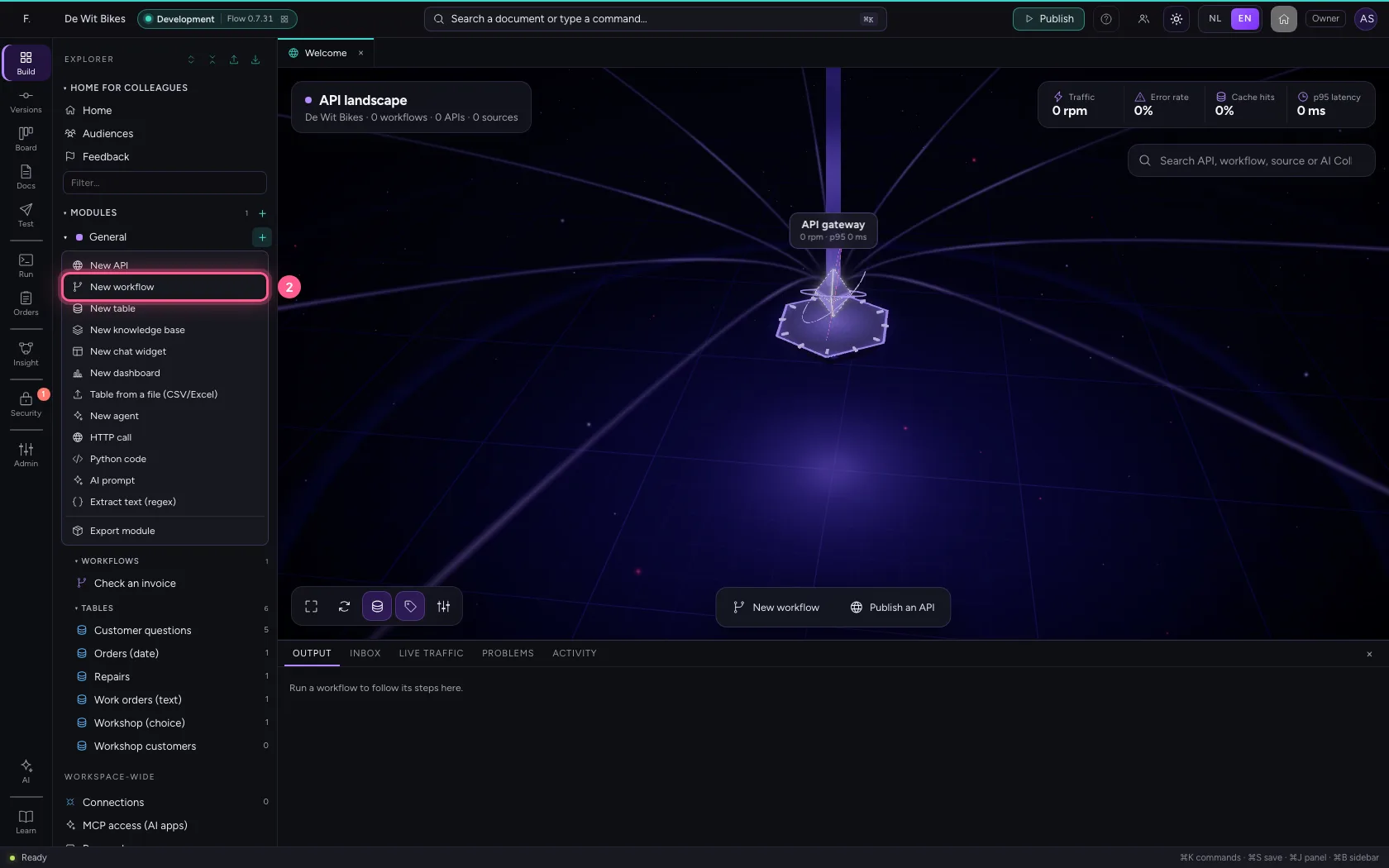
- In Workflow name, type
Find open brake questions
- Click Add node
- Click Table
- In Table, choose Customer questions · 5
- Click the dot of ‘Event trigger’
- Click the dot of ‘Customer questions’
A condition: equals
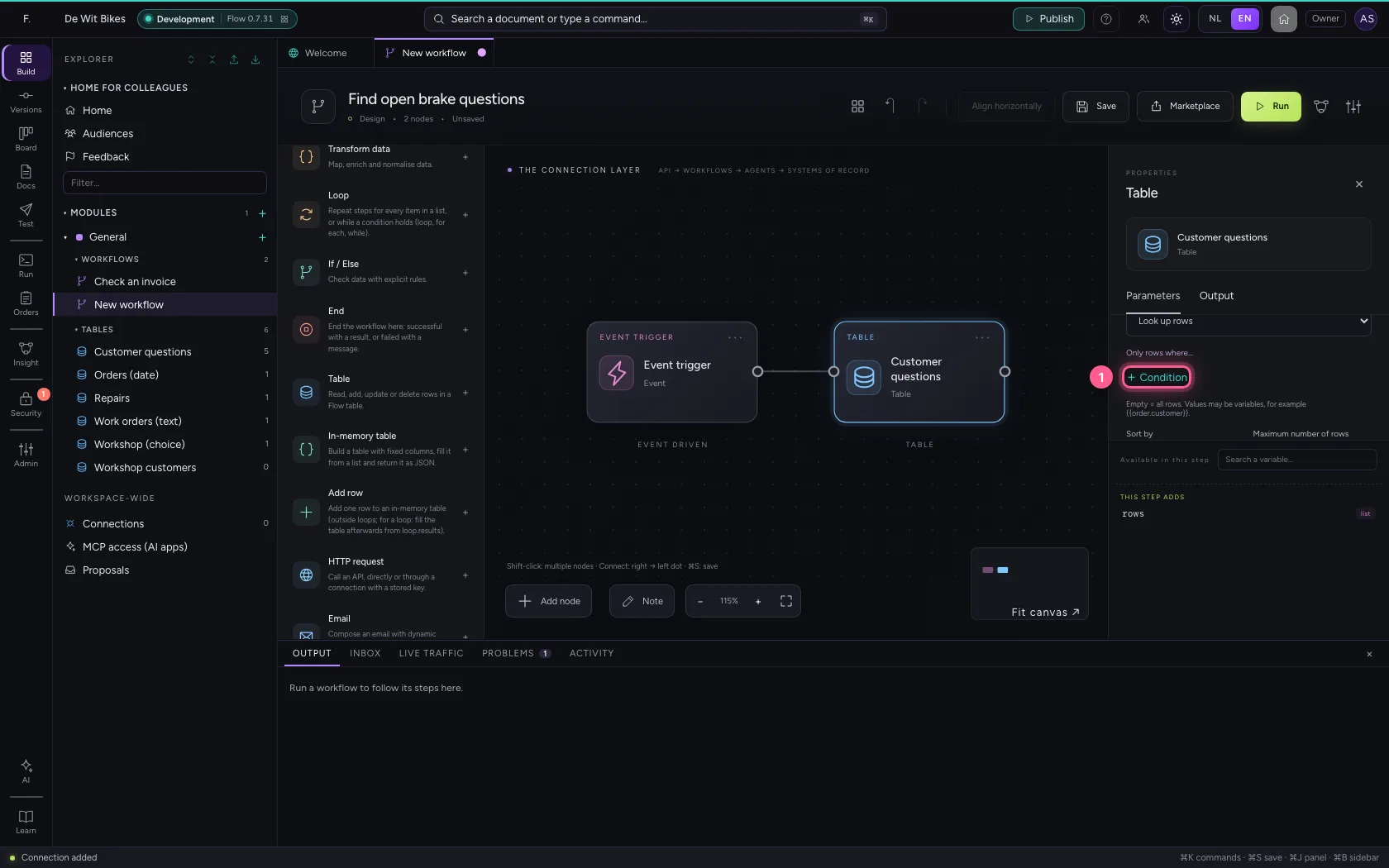
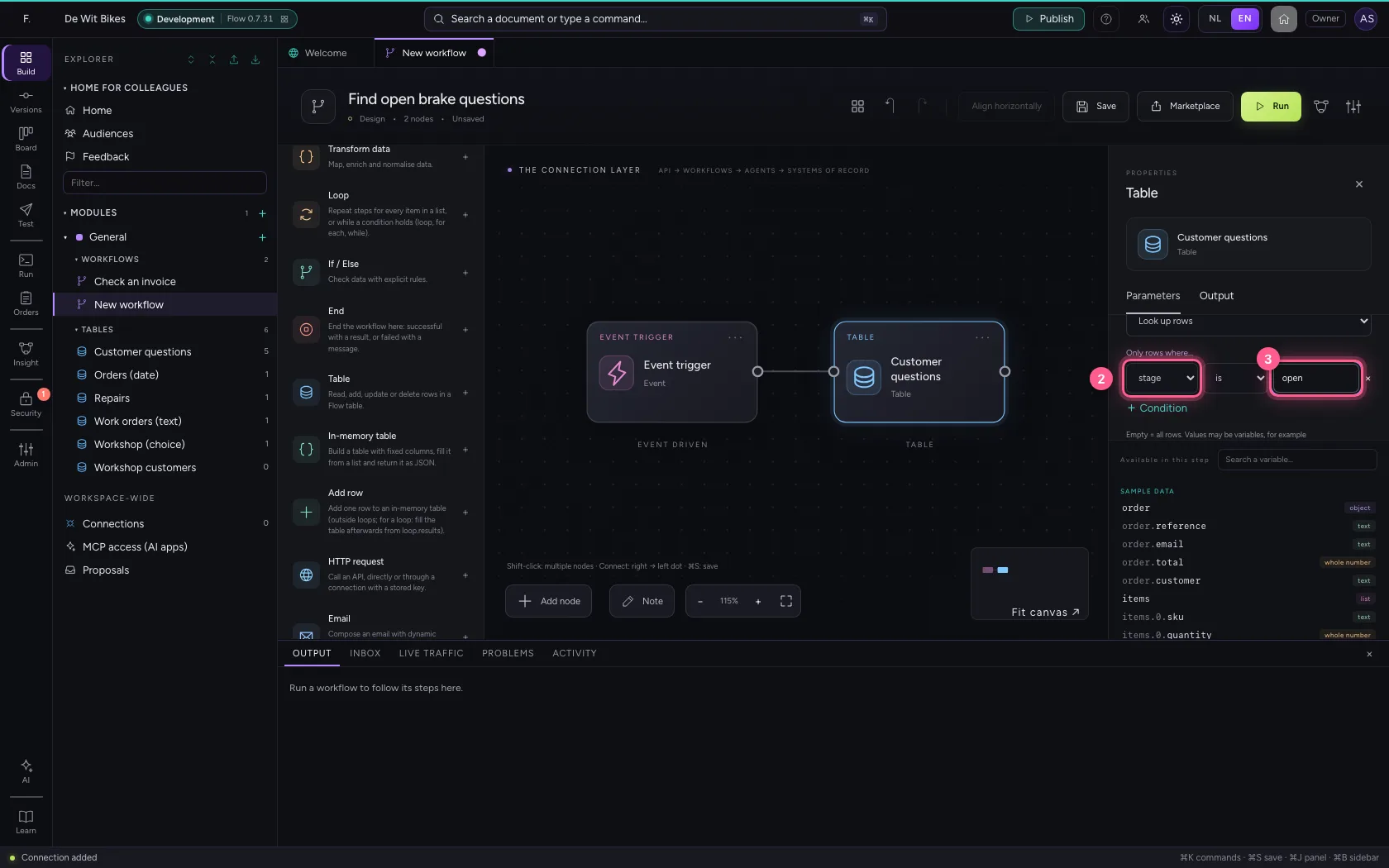
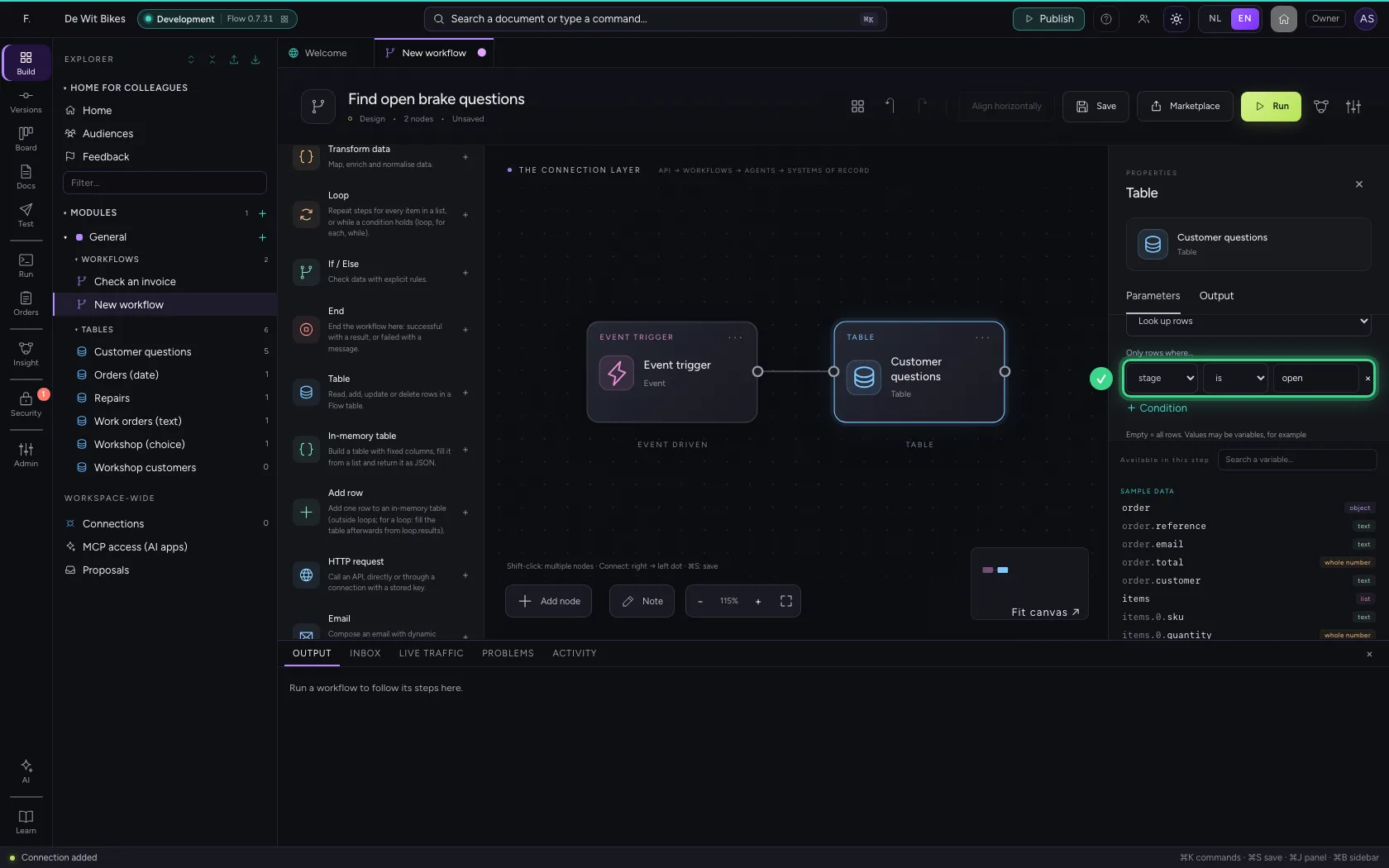
Under Only rows where… click + Condition, choose the column and type the value. Only rows with exactly that value come along. The value may also be a variable, such as {{request.stage}}.
- Click + Condition
- In the column, choose stage
- In the value, type
open
More than equals
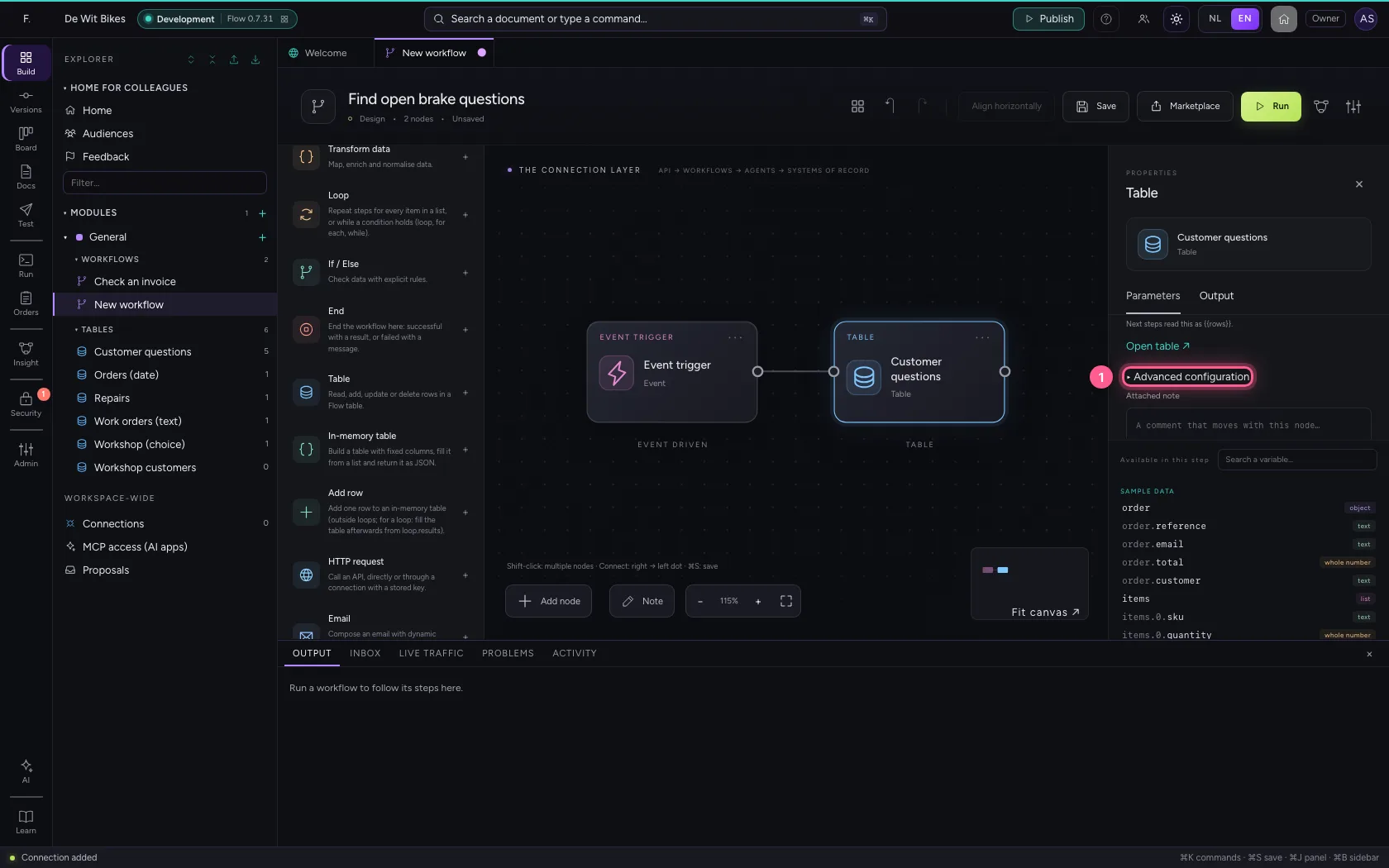
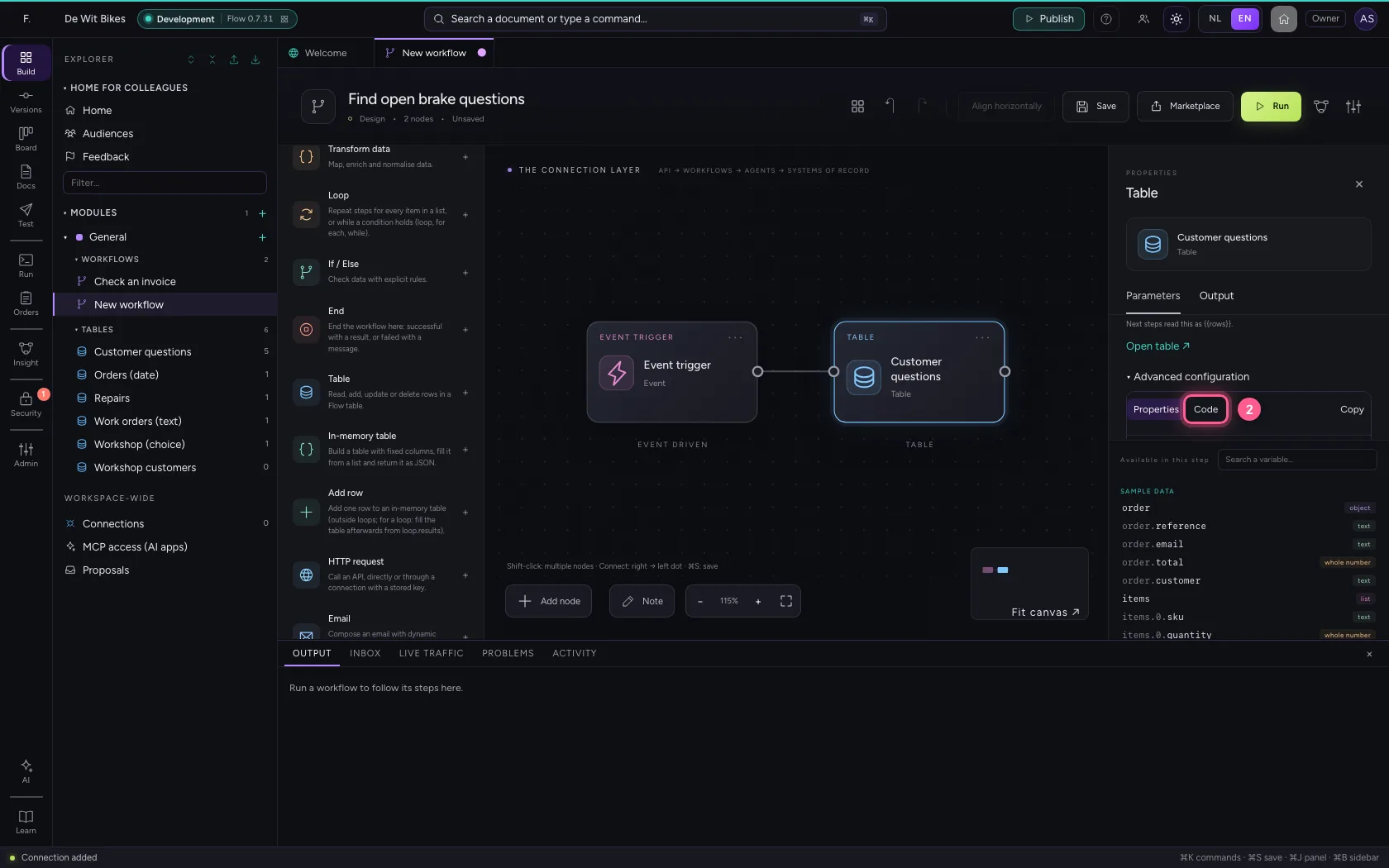
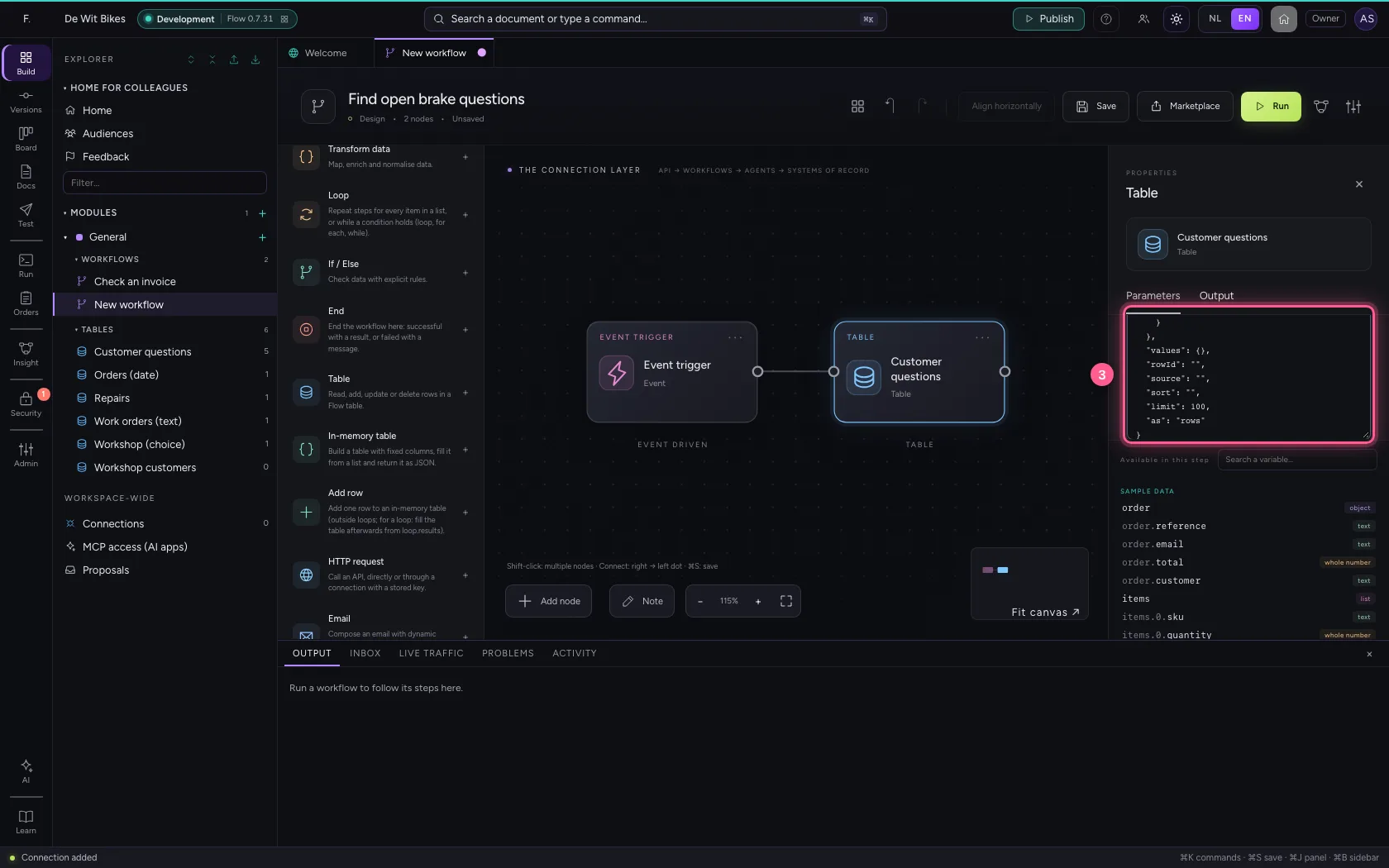
Open Advanced configuration and choose Code. Under filter, a column can get a condition instead of a value: contains (case does not matter), gte and lte (at least, at most), gt and lt (greater, less), in (one of a list) and not (anything but). Here: the subject contains brake and the amount is at least 50.
- Click ▸ Advanced configuration
- Click Code
- In the configuration, type `{
Run
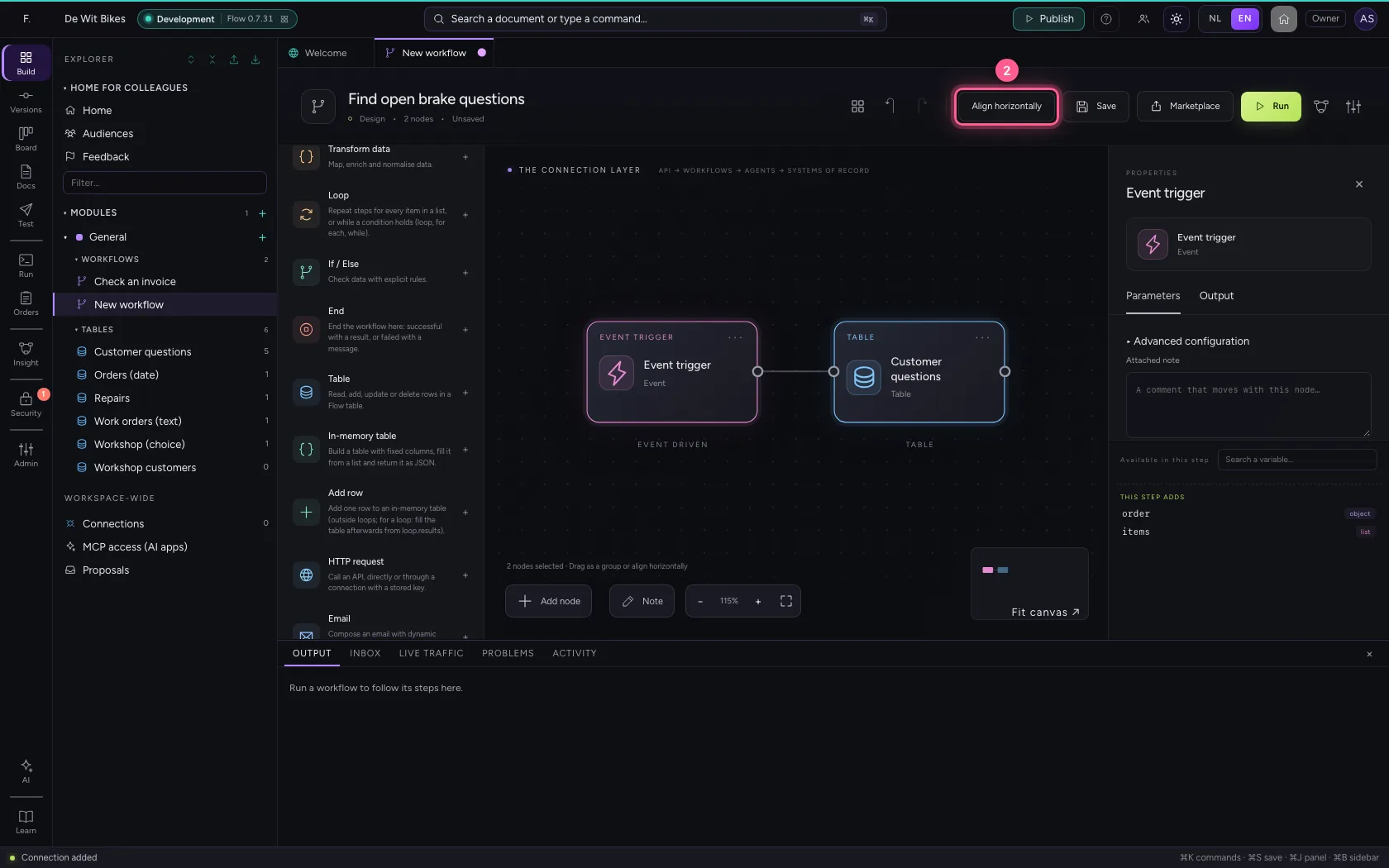
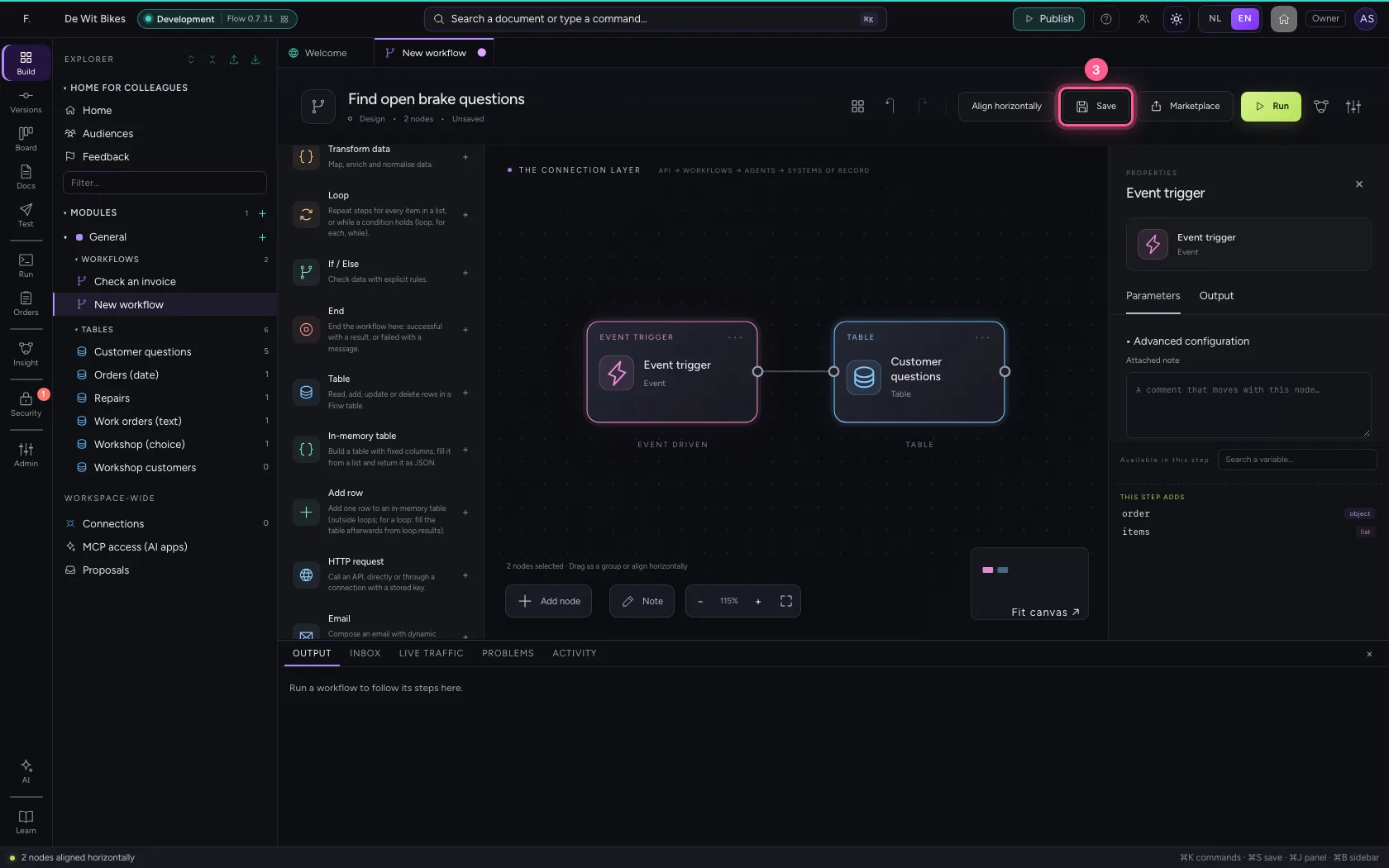
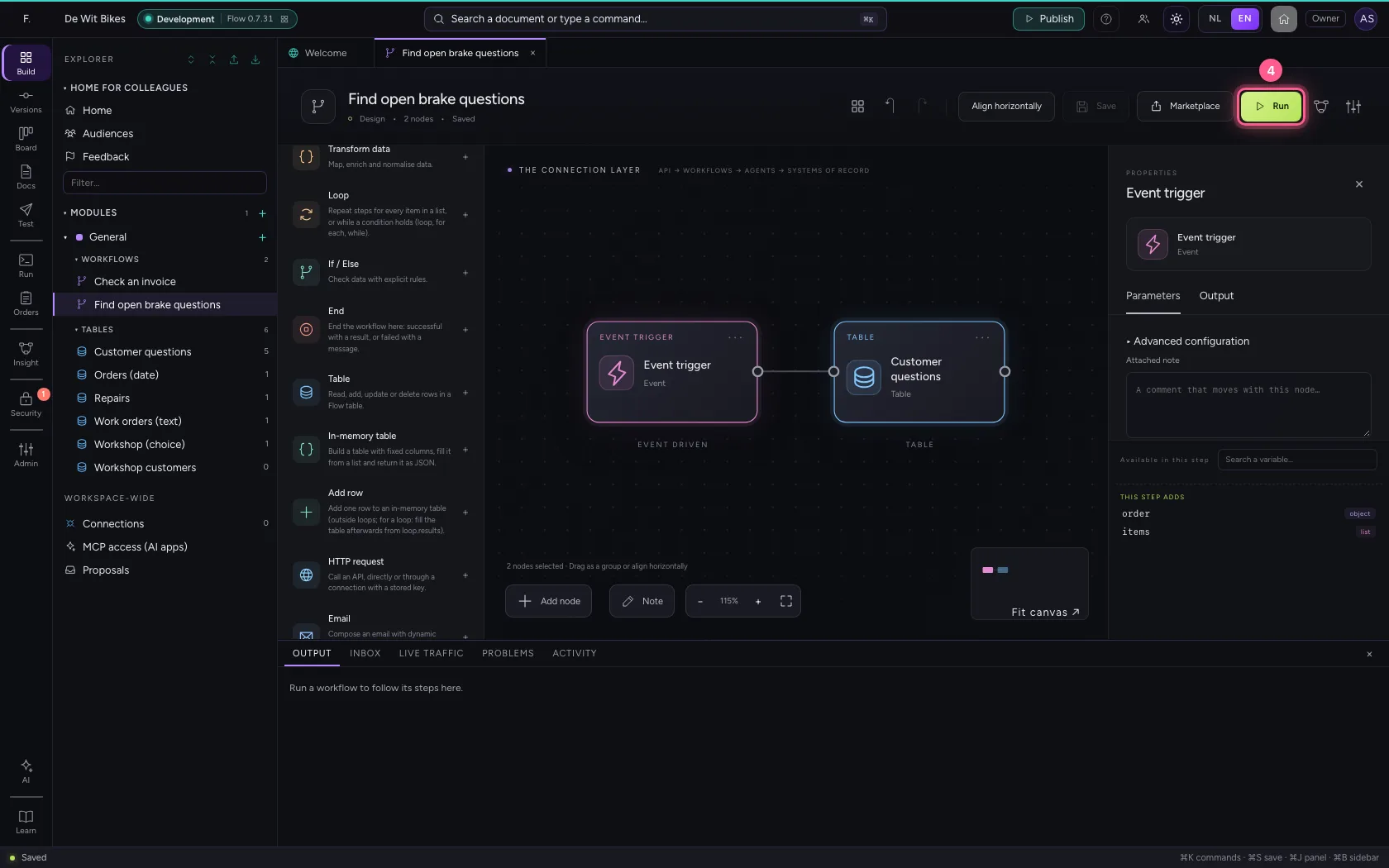
Put the steps on one line (click a step, ⌘A, Align horizontally), save and run. At the bottom you see how many rows were found; the rows themselves are in rows, ready for the next step, for example a loop.
- Click the step ‘Customer questions’
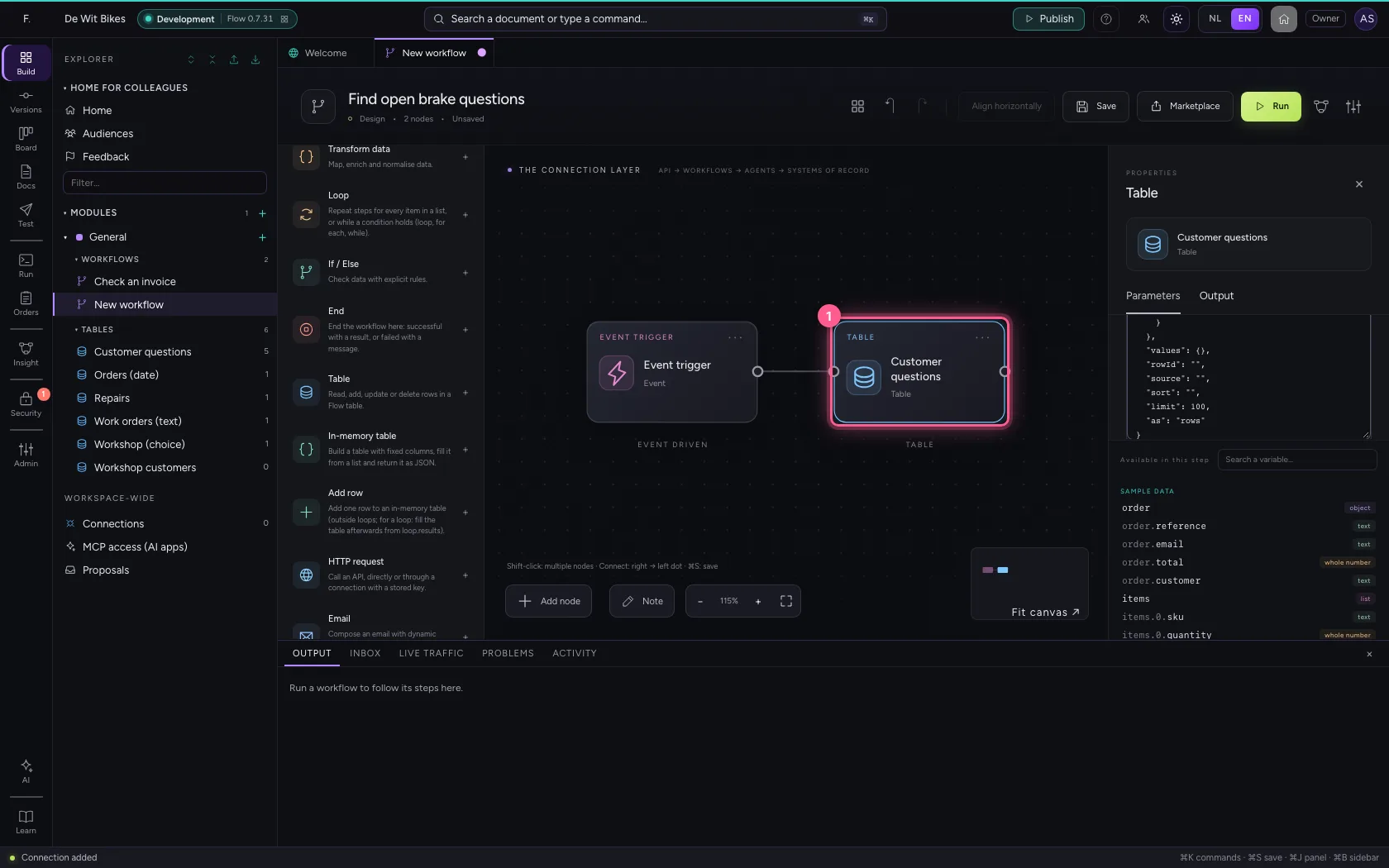
- Click Align horizontally
- Click Save
- Click Run
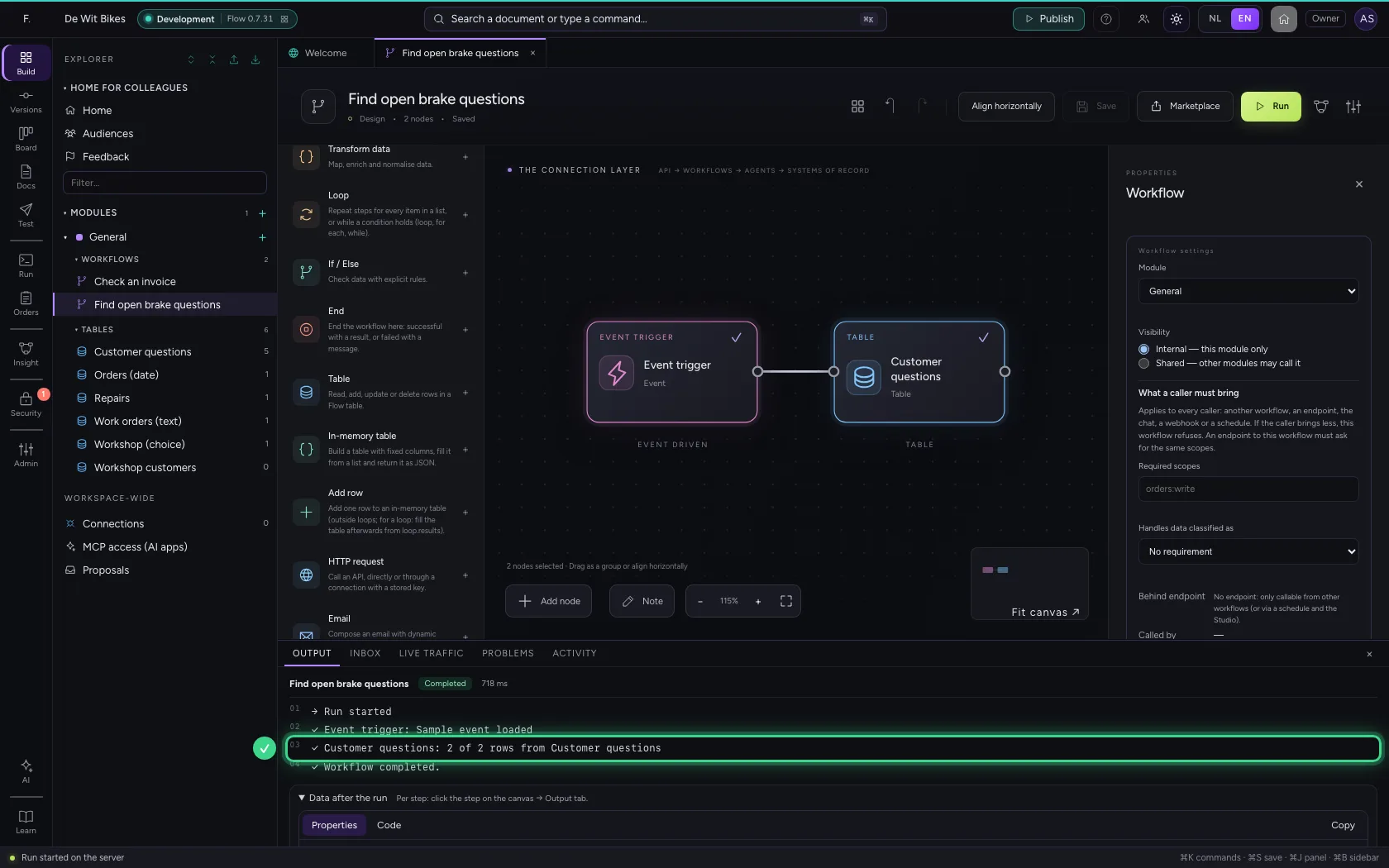
This guide was carried out step by step on 22 Oct 2026 by an automated test on Flow (version 3e563176).