Two people on one workflow
You and a colleague work on the same workflow. Flow shows you what the other does, the moment it happens and who did it: a run of a design that is not saved yet, a move to another module, and even deleting the workflow you have open. What you have not saved yet is never lost silently. And the Activity tab tells you what happened while you were away for a moment.
Open your development environment
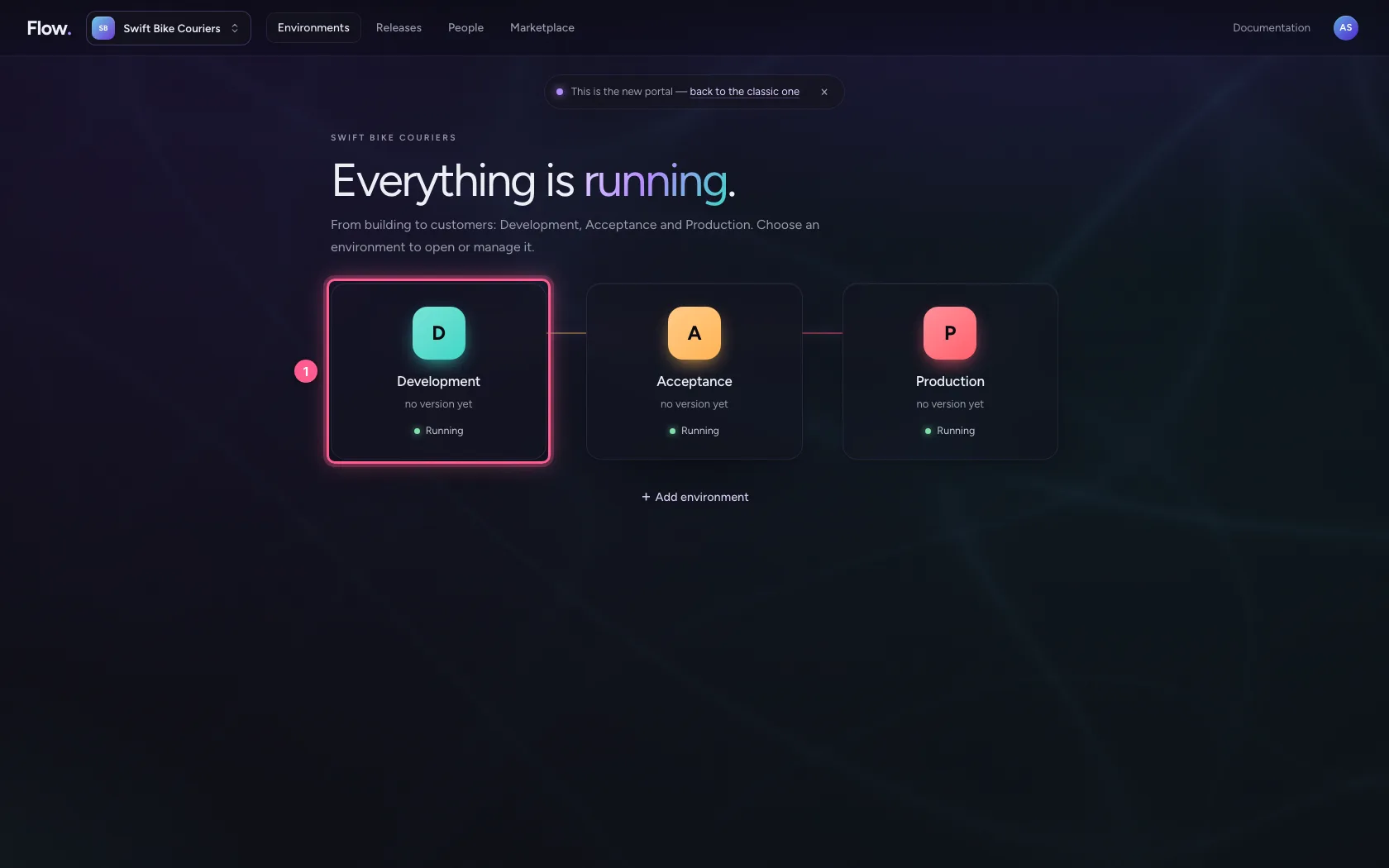
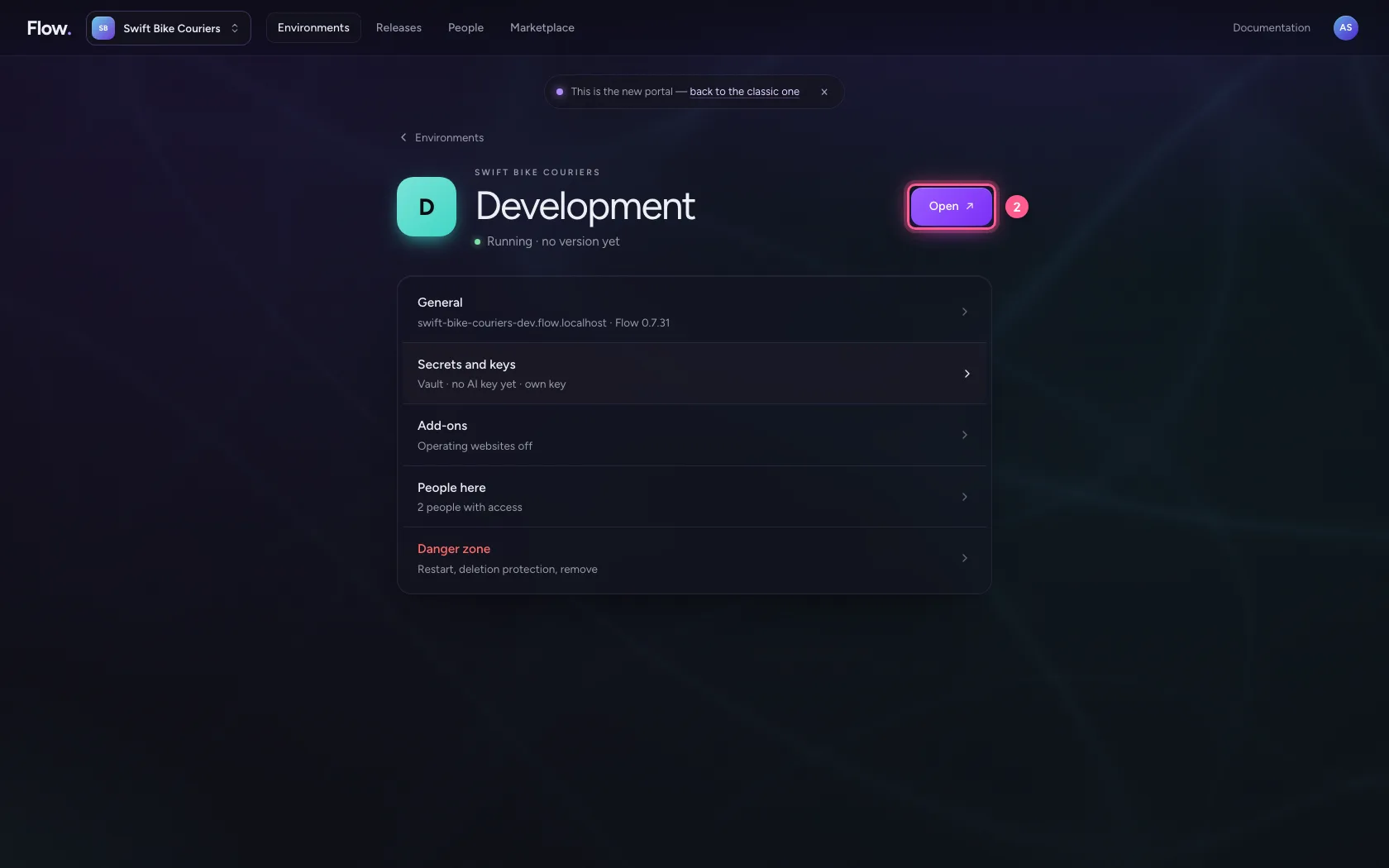
In the portal, under Environments, click Development, and there Open. Flow opens in a new tab and you are signed in straight away.
- Click Development
- Click Open ↗
Together in one workflow
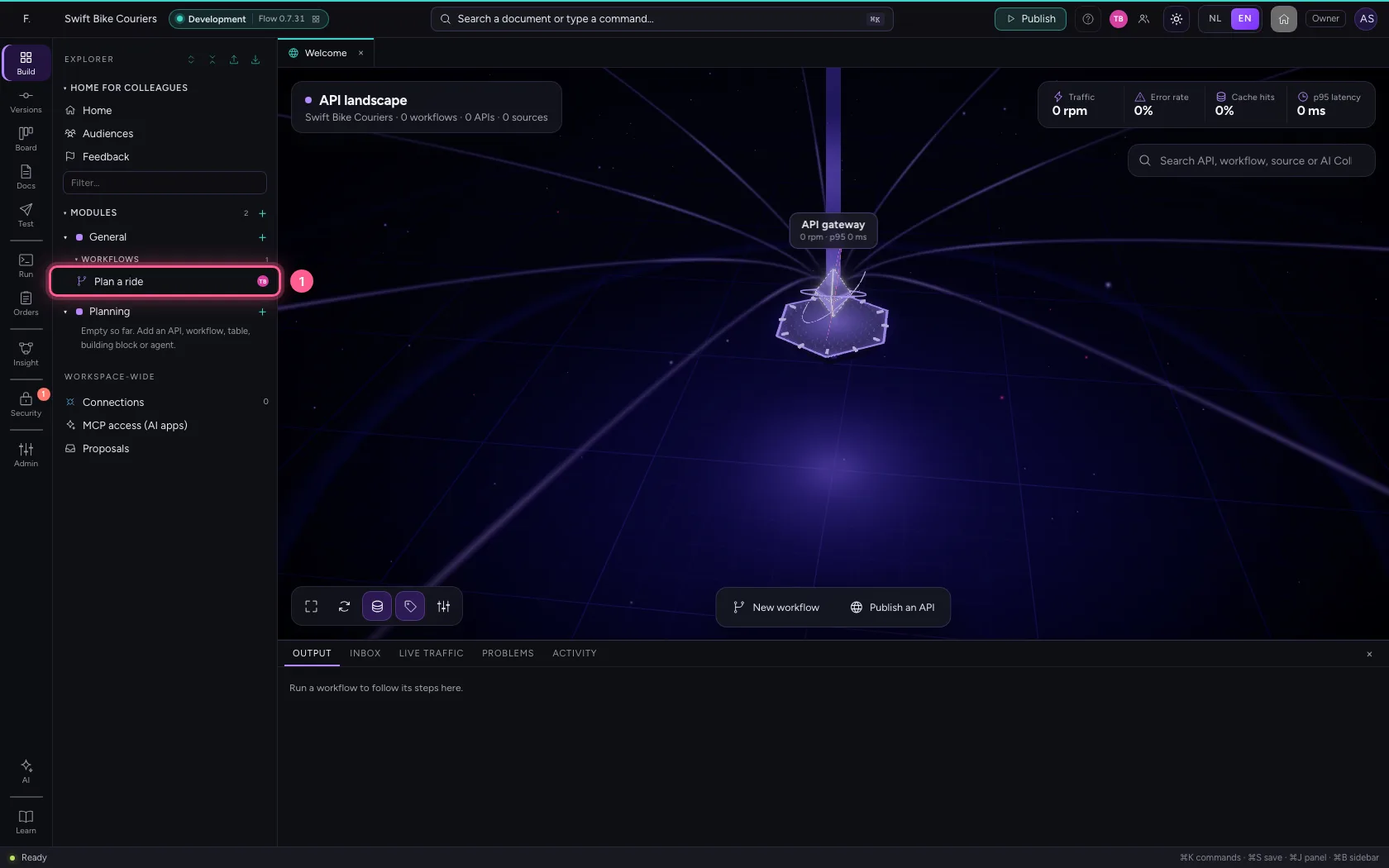
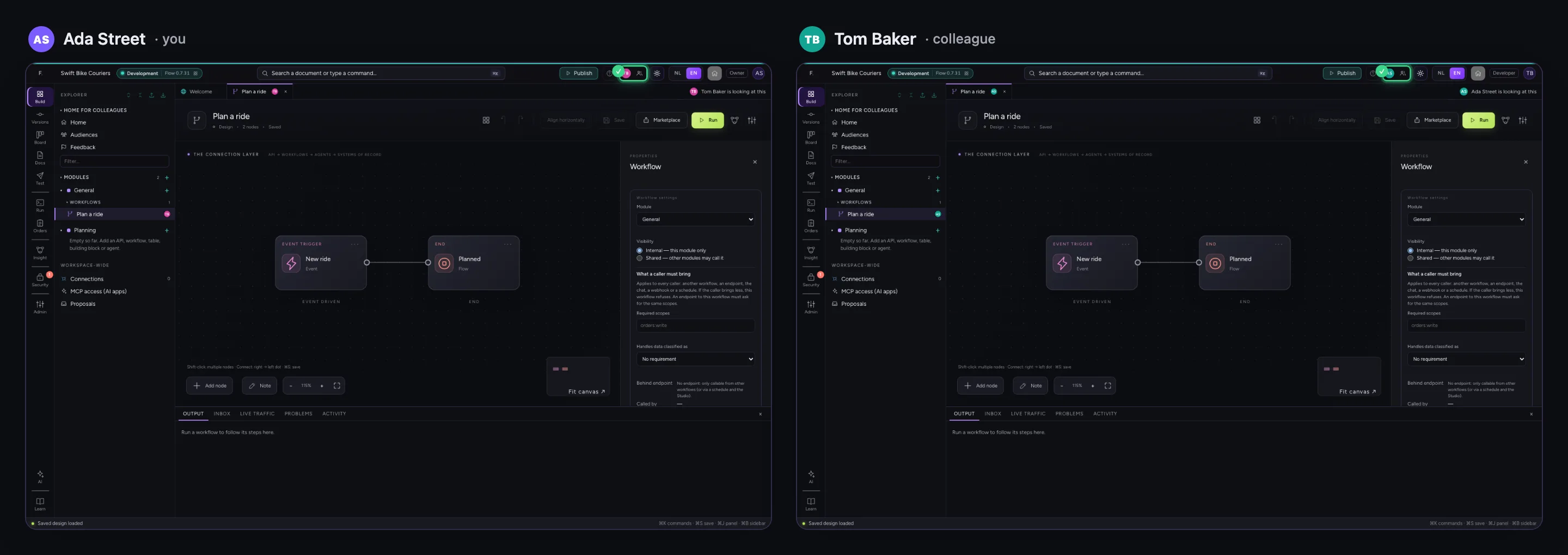
You open Plan a ride; Tom Baker already has it open. Top right you see each other, with what each has open. Left your screen, right your colleague's at the same moment.
- Click the workflow
A colleague tries something out
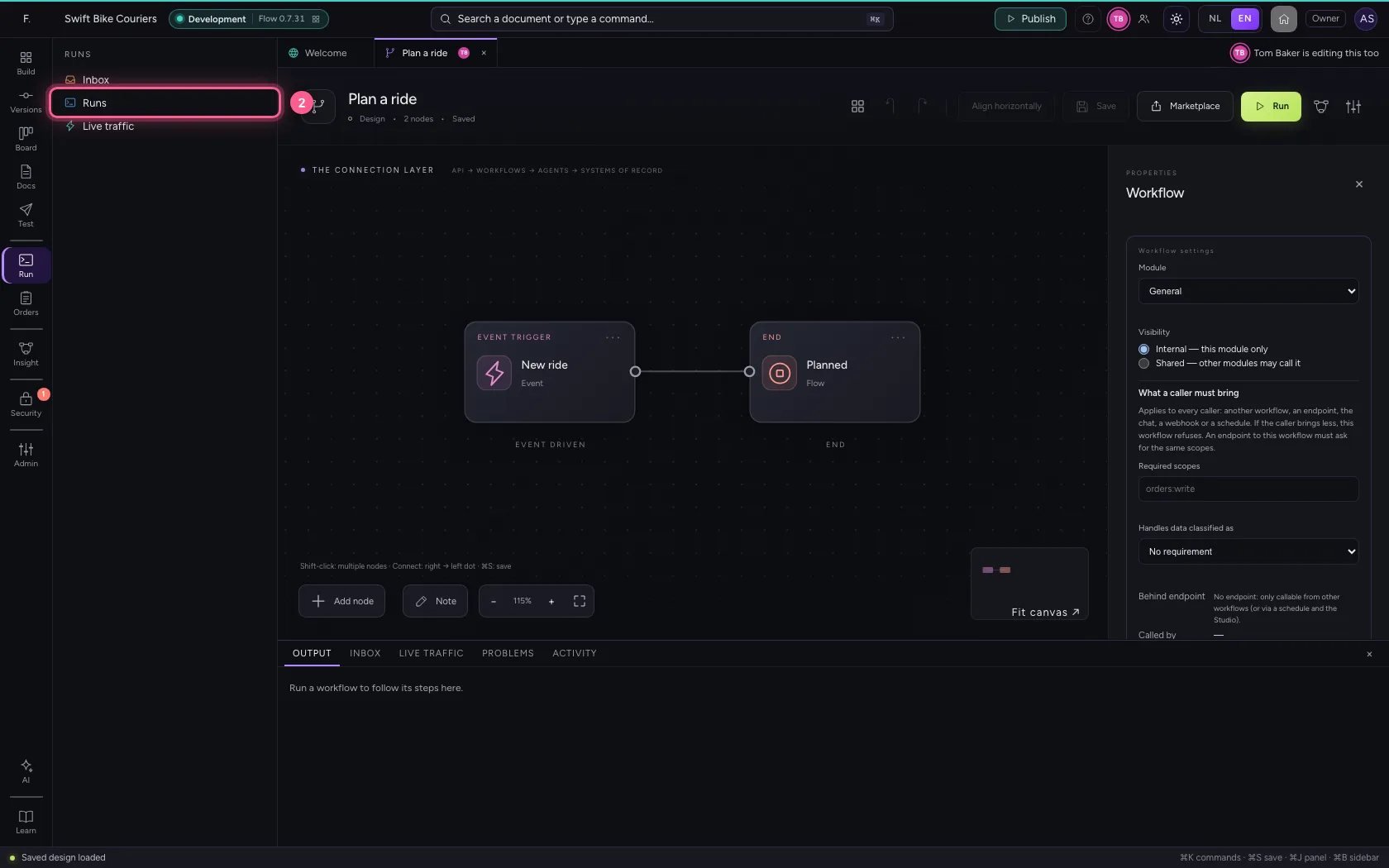
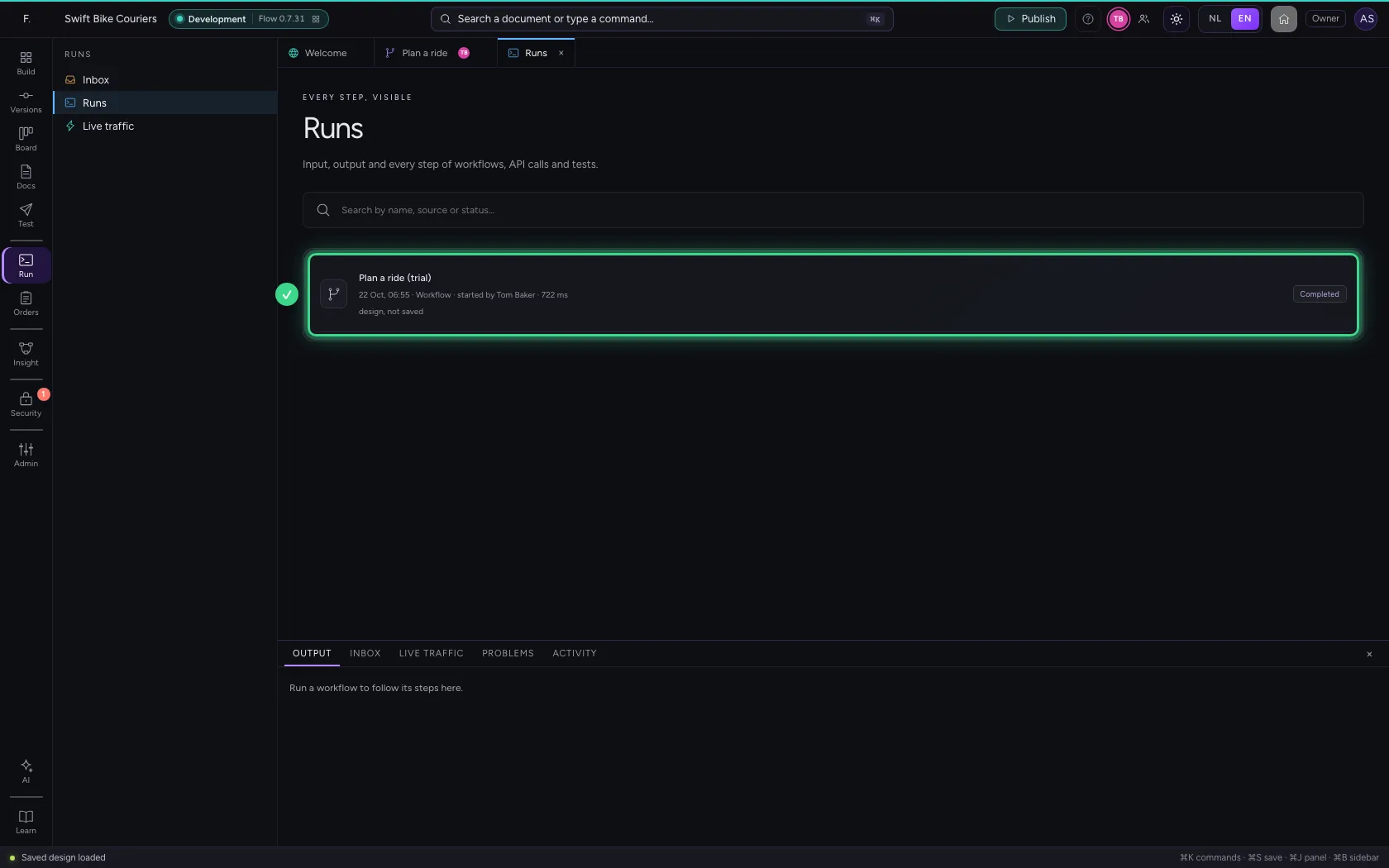
Tom Baker changes the workflow without saving and runs it like that. Under Run → Runs you see who started a run, and that it was a design that is not saved yet: what you have open yourself has not changed.
- Click Run
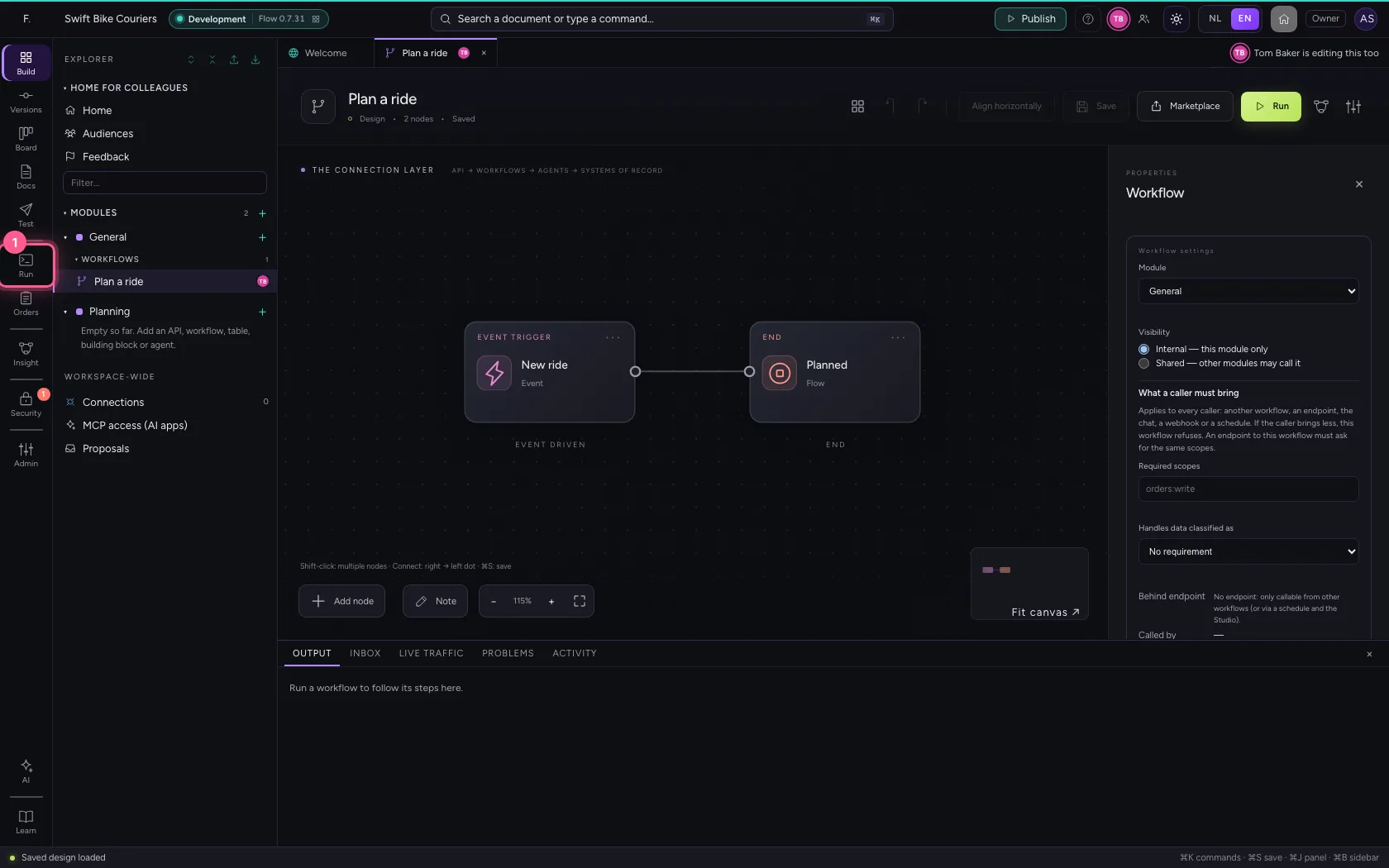
- Click Runs
A colleague moves the workflow
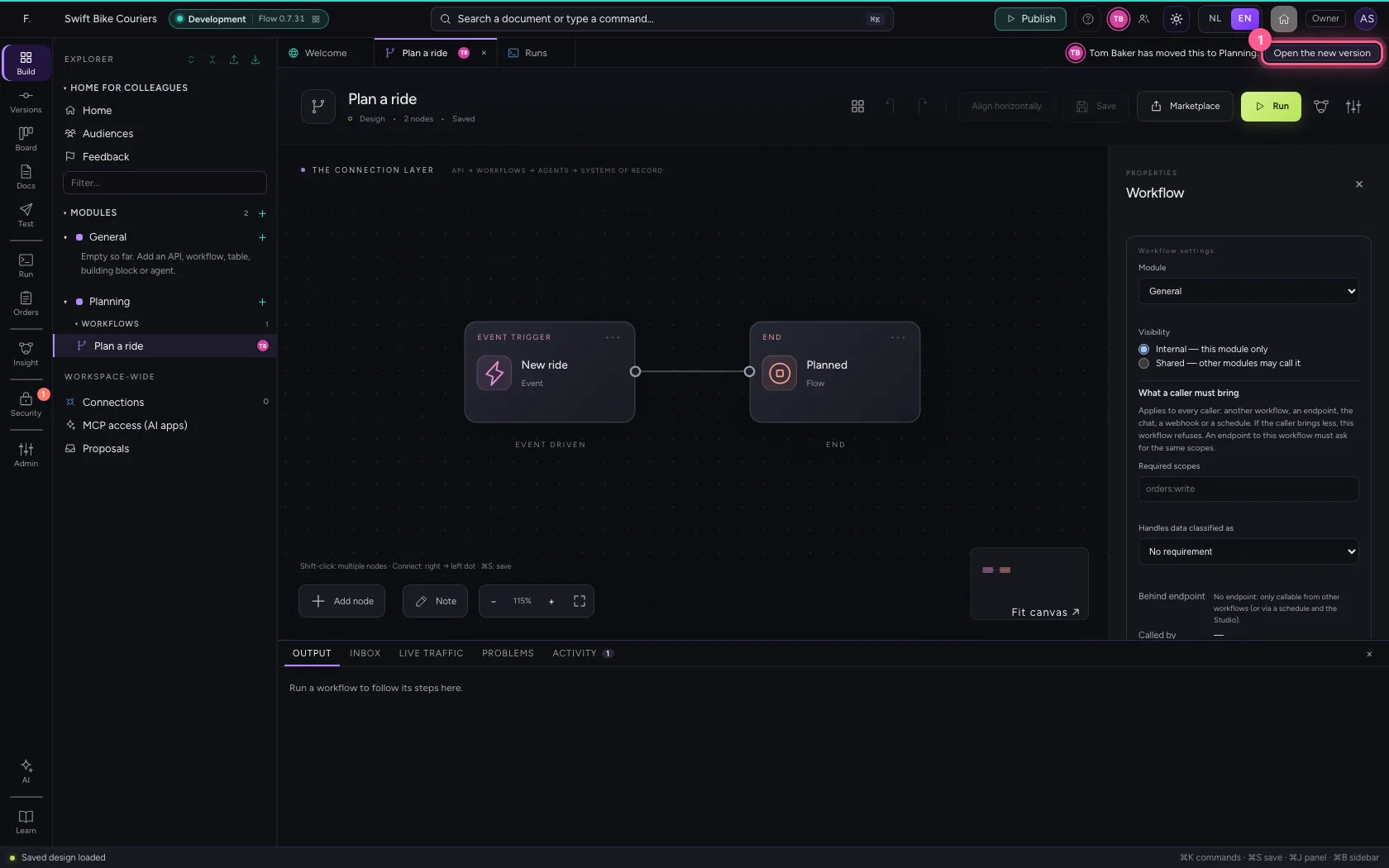
Tom Baker moves the workflow to the module Planning. Above your tabs it says at once who did it and where to. If you carry on, Flow merges your change and the move when you save; Open the new version shows the workflow as it is now.
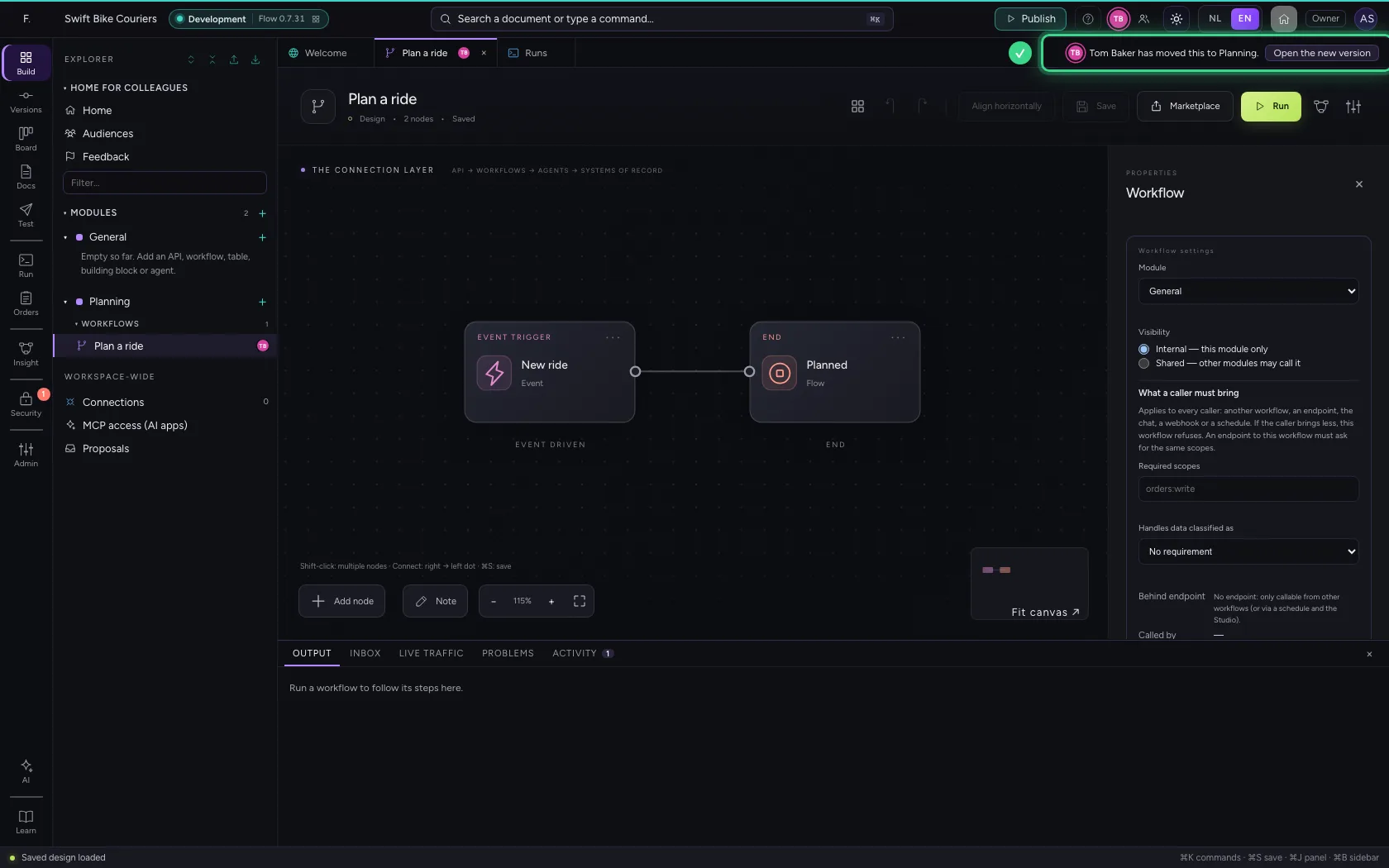
- Click Open the new version
A colleague deletes what you have open
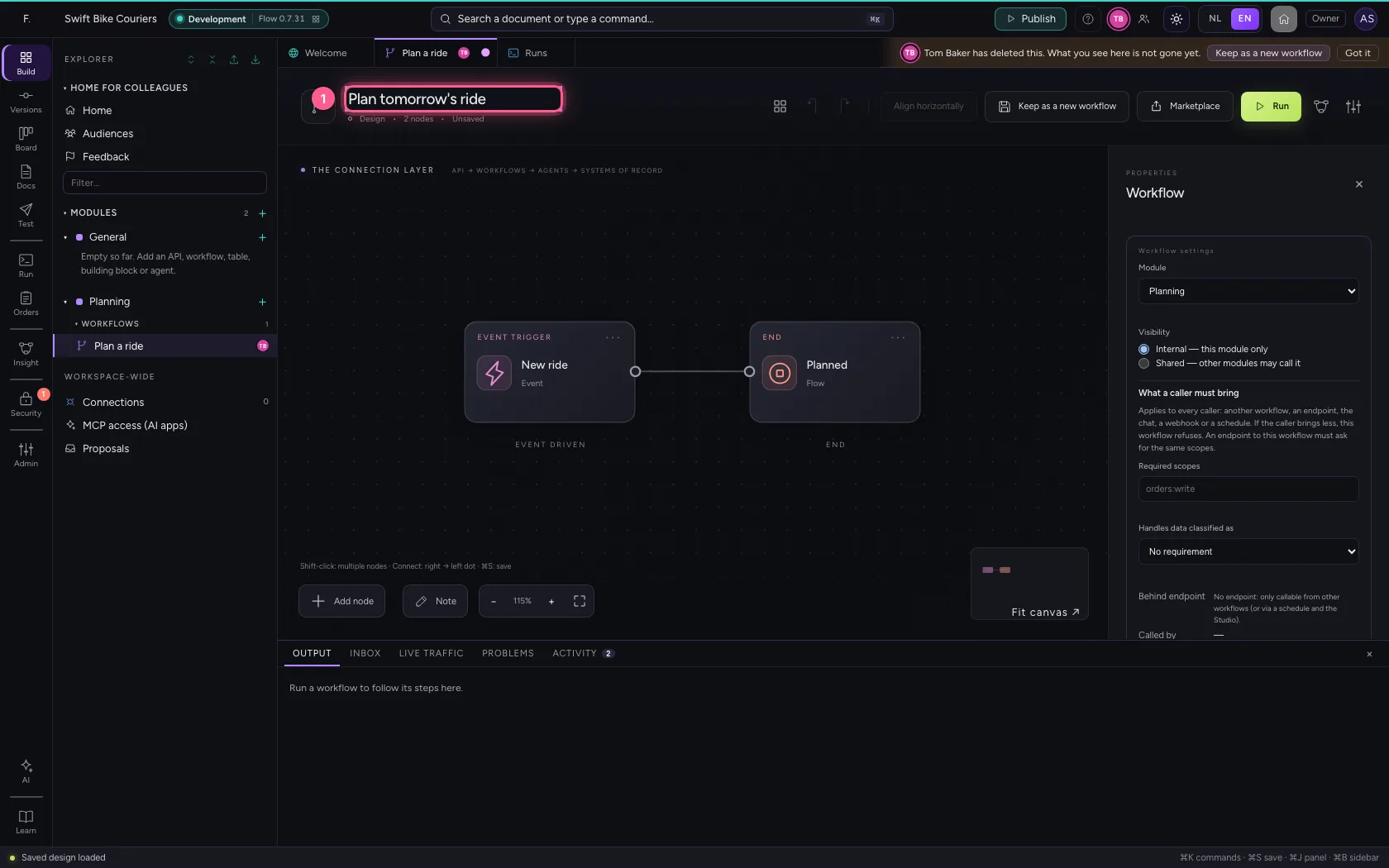
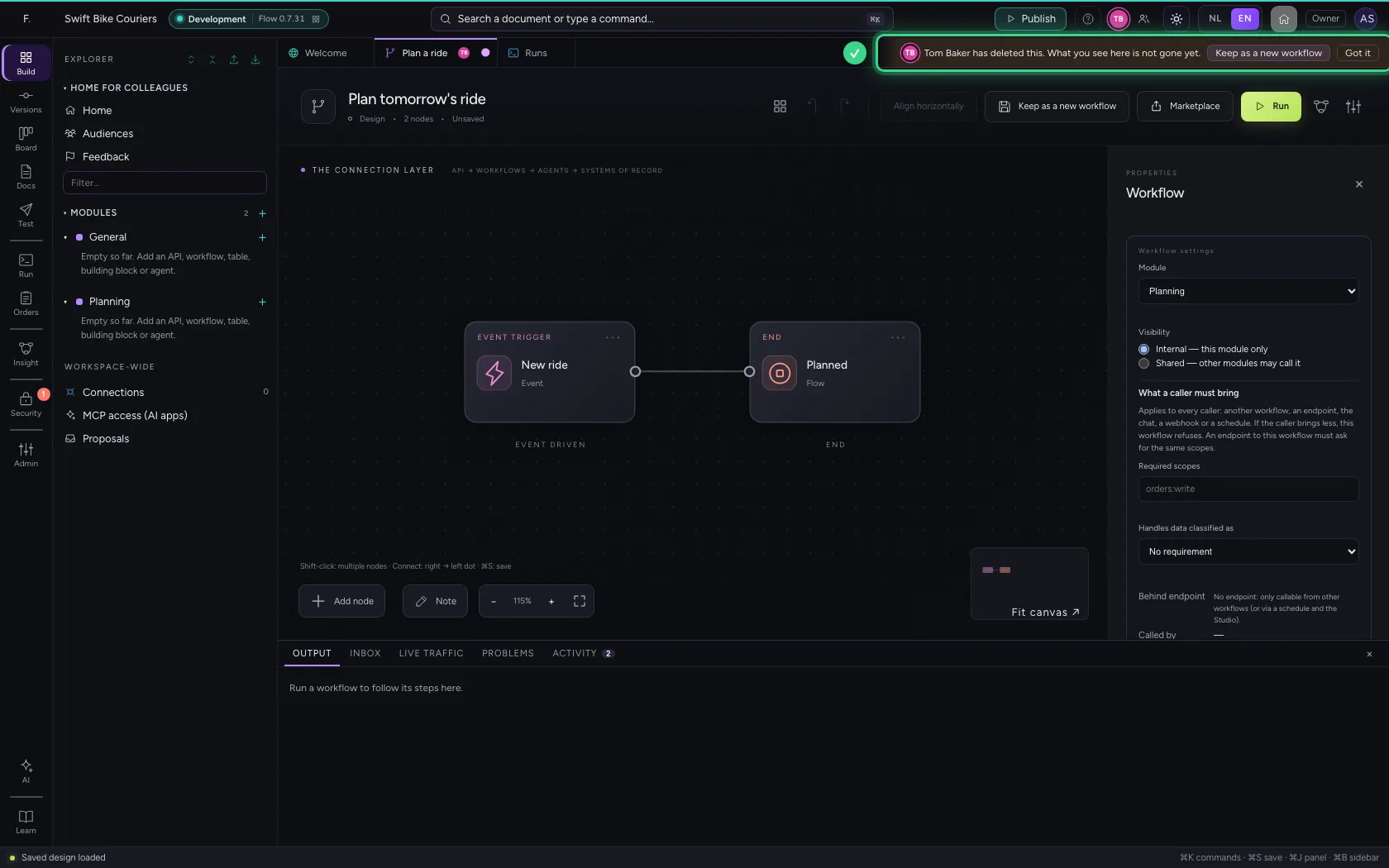
You give the workflow a better name, but do not save yet. Meanwhile Tom Baker deletes the workflow. Flow says so at once, with who did it. Your tab keeps its name and what you typed is still there.
- In Workflow name, type
Plan tomorrow's ride
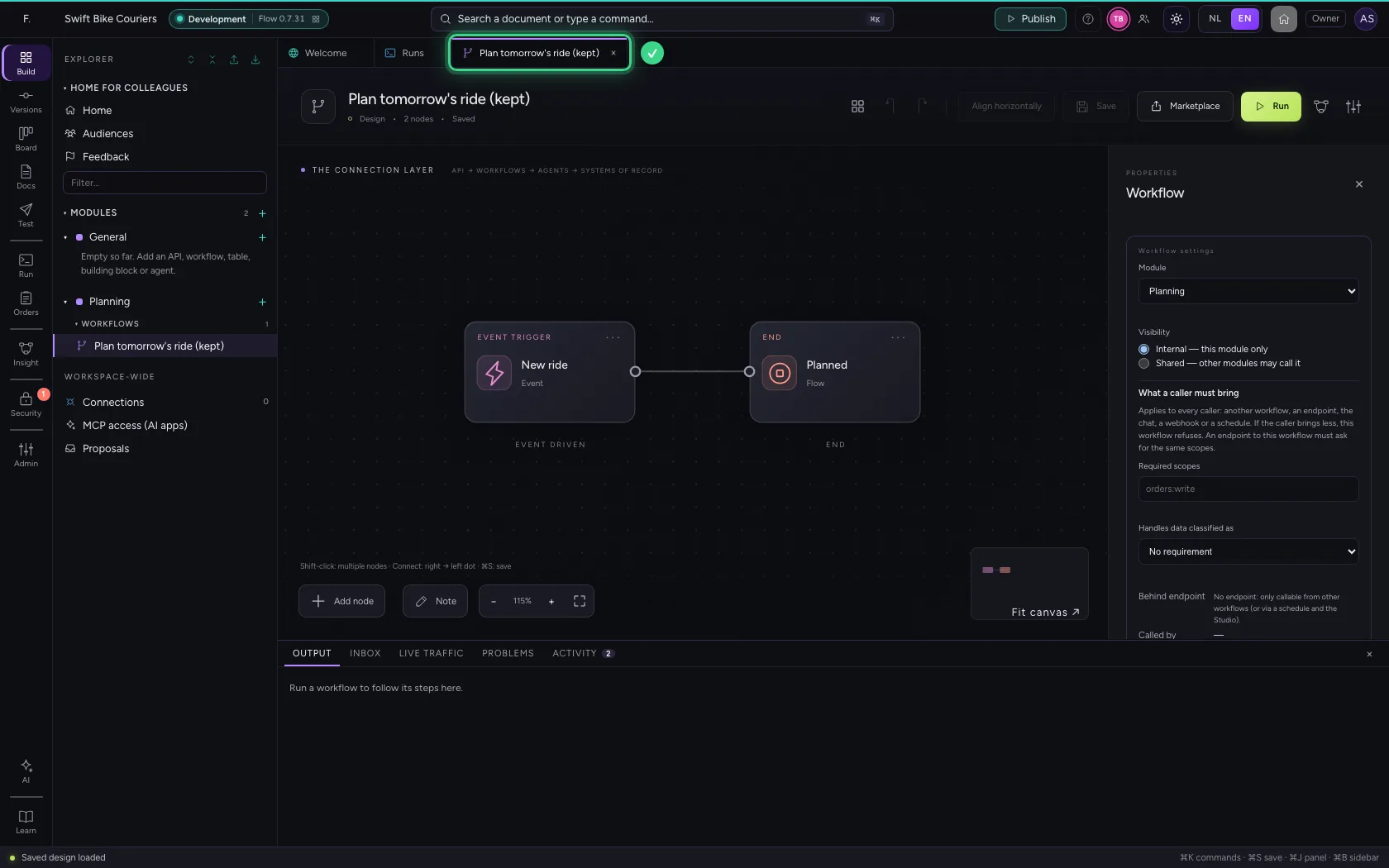
Keep your work as a new workflow
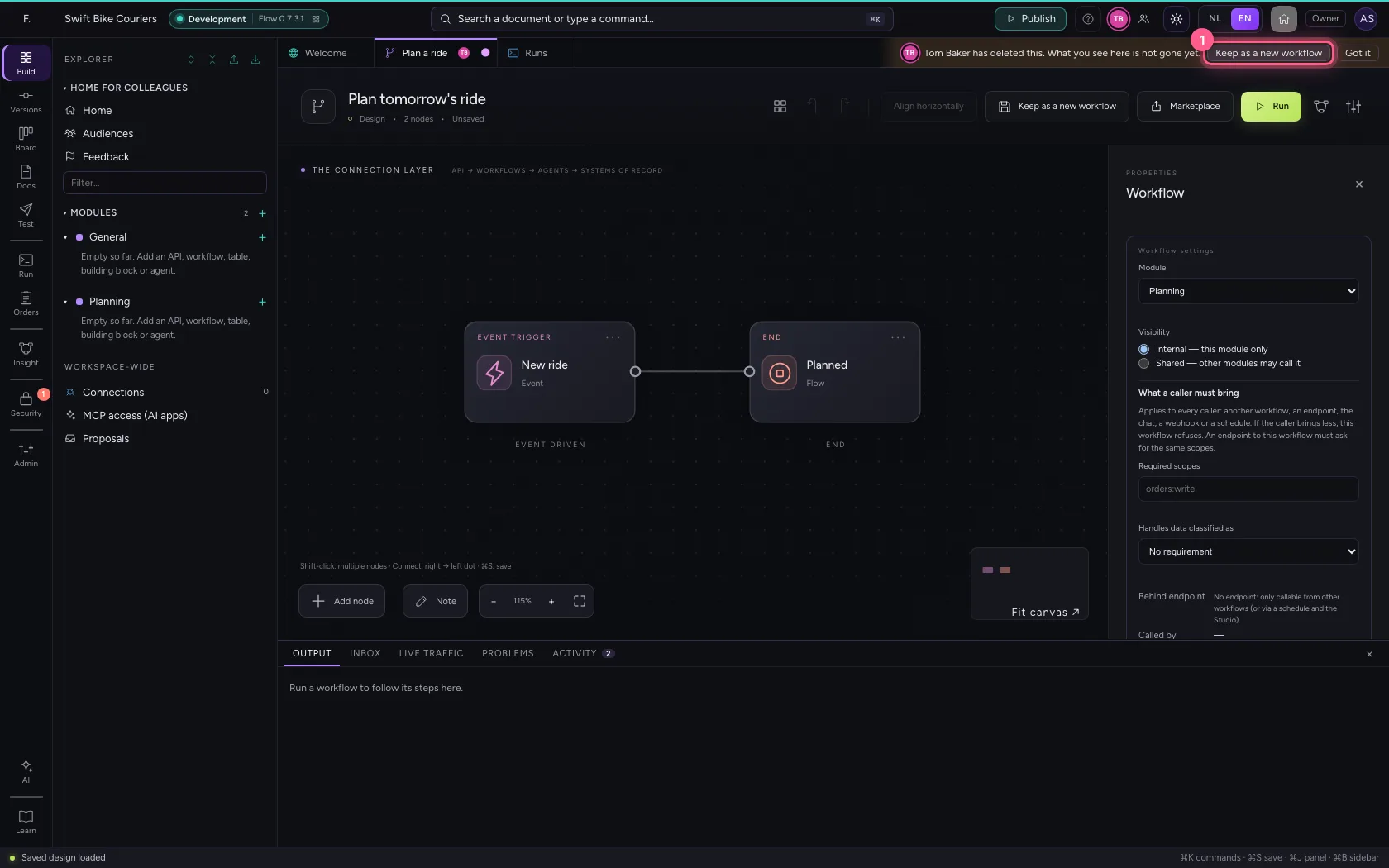
Keep as a new workflow makes a new workflow of what you have on screen, and opens it. Nothing of your work is lost; the deleted workflow does not come back.
- Click Keep as a new workflow
What happened while you were busy
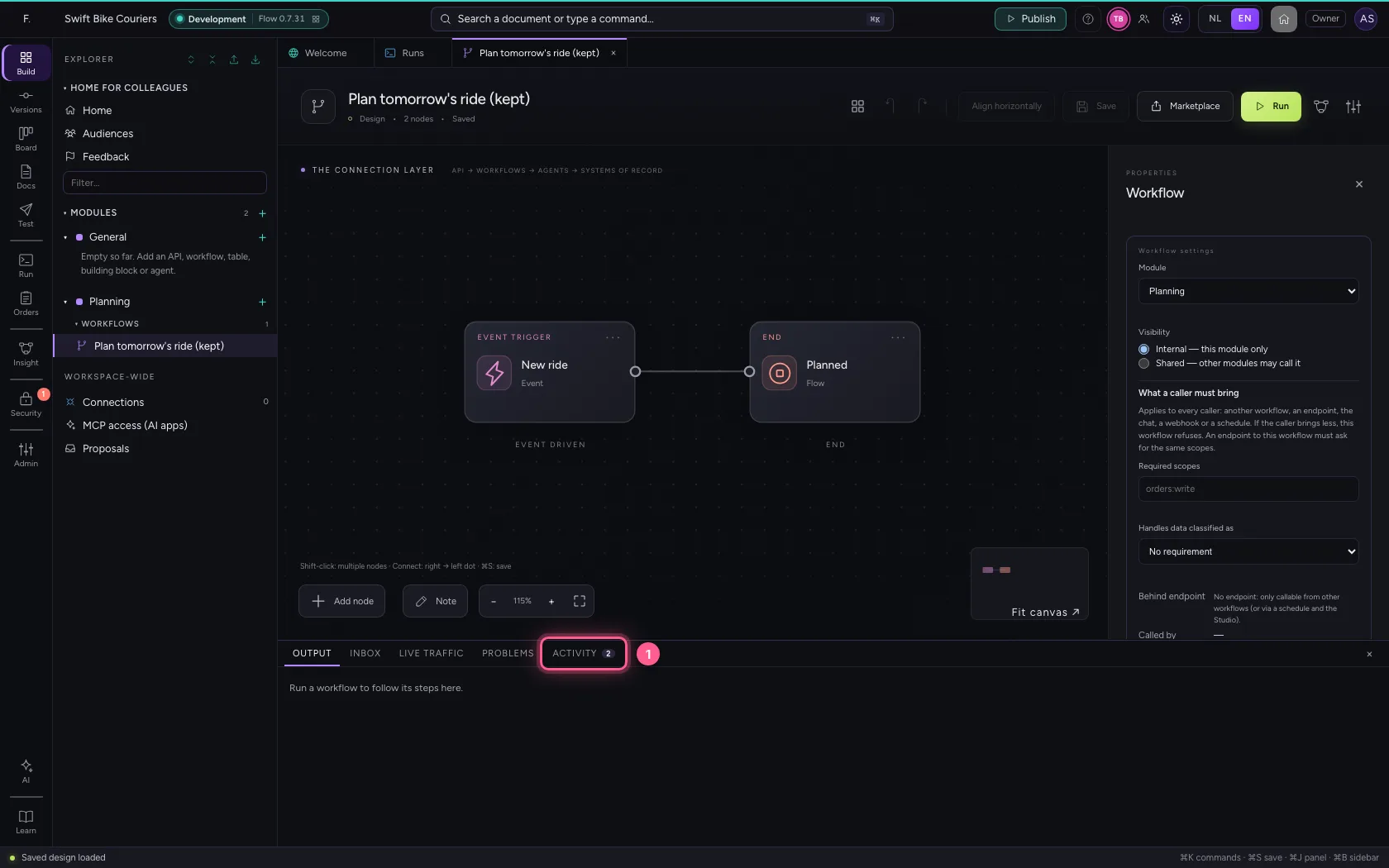
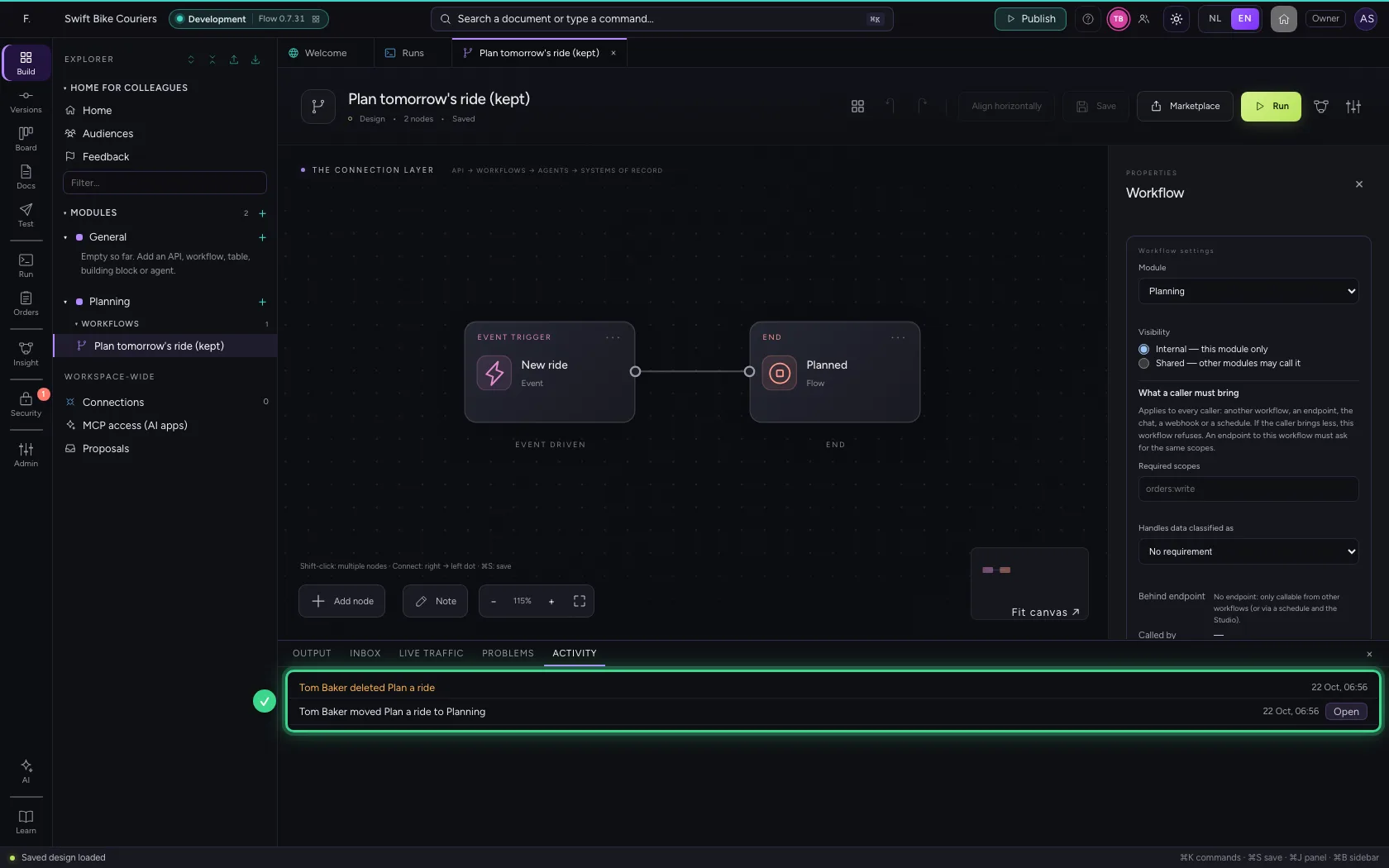
At the bottom is the Activity tab, with a number for what you have not seen yet. It lists what colleagues (and AI) did in this environment since you opened Flow: who, what and when, with the way to it. What happened while you were in another window is marked 'while you were away'.
- Click Activity
This guide was carried out step by step on 22 Oct 2026 by an automated test on Flow (version 3e563176).